Healthcare PR Agency Landing Page Template
Pulse is a sidebar companion landing page template built for healthcare public relations firms. It pairs an editorial magazine aesthetic with a FAQ-driven scroll structure, guiding hospital executives, biotech founders, and health system communicators toward a confidential briefing. Every section earns trust before asking for it.
by Rocket studio
Quick summary
Pulse is a single-page template designed for healthcare PR and communications firms. It opens with a dramatic half-page editorial header, moves through a series of real-world crisis and announcement questions, and closes with a low-friction scheduling module. The tone is authoritative, the visual system is ink-and-paper editorial, and every element is built to win trust before it asks for a meeting.
Who this template is for
This template is built for communications professionals whose clients operate in high-scrutiny clinical environments. If your work involves sensitive announcements, media pressure, or reputational risk in healthcare, this layout fits your practice.
- Healthcare PR firms advising hospital networks, biotech companies, or nonprofit health organizations
- Independent communications consultants serving health system executives or digital therapeutics founders
- Agency teams preparing client-facing credential pages for FDA clearance cycles or crisis media response
What problem this template solves
Healthcare leaders face a specific credibility gap when choosing a communications partner. A generic agency page does not signal that your firm understands clinical scrutiny. This template solves that gap directly.
- Visitors arrive mid-crisis and need to feel understood before they consider booking a call
- Standard agency layouts offer credentials without demonstrating fluency in the language of healthcare risk
- The FAQ-driven structure mirrors how healthcare executives actually research solutions, quietly, at depth, at odd hours
What you get with this template
The template delivers a complete single-page layout designed for scheduling conversions in a high-trust professional services context. Every component is intentional and drawn from editorial publishing conventions.
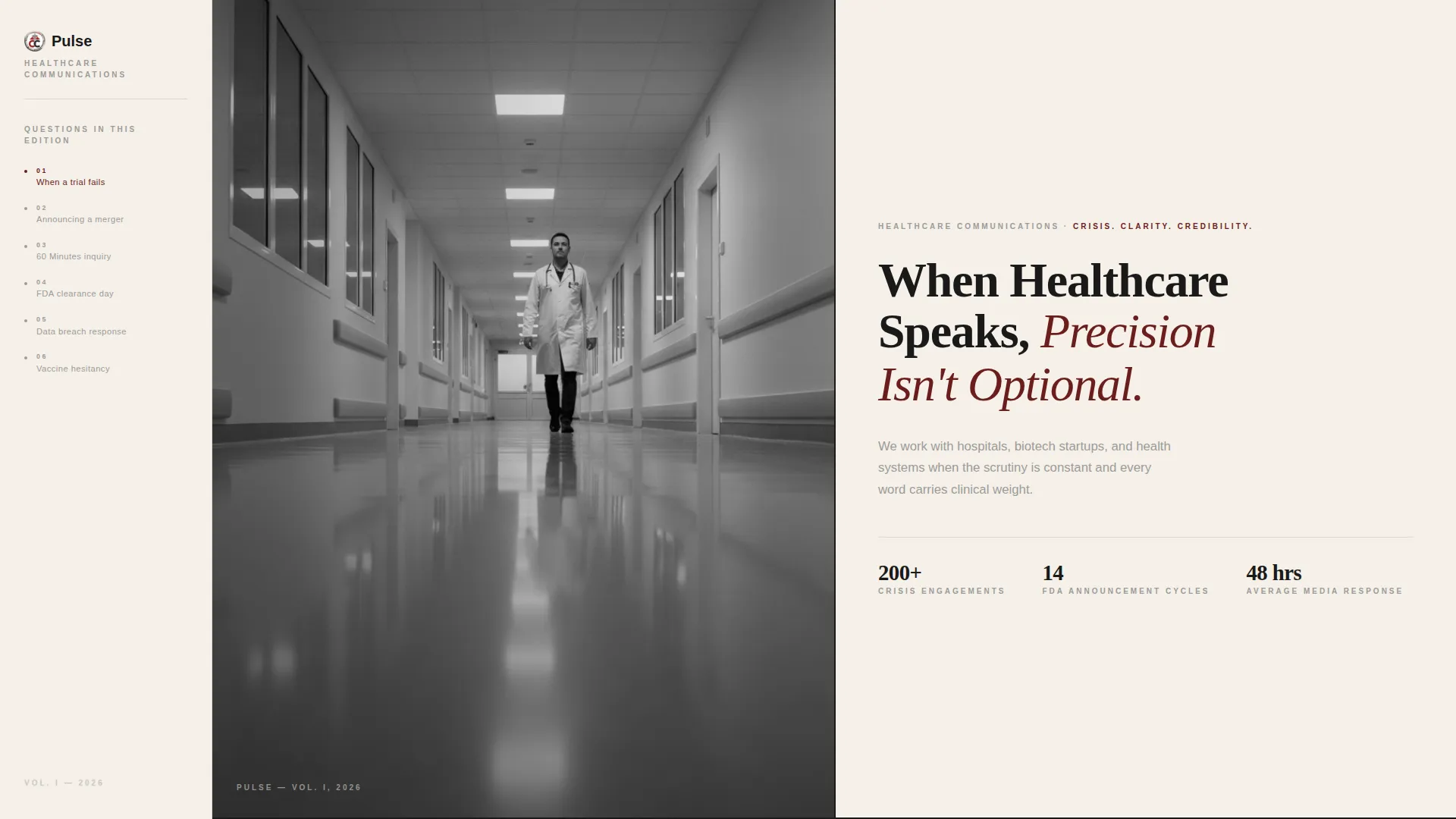
- A full editorial header with a half-page black-and-white hospital photograph and a serif headline set large against warm cream
- A persistent sidebar table of contents that tracks scroll position and highlights the current FAQ section like a chapter marker
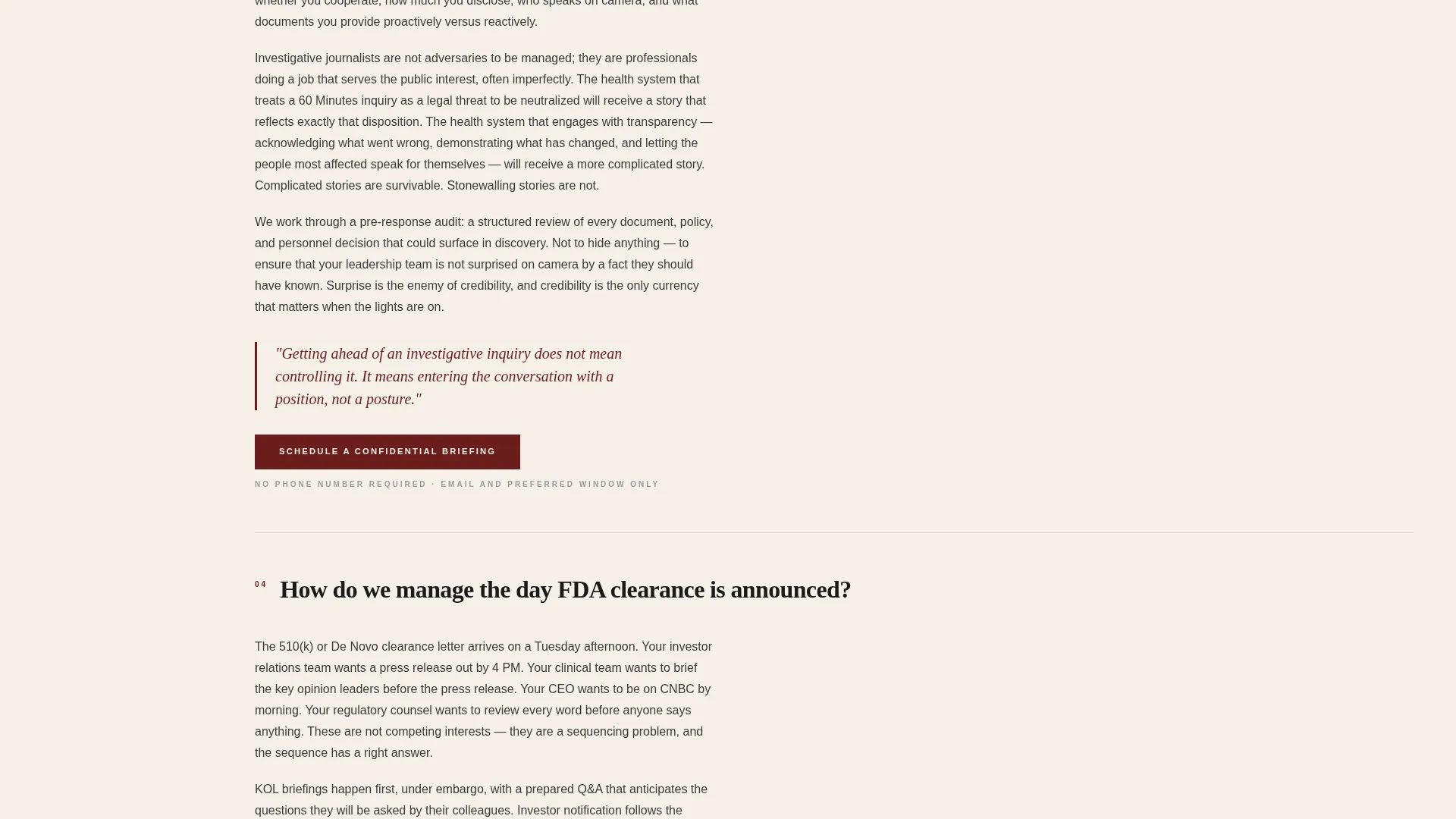
- An inline scheduling module with a role and situation dropdown, appearing first after the third FAQ and then fixed in the sidebar past the midpoint
Feature list
This section describes the core built-in components delivered with the Pulse template.
Half-Page Editorial Header
The header splits into two columns. The left holds a high-contrast black-and-white photograph of a hospital corridor at dawn, shot from a low angle with a single figure mid-stride. The right carries a large serif headline and a single deck sentence in marginalia gray, setting the tone immediately.
FAQ-Driven Scroll Structure
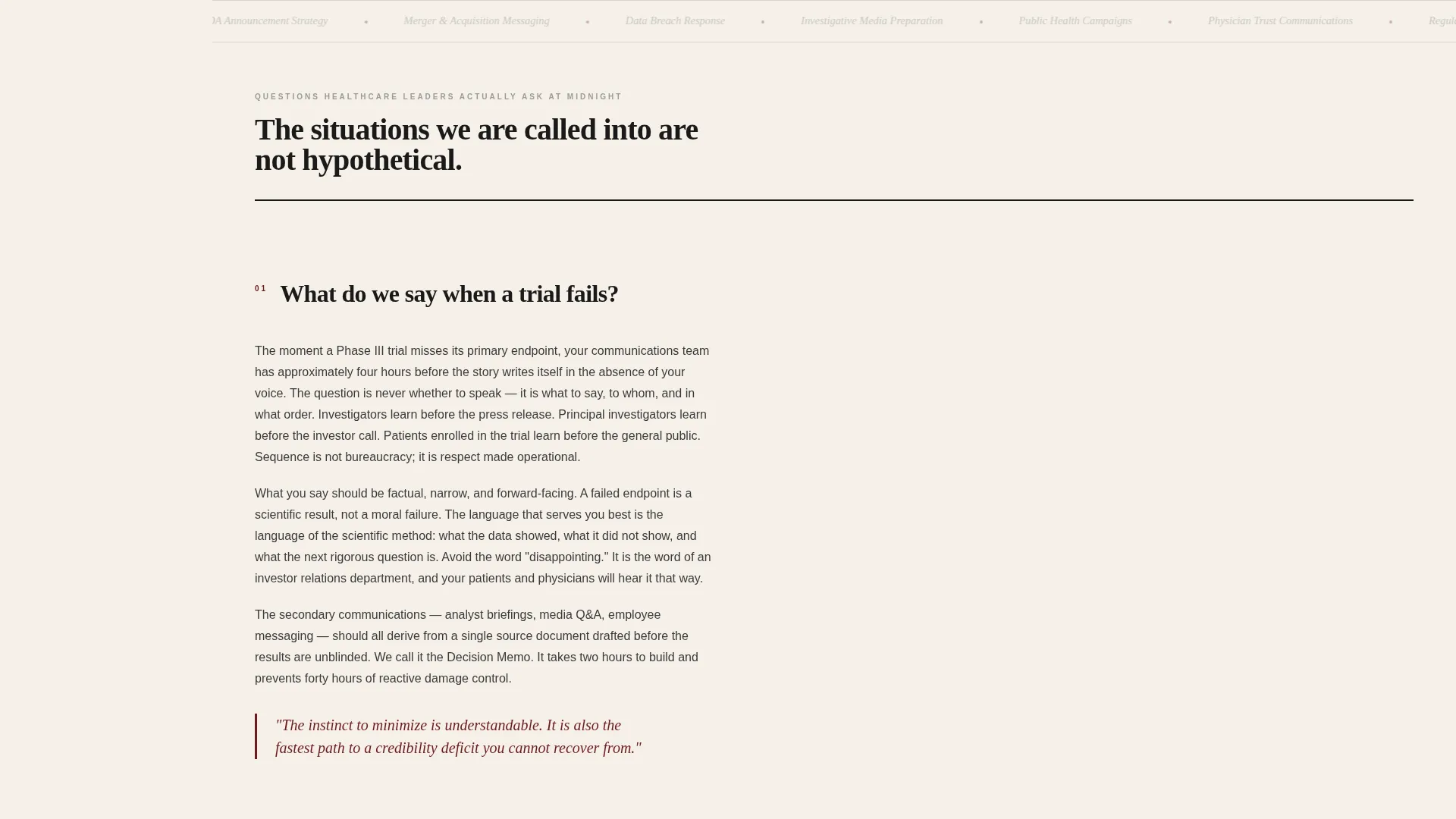
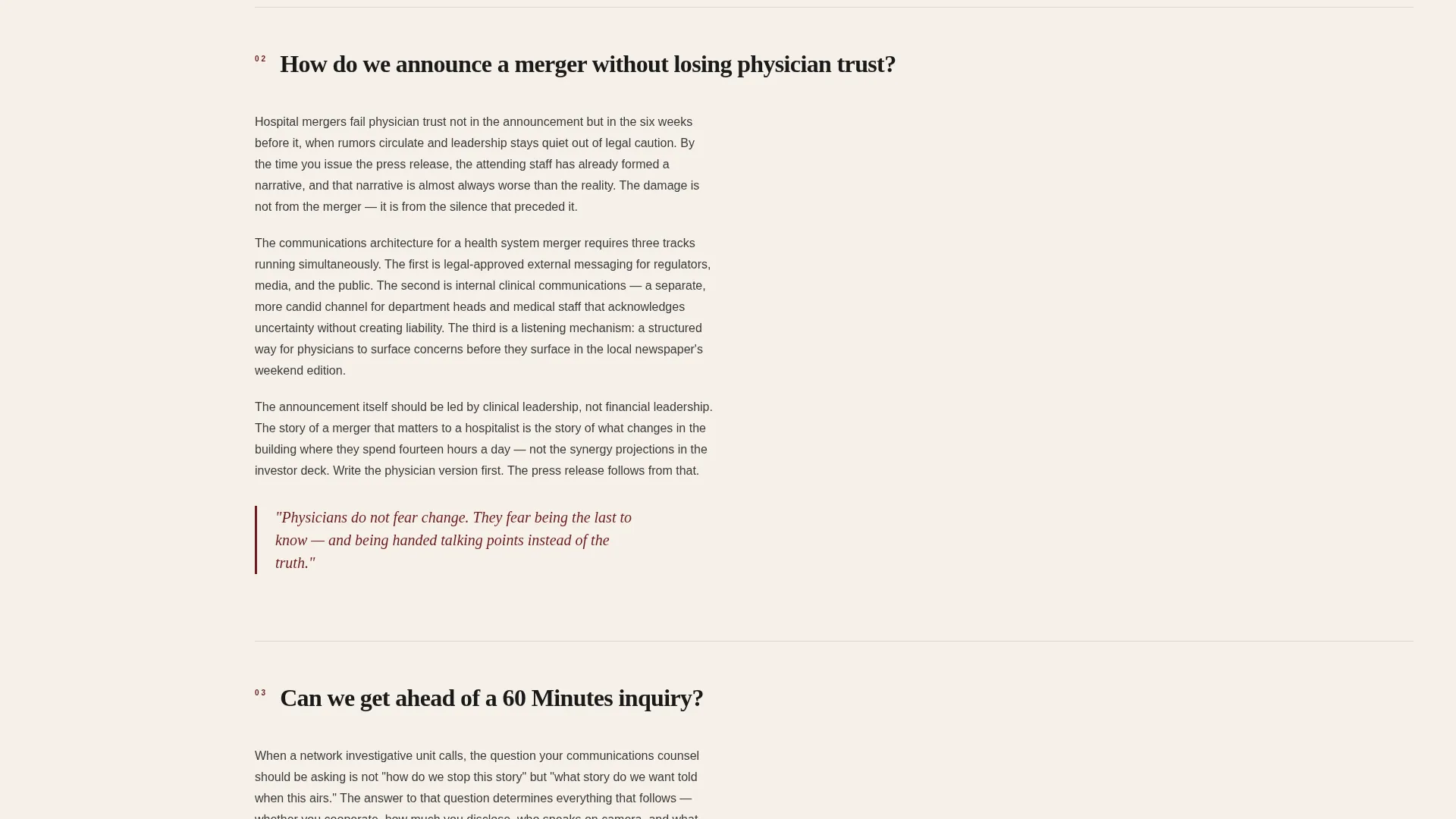
The main content is organized as a sequence of sharp, real questions healthcare leaders actually search for during late-night research sessions. Each question opens into two to three editorial paragraphs with a pull quote rendered in oxblood red and a thin rule separating entries.
Persistent Sidebar Navigation
A sidebar is visible from the first scroll. It displays the page's running table of contents styled like a magazine folio. As the visitor scrolls, the sidebar highlights the current active question, allowing them to jump directly to the scenario most relevant to their situation.
Inline Scheduling Module
The primary call to action is "Schedule a Confidential Briefing." It first appears at the end of the third FAQ entry, then locks into the sidebar once the visitor scrolls past the midpoint. The module collects name, organization, role, email, preferred meeting window, and a situation dropdown with options tailored to healthcare communications contexts.
Pull Quote Typography System
Each FAQ entry includes a pull quote set in oxblood red against the cream background. This typographic device reinforces key points, breaks the visual column rhythm, and rewards careful readers with the most quotable insight from each answer.
Oxblood Red Accent System
A single confident accent color, oxblood red, is used exclusively for links, pull quotes, interactive states, and the primary call-to-action button. This restraint makes every interactive element immediately recognizable without competing with the editorial black-and-cream base.
Page sections overview
| Section | Purpose |
|---|---|
| Editorial Header | Establishes authority with photograph and headline |
| Sidebar Table of Contents | Tracks scroll position and enables quick navigation |
| FAQ Entry One | Addresses crisis communication questions |
| FAQ Entry Two | Covers announcement and merger messaging |
| FAQ Entry Three | Handles regulatory and media inquiry scenarios |
| First call to action Block | Introduces the scheduling module after FAQ three |
| Continued FAQ Entries | Deepens credibility through further editorial answers |
| Fixed Sidebar call to action | Locks the briefing button into the sidebar at midpoint |
| Inline Scheduling Form | Collects contact details and situation context |
Design & branding system
The visual identity follows an Editorial Magazine theme built on an Ink and Paper color system. The palette references legacy print journalism, where restraint and precision carry authority.
- Core palette: deep editorial black (#1A1A1A) for body text, warm newsprint cream (#F5F0E8) for backgrounds, marginalia gray (#9B9B9B) for secondary text and rule lines, and oxblood red (#6B1D1D) reserved for accents and interactive states
- Typography is set in a classic serif for headlines and pull quotes, reinforcing the broadsheet editorial character throughout the layout
- White space is treated as a deliberate design element, not empty area, reflecting the discipline of print typesetting
Mobile & speed optimization
The sidebar companion layout is designed with responsive behavior in mind, ensuring the editorial experience holds across screen sizes.
- On smaller screens, the persistent sidebar collapses into a navigable top-anchored element so the FAQ scroll remains clean and uncluttered
- The inline scheduling module is touch-friendly, with the dropdown and input fields sized for easy interaction on mobile devices
- The half-page header photograph and two-column composition reflow gracefully so the headline and deck sentence remain readable at every viewport width
How this template helps you convert
The conversion strategy in Pulse is built on demonstrated expertise rather than persuasion pressure. The template earns the click by answering serious questions with genuine editorial depth first.
- The FAQ structure matches the real research behavior of healthcare executives, meeting them at the exact questions they are already asking, which builds credibility before any call to action appears
- The "Schedule a Confidential Briefing" button is deliberately withheld until the third FAQ entry, rewarding visitors who have read enough to recognize the firm's fluency and feel ready to take the next step
- The situation dropdown in the scheduling form reduces friction by letting visitors self-identify their context, making the booking feel like the beginning of a tailored conversation rather than a generic form submission
Other information about this template
Pulse sits at the intersection of editorial design and professional services conversion strategy. It is a strong fit for firms that need a credential page matching the gravity of their client work.
- The template is categorized under Professional Services, specifically the PR and Communications Agency subcategory, with a focus on the healthcare PR niche
- The sidebar companion layout is well suited to content-heavy single-page presentations where navigation clarity matters as much as visual impact
- Because no phone number is required in the scheduling form, the template lowers the entry barrier for senior leaders who prefer email-first contact at early stages of an engagement
Theme
Editorial Magazine
Creative direction
FAQ-Driven
Color system
Ink & Paper
Style
Sidebar Companion
Direction
Booking/Scheduling
Page Sections
Half-page Editorial Header
Faq-driven Content Scroll
Persistent Sidebar Navigation
Inline Confidential Briefing Form
Oxblood Red Accent System
Contextual Call to Action Placement
Related questions
What kind of firm is the Pulse template designed for?
How does the FAQ-driven layout work?
What information does the scheduling form collect?
When does the Schedule a Confidential Briefing button appear?
Is this template suitable for a firm that handles both crisis work and planned announcements?



