Bold Comedy Podcast Production Landing Page
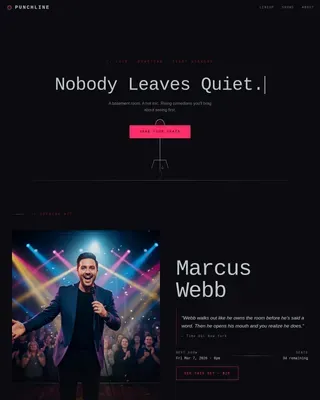
Punchline is a bold, editorial-style comedy podcast landing page template built for production houses that take raw comedian energy and engineer it into polished audio. With an Obsidian and Gold color system, a storybook scroll structure, an autonomous social feed header, and a spotlight amber app download call to action, this template turns a single page into a compelling origin story.
by Rocket studio
Quick summary
Punchline is a full-page landing page template for comedy podcast production companies. It uses an Editorial Magazine theme with an Obsidian and Gold color system. The layout unspools like a long-read feature, chapter by chapter, ending with a bold app download invitation. It is built for studios that want their page to feel as sharp as the shows they produce.
Who this template is for
This template is made for audio professionals and comedy-forward brands that want a page with real personality. It fits studios that produce content regularly and need to build trust fast with new visitors.
- Comedy podcast production companies and warehouse studio operators
- Stand-up comedians, improv troupes, and comedy writers launching their first recorded series
- Audio producers looking for a landing page that reflects their creative output
What problem this template solves
Most podcast production pages look interchangeable, a logo, a tagline, and a contact form. Punchline solves the problem of sounding serious without feeling alive. It gives comedy-driven studios a page that communicates volume, craft, and personality in a single scroll.
- Visitors leave generic pages without trusting the studio's track record
- There is no visual proof of consistent output or client credibility
- A weak call to action buries the app download behind too many distractions
What you get with this template
You get a complete, single-page layout structured as a visual origin story. Every section is a chapter, and every chapter builds toward one clear action: downloading the app and listening.
- A living social feed header mosaic with episode tiles, audiogram waveforms, listener comments, and five-star review snippets
- Full-page storybook sections styled like magazine spreads, moving from founding story to roster growth to final call to action
- A pinned spotlight amber app download button, inline audiogram preview, app store badges, a scannable QR code, and a magazine back-cover final spread
Feature list
This template is built around a set of deliberate design and layout decisions that serve the comedy podcast production niche specifically.
Autonomous Social Feed Header
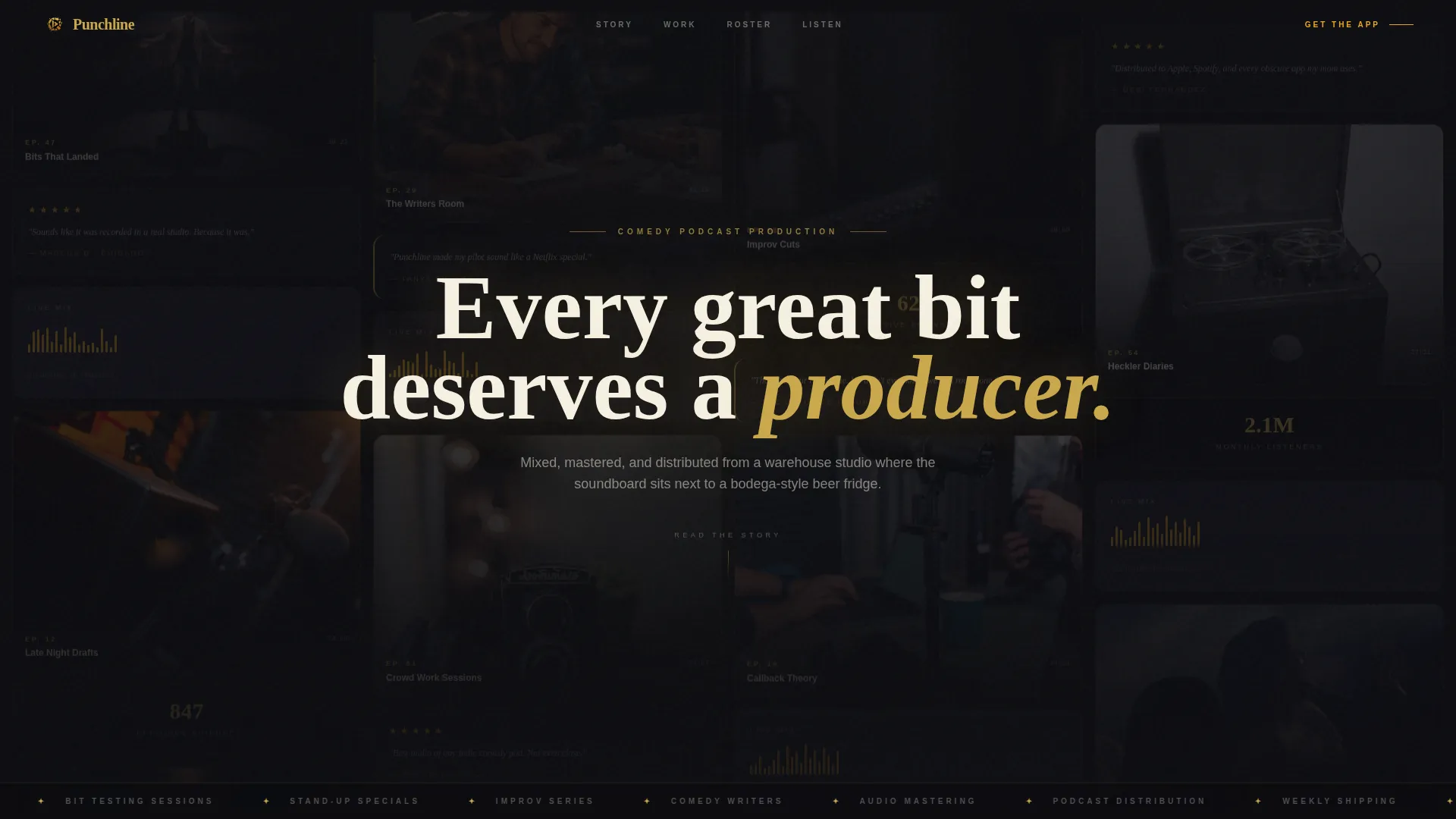
The header is a mosaic grid of episode tiles, audiogram waveforms mid-bounce, listener comments, five-star review snippets, and clip timestamps. It scrolls autonomously at a lazy drift, acting as living proof of a studio that ships episodes weekly. One oversized serif headline sits between the tiles: "Every great bit deserves a producer."
Storybook Scroll Structure
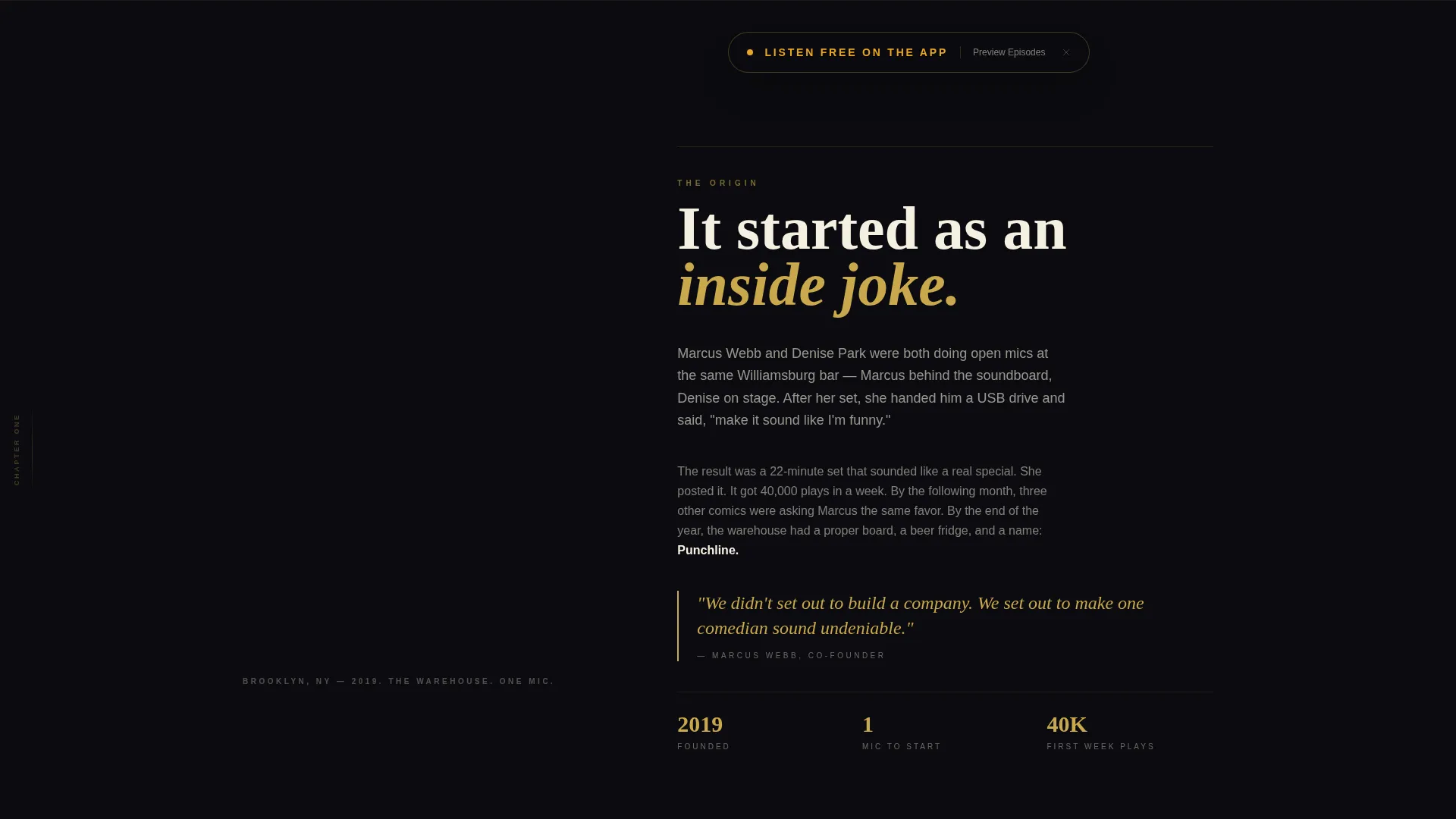
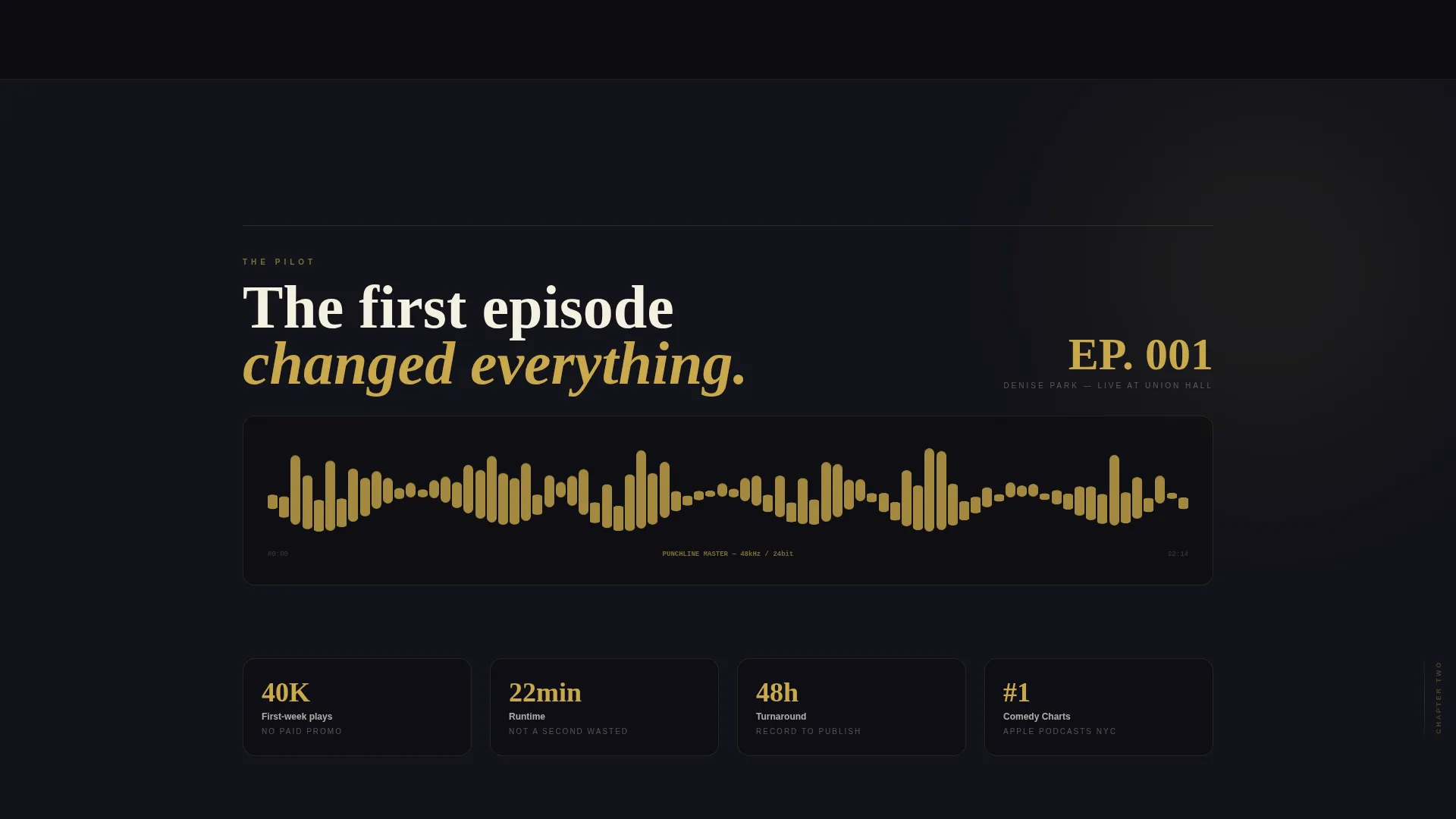
The page unfolds across three full-page chapter spreads. The first shows the founding moment inside the warehouse studio. The second features the first client, the first episode, and a large waveform rendered like a stock ticker. The third stacks pull-quotes from comedians like blurbs on a paperback, with gold accents intensifying as the story reaches the present.
Pinned App Download Call to Action
After the second chapter, a spotlight amber button reading "Listen Free on the App" pins to the bottom of the viewport. It stays visible as the visitor scrolls, creating a persistent and low-friction path to the primary conversion goal.
Inline Audiogram Preview
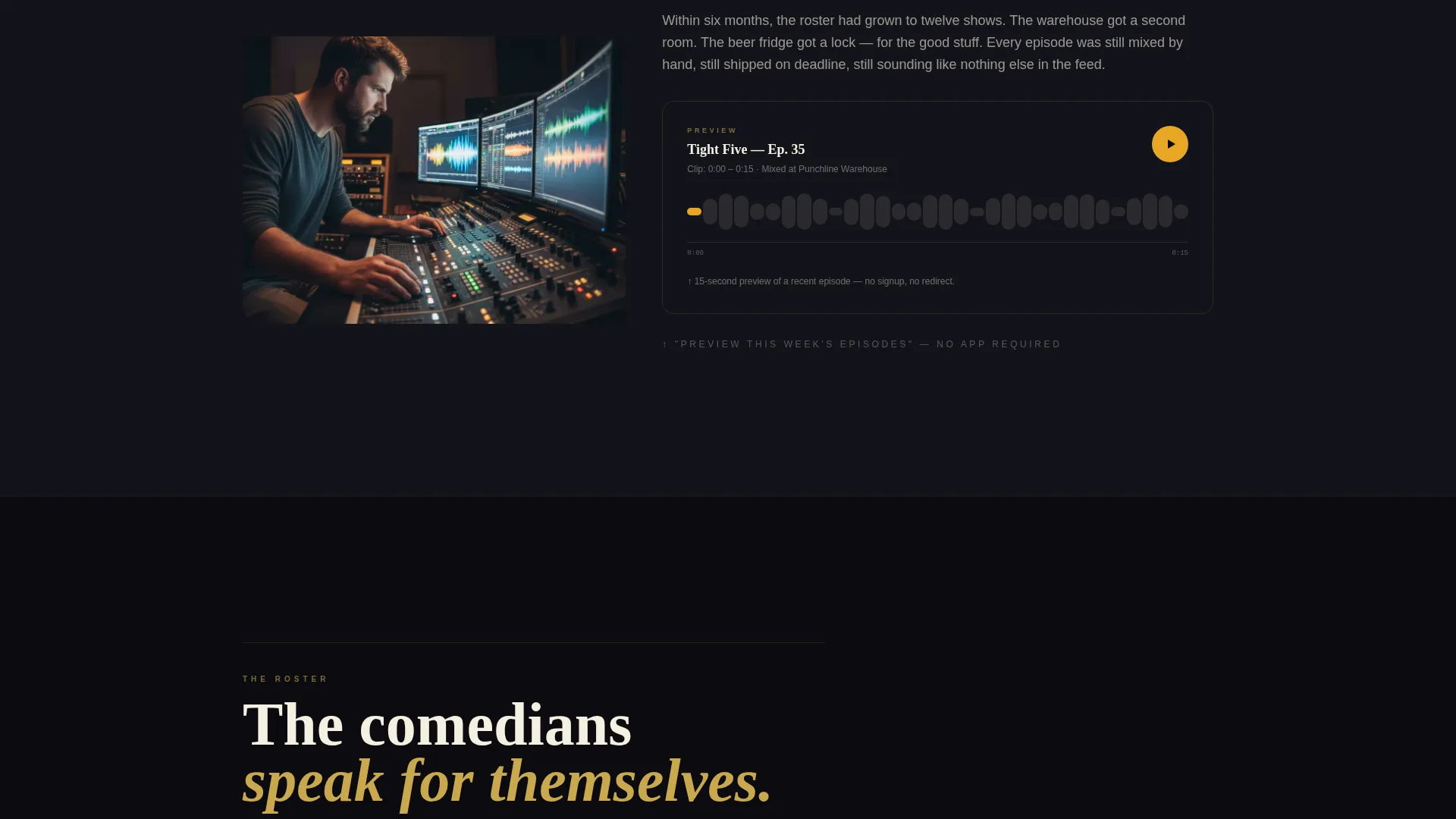
A secondary call to action labeled "Preview This Week's Episodes" appears mid-scroll. It plays a 15-second audiogram inline without leaving the page. This reduces the trust gap before the download ask by letting visitors sample content immediately.
Magazine Back-Cover Final Spread
The last full-page section is styled like a magazine back cover. It contains app store badges, a QR code large enough to scan from arm's length, and a single line of copy beneath it. The design closes the page on a high-confidence note.
Editorial Obsidian and Gold Design System
The color system uses true obsidian black as the dominant background, tarnished gold for headlines and pull-quotes, warm newsprint cream for body text, and spotlight amber reserved exclusively for buttons and progress bars. The palette evokes a late-night variety show playbill printed on premium stock.
Page sections overview
| Section | Purpose |
|---|---|
| Social Feed Header | Proves output volume with an autonomous episode mosaic |
| Chapter One Spread | Tells the founding story inside the warehouse studio |
| Chapter Two Spread | Showcases the first episode and a large rendered waveform |
| Chapter Three Spread | Stacks comedian pull-quotes as the roster expands |
| Pinned App Button | Keeps the primary download call to action visible at all times |
| Inline Audiogram Preview | Lets visitors sample a 15-second clip without leaving the page |
| Magazine Back Cover | Closes with app badges, a QR code, and a final tagline |
Design & branding system
The design system is rooted in the Editorial Magazine theme. Every color choice and type decision is deliberate and tied to the comedy production identity.
- Obsidian black (#0B0B0F) as the dominant background, tarnished gold (#C9A84C) for headlines and pull-quotes, warm newsprint cream (#F5F0E1) for body text, and spotlight amber (#E8A624) used exclusively for buttons and progress bars
- Oversized serif headlines give the layout a zine-meets-broadsheet energy that feels tactile and editorial
- Gold accents intensify across chapters, visually reinforcing the studio's growth from scrappy beginnings to an undeniable present
Mobile & speed optimization
The template is designed to hold up on smaller screens without losing the editorial drama that makes it distinctive. The storybook structure translates naturally to a vertical scroll experience on mobile.
- Full-page chapter spreads reflow cleanly for portrait viewing on phones and tablets
- The pinned app download button remains accessible at the bottom of the viewport across all screen sizes
- The QR code in the final spread is sized large enough to scan comfortably from arm's length on any device
How this template helps you convert
The conversion path is engineered to remove hesitation at every stage. Visitors move from curiosity to confidence to action across a single, uninterrupted scroll.
- The social feed header establishes immediate credibility by displaying real episode volume, listener reactions, and audiogram waveforms before a visitor reads a single word of copy.
- The inline audiogram preview plays 15 seconds of actual content mid-scroll, reducing the gap between interest and trust before the app download ask appears.
- The pinned spotlight amber button and magazine back-cover spread work together to close the page with a clear, confident, low-friction download invitation.
Other information about this template
Punchline is part of a broader Storybook and Full-Page template style category designed for Media and Entertainment brands. It sits inside the Content Creator Niches subcategory, targeting the Comedy Podcast Production Company niche specifically. This template was built to support the App Download landing page direction, meaning every layout decision points toward a single primary action.
- The template style is Storybook and Full-Page, suited to brands with a strong narrative and enough social proof to fill chapter-length sections
- The Intersection Match Score for this template is 13, reflecting a tight alignment between the niche, theme, creative direction, and conversion goal
- The zine-and-playbill aesthetic makes this template a natural fit for any audio-first entertainment brand that wants a page with genuine personality
Theme
Editorial Magazine
Creative direction
Origin Story
Color system
Obsidian & Gold
Style
Storybook/Full-Page
Direction
App Download
Page Sections
Autonomous Social Feed Header
Three-chapter Storybook Scroll
Pinned App Download Button
Inline Audiogram Preview
Magazine Back-cover Final Spread
Editorial Obsidian and Gold Color System
Related questions
Can this template work for a solo comedian launching a podcast?
Is the social feed header populated with real episode content?
Does the inline audiogram preview require a third-party audio service?
Can I edit the call-to-action button text and app store links?
What makes this different from a standard podcast landing page template?