Kids Skateboarding Booking Website Template
Pushoff is a modular card grid landing page built for kids skateboarding parent resource guides. It walks anxious first-time skate parents through a full Saturday, from gear check to booking, using a warm Day-in-the-Life timeline, a Polaroid-style card layout, and a teal booking call to action that makes signing up feel easy and safe.
by Rocket studio
Quick summary
Pushoff is a single-page booking and resource landing page designed for parents new to kids skateboarding. It uses a sunrise-to-sunset Day-in-the-Life card timeline to dissolve safety fears one moment at a time, ending with a clear session-booking form. The tone is calm, warm, and peer-like, a parent who has already been through the first wobbly Saturday.
Who this template is for
This template is built for anyone running a kids skateboarding program, beginner skate clinic, or weekend activity service that needs to convert cautious parents into booked participants.
- Skate school operators and youth skating instructors offering Saturday morning beginner sessions
- Activity studios or community parks promoting structured kids skateboarding clinics
- Grandparents or caregivers searching for a safe, guided first experience for a child aged 4 to 12
What problem this template solves
Parents hearing "I wanna skateboard" for the first time feel a tug between encouragement and worry. They imagine scraped knees before they imagine confident kids. This template meets that anxiety head-on and dissolves it card by card.
- It replaces vague program descriptions with a concrete, chronological day that shows parents exactly what to expect
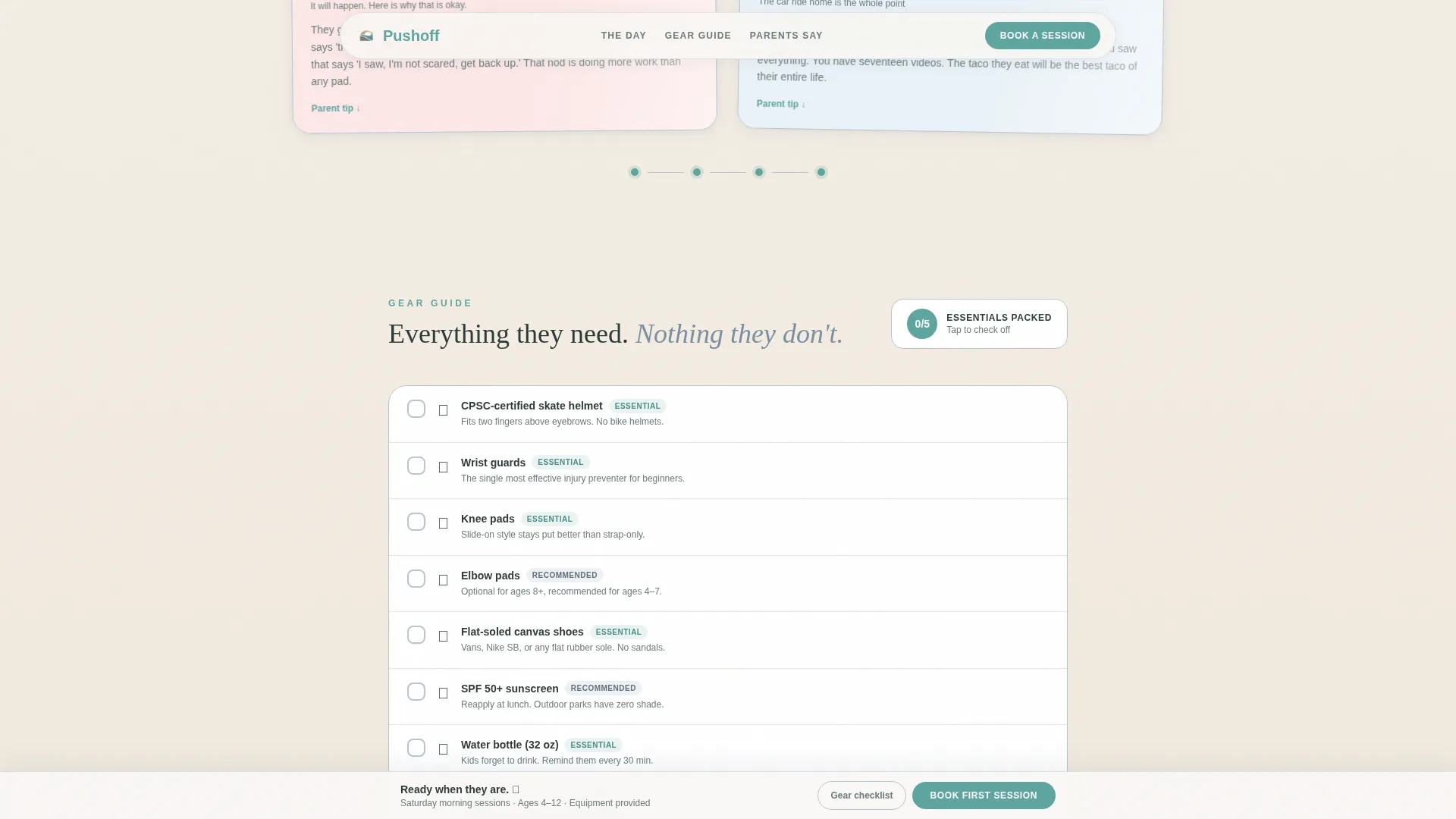
- It answers the safety-gear question before parents have to ask, with a downloadable checklist and a visual gear walkthrough
- It gives hesitant parents a low-commitment path, capturing their email with a free download before asking them to book
What you get with this template
You get a fully structured, mobile-first landing page laid out across five core sections. Each section serves a specific job in moving a parent from curious to committed.
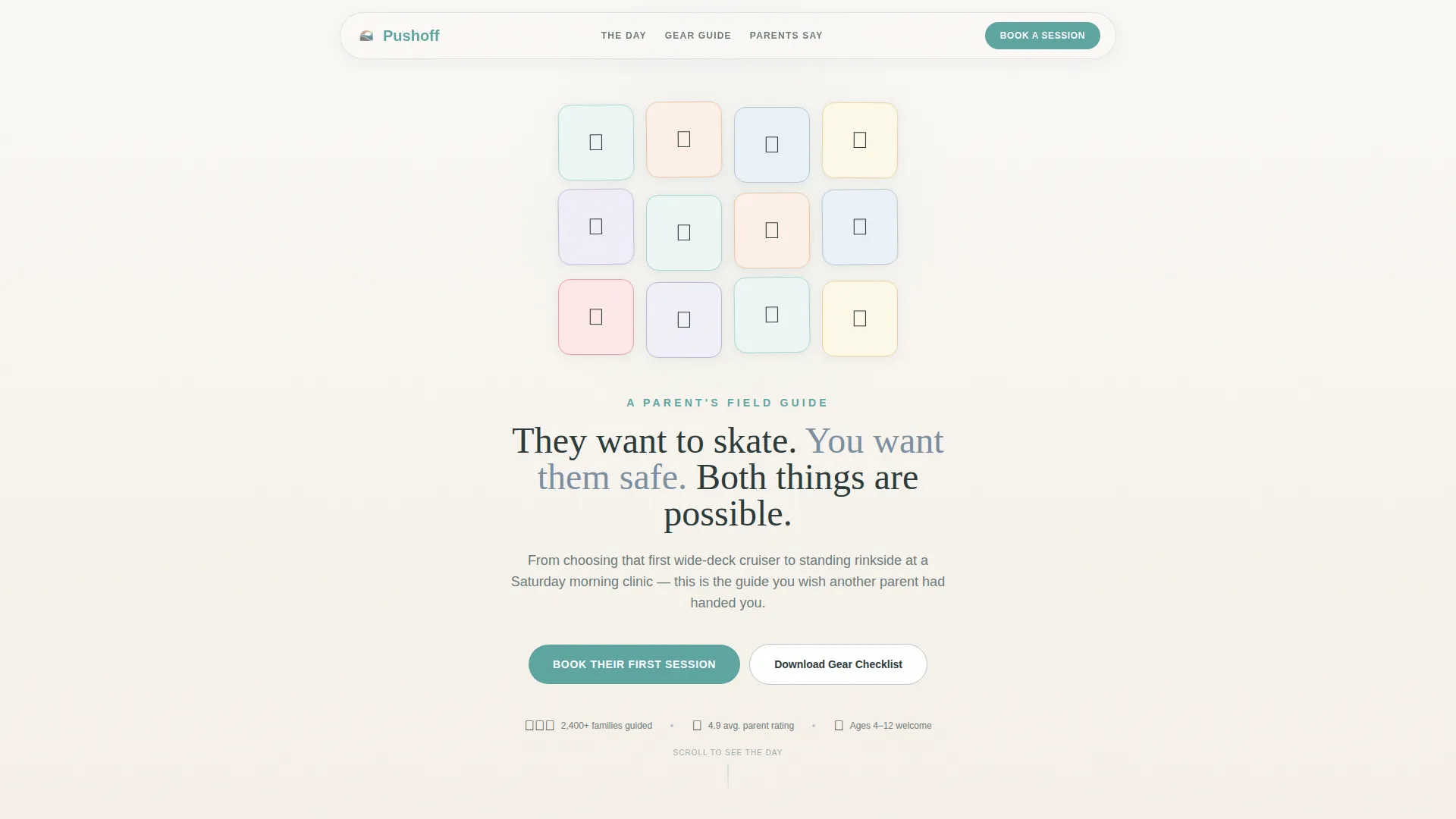
- A floating icon grid header with a 4x3 mosaic of hand-drawn rounded icons and a reassuring hero headline
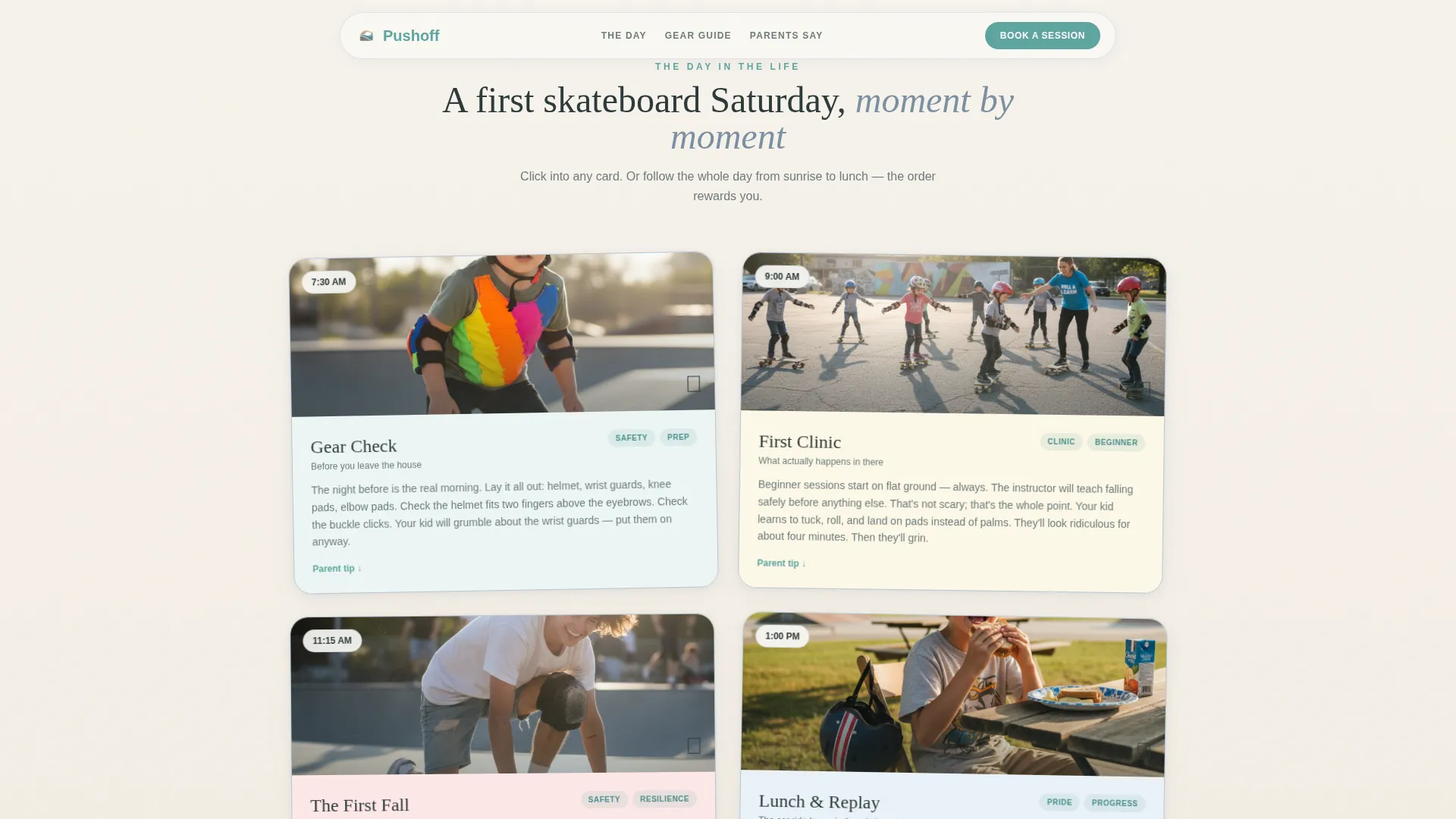
- A modular Polaroid-style Day-in-the-Life timeline running from 7:30 AM through the afternoon, with individual card modules parents can tap into at any point
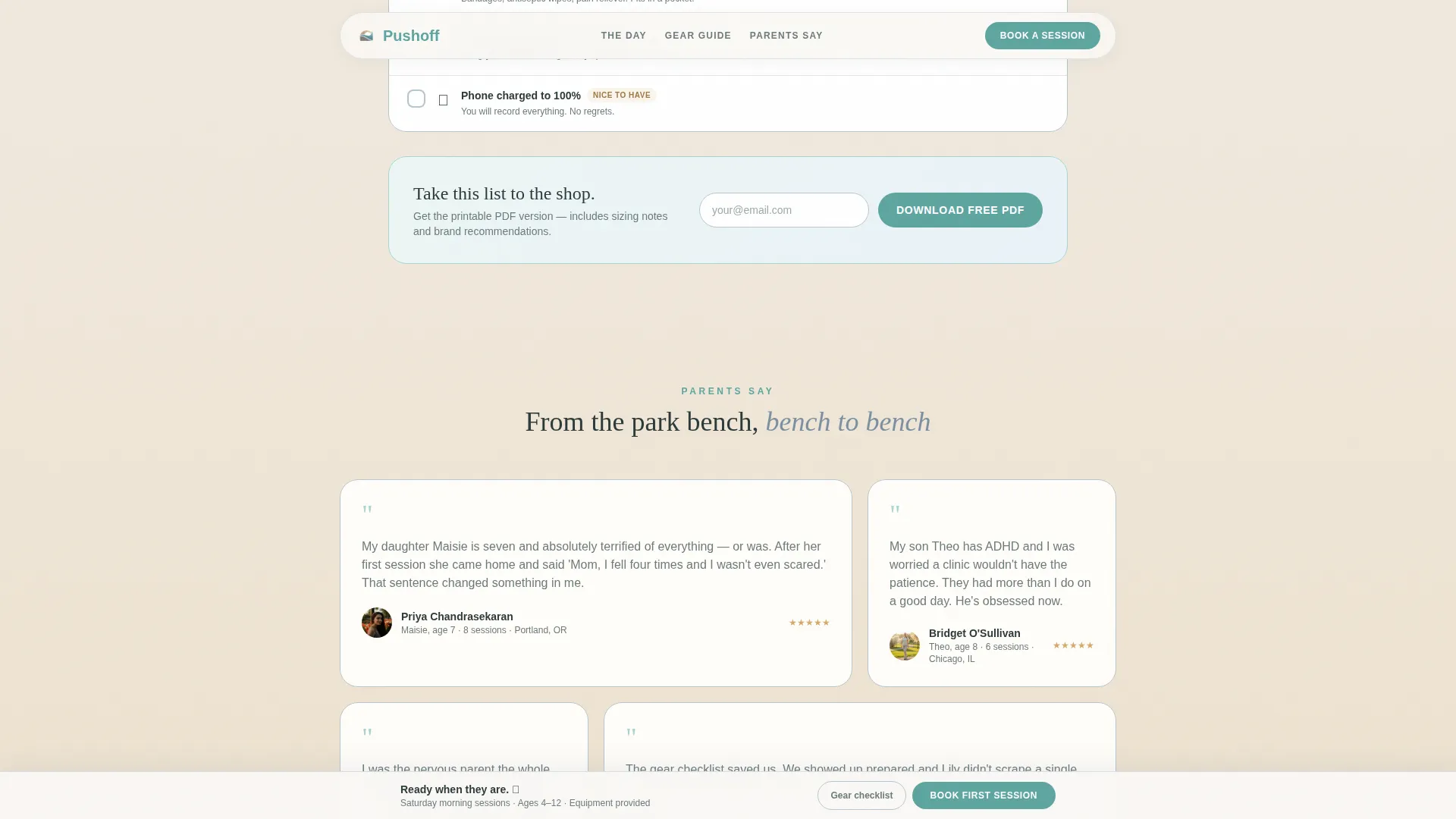
- A sticky bottom booking bar, a full-width booking form module, a safety-gear checklist with email capture, and a parent testimonials section in an asymmetric bento layout
Feature list
This template ships with tightly scoped, purpose-built features that serve one goal: turning a first-time skate parent into a booked session participant.
Floating Icon Grid Header
A 4x3 mosaic of hand-drawn, rounded icons sits at the top of the page. Each icon, including a helmet, bandage, water bottle, star sticker, half-pipe, high-five hand, stopwatch, sunscreen tube, first-aid kit, camera, thumbs-up, and small sneaker, sits in a softly shadowed pastel card. A subtle float animation gives the whole grid a sticker-sheet energy that immediately signals fun and safety together.
Day-in-the-Life Card Timeline
Four Polaroid-style card modules walk parents through a child's first skateboarding Saturday. Moments include a 7:30 AM gear check, a 9:00 AM beginner clinic overview, an 11:15 AM fall-normalization card with a safety-gear checklist, and a 1:00 PM proud car-ride recap. Parents can tap into any card directly or follow the full chronological flow.
Scroll-Triggered Background Shift
As visitors scroll down the page, the background gradually warms from cool morning fog gray to a golden afternoon tone. This scroll-triggered gradient shift reinforces the Day-in-the-Life narrative without requiring any extra reading.
Dual Conversion Path
A primary "Book Their First Session" call to action in helmet-strap teal appears as a sticky bottom bar after the third card and again as a full-width module at the end. A secondary "Download the Gear Checklist" path captures an email from parents not yet ready to book, delivering a printable PDF and a follow-up nudge three days later.
Session Booking Form
The full-width booking module collects the child's first name, age via a dropdown from 4 to 12, experience level with three clear options, and a preferred Saturday morning time slot. The form keeps friction low and fields purposeful.
Parent Testimonials Block
An asymmetric bento layout displays parent testimonials with the child's name, age, and session count. This social proof section builds trust just before the final booking call to action.
Page sections overview
| Section | Purpose |
|---|---|
| Hero Icon Grid | Playful safety-themed mosaic with float animation and reassuring headline |
| Day-in-the-Life Timeline | Polaroid card grid walking parents through a first Saturday |
| Safety and Gear | Downloadable checklist card with email capture call to action |
| Instructor Trust Block | Parent testimonials in asymmetric bento layout |
| Booking Module | Full-width session form with sticky bottom bar |
| Footer | Linear single-row footer with essential links |
Design & branding system
The visual identity follows a Nurture and Care theme using the Soft Mist color system. Every color choice was made to feel like a dewy skatepark at 8 AM, before the teenagers arrive.
- Backgrounds use morning fog gray (#E8E4DF) and sunscreen-white (#FAF8F5); card borders pick up worn kneecap denim (#7B8FA1); helmet-strap teal (#5EA5A0) appears only on buttons and interactive highlights
- Typography pairs DM Sans for body text with Fraunces, a warm serif, for headlines, keeping the page editorial and approachable at the same time
- Cards are styled like Polaroid snapshots with soft shadows and pastel tints, reinforcing the fridge-pinned-memory feeling of the Day-in-the-Life narrative
Mobile & speed optimization
This template is built mobile-first, recognizing that most parents will discover and browse it on their phones, often while already at a park or waiting in a car.
- The modular card grid stacks cleanly on small screens, keeping each timeline moment tappable and readable without horizontal scrolling
- Animations use float keyframes and scroll-triggered fade-ins kept at a medium intensity, so the page feels lively without draining battery or slowing the experience
- Server Components handle all static sections, keeping client-side JavaScript minimal and the page light on mobile connections
How this template helps you convert
The page is engineered to move a fearful parent through a specific emotional arc, from "what if they get hurt?" to "let's book Saturday."
- The icon grid and headline open with direct acknowledgment: "They want to skate. You want them safe. Both things are possible." This immediately validates both the child's wish and the parent's concern, earning enough trust to keep scrolling.
- Each Day-in-the-Life card neutralizes a specific worry with a specific preparation, so by the time the parent reaches the booking form, every objection has been addressed with a visual proof point.
- The dual conversion path ensures no parent leaves empty-handed. Those not ready to book still receive a printable gear checklist and a follow-up nudge, keeping the door open without pressure.
Other information about this template
Pushoff is a Card Grid (Modular) template, meaning each section operates as an independent module. Operators can update a single card, such as the gear checklist or a testimonial, without redesigning the full page.
- The timeline structure supports English-language content with United States date format (MM/DD/YYYY) and USD pricing out of the box
- The template is designed for a B2C suburban parenting audience aged roughly 28 to 45, with secondary reach to grandparents and caregivers
- The footer uses Pattern 1, a linear single-row layout, keeping the bottom of the page clean and uncluttered
Theme
Nurture & Care
Creative direction
Day-in-the-Life
Color system
Soft Mist
Style
Card Grid (Modular)
Direction
Booking/Scheduling
Page Sections
Floating Icon Grid Header
Day-in-the-life Card Timeline
Dual Conversion Path
Session Booking Form
Scroll-triggered Background Shift
Parent Testimonials Bento Block
Related questions
Who is this landing page template designed for?
Can parents book directly from the page?
What happens if a parent is not ready to book yet?
What age range does the booking form cover?
Can I update individual cards without changing the whole page?



