Videography & Film Portfolio Directory Website Template
Reel is a horizontal scroll landing page built for commercial video production studios that need to present portfolio work with cinematic weight. It uses a dark immersive visual system, full-viewport project panels with silent autoplay video, kinetic typography transitions, and a persistent call-to-action, designed to move creative directors and brand managers from watching to reaching out.
by Rocket studio
Quick summary
Reel is a single-page horizontal scroll experience built for commercial video production companies. Each project occupies a full viewport panel with silent autoplay video. Kinetic typography, iridescent color interactions, and a fixed "Start a Project" call-to-action work together to turn portfolio browsing into a genuine pitch moment.
Who this template is for
This template is built for production studios whose work speaks loudest when it is seen, not described. If your portfolio needs to carry the weight of a budget conversation, this is the layout for it.
- Commercial video production companies presenting a client-facing portfolio reel
- Videography and film studios pitching creative directors at agencies or brand teams
- Production teams seeking their first serious online presence to compete for larger commissions
What problem this template solves
Most video portfolio pages flatten cinematic work into thumbnail grids. Static layouts force great footage into the same format used by stock photo sites. The result is a presentation that undersells the actual craft.
- Clients cannot feel the rhythm or scale of your work from a grid layout
- A passive, scroll-down page does not build the editorial tension that justifies a premium production budget
- No clear, friction-free path from watching the work to submitting a brief
What you get with this template
You get a complete horizontal scroll landing page that functions like a curated reel presentation. Every interaction is designed to maintain momentum and reward the viewer's attention.
- Full-viewport project panels with hero video that autoplays silently as each panel enters center screen
- Kinetic typography transitions that announce brand name and project category between panels, sliding against the scroll direction to create parallax tension
- A persistent "Start a Project" call-to-action fixed to the bottom-right corner, pulsing with an iridescent gradient shift throughout the entire scroll journey
Feature list
This template is built around a specific set of interactive and visual capabilities drawn directly from its design brief.
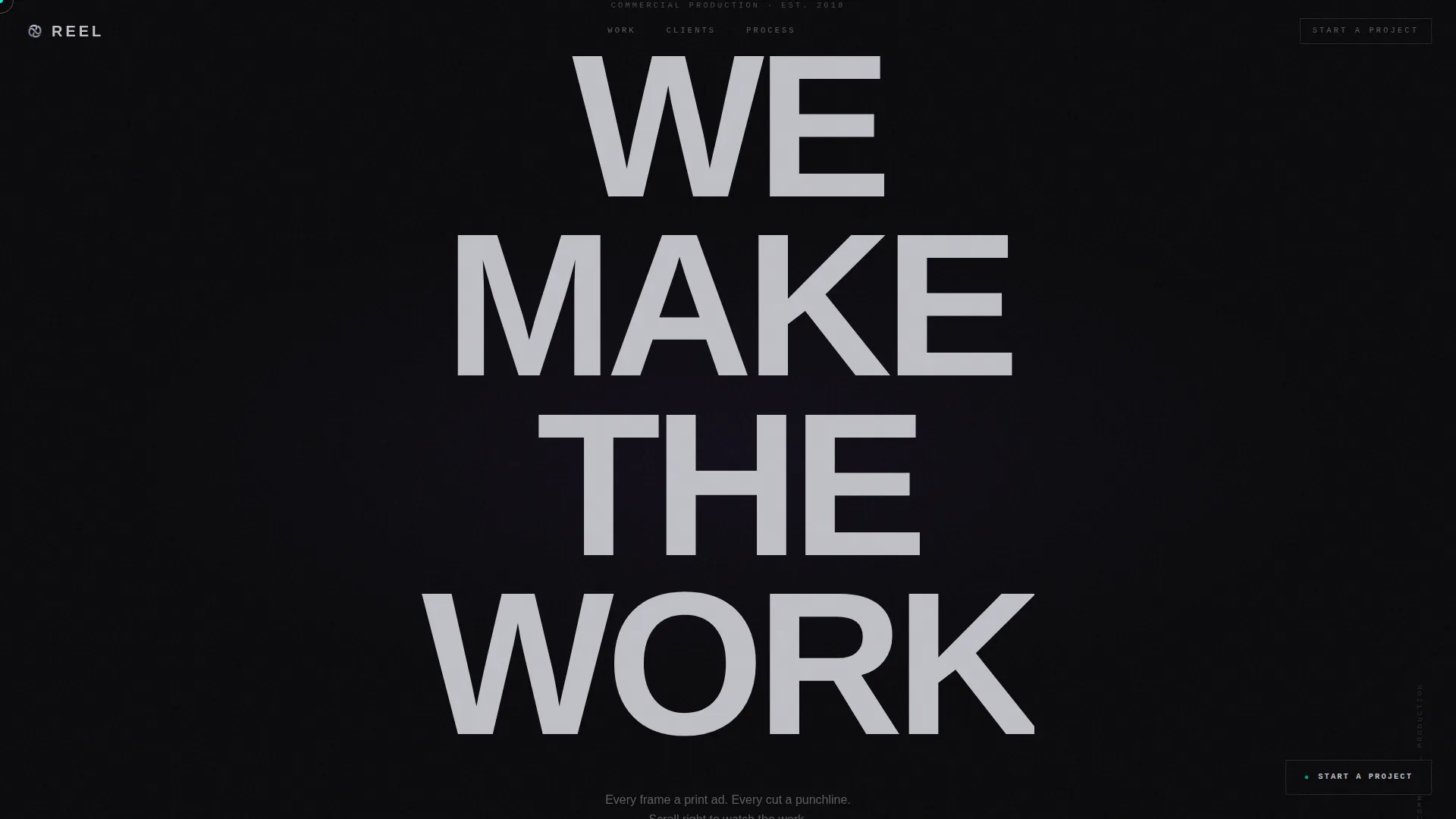
Giant Headline Entry Point
The header opens with "WE MAKE THE WORK" set in an ultra-condensed grotesque typeface at near-viewport scale. Each letterform refracts iridescent color as the cursor moves across it, creating a living, breathing first impression before a single frame of footage appears.
Horizontal Scroll Panel Architecture
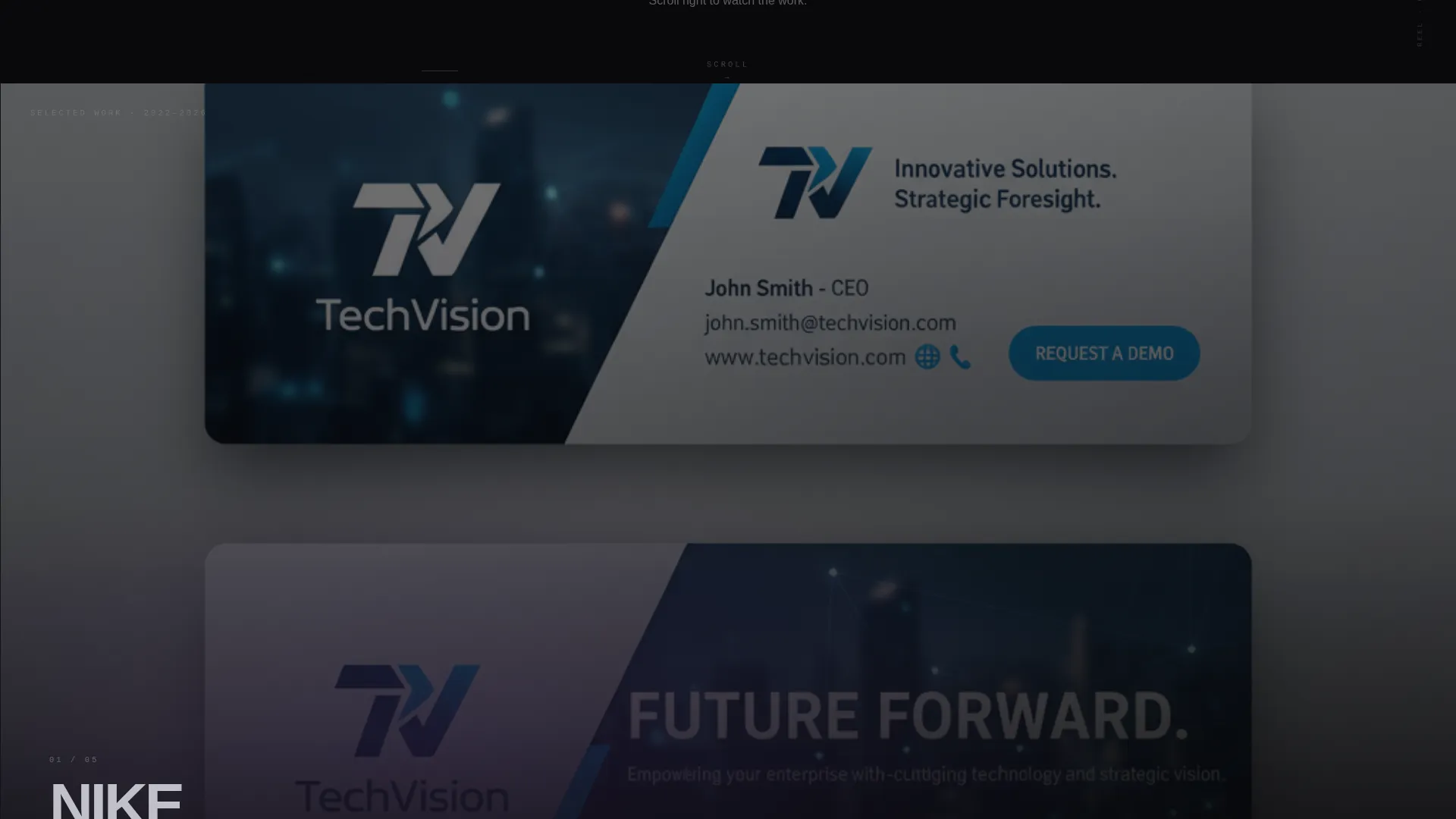
The page is structured as a navigable sequence of full-viewport panels. Scrolling right advances the experience and triggers each panel's video to expand from a cropped frame to full bleed as it reaches center screen, mimicking the pacing of a real reel presentation.
Silent Autoplay Video Panels
Each project panel activates its hero video automatically and silently as it enters the viewport. The escalating sequence moves from tighter dialogue-driven spots to sweeping aerial brand films, building editorial rhythm without requiring any user input.
Hover Overlay with Project Details
Hovering over any project panel reveals a translucent overlay showing runtime, director credit, and a single-line client quote. The interaction rewards curiosity without breaking the scroll momentum.
Persistent Pulsing Call-to-Action
A "Start a Project" button sits fixed in the bottom-right corner for the entire scroll journey. It pulses with an iridescent gradient shift, staying visible and accessible without competing with the portfolio content.
Brief Submission Flow
Clicking "Start a Project" routes to a dedicated short-form brief submission page. It asks for brand name, project type (commercial, branded content, or launch film), and a rough timeline, keeping the entry barrier low and the qualification clear.
Page sections overview
| Section | Purpose |
|---|---|
| Giant Headline Header | Establishes brand authority before any footage plays |
| Project Panel One | Opens the reel with tighter, dialogue-driven commercial work |
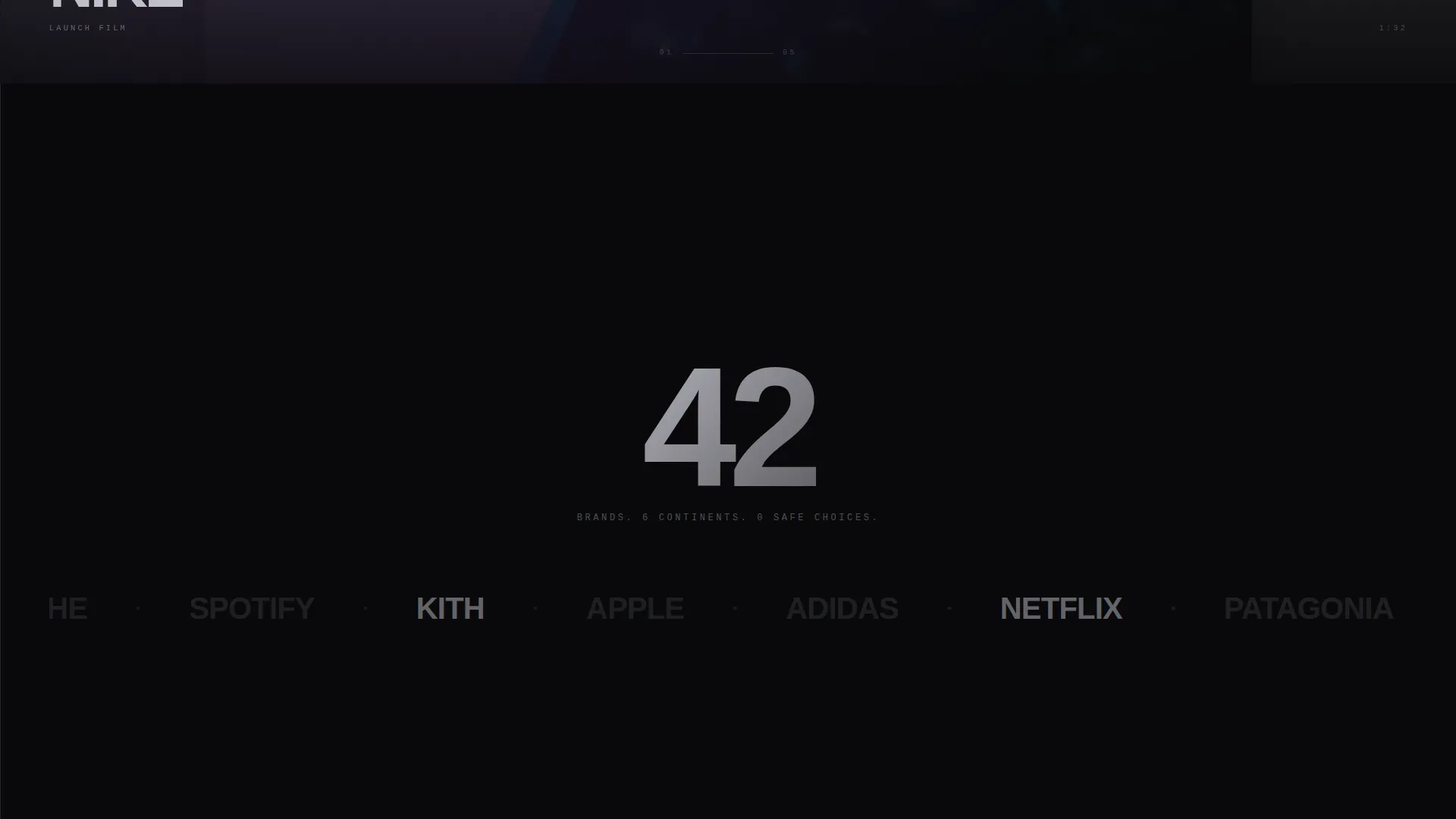
| Kinetic Type Break | Announces brand name and category between project panels |
| Project Panel Two | Advances the sequence with mid-scale production work |
| Kinetic Type Break | Reinforces editorial rhythm and project context |
| Project Panel Three | Escalates to sweeping aerial brand anthem territory |
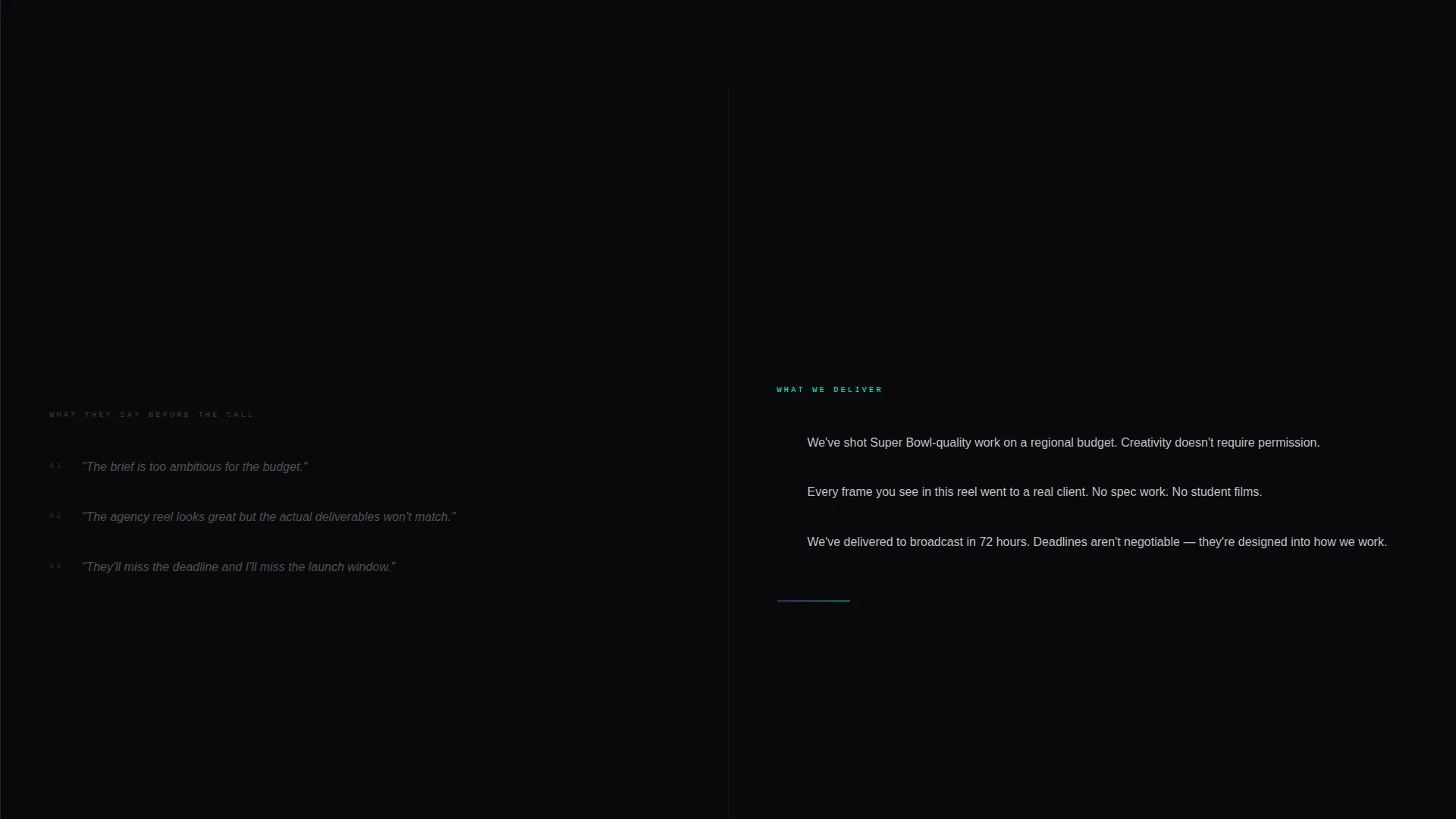
| Final Panel | Closes the reel and primes the viewer for the primary call-to-action |
| Brief Submission Page | Captures project interest with brand name, type, and timeline |
Design & branding system
The visual identity runs on an AI Iridescent color system built around the tension between almost total darkness and sudden, startling color. Backgrounds stay in the void, chrome carries the type, and color only appears when the viewer earns it through interaction.
- Core palette: void black (#09090B) for all backgrounds, liquid chrome (#C0C0C8) for typography, holographic violet (#9B5DE5) for gradient accents on thumbnails
- Electric cyan (#00F5D4) reserved exclusively for hover states, active elements, and the persistent call-to-action pulse
- Typography uses an ultra-condensed grotesque typeface at display scale for headlines, with chrome-on-void contrast maintained throughout
Mobile & speed optimization
The horizontal scroll interaction and full-viewport video panels are designed with the desktop viewing context as the primary experience, matching how agency clients and brand managers typically review production reels.
- Video panels use silent autoplay with expand-on-enter behavior suited to larger screen environments
- The fixed call-to-action placement and persistent button visibility are maintained across the scroll journey
- Brief submission routing is a separate lightweight page, keeping the main portfolio experience uncluttered
How this template helps you convert
The page is designed so that the call-to-action feels like a natural next step, not an interruption. By the time a visitor reaches the final panel, they have already watched the portfolio. The brief submission click simply opens a door they are already approaching.
- The escalating reel sequence builds trust incrementally, moving from focused spots to large-scale brand films, so the viewer arrives at the call-to-action having already formed a confident opinion of the work.
- The "Watch Full Case Study" button on every project panel routes to dedicated project pages, giving detail-oriented buyers a deeper look before they commit to submitting a brief.
Other information about this template
This template belongs to the Portfolio and Agency category, specifically within the Videography and Film Portfolio subcategory. It is purpose-built for the commercial video production niche and reflects the intersection of dark immersive visual design, interactive explorer creative direction, and a click-through landing page strategy.
- Template style: Horizontal Scroll, a format that transforms passive browsing into an active, directional experience
- Color system: AI Iridescent, where iridescent gradients only activate on interaction, keeping the void dominant and color surprising
- Header concept: Giant Headline Centered, anchoring the page on a single confident statement rather than a reel preview or montage
- The brief submission page is a separate destination, keeping the portfolio page free of forms and focused entirely on the work
Theme
Dark Immersive
Creative direction
Interactive Explorer
Color system
AI Iridescent
Style
Horizontal Scroll
Direction
Click-Through
Page Sections
Horizontal Scroll Portfolio Architecture
Silent Autoplay Video Panels
Kinetic Typography Transitions
Interactive Hover Overlay
Persistent Pulsing Call-to-action
Brief Submission Destination Page
Related questions
Is this template suitable for a single videographer or only for larger studios?
Can I change the project panels to show my own work?
Does the brief submission page come included with this template?
What makes horizontal scroll the right format for a video portfolio?
Can I add more project panels beyond what the template includes?



