Ticketing & Event Platform Appointment Booking Website Template
Register is an elegant event registration landing page template built for event managers who handle everything from candlelit galas to multi-session conferences. It combines a script-animated hero, a curated gallery walk of event types, and a booking-focused form into one polished landing page. Every section is designed to build trust and move potential attendees toward signing up.
by Rocket studio
Quick summary
Register is a gallery-and-detail event registration landing page that turns complex guest logistics into one calm, beautiful page. It is built for event managers who need to capture RSVPs, showcase event details, and drive walkthrough bookings. The Plum Executive color system and Organic Flow layout make every section feel intentional, premium, and easy to act on.
Who this template is for
This landing page template is made for professionals who run high-stakes events and need a page that earns trust before the registration form even loads. It works equally well for intimate gatherings and large-scale productions.
- Nonprofit gala coordinators managing silent-auction donors and seating charts
- Corporate event managers syncing multiple venues across time zones
- Wedding planners and conference organizers handling guests from 50 to 5,000 or more
What problem this template solves
A poorly structured registration page can lead to confusion and drop-offs that hurt attendance. Event managers often piece together a date, a location, ticket prices, and a registration form across separate tools, and the result feels scattered. This landing page solves that by putting every relevant detail in one focused, conversion-ready place.
- Visitors cannot find the event registration form quickly, so they leave before signing up
- Potential attendees lack confidence because the page looks generic, not professional
- Event managers waste time building custom landing pages from scratch for every new event
What you get with this template
This landing page template ships with every section an event registration page needs, laid out in a deliberate gallery-walk flow. Each component is built to showcase the event description, capture guest information, and guide visitors toward booking a walkthrough or starting a free event build.
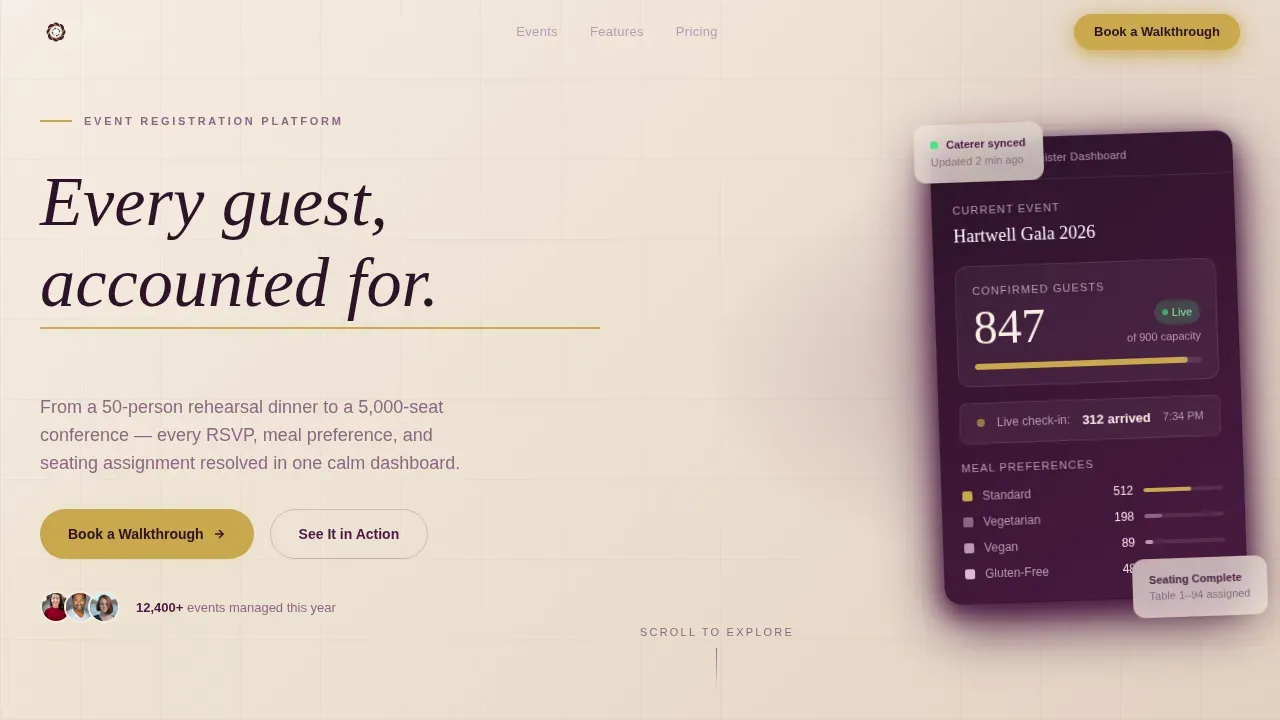
- A script-animated hero with an angled dashboard card showing 847 confirmed guests, a live check-in ticker, and a color-coded meal-preference breakdown
- Three gallery cards pairing lifestyle event photography with sliding detail panels that cover RSVPs, multi-venue sync, waitlists, and conditional ticketing
- A sticky brushed-gold "Book a Walkthrough" bar with an inline calendar picker and a guest count slider from 50 to 5,000 or more
Feature list
This template is built around a tight set of high-impact features. Each one serves a specific moment in the visitor's journey from first impression to confirmed registration.
Script-Animated Hero Section
The hero opens with a brush-script headline that animates as if being written in real time across a warm parchment background. A thin gold underline trails the last letter. An angled dashboard screenshot sits below, showing real-looking guest counts and meal-preference data that makes the tool feel proven before a single word of copy is read.
Gallery Walk Layout
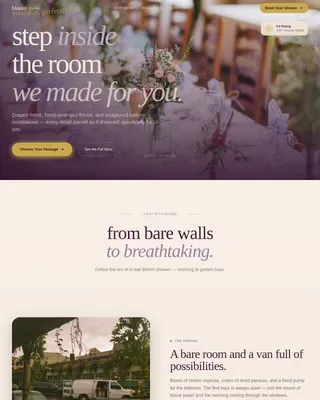
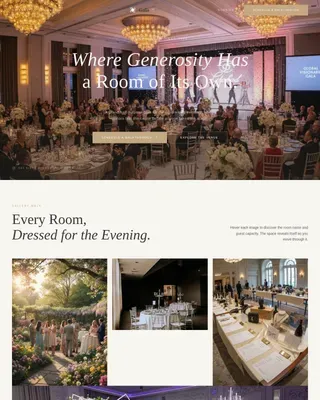
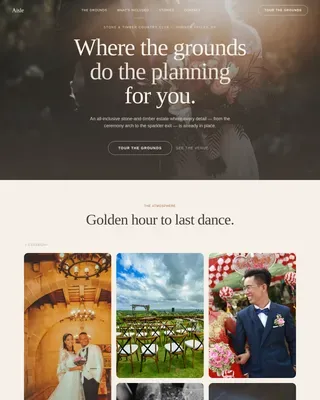
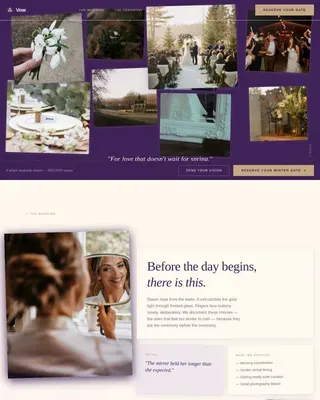
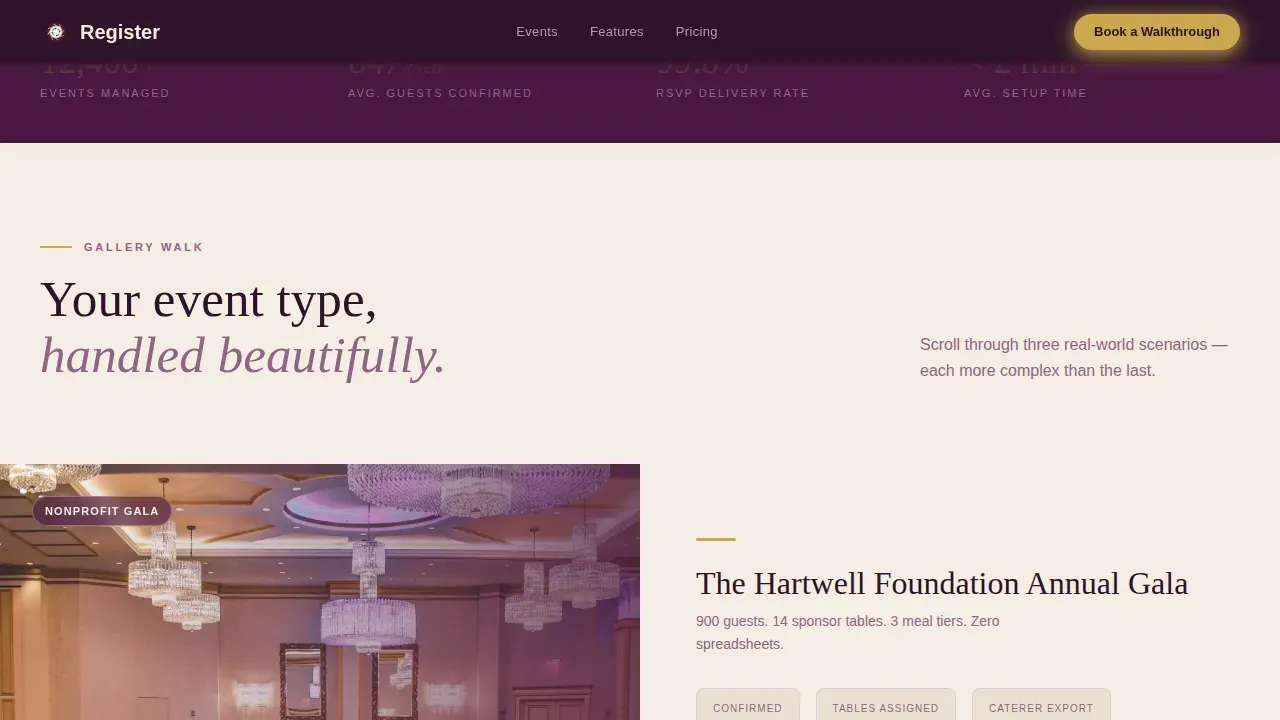
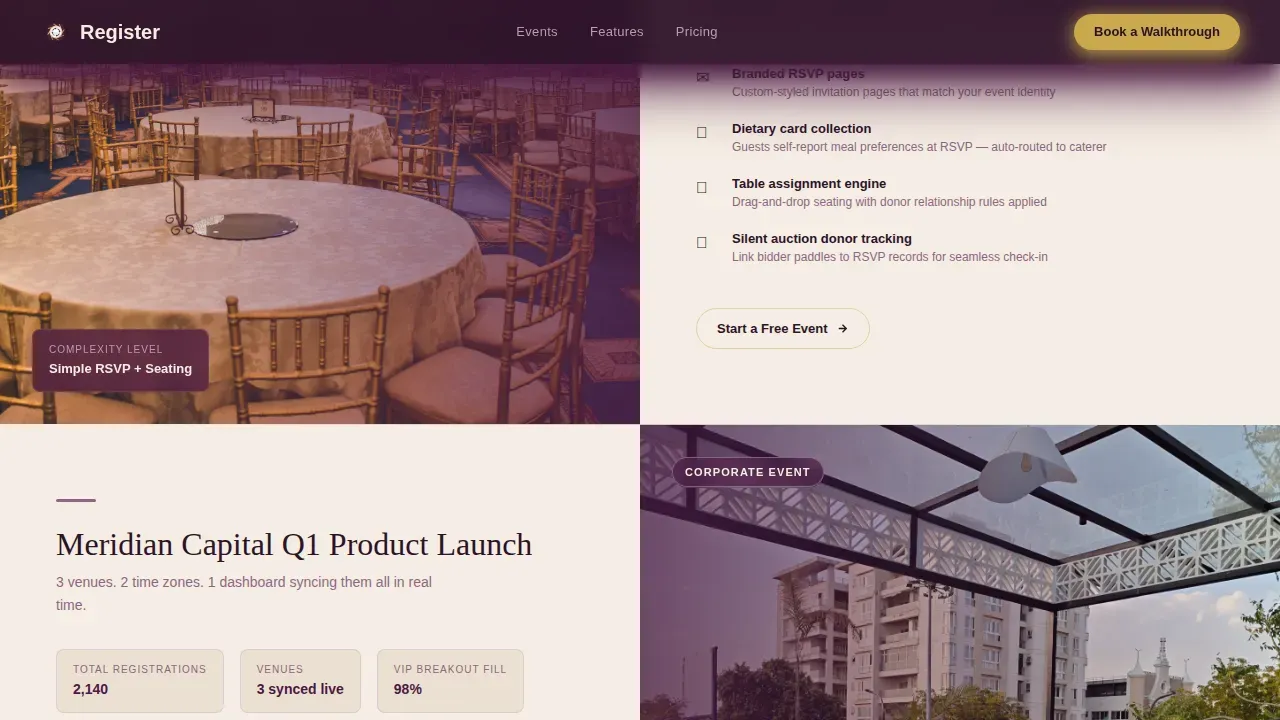
The page scrolls like a curated exhibition. Each gallery card leads with a large lifestyle photograph, a candlelit gala, a rooftop product launch, a vineyard rehearsal dinner, and then slides in a detail panel from the right. The rhythm is image first, feature detail second. Visitors see their own event type handled beautifully before they reach the registration call to action.
Sticky Gold Booking Bar
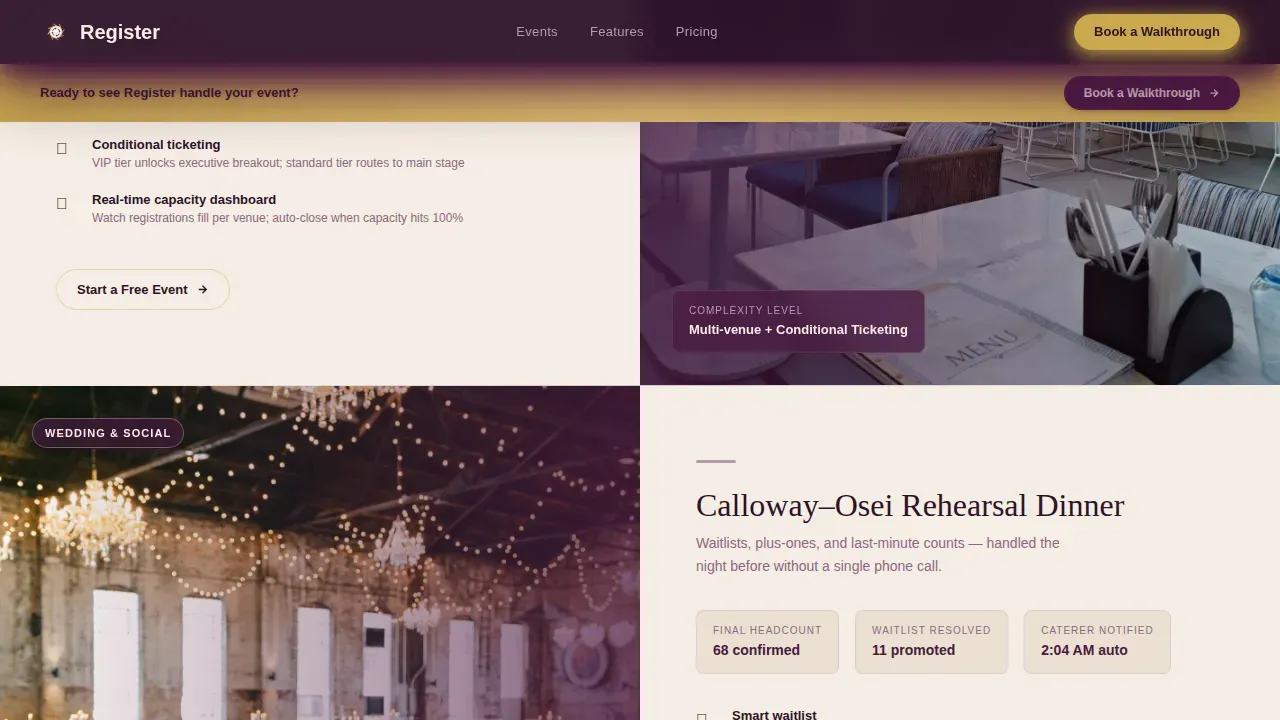
After the second gallery card, a brushed-gold sticky bar appears at the top of the page. It anchors the "Book a Walkthrough" call to action in view no matter how far the visitor scrolls. Compelling calls to action placed at the right scroll depth are a proven way to lift conversions without interrupting the reading flow.
Inline Booking Form with Guest Slider
The booking section includes a first-name field, an event-type dropdown covering gala, conference, wedding, fundraiser, and other, a guest count slider, and an inline calendar date picker. This event registration form keeps the sign-up process smooth by asking only for the details that matter, reducing friction at the most important point on the page.
Stat Strip and Social Proof Panels
A stat strip displays 847 confirmed guests, 12,000 events managed, and 99.8 percent delivery. Testimonials are embedded inside the gallery detail panels so social proof appears exactly when a visitor is evaluating a specific feature set, not tucked away at the bottom of the page.
Secondary Free-Start Path
Below each gallery detail panel, a "Start a Free Event" link gives visitors who are ready to build the option to skip the walkthrough conversation entirely. This secondary path respects where each visitor is in their decision process and keeps both conversion routes open.
Page sections overview
| Section | Purpose |
|---|---|
| Hero with animation | Opens with script headline, angled dashboard card, and gold underline trail |
| Stat strip row | Displays confirmed guest count, total events, and delivery rate for social proof |
| Gallery Card One | Candlelit gala photo paired with RSVP feature detail panel |
| Gallery Card Two | Rooftop launch photo with multi-venue sync features and sticky call to action activation |
| Gallery Card Three | Vineyard dinner photo with waitlist and conditional ticketing details |
| Booking form section | Inline calendar, guest slider, event-type dropdown, and walkthrough call to action |
| Footer row | Horizontal flow footer with navigation links and secondary actions |
Design & branding system
The visual identity follows an Organic Flow aesthetic rooted in the Plum Executive color system. Two typefaces, Fraunces for display headlines and DM Sans for body copy, create a clean typographic hierarchy. Ample whitespace across content areas keeps essential information noticeable and prevents visual clutter.
- Deep plum (#4A1942) dominates navigation bars and section dividers; warm parchment (#F5EDE3) breathes across all content areas
- Muted mauve (#8E6585) softens secondary text, card borders, and the event description panels
- Brushed gold (#C9A84C) is reserved strictly for buttons, hover states, accent lines, and the sticky booking bar so the eye always knows where to act
Mobile & speed optimization
The template is built desktop-first, reflecting how event managers typically work, while remaining fully responsive for mobile visitors. A sticky header keeps the registration button visible as guests scroll, and the layout adapts so form elements and buttons stay large and easy to interact with on smaller screens.
- Server Components handle static gallery sections to keep the page lightweight; Client Components power the interactive slider, calendar, and hover states
- High-animation sections, including the script write-on, slide-in detail panels, and scroll-triggered gallery reveals, are scoped to the interactive layer to avoid slowing down initial page load
- The design uses limited typography and deliberate spacing so the page feels fast and uncluttered on any device
How this template helps you convert
An event registration page is the most critical step in turning website visitors into confirmed attendees. This template is engineered so that by the time a visitor reaches the booking form, they have already seen their own event type handled well. The walkthrough feels like a natural next step, not a sales ask.
- The gallery walk builds progressive belief: visitors move from a simple RSVP example to multi-session conferences with waitlists and real-time capacity dashboards, so the tool always feels relevant to their complexity level.
- The sticky gold bar and compelling calls to action appear at the precise scroll depth where purchase intent is highest, keeping the registration call to action in view without interrupting the content flow.
- The secondary "Start a Free Event" path below each panel lets event organizers who are ready to build skip straight to the registration form, capturing fast-decision visitors before they lose momentum.
Other information about this template
This template is one of the more thoughtful page templates available for the event space. It is worth being aware of how it fits alongside other tools and approaches event managers commonly use when building their event website.
- Teams looking for inspiration from other landing page template options may find value in reviewing the "Redwood Apex" template or the Divi "Event Planner" Layout Pack as high-converting reference points, though this template is a distinct design built for its own use case
- Platforms like Wix and Hubspot offer free event registration page templates, but they are general-purpose; this template is purpose-built around the gallery-walk creative direction and booking-conversion flow described in this brief
- To promote your event landing page effectively, share the page link on social media, run paid social campaigns via Facebook or similar channels, and optimize the page title and event description for search engines so potential attendees can find it organically
- You can customize the event description, swap lifestyle images, update ticket prices, adjust the guest count slider range, and tailor the registration form fields to suit multiple events without rebuilding from scratch
- For in-person events, the location, date, and venue details are easy to update inside each gallery detail panel so attendees always have the most current information
- The template supports drag and drop content editing for teams who want to rearrange sections or drop in new event details without touching code
- Event landing page templates often come with pre-filled examples to inspire design choices; this template includes realistic placeholder data, a stat strip, and gallery photography placeholders to give you a strong starting point
- To sell tickets or allow guests to purchase tickets directly, the booking form can be configured with ticket prices and capacity limits before you start building your live event page
- This is the Register elegant event registration landing page template, designed specifically for the Wedding and Events category with a focus on ticketing and event platform use cases
Theme
Organic Flow
Creative direction
Gallery Walk
Color system
Plum Executive
Style
Gallery + Detail
Direction
Booking/Scheduling
Page Sections
Script-animated Hero with Dashboard Card
Gallery Walk with Slide-in Detail Panels
Sticky Gold Booking Bar
Inline Booking Form with Guest Count Slider
Stat Strip and Embedded Social Proof
Dual Conversion Paths
Related questions
Who is this landing page template best suited for?
Can I customize the registration form fields?
Does the template support multiple event types on one page?
How does the page encourage visitors to register without feeling pushy?
What event details should I include on this landing page?