Religious Event Booking Website Template
Gather is a warm, masonry-style religious event registration landing page built for faith community coordinators. It replaces tangled spreadsheets and group-text RSVPs with an intentional, structured booking flow. Designed for churches, mosques, synagogues, and retreat centers, the template guides visitors from first impression to confirmed registration in three clear steps.
by Rocket studio
Quick summary
Gather is a single-page religious event registration template built in a masonry layout with a Warm Artisan visual identity. It moves faith community coordinators from spreadsheet chaos to a calm, organized booking experience. The page covers every step from hero impression to a three-step registration flow, giving congregations and retreat centers a purpose-built tool for filling events with intention.
Who this template is for
This template is made for the people who keep faith community events running. They are rarely technical, always busy, and deeply invested in getting every seat filled with the right person.
- Church administrators managing Vacation Bible School sign-ups and Sunday service registrations
- Mosque and synagogue event coordinators handling recurring gatherings such as Ramadan iftar dinners or High Holy Day services
- Retreat center directors and parish program managers who need clean, shareable registration pages fast
What problem this template solves
Most faith community coordinators are juggling event logistics across email threads, group texts, and overflowing spreadsheets. The result is lost RSVPs, duplicate registrations, and attendees who never find the actual sign-up link.
- Coordinators lose attendees between the announcement and the registration step
- Group texts and spreadsheets create confusion around capacity, volunteer slots, and meal counts
- There is no unified place that feels as warm and welcoming as the community itself
What you get with this template
This template delivers a complete, scroll-driven landing page that walks visitors through the platform's value and into a confirmed registration. Every section is designed to do a specific job, from building trust to completing the booking flow.
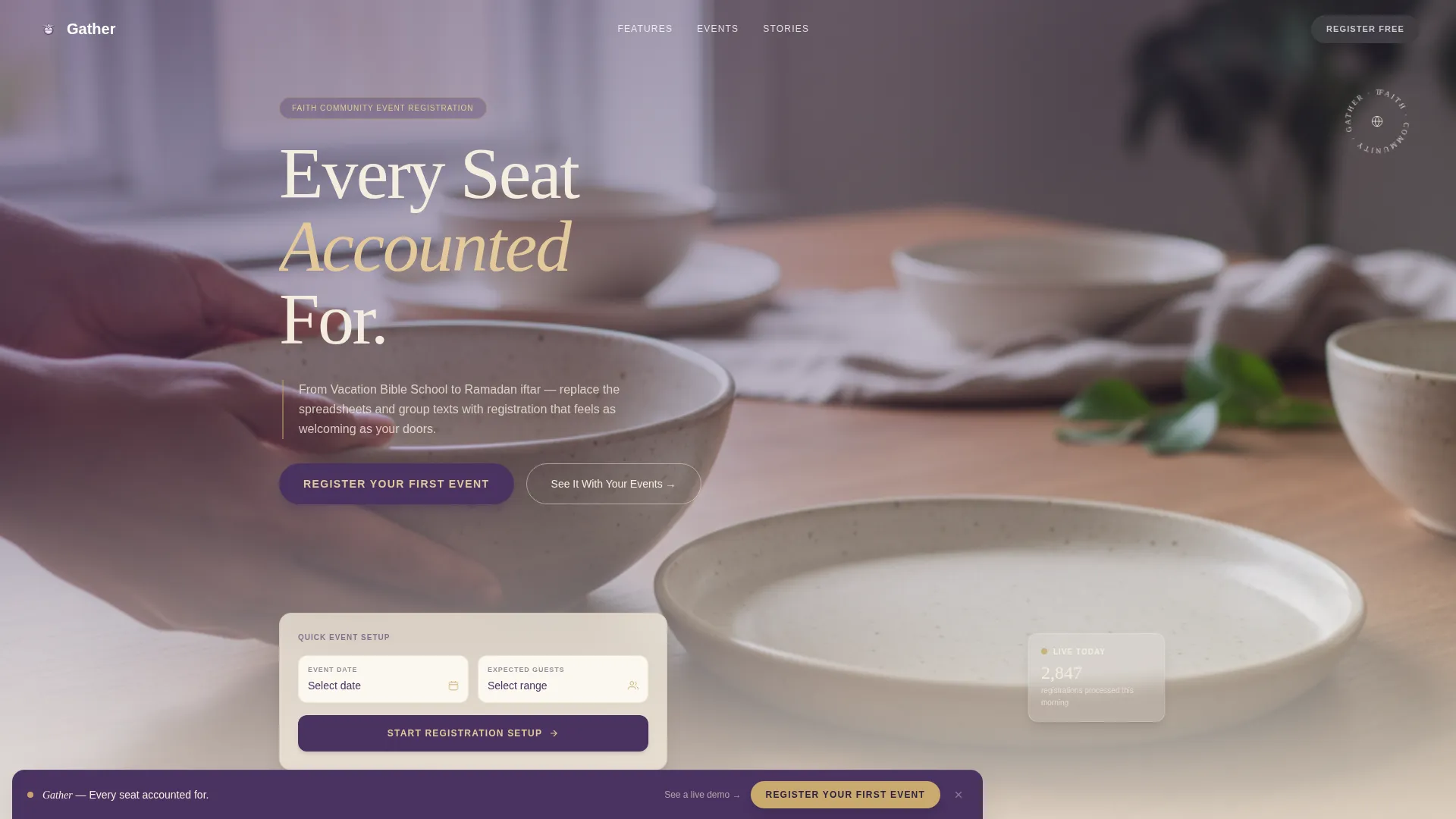
- A full-bleed hero section with a compelling headline, booking widget, and primary call to action
- A masonry event gallery with Pinterest-style cards representing different faith event types and feature callouts
- A three-step registration modal flow with a lavender progress bar and per-step screens
Feature list
This template includes a focused set of built-in components designed specifically for religious event registration. Each one serves a clear role in moving a coordinator or attendee from curiosity to commitment.
Full-Bleed Hero with Booking Widget
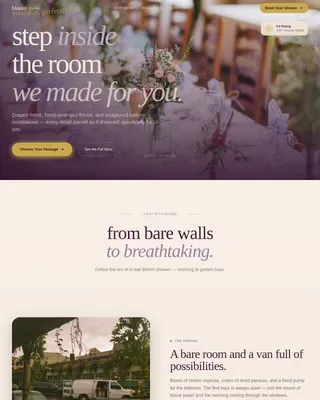
The header uses an overhead community meal photograph with warm window light and soft depth of field. The headline "Every Seat Accounted For" appears in vestment plum serif type over the lightest part of the image. A booking widget and the primary call-to-action button sit directly beneath it.
Masonry Event Gallery
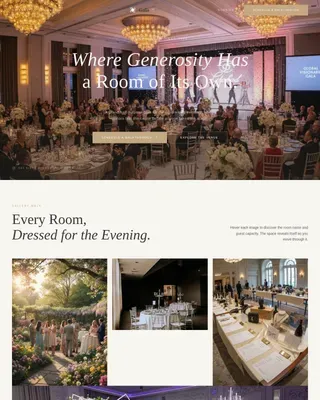
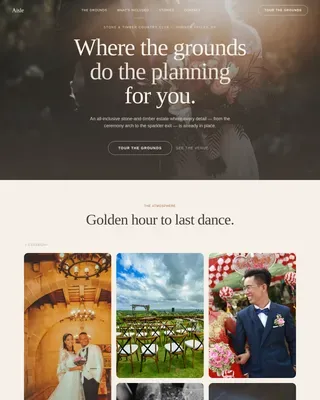
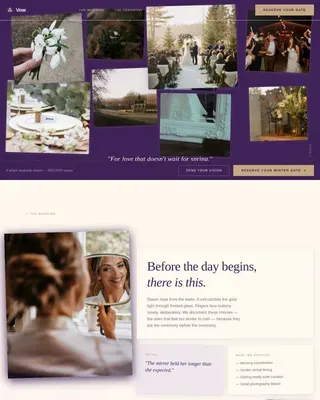
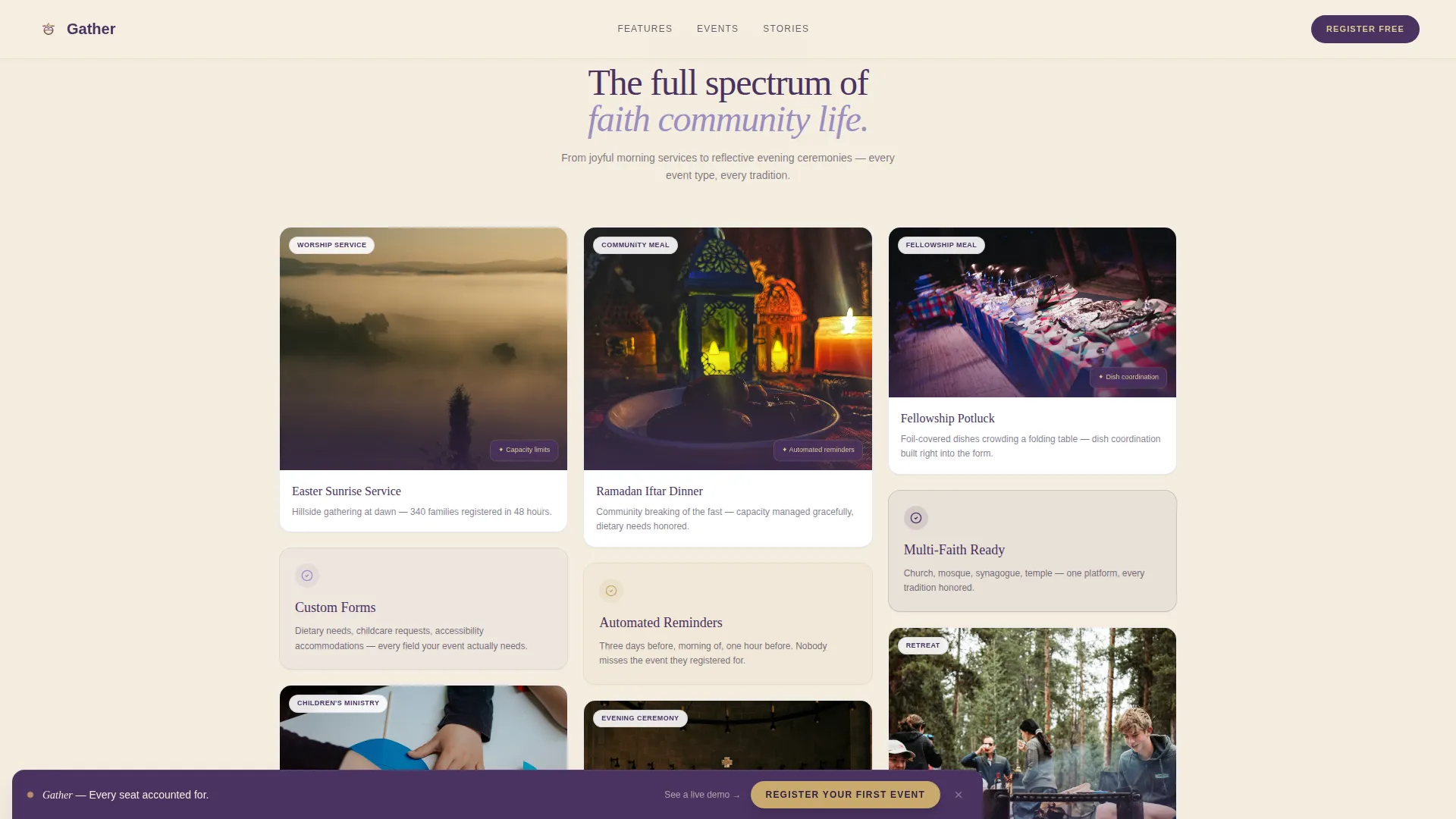
A Pinterest-style masonry grid displays cards of varied heights representing different event types: a sunrise Easter service, a children's craft program, a candlelit vigil, and a community potluck. Each card includes a feature callout that introduces a platform capability without interrupting the visual flow.
Chaos to Clarity Section
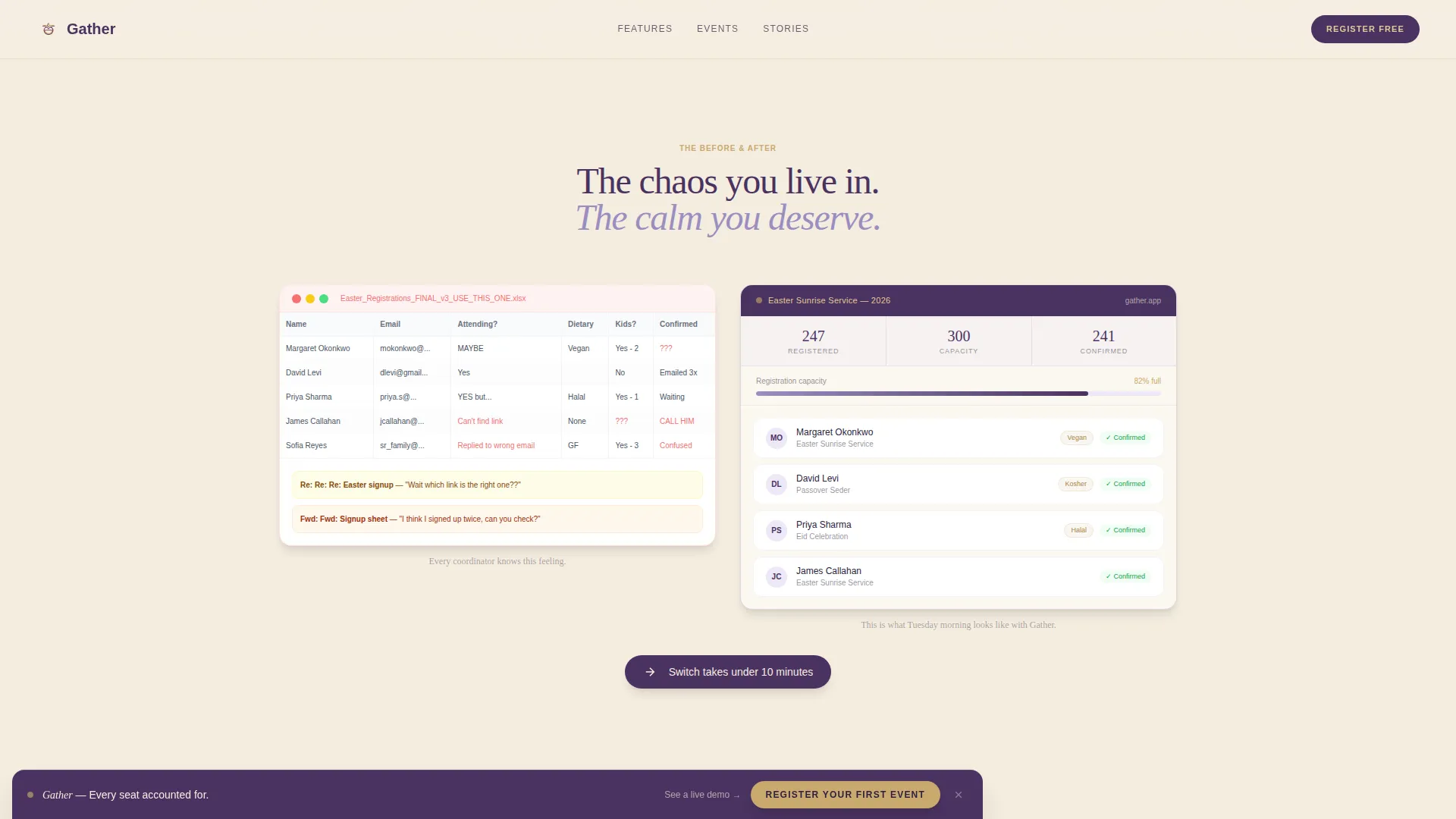
This section shows screenshot fragments of tangled email threads and overflowing spreadsheets, then dissolves them visually into the organized masonry grid of the platform. It gives coordinators an honest mirror of the problem before presenting the solution.
Staggered Coordinator Testimonials
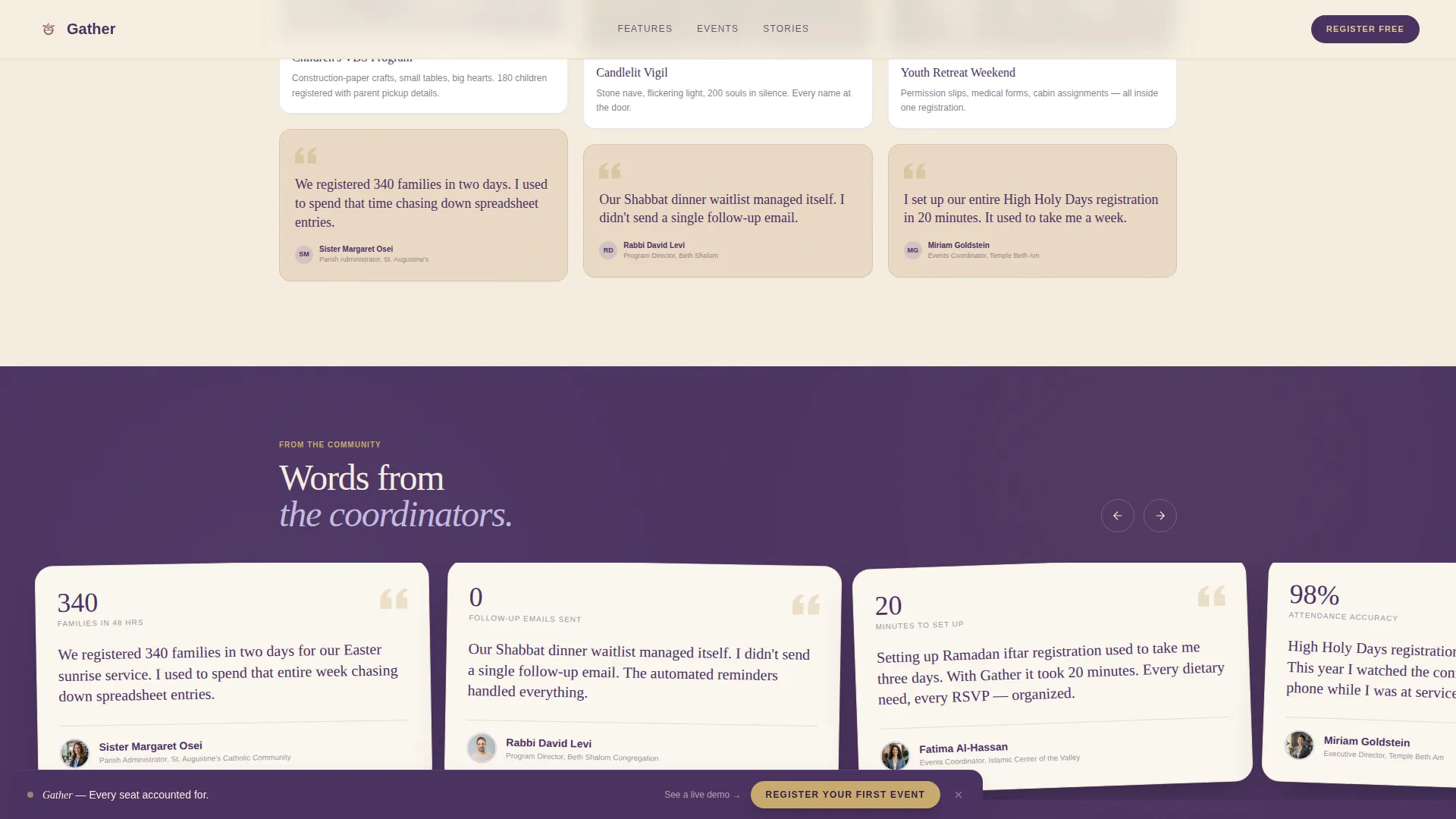
Handwritten-style quotes from real coordinators appear on parchment backgrounds in a staggered layout. One example reads "We registered 340 families in two days." These social proof moments are placed between gallery clusters to maintain momentum without breaking the emotional tone.
Three-Step Registration Modal Flow
Clicking the primary call to action opens a guided three-step modal. Step one asks for event type (service, retreat, study group, meal, or ceremony). Step two collects expected attendance range. Step three captures preferred date. Each step lives on its own screen with a lavender progress bar animating between steps.
Sticky Call-to-Action Bar
After the third scroll section, a sticky bottom bar appears with the "Register Your First Event" button in hymnal gold on vestment plum. It stays visible as the visitor continues scrolling, keeping the conversion path accessible at all times.
Page sections overview
| Section | Purpose |
|---|---|
| Hero with Widget | Anchors the page with community imagery, the headline, booking widget, and primary call to action |
| Chaos to Clarity | Contrasts spreadsheet frustration with the platform's organized registration view |
| Masonry Event Gallery | Showcases event type variety through Pinterest-style cards with embedded feature callouts |
| Coordinator Testimonials | Builds trust through handwritten-style social proof quotes on parchment backgrounds |
| Three-Step Registration Flow | Walks visitors through the event setup modal with a visual step-by-step breakdown |
| Footer | Closes the page with a horizontal flow pattern for navigation and supporting links |
Design & branding system
The visual identity follows a Warm Artisan theme built around the Lavender Dream color system. Every color choice carries a quiet intention: parchment cream for openness, liturgical purple for warmth, hymnal gold for action, and vestment plum for quiet authority.
- Color palette: parchment cream (#F5EDE0) backgrounds, liturgical purple (#9B8EC1) for card borders and hover states, hymnal gold (#C9A96E) for interactive moments, vestment plum (#4A3260) for headlines and anchoring elements
- Typography: Fraunces serif for headlines to feel hand-chosen and warm, DM Sans for body copy to keep readability clean and unobtrusive
- Animation and interactivity: scroll-reveal stagger on masonry cards, marquee elements, hover states on gallery cards, progress bar animation in the modal, sticky call-to-action bar activation, and an FAQ accordion
Mobile & speed optimization
This template is designed desktop-first, reflecting how administrators typically set up and manage events at a desk. It is fully responsive for mobile use, which matters during day-of check-in when coordinators and volunteers are on their phones.
- Images are lazy-loaded so the page does not wait for off-screen visuals before becoming interactive
- CSS animations are GPU-accelerated to keep scroll-reveal and hover transitions smooth across devices
- The three-step modal flow is touch-friendly, with each step on its own screen for easy tap navigation
How this template helps you convert
The page is structured to earn the click, not demand it. Every section moves the visitor one step closer to registering their first event by showing the problem, demonstrating the solution, and making the next action obvious.
- The hero section places the call to action immediately after an emotionally resonant image, pairing a clear headline with a booking widget so coordinators can act on impulse without scrolling.
- The chaos-to-clarity visual and coordinator testimonials build enough trust that the sticky call-to-action bar feels like a welcome reminder rather than a hard sell.
- The three-step modal lowers friction at the final moment by breaking the registration setup into bite-sized screens, reducing the chance that a coordinator abandons before completing the flow.
Other information about this template
This template is built for a specific intersection of community purpose and practical web design. A few additional details help round out the full picture of what it delivers.
- The page targets English-speaking users in the United States, with dates formatted as MM/DD/YYYY throughout the interface
- The secondary conversion path offers a "See It With Your Events" link that opens a live demo populated with sample registrations, giving hesitant coordinators a low-pressure way to explore
- The mood intentionally deepens as the visitor scrolls, moving from joyful daytime gatherings in early cards to reflective evening ceremonies in later ones, mirroring the full rhythm of a faith community's calendar
- The template supports multi-faith use cases by design: the hero image shows wrists and sleeves passing bread, not faces, so every tradition can see themselves in the gesture
Theme
Warm Artisan
Creative direction
Atmosphere & Mood
Color system
Lavender Dream
Style
Masonry/Pinterest
Direction
Booking/Scheduling
Page Sections
Full-bleed Hero with Booking Widget
Masonry Pinterest-style Event Gallery
Chaos to Clarity Visual Section
Staggered Parchment Testimonials
Three-step Registration Modal
Sticky Conversion Bar
Related questions
Who is this landing page template designed for?
What types of events does this template support?
Can I customize the colors and typography in this template?
What is the three-step registration flow?
Is there a way for visitors to explore before signing up?