Mediator & Arbitrator FAQ Website Template
Resolve is an editorial-style landing page template built for mediators and arbitrators. It combines a dark full-bleed header, alternating FAQ editorial cards, an inline scheduling flow, and a secondary lead-capture path into one polished, trust-first page. The design feels calm and authoritative, perfectly suited for professionals guiding clients through family, commercial, employment, or insurance disputes.
by Rocket studio
Quick summary
Resolve is a single-page template designed for dispute resolution professionals. It opens with a commanding dark header, flows through editorial FAQ cards that answer the questions clients are most afraid to ask, and closes every scroll-stop with a clear path to book a confidential consultation. The layout earns trust before it asks for anything.
Who this template is for
This template is built for neutral third-party professionals who help people reach agreements outside of court. It works equally well for a solo practitioner setting up their first web presence and for an established firm refreshing an outdated page.
- Licensed mediators handling family, commercial, or employment disputes
- Arbitrators serving insurance adjusters, financial panels, or court-referred cases
- Dispute resolution practices that want a credible, bookable online presence
What problem this template solves
Most mediators and arbitrators rely on referrals and never invest in a page that earns trust on its own. When a potential client lands on a generic or cluttered site, the anxiety of the dispute compounds with confusion about the process. Resolve removes that friction by answering real questions upfront and offering a clear next step.
- Visitors leave before booking because they don't understand what mediation involves
- No clear scheduling path means interested prospects go elsewhere
- A weak visual presentation undermines the authority the professional has already earned
What you get with this template
Resolve delivers a fully structured editorial landing page with every section pre-built and purposeful. Each component serves either credibility, education, or conversion, and nothing is filler.
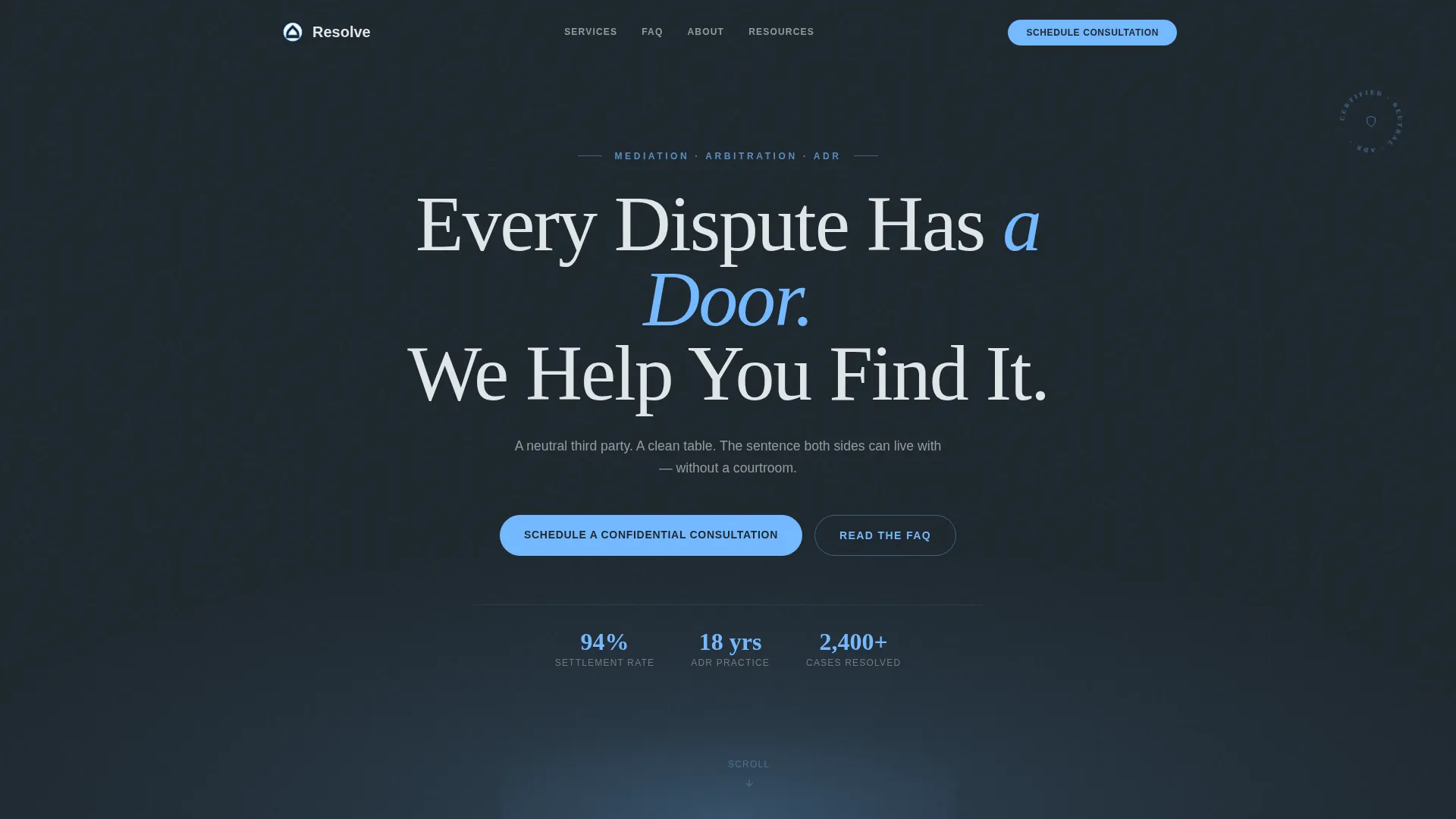
- A dark full-bleed header with a typographic headline and radial sky-blue glow
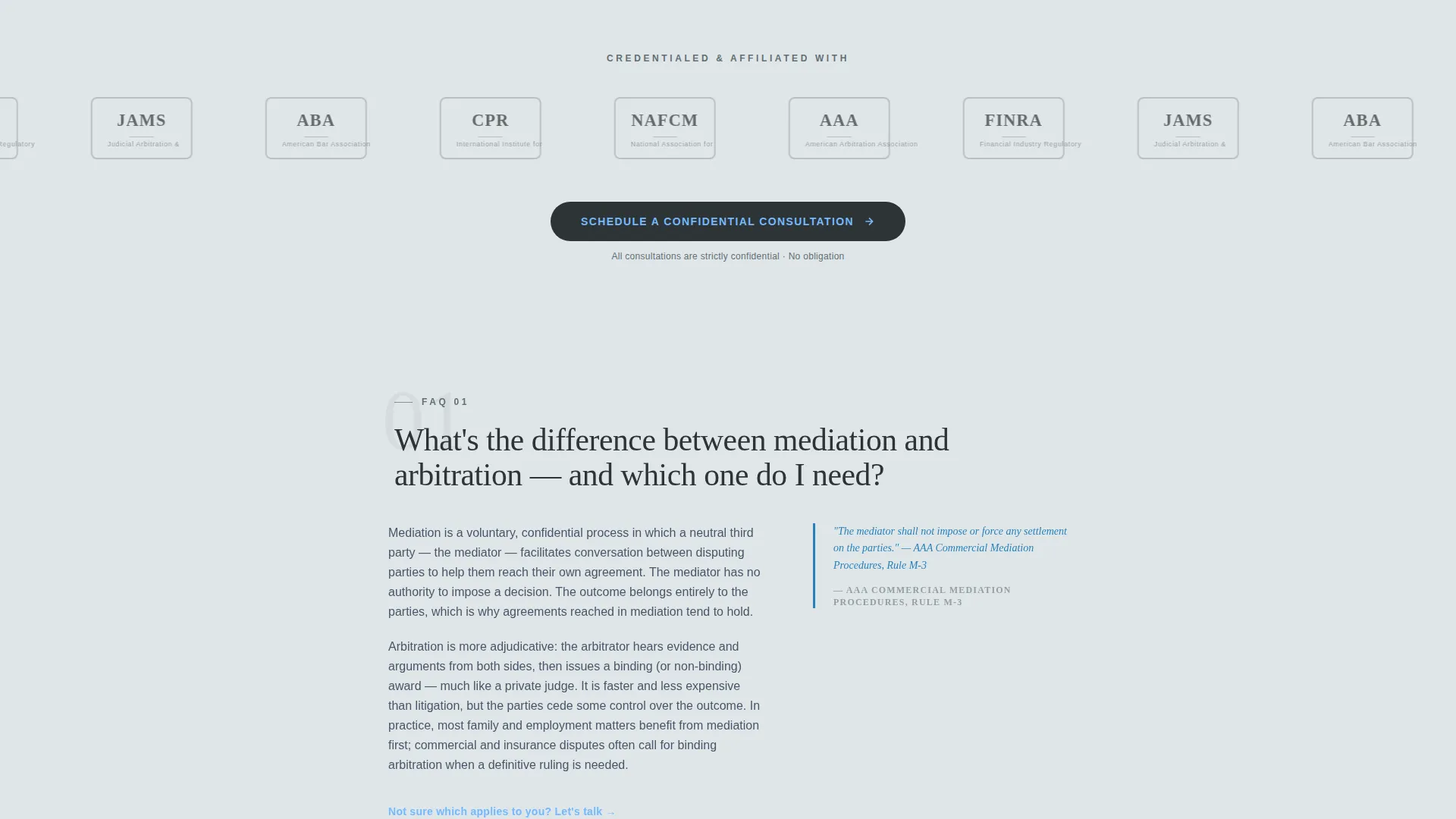
- A logo wall section for association seals and accreditation badges
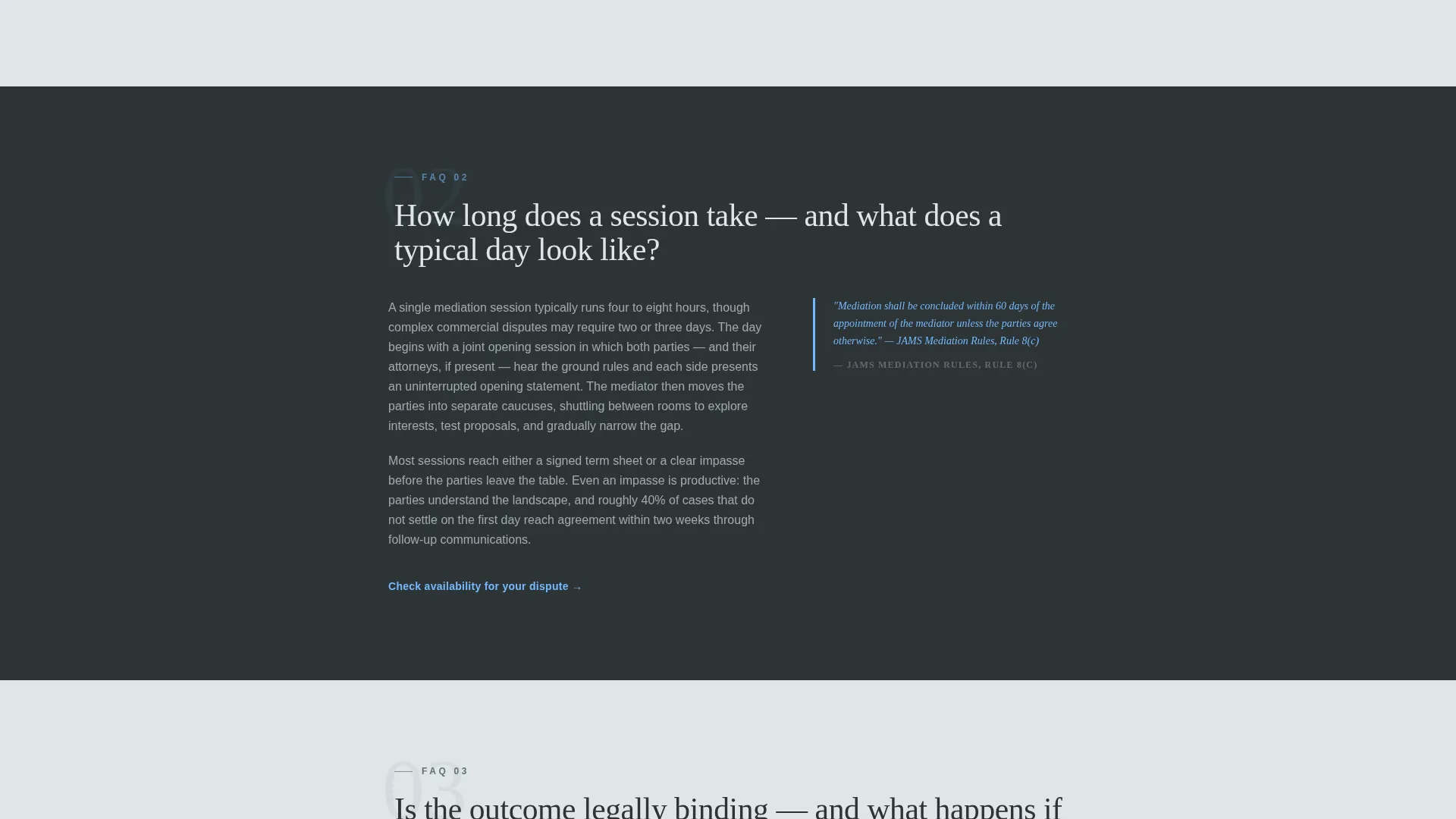
- Alternating editorial FAQ cards with pull-quote styling and anchor links
- An inline scheduling form with dispute-type selector and a free-text brief description field
- A sticky bottom call-to-action bar that appears after the third FAQ card
- A secondary email-gated PDF lead capture for visitors not yet ready to book
Feature list
A brief paragraph introduces the feature set: every component in this template was chosen to serve a specific role in the trust-and-book journey of a dispute resolution client.
Dark Full-Bleed Header with Radial Glow
The header fills the full viewport in near-black with a single diffused arc of sky blue rising from center-bottom. A large serif headline in cloud white sits over the glow. No photography is used. The effect is authoritative and immediately calming.
Editorial FAQ Card Layout
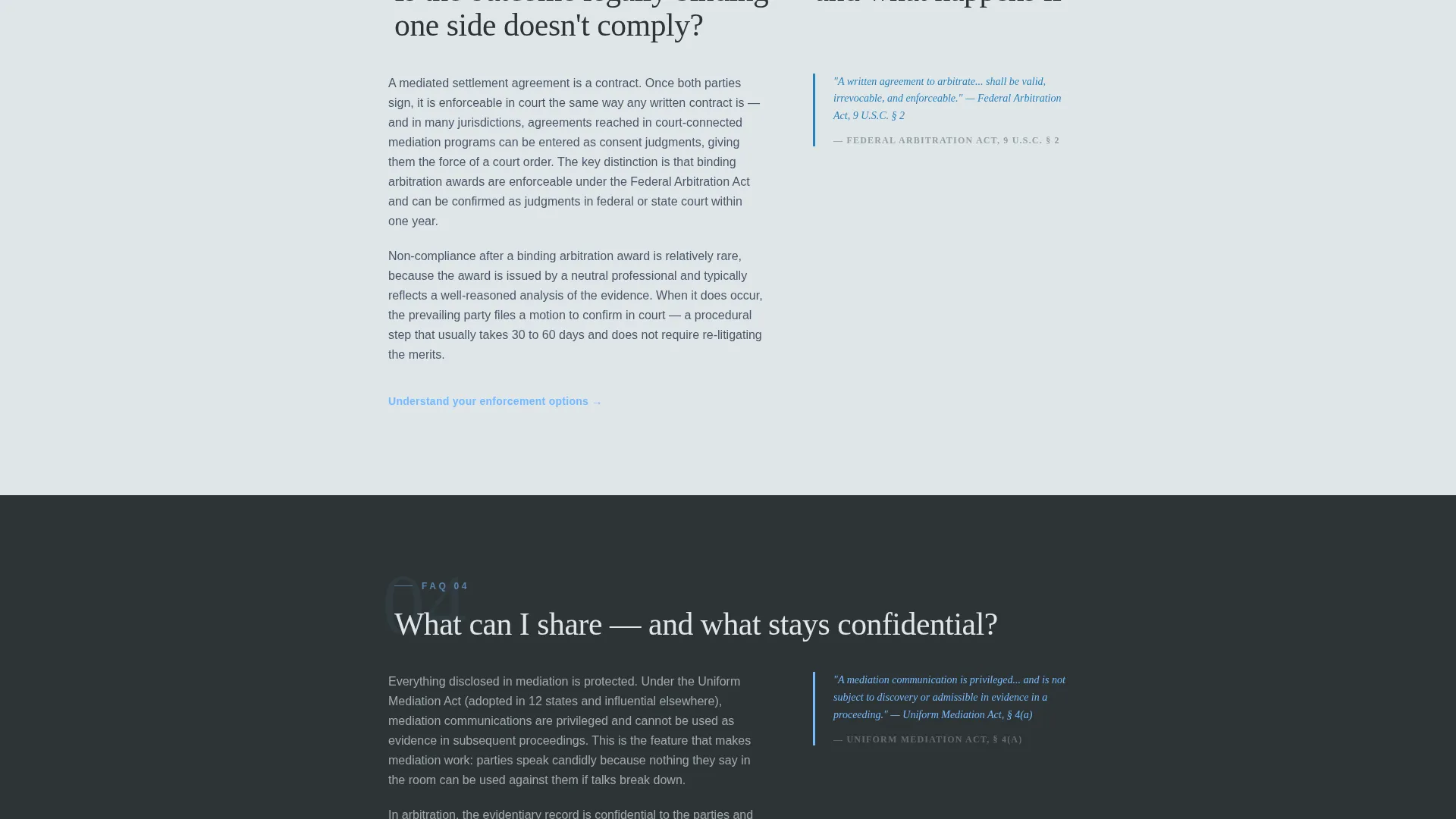
Each FAQ card presents a bold question as its headline, followed by two tight paragraphs of explanation and a pull-quote in sky blue drawn from a statute or procedural rule. Cards alternate between white and slate backgrounds so the eye never fatigues across a long scroll.
Inline Scheduling Form
The booking form sits directly on the page without requiring a redirect. It collects dispute type, number of parties, preferred date, and a single free-text field for a brief description. The field label explicitly tells visitors to share only what they are comfortable sharing.
Sticky Bottom Booking Bar
After the third FAQ card, a persistent bottom bar appears with the primary call to action. It stays visible as the visitor continues reading, removing the need to scroll back up to book.
Email-Gated PDF Lead Capture
A secondary conversion path offers a downloadable guide titled "Your First Mediation: What to Expect." Visitors submit an email address to receive it. This captures prospects who need more time before committing to a consultation.
Logo Wall Authority Band
A horizontal band directly below the fold displays association and accreditation logos in monochrome slate on white. This section signals institutional trust at the exact moment a visitor's attention is highest.
Page sections overview
| Section | Purpose |
|---|---|
| Dark Full-Bleed Header | Opens with headline and radial glow to establish authority |
| Logo Wall Band | Displays association seals to build immediate institutional trust |
| Primary Booking call to action | First call to action placed after the logo wall |
| FAQ Editorial Card 1 | Answers mediation versus arbitration distinction |
| FAQ Editorial Card 2 | Explains session length and process expectations |
| FAQ Editorial Card 3 | Addresses legal binding of outcomes |
| Additional FAQ Cards | Covers remaining common client questions |
| Sticky Booking Bar | Persistent bottom bar appearing after third FAQ card |
| PDF Lead Capture | Secondary email-gated download for early-stage visitors |
Design & branding system
The Slate and Sky color system gives this template the feel of a twentieth-floor law office on an overcast morning. Every color choice is deliberate and calibrated for a professional service context where calm signals competence.
- Deep charcoal slate (#2D3436) for primary backgrounds, mid-gray iron (#636E72) for body text and dividers, open-sky blue (#74B9FF) for links, hover states, and pull-quote borders, and cloud white (#DFE6E9) for content panels and alternating sections
- Large serif typography for headlines creates editorial weight and seriousness without feeling stiff
- The Service Utility theme keeps layout clean and functional, letting credentials and content carry the visual load
Mobile & speed optimization
The layout is structured for comfortable reading on any screen size. Long editorial cards reflow cleanly, and the sticky booking bar is designed to remain usable on smaller viewports without obstructing content.
- The inline scheduling form is built to remain fully operable on mobile without a redirect to an external page
- The sticky call to action bar is positioned and sized to stay accessible without covering key reading areas on small screens
How this template helps you convert
Resolve is designed to move a visitor from anxious research mode to confident booking in a single scroll. Every structural choice supports that progression.
- The header and logo wall establish authority before any ask is made, reducing the skepticism a first-time visitor carries into the page
- The editorial FAQ cards replace vague marketing language with real answers, so the visitor arrives at the booking form already informed and less hesitant
- The dual conversion paths, one for immediate booking and one for the downloadable guide, ensure that neither a ready client nor an undecided prospect leaves the page empty-handed
Other information about this template
This template is part of a broader set of professional services templates built around the Service Utility theme. It pairs well with referral-driven practices that need a credible standalone page rather than a full multi-page website.
- The template style is Editorial and Magazine, making it suitable for practitioners who want their online presence to feel like a trusted publication rather than a sales funnel
- The Logo Wall Authority creative direction is specifically designed to front-load credibility signals for professions where trust is the primary purchase driver
- The header concept uses a Dark Full-Bleed with Glow approach, a deliberate choice for high-stakes service categories where restraint and seriousness matter more than visual excitement
- The template supports dispute categories including family mediation, commercial partnership disputes, employment and hostile-workplace cases, and insurance claim settlements
Theme
Service Utility
Creative direction
Logo Wall Authority
Color system
Slate & Sky
Style
Editorial/Magazine
Direction
Booking/Scheduling
Page Sections
Dark Full-bleed Header with Radial Glow
Editorial FAQ Card Layout
Inline Scheduling Form
Sticky Bottom Booking Bar
Email-gated PDF Lead Capture
Logo Wall Authority Band
Related questions
Can I customize the FAQ cards with my own questions and answers?
Does the scheduling form connect to a real calendar tool?
Is the PDF lead capture section required, or can I remove it?
Does this template work for both mediators and arbitrators?
What dispute categories does the booking form support?



