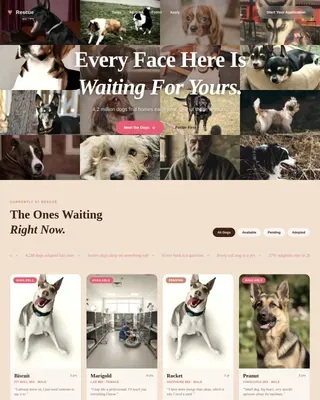
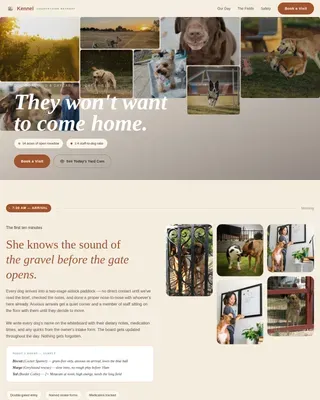
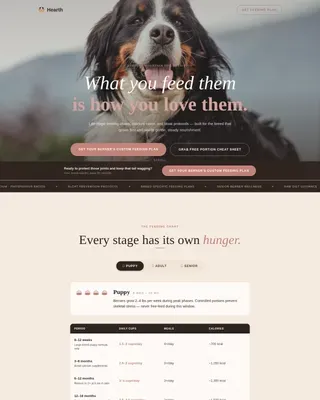
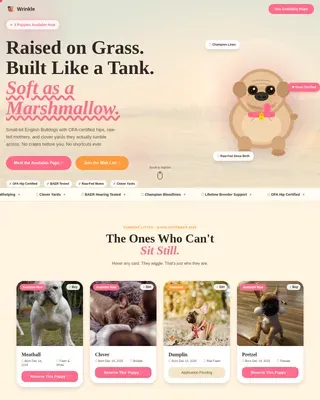
Chicken & Poultry Professional Website Template
Roost is a gallery and detail landing page built for heritage poultry breeders. It pairs a vivid Photo Grid Mosaic header with a scroll-driven Origin Story that walks visitors through four generations of breeding. Warm Dopamine Pop colors and hand-lettered-style type create an inviting, farm-fresh feel that turns curious backyard flock keepers into confident buyers.
by Rocket studio
Quick summary
Roost is a single-page landing page template made for family-run poultry breeding operations. It opens with a sixteen-square Photo Grid Mosaic of heritage breeds, then scrolls visitors through a generational Origin Story before landing them inside a swipeable breed catalog. Two clear conversion paths capture both ready buyers and a waitlist audience.
Who this template is for
This template is designed for small, passionate poultry operations that raise heritage breeds and sell directly to individuals. It speaks the language of people who care deeply about genetics, egg color, and flock character.
- Backyard flock keepers looking for specialty breeds like Olive Eggers and Cream Legbars that are hard to find locally
- Small-farm families building a laying flock that is both productive and visually striking
- 4-H parents and youth competitors who need a well-documented, competition-ready heritage bird
What problem this template solves
Most poultry breeders rely on plain text listings or social media posts that do not communicate the depth of their breeding program. Buyers cannot see the birds clearly, cannot find lineage details, and feel no emotional pull to commit before stock runs out.
- Buyers leave without trusting the bloodline because there is no visual proof of quality
- Serious shoppers cannot find hatch dates, pricing, or availability in one clear place
- Sold-out breeds disappear from the conversation rather than building a waitlist
What you get with this template
You get a complete, scroll-driven landing page that takes a visitor from first impression all the way to a purchase decision. Every section is purposefully ordered to build desire before showing the call to action.
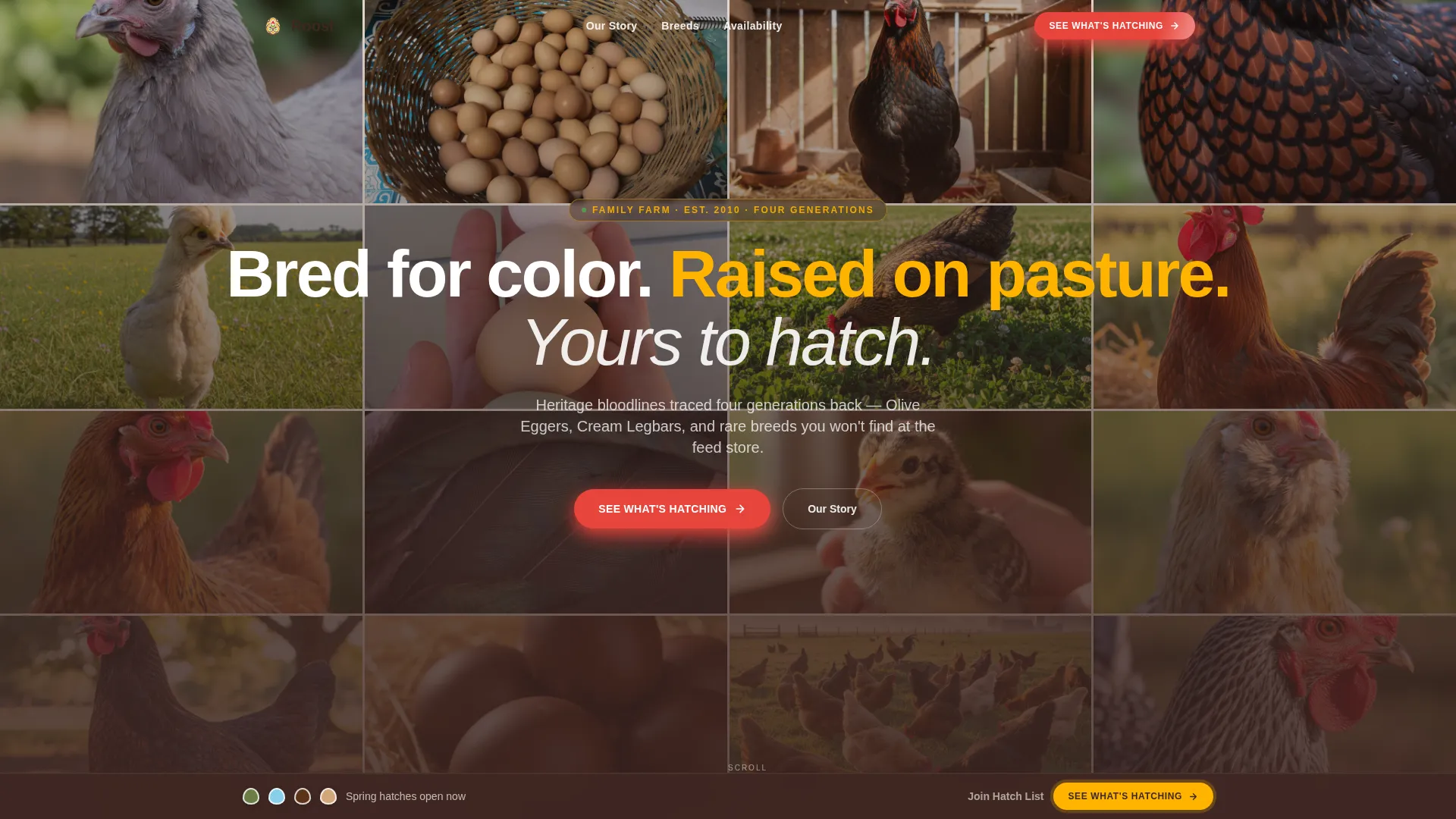
- A sixteen-square Photo Grid Mosaic header that fills the viewport with close-up breed photography and a central tagline
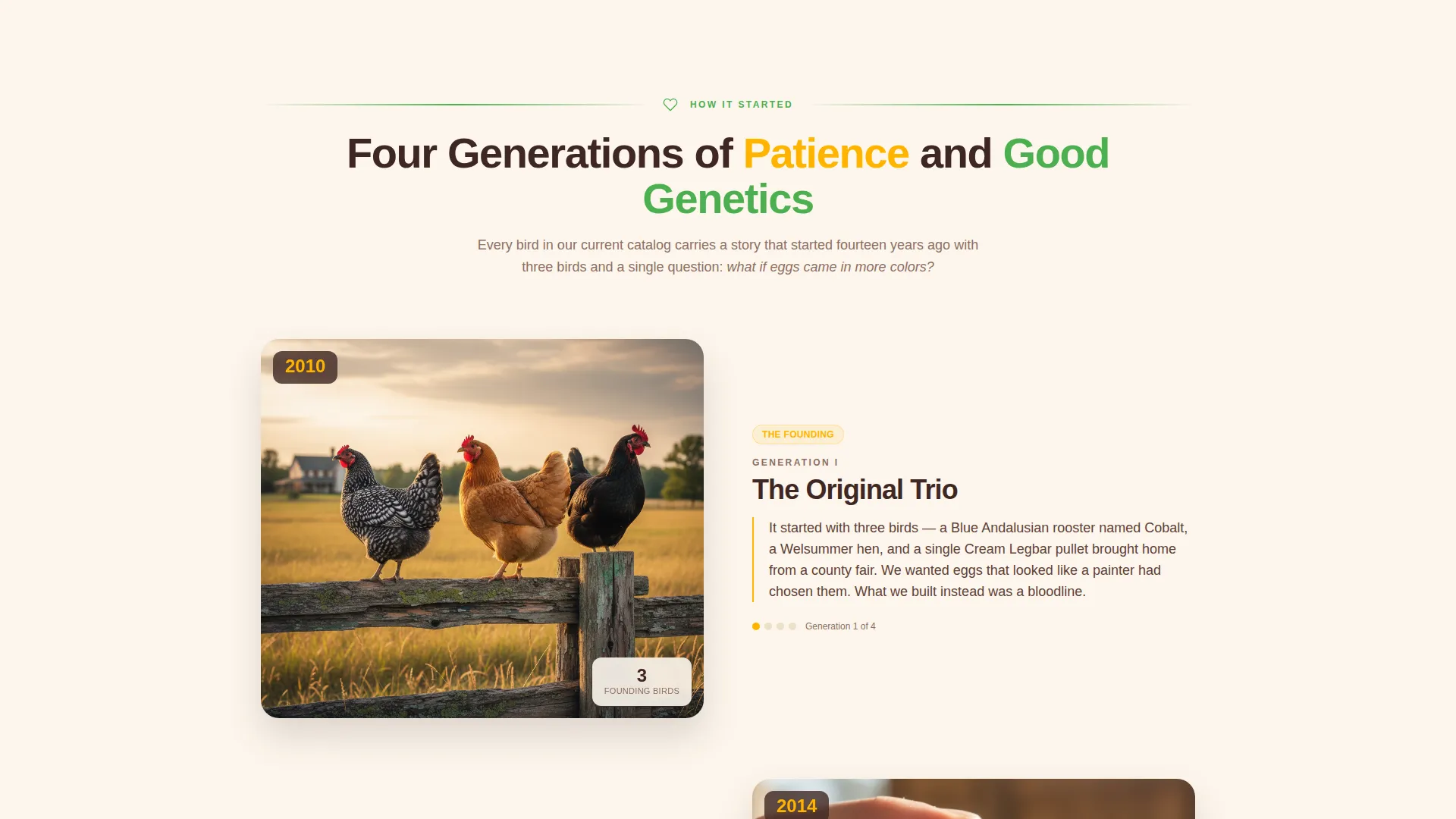
- A generational Origin Story section with gallery cards that expand into full-detail panels showing lineage charts, egg color swatches, and temperament notes
- Two conversion paths: a primary "See What's Hatching" click-through and a secondary "Join the Hatch List" email capture for sold-out breeds
Feature list
This section outlines the core built-in components that make Roost work as a conversion-focused landing page for poultry breeders.
Photo Grid Mosaic Header
Sixteen tightly cropped image squares fill the entire viewport on load. Each square features a different bird, angle, or detail shot, and a hand-lettered-style tagline rises from the center to anchor the brand voice immediately.
Generational Origin Story Layout
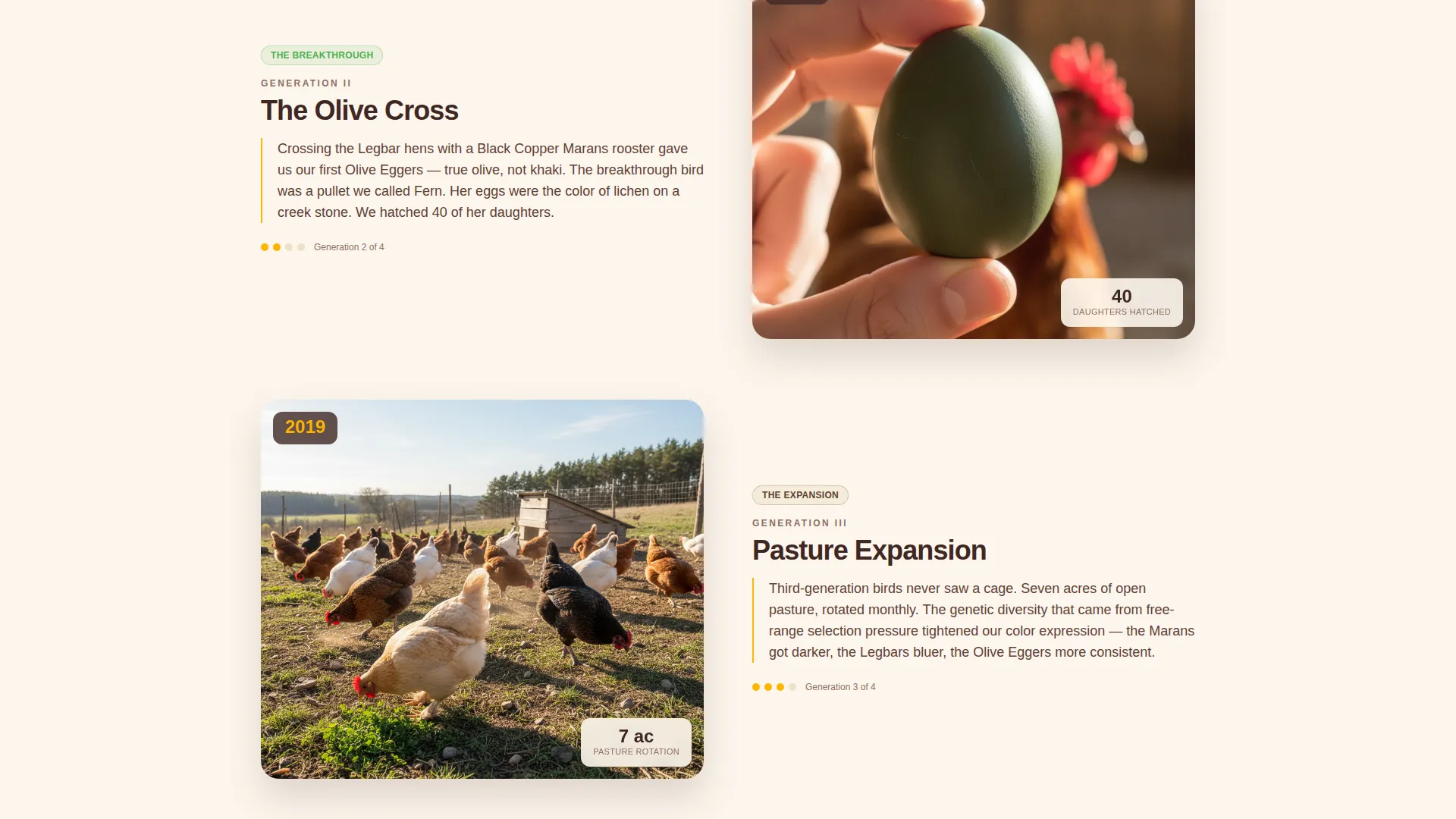
Scroll sections walk visitors through the founding of the operation and each generation of breeding. Each generation gets its own gallery cards that expand into detailed panels with lineage charts, egg color swatches, and temperament notes.
Swipeable Breed Catalog
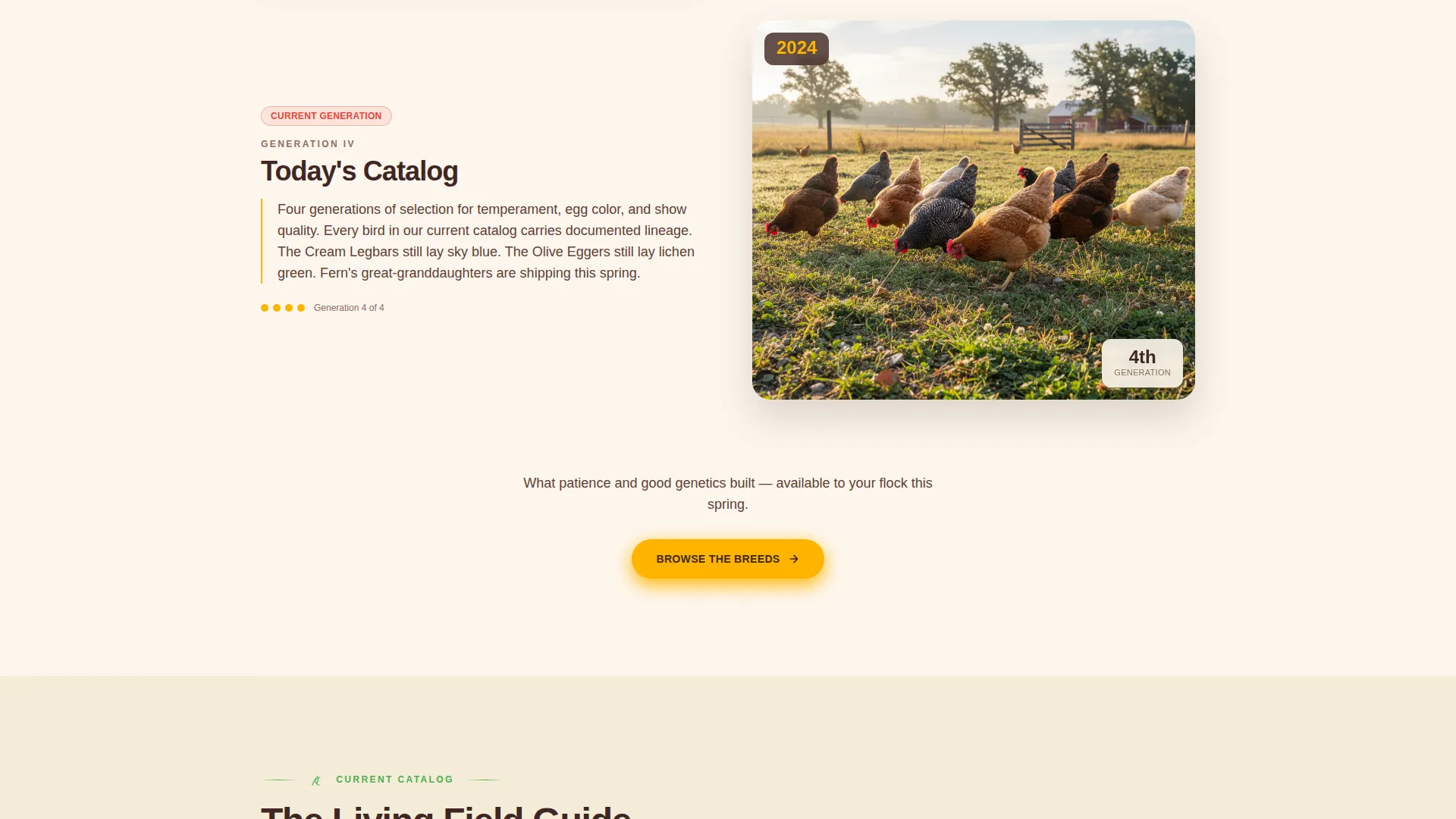
After the Origin Story, the page shifts into a living field-guide format. Visitors swipe or scroll through available breeds as though flipping through a curated catalog, with breed photography growing larger as the rhythm accelerates.
Dual Conversion Path Design
A bold primary call-to-action button labeled "See What's Hatching" appears in comb red beneath the origin intro and repeats as a sticky bottom bar after the third breed card. A secondary path invites visitors to "Join the Hatch List" for currently sold-out breeds, capturing an email and preferred breed selection.
Dopamine Pop Color System
Egg-yolk gold, comb red, fresh-clover green, and eggshell white sit over a warm barnwood base. Each color has a dedicated role: gold for accents and hover states, red for breed badges and buttons, green for dividers and icons, and eggshell white behind body text.
Breed Detail Expansion Panels
Each breed card can expand into a full-detail panel. Inside, visitors see lineage charts, egg color swatches, and temperament notes, giving serious buyers the depth they need to make a confident decision.
Page sections overview
| Section | Purpose |
|---|---|
| Photo Grid Mosaic | Opens with sixteen breed images filling the viewport and a central tagline |
| Origin Founding Story | Introduces the operation with a founding photo, date, and reason it started |
| Generation One Breeding | Shows first-generation goals, crosses, and breakthrough birds via gallery cards |
| Generation Two Breeding | Continues the lineage narrative with expanded gallery cards and detail panels |
| Generation Three Breeding | Advances the story toward the current catalog with fewer words and larger photos |
| Current Breed Catalog | Swipeable breed gallery with hatch dates, pricing, and ship windows |
| Hatch List Capture | Email opt-in for sold-out breeds with preferred breed selection |
| Sticky call to action Bar | Persistent bottom bar with "See What's Hatching" button after third breed card |
Design & branding system
The visual identity follows an Organic Flow theme expressed through a Dopamine Pop color palette. The result feels like a hand-painted farm stand sign, joyful and saturated, with every color doing deliberate work.
- Core palette: egg-yolk gold (#FFB400), comb red (#E8453C), fresh-clover green (#4CAF50), eggshell white (#FDF6EC), and a warm barnwood base (#3E2723)
- Gold leads section accents and hover states; red drives breed name badges and call-to-action buttons; green traces dividers and iconography; eggshell white sits behind body text for easy reading
Mobile & speed optimization
The layout is built to translate the mosaic and scroll-story experience cleanly to smaller screens. Swipeable breed cards and expanding detail panels adapt naturally to touch interactions.
- The Photo Grid Mosaic reflows to fit narrower viewports while preserving the full-bleed, close-up impact of each breed image
- Sticky bottom bar and dual call-to-action paths remain accessible on mobile so no conversion opportunity is lost on a small screen
How this template helps you convert
Roost earns the click before it asks for it. The conversion strategy is built on sequenced desire: show the birds, tell the story, then present the button.
- The Origin Story format builds credibility across scroll sections, so by the time the "See What's Hatching" call-to-action appears, the visitor has already connected emotionally with the breeding program and chosen a favorite breed.
- The sticky bottom bar keeps the primary call-to-action visible throughout the breed catalog without interrupting the browsing experience, and the Hatch List path ensures that even visitors who find their preferred breed sold out leave a contact instead of leaving the page.
Other information about this template
This template is built specifically for the poultry breeding niche within the broader pet and animal category. It fits naturally inside a chicken and poultry services context and works equally well for small heritage operations and more established multi-breed farms.
- The template style is Gallery and Detail, meaning it balances visual storytelling with the practical depth buyers need before purchasing hatching eggs or started pullets
- The creative direction is Origin Story, the header concept is Photo Grid Mosaic, the theme is Organic Flow, and the landing page direction is Click-Through
Theme
Organic Flow
Creative direction
Origin Story
Color system
Dopamine Pop
Style
Gallery + Detail
Direction
Click-Through
Page Sections
Photo Grid Mosaic Header
Generational Origin Story Layout
Swipeable Breed Catalog
Dual Conversion Path Design
Breed Detail Expansion Panels
Dopamine Pop Color System
Related questions
Can I use this template if I only raise one or two breeds?
Does the template include the email capture for the Hatch List?
Is this template suitable for selling both hatching eggs and started pullets?
How does the sticky call-to-action bar work?
Can I edit the color palette to match my existing farm brand?