Accessible Transit Service Landing Page Template
Route is a dark, cinematic landing page template built for wheelchair-accessible transit services. It combines a dramatic spotlight hero, a scroll-driven gallery sequence, service specs, and a lead-generation modal into one trust-first experience. Designed for disability case managers, hospital discharge planners, and families arranging medical transport, it turns competence into conversions before a single word is read.
by Rocket studio
Quick summary
Route is a single-page gallery and detail landing page template for accessible transit services. It opens with a cinematic spotlight hero, unfolds through a scroll-driven documentary sequence, and closes every section with a clear path to book a ride or request a fleet contract. The design is dark, purposeful, and built for the people who need a reliable answer fast.
Who this template is for
This template is built for operators who move people, not just vehicles. It speaks directly to the coordinators, planners, and families who carry the weight of getting someone somewhere safely.
- Disability case managers scheduling recurring medical transport runs
- Hospital discharge planners who need stretcher or wheelchair transport confirmed before morning
- Adult children arranging dependable door-to-door rides for aging parents from a distance
What problem this template solves
Accessible transit services are often booked out of necessity, not convenience. The people making the call are under pressure, and a generic-looking website loses their trust in seconds.
- No clear signal that the operator has the right vehicles, trained drivers, or reliable availability
- No fast path for high-volume facility coordinators who need fleet pricing, not a single-ride form
- No visual or tonal language that matches the gravity of the need being served
What you get with this template
Route delivers a fully structured, single-page layout that earns trust before asking for a booking. Every section is designed with a specific audience moment in mind.
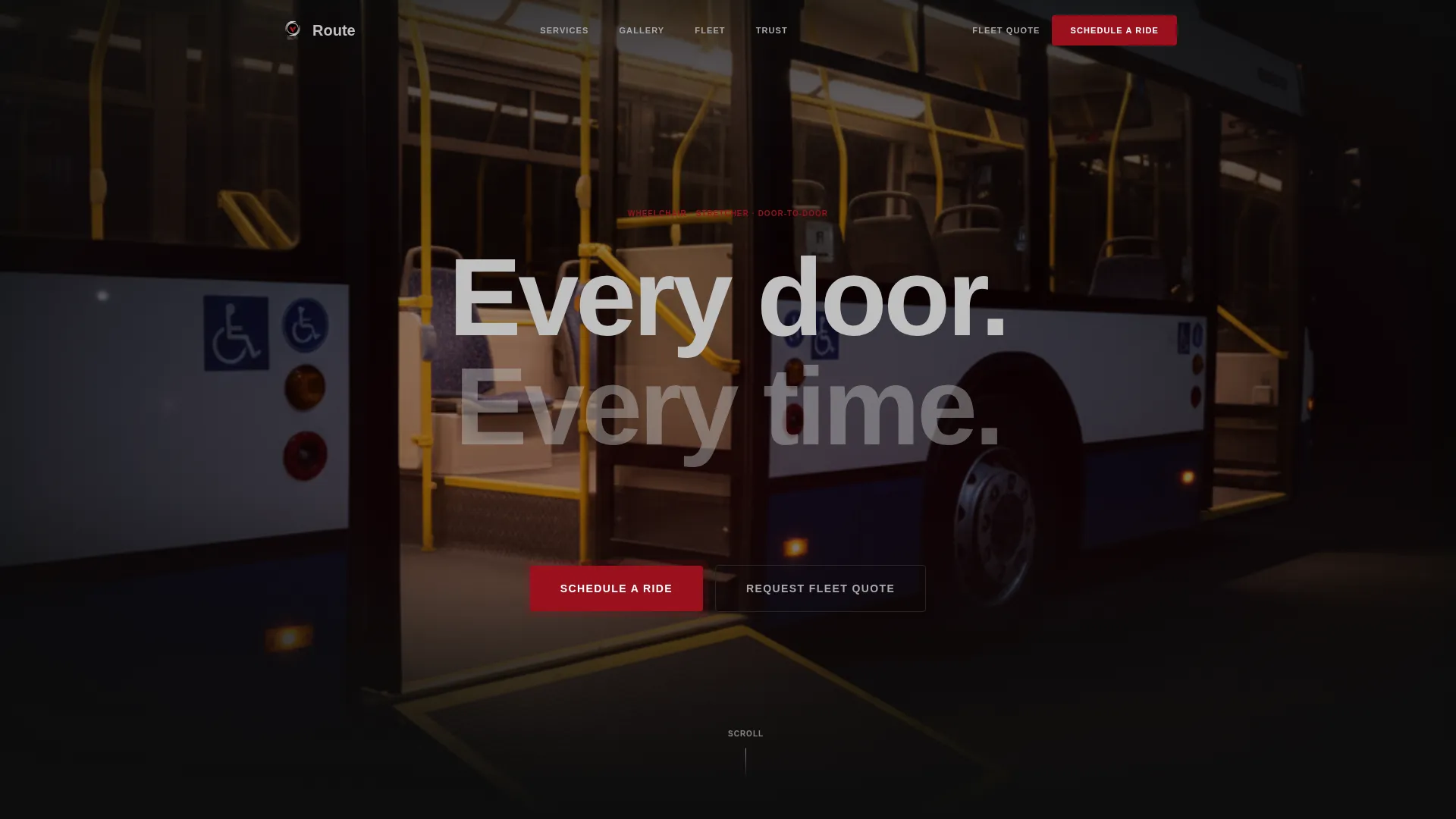
- A cinematic spotlight hero with a fade-in headline and a deployed-ramp vehicle photograph
- A scroll-triggered documentary gallery with click-to-detail panels showing specs, certifications, and booking context
- A fixed ruby-red call-to-action button and a dark modal booking form with four sequential fields
Feature list
This template is built around a specific conversion logic: show competence first, then offer the action. Every feature below serves that sequence.
Cinematic Spotlight Hero
The hero section presents a single accessible vehicle photographed against a pure black background, lit from one dramatic angle. The ramp is fully deployed, the interior glows warm, and the headline "Every door. Every time." fades in from darkness. The stillness communicates readiness without a single word of explanation.
Scroll-Triggered Documentary Gallery
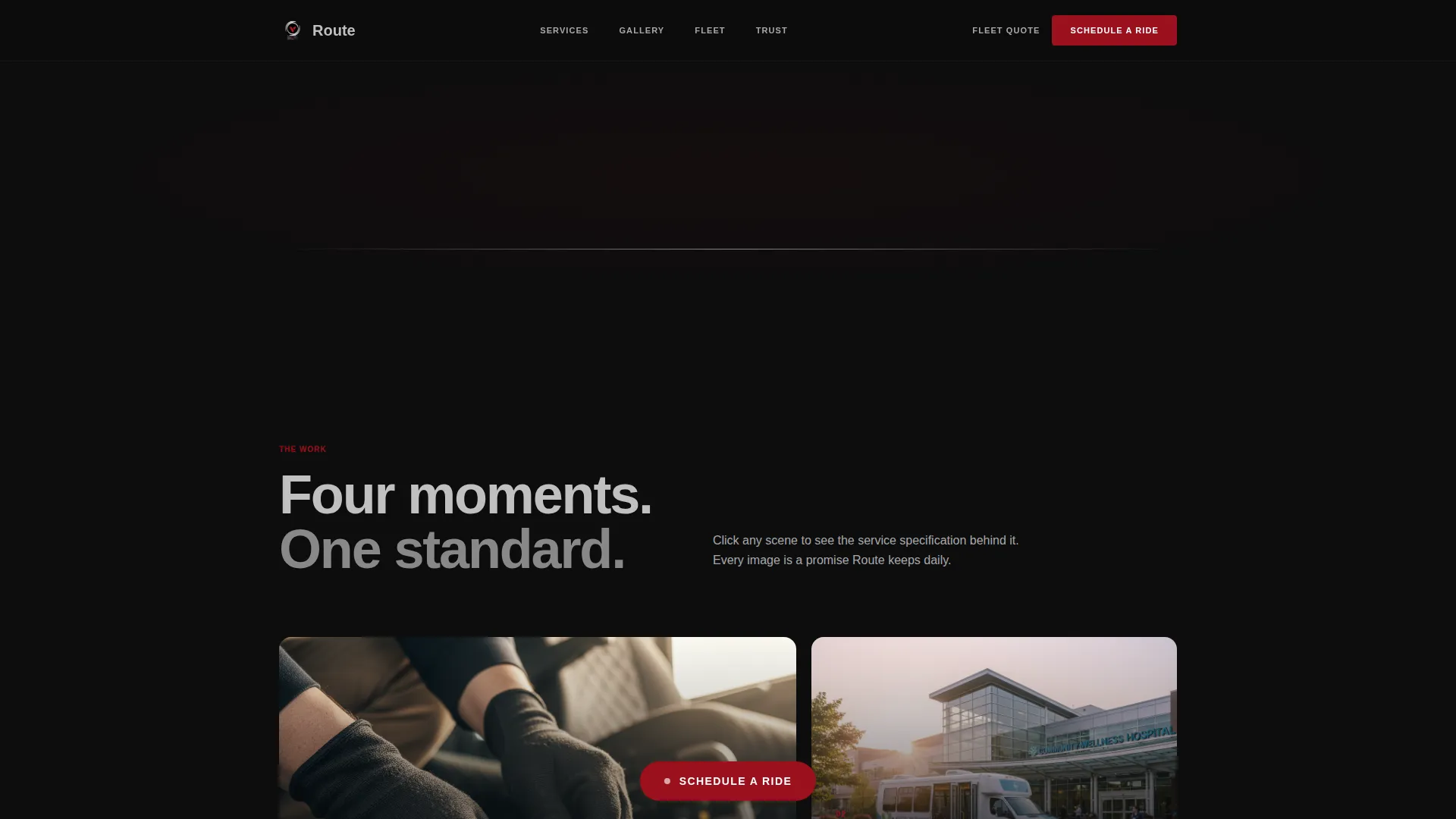
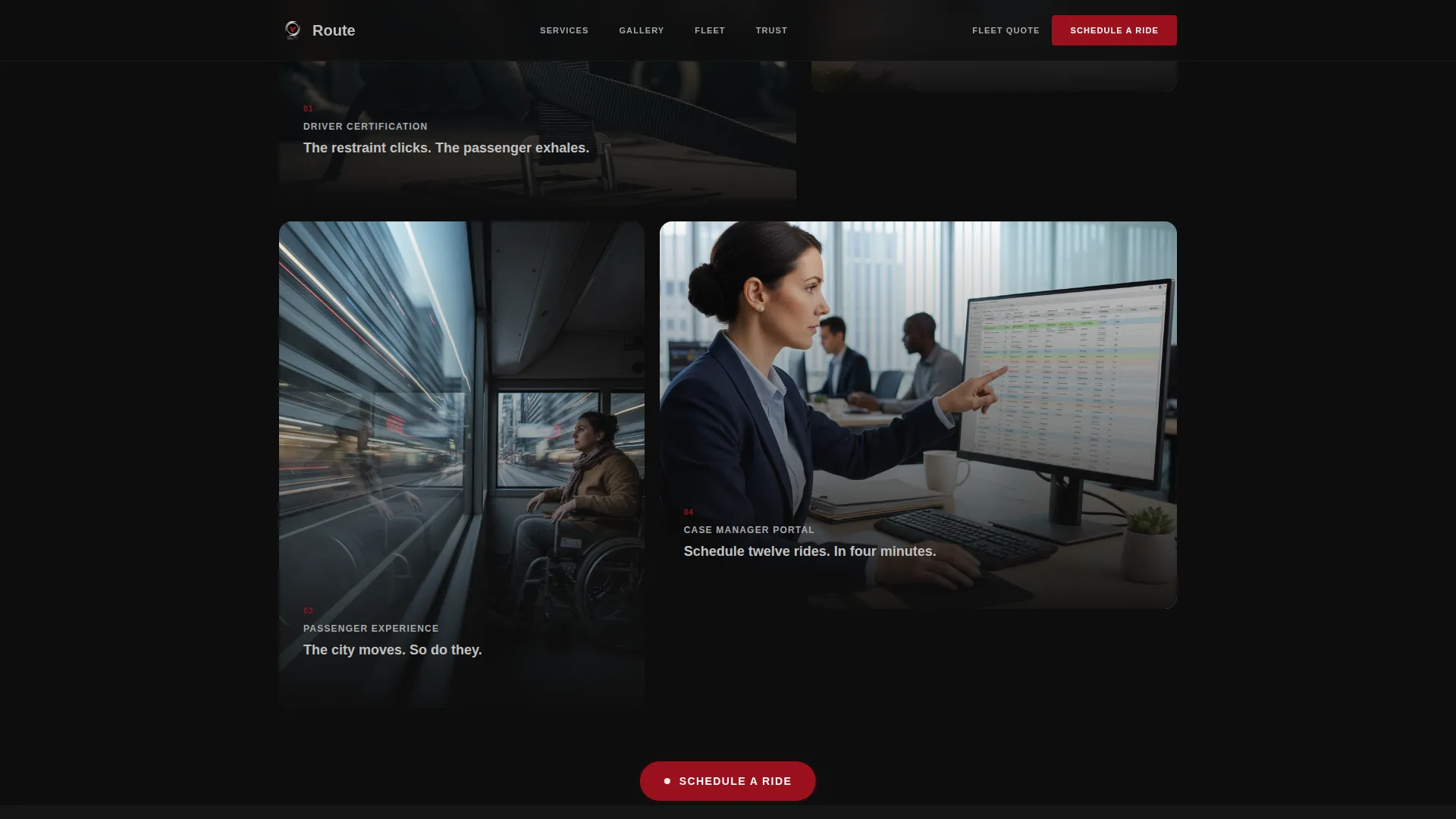
As the visitor scrolls, GSAP-powered animations reveal a sequence of cinematic vignettes. Each image, a driver securing a wheelchair restraint, a vehicle arriving at a hospital entrance at dawn, a passenger watching city lights from the interior, clicks open a detail panel with vehicle specs, driver certification levels, accepted insurance, and booking windows.
Fixed Lead Generation call to action
After the first scroll, a ruby-red "Schedule a Ride" button locks to the bottom of the viewport. It stays visible throughout the entire page, so the path to booking is never more than one tap away, whether the visitor is reading specs or reviewing testimonials.
Dark Modal Booking Form
The fixed call-to-action opens a dark modal that asks four questions in sequence: passenger mobility type (wheelchair, stretcher, or ambulatory), pickup zip code, trip frequency (one-time, recurring, or daily), and a phone number. The form is fast, focused, and friction-free.
Fleet Quote Secondary Path
A second conversion path targets facility managers and case managers. The "Request a Fleet Quote" section addresses volume contract needs directly, with language and layout suited to procurement-minded decision makers rather than individual riders.
Social Proof and Certification Display
The template includes a dedicated section for testimonials from case managers and families, ride-count metrics, and driver certification badges. These elements are placed after the gallery sequence to reinforce trust built through the visual storytelling.
Page sections overview
| Section | Purpose |
|---|---|
| Spotlight Hero | Introduces the vehicle and headline |
| Documentary Gallery | Reveals service through cinematic vignettes |
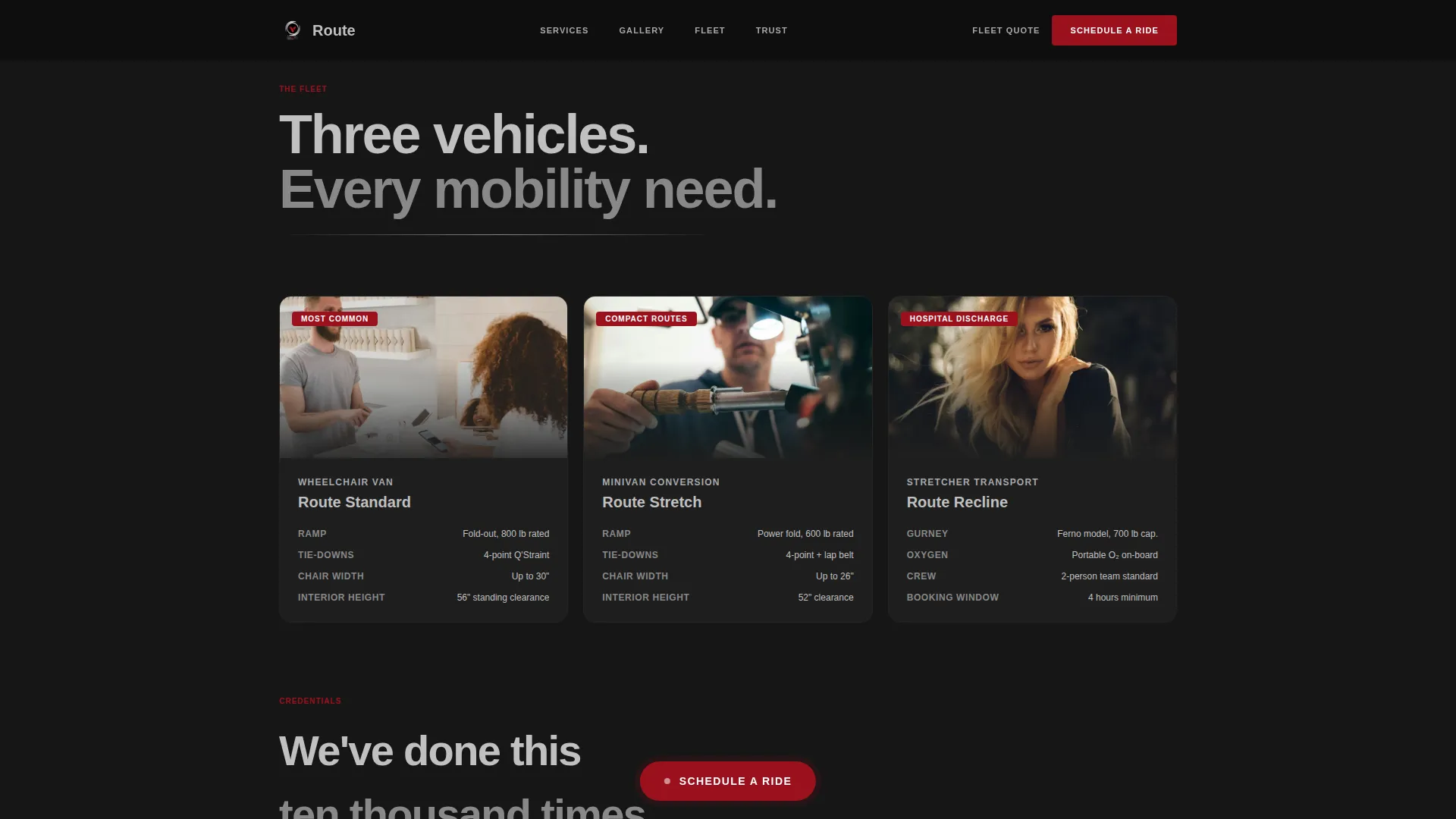
| Service Specs Panel | Details vehicles, certifications, insurance |
| Testimonials and Proof | Builds trust via real outcomes |
| Fleet Quote call to action | Converts facility and volume inquiries |
| Fixed Booking Button | Keeps ride scheduling always reachable |
| Footer | Minimal single-row navigation close |
Design & branding system
The visual identity is built around a dark, immersive palette that feels like a luxury sedan's dashboard at night. Every color choice is intentional. Ruby appears only where the eye needs to go.
- Deep asphalt black (#0D0D0D) background, polished chrome silver (#C0C0C0) for headings and user interface lines, and ruby red (#9B111E) reserved for calls-to-action and active states
- Brushed steel (#A8A9AD) for secondary text and dividers, keeping the hierarchy clean without adding visual noise
- DM Sans in bold for headings and Manrope for body copy, giving the layout a sharp, modern editorial feel
Mobile & speed optimization
The template is built mobile-first, reflecting the reality that dispatchers and family members book from their phones, often under time pressure.
- Server Components handle all static sections to keep initial load lightweight, while Client Components manage the modal and gallery interactions
- The fixed call-to-action button and sequential modal form are sized and spaced for thumb-friendly use on small screens
How this template helps you convert
Route is structured to earn the click before it asks for it. The conversion architecture follows a deliberate sequence from impression to action.
- The hero and gallery establish credibility through visual storytelling, so visitors arrive at the booking form already trusting the service
- The fixed call-to-action button removes friction at every scroll depth, and the dual-path layout separates individual ride bookings from fleet contract inquiries so neither audience feels overlooked
Other information about this template
Route is part of the Automotive and Transport category, specifically designed for the accessible transit service niche within public transit and infrastructure. It is built as a Gallery and Detail landing page using the Dark Immersive theme and the Ruby and Chrome color system.
- The creative direction follows a Cinematic Sequence approach, using GSAP scroll-triggered reveals and staggered fade-from-darkness animations throughout
- The template is localized for English-language markets, United States dollar pricing, United States date formats, and United States phone number formatting
- It is suited for both business-to-consumer ride bookings and business-to-business fleet contract acquisition from a single unified page layout
Theme
Dark Immersive
Creative direction
Cinematic Sequence
Color system
Ruby & Chrome
Style
Gallery + Detail
Direction
Lead Generation
Page Sections
Cinematic Spotlight Hero
Scroll-triggered Gallery Sequence
Fixed Lead Generation Call to Action
Dark Modal Booking Form
Fleet Quote Secondary Path
Social Proof and Certification Blocks
Related questions
Who is the Route template designed for?
What sections are included in this template?
How does the booking form work?
Can this template support both individual riders and facility managers?
What animation and interaction level should I expect?



