Bus Driver Booking Website Template
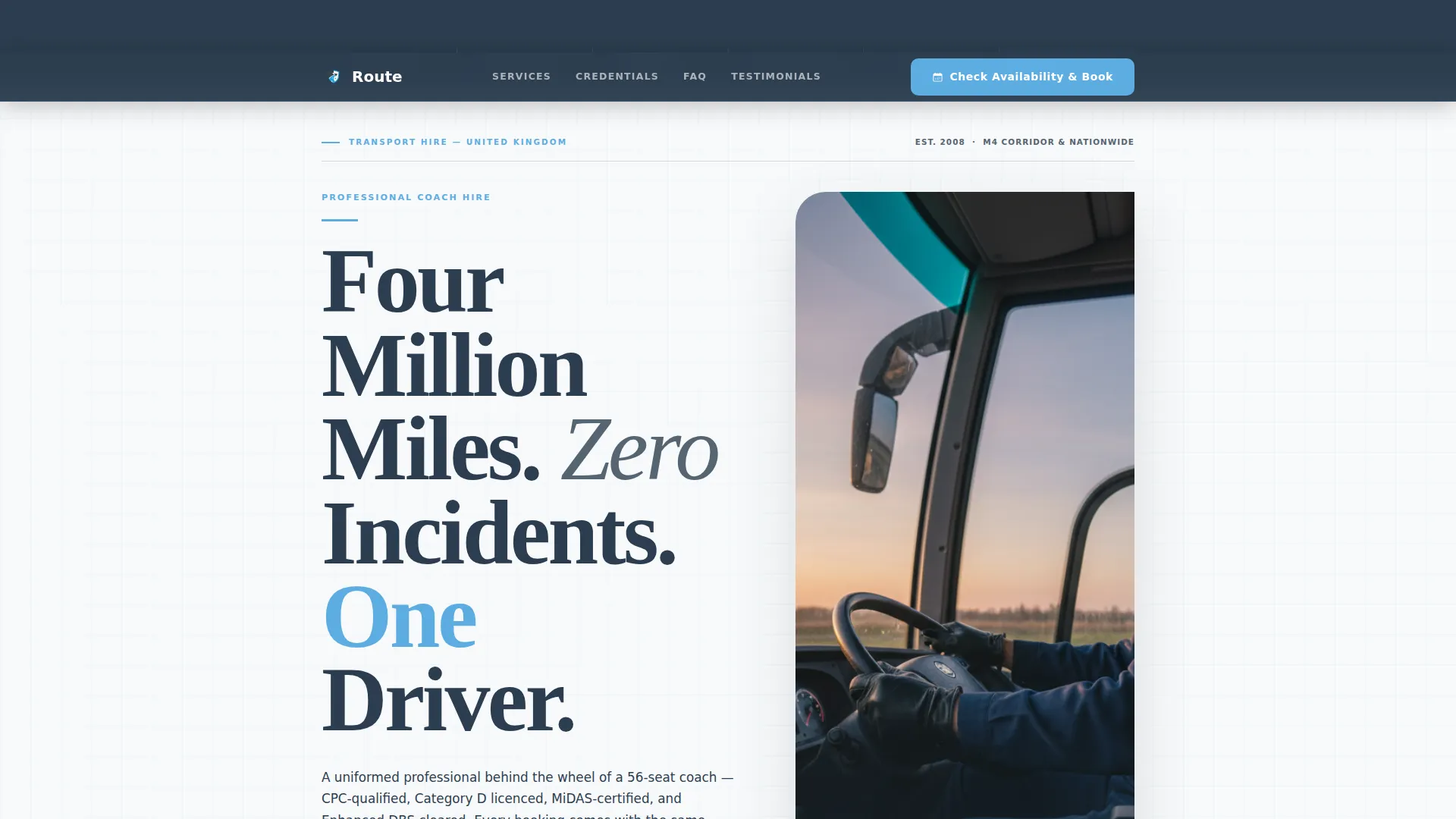
Route is an editorial-style landing page template built for professional bus and coach drivers. It combines a bold award-badge header, a FAQ-driven scroll structure, and a booking-first layout to win trust from school transport coordinators, wedding planners, and corporate travel managers before they ever reach the booking form.
by Rocket studio
Quick summary
Route is a single-page, editorial landing page template designed for professional coach and bus drivers. It leads with a row of qualification badges, builds authority through a magazine-style FAQ scroll, and closes with a focused availability and booking form. The layout is built for bookers who need confidence first and a date second.
Who this template is for
This template is written and structured for established professional drivers who work across multiple hire categories. It speaks directly to the bookers and coordinators who need to trust a driver before committing to a contract.
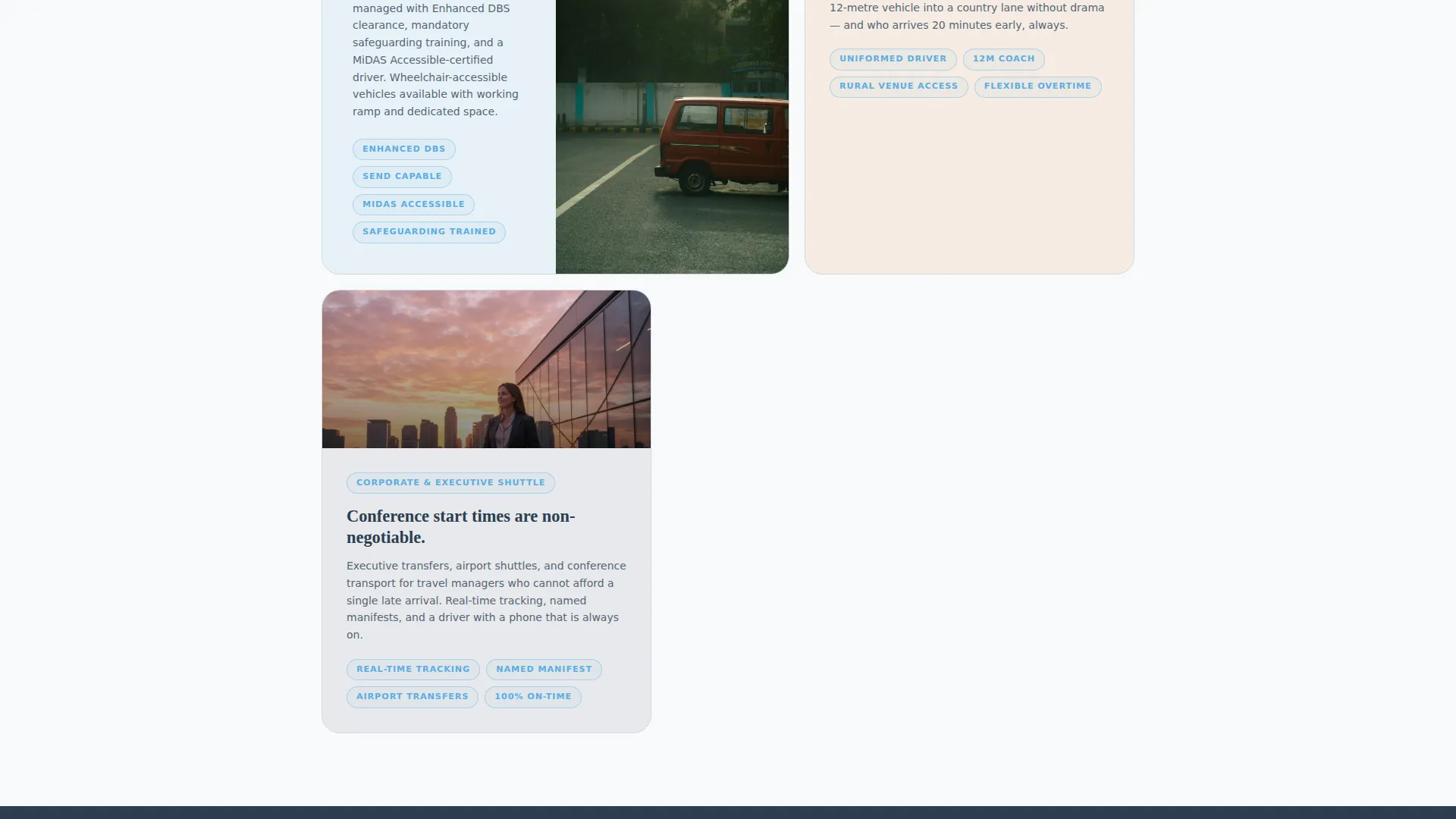
- School transport coordinators managing term-time rosters and student welfare obligations
- Wedding planners who need a punctual, presentable driver for venue access on tight schedules
- Corporate travel managers booking executive shuttles for conferences where late arrivals are not acceptable
What problem this template solves
Professional drivers with strong qualifications often struggle to communicate their credibility online. A plain contact form or a basic profile page does not answer the specific questions a serious booker will ask before signing off a contract.
- Bookers leave without booking because their objections go unanswered before the form appears
- Credentials such as licences, certifications, and safety records are buried or missing entirely
- There is no clear path for both one-off bookings and recurring contract enquiries on the same page
What you get with this template
Route gives you a complete, single-page editorial layout that works as your full online presence. Every section is purposefully ordered to move a cautious booker toward a confirmed reservation.
- A credential-led header with five award badge slots for qualifications and review counts
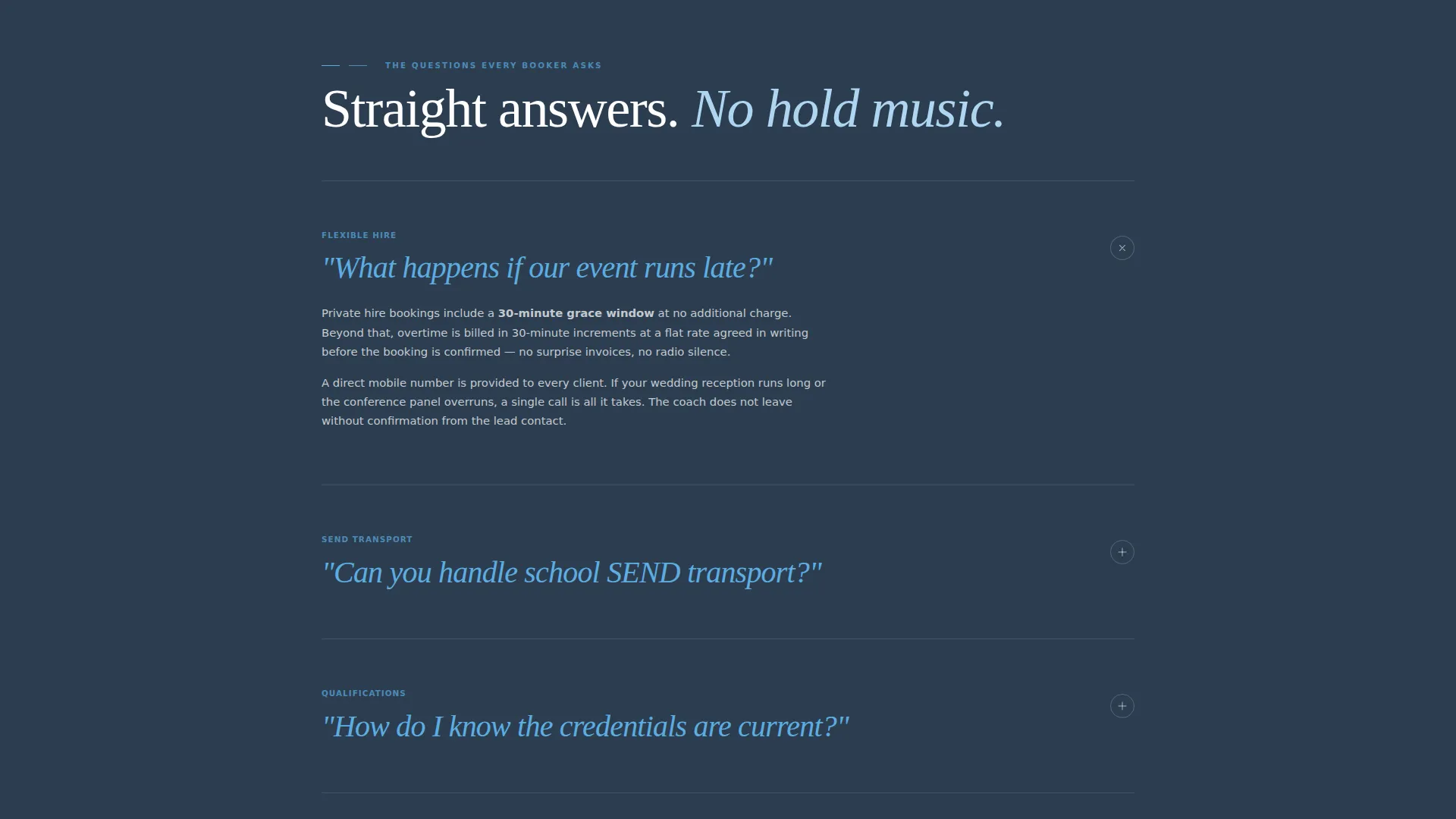
- A FAQ-driven scroll structure where each section answers a real booker question in pull-quote format
- A dual-path booking module with a quick availability form and a longer recurring contract enquiry form
Feature list
The Route template is built around a clear editorial framework. Each feature below maps directly to a component described in the page brief.
Award Badge Header Bar
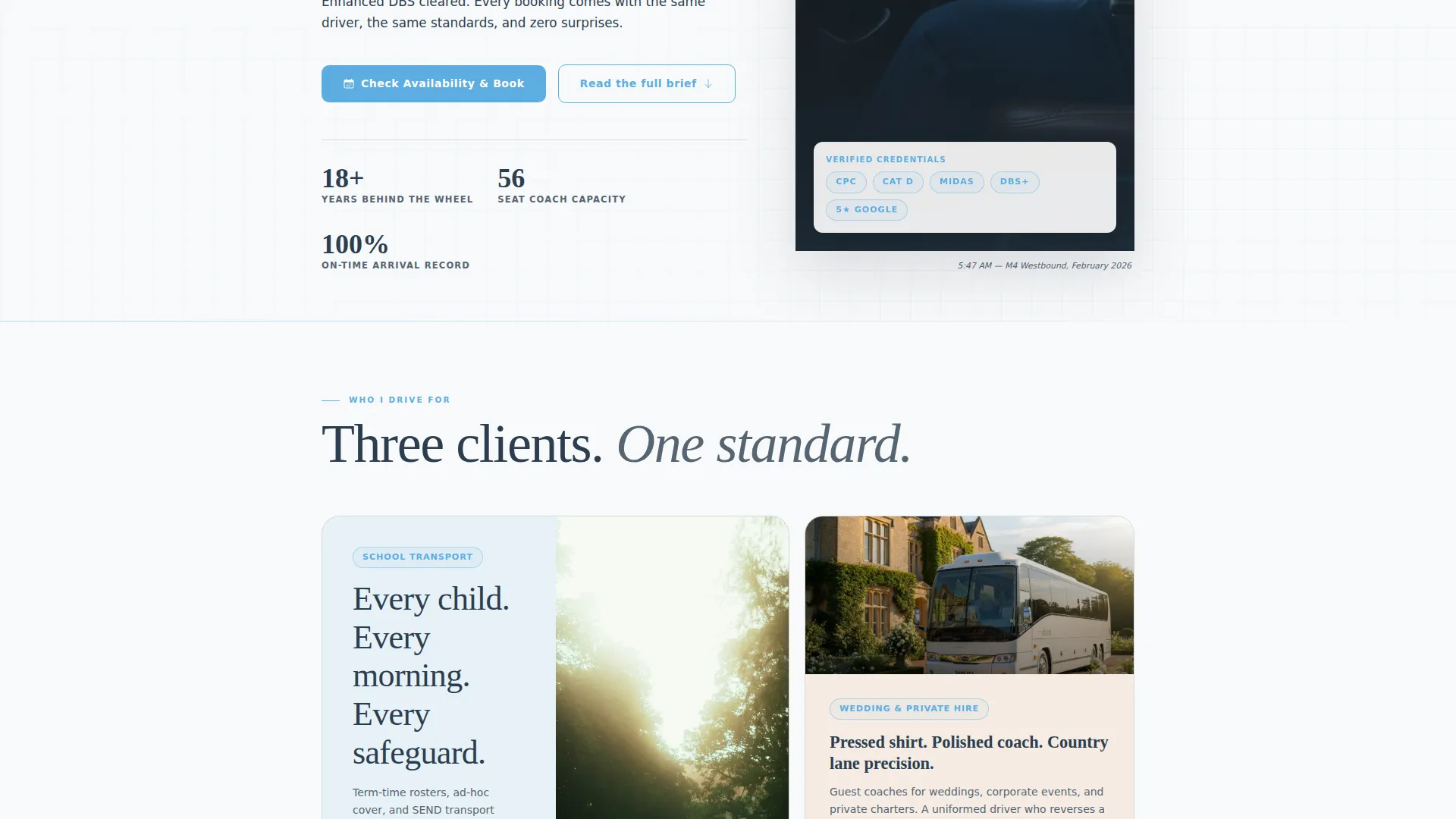
Five distinct badge slots sit across the top of the viewport before the visitor scrolls. The slots are styled as a medal bar and are designed to hold qualification rosettes, licence emblems, certification marks, review shields, and a live mileage counter. Authority is established at the first glance.
Editorial FAQ Scroll Sections
Each scroll section opens with a large pull-quote question typeset in sky blue, followed by a concise editorial answer with supporting evidence. The rhythm mirrors a magazine interview and mirrors the exact conversation a booker would have in a phone call, making the page feel personal and thorough.
Pinned Booking Navigation Bar
The primary call to action, "Check Availability and Book," stays fixed in the navigation bar throughout the entire scroll. Visitors can reach the booking module at any point without hunting for a contact link.
Dual-Path Booking Module
The booking form collects date, pickup postcode, destination postcode, passenger count via a stepper input, and trip type from four clear options: school run, private hire, corporate shuttle, and wedding. A secondary path links to a longer brief form for term-time or weekly recurring routes, so both one-off and contract enquiries are handled in one place.
Objection-First Page Architecture
The page is structured so that every common booker objection is answered before the booking form appears. By the time a visitor reaches the form, the only open question is the date. This approach reduces hesitation and supports a higher completion rate on the booking module.
Page sections overview
| Section | Purpose |
|---|---|
| Award Badge Bar | Display qualifications and trust markers at the top |
| Editorial Headline | Set authority with the driver's headline safety record |
| FAQ Scroll Sections | Answer real booker questions in pull-quote format |
| School SEND Section | Cover DBS documentation and accessible vehicle details |
| Overtime Policy Section | Explain flexible late-finish arrangements for events |
| Booking Form Module | Capture date, route, passenger count, and trip type |
| Recurring Contract Path | Direct regular-route enquiries to a longer brief form |
Design & branding system
The Corporate Precision theme uses a Slate and Sky colour palette that feels functional and immediately legible. The overall impression is a laminated route card pinned above a driver's sun visor: clean, no-nonsense, and easy to read at a glance.
- Deep charcoal slate (#2C3E50) for primary text and section dividers, motorway asphalt (#404B5A) for card backgrounds, and crisp timetable white (#F8F9FA) for body backgrounds
- Open-sky blue (#5DADE2) on every interactive element, accent line, and pull-quote typeset in the FAQ scroll sections
- Heavy serif typography for the editorial headline and large pull-quote questions, giving the page the visual weight of a transport-industry journal masthead
Mobile & speed optimization
The layout is built as a single-page editorial flow, which keeps the structure lean and navigable on smaller screens. The pinned booking bar remains accessible throughout the scroll on all device sizes.
- The stepper input and trip-type selector in the booking form are designed for touch-friendly interaction on mobile devices
- The FAQ scroll structure keeps each section self-contained, so visitors on mobile can read, trust, and act without unnecessary navigation
How this template helps you convert
Route earns the booking before asking for it. The page is sequenced to resolve doubt at every stage, so visitors arrive at the form already confident.
- The award badge header answers the credibility question instantly, displaying qualifications, certifications, and safety records before the visitor reads a single line of body copy.
- The FAQ-driven scroll structure addresses every common objection, including overtime policy, SEND transport capability, and DBS documentation, in the exact order a booker would raise them on a phone call.
- The dual-path booking module gives both one-off hirers and contract coordinators a clear next step, reducing the chance that a high-value recurring client leaves without enquiring.
Other information about this template
Route is categorised under Professional Services and is specifically designed for the bus driver online presence niche. It is suitable for sole-operator drivers and small fleets presenting a single primary driver profile.
- The template style is Editorial and Magazine, making it well suited to drivers who want to stand out from plain directory listings or generic hire-company pages
- The FAQ-driven creative direction means the page content can be updated by replacing questions and answers without redesigning the layout
- The Booking and Scheduling landing page direction means the entire page hierarchy points toward one outcome: a confirmed booking or a contract enquiry submitted
Theme
Corporate Precision
Creative direction
FAQ-Driven
Color system
Slate & Sky
Style
Editorial/Magazine
Direction
Booking/Scheduling
Page Sections
Award Badge Header Bar
Faq-driven Editorial Scroll
Pinned Booking Navigation Bar
Dual-path Booking Module
Objection-first Page Sequence
Related questions
Can I use this template for more than one type of hire?
What goes in the five badge slots at the top of the page?
Can clients enquire about a regular weekly or term-time route?
Is this template suitable for a sole-operator driver or a small fleet?
Do the FAQ sections cover school SEND transport requirements?



