School Safety Consultant Landing Page Template
Safeguard is a single-column landing page template built for school safety consultants. It presents a structured, audit-driven layout that moves visitors through each domain of a facility assessment. The design uses an Engineering Blueprint visual style with a Charcoal and Amber color system, turning a sales page into something that feels as credible as a formal safety report.
by Rocket studio
Quick summary
Safeguard is a single-column landing page template designed for school safety consulting firms. It guides visitors through a living audit experience, section by section, building urgency with each scroll. The layout is methodical and evidence-led, making the consultant's expertise feel immediately credible to superintendents, facilities directors, and school board members.
Who this template is for
This template is built for safety consultants who work directly with K-12 school districts. It speaks to the real pressures those clients face and positions the consultant as a trusted, technical partner.
- School safety consultants serving public and private K-12 districts
- Independent safety auditors who need a professional web presence that reflects their methodical process
- Consulting firms offering facility risk assessments, lockdown readiness reviews, and perimeter security audits
What problem this template solves
School safety consultants often struggle to communicate their value without sounding alarmist. Decision-makers need to see structured evidence, not generic fear-based marketing. This template solves that tension.
- It presents safety findings in an audit-document format, giving clients the sense of a real deliverable before they even inquire
- It builds urgency through scroll-activated elements and a running counter, without relying on dramatic language
- It captures two types of leads: visitors ready to request a full audit, and those who prefer to self-assess first with a downloadable checklist
What you get with this template
You get a fully structured, single-column landing page ready to represent a school safety consulting practice. Every section is designed to reflect a genuine audit workflow.
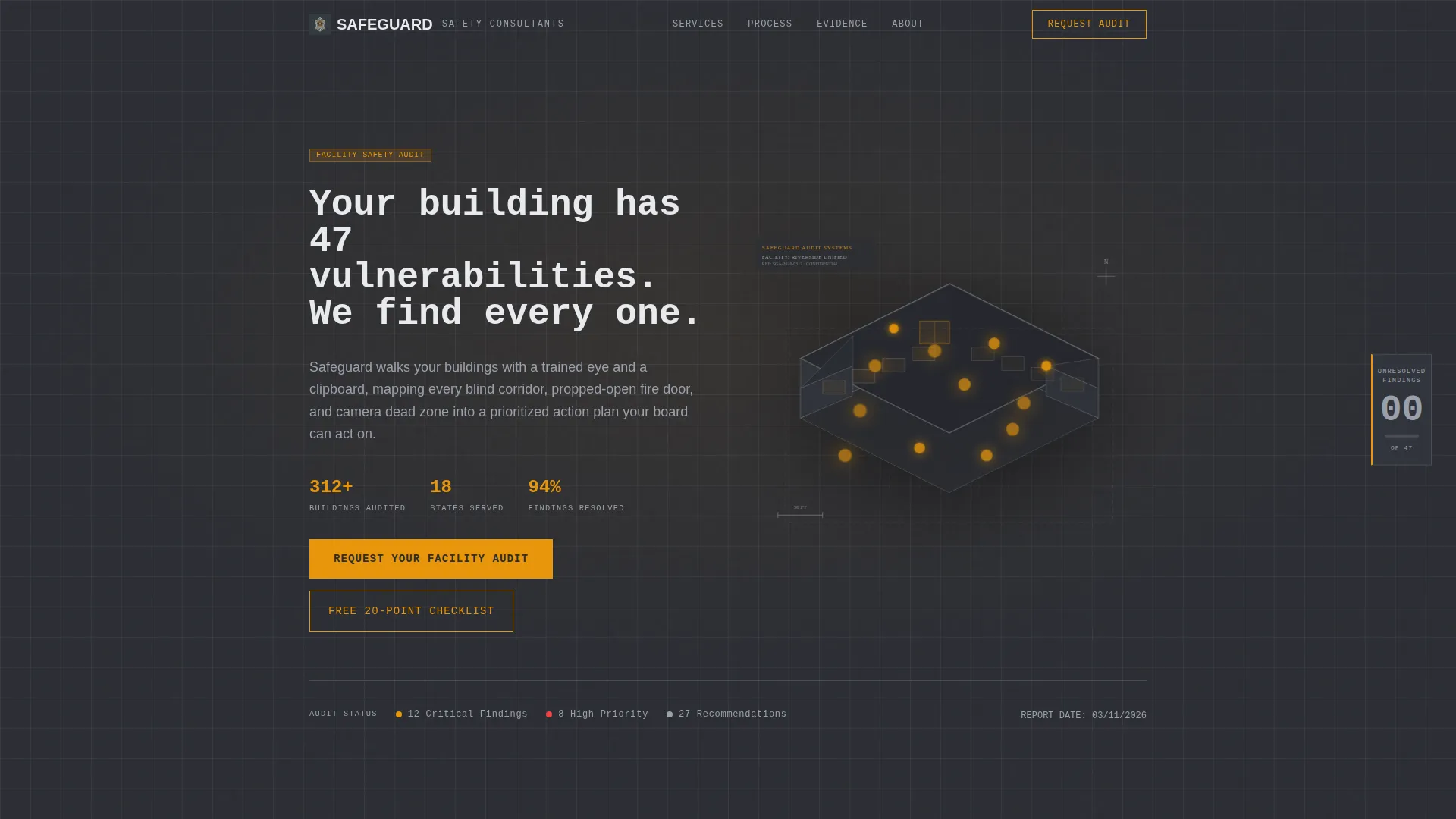
- An animated header featuring an isometric school building cutaway with amber pulse points marking twelve specific vulnerability locations
- A scroll-driven checklist layout organized by audit domain, with a sticky sidebar counter that tallies unresolved findings as the visitor scrolls
- Two conversion paths: a primary lead form requesting a full facility audit, and a secondary email capture offering a downloadable 20-point safety checklist
Feature list
This template includes several purpose-built components that work together to establish authority and drive inquiries.
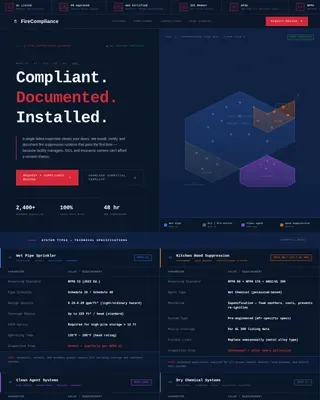
Isometric Building Header with Pulse Markers
The header renders a school building as an isometric cutaway in thin white linework. Amber pulse points mark twelve specific vulnerability types across the structure. On page load, the building rotates five degrees to convey dimension, and a monospaced headline types itself in: "Your building has 47 vulnerabilities. We find every one."
Scroll-Driven Audit Checklist Layout
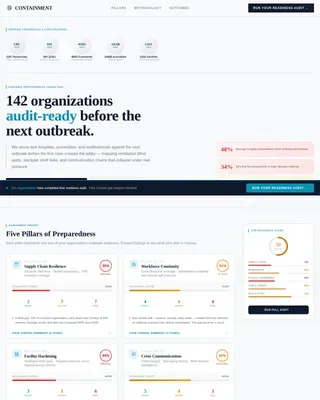
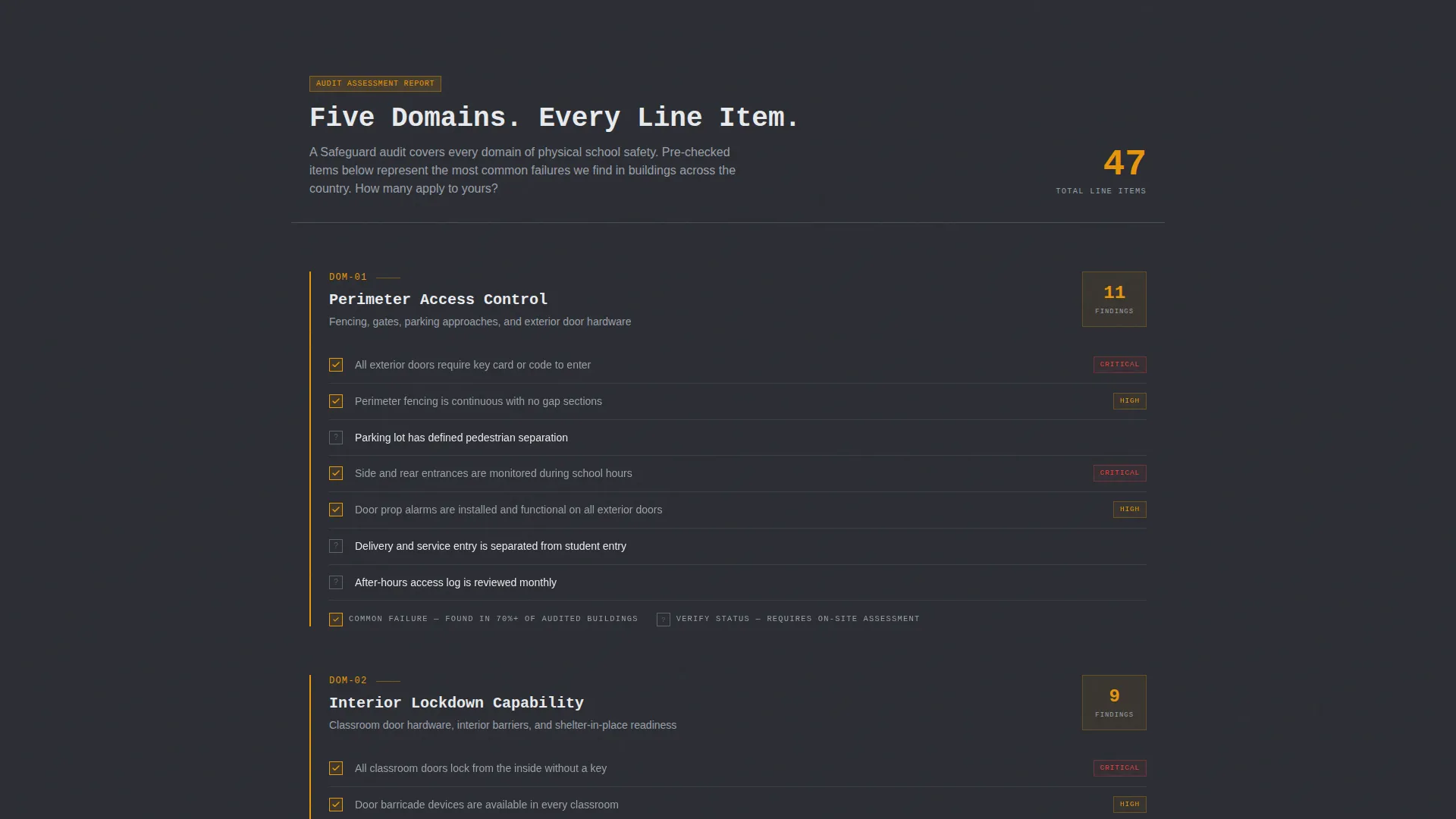
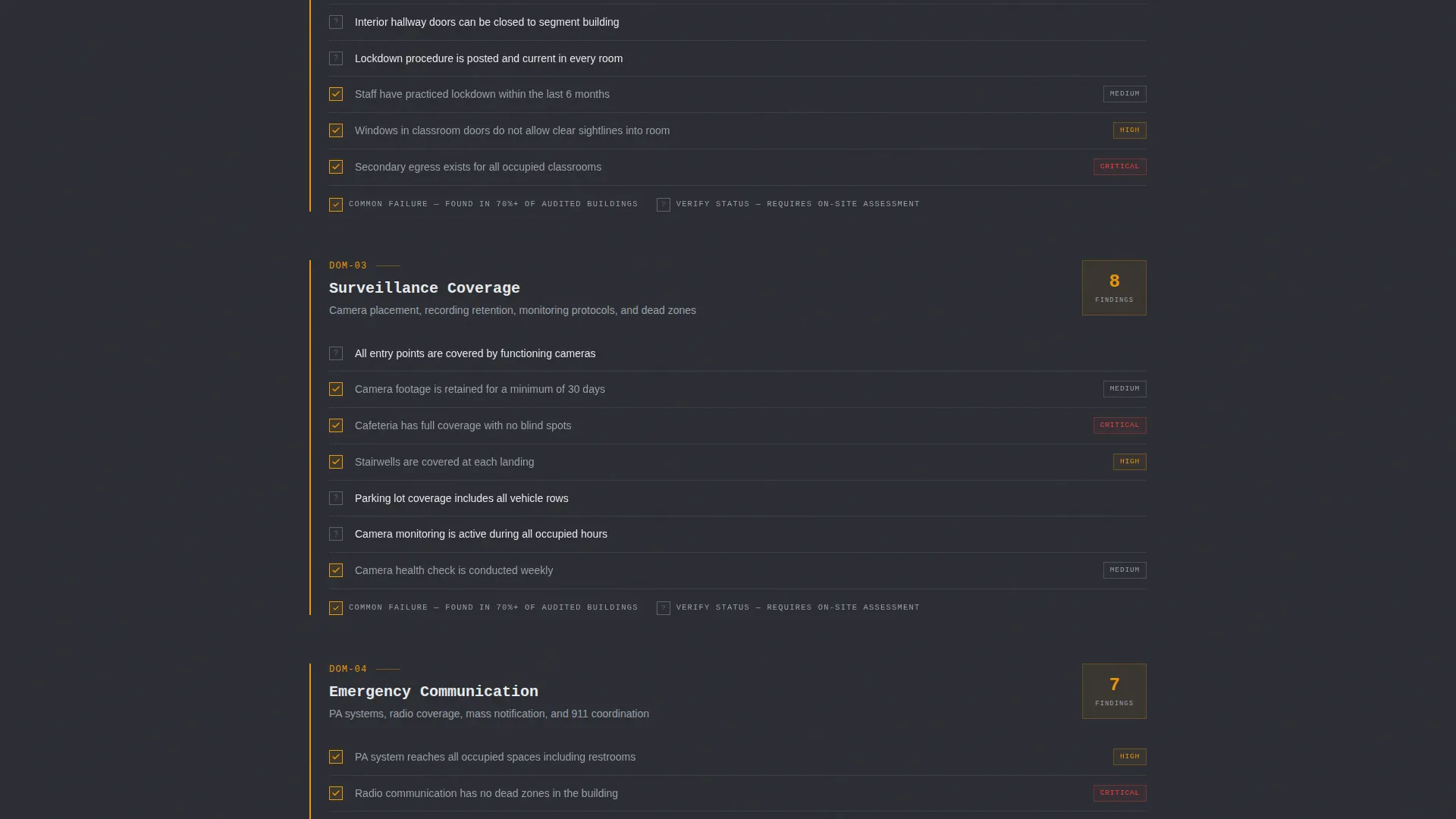
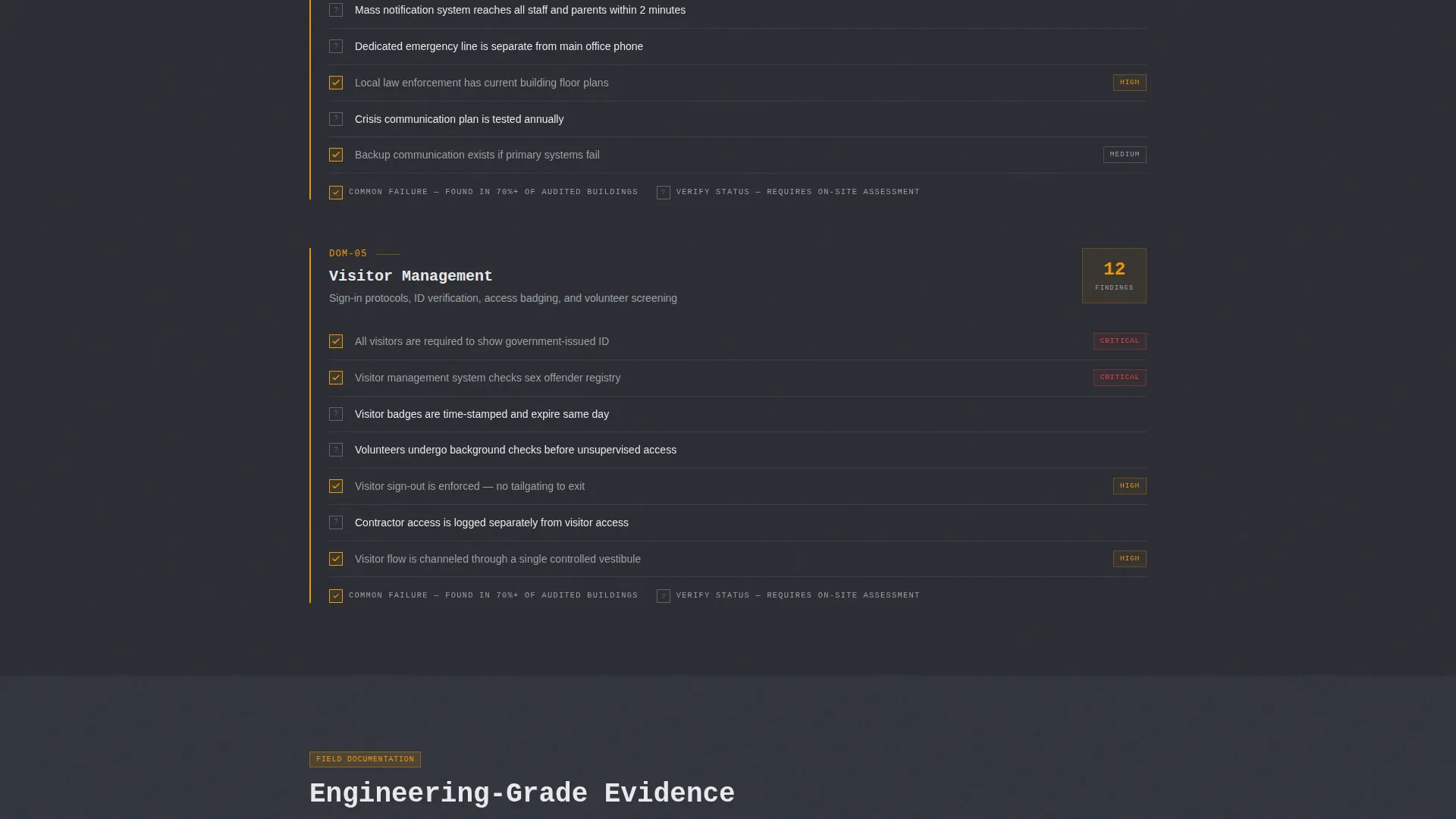
Each section of the page maps to one domain of a real safety audit: perimeter access control, interior lockdown capability, surveillance coverage, emergency communication, and visitor management. Line items appear as checklist rows, some pre-checked in amber to indicate common failures, others left open to prompt self-reflection.
Sticky Sidebar Findings Counter
A persistent sidebar element tracks a running count of "unresolved findings" as the visitor scrolls. The counter climbs with each audit domain passed, creating cumulative pressure that feels earned rather than manufactured. It peaks just before the primary call to action.
Blueprint Evidence Panels
Interspersed between checklist sections, evidence panels display aerial site diagrams, door hardware close-ups, and radio dead-zone heat maps. All visuals are rendered in the same blueprint drafting style, reinforcing the technical, engineering-led positioning of the practice.
Dual Lead Capture System
The primary call to action, "Request Your Facility Audit," appears first as a ghost-outline button in the header and again as a full amber block once the counter peaks. A secondary path offers the downloadable 20-point safety checklist in exchange for just an email address, catching earlier-stage visitors.
Qualifying Lead Form
The audit request form captures district name, number of buildings, and the visitor's role (superintendent, facilities director, board member, or other). A final open field asks: "What prompted you to look into this today?" This single question separates proactive planners from crisis-driven inquirers.
Page sections overview
| Section | Purpose |
|---|---|
| Animated Building Header | Establish credibility and create immediate visual impact with the isometric school cutaway and typed headline |
| Perimeter Access Control | Present checklist findings for exterior entry points, fencing, and unsecured access routes |
| Interior Lockdown Capability | Audit domain covering classroom door hardware, hallway control, and secondary egress gaps |
| Surveillance Coverage Review | Checklist rows for camera placement, blind spots, and cafeteria dead zones |
| Emergency Communication | Domain section covering radio coverage gaps, intercom reliability, and alert system reach |
| Visitor Management | Checklist domain for front office protocols, badge systems, and after-hours access |
| Evidence Panel Interrupts | Blueprint-style visuals that break checklist rhythm and reinforce technical authority |
| Sticky Findings Counter | Running sidebar tally building urgency across all audit domains |
| Primary call to action Block | Full amber form block for requesting a facility audit after the counter peaks |
| Checklist PDF Capture | Secondary email-only form offering the downloadable 20-point safety checklist |
Design & branding system
The template uses an Engineering Blueprint theme rendered in a Charcoal and Amber color system. Every design decision is intentional: the palette evokes a structural engineer's desk rather than a polished marketing site.
- Deep graphite (#2B2D33) serves as the primary background, with technical slate (#4A4E57) for section dividers and secondary panels; blueprint white (#E8EAED) is used for body text and diagram lines
- Urgent amber (#E8960C) appears exclusively on action items, risk flags, pre-checked audit failures, and all call-to-action elements, making decision points impossible to miss
- Typography uses a monospaced font for headlines, reinforcing the audit-document aesthetic throughout the page
Mobile & speed optimization
The single-column layout adapts naturally to smaller screens. Scroll-triggered elements and sticky sidebar components are structured to maintain the audit experience across device sizes.
- The checklist row format and evidence panels stack cleanly in a single-column flow on mobile viewports
- The sticky findings counter is positioned to remain visible without obscuring primary content on narrow screens
How this template helps you convert
This template is engineered around two conversion goals: capturing high-intent audit requests and nurturing visitors who need more time before committing.
- The scroll-driven checklist builds urgency naturally, so by the time a visitor reaches the amber call to action block, they have already mentally counted the gaps in their own building's security
- The secondary checklist download gives hesitant visitors a low-commitment first step, keeping them in the funnel with a resource that reinforces the consultant's expertise before any sales conversation begins
Other information about this template
This template was built specifically for the school safety consulting niche, where trust and technical credibility are the primary conversion drivers. It is well-suited for consultants who deliver documented, findings-based reports rather than general safety training.
- The template's Checklist and Audit creative direction makes it distinct from typical service-business landing pages, which rely on testimonials and feature grids
- The qualifying form field ("What prompted you to look into this today?") is a deliberate lead-quality mechanism, helping consultants prepare for the first call
- The dual lead capture structure means the template serves both crisis-driven visitors arriving after a local incident and proactive planners conducting long-term risk reviews
- This template fits within the Safety and Emergency category, specifically aligned to Safety Consulting and Services for educational institutions
Theme
Engineering Blueprint
Creative direction
Step-by-Step Guide
Color system
Midnight Blue
Style
Card Grid (Modular)
Direction
Content/Resource
Page Sections
Isometric Building Header with Pulse Markers
Scroll-driven Audit Checklist Layout
Sticky Sidebar Findings Counter
Blueprint-style Evidence Panels
Qualifying Audit Request Form
Secondary Checklist PDF Download
Related questions
Can I customize the audit domain sections to match my consulting scope?
Do I need design or coding experience to use this template?
Is this template suitable for a solo school safety consultant or only for larger firms?
What is the 20-point safety checklist PDF, and do I supply that myself?
Can I use this template for safety consulting services outside of K-12 schools?