Allergy Services Landing Page Template
A single-column allergy clinic landing page built for lead generation. The page opens with an interactive Allergy Burden Score calculator, then flows through a conversational FAQ section that walks visitors from curiosity to commitment. A sticky eligibility form and a secondary content download work together to capture leads at every stage of readiness.
by Rocket studio
Quick summary
This landing page template is designed for allergy and immunology clinics that want to convert hesitant visitors into booked consultations. It opens with a five-question burden score calculator, transitions into a warm FAQ conversation, and closes with a focused lead capture form. The result is a page that earns trust before it ever asks for a name.
Who this template is for
This template is built for clinics that offer immunotherapy as an alternative to long-term antihistamine management. It fits practices that treat both adults and children for seasonal, environmental, and food allergies.
- Allergy and immunology clinics offering sublingual drops or allergy shots
- Healthcare practices targeting parents with food-allergic children and adults with seasonal allergies
- Medical marketing teams looking for a lead generation page that educates before it converts
What problem this template solves
Most allergy clinic pages list services and stop there. Visitors arrive frustrated, uncertain about treatment options, and unwilling to book without more context. This template closes that gap.
- It quantifies the patient's symptom burden before asking for any personal information
- It answers the real questions patients hesitate to ask, in plain language
- It gives undecided visitors a lower-commitment path through a downloadable guide
What you get with this template
You get a fully structured single-column landing page with every section purpose-built for allergy clinic lead generation. The layout moves visitors logically from awareness to action.
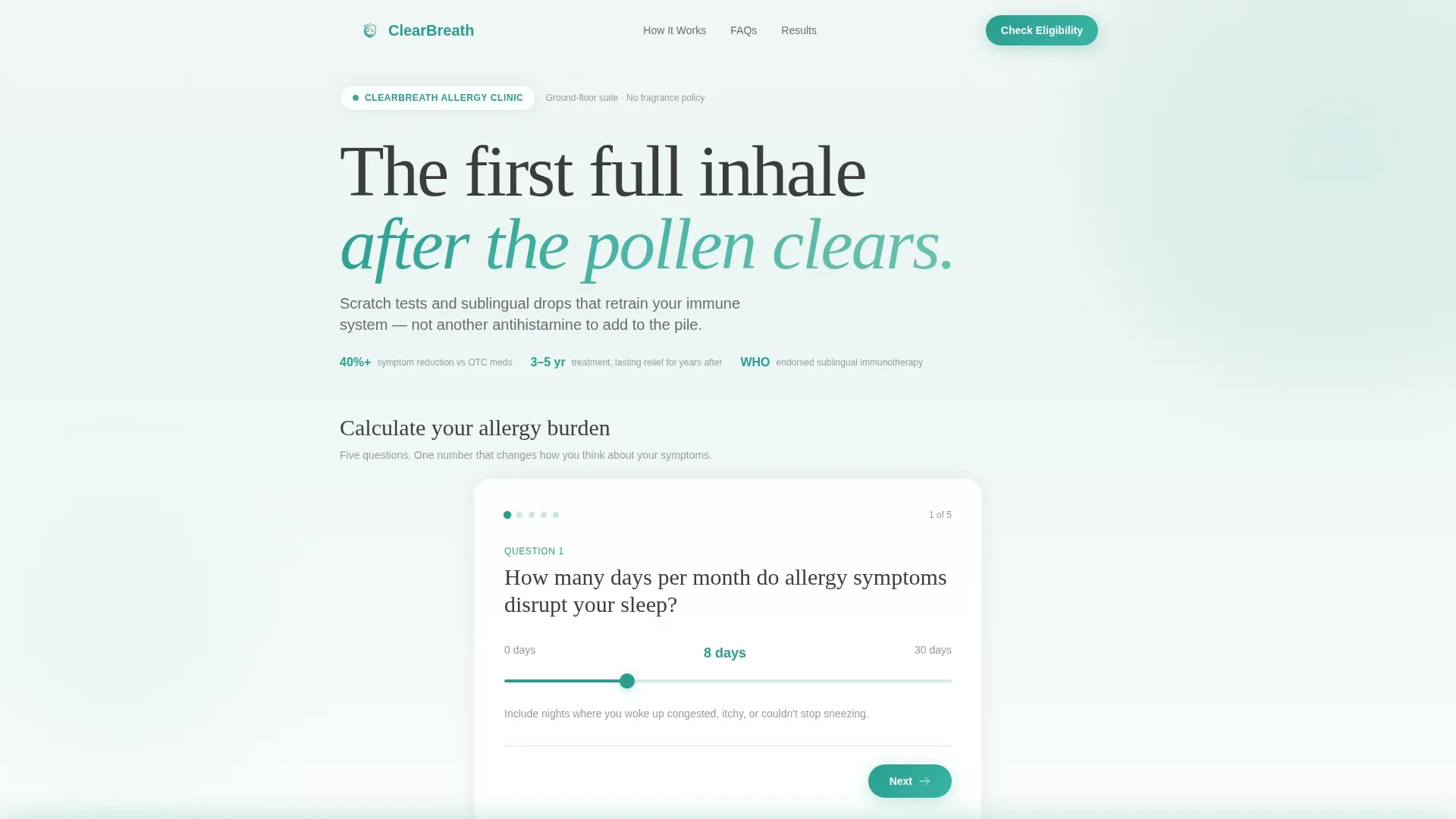
- An interactive five-step Allergy Burden Score calculator with an animated result card
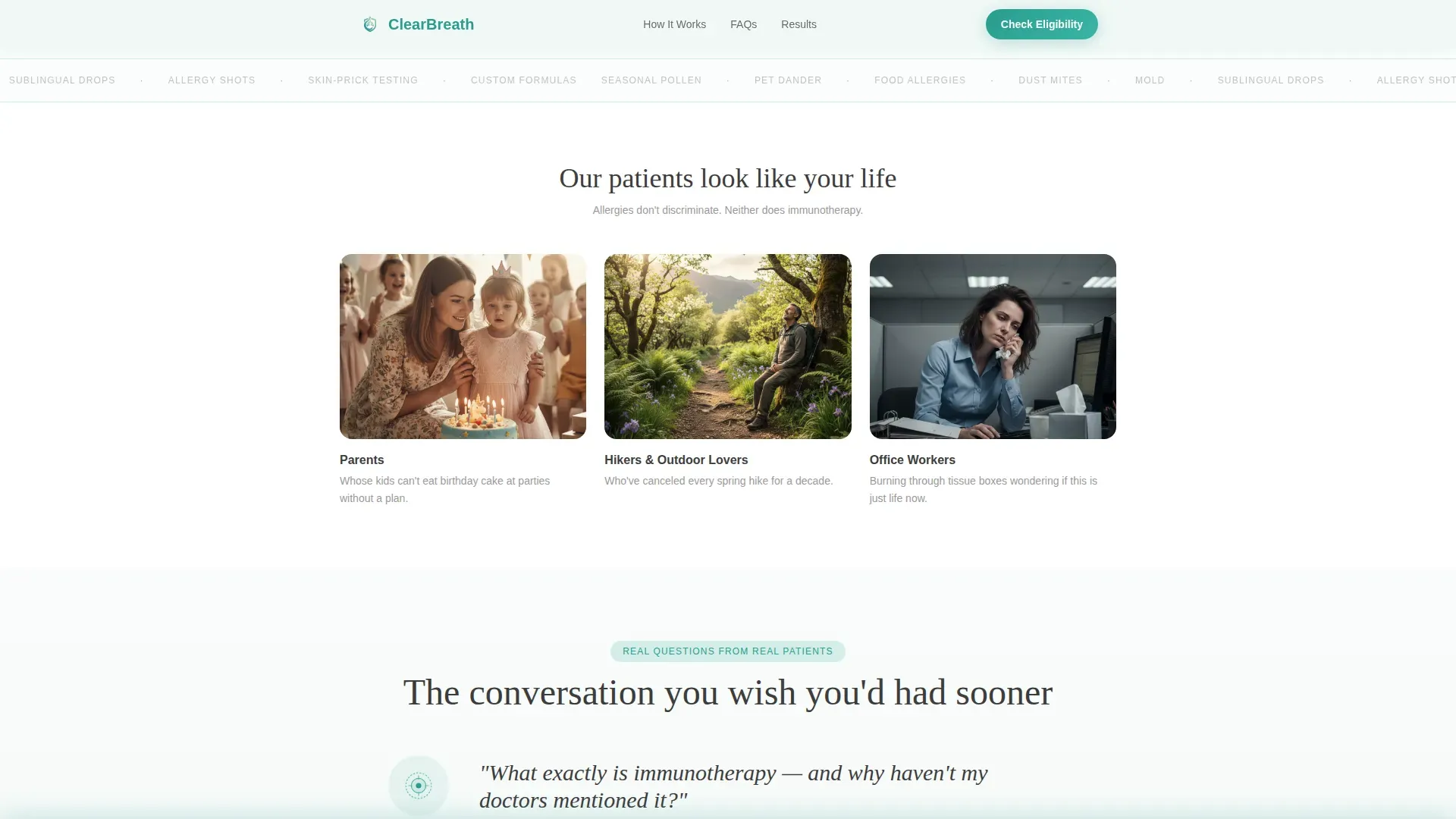
- A FAQ-driven conversation section with patient pull-quotes and micro-illustrations
- A dual-path lead capture section with a primary eligibility form and a secondary email download offer
Feature list
This template packages several purpose-driven components into one cohesive, scrollable experience.
Interactive Allergy Burden Score Calculator
Visitors answer five quick questions covering symptom frequency, past treatment history, medication use, primary trigger category, and zip code for regional pollen context. The result renders as a personalized "days lost" figure in large teal type, with a circle-draw animation that frames the number like a diagnostic result.
FAQ Conversation Flow
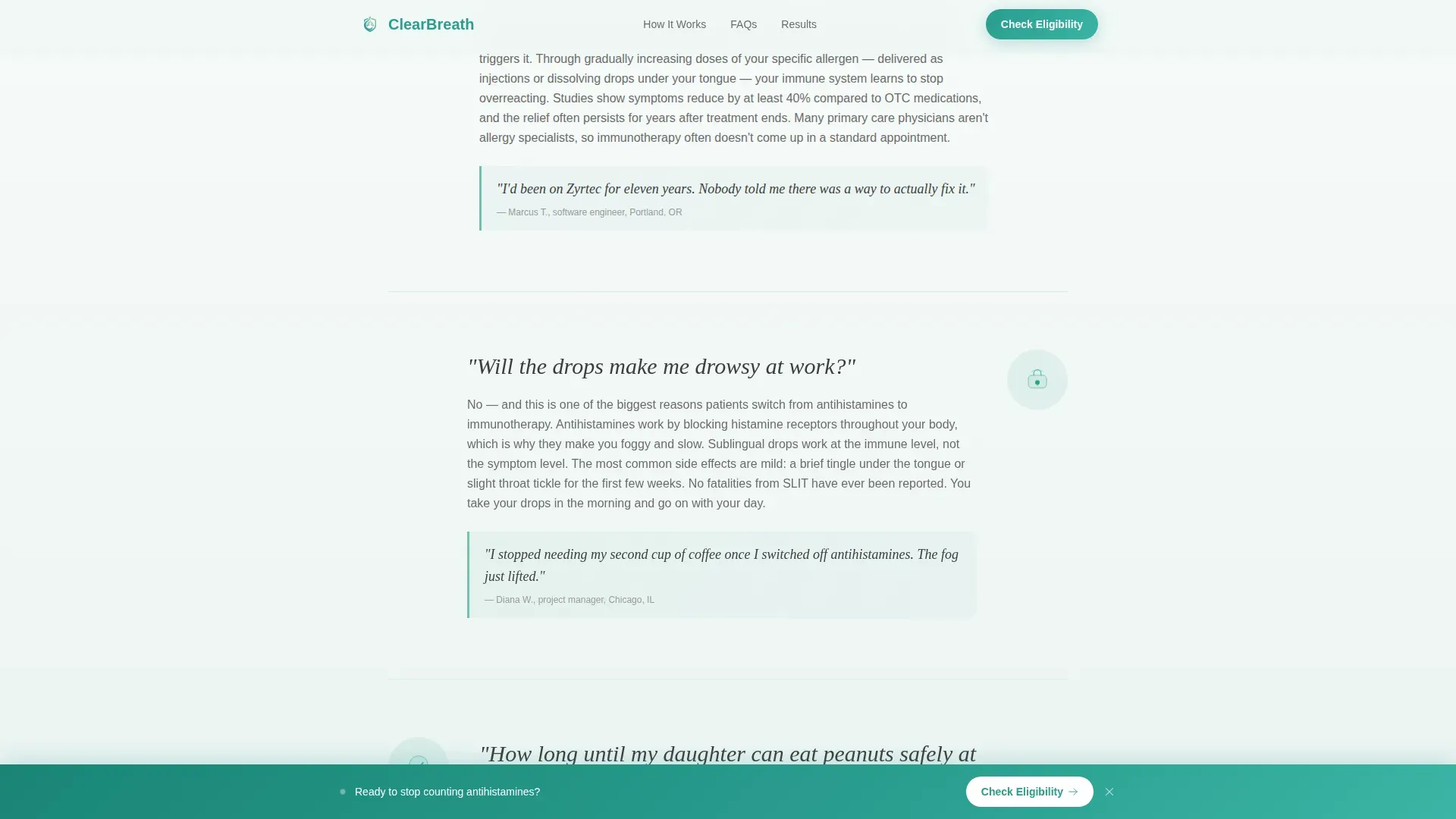
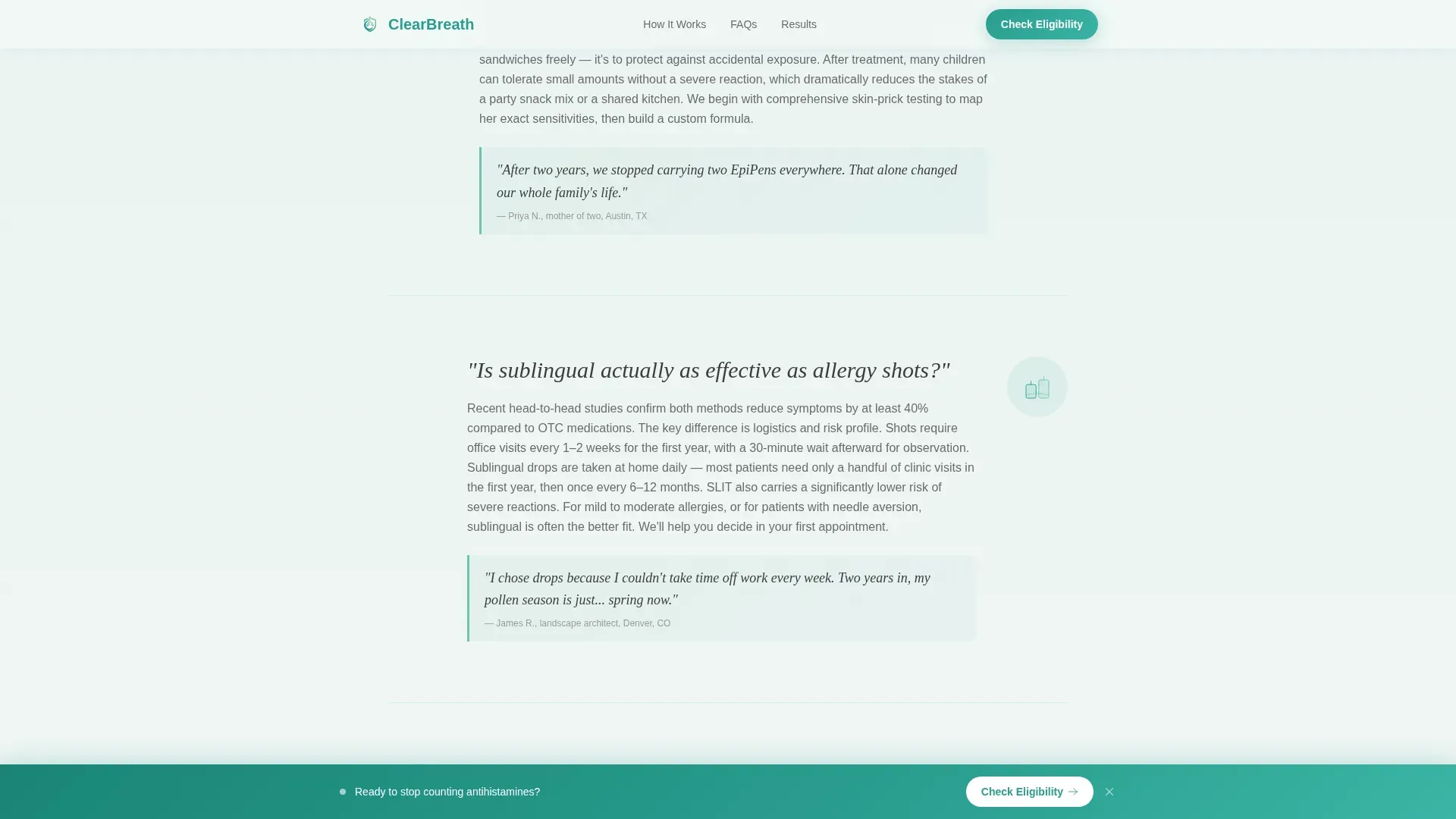
Each section poses a real patient question in large serif type and answers it with a short paragraph, a micro-illustration, and a patient pull-quote. Questions escalate from introductory curiosity to treatment commitment, guiding visitors through an experience that feels like a pre-consultation.
Sticky Lead Capture Bar
After the third FAQ section, a sticky bottom bar appears with the primary call to action: "Check Your Eligibility." It stays visible as visitors continue scrolling, keeping the conversion path accessible without interrupting the reading flow.
Dual-Path Lead Capture Form
The primary form collects name, primary allergen concern via dropdown, insurance provider, and preferred contact method. A secondary path offers a downloadable Allergy Season Guide, capturing email addresses from visitors who are not yet ready to book.
Treatment Paths Comparison Section
A dedicated section compares sublingual drops and allergy shots side by side, including specifics such as a referenced 40-plus percent symptom reduction and a low clinic visit requirement. It helps patients understand their options before they reach the form.
Social Proof and Trust Signals
Patient testimonials with specific outcomes are woven throughout the FAQ section. Additional trust signals support the clinical credibility of the page and reinforce confidence in immunotherapy as a long-term solution.
Page sections overview
| Section | Purpose |
|---|---|
| Hero Burden Calculator | Opens the page and delivers a personalized allergy burden score |
| FAQ Conversation Flow | Answers escalating patient questions with quotes and illustrations |
| Treatment Paths Comparison | Explains sublingual drops versus allergy shots with outcome specifics |
| Social Proof Results | Builds trust with patient testimonials and outcome statistics |
| Lead Capture Form | Collects eligibility details and secondary email for nurture |
| Footer Single Row | Closes the page with a clean linear single-row footer |
Design & branding system
The visual identity uses a Soft Gradient theme built on a Teal Catalyst color system. Every design choice is calibrated to feel clinical without feeling cold, and calming without feeling passive.
- Color palette: clinical teal (#2A9D8F) warming into seafoam (#6FC2B0), set against a pale mist background (#F0F7F5) that fades almost imperceptibly into white, with charcoal (#3D3D3D) for body text
- Typography pairing: Fraunces serif for emotional headlines and FAQ questions, DM Sans for clean, readable body copy
- Gradient transitions between sections are intentionally subtle so the scroll itself feels like a slow, deepening breath
Mobile & speed optimization
The template is designed mobile-first, reflecting the reality that parents search on phones and office workers browse during lunch. Static content sections are built as server components, while the calculator and lead form are built as client components.
- Single-column layout adapts cleanly to any screen width without layout shifts
- Scroll-triggered FAQ reveals and the sticky call-to-action bar are designed to work smoothly on touch devices
- Calculator and form interactivity are isolated as client components to keep static content rendering fast
How this template helps you convert
The page is structured around a deliberate psychological sequence. Visitors do not encounter a form until the page has already made the case for why treatment matters.
- The burden score calculator makes the cost of inaction personal and concrete before any service is mentioned, so the lead form feels like a logical next step rather than an interruption.
- The FAQ conversation flow answers the questions that typically stall decisions, walking visitors from "What is immunotherapy?" to "What does my first appointment look like?" so they arrive at the call to action already feeling informed.
- The dual-path capture gives hesitant visitors a lower-stakes option, keeping them in the nurture funnel even when they are not ready to book.
Other information about this template
This template is part of a Health and Medical category build, specifically scoped to the Allergy and Immunology subcategory. It is designed for USA-based clinics, with American English copy, USD pricing context, and MM/DD/YYYY date formatting throughout.
- The page references a World Health Organization endorsement of immunotherapy as a trust signal, consistent with the source brief
- Animation intensity is set to medium: the burden score circle-draw, scroll-triggered FAQ reveals, and sticky bar entry are all present without overwhelming the clinical tone
- The Intersection Match Score for this template is 13, reflecting a strong alignment between the Teal Catalyst color system, FAQ-driven creative direction, Calculator/Estimator header concept, and Lead Generation landing page goal
- The footer uses Pattern 1, a linear single-row layout that keeps the page close cleanly
Theme
Soft Gradient
Creative direction
FAQ-Driven
Color system
Teal Catalyst
Style
Single Column Flow
Direction
Lead Generation
Page Sections
Allergy Burden Score Calculator
Faq-driven Conversation Flow
Sticky Eligibility Call-to-action Bar
Dual-path Lead Capture Form
Treatment Paths Comparison Section
Social Proof and Trust Signals
Related questions
What sections are included in this landing page template?
What does the Allergy Burden Score calculator ask visitors?
Does the template support visitors who are not ready to book?
Who is this landing page template designed for?
Is this template a single page or a multi-page website?



