Advanced Anesthesiologist Appointment Booking Website Template
Sedate is a patient education landing page built for anesthesiologists who want to calm patients before surgery. It walks visitors through every phase of anesthesia, from the first consultation to recovery room discharge. With a warm clinical design, a step-by-step zigzag layout, and a built-in consultation booking form, it turns 2 a.m. anxiety into informed trust.
by Rocket studio
Quick summary
Sedate is a single-page anesthesiologist patient education hub. It guides pre-surgical patients through five phases of the anesthesia journey using a warm, step-by-step zigzag layout. A built-in booking form captures consultation requests, and a secondary PDF checklist gate collects emails from patients not yet scheduled. The tone is calm, clinical, and deeply human.
Who this template is for
This template is designed for anesthesiologists and anesthesia practices that want to reach patients before they ever enter the operating room. It is especially useful for practices that see high anxiety in pre-surgical populations or that work across multiple procedure types.
- Pre-surgical patient education practices and anesthesiology groups
- Pediatric anesthesia teams whose patients' parents need clear, reassuring guidance
- Anesthesiologists serving elderly patients whose families need to understand general anesthesia risks
What problem this template solves
Patients searching "will I wake up during surgery" at 2 a.m. are not finding answers from their care team. They find forums, frightening articles, and incomplete information. This template gives anesthesiologists a dedicated space to answer those questions first, in their own voice, before fear shapes the patient's experience.
- Reduces pre-surgical anxiety by walking patients through every phase in plain language
- Replaces scattered Google searches with a single, trustworthy, physician-authored resource
- Converts anxious visitors into scheduled consultation appointments through a warm, low-pressure form
What you get with this template
This template delivers a complete, single-page patient education hub ready to customize. Every section is intentionally ordered to match the emotional arc of a pre-surgical patient, from first question to booked appointment.
- A five-phase zigzag journey section covering consultation, fasting, pre-op, induction, and recovery
- A booking form with procedure type dropdown, preferred date range, and an open concern field
- A secondary PDF checklist gate that captures email and procedure type from patients not yet ready to schedule
Feature list
This template includes purpose-built components that serve the patient education and consultation booking goals described in the source brief.
Stacked Type Tower Hero
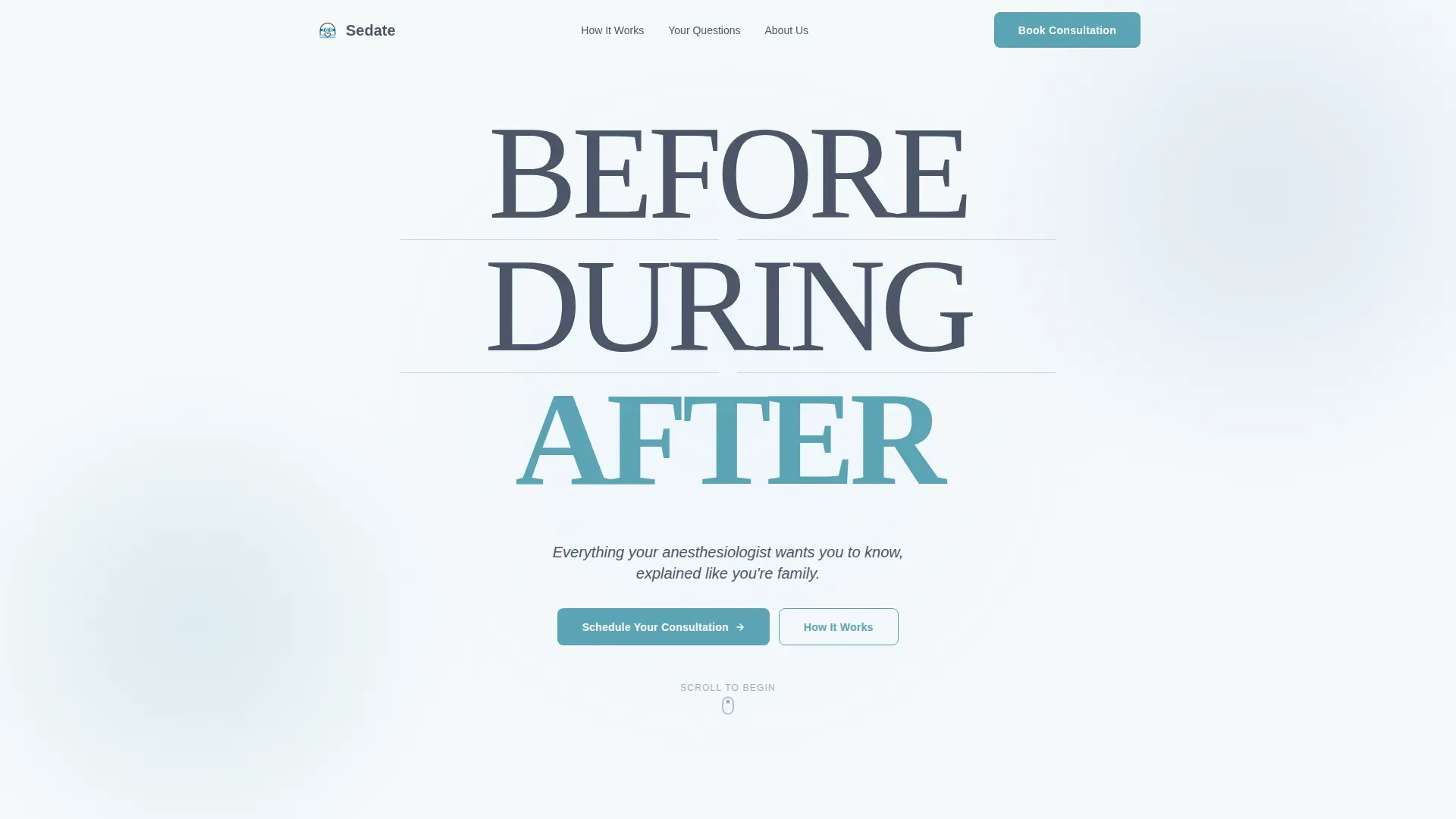
The hero section uses oversized stacked typography spelling out "BEFORE," "DURING," and "AFTER," each word separated by thin horizontal rules that echo vital-sign readout lines. A single subline reads "Everything your anesthesiologist wants you to know, explained like you're family." No competing imagery. The type alone sets the patient's expectations for the full journey.
Five-Phase Zigzag Journey
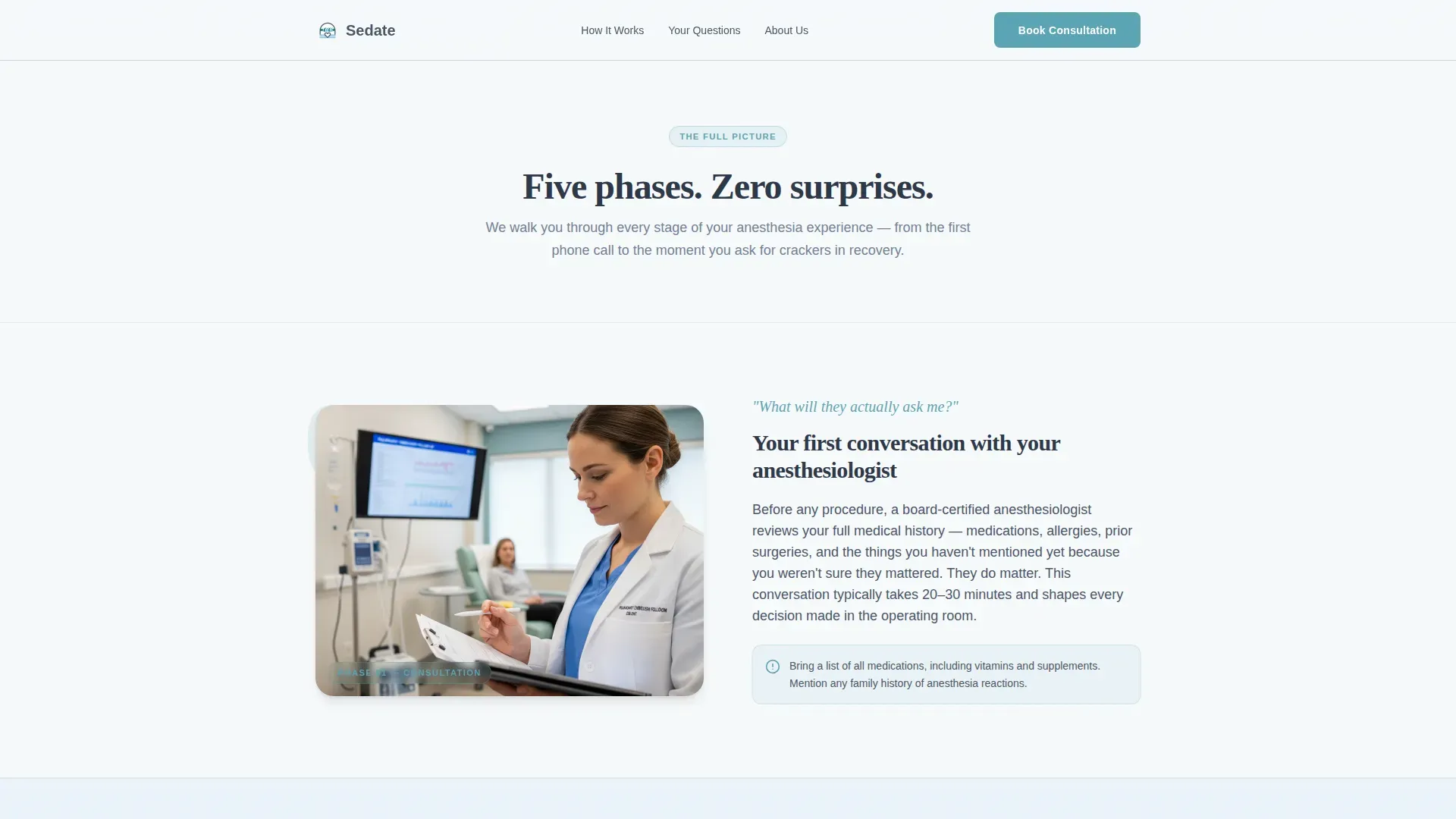
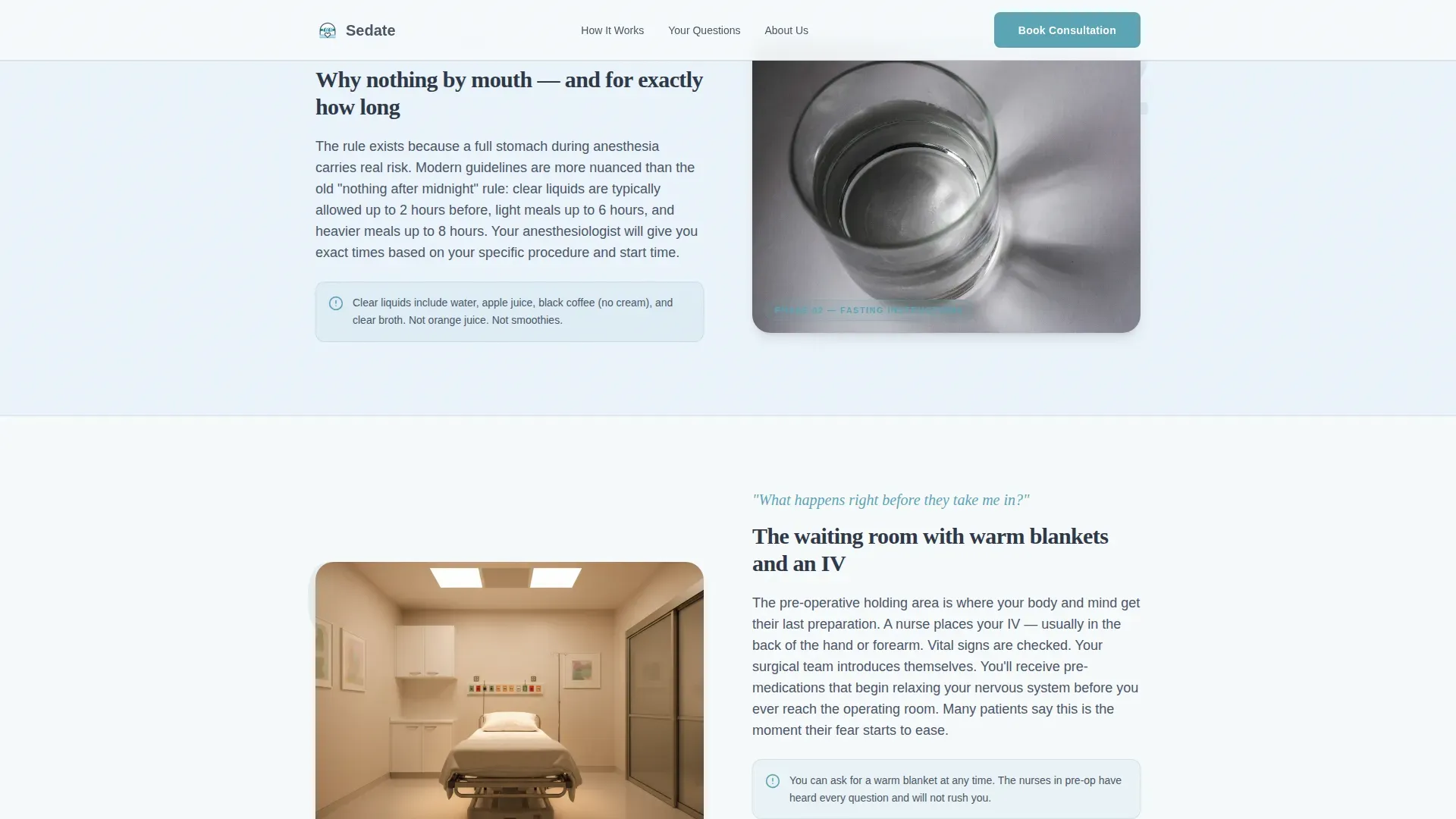
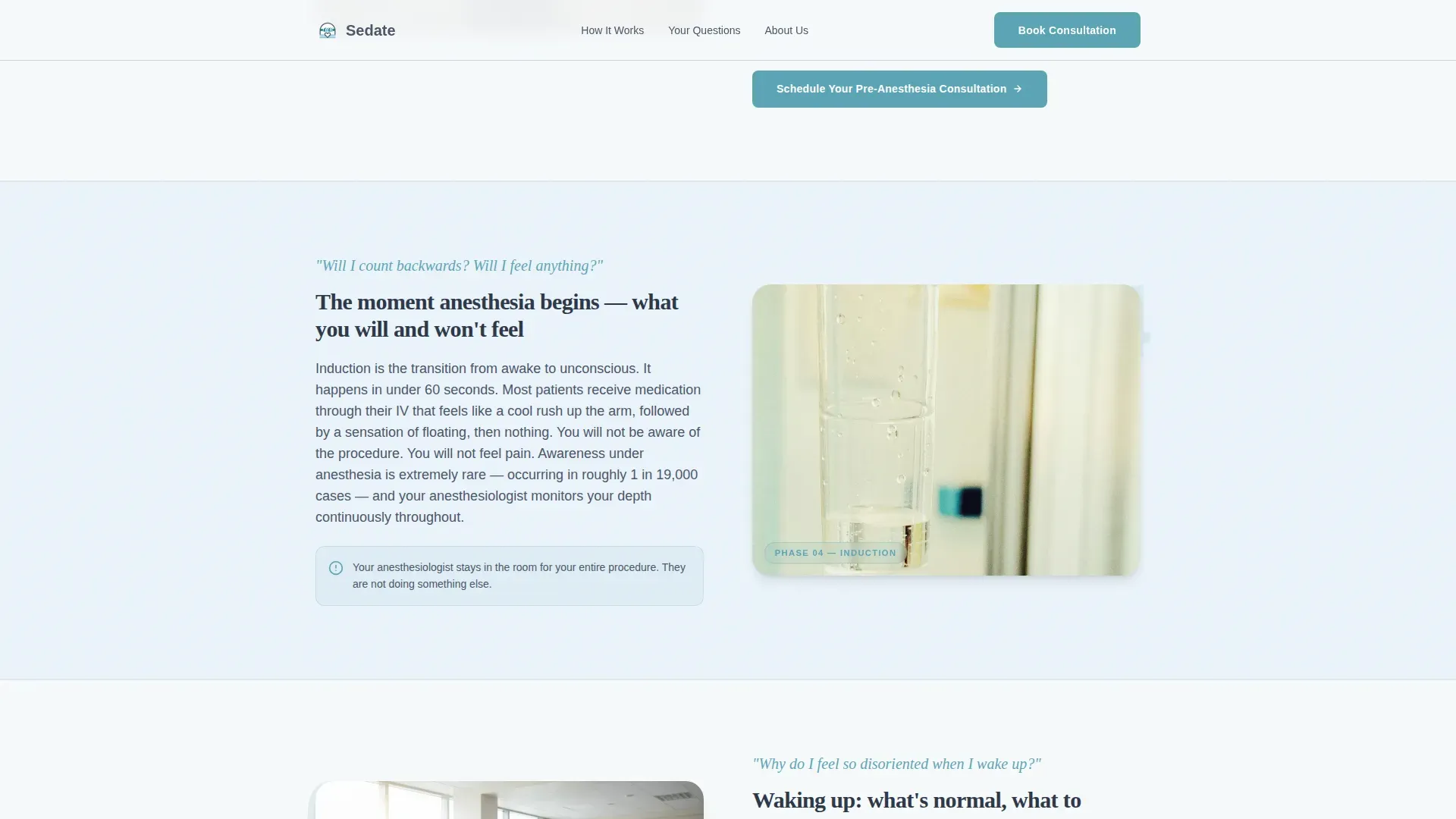
Five alternating left-image/right-text and right-image/left-text sections walk patients through the anesthesia process step by step. Each section is numbered with a large soft-teal numeral and answers the single question patients typically ask at that stage. The scroll pace is deliberate, never jumping ahead or assuming prior knowledge.
Pre-Anesthesia Consultation Booking Form
The primary call to action form appears after the third journey section, once the patient understands what a consultation covers. It asks for procedure type first via a dropdown covering general surgery, orthopedic, pediatric, cardiac, dental and oral, and other. Then it asks for a preferred date range and a single open field: "What concerns you most about anesthesia?"
PDF Pre-Surgery Checklist Gate
A secondary conversion path offers a downloadable pre-surgery checklist for patients not yet ready to book. The modal gate captures email address and procedure type only, keeping the barrier low and the value immediate.
Accordion FAQ Section
A warm-toned frequently asked questions section uses an accordion component to surface real patient fears without overwhelming the page. Each answer is written at a patient-friendly reading level, using language no visitor would need to look up.
Credibility Trust Bar
A dedicated trust section displays board-certified credentials, patient outcome statistics, and procedure counts. This component gives the practice's authority a visible home on the page without interrupting the educational narrative flow.
Page sections overview
| Section | Purpose |
|---|---|
| Hero: Stacked Tower | Sets phase expectations with BEFORE / DURING / AFTER typography and a reassuring subline |
| Phase 1: Consultation | Explains what happens at the pre-anesthesia consultation and why it matters |
| Phase 2: Fasting Instructions | Clarifies fasting rules and timing in plain, patient-friendly language |
| Phase 3: Pre-Op Hold Area | Describes the pre-op environment and what patients will experience before going in |
| Booking Form (Mid-Page) | Captures consultation requests after the patient has enough context to act |
| Phase 4: Induction Moment | Walks patients through the moment anesthesia begins, reducing fear of the unknown |
| Phase 5: Recovery Room | Explains the recovery process so patients and families know what to expect after |
| Trust Credibility Bar | Displays board certifications, credentials, and patient outcome figures |
| FAQ Accordion | Answers real patient fears in a warm, conversational tone |
| Booking Form (Page Base) | Repeats the consultation form at the end for patients who read the full page |
| PDF Checklist Gate | Offers a downloadable pre-surgery checklist for patients not yet ready to schedule |
| Footer | Single-row linear footer with practice contact and navigation |
Design & branding system
The visual identity follows a Healing Space theme using a Slate and Sky color system. The palette feels clinical without being frightening, like a hospital ceiling painted the color of a clear morning.
- Clinical slate (#4A5568) grounds the typography; soft surgical blue (#A8C6DF) washes across alternating section backgrounds; open-sky white (#F7FAFC) gives every element room to breathe
- Calm teal (#5BA4B5) marks all interactive buttons, numbered phase indicators, and progress elements
- Display typography uses Fraunces for the stacked hero; body copy uses DM Sans for clean, readable prose at every size
Mobile & speed optimization
This template is built mobile-first, recognizing that the primary audience searches for anesthesia information from a phone, often late at night before an early-morning surgery.
- Zigzag alternating sections restack into a clean single-column scroll on smaller screens
- Scroll-triggered fade and slide animations use staggered reveals to keep the mobile experience smooth and unhurried
- Server Components handle static educational sections; Client Components handle the interactive booking form, accordion FAQ, and PDF gate modal
How this template helps you convert
Every structural decision in this template is made to move an anxious patient toward one of two actions: booking a consultation or downloading the checklist. Neither path is rushed.
- The mid-page booking form appears only after Phase 3, giving the patient enough context to understand what they are scheduling before the call to action appears.
- The PDF checklist gate captures patients at the bottom of the funnel who need one more reassuring resource before committing to a consultation date.
- The open concern field ("What concerns you most about anesthesia?") in the booking form lowers psychological friction by inviting the patient to name their fear before submitting.
Other information about this template
This template is part of the Health and Medical category under the Anesthesiologist Website subcategory. It is designed specifically for the Anesthesiologist Patient Education Hub niche. A few additional details worth knowing before you customize it:
- The template style is Zigzag/Alternating with a Step-by-Step Guide creative direction, making it suitable for any service that benefits from a sequenced, phase-based explanation
- Illustrations described in the brief are warm and anatomical without being clinical, including a gentle airway cross-section, a simplified intravenous drip, and a pulse oximeter on a fingertip
- The footer uses a Linear Single-Row pattern, keeping the page base clean and uncluttered
- Animation level is set to medium, using text reveal masks and scroll-triggered transitions that do not distract from the educational content
Theme
Healing Space
Creative direction
Step-by-Step Guide
Color system
Slate & Sky
Style
Zigzag/Alternating
Direction
Booking/Scheduling
Page Sections
Stacked Type Tower Hero
Five-phase Zigzag Journey
Pre-anesthesia Consultation Form
PDF Pre-surgery Checklist Gate
Accordion FAQ Component
Credibility Trust Bar
Related questions
Can I use this template for a pediatric anesthesia practice?
Is the PDF pre-surgery checklist included in the template?
Can I customize the five journey phases for different procedures?
Does the booking form connect to a scheduling system automatically?
What reading level is the patient copy written at?



