Private Anesthesiology Consultation Landing Page
Sedate is a split-screen landing page for a private anesthesiology practice. It guides anxiety-driven patients through every step of the pre-surgery consultation process, replacing fear with informed calm. The design pairs a Medical Clarity aesthetic with a structured booking form, giving board-certified physicians a digital presence that earns patient trust before the first appointment.
by Rocket studio
Quick summary
Sedate is a single-page template built for a private anesthesiology consultation practice. It walks prospective patients through every phase of the pre-surgery process in plain language, then invites them to book a consultation. The layout and tone work together to replace late-night anxiety with confidence in a named, accessible physician.
Who this template is for
This template is purpose-built for board-certified anesthesiologists who run independent or private practices. It suits any physician whose core promise is personal attention before surgery day.
- Adults facing elective surgery who research anesthesia risks on their own time
- Parents arranging pediatric procedures and needing clear, reassuring answers
- Surgeons looking to partner with a dedicated, named anesthesiologist rather than a hospital rotation
What problem this template solves
Most patients meet their anesthesiologist moments before surgery. That leaves no room for real questions, informed consent, or genuine reassurance. This template addresses that gap directly.
- It replaces the opacity of hospital anesthesia assignment with a transparent, step-by-step process
- It gives high-anxiety patients a structured path from "I have questions" to "I have a booked consultation"
- It provides a professional, trust-building presence for a private practice competing against large hospital systems
What you get with this template
The template delivers a fully structured, single-page layout organized around the patient journey from first concern to confirmed appointment. Every section has a defined role and contributes to a calm, confident reading experience.
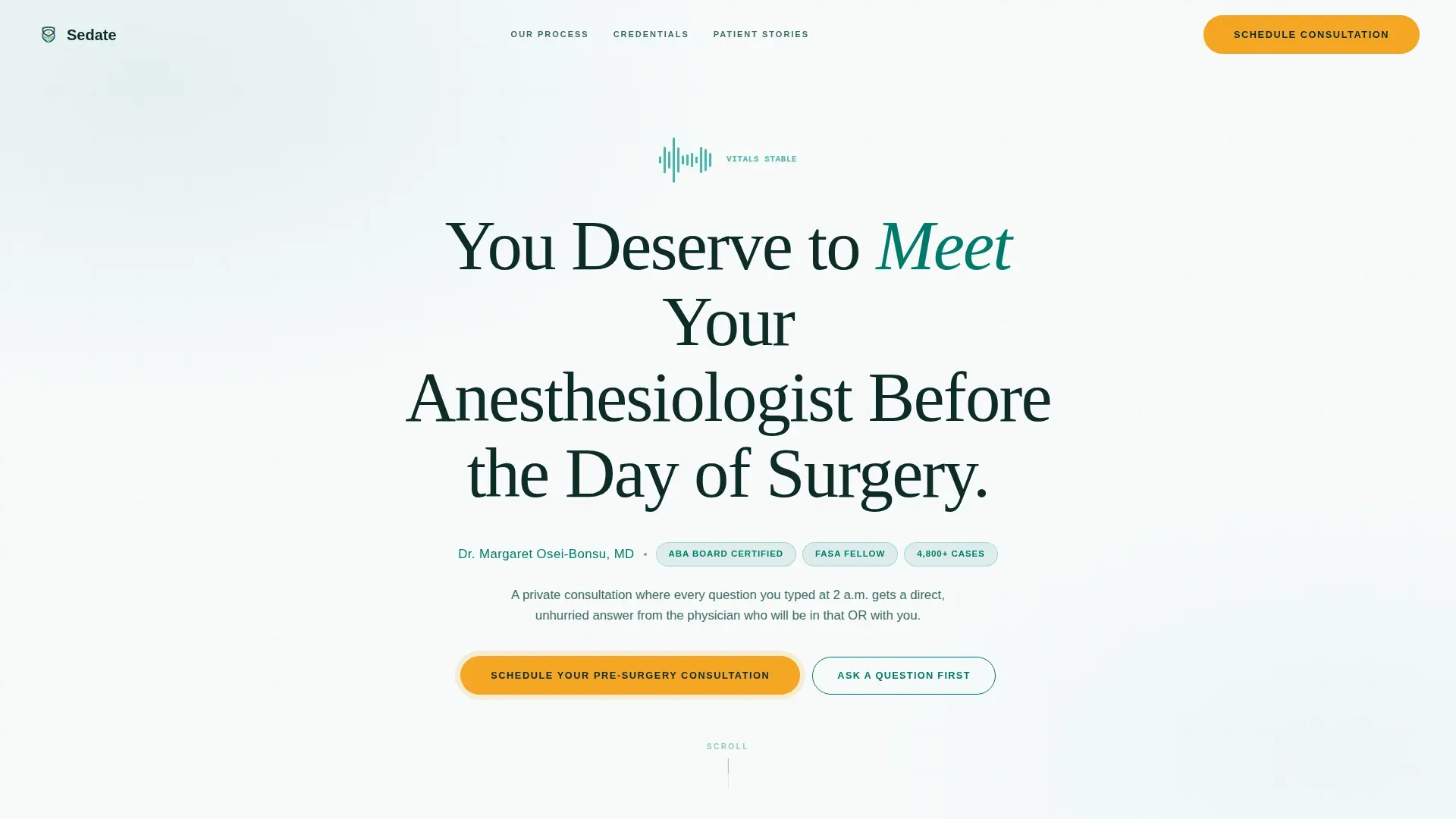
- A hero section with a giant centered serif headline and physician credentials line
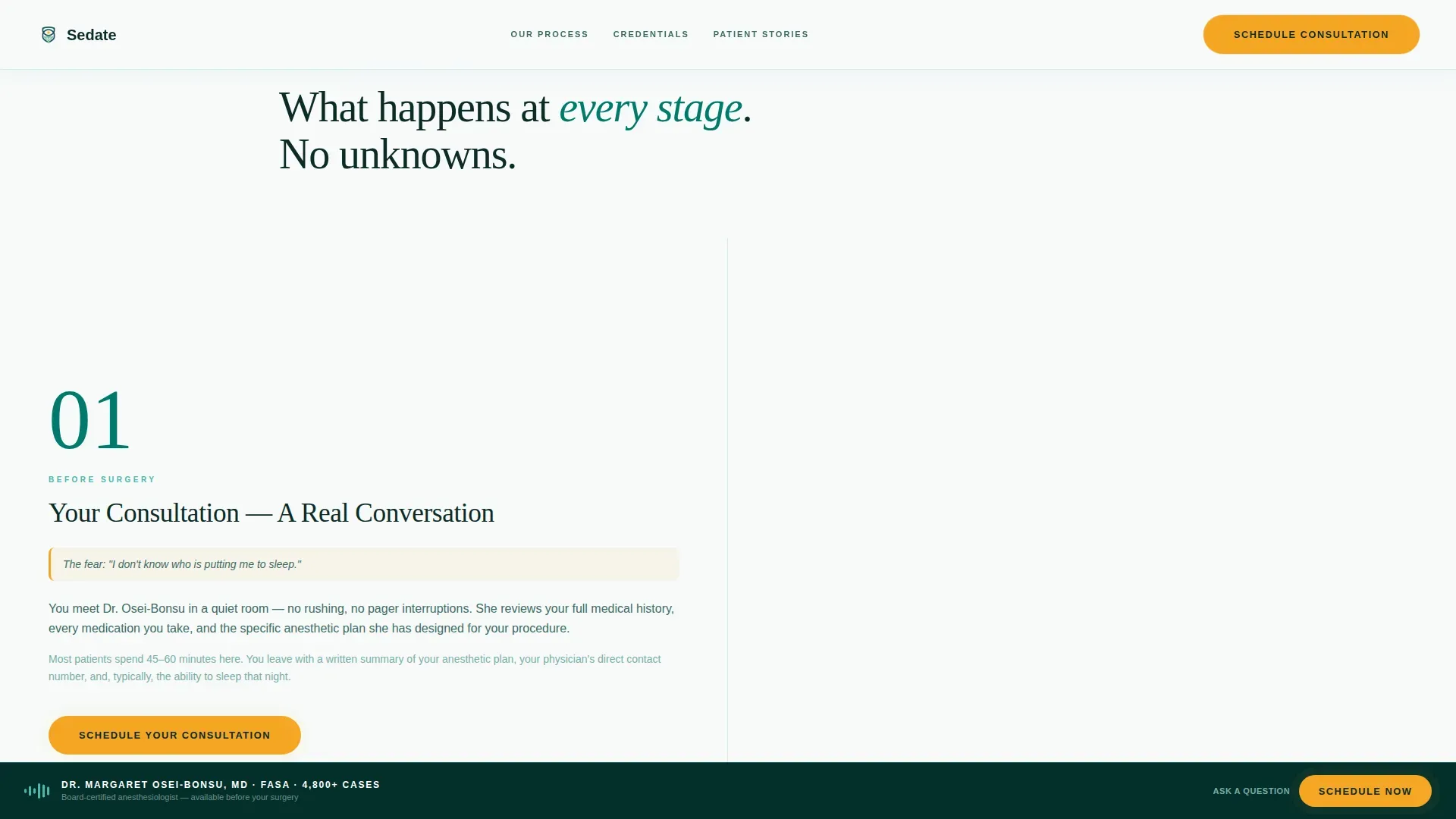
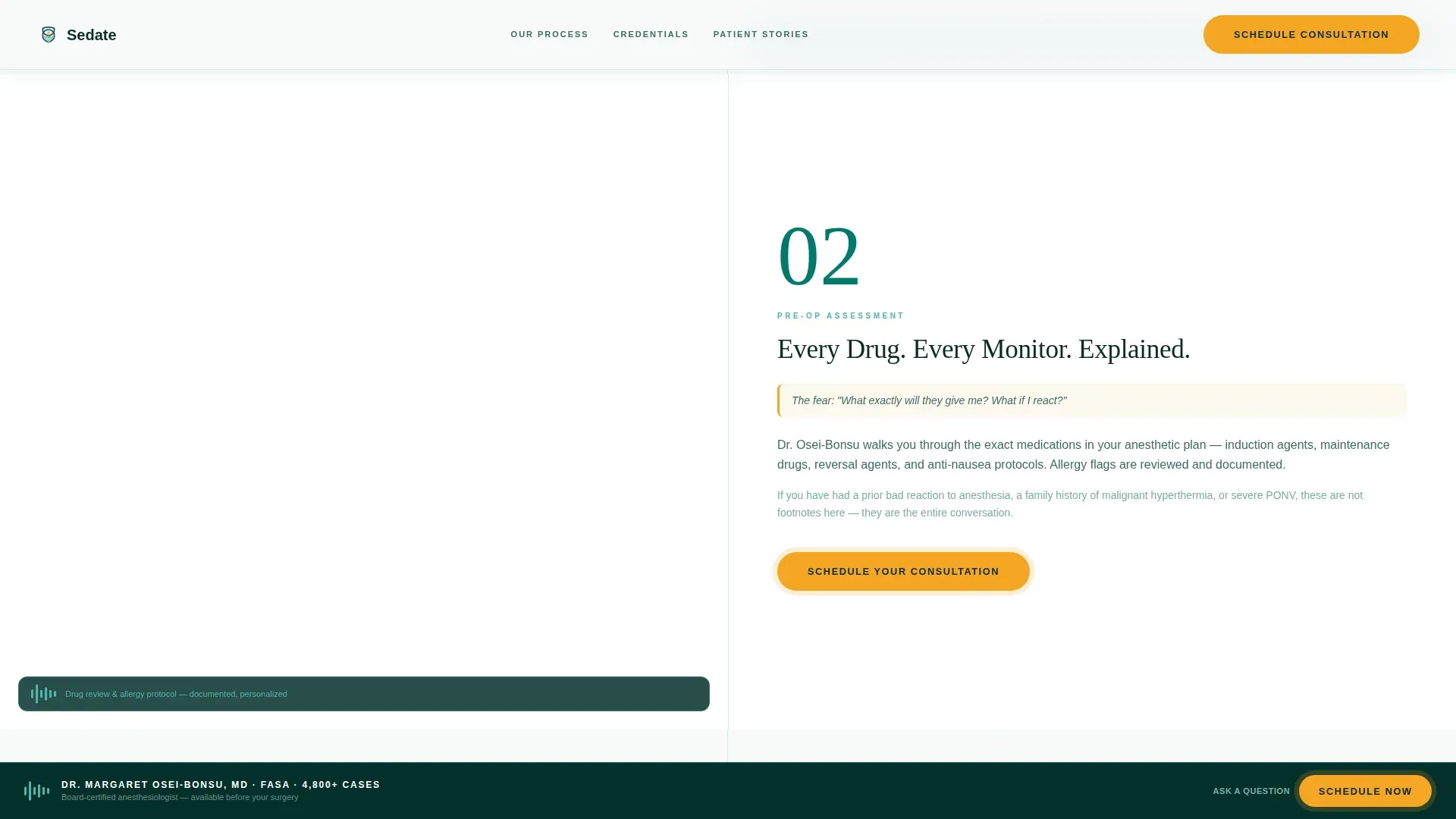
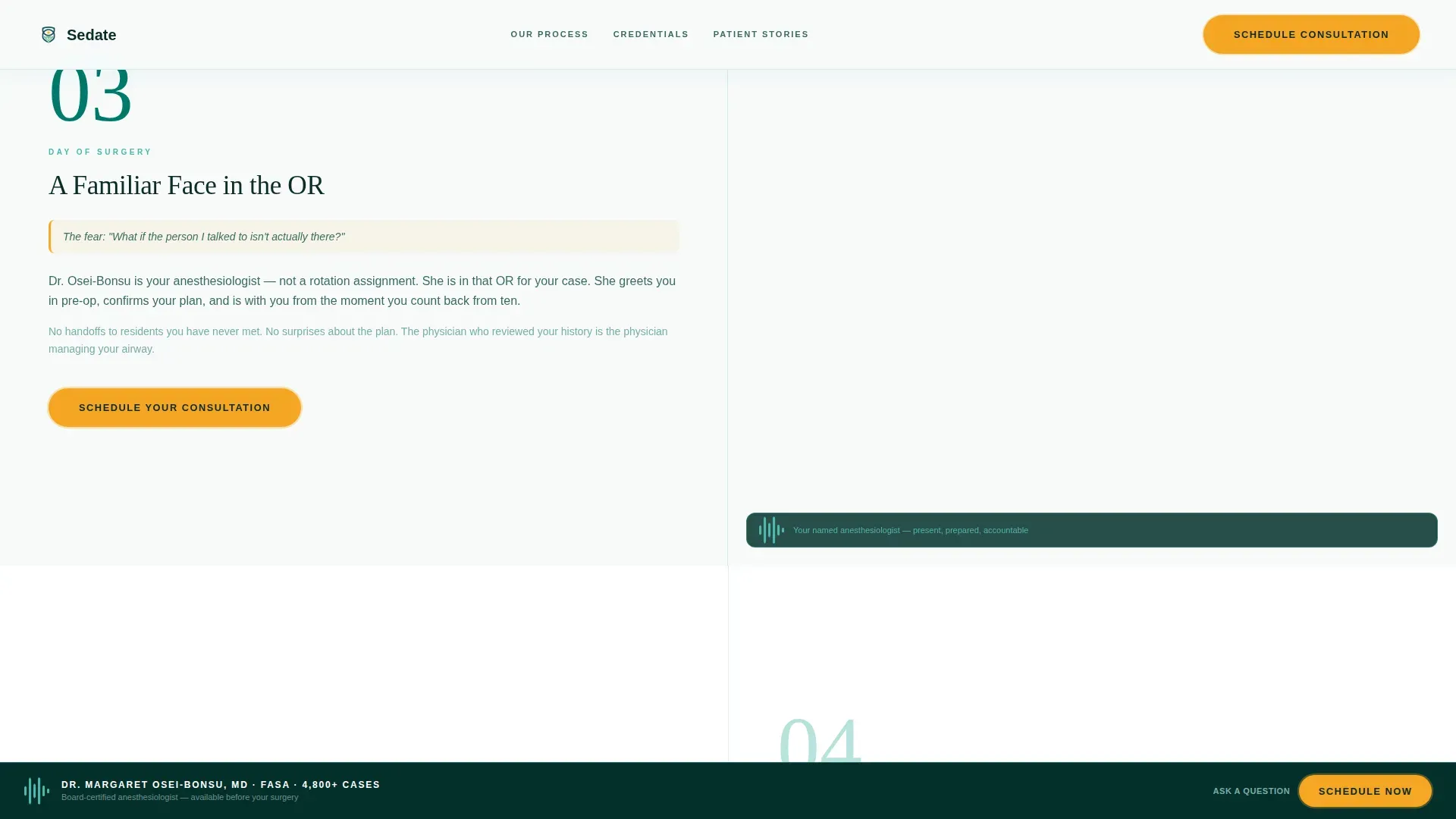
- A four-step transparent process section in a 50/50 split-screen layout with numbered steps and paired visuals
- A credentials and trust section with a stats bento display, board certifications, and case volume
- A patient testimonials section featuring adult and pediatric parent voices
- A conditional booking form with a surgery-type dropdown, surgery date, surgeon name, and patient contact fields
- A secondary soft path labeled "Ask a Question First" for visitors not yet ready to commit
Feature list
This template includes purpose-built components that serve the specific needs of a private anesthesiology consultation practice.
Giant Centered Serif Hero Headline
The hero opens with a full-viewport headline set in a light-weighted serif typeface. No competing imagery shares the space. A single teal credentials line below the headline identifies the physician by name, board certifications, and case count.
Four-Step Transparent Process Layout
A 50/50 split-screen section walks the patient through four numbered phases: consultation, pre-operative assessment, day-of protocol, and recovery monitoring. The left panel describes each step in plain language. The right panel shows what the patient will physically encounter at that stage.
Credentials and Trust Bento Block
A stats bento section displays board certifications and case volume in a clean, scannable grid. Monitor-glow green highlights key figures, making credentials feel precise rather than promotional.
Patient Testimonials Section
Real-voice testimonials from adult patients and parents of pediatric patients ground the practice in human experience. Quotes are specific and address surgical anxiety directly rather than offering generic praise.
Conditional Booking Form
The primary booking form uses a surgery-type dropdown covering orthopedic, cardiac, pediatric, cosmetic, and other categories. It then collects surgery date, surgeon name, and patient contact details. A secondary "Ask a Question First" path opens a single text field for visitors who need more time.
Pinned Amber Call-to-Action
The "Schedule Your Pre-Surgery Consultation" button in amber is anchored at the bottom of every scroll section. It stays visible without disrupting reading flow, so the booking path is always one step away.
Page sections overview
| Section | Purpose |
|---|---|
| Hero Headline | Establish trust through name, credentials, and focused headline |
| Transparent Process Steps | Walk the patient through four pre-surgery phases |
| Credentials and Trust | Display board certifications, case volume, and key stats |
| Patient Voices | Reinforce trust with adult and parent testimonials |
| Booking Form | Convert visitors into scheduled consultations |
| Footer | Provide linear single-row practice contact and navigation |
Design & branding system
The visual identity follows a Medical Clarity theme built around the Teal Catalyst color system. The palette evokes the quiet precision of an anesthesia workstation, where dark teal provides structural calm and amber commands attention only where action is needed.
- Deep surgical teal (#00796B) dominates backgrounds and section dividers; sterile white (#F7FAFA) carries all body text panels
- Soft monitor-glow green (#4DB6AC) highlights stats and credentials, while warm amber (#F5A623) appears exclusively on calls to action and interactive elements
- Typography pairs Fraunces serif for headlines with DM Sans for all body copy, maintaining a readable contrast between authority and clarity
Mobile & speed optimization
The template is designed desktop-first to serve patients researching late at night on a laptop or desktop computer. Full mobile support is included so the experience translates cleanly to any screen size.
- Clip-path reveals and GSAP scroll-triggered animations provide medium-weight motion that does not obstruct content on smaller screens
- Server Components handle all static content rendering, while Client Components manage animations and the interactive booking form
- Stagger entrance animations and the subtle OR-pulse effect are scoped to interactive elements, keeping the base layout lightweight
How this template helps you convert
The template earns the booking click by showing the full process before asking for any commitment. Transparency is not a tagline here; it is the structural logic of every scroll section.
- The numbered process steps systematically disarm anxiety by replacing unknowns with named, visible stages, so the visitor arrives at the booking form already informed and reassured.
- The pinned amber call-to-action and the soft "Ask a Question First" secondary path give two conversion routes, capturing both ready-to-book patients and those who need one more answered question first.
Other information about this template
This template is categorized under Health and Medical, with a specific focus on the anesthesiology medicine subcategory and the anesthesiology private practice niche. It is built for the United States market with date formatting in MM/DD/YYYY and all copy in English.
- The intersection match score of 13 reflects a tightly focused template built for one specific medical service type
- Animation intensity is set to medium, using GSAP scroll triggers and stagger entrances without overwhelming a health-focused audience
- The footer follows a linear single-row pattern, keeping the page clean and focused on the primary booking objective
- The template supports a high level of form interactivity through conditional paths, allowing patients to self-select their readiness to book
Theme
Medical Clarity
Creative direction
Transparent Process
Color system
Teal Catalyst
Style
Split Screen (50/50)
Direction
Booking/Scheduling
Page Sections
Giant Centered Serif Hero Headline
Four-step Transparent Process Layout
Credentials and Trust Bento Block
Patient Testimonials Section
Conditional Booking Form
Pinned Amber Call-to-action Button
Related questions
Who is this landing page template designed for?
Can I customize the booking form fields?
Does the template include a soft path for undecided visitors?
What sections are included in the template?
Is this template suitable for pediatric anesthesiology consultations?



