Fire Safety & Prevention Professional Website Template
Sentry is a split-screen fire watch landing page template built for guard services that need to win clients fast. It pairs a bold typographic header with a step-by-step process reveal, a persistent call-to-action bar, and a Corporate Precision visual identity in charcoal and amber. It is designed for fire watch operators serving contractors, fire marshals, and facilities managers.
by Rocket studio
Quick summary
Sentry is a single-page fire watch guard service landing page template. It uses a split-screen (50/50) layout, a charcoal and amber color system, and a step-by-step scroll sequence to show potential clients exactly what happens after they request a guard. The template is built to convert time-sensitive buyers into dispatch requests.
Who this template is for
This template is built for fire watch guard companies that serve commercial and construction clients. It speaks directly to buyers who need rapid deployment and inspection-ready documentation.
- General contractors closing out permits and needing certified fire watch during hot work
- Fire marshals and compliance officers requiring documented on-site coverage during suppression shutdowns
- Facilities managers keeping buildings occupied while fire suppression systems are offline
What problem this template solves
Fire watch clients are under pressure. They need a guard confirmed in hours, not days, and they need proof of process for inspectors. A generic service page does not answer those needs. Sentry closes that gap with a structured, credibility-first layout.
- Visitors cannot tell if a service is fast enough or inspection-ready from a standard contact page
- Uncertainty about the guard's process creates hesitation that costs the operator a dispatch request
- Buyers in research mode leave without converting because there is no proof of workflow
What you get with this template
You get a fully structured single-page layout that guides a high-urgency visitor from first impression to dispatch request. Every section is purposeful and copy-ready.
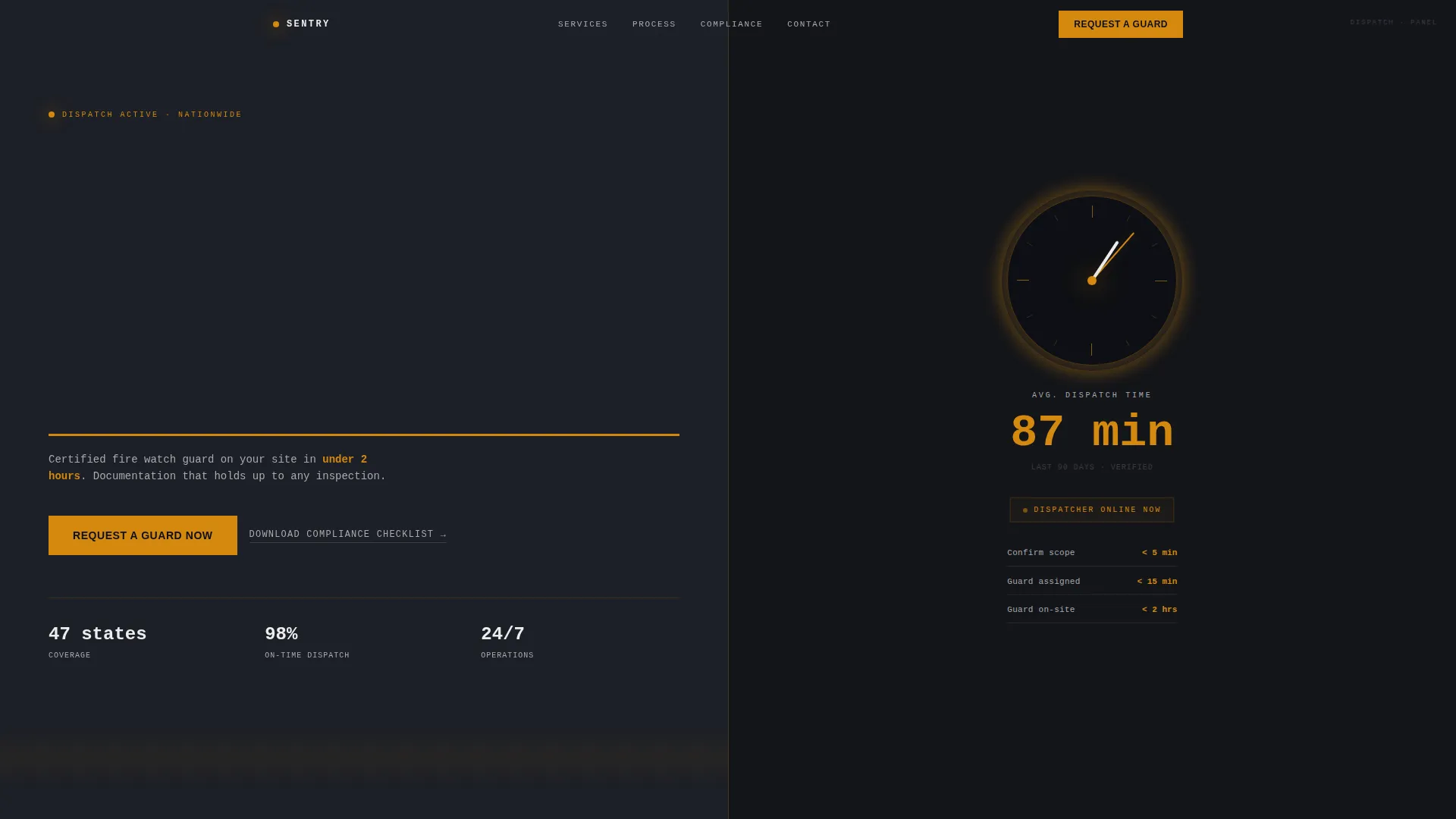
- A viewport-filling giant headline section with response-time guarantee subline and amber clock icon
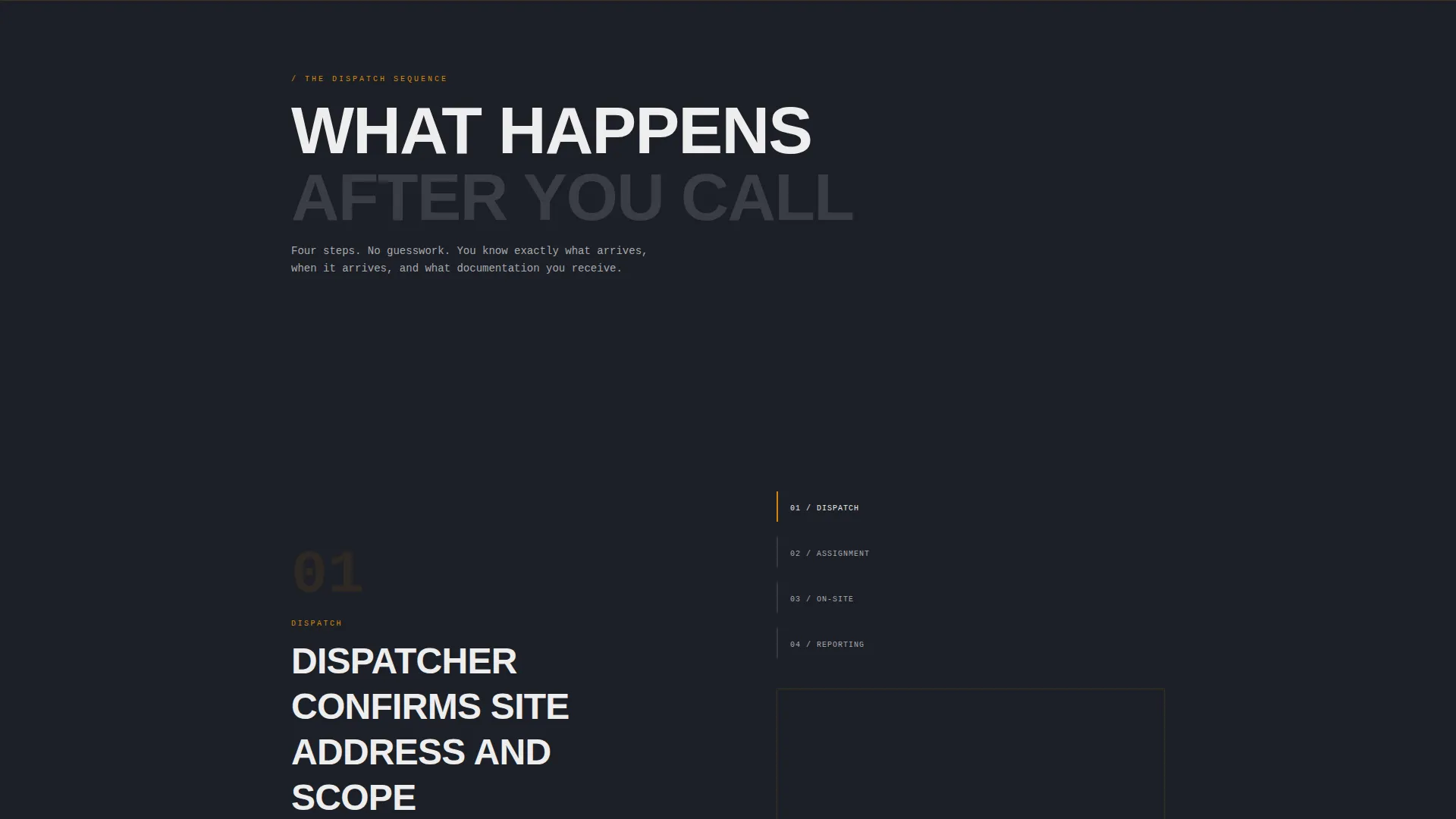
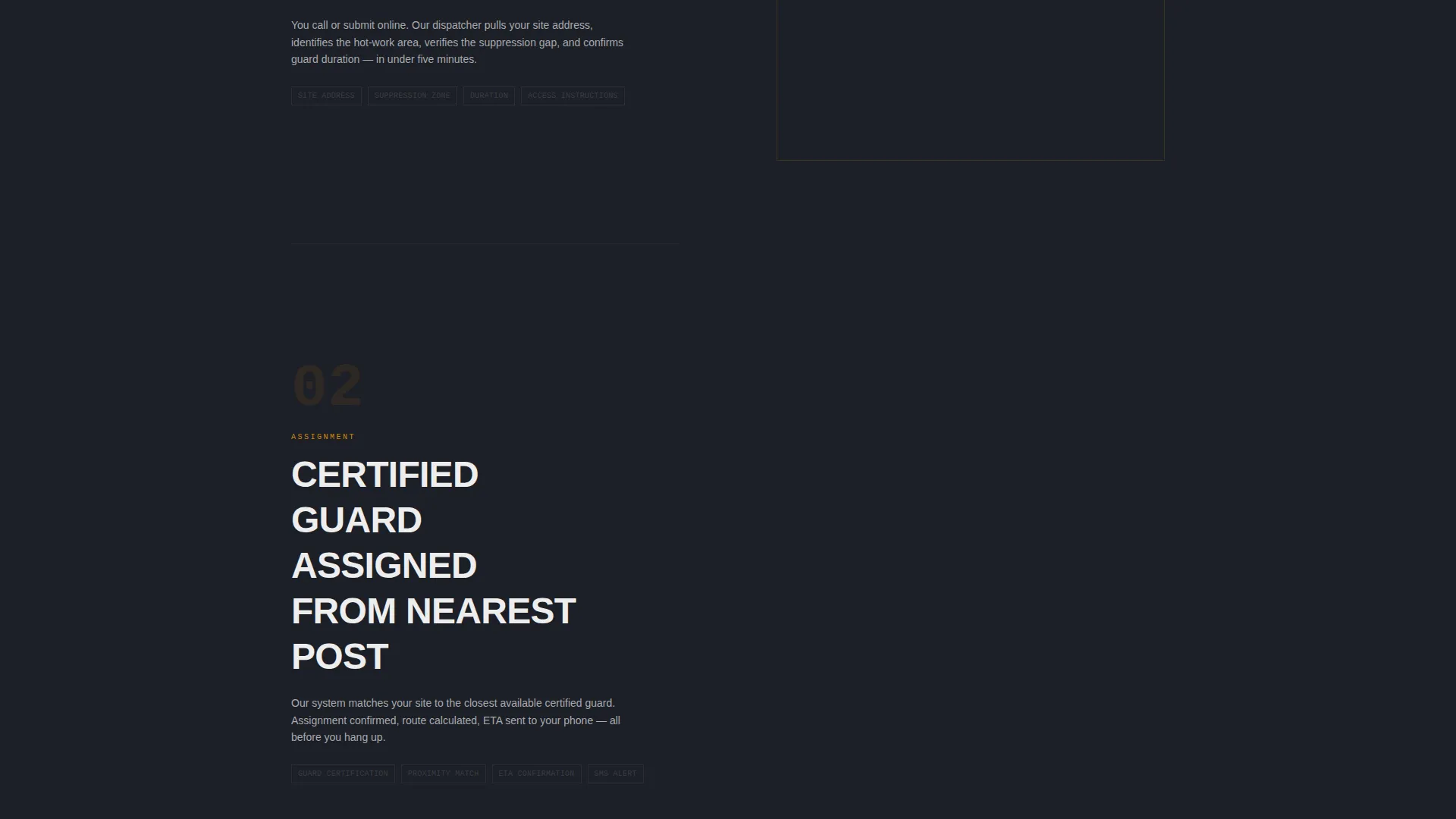
- A four-step scrolling process section with split frames, amber step numbers, and tight action copy
- A primary "Request a Guard Now" call-to-action and a secondary compliance checklist download link
Feature list
This template includes the following built-in layout components and design features.
Split-Screen Hero with Typographic Authority
The header fills the full viewport with bold condensed white type on charcoal. A single amber underline accent sits beneath the focal word. The right half of the split displays a glowing amber clock icon alongside a live average dispatch time counter, giving the headline immediate proof of speed.
Step-by-Step Process Scroll Sequence
Four sequential steps scroll into view as the visitor moves down the page. Each step occupies its own split frame: the left side holds tight action copy with an amber step number, and the right side holds a high-contrast photograph of that moment in the dispatch sequence.
Persistent Mobile Call-to-Action Bar
On mobile, the primary "Request a Guard Now" button reappears as a fixed bottom bar throughout the scroll. This keeps the conversion action visible at every point in the visitor's reading journey without interrupting the content flow.
Dual Conversion Path Design
The template offers two exit points for different buyer mindsets. The primary call-to-action routes to a dedicated dispatch form. A secondary text link offers a downloadable fire watch compliance checklist for visitors still in the research phase.
Corporate Precision Color System
Charcoal dominates all backgrounds and section dividers. Amber marks every interactive element, data callout, and step number. Graphite holds secondary text. Ash white keeps body copy legible. Every color decision reinforces the authority and precision the service needs to project.
Documented Dispatch Process Layout
The four-step sequence is not decorative. It maps the real guard deployment process: address confirmation, guard assignment, on-site arrival with log book and equipment, and hourly digital patrol reports. This layout replaces buyer uncertainty with operational clarity before any commitment is asked.
Page sections overview
| Section | Purpose |
|---|---|
| Hero Split Screen | Headline, response-time guarantee, and amber dispatch counter |
| Response Time Bar | Subline proof of speed below the main headline |
| Step 1: Confirm Scope | Dispatcher confirms site address and job scope |
| Step 2: Guard Assigned | Certified guard selected from nearest available post |
| Step 3: Guard Arrives | Guard on site with log book, PPE, and extinguisher |
| Step 4: Patrol Reports | Hourly digital patrol reports sent to client inbox |
| Primary call to action Section | "Request a Guard Now" button routing to dispatch form |
| Compliance Checklist Link | Secondary download for research-stage visitors |
| Persistent Mobile Bar | Fixed bottom call-to-action bar for mobile users |
Design & branding system
The visual identity follows a Corporate Precision theme. Every design choice communicates reliability and zero-error professionalism, matching the expectations of fire marshals and compliance officers.
- Deep structural charcoal (#1C1F26) fills backgrounds and section dividers; smoke-tinged graphite (#3A3D45) holds secondary text; controlled amber (#D4880F) marks all interactive elements, step numbers, and data callouts; and clean ash white (#EDEDED) carries body copy
- Bold condensed white type dominates the header with a single amber underline accent, creating typographic authority without competing imagery
- High-contrast photography in the step sections uses stark, practical visuals that reinforce the operational tone
Mobile & speed optimization
The layout is structured for reliable performance on mobile devices, where many fire watch dispatch requests originate. The template accounts for high-urgency mobile visitors who need quick answers.
- The split-screen layout adapts to a stacked single-column flow on smaller screens for clear readability
- The persistent bottom call-to-action bar keeps the dispatch request button accessible throughout the entire mobile scroll
- Step frames maintain high-contrast visual hierarchy on smaller viewports so no copy or step number is lost
How this template helps you convert
The template earns the dispatch request before it asks for one. Every section is ordered to reduce hesitation and build operational trust.
- The hero section establishes speed and authority immediately with the response-time guarantee and dispatch counter, so the visitor knows within seconds whether this service meets their timeline
- The four-step scroll sequence reveals the full guard deployment process before any commitment is requested, replacing uncertainty with familiarity and making the visitor feel they already know what happens next
- The dual call-to-action structure captures both ready-to-dispatch buyers and research-stage visitors, so no high-value prospect leaves the page empty-handed
Other information about this template
This template is designed specifically for the commercial fire protection niche, where compliance documentation and rapid response time are the two primary purchase drivers. It is well-suited for operators offering fire watch guard services to construction sites, occupied commercial buildings, and facilities undergoing suppression system maintenance.
- The step-by-step layout approach is particularly effective for services where the buyer has never hired a fire watch guard before and needs process reassurance before committing
- The compliance checklist download link serves as a lead capture tool for buyers who are not yet ready to dispatch but are actively preparing for an inspection or permit closeout
- The amber and charcoal palette was selected to evoke the visual language of active job sites and caution signage, reinforcing brand recognition in the safety and emergency services category
- This template is a strong fit for operators who want a professional, inspection-credible web presence without building a multi-page site from scratch

Theme
Medical Clarity
Creative direction
Stats-First Impact
Color system
Navy Authority
Style
Single Column Flow
Direction
Lead Generation
Page Sections
Split-screen Hero with Dispatch Counter
Four-step Process Scroll Sequence
Persistent Mobile Call to Action Bar
Dual Conversion Path Layout
Corporate Precision Color System
Related questions
What type of business is this template built for?
Does the template include a dispatch form?
Can I use this template to offer a compliance checklist download?
How does the step-by-step section work?
Is the layout suitable for mobile visitors?