Setback - Authoritative Fencing Landing Page Template
Setback is an editorial landing page template built for Los Angeles fence installation companies. It uses an FAQ-driven scroll to educate homeowners, property managers, and contractors before asking for anything. The design feels authoritative and warm, guiding visitors from genuine answers all the way to a low-friction site walk booking form.
by Rocket studio
Quick summary
Setback is a single-page editorial template for a Los Angeles fence installation company. It leads with a massive headline on a deep plum field, then unfolds as a curated sequence of real homeowner questions with richly typeset answers. The page earns the visitor's trust through demonstrated expertise before presenting a scheduling form.
Who this template is for
This template is designed for fence installation businesses operating in the Los Angeles area. It speaks directly to the range of people who hire fencing crews and need clear, honest answers before committing to a project.
- Homeowners dealing with a leaning fence, an HOA notice, or a pool code requirement
- Property managers replacing rusted perimeter runs across multi-unit complexes
- General contractors who need a reliable fencing subcontractor for upcoming jobs
What problem this template solves
Most service business landing pages ask for a lead before they give anything back. Visitors arrive with real questions about permits, materials, and neighbor liability, and they leave when those questions go unanswered. Setback solves this by making the education the page itself.
- Visitors get substantive answers to questions like permit requirements and material comparisons before any sales pressure
- The booking form appears only after the visitor has passed three FAQ sections, earning the ask rather than forcing it
- A low-commitment secondary path keeps research-mode visitors engaged instead of bouncing
What you get with this template
Setback delivers a complete, production-ready editorial landing page layout. Every section is purposefully sequenced to move a fence-curious visitor toward a scheduled site walk.
- A viewport-filling plum header with a centered editorial serif headline and an animated scroll indicator
- An FAQ-driven content body alternating between deep-read parchment panels and punchy plum stat bands
- A sticky booking bar with a zip code field, fence-type icon selector, and calendar widget, plus a secondary "Just Have a Question?" single-field text path
Feature list
This template is built around a clear set of functional and visual components drawn directly from the design brief.
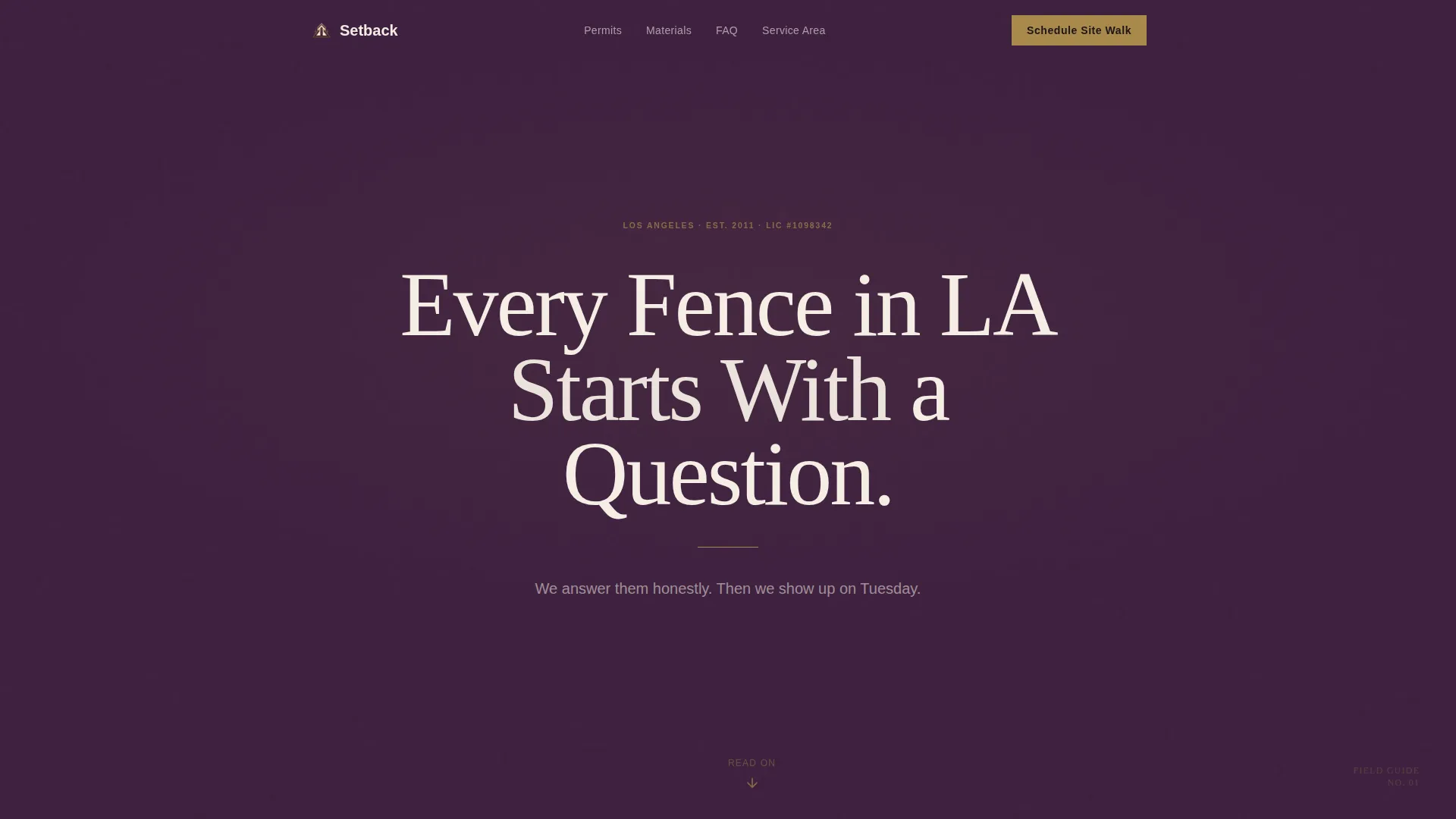
Giant Centered Headline Header
The page opens with a single large headline set in a high-contrast editorial serif, centered on a deep plum field. A thin brass rule sits beneath it and a small animated down-arrow cues the scroll. No image competes with the typography. The headline itself carries the full visual weight of the first impression.
FAQ-Driven Editorial Scroll
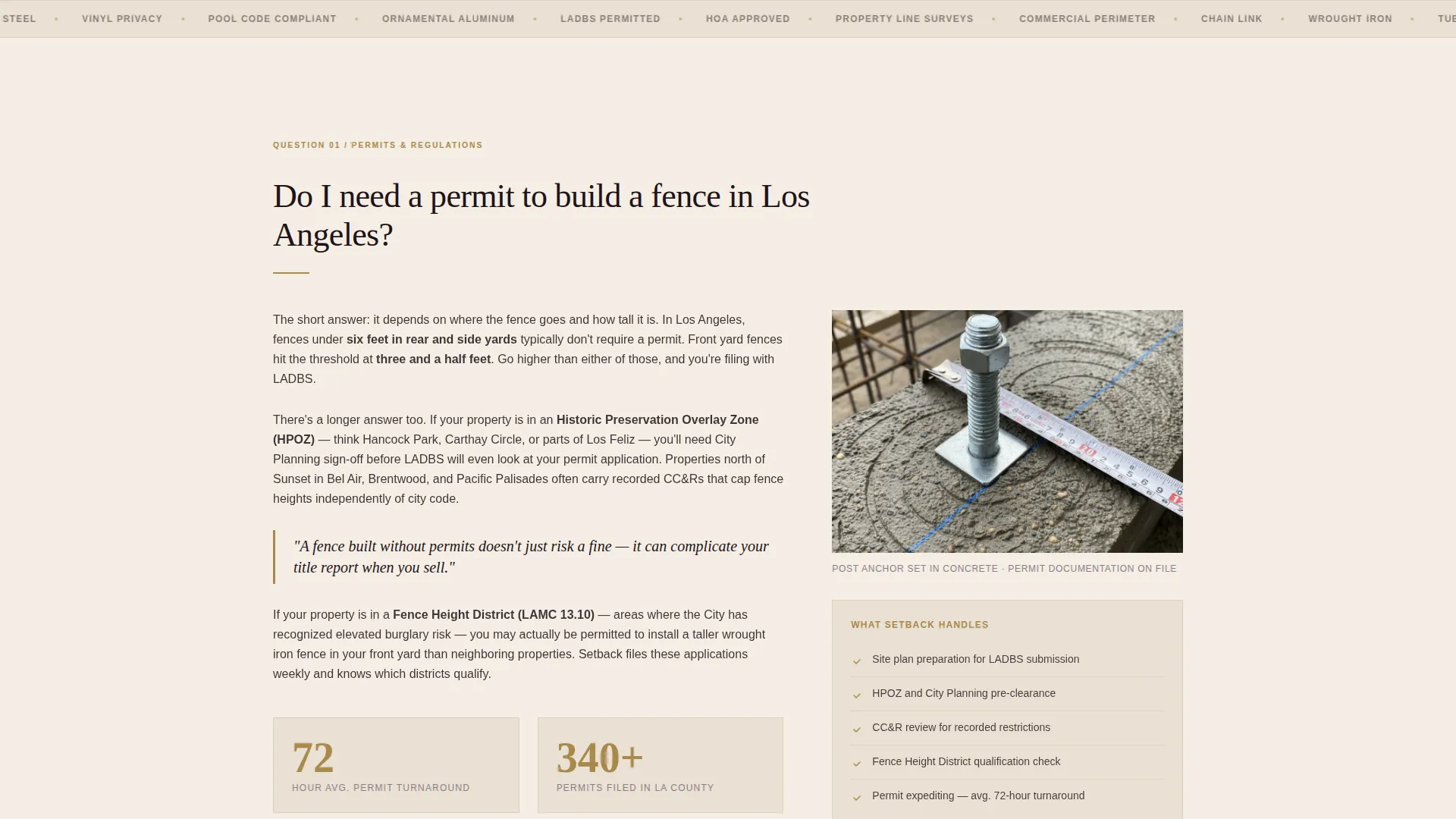
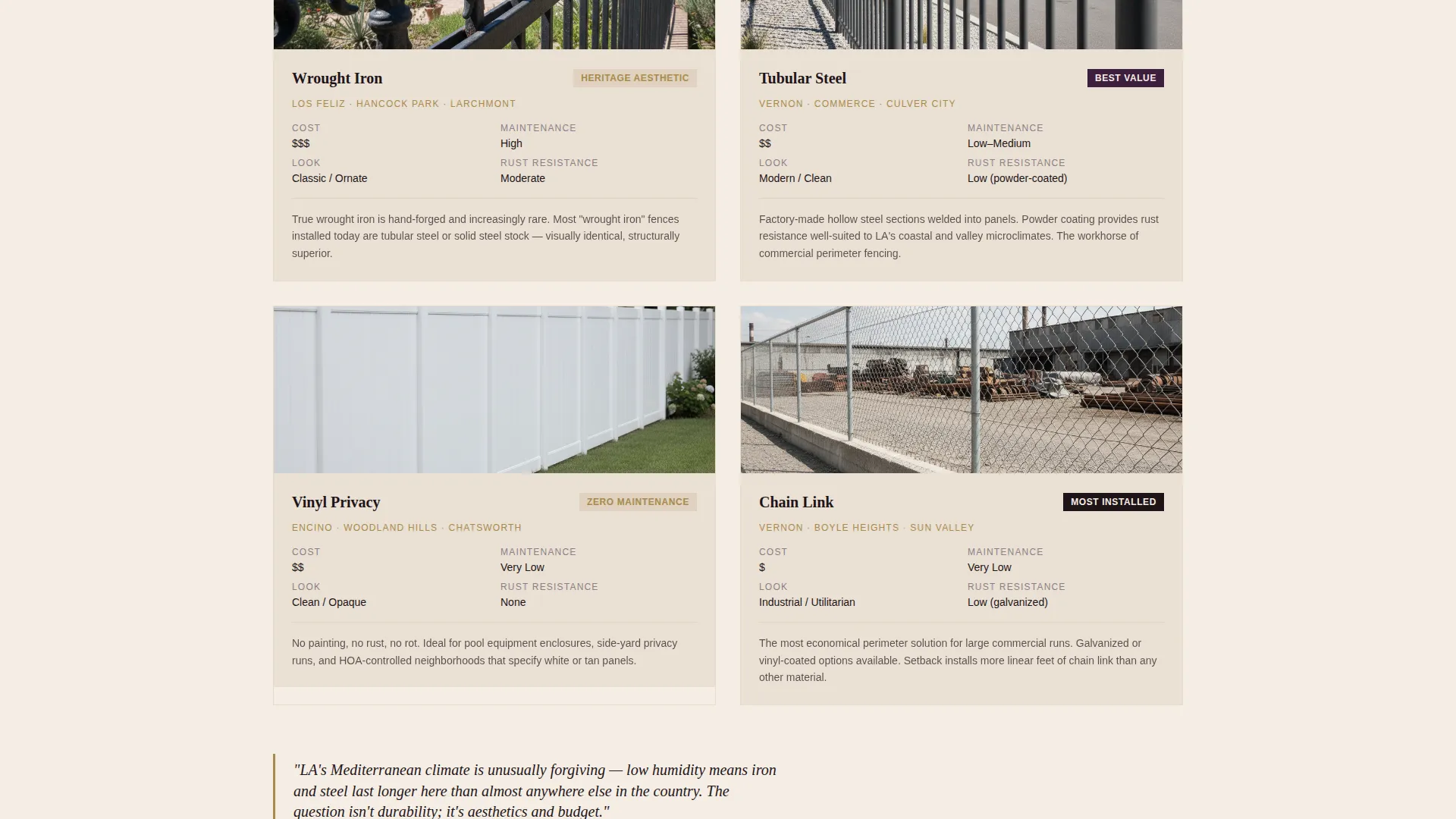
The main body unfolds as a curated sequence of real homeowner questions styled as magazine-section headers. Each question opens into a typeset answer panel with inline photography covering details like post anchors in concrete, aerial property line overlays, and side-by-side material comparisons. The rhythm alternates between long-read parchment panels and short stat bands on plum.
Sticky Scheduling Bar
After the visitor passes the third FAQ section, a brass-accented sticky bar locks to the screen. It presents the primary call to action: "Schedule Your Site Walk." The bar is designed to feel earned rather than intrusive, appearing only after genuine value has been delivered.
Booking Form with Fence-Type Selector
The scheduling form collects a property zip code first to confirm the service area, then offers an icon-based selector for fence type (privacy, security, decorative, or pool code). A calendar widget lets the visitor choose a preferred walk date. The sequence is deliberate and low-friction.
Secondary Low-Commitment Path
A "Just Have a Question?" option sits alongside the primary form. It opens a single text input field, reducing the commitment threshold for visitors who are still in research mode. This keeps more visitors in the funnel rather than losing them to uncertainty.
Plum and Brass Stat Bands
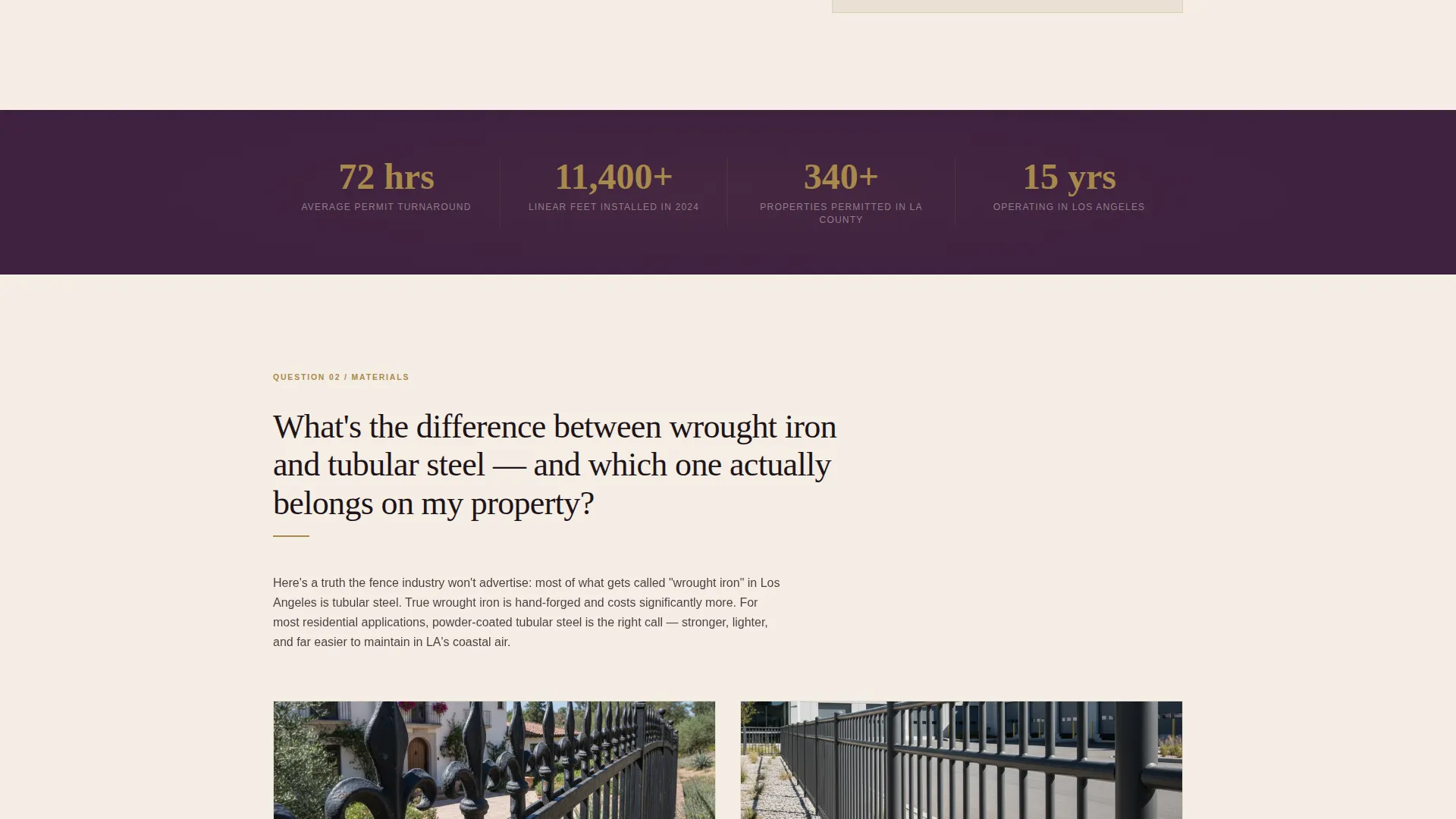
Short, punchy statistic panels in deep plum break up the long-read sections. These bands highlight credibility figures like permit turnaround times and linear feet installed, pulling the eye with brass-accented callout numbers and reinforcing expertise between FAQ answers.
Page sections overview
| Section | Purpose |
|---|---|
| Plum Headline Header | Opens the page with a single authoritative headline and scroll cue |
| First FAQ Panel | Answers the permit question with an inline editorial response |
| Stat Band One | Delivers a punchy plum-field credibility figure |
| Second FAQ Panel | Explains material differences with side-by-side photography |
| Stat Band Two | Highlights a second key installation metric |
| Third FAQ Panel | Addresses neighbor cost-sharing and property line liability |
| Sticky Booking Bar | Appears after third FAQ, anchors the site walk call to action |
| Scheduling Form | Collects zip code, fence type, and preferred walk date |
| Secondary Question Path | Low-commitment single-field text option for research visitors |
Design & branding system
The Plum Executive color system gives this template a look that feels like a leather-bound building code manual. It is authoritative without being cold, and rich without being loud.
- Deep plum (#3D1F3E) dominates headers and section dividers; warm parchment (#F4EDE4) gives long-read panels breathing room; tarnished brass (#A8894B) accents rules, pull quotes, hover states, and callout numbers; near-black walnut (#1E1418) handles body text
- Typography is an editorial serif at headline scale, weighted and confident, treating the visitor as a reader rather than a prospect
- The overall visual identity follows an Educational Guide theme: measured, structured, and credible
Mobile & speed optimization
The layout is built to remain readable and functional across screen sizes without sacrificing the editorial weight of the desktop experience.
- The viewport-filling headline and FAQ scroll reflow cleanly for smaller screens, keeping the reading rhythm intact
- The sticky booking bar and icon-based fence-type selector are designed for thumb-friendly interaction on mobile devices
How this template helps you convert
Setback is structured around a trust-first conversion path. Every design and content decision serves the goal of turning a curious researcher into a booked site walk.
- The FAQ-driven scroll builds genuine credibility by answering real questions with detail and specificity, so the visitor feels consulted rather than sold to
- The sticky scheduling bar appears only after three FAQ sections, timing the ask to the moment the visitor is most ready to act
- The dual-path form design (full booking versus single question) captures both high-intent visitors and early-stage researchers in the same session
Other information about this template
Setback is designed specifically for the Los Angeles fence installation market, with content cues and service-area logic built into the form flow. It suits businesses that serve a range of fence types across LA neighborhoods, from chain link in industrial zones to wrought iron and vinyl privacy fencing in residential areas.
- The template references real LA context: chain link along industrial yards in Vernon, wrought iron framing Spanish Revival homes in Los Feliz, and vinyl privacy walls in Encino
- The zip code field in the booking form is intended to confirm service area coverage before the visitor commits to a date
- Credibility callouts such as "72-hour permit turnaround" and "11,400+ linear feet installed in 2024" are built into the stat band layout as editable placeholder figures
Theme
Educational Guide
Creative direction
FAQ-Driven
Color system
Plum Executive
Style
Editorial/Magazine
Direction
Booking/Scheduling
Page Sections
Giant Centered Editorial Headline
Faq-driven Magazine Scroll
Sticky Site Walk Booking Bar
Zip Code and Fence Type Form
Low-commitment Secondary Path
Plum Stat Band Callouts
Related questions
What type of business is this template designed for?
Can I customize the FAQ questions and answers in this template?
What does the booking form collect from visitors?
Does the sticky booking bar appear right away when the page loads?
Is this template suitable for a fence company that installs multiple fence types?



