Hairstylist Portfolio Landing Page Template
Shears is a masonry-style hairstylist landing page template built for portfolio-driven creatives. It opens with floating hair portraits drifting in parallax, then flows into an endlessly scrolling gallery grid with lightbox transformations, category filters, and cinematic video strips. Every section is designed to let the work sell itself before a single booking prompt appears.
by Rocket studio
Quick summary
Shears is a single-page hairstylist portfolio template with a bold, gallery-black aesthetic and Electric Indigo color system. It combines a floating-photo header, a Pinterest-style masonry grid, lightbox before-and-after reveals, and cinematic video strips. The template is built to convert by letting fifty images of real skill carry the visitor all the way to the booking call to action.
Who this template is for
This template is designed for hairstylists who want their portfolio to do the talking. It suits independent creatives and salon professionals whose work spans color, cuts, bridal styling, and editorial looks.
- Freelance hairstylists and chair-side artists building a personal brand online
- Salon owners and color specialists who want a visually immersive portfolio presence
- Bridal and editorial stylists attracting clients who arrive with a reference image in hand
What problem this template solves
Most hairstylist websites bury the best work behind bland layouts and slow-loading galleries. Visitors leave before they feel anything. Shears solves that by making the portfolio itself the experience, pulling visitors in visually before a single line of sales copy appears.
- Generic grid layouts fail to convey the artistry behind each transformation
- Disconnected booking flows lose clients who are ready but do not know the next step
- Static single-image portfolios hide the process and story behind a finished look
What you get with this template
You get a complete, ready-to-customize hairstylist landing page with an immersive visual structure built from the header down to the closing call to action. Every major section is already designed and sequenced.
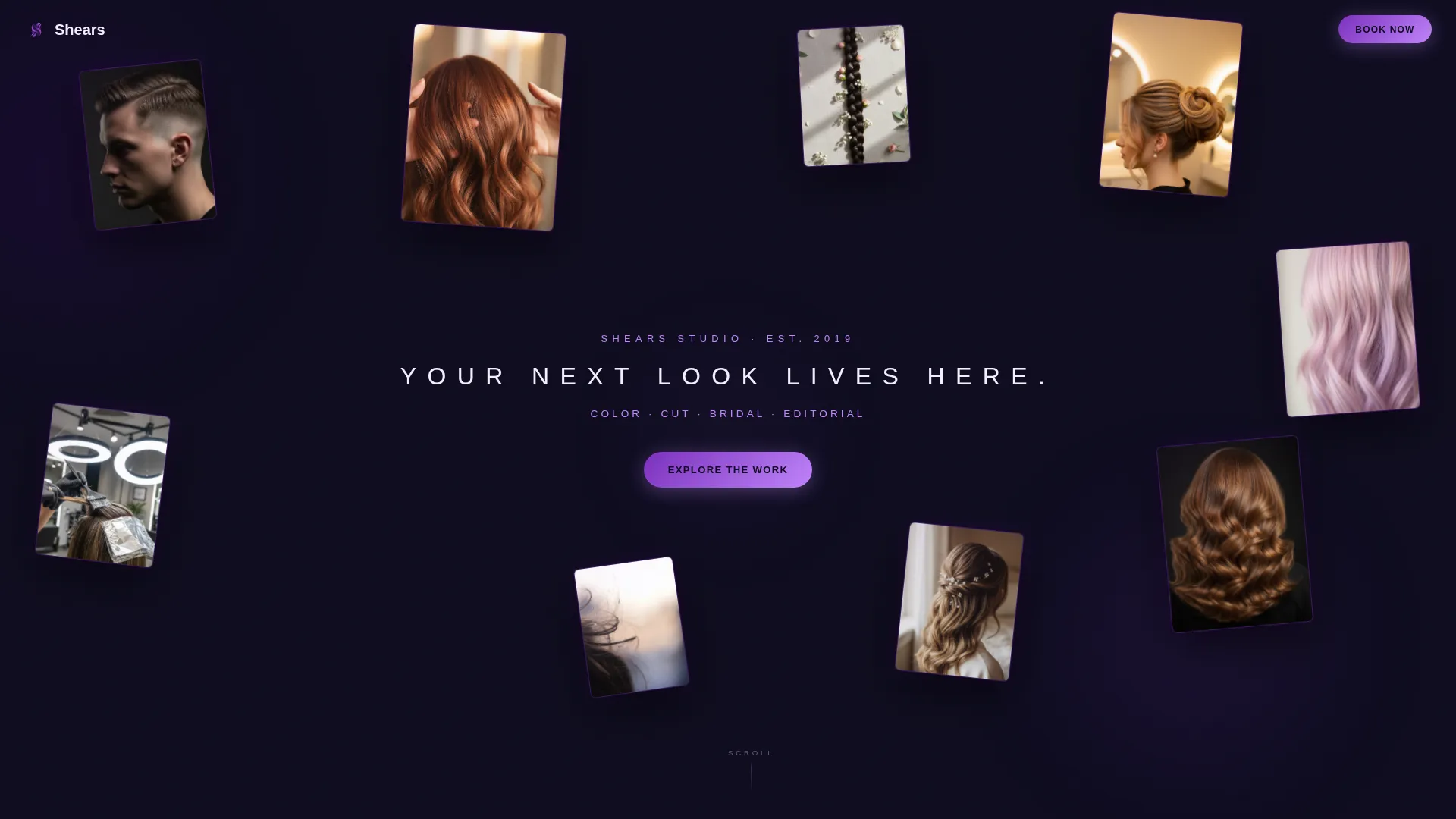
- A parallax floating-photo header with eight to ten staggered hair portraits and a fade-in headline
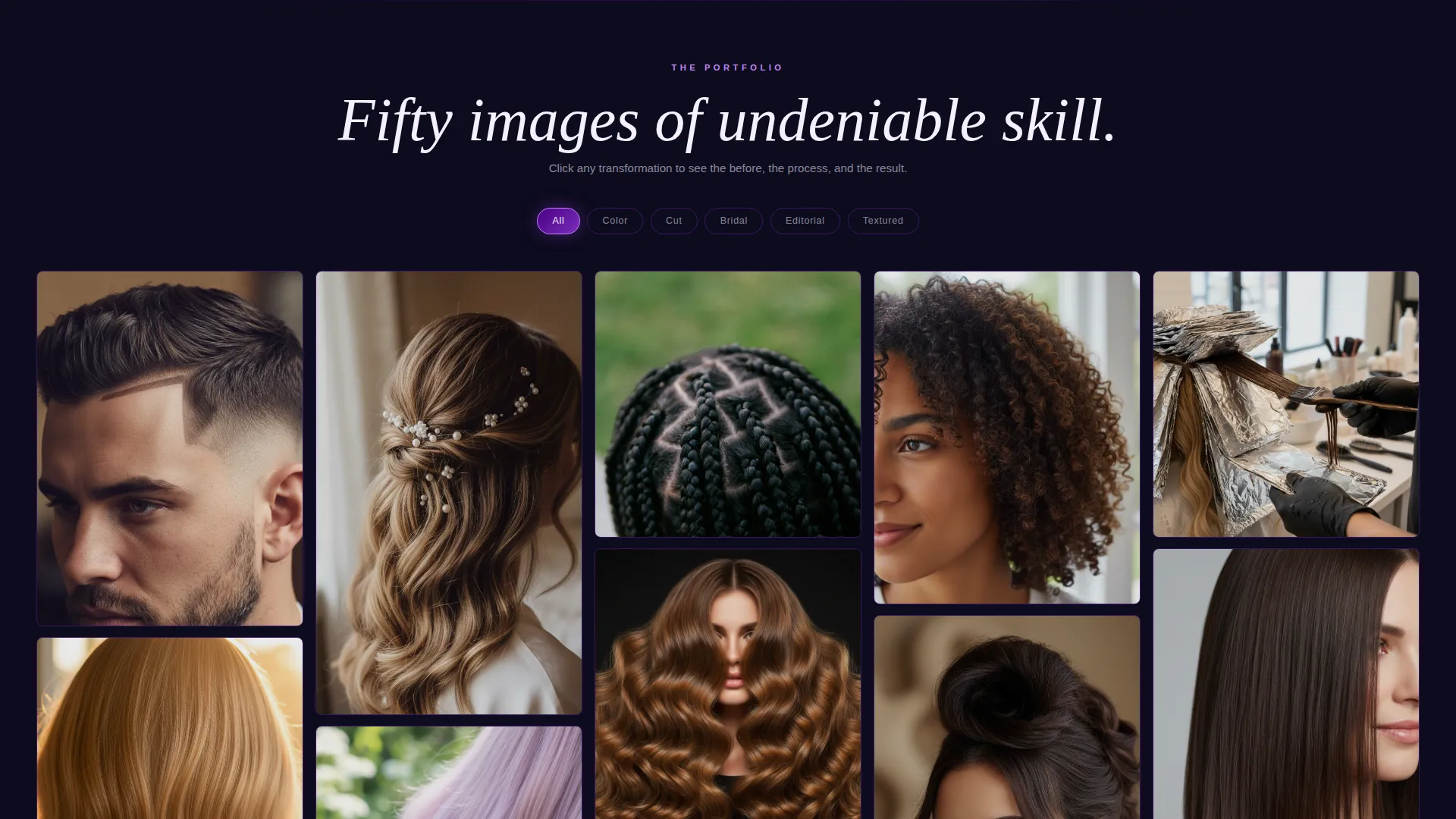
- An endlessly scrolling masonry gallery with lightbox transformations, category filters, and cinematic video break strips
- A sticky mobile bottom bar with the booking call to action, a tap-to-call icon, and next available slot display
Feature list
This template includes a focused set of interactive and visual features. Each one is drawn directly from the design brief to serve a portfolio-first, click-through landing page goal.
Floating Parallax Header
Eight to ten high-resolution hair portraits are arranged at staggered depths and slight rotations against a gallery-black background. They drift gently as the cursor moves, creating an immediate sense of depth and atmosphere before any text appears.
Masonry Portfolio Grid
The floating header photos settle into a cascading masonry grid as the visitor scrolls. The grid flows like a Pinterest board, dense with imagery, and is designed to reward extended browsing without feeling overwhelming.
Lightbox Transformation Reveal
Every grid tile opens into a full lightbox view on click. The lightbox displays a before thumbnail, a mid-process image, and the hero result side by side, giving potential clients the full transformation story.
Category Filter Toggles
Pill-shaped violet toggle buttons let visitors filter the grid by style category: Color, Cut, Bridal, Editorial, and Textured. The re-sort uses a liquid animation so the transition feels smooth and intentional rather than abrupt.
Cinematic Video Break Strips
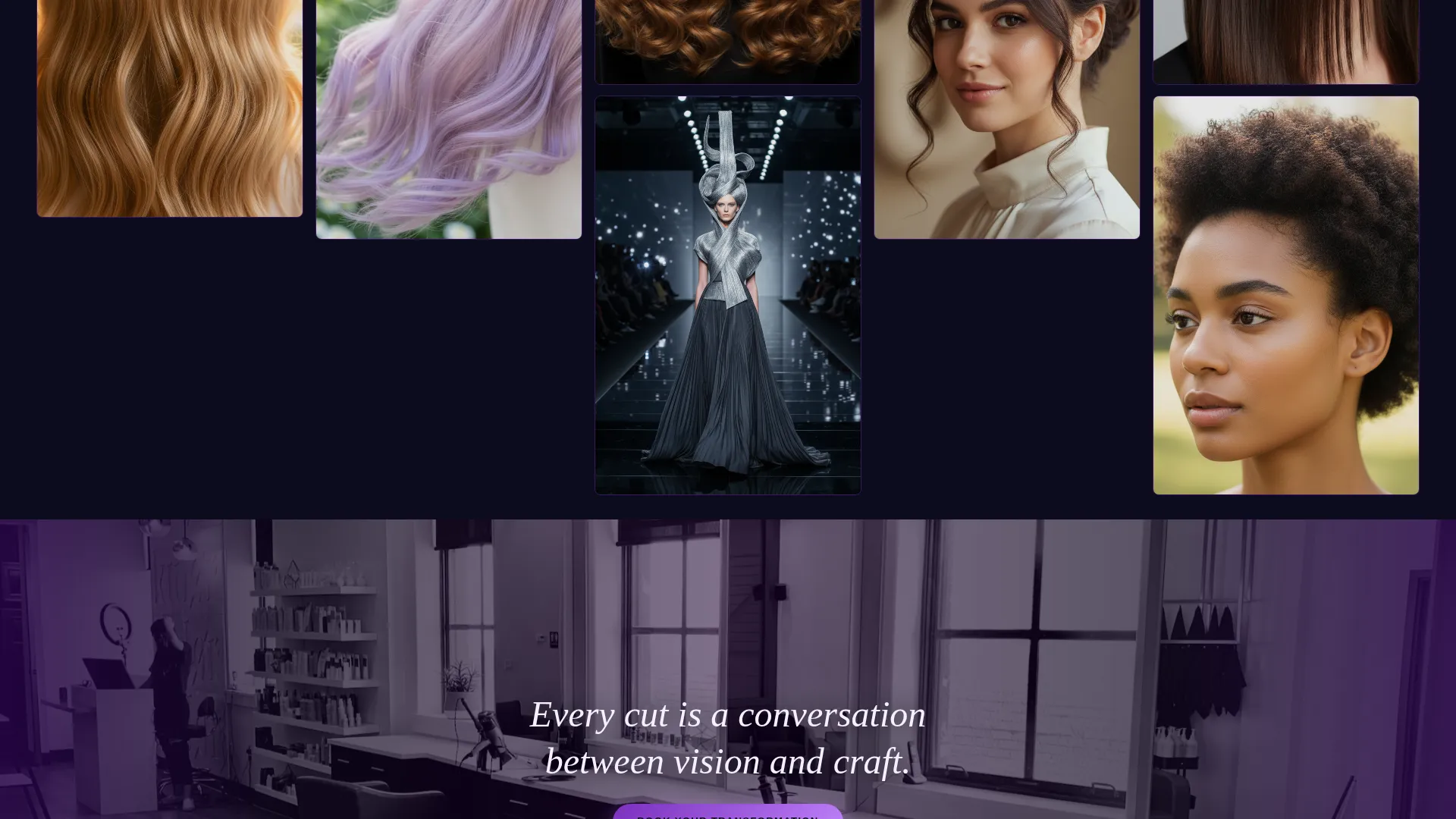
A full-width video strip appears between every twelve gallery tiles. Each strip loops a slow-motion scene, such as scissors closing through wet hair or foils catching studio light, breaking the grid rhythm with a moment of atmosphere.
Anchored Booking Call to Action
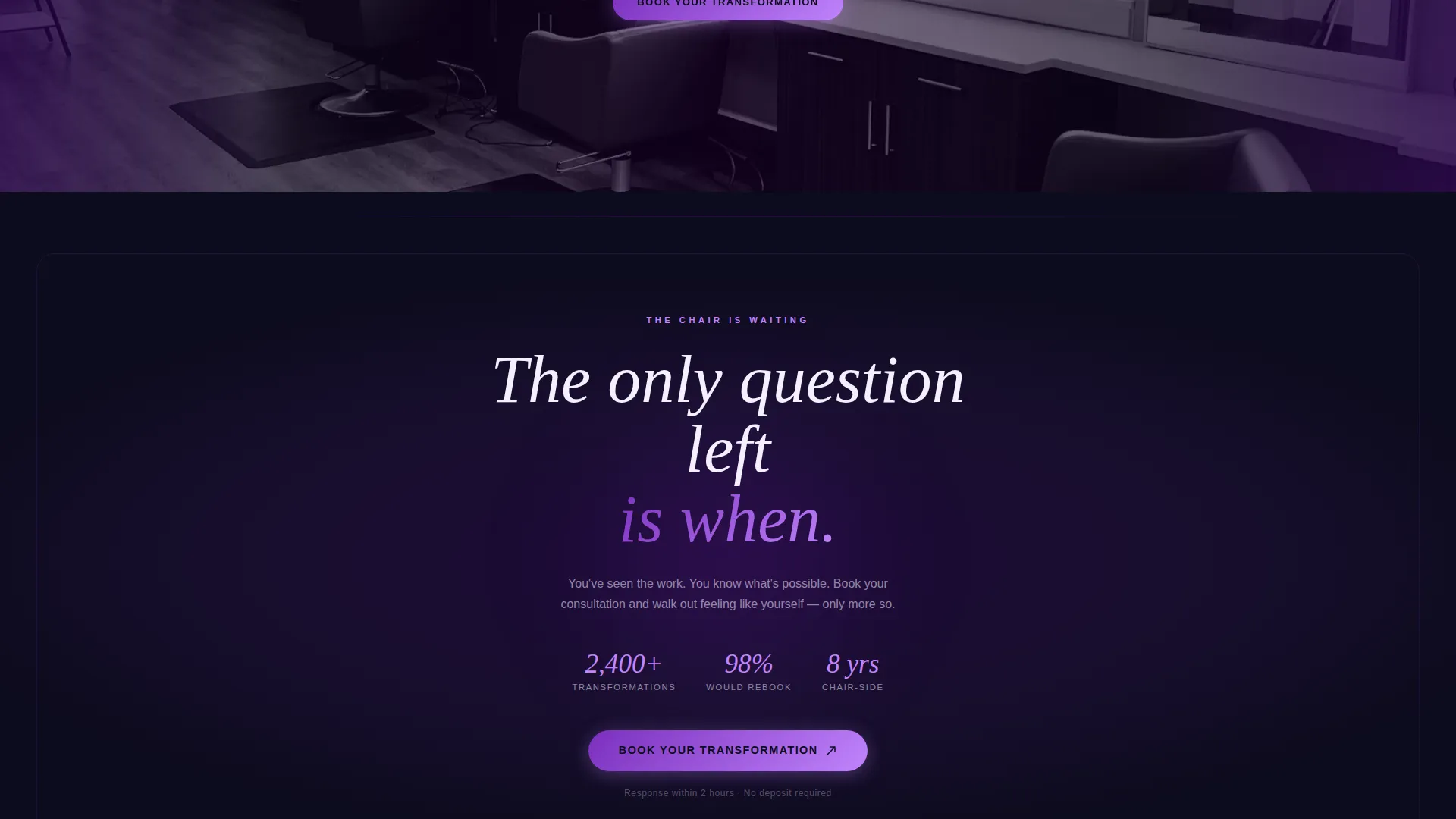
A hot-lilac booking button labeled "Book Your Transformation" is anchored throughout the page and at the closing full-width section. On mobile, a sticky bottom bar mirrors the button alongside a tap-to-call icon and real-time available slot display.
Page sections overview
| Section | Purpose |
|---|---|
| Floating Photo Header | Opens with staggered parallax portraits and a fade-in headline |
| Masonry Gallery Grid | Displays the full portfolio in a scrollable, filterable tile layout |
| Category Filter Bar | Lets visitors sort work by Color, Cut, Bridal, Editorial, or Textured |
| Lightbox Detail View | Reveals before, process, and result images on tile click |
| Cinematic Video Strips | Inserts full-width atmospheric video loops every twelve tiles |
| Closing call to action Section | Full-width final prompt with the anchored booking button |
| Mobile Sticky Bar | Persists the call to action, tap-to-call icon, and next available slots |
Design & branding system
The visual identity follows a Lens and Frame theme built around the Electric Indigo color system. The palette is designed to make every hair photo glow against a near-black canvas, as if viewed through a backlit transparency.
- Core colors: deep gallery black (#0D0B1E), vivid indigo (#4B0082), charged violet (#7B2FBE), and hot highlight lilac (#C084FC) for hover states and accent borders
- Masonry tile borders glow indigo at rest and brighten to lilac on hover, framing each image with a thin luminous edge
- Body text is set in crisp white (#F4F0FF), with violet used sparingly for category tags and pull quotes to maintain visual hierarchy
Mobile & speed optimization
The template is structured for a smooth mobile experience. The sticky bottom bar on mobile keeps the primary call to action visible at all times without interrupting the gallery scroll.
- The sticky bar on mobile displays the booking button, a tap-to-call icon, and the studio's next three available slots in real time
- Category filter toggles and masonry tile interactions are designed for touch, with tap-friendly sizing and liquid re-sort animation
- Cinematic video strips use looping video designed to play inline on mobile without requiring full-screen interruption
How this template helps you convert
Shears earns the booking click by sequencing the visitor experience deliberately. The work is presented first, extensively and immersively, so trust is built before any direct ask is made.
- The floating header and masonry gallery present up to fifty images of finished work before any sales language appears, letting skill establish credibility on its own terms.
- The lightbox transformation flow shows the before, the process, and the result, answering the unspoken client question: "Can this stylist handle my specific look?"
- Every tile, video strip, and closing section ends with the same anchored "Book Your Transformation" button, and on mobile the sticky bar ensures the call to action is always one tap away.
Other information about this template
Shears is built specifically for the hair stylist gallery portfolio niche and sits within the broader Portfolio and Agency category. A few additional notes are worth knowing before you use or customize it.
- The template style is Masonry and Pinterest-inspired, meaning the layout is best suited to image-heavy portfolios with a large, varied body of work
- The header concept is Floating Photos, which requires quality portrait-oriented images cropped tightly to faces, profiles, and hands for the strongest visual impact
- The creative direction is Immersive Visual, so the template performs best when authentic, high-resolution photography is used rather than stock imagery
- The landing page direction is Click-Through, meaning every design decision from color to layout to copy placement is oriented toward a single goal: moving the visitor to book
Theme
Lens & Frame
Creative direction
Immersive Visual
Color system
Electric Indigo
Style
Masonry/Pinterest
Direction
Click-Through
Page Sections
Floating Parallax Photo Header
Pinterest-style Masonry Grid
Lightbox Transformation Reveal
Animated Category Filter Toggles
Cinematic Video Break Strips
Sticky Mobile Booking Bar
Related questions
How many portfolio images does this template support?
Can visitors filter the gallery by style type?
What does the lightbox show when a visitor clicks a gallery tile?
Is this template designed for mobile visitors?
What type of photography gets the best results with this template?



