Residential Security Service Landing Page Template
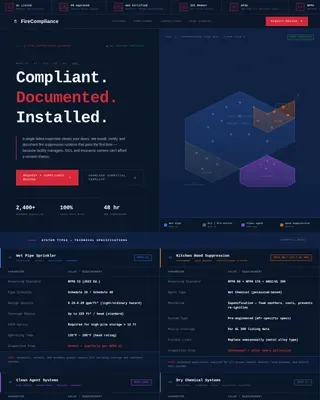
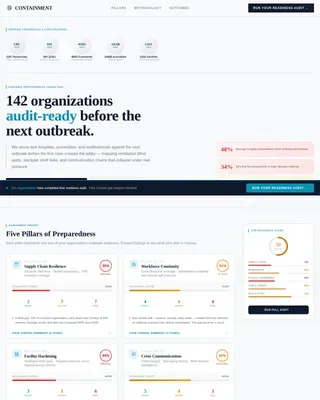
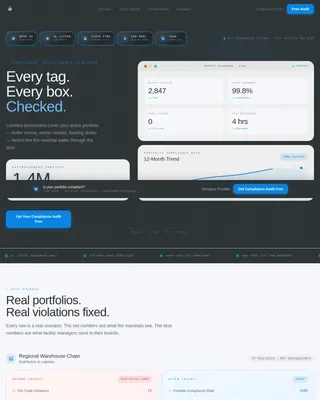
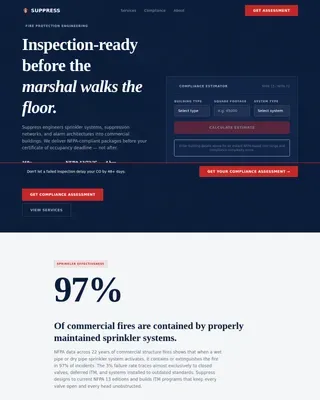
Shield is a card-grid landing page template built for residential security services led by ex-law-enforcement professionals. It opens with an interactive Security Cost Calculator, flows into a sortable component spec-sheet grid, and closes with two layered conversion paths: a gated Home Threat Assessment PDF and an ungated monitoring demo video. The design runs deep carbon and sensor-green throughout.
by Rocket studio
Quick summary
Shield is a single-page residential security landing page template designed for high-trust, detail-driven audiences. It leads with a working cost calculator, delivers spec-grade component cards below, and converts visitors through a gated PDF assessment or an ungated dispatch demo. The visual system runs dark carbon blacks and sensor-green accents throughout.
Who this template is for
This template is built for residential security firms whose value lives in operational precision, not stock photography. It suits teams who want their website to prove competence before the visitor reads a single line of copy.
- Ex-law-enforcement security operators offering layered home detection services
- Residential security providers targeting estate owners, newly single professionals, or parents in gated communities
- Security businesses that want a technical, data-forward presentation rather than a lifestyle brand feel
What problem this template solves
Most residential security pages look the same: a smiling family, a vague promise, and a phone number. Visitors with real safety concerns need more than reassurance. They need evidence. This template replaces generic imagery with working tools and structured technical data.
- Potential clients arrive after a scare and need immediate proof that the provider knows what they are doing
- Generic brochure-style pages fail to communicate the depth of layered detection systems
- There is no easy way to capture qualified leads when the offer is high-consideration and the client needs to feel informed before contacting anyone
What you get with this template
The template ships as a modular card-grid landing page with distinct functional zones. Each section is designed to do a specific job: calculate, inform, or convert.
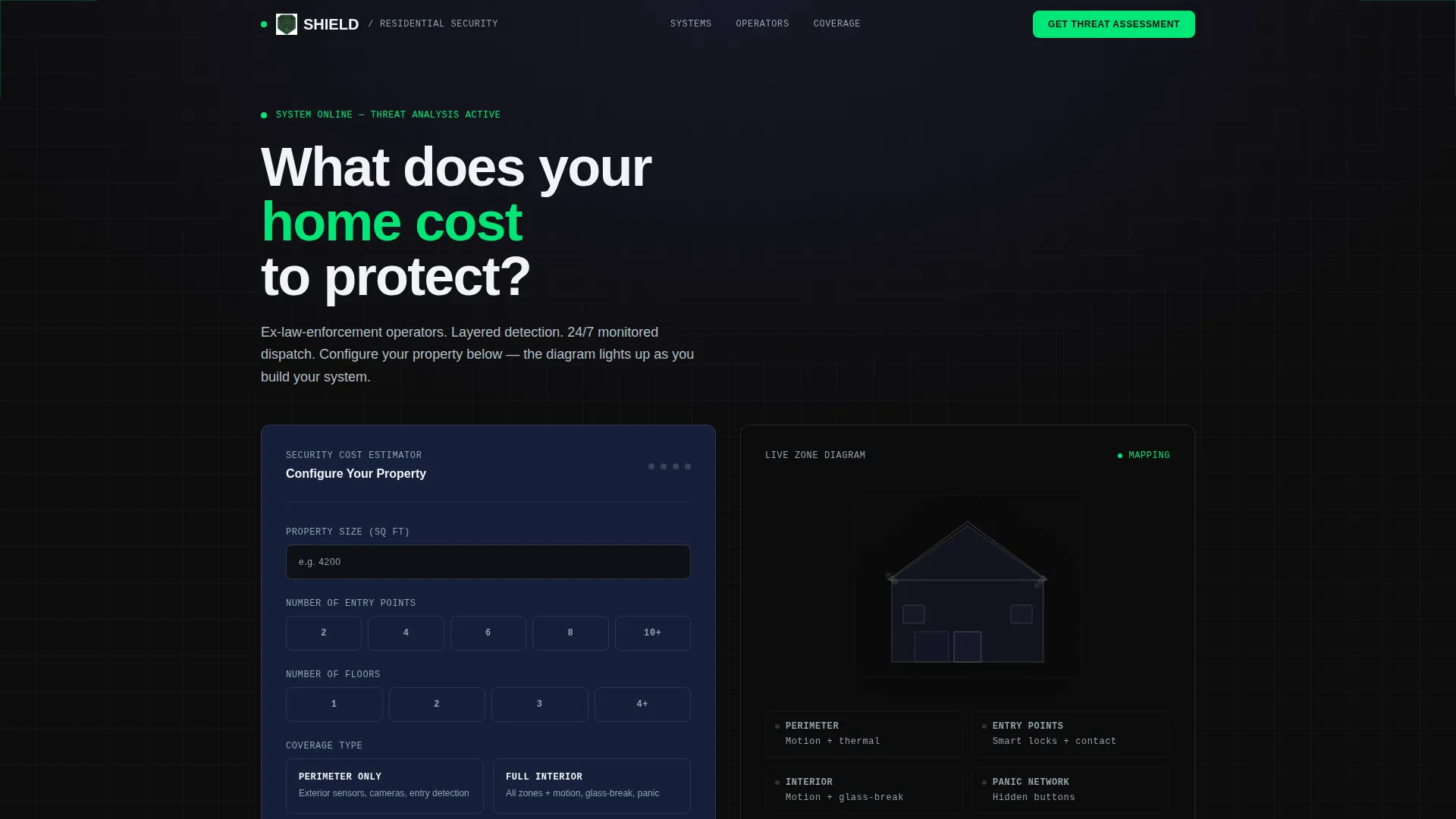
- A header-level Security Cost Calculator with real-time house-silhouette threat visualization and a live monitoring-cost estimate
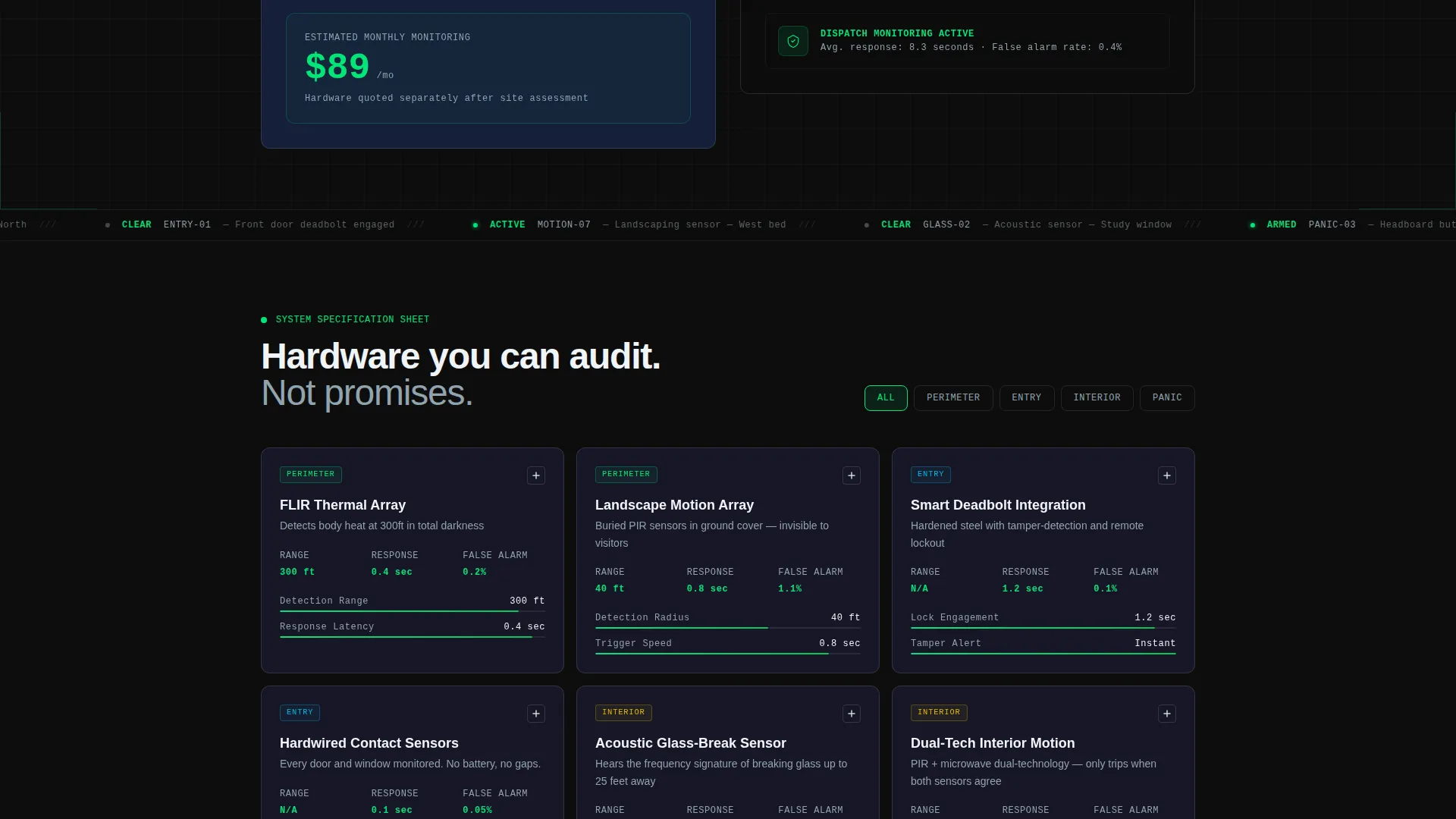
- A sortable spec-sheet card grid covering discrete security components with detection ranges, response times, false-alarm rates, and hardware lifespan data
- Two conversion paths: a gated Home Threat Assessment PDF (email, property type, and zip code required) and an ungated four-minute monitoring demo video
Feature list
This section covers the core functional components built into the Shield template.
Interactive Security Cost Calculator
The header panel acts as a dark-glass estimator tool. Visitors input square footage, number of entry points, number of floors, and coverage preference (perimeter-only or full-interior). As each field is filled, a house-silhouette diagram lights up zone by zone in sensor-green, and a monthly monitoring estimate updates in real time.
Sortable Component Spec-Sheet Grid
Below the calculator, modular cards present individual security components: thermal cameras, glass-break acoustic sensors, smart deadbolt integrations, and 24/7 dispatch protocols. Each card shows spec-grade detail including detection range in feet, response time in seconds, false-alarm rate percentages, and hardware lifespan. Cards are sortable by zone: perimeter, entry, interior, and panic.
Expandable Card Detail View
Each spec card expands on click to reveal installation photography and a wiring topology diagram. This turns the grid into a technical manual the visitor actively explores, building confidence in the provider's depth of knowledge as they scroll.
Gated Home Threat Assessment PDF
The primary conversion path gates a personalized PDF behind a short form: email address, property type selector (single-family, townhome, or estate), and zip code. The calculator results carry into the generated document, making it feel purpose-built for each visitor rather than a generic download.
Ungated Monitoring Demo Video
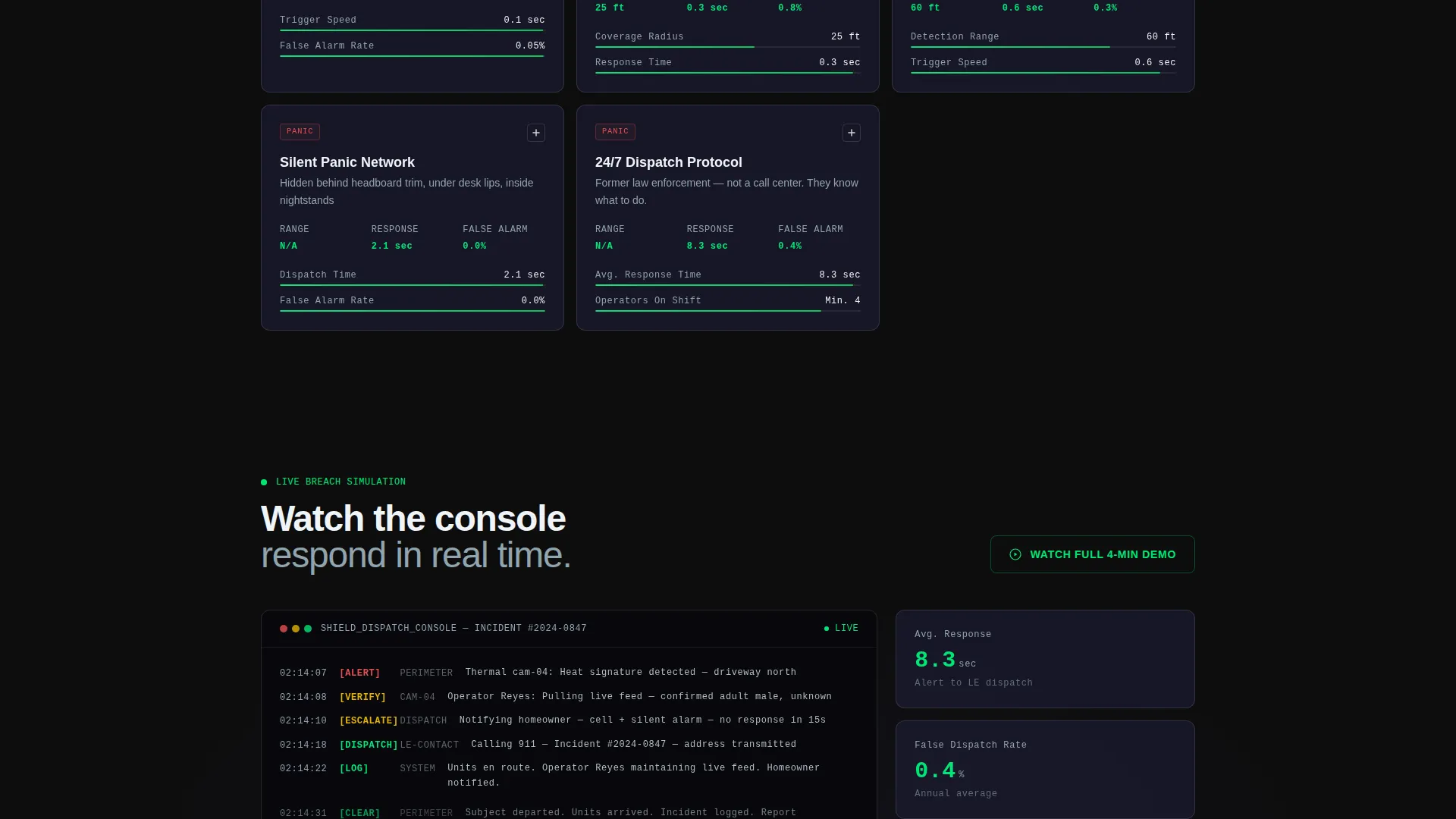
A secondary conversion path offers a four-minute screen recording of the dispatch console responding to a live breach simulation. It requires no form submission, lowering the barrier for visitors who are not yet ready to share contact details but want to see the system in action.
Sensor-Green Interactive Pulse System
Every clickable element glows in sensor-green (#00E676) to confirm active status, mirroring the visual language of a real monitoring station. The effect communicates armed, live, and ready without any explanatory text needed.
Page sections overview
| Section | Purpose |
|---|---|
| Cost Calculator Header | Estimates monitoring cost and visualizes threat zones in real time |
| Spec-Sheet Card Grid | Presents sortable security components with technical detail |
| Card Expanded Detail | Reveals installation photos and wiring diagrams on click |
| Threat Assessment call to action | Gates a personalized PDF behind a short qualifying form |
| Monitoring Demo Block | Offers an ungated dispatch demo video as a secondary path |
Design & branding system
The visual identity follows a Data Command theme. Every color choice and layout decision reinforces the feeling of being inside an active monitoring station at 2 a.m., where every screen is alive and every entry point is accounted for.
- Color palette: deep carbon black (#0D0D0D) and woven graphite (#1A1A2E) for backgrounds, sensor-green (#00E676) for live-status accents and interactive pulses, brushed aluminum (#CFD8DC) for card borders and secondary text
- Cards float on dark backgrounds with 1-pixel brushed aluminum borders, and all clickable elements emit a sensor-green glow
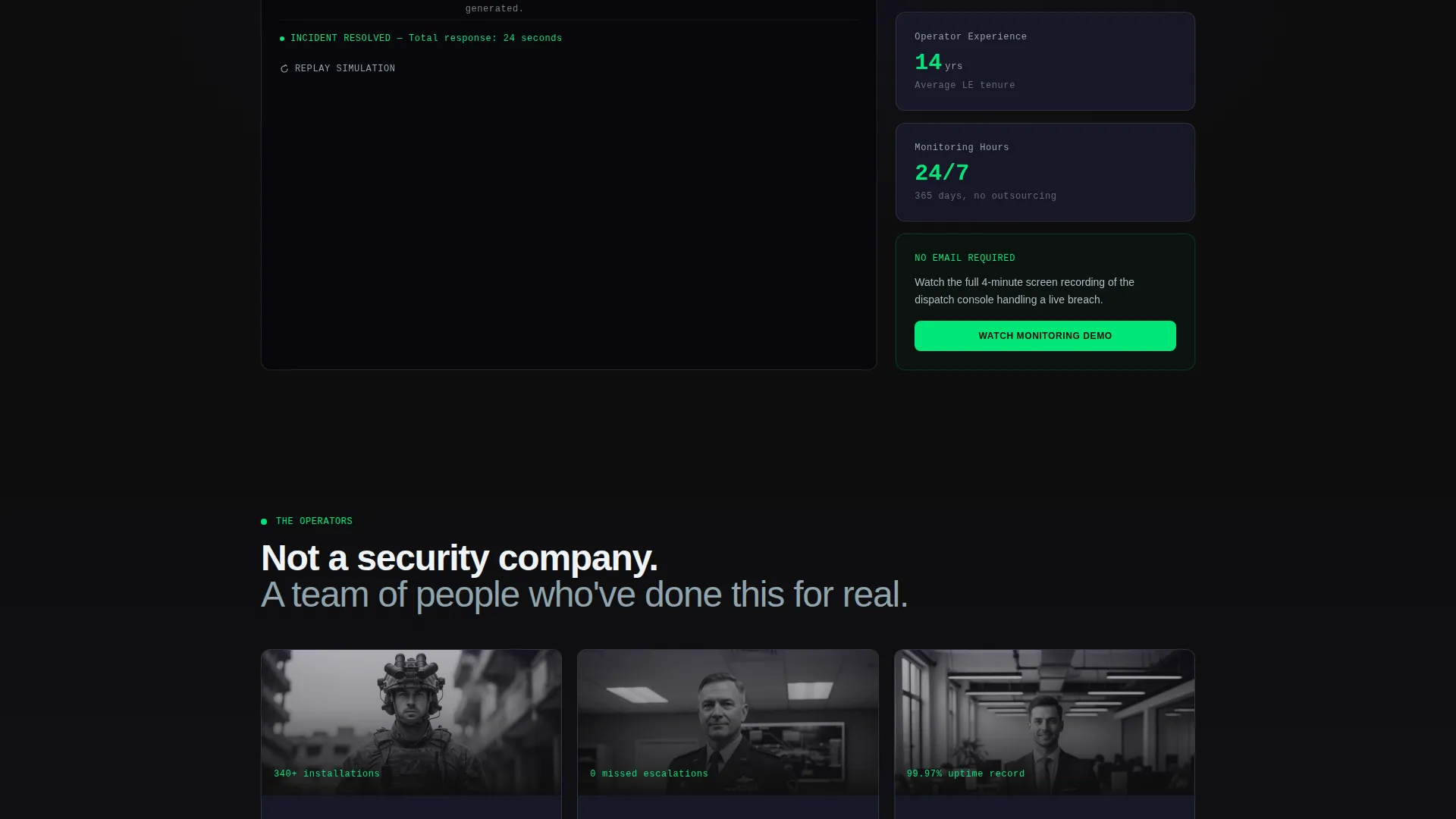
- No stock photography and no lifestyle imagery; the layout is driven entirely by tools, data cards, and technical diagrams
Mobile & speed optimization
The modular card-grid structure is designed to reflow cleanly across screen sizes. The density of the grid adjusts as viewport width changes, keeping the spec data readable without horizontal scrolling.
- The card grid stacks vertically on smaller screens, preserving the sortable zone filter and the expand-on-click detail view
- The calculator input panel is designed as a compact dark-glass form that fits within a single viewport on mobile without requiring zoom
How this template helps you convert
The layout is structured so every scroll creates more reasons to act. Visitors are never pushed toward a single high-commitment action before they are ready.
- The calculator starts the conversion process immediately, turning passive browsing into active engagement before the visitor reads any marketing copy
- The gated PDF captures qualified leads from visitors who have moved through the spec grid and want a document tailored to their property
- The ungated demo video keeps colder visitors in the funnel by offering proof of capability with zero friction
Other information about this template
This template is categorized under Safety and Emergency, within the Security Guard and Protection subcategory. The intersection context aligns with a commercial-to-residential security service niche, making the template adaptable for providers who serve both homeowners and estate-level clients.
- The template style follows a single-column flow with a modular card grid as the dominant layout pattern
- The creative direction is built around transparent process: showing how the system works in detail rather than describing it in abstract terms
- The landing page direction is click-through, guiding visitors toward one of two defined conversion actions rather than leaving them to navigate freely
- The header concept in the source context references a Logo Bar, which complements the calculator as the immediate trust signal above the fold
- The color system is grounded in a Monochrome Steel reference from the intersection context, which maps directly to the carbon black and brushed aluminum palette used throughout
Theme
Corporate Precision
Creative direction
Transparent Process
Color system
Monochrome Steel
Style
Single Column Flow
Direction
Click-Through
Page Sections
Interactive Security Cost Calculator
Sortable Spec-sheet Card Grid
Expandable Card Detail View
Gated Home Threat Assessment PDF
Ungated Monitoring Demo Video
Sensor-green Live-status Pulse System
Related questions
Can I edit the calculator fields to match my own service packages?
Does the gated PDF download require a third-party tool to function?
Is the spec-sheet card grid easy to update with my own product data?
Who is this landing page template best suited for?
Can I remove the monitoring demo video if I do not have that content yet?