Campus Security Landing Page Template
Shield is a single-column landing page template built for campus security services. It leads with hard data, walks visitors through a live dashboard screenshot, and drives clicks to an interactive demo. The layout is clean and clinical, designed to earn trust from district superintendents, principals, and school board members who need a modern security solution fast.
by Rocket studio
Quick summary
Shield is a stats-first, single-column landing page template for campus security platforms. It opens with an oversized dashboard screenshot and leads every section with a bold statistic before any explanation arrives. The design is clinical and functional, built to move decision-makers from skepticism to a demo click without asking for a form fill.
Who this template is for
This template is built for security service providers selling to educational institutions. It speaks directly to the people who carry the weight of campus safety decisions every day.
- District superintendents managing compliance audits and multi-campus oversight
- Principals replacing paper-based visitor sign-in with a digital system
- School board members responding to parent concerns after lockdown drills
What problem this template solves
Most school security vendors lead with features. Shield leads with consequences. The template is designed to close the gap between a decision-maker recognizing a problem and taking the first step toward solving it.
- Paper sign-in sheets and disconnected radios create blind spots that auditors flag immediately
- Compliance failures happen most often when districts lack a unified digital log of visitor activity
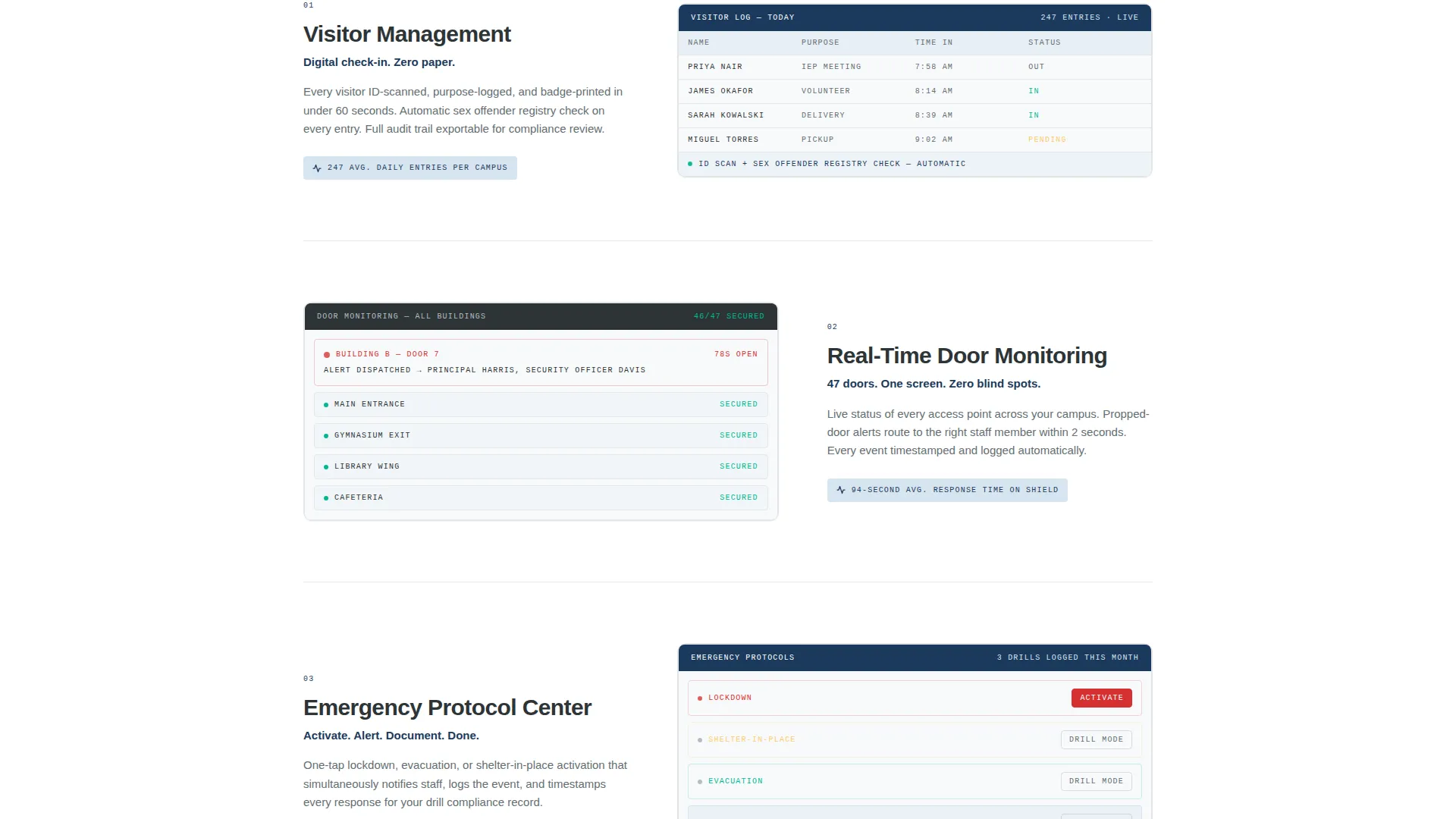
- Principals have no single view of door status, visitor queues, and emergency protocols at once
What you get with this template
Shield delivers a complete, ready-to-customize single-column landing page. Every section is purpose-built to move a cautious buyer toward a confident demo request.
- A full-page layout with a dashboard screenshot header, stat-led content sections, and a persistent call-to-action button
- A stats-first scrolling structure where each oversized figure appears before its supporting paragraph
- A no-form conversion path: one primary button linking to a live demo and one secondary text link pointing to a downloadable compliance checklist
Feature list
This section describes the core design and layout capabilities built into the Shield template.
Stats-First Section Structure
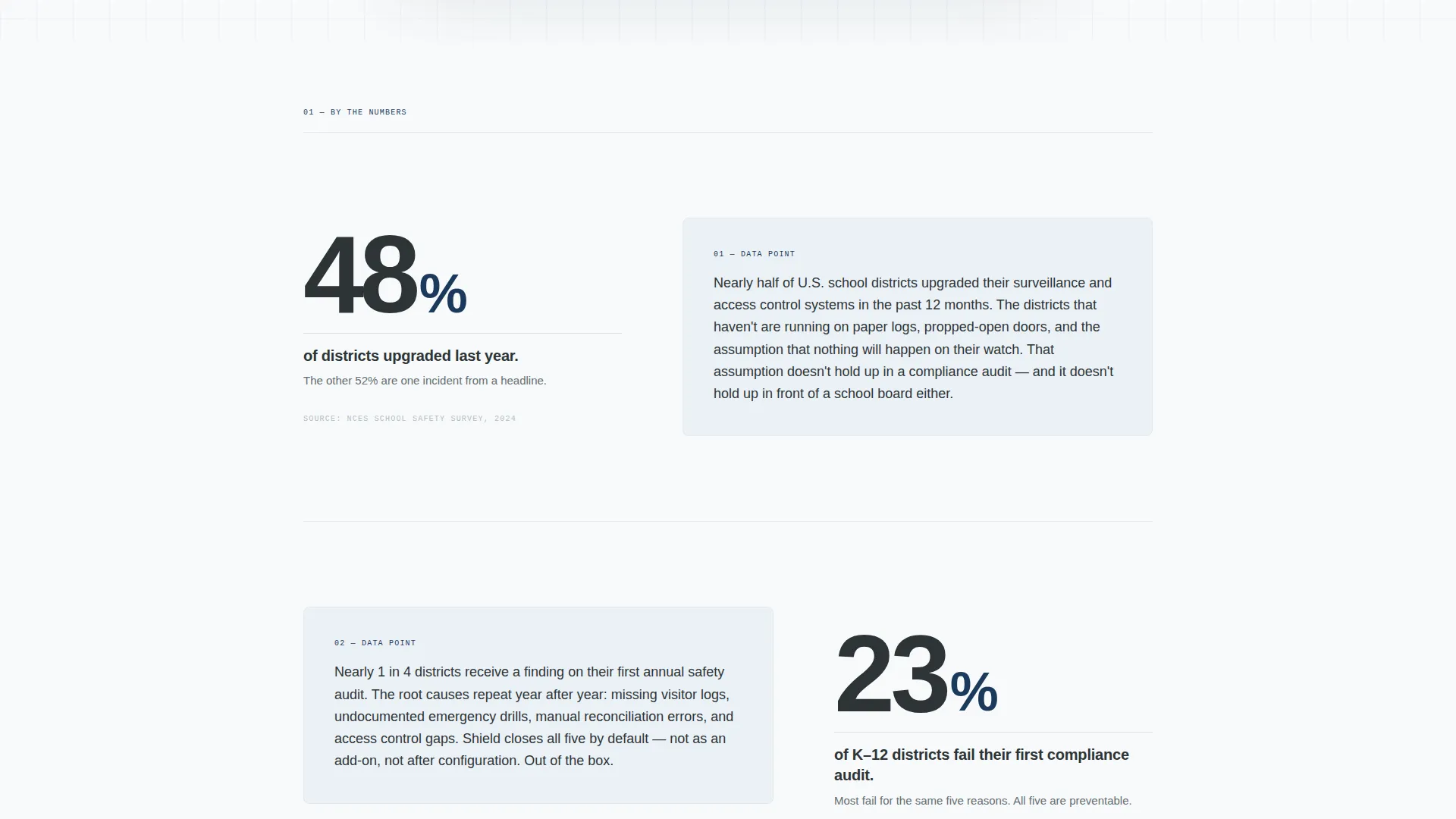
Each content section opens with an oversized statistic rendered in large type. The supporting paragraph follows underneath. This sequence builds urgency before offering context, creating a reading rhythm that mirrors how a superintendent reviews an incident report.
Dashboard Screenshot Header
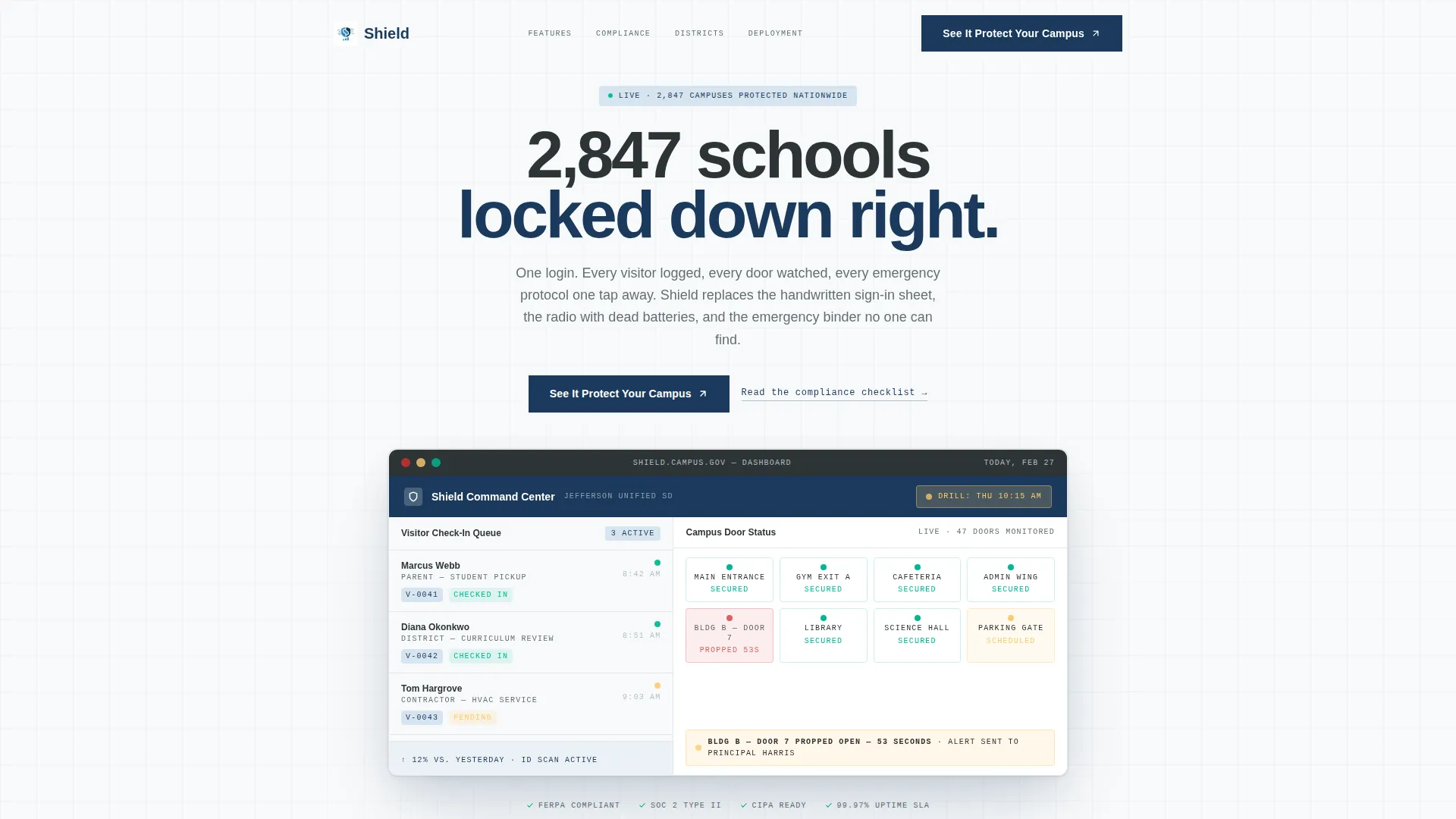
The header features a product screenshot inside a crisp device frame. The screenshot shows a live visitor check-in queue, a campus map with color-coded door statuses, and an active emergency protocol toggle. Key data points are legible at a glance: visitor counts, door alerts with elapsed time, and a scheduled drill banner.
Persistent Call-to-Action Button
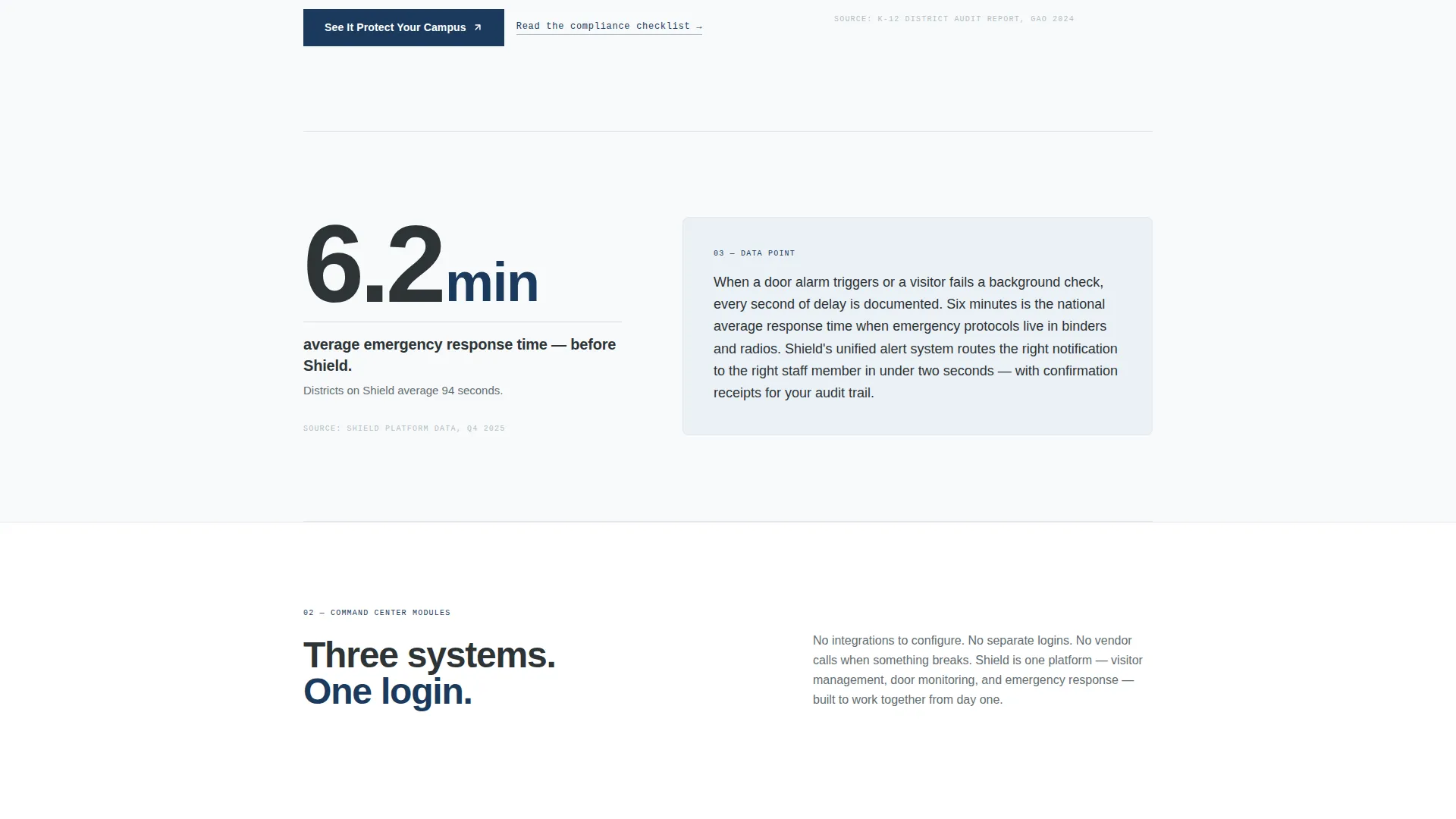
The primary call-to-action button labeled "See It Protect Your Campus" appears first below the header and resurfaces after every second stat section. It links directly to an interactive demo environment. The placement is deliberate and unhurried, never interrupting the data narrative.
Secondary Compliance Text Link
A secondary text link reading "Read the compliance checklist" sits alongside the primary button. It offers a downloadable PDF for visitors who are not ready to click through to the demo. This dual-path approach captures both high-intent and research-phase buyers without a form.
Arctic White Color System
The visual palette uses clinical white as the dominant background, slate charcoal for body text, ice blue for data card and stat container backgrounds, and alert navy on buttons and interactive elements. Color appears only where action is required, keeping every data point readable and nothing decorative.
Single-Column Flow Layout
The entire page runs as a single scrolling column. There are no sidebars, tabs, or nested grids to distract. The linear structure guides the reader from the header statistic to the final call-to-action in one uninterrupted motion.
Page sections overview
| Section | Purpose |
|---|---|
| Dashboard Screenshot Header | Opens with a device-framed platform screenshot showing live visitor, door, and drill data |
| Headline Stat Block | Displays the number of schools currently protected in 72px slate charcoal type |
| Primary call to action Button | Invites the visitor to experience the demo with "See It Protect Your Campus" |
| Stat Section One | Leads with average emergency response time reduction before contextual paragraph |
| Stat Section Two | Shows the percentage of districts failing first compliance audit without digital logging |
| Recurring call to action Block | Resurfaces the primary demo button after the second stat section |
| Stat Section Three | Displays visitor entries processed per school day with supporting explanation |
| Compliance Text Link | Secondary soft-intent link offering a downloadable compliance checklist PDF |
| Final call to action Block | Closes the page with the primary demo button as the last visible action |
Design & branding system
The visual identity follows a Service Utility theme. Every color choice reinforces function over decoration, and the palette stays tight across all sections.
- Clinical white (#F8FAFB) dominates the background; slate charcoal (#2D3436) handles body text and section anchors
- Ice blue (#D6E4F0) fills data card and stat container backgrounds; alert navy (#1B3A5C) activates buttons and interactive elements
- Typography scales from 72px oversized stat figures down to readable body paragraphs, keeping the hierarchy clear at every scroll depth
Mobile & speed optimization
The single-column layout translates cleanly to smaller screens without restructuring. The linear flow means no grid collapses or reordering are needed at mobile breakpoints.
- Oversized stat figures reflow naturally within a single column at any viewport width
- The device-framed dashboard screenshot scales proportionally, keeping key data labels legible on phone screens
- Button placement after every second stat section keeps the primary action within thumb reach throughout the scroll
How this template helps you convert
Shield is built around a no-form conversion model. Every design decision reduces friction between a first-time visitor and a first interaction with the product.
- The stats-first structure creates urgency before any promise is made, so the reader arrives at the call-to-action already persuaded by data rather than by copy alone.
- The persistent demo button appears at natural scroll intervals, offering the next step without pressure, while the secondary compliance checklist link captures softer intent from buyers still in the research phase.
Other information about this template
Shield fits within the broader category of safety and emergency landing page templates. It is specifically designed for the security guard and protection subcategory, with a niche focus on commercial security services applied to educational campuses.
- The template style is Single Column Flow with a Corporate Precision theme and a Transparent Process creative direction
- The header concept is built around a product screenshot rather than a logo bar or illustrated hero, grounding the first impression in real platform data
- The page direction is Click-Through: no lead capture form is present, and all conversion energy points toward the live demo environment
- This template suits providers who want to demonstrate platform credibility through visible data before asking for any commitment from the buyer
Theme
Corporate Precision
Creative direction
Transparent Process
Color system
Monochrome Steel
Style
Single Column Flow
Direction
Click-Through
Page Sections
Stats-first Scrolling Structure
Device-framed Dashboard Header
Persistent No-form Call to Action Button
Dual Conversion Path Design
Arctic White Service Utility Palette
Single-column Linear Flow
Related questions
Does this template include a lead capture form?
Can I replace the dashboard screenshot in the header with my own platform image?
Is the stats-first layout flexible enough for different security metrics?
Who is this landing page template designed to reach?
How many call-to-action buttons appear on this landing page?