Commercial Security Service Landing Page Template
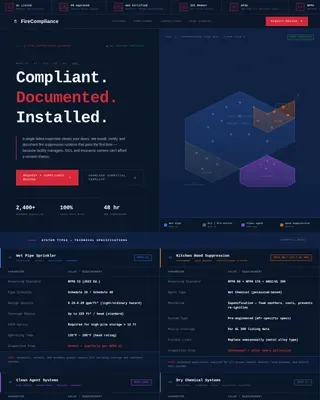
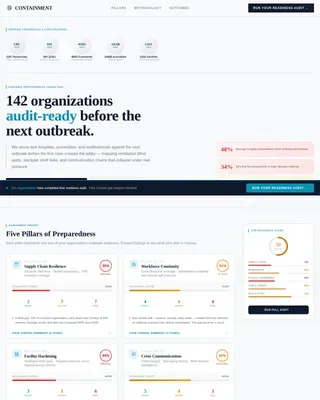
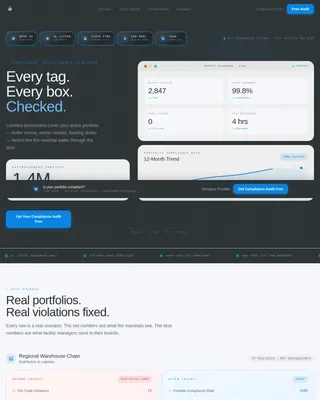
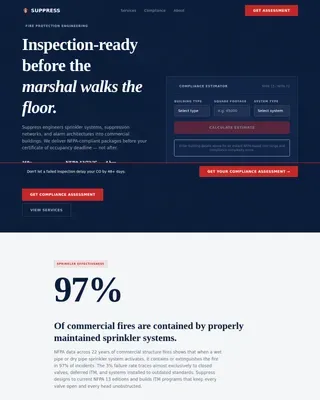
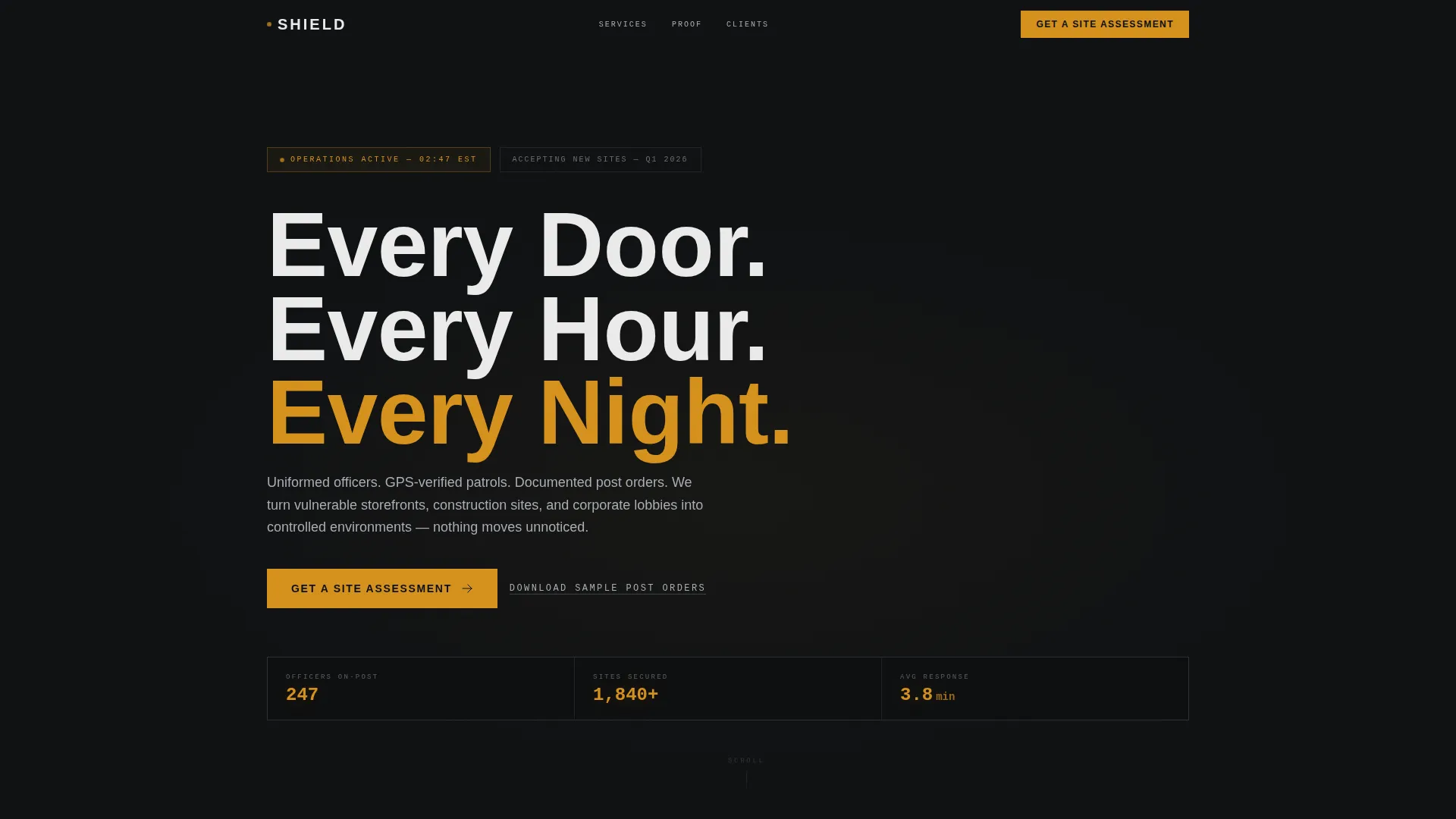
Shield is a single-column, click-through landing page template built for commercial security service providers. It combines a monochrome steel visual identity with a transparent, process-driven layout to build trust with property managers, general contractors, and retail operations directors. Every section moves the visitor from understanding the service to requesting a site assessment.
by Rocket studio
Quick summary
Shield is a single-column flow landing page template for commercial security services. It uses a corporate precision design and a transparent process narrative to walk prospective clients through deployment, proof, and a clear next step. The primary goal is a click-through to a quote request page, supported by an amber call to action that repeats throughout the scroll.
Who this template is for
This template is built for commercial security companies that serve business clients with ongoing, on-site protection needs. The layout speaks directly to decision-makers who need confidence before they commit to a contract.
- Property managers overseeing multi-tenant office buildings and corporate lobbies
- General contractors who need overnight security coverage for active construction sites
- Retail operations directors dealing with inventory loss and seeking immediate staffing
What problem this template solves
Most security service websites bury the process and lead with vague promises. Buyers who manage real risk need specifics: how officers are deployed, how incidents are reported, and what accountability looks like. This template solves that trust gap by making the operational process visible and impossible to ignore.
- Visitors leave competitor sites confused about what they are actually buying
- Decision-makers need proof of rigor before approving a vendor, not just a phone number
- Generic security pages fail to address the distinct concerns of property managers, contractors, and retail operators
What you get with this template
You get a fully structured, single-page layout built around a transparent process narrative. The design guides visitors from first impression through operational detail and into a direct call to action, with no distractions and no on-page forms.
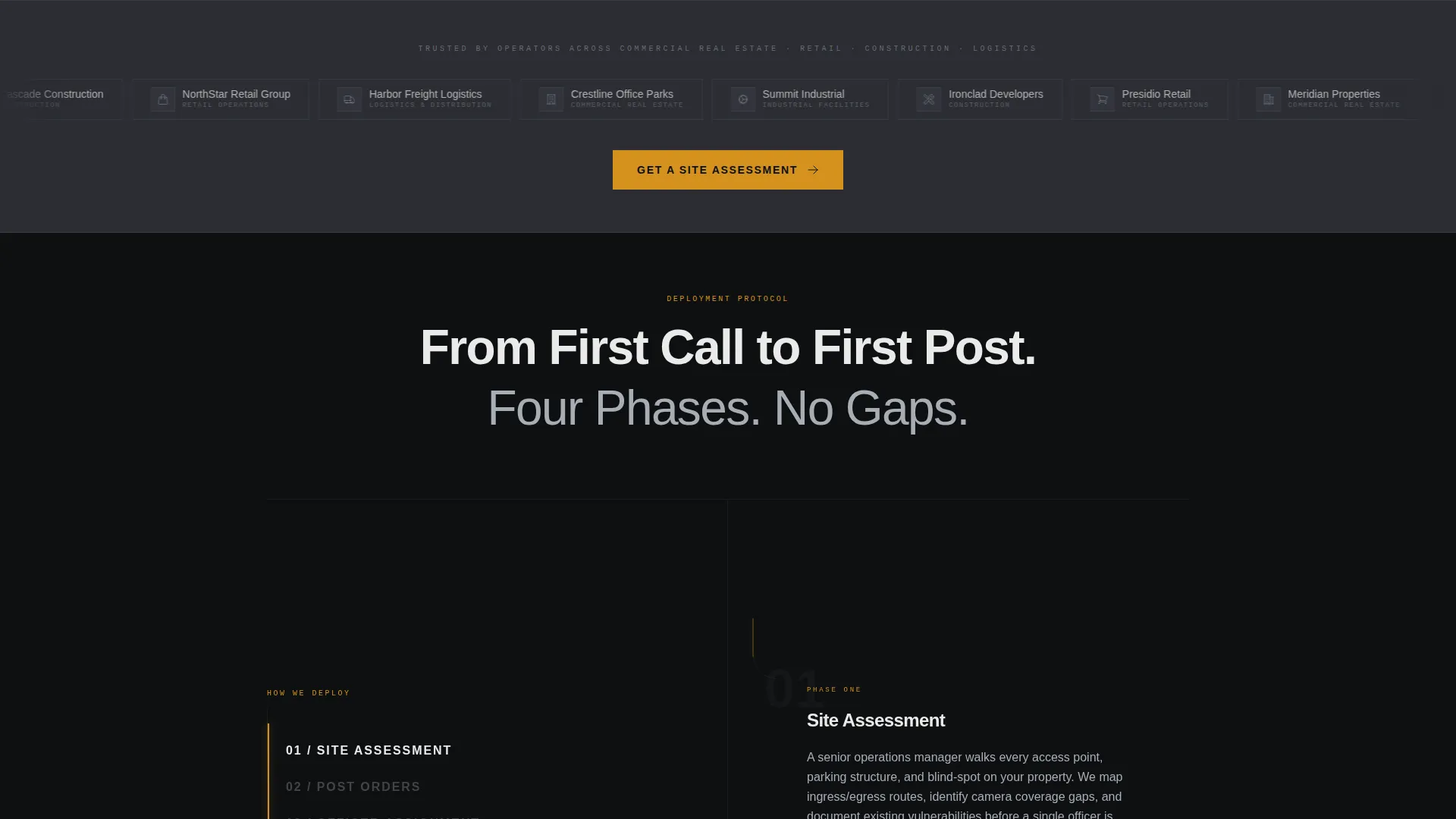
- A scrolling logo bar header with a bold headline and client logos from key commercial verticals
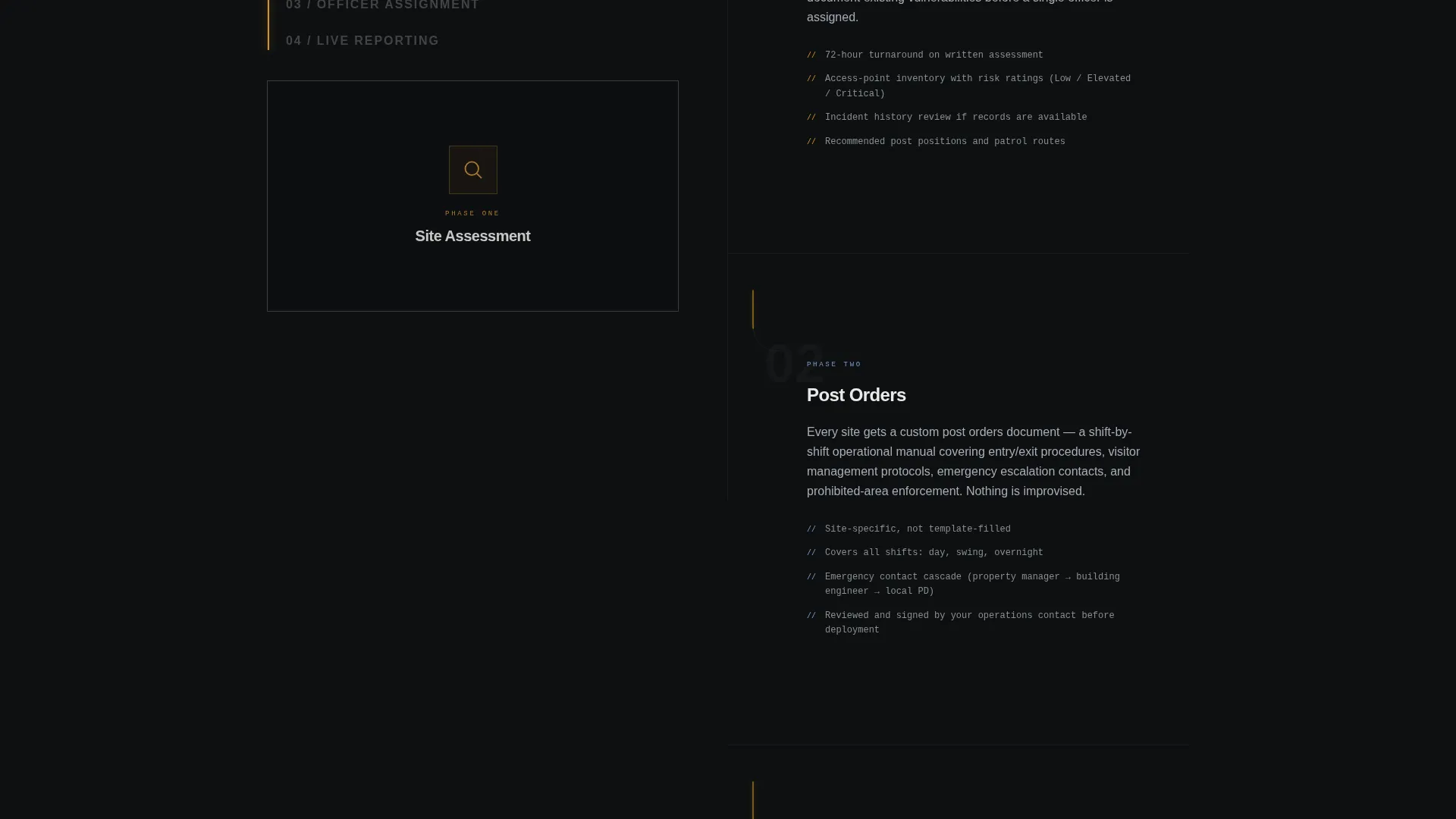
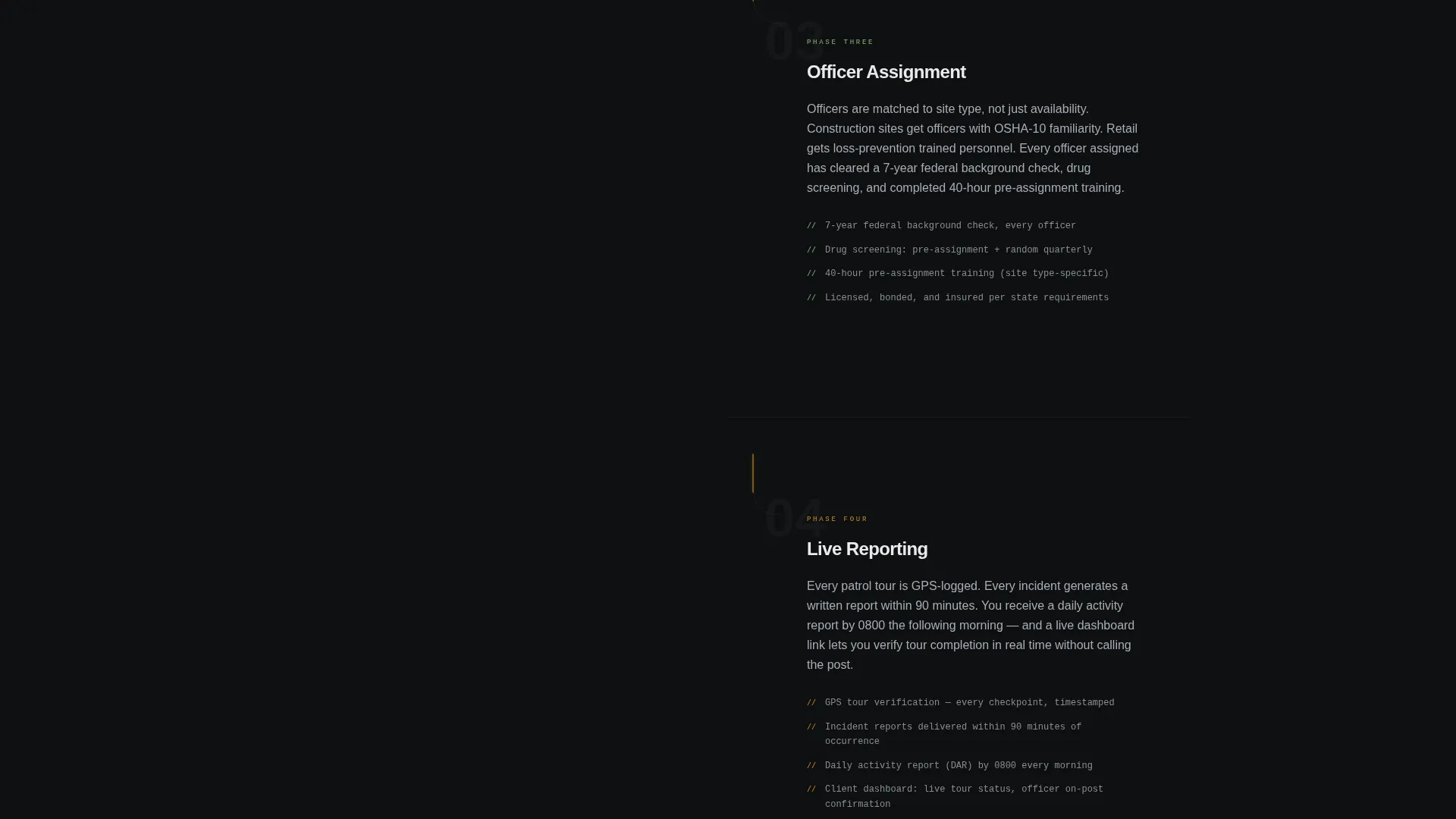
- A four-phase deployment section covering site assessment, post orders, officer assignment, and live reporting
- Repeating amber call to action buttons and a secondary lead-capture text link placed throughout the page
Feature list
This template delivers a focused set of components. Each one is designed to support a specific moment in the buyer's decision journey.
Scrolling Logo Bar Header
A horizontal strip of desaturated client logos sits beneath the headline "Every Door. Every Hour. Every Night." The bar autoplays a gentle scroll, implying an active and growing client roster without crowding the layout.
Four-Phase Deployment Section
The page breaks down the security deployment process into four numbered steps: site assessment, post orders, officer assignment, and live reporting. Each phase includes specific operational details such as background check standards, GPS tour verification, and incident report turnaround times.
Proof-Point Escalation Flow
After explaining how the service works, the page shifts to evidence. Client retention rates, average response times, and hours patrolled last quarter appear as white numerical callouts against dark backgrounds, building credibility as the visitor scrolls.
Repeating Amber call to action Placement
The primary call to action, "Get a Site Assessment," appears first beneath the logo bar and repeats after every second section. The amber button color is used exclusively for this call to action and critical data points, maintaining visual discipline across the page.
Secondary Lead Capture Link
A text link offering a downloadable sample of post orders acts as a secondary conversion path. It captures an email address in exchange for the PDF, warming visitors who are not yet ready to request a quote.
Alternating Dark Background Sections
Section backgrounds alternate between surveillance-monitor black and gunmetal dark. This rhythm creates visual separation without breaking the monochrome steel palette, keeping the page cohesive and immersive from top to bottom.
Page sections overview
| Section | Purpose |
|---|---|
| Logo Bar Header | Establishes client trust and brand authority |
| Phase One: Site Assessment | Explains the initial evaluation process |
| Phase Two: Post Orders | Describes customized officer instructions |
| Phase Three: Officer Assignment | Details vetting and placement process |
| Phase Four: Live Reporting | Shows real-time accountability mechanisms |
| Proof and Stats Block | Delivers retention rates and response data |
| Primary call to action Repeat | Drives clicks to the quote request page |
| Secondary PDF Link | Captures early-stage leads via email |
Design & branding system
The visual identity follows a Corporate Precision theme built on a Monochrome Steel color system. Every color choice reinforces operational seriousness and institutional credibility.
- Core palette: gunmetal dark (#2B2D33), surveillance-monitor black (#0E1012), and brushed aluminum (#A8ADB5) for body text
- Headlines and numerical proof points appear in near-white (#EAEAEA) to command attention against dark backgrounds
- Alert amber (#D4911E) is reserved exclusively for call to action buttons and critical data callouts, functioning like an active alert on a monitoring screen
Mobile & speed optimization
The single-column layout is inherently suited to smaller screens. Every structural decision in this template supports a clean, readable experience across device sizes.
- The full-width single-column flow stacks naturally on mobile without requiring layout adjustments
- Alternating dark backgrounds maintain visual rhythm and section separation on narrow viewports
- The scrolling logo bar and numbered process sections remain legible and well-spaced at smaller screen widths
How this template helps you convert
Shield is built as a click-through landing page with one conversion goal: send qualified visitors to a dedicated quote request page. Every layout decision supports that goal.
- The "Get a Site Assessment" call to action appears above the fold and repeats after every second section, ensuring the action is always within one scroll of the visitor's current position.
- The transparent four-phase process removes the hesitation that typically prevents a first contact, giving the visitor enough operational detail to feel confident clicking through.
- The secondary PDF download link captures leads who need more time, turning a non-converting visit into a warm prospect through a low-commitment email exchange.
Other information about this template
Shield is categorized under Safety and Emergency services, specifically the Security Guard and Protection subcategory. It is designed for commercial security service providers operating in the business-to-business space.
- The template style is a single-column flow, making it straightforward to customize section content for different service regions or client verticals
- The click-through landing page direction means no form processing is required on this page itself, keeping the layout lean and focused
- The quote request page linked from the call to action is designed to ask only for site type, number of access points, and desired coverage hours, keeping the qualification step brief
- This template works well for security companies launching a new service area or running targeted outreach campaigns where a dedicated, conversion-focused page is needed
Theme
Corporate Precision
Creative direction
Transparent Process
Color system
Monochrome Steel
Style
Single Column Flow
Direction
Click-Through
Page Sections
Scrolling Logo Bar Header
Four-phase Deployment Breakdown
Proof-point Statistics Block
Repeating Amber Call to Action Buttons
Secondary PDF Lead Capture
Alternating Dark Section Backgrounds
Related questions
Does this template include the quote request page it links to?
Can I update the four-phase process section with my own deployment steps?
How does the secondary PDF download link capture leads?
Who is this template designed for?
Can I change the color scheme to match my existing brand?