Photographers Paid Community Landing Page Template
Shutter is a photographers paid community landing page template built around a zigzag origin story layout. It guides visitors through a founder's real journey before earning the membership ask. The design pairs deep charcoal backgrounds with sky blue navigation and amber calls to action, creating an editorial, mentor-café tone that converts serious photographers into paying members.
by Rocket studio
Quick summary
Shutter is a single-page membership landing page template for photographers paid communities. It uses a zigzag alternating layout to walk visitors through a founder's origin story, then opens a gated resource vault before presenting a join call to action. The Slate and Sky color system and editorial typography give the page a cinematic, intimate feel that feels earned rather than salesy.
Who this template is for
This template is built for photographers who are ready to sell a paid community or membership to other working photographers. It fits founders who lead with story and want to demonstrate depth before asking for commitment.
- Second-shooters building a solo photography business and creators selling a paid community for the first time
- Established wedding photographers launching a membership to help others break through a booking price plateau
- Serious photography hobbyists and educators who have outgrown free tutorials and want to offer real, behind-the-scenes resources
What problem this template solves
Most membership landing pages ask for money before they earn trust. For photographers especially, a generic sign-up form feels hollow next to the depth of craft they have spent years building. This template solves the credibility gap by leading with story, then proving value with free sample resources before the join call to action ever appears.
- Visitors feel no pressure because the "Join the Community" button only appears after they have scrolled through the origin story and sampled a resource
- The vault preview section offers three downloadable resources behind an email gate, letting the page convert casual browsers into warm leads before asking for payment
- The sticky bottom bar with a live member count and next review date creates natural urgency without aggressive countdown tactics
What you get with this template
You get a complete, ready-to-customize landing page built specifically for a photographers paid community. Every section is designed to carry emotional weight as well as commercial intent, so the page works as both a story and a sales tool.
- A full-bleed hero section with behind-the-scenes photography direction, cinematic headline overlay, and a sky blue stat subtitle
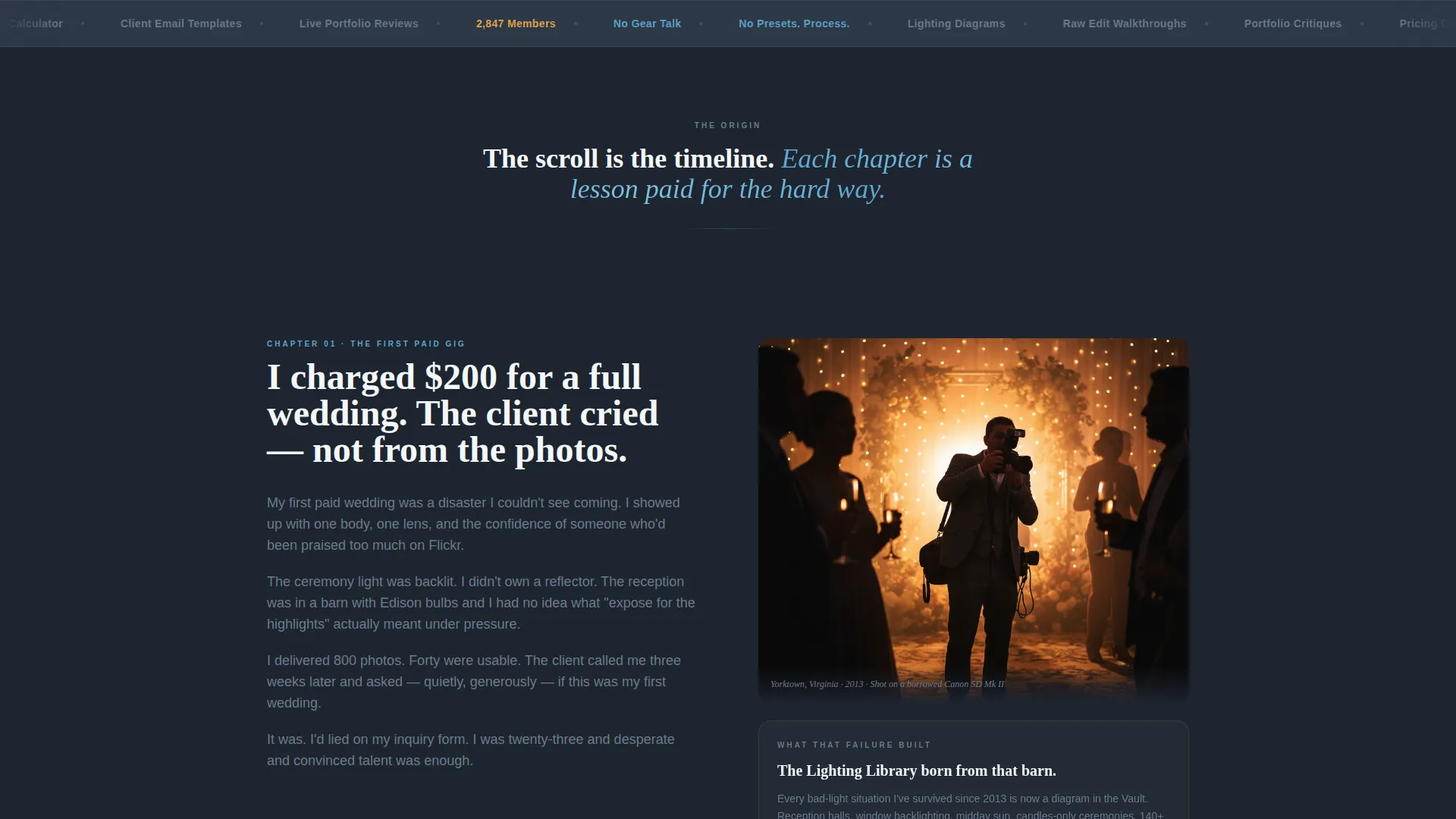
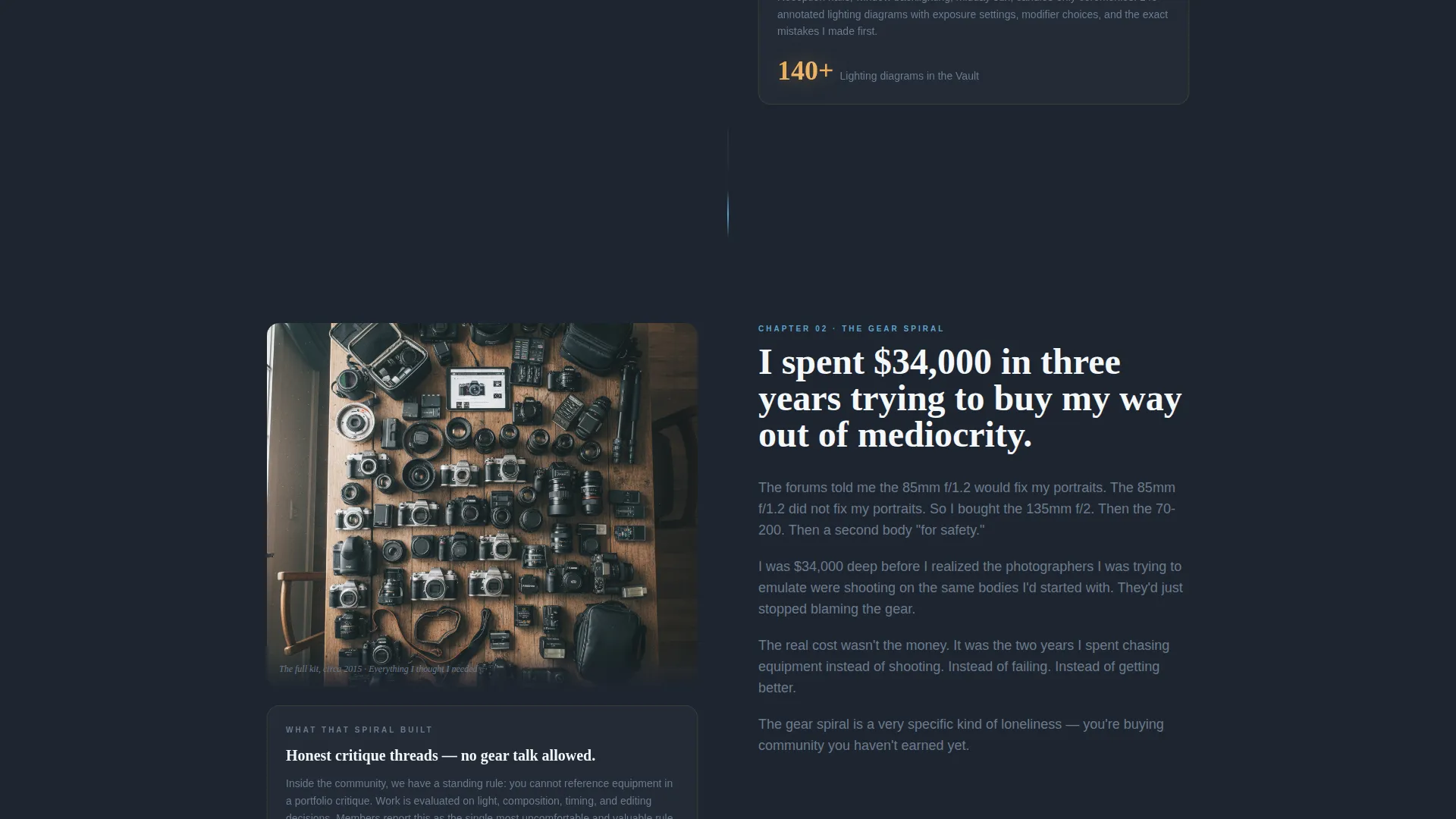
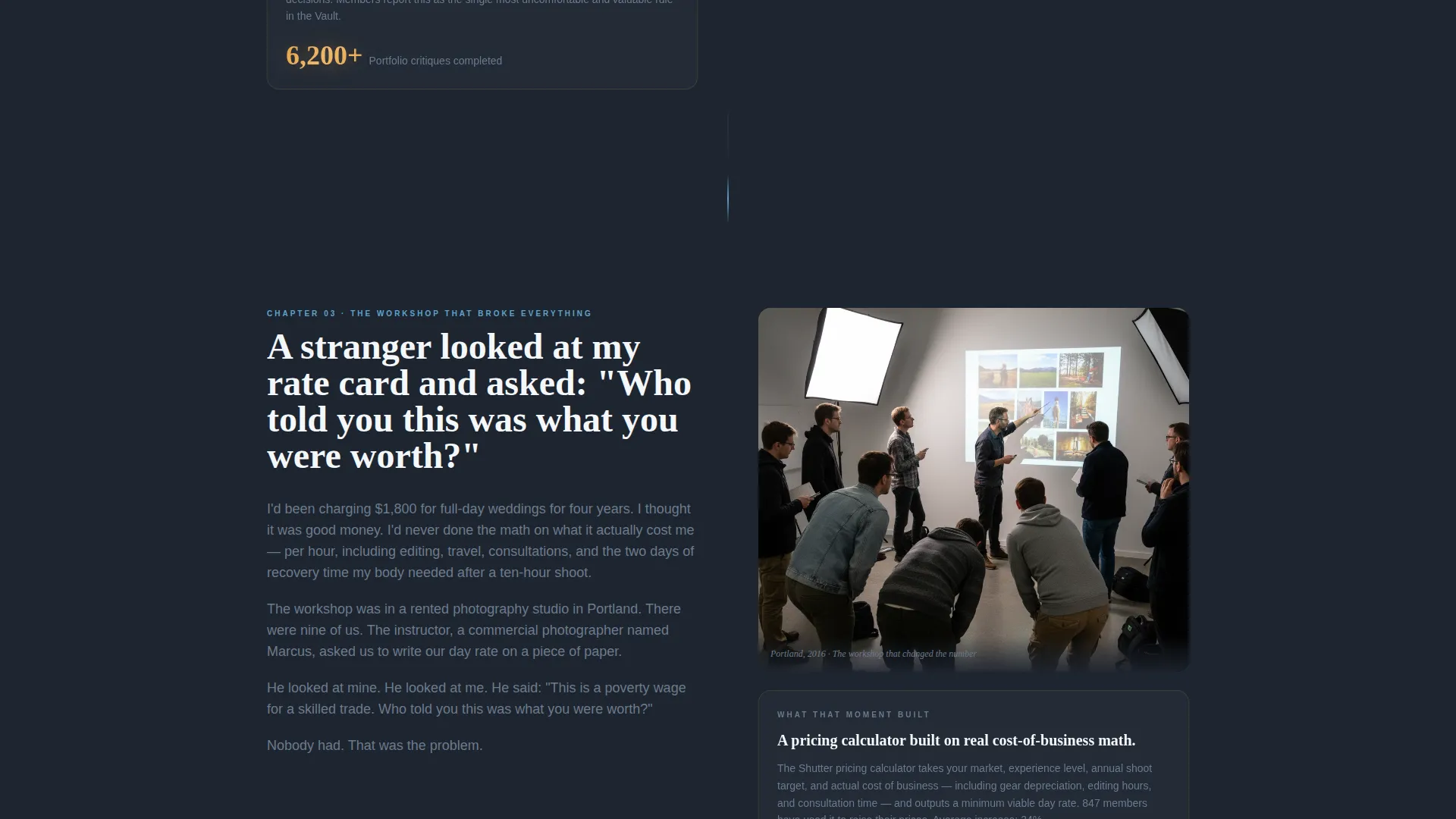
- Three zigzag alternating origin story chapters, each pairing a first-person prose block with a community resource reveal
- A vault preview section with an expandable resource panel, email capture modal, and three sample download slots
- A social proof section with testimonial cards, a member count badge, and a live portfolio review date
- A sticky bottom bar showing live member count and the next scheduled review event
Feature list
This section covers the core built-in capabilities that make the Shutter template work as a photographers paid community landing page.
Zigzag Alternating Story Layout
Each scroll chapter alternates text and image sides, keeping the reading rhythm varied and visually engaging. Left-side blocks carry founder story in first-person prose. Right-side blocks pivot to the specific community resource that grew from that experience.
Expandable Vault Preview Panel
A dedicated vault preview section lets visitors expand a resource panel and see what is inside the membership before joining. Three sample resources sit behind a lightweight email gate, so the page captures leads even from visitors who are not ready to pay yet.
Sticky Bottom Bar with Live Signals
A fixed bottom bar stays visible throughout the scroll. It displays a live member count badge and the date of the next scheduled live portfolio review, creating temporal awareness without high-pressure countdown mechanics.
Email Capture Modal
An email capture modal triggers from the vault preview, collecting addresses in exchange for three immediate sample downloads. This separates casual visitors from genuinely interested prospects before the paid join call to action appears.
Amber-Only Call to Action System
The amber accent color appears exclusively on buttons, progress indicators, and member count badges. This disciplined color rule means every amber element signals an action point, training the visitor's eye to act at exactly the right moments.
Cinematic Full-Bleed Hero Section
The hero is designed around a behind-the-scenes photographer image with a warm, grainy, editorial treatment. The headline and a sky blue stat subtitle overlay the image cleanly, establishing the mentor-to-photographer tone from the first frame.
Page sections overview
| Section | Purpose |
|---|---|
| Hero Full-Bleed | Establish cinematic tone and surface the primary "See What's Inside" call to action |
| Origin Chapter One | Pair the first failed paid gig story with the Lighting Library resource reveal |
| Origin Chapter Two | Connect the gear obsession chapter to the critique threads community feature |
| Origin Chapter Three | Link the career-changing workshop story to the pricing calculator tool |
| Vault Preview | Deliver three gated sample downloads and capture visitor email addresses |
| Social Proof | Reinforce trust with testimonial cards, member count badge, and live review date |
| Sticky Bottom Bar | Keep member count and next review date visible throughout the entire scroll |
Design & branding system
The Slate and Sky color system is the visual backbone of this template. Deep darkroom charcoal dominates backgrounds and long-form text blocks, while sky blue guides the eye along interactive elements. Amber appears only at action points, creating a disciplined visual hierarchy that never competes with itself.
- Color palette: charcoal (#1E2530) for backgrounds, mid-gray (#6B7B8D) for secondary text, sky blue (#5BA4CF) for interactive elements, and amber (#E8A44A) reserved strictly for buttons and badges
- Typography: Fraunces serif for display headings to add editorial depth, DM Sans for body text to keep long-form prose clean and readable
- Visual style: warm grain texture, cinematic depth, and mentor-café intimacy throughout, with scroll-linked parallax and staggered reveal animations
Mobile & speed optimization
The template is designed desktop-first with a fully responsive mobile experience built in. The zigzag layout adapts gracefully to narrower viewports, stacking story and resource blocks vertically without losing narrative flow.
- Scroll-linked parallax and GSAP entrance animations are handled through client components, keeping static sections lean and fast to render
- The sticky bottom bar and email capture modal both adapt to mobile screen sizes, so key conversion touchpoints remain accessible on any device
How this template helps you convert
The conversion architecture of this landing page is built around earning the ask, not forcing it. Every scroll interaction is designed to deepen trust before a financial commitment is requested.
- The vault preview section delivers three free sample resources in exchange for an email address, creating a low-friction first commitment that warms the visitor before the "Join the Community" button appears
- The "Join the Community" call to action is intentionally withheld until after the visitor has read the full origin story and engaged with the vault, so the ask feels like a natural invitation rather than a pitch
Other information about this template
This template is categorized under Community and Nonprofit with a Photographers Community subcategory, making it a focused fit for the photographers paid community and membership niche. It is built in English with United States localization, using USD pricing format and MM/DD/YYYY date display.
- The Educational Guide theme shapes the overall tone: the page reads like a mentor sharing hard-won knowledge, not a product trying to sell features
- The Origin Story creative direction means each zigzag section functions as a narrative chapter, with emotional temperature rising from vulnerability through clarity to invitation
- Animation level is set to high, with scroll-linked parallax, staggered section reveals, and GSAP entrance animations included in the build
- The template supports a Content and Resource landing page direction, meaning the primary goal is to demonstrate value through downloadable content before converting visitors to paid members

Theme
Educational Guide
Creative direction
Origin Story
Color system
Slate & Sky
Style
Zigzag/Alternating
Direction
Content/Resource
Page Sections
Zigzag Alternating Story Layout
Expandable Vault Preview Panel
Sticky Bottom Bar with Live Signals
Email Capture Modal
Amber-only Call to Action System
Cinematic Full-bleed Hero Section
Related questions
Who is the Shutter template designed for?
What is the vault preview section and how does it work?
Does the template include the sticky bottom bar?
Can I customize the origin story chapters to reflect my own background?
What typography and colors does the template use?



