Kids Photography After-School Program Landing Page
Shutter is a scroll-reveal landing page template built for a kids photography after-school program. It guides visitors through an eight-week curriculum narrative, one week at a time, using staggered image reveals, warm artisan styling, and a mid-page email capture. The page earns trust progressively and ends with a clear path to enroll.
by Rocket studio
Quick summary
Shutter is a single-page, scroll-reveal template for a neighborhood kids photography program serving ages 7 to 14. Each scroll step uncovers one week of an eight-week curriculum alongside real student photo examples. The warm artisan design and progressive storytelling build genuine parent trust before asking for a name and email.
Who this template is for
This template was built for organizers, educators, and community program directors running a hands-on kids photography after-school program. It speaks directly to the families who care most about enrichment that goes beyond screens.
- Working parents aged 30 to 50 who want meaningful after-school activities for their children
- Art teachers and enrichment coordinators looking to recommend a structured, skill-building photography program
- Grandparents or extended family members looking to gift a semester of creative learning
What problem this template solves
Enrollment pages for kids enrichment programs often bury the real value under generic descriptions. Families scroll a wall of text and leave without understanding what their child will actually learn or create.
- Parents cannot picture the week-by-week experience, so they hesitate to commit
- Programs lose warm leads because there is no low-friction middle step between "curious" and "enrolled"
- Without a narrative arc, the page fails to build the emotional trust that creative programs need to earn sign-ups
What you get with this template
This template gives you a complete, content-led enrollment funnel structured around an eight-week photography curriculum. Every section has a clear job, from sparking curiosity in the hero to capturing email leads at the mid-page moment when trust peaks.
- An animated Photo Grid Mosaic hero with staggered darkroom-style image reveals and a central handwritten headline
- Eight progressive scroll-reveal curriculum sections, each pairing a student photo example with a parent-friendly skill description
- A mid-page email capture form placed after the fourth week reveal, a gallery preview section, an enrollment section with testimonials, and a split footer
Feature list
This template ships with a tightly designed set of interactive and visual components drawn directly from the program brief.
Animated Photo Grid Mosaic Hero
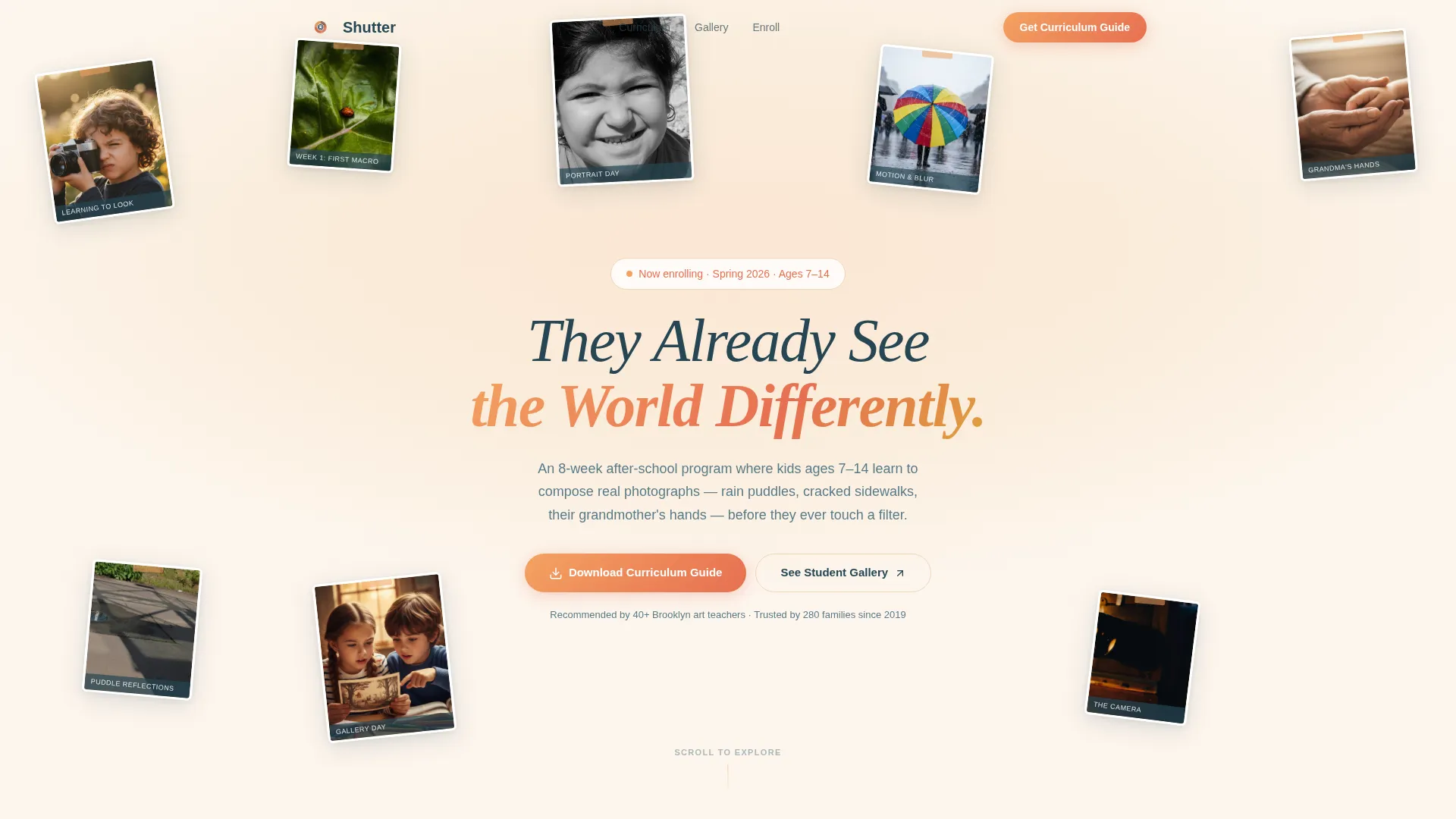
The header opens with an asymmetric collage of student photographs, each image slightly tilted like prints pinned to a corkboard. Images load in soft staggered fades that mimic a darkroom reveal. The headline "They Already See the World Differently" appears in a handwritten style across the center.
Eight-Week Scroll-Reveal Curriculum
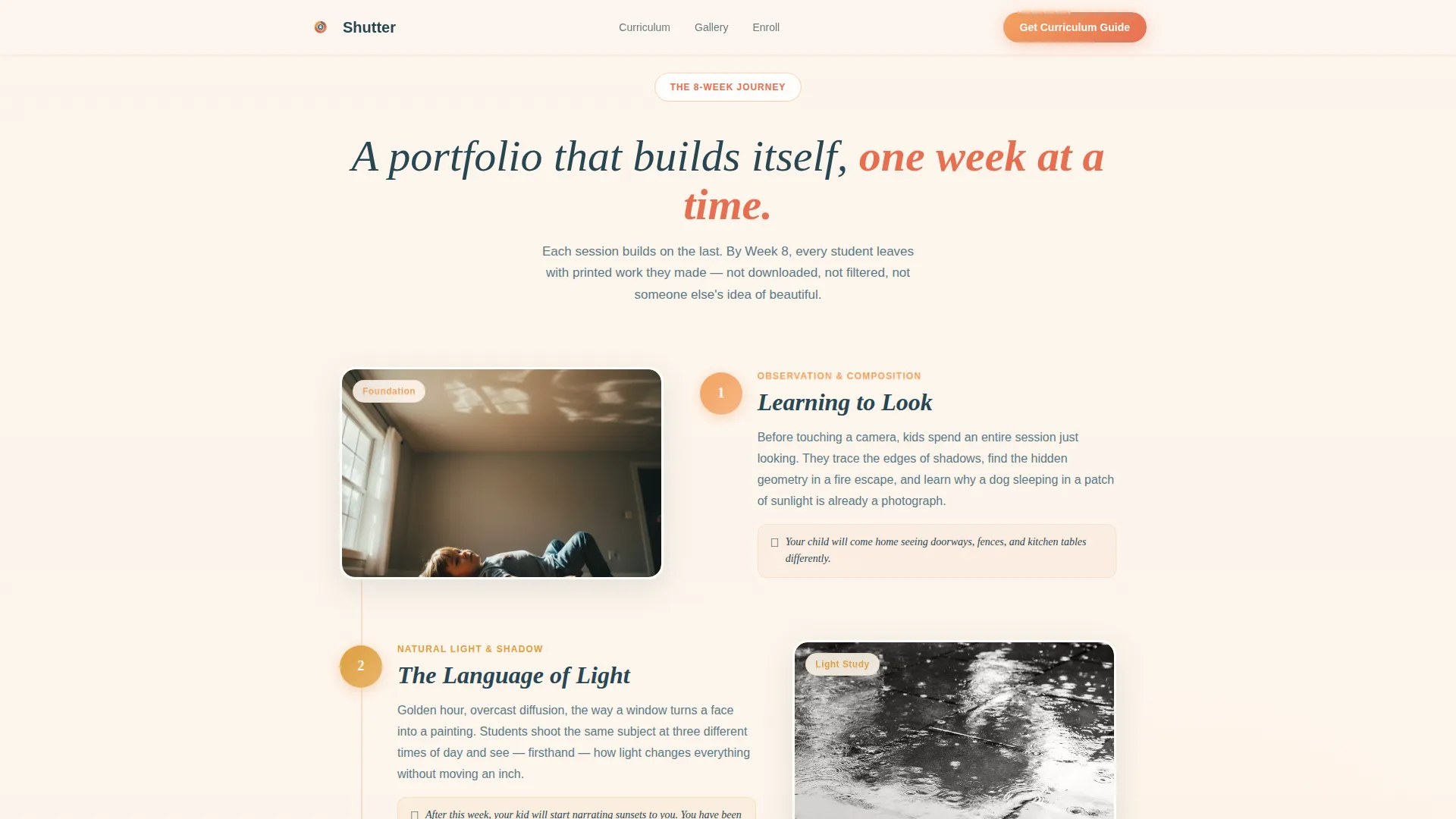
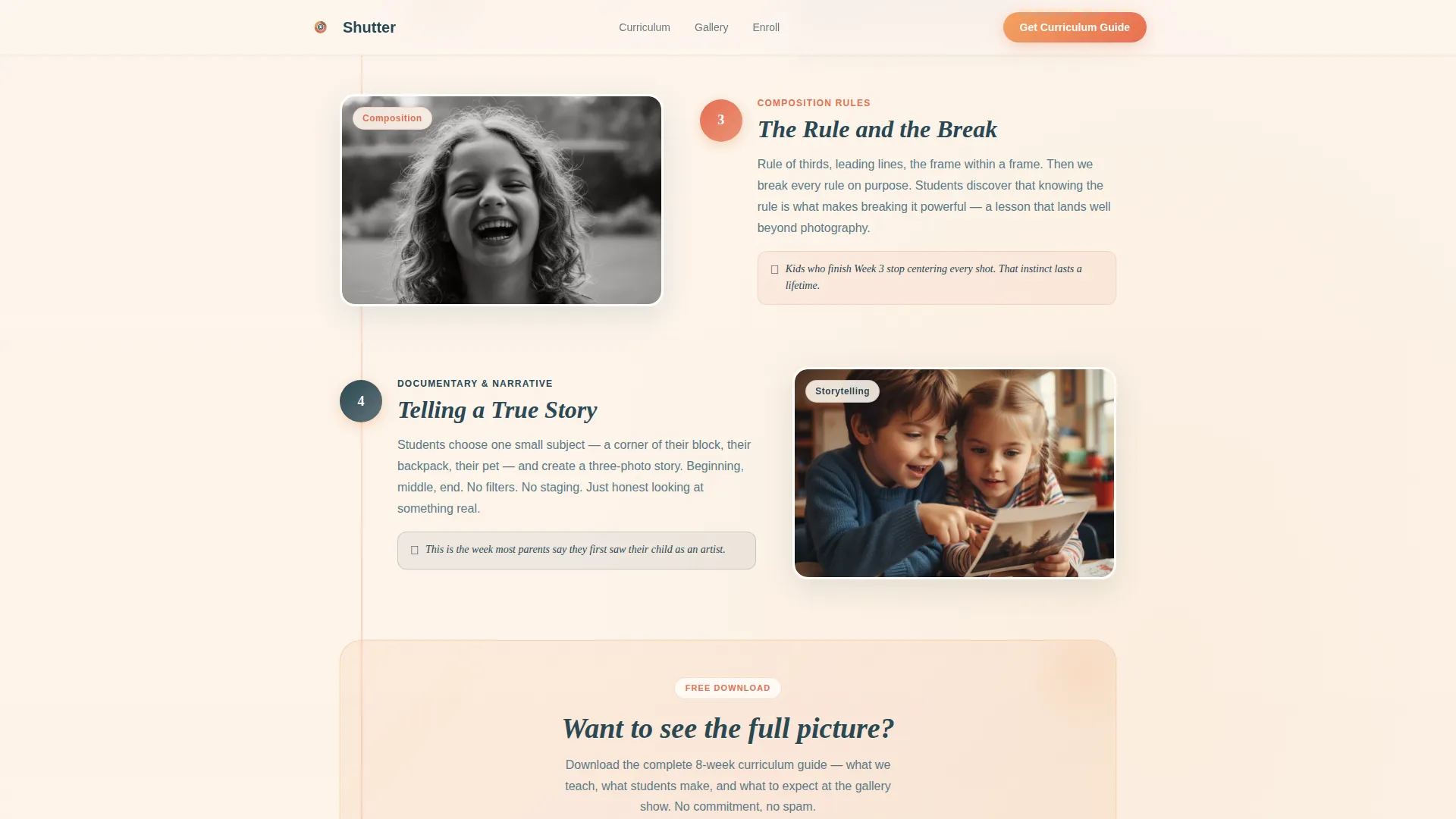
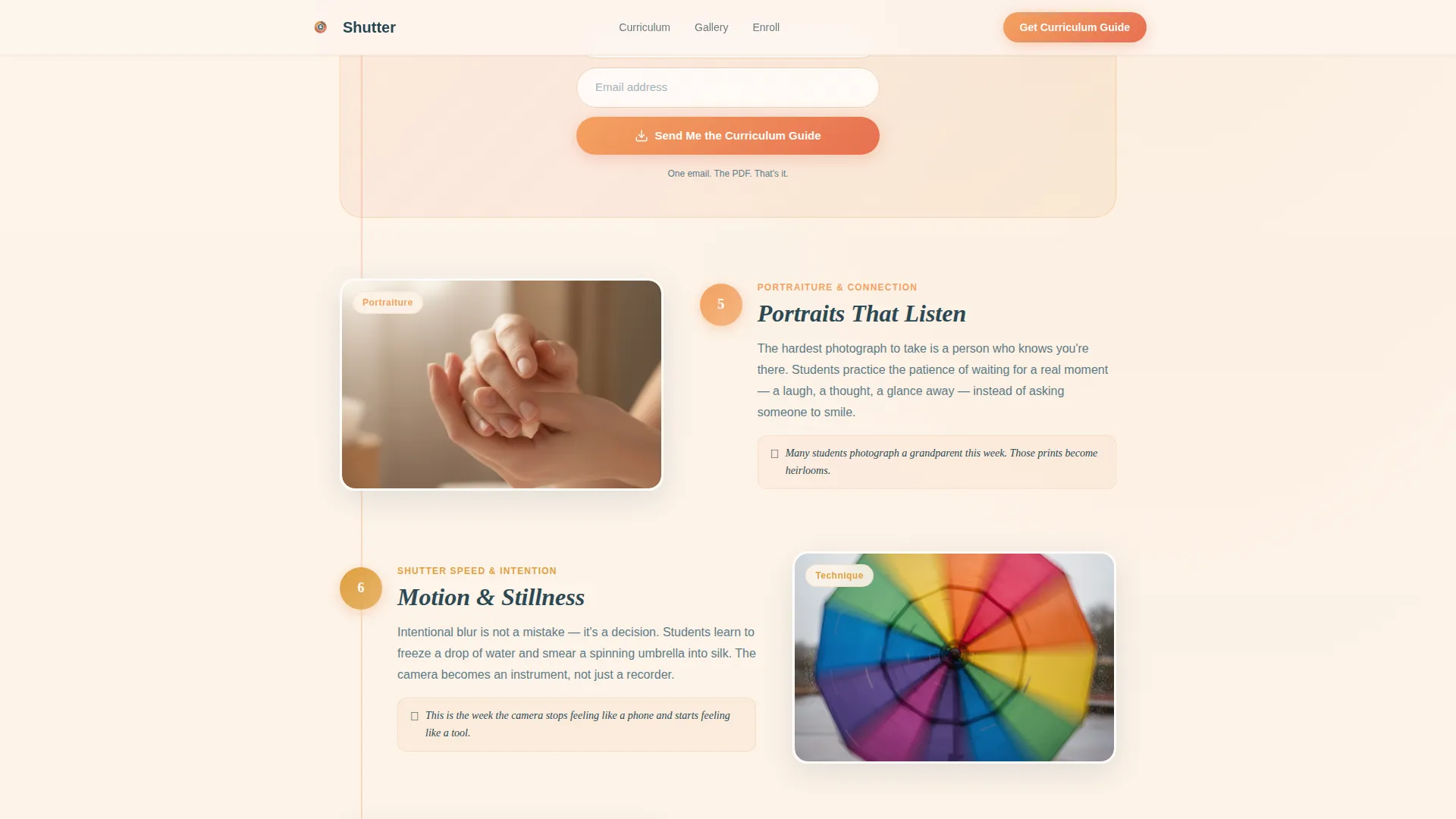
Each of the eight curriculum weeks slides up on scroll using GSAP ScrollTrigger. Every week pairs a student photo example with a short, parent-friendly description of the skill covered, from "Week 1: Learning to Look" through composition, light, storytelling, portraiture, editing basics, and the final printed gallery show.
Mid-Page Email Capture Form
A dedicated call-to-action section appears after the Week 4 reveal, at the point where parent trust is highest. The form asks only for a first name and email address in exchange for a downloadable eight-week curriculum guide PDF.
Student Gallery Preview Section
An asymmetric bento-style grid showcases actual student work examples. Gallery items include hover states that add interactivity and encourage visitors to explore the quality and range of what children produce in the program.
Enrollment Section with Social Proof
Parent testimonials, an art teacher quote, and a grandparent voice are built into the enrollment section. These testimonial blocks sit alongside the primary sign-up call to action, giving undecided families one final reason to commit.
Split Footer Layout
The footer uses a two-column split: logo and tagline on the left, navigation links on the right. The layout keeps the page anchored in the program's brand identity without cluttering the bottom of the funnel.
Page sections overview
| Section | Purpose |
|---|---|
| Hero Photo Mosaic | Opens with staggered student photo collage and handwritten headline |
| Week-by-Week Curriculum | Reveals all eight weeks progressively on scroll with student examples |
| Curriculum Download call to action | Captures first name and email after Week 4 reveal |
| Student Gallery Preview | Showcases real student work in an asymmetric bento grid |
| Enrollment and Testimonials | Combines parent, teacher, and grandparent quotes with sign-up action |
| Split Footer | Displays logo, tagline, and navigation links in two-column layout |
Design & branding system
The visual identity follows a Warm Artisan theme that feels like golden-hour light falling across a table of printed photographs. Every color and type choice is grounded in warmth and analog craft, not digital polish.
- Color palette: soft apricot (#F4A261), dusted rose (#E76F51), deep amber honey (#E09F3E), and twilight plum (#264653) for text and grounding elements
- Typography: Fraunces serif for headlines and handwritten warmth, paired with DM Sans for body copy clarity
- Visual style: tilted prints, corkboard textures, and darkroom-fade animations give the page an artisan, neighborhood feel
Mobile & speed optimization
The template is built mobile-first, reflecting how working parents most often discover neighborhood enrichment programs during a commute or a spare moment on their phone.
- Images are lazy-loaded so the page feels responsive even on slower mobile connections
- Static sections use server components to reduce unnecessary rendering overhead
- The scroll-reveal curriculum is designed to perform smoothly on mobile viewports without sacrificing the animation quality
How this template helps you convert
The page is structured as a content-led enrollment funnel. It earns micro-commitments from visitors before it ever asks for a sign-up.
- The scroll-reveal curriculum builds week-by-week investment, so parents picture their child in the program before reaching any form
- The email capture form appears at the emotional high point after Week 4, asking only for a name and email in exchange for a tangible, useful PDF
- The enrollment section closes the loop with real testimonials from parents, an art teacher, and a grandparent, reducing the last objections before sign-up
Other information about this template
This template is part of a broader category of kids enrichment and family-focused landing page designs. A few additional details worth noting for anyone evaluating it.
- The page is localized for English-language audiences in the United States, with USD pricing format and US date conventions built into the copy structure
- The Brooklyn and urban neighborhood tone is baked into the design language, making it a natural fit for community programs in dense, walkable cities
- The secondary call to action, "See the Student Gallery," links to a full portfolio page, giving visitors a lower-commitment path before enrollment
- The template style is Scroll Reveal (Progressive), the color system is Sunset Gradient, the header concept is Photo Grid Mosaic, and the landing page direction is Content/Resource
Theme
Warm Artisan
Creative direction
Step-by-Step Guide
Color system
Sunset Gradient
Style
Scroll Reveal (Progressive)
Direction
Content/Resource
Page Sections
Animated Photo Grid Mosaic Hero
Eight-week Scroll-reveal Curriculum
Mid-page Email Capture Form
Student Gallery Preview Grid
Enrollment Section with Testimonials
Split Footer Layout
Related questions
What age group is this template designed for?
Can I customize the curriculum weeks and student photos?
What does the email capture form collect?
Is this template suitable for a single program location?
What animations are included in this template?



