Shutter - Trusted Garagedoor Landing Page Template
Shutter is a zigzag landing page template built for a London garage door repair service. It guides visitors through a transparent, step-by-step repair process using alternating photo and text panels, credential badges, and a booking form. The design feels calm and competent, turning uncertainty into confidence before a single call is made.
by Rocket studio
Quick summary
Shutter is a single-page booking template for a London garage door repair business. It uses a zigzag alternating layout to walk visitors through each stage of a real repair job. Credential badges replace the hero image, and a structured booking form closes the page. Every section is built to reduce doubt and move visitors toward scheduling.
Who this template is for
This template is designed for small, trade-focused garage door repair businesses operating in London. It suits operators who rely on trust signals and transparent process explanation to win bookings rather than paid advertising alone.
- Garage door repair technicians running a one or two-van London operation
- Landlords, letting agents, or property managers who need a reliable emergency repair contact
- Commercial unit managers who need a credible, professional page to share with facilities teams
What problem this template solves
Many trade service pages fail because visitors arrive anxious and leave uncertain. There is no explanation of what happens next, no proof of credentials, and no clear way to book. Shutter addresses this directly.
- Visitors cannot see what the repair process looks like, so they hesitate to commit
- Emergency callers need instant reassurance and a fast path to contact, not a paragraph of marketing copy
- Landlords and commercial clients want documented proof of qualifications before handing over a job
What you get with this template
You get a complete, ready-to-customise landing page that covers every stage from first impression to confirmed booking. The layout is built for a specific trade niche and requires no guesswork about structure.
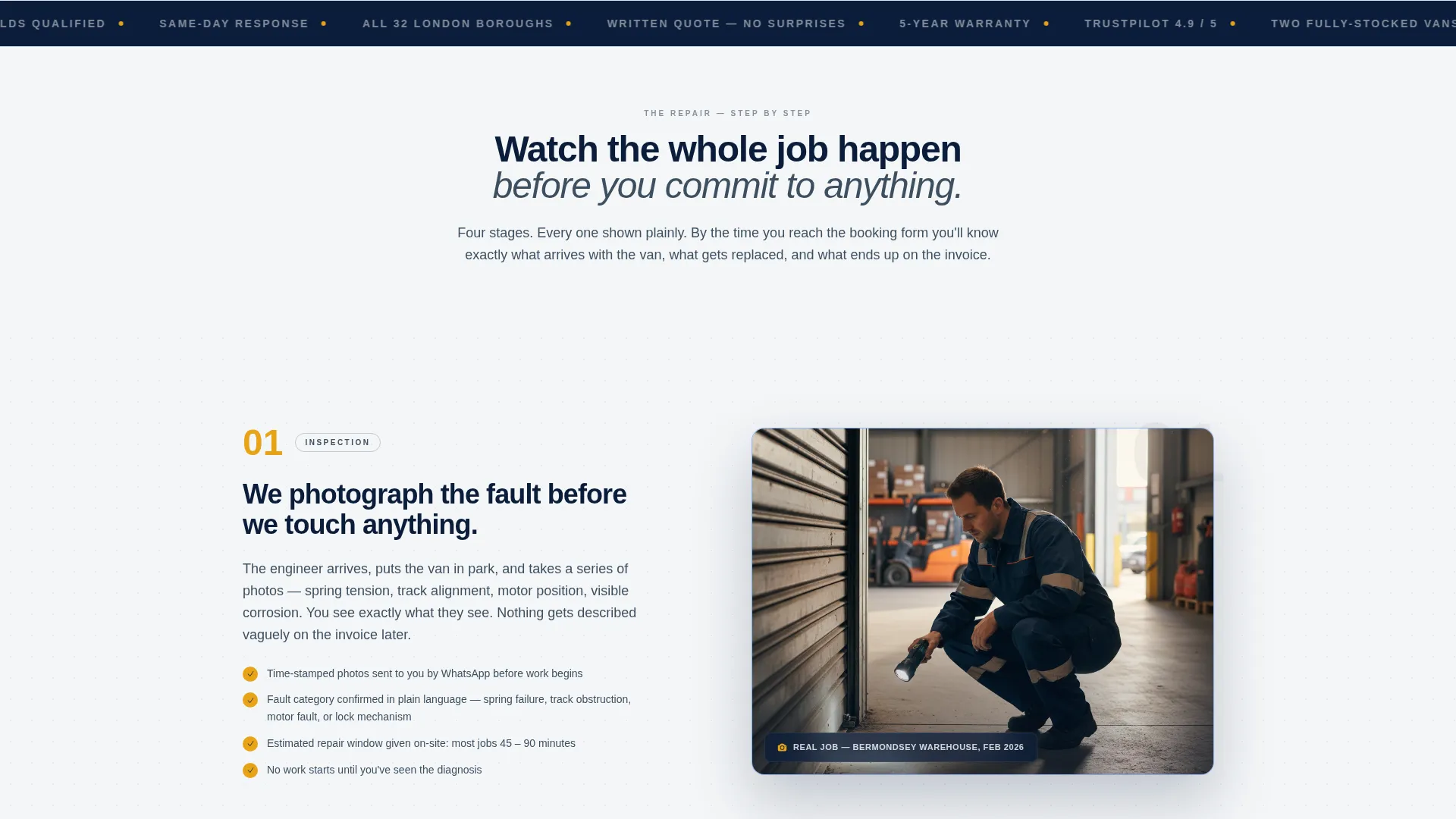
- A zigzag alternating section layout with four numbered repair stages, each pairing a visual panel with a plain-English explanation
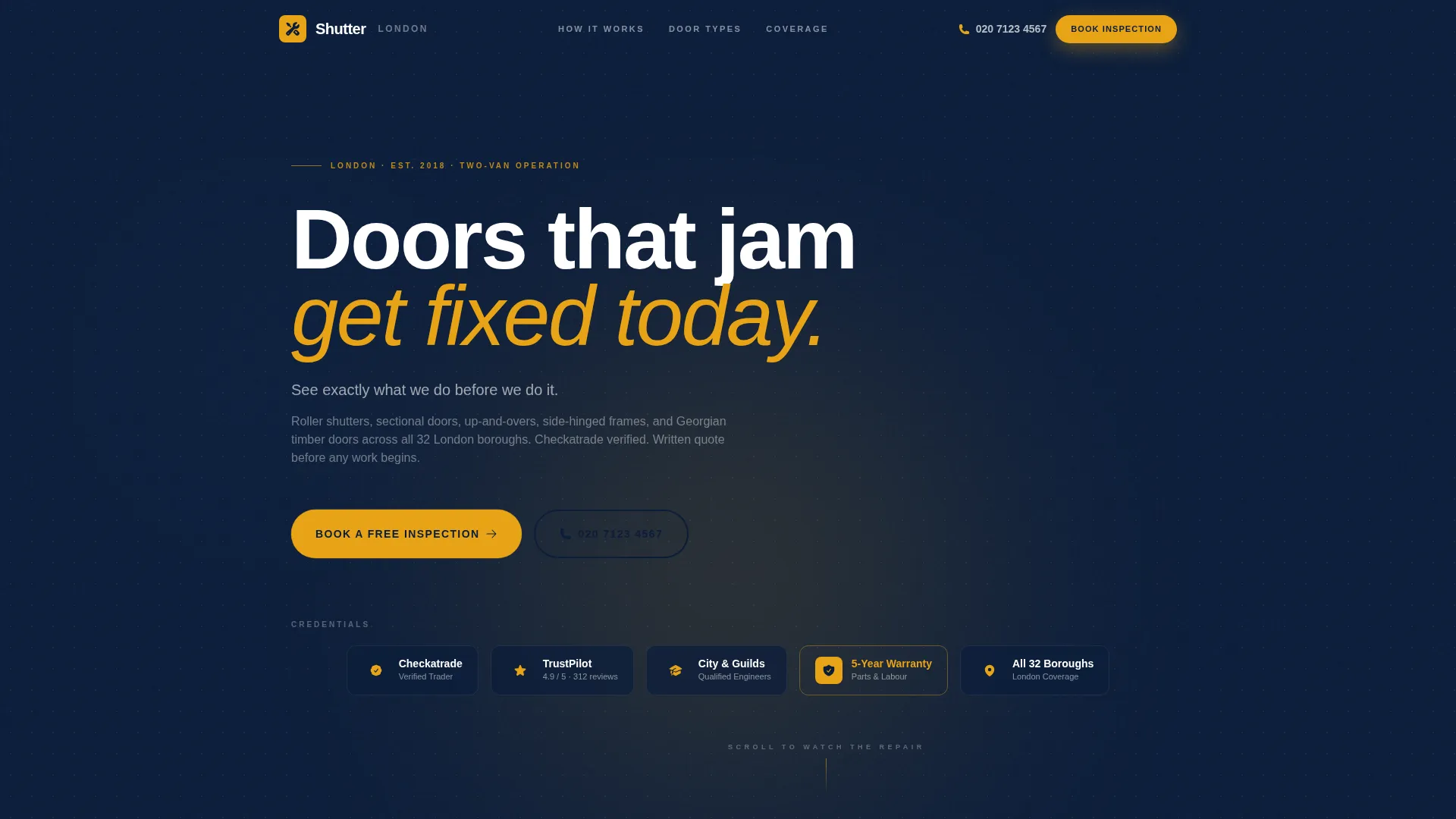
- A credential badge header rail displaying verification marks, ratings, qualifications, warranty seal, and a coverage map pin
- A structured booking form with door type selection, postcode field, time preference, and a photo upload prompt
Feature list
This template ships with purpose-built components drawn directly from the brief. Each one serves a specific job in the conversion flow.
Credential Badge Header Rail
The header displays a horizontal row of trust markers before any body copy appears. Included badges cover trade verification, customer rating score, professional qualification, warranty period, and a London borough coverage indicator. Proof arrives before persuasion.
Zigzag Repair Stage Layout
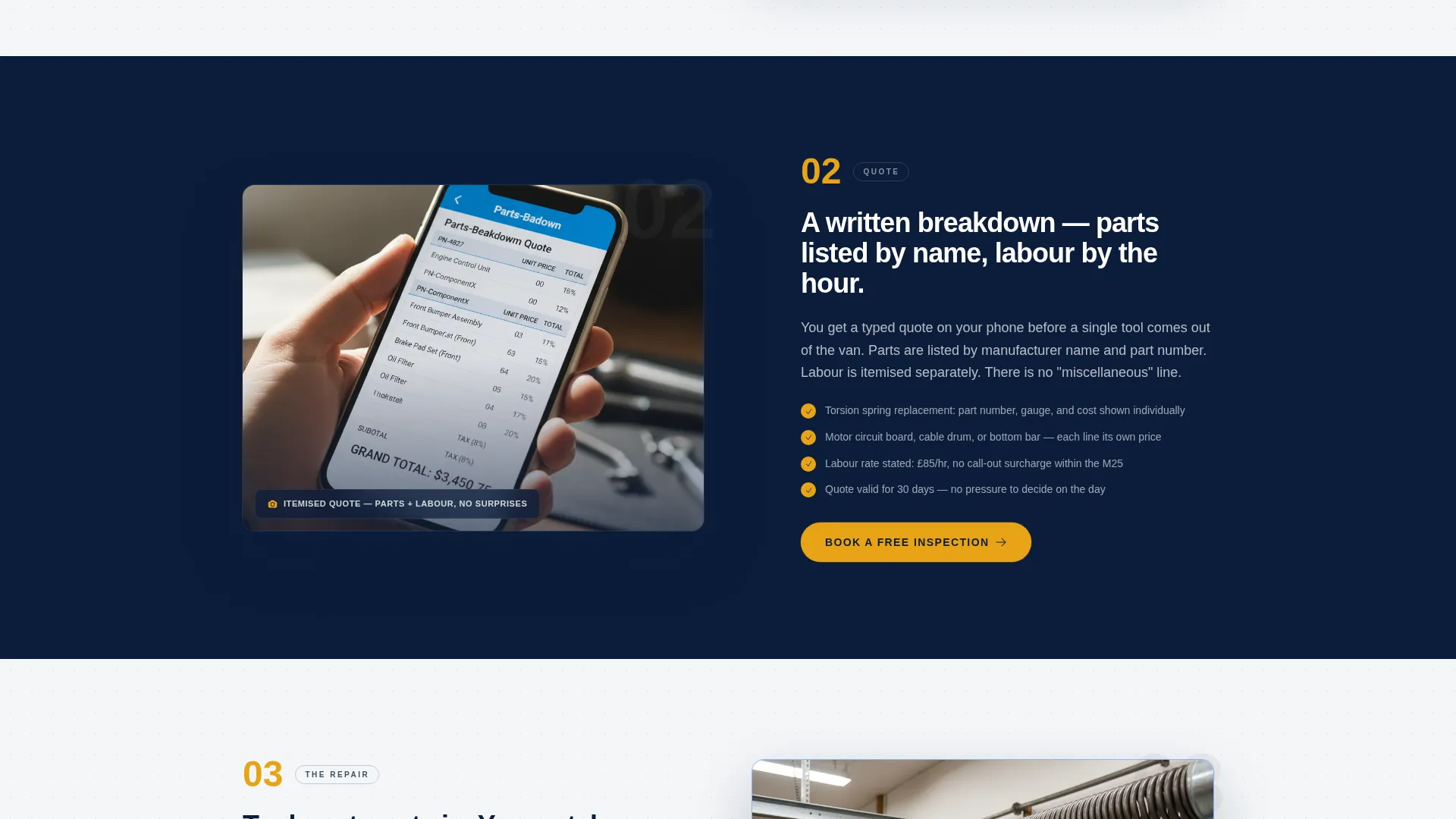
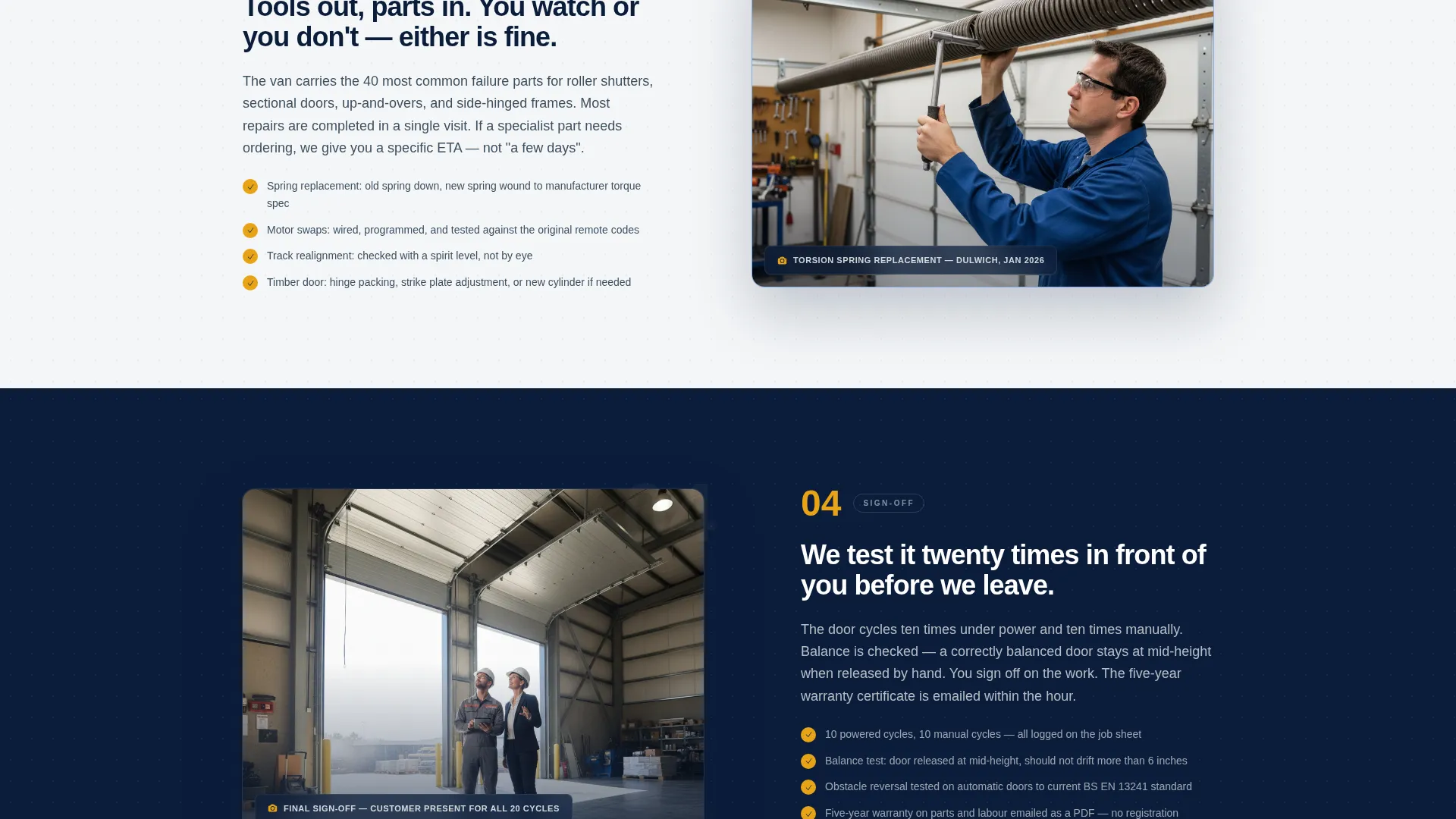
Four alternating sections each represent a numbered repair stage: inspection and photo diagnosis, written quote with parts breakdown, the repair itself shown via a short looping clip placeholder, and final testing with sign-off. Left and right panels swap with each stage so the eye keeps moving naturally down the page.
Structured Booking Form
The primary booking form is positioned after the second repair stage and again at the bottom of the page. It collects door type (roller, sectional, up-and-over, side-hinged, or timber), postcode, preferred morning or afternoon slot, and an optional photo upload labelled to encourage early diagnosis.
Emergency Callback Banner
A fixed amber banner sits at the bottom of the mobile viewport. It surfaces a secondary contact path offering a callback within fifteen minutes for urgent situations. This keeps emergency callers on the page rather than bouncing to a search result.
Navy Authority Color System
The palette uses deep navy for headers and trust bars, gunmetal for body text, amber for calls to action and step numbers, and clean white for alternating panel backgrounds. The visual result feels organised and functional rather than decorative.
Educational Guide Theme
The page is structured like a guided walkthrough rather than a sales pitch. Each section reduces uncertainty by one step. By the time a visitor reaches the booking form, they have watched a complete repair happen in sequence.
Page sections overview
| Section | Purpose |
|---|---|
| Credential Badge Header | Establish trust before any body copy |
| Headline Tag Line | Set tone with a single reassuring line |
| Stage One: Inspection | Show photo diagnosis process visually |
| Stage Two: Written Quote | Explain transparent parts and pricing |
| First Booking call to action | Capture early-intent visitors mid-page |
| Stage Three: The Repair | Show the work in progress with a clip |
| Stage Four: Sign-Off | Confirm testing and job completion |
| Final Booking Form | Convert visitors with full form options |
| Emergency Callback Banner | Retain urgent mobile callers instantly |
Design & branding system
The template uses a Navy Authority color system that references the look of a well-organised workshop rather than a polished agency site. Every color choice has a functional role.
- Deep service-van navy (#0B1D3A) dominates headers and the credential trust bar
- Steel-track gunmetal (#3D4F5F) carries body text and secondary panel backgrounds, while safety-stripe amber (#E8A317) fires on call-to-action buttons, step numbers, and the emergency banner
- Clean workshop white (#F4F6F8) opens the alternating white panels so the layout breathes between each repair stage
Mobile & speed optimization
The template is designed with mobile users in mind because emergency repair calls often come from a phone at the moment a door fails. The layout adapts cleanly to smaller screens.
- The fixed amber emergency callback banner stays visible on the mobile viewport throughout the scroll
- The zigzag alternating panels stack vertically on smaller screens so the stage sequence remains readable in the correct order
- The booking form fields are sized and ordered for easy thumb input, with door type selection appearing first to orient the user immediately
How this template helps you convert
The entire layout is built around reducing the gap between a visitor arriving anxious and leaving confident enough to book. Conversion is treated as the natural endpoint of a decreasing-uncertainty journey.
- The credential header eliminates the first objection before the visitor reads a single word of copy, replacing doubt with verified proof upfront
- The zigzag repair sequence removes process uncertainty step by step, so that by stage four the visitor understands exactly what will happen and what they will be charged
- Two booking form placements and a persistent emergency banner mean there is always a visible next step, regardless of where on the page a visitor decides they are ready
Other information about this template
This template is part of the Shutter design system, built specifically for the London local services market within the professional services category. A few practical details worth noting before you customise.
- The template style is Zigzag/Alternating, following an Educational Guide theme with a Transparent Process creative direction
- The header concept is Award Badges, meaning the credential rail is the visual focal point of the top section rather than a photograph
- The booking form includes a photo upload field labelled "Snap your door, we'll diagnose before we arrive", which sets an expectation of pre-visit preparation and signals professionalism
- The template covers garage door types including roller shutters, sectional doors, up-and-over doors, side-hinged doors, and traditional timber doors
- The postcode field in the booking form is designed to confirm London borough coverage before a slot is confirmed
Theme
Educational Guide
Creative direction
Transparent Process
Color system
Navy Authority
Style
Zigzag/Alternating
Direction
Booking/Scheduling
Page Sections
Credential Badge Header Rail
Zigzag Alternating Repair Stages
Structured Booking Form
Fixed Emergency Callback Banner
Navy Authority Color System
Educational Guide Page Theme
Related questions
Can I use this template for a single-van operation rather than a two-van business?
Does the template include the actual looping repair clip or is that a placeholder?
Can the booking form be limited to specific London boroughs?
Is the emergency callback banner visible on desktop screens as well?
Can I add more repair stages to the zigzag section layout?



