Dark Immersive Technology Podcast Landing Page
Signal is a dark, immersive landing page template built for technology podcast brands running live recorded episodes. It uses a single-column flow with a Dopamine Pop color system, guest spotlight cards, an audio waveform visualizer, and a fixed "Claim Your Seat" registration button to turn curious visitors into live-session attendees.
by Rocket studio
Quick summary
Signal is a single-column landing page template designed for technology podcasts that record live. It drops visitors straight into the studio atmosphere with a full-bleed dark header, glowing guest portraits, pull-quote reveals, and a fixed event registration call to action. Every scroll feels intentional, building credibility one guest card at a time.
Who this template is for
This template is built for podcast creators who want their page to feel as sharp as their content. It suits shows that blend editorial depth with live community events.
- Technology podcast hosts who record live and need an event registration flow
- Independent creators and small media teams announcing upcoming guest lineups
- Product-focused shows whose audience includes senior developers, product managers, and founders
What problem this template solves
Most podcast landing pages look like blog sidebars. They list episode titles, drop a subscribe button, and call it done. Signal solves the credibility and conversion gap that generic podcast pages leave open.
- Visitors arrive with no sense of the show's energy or guest quality, so they bounce
- Live recording events have no dedicated registration path, so attendance stays low
- There is no way to preview guests or tease audio before asking someone to commit their time
What you get with this template
Signal delivers a complete single-column event registration landing page with every visual and functional section already placed. You get a studio-atmosphere design system and a guest-led scroll flow that does the selling before the form appears.
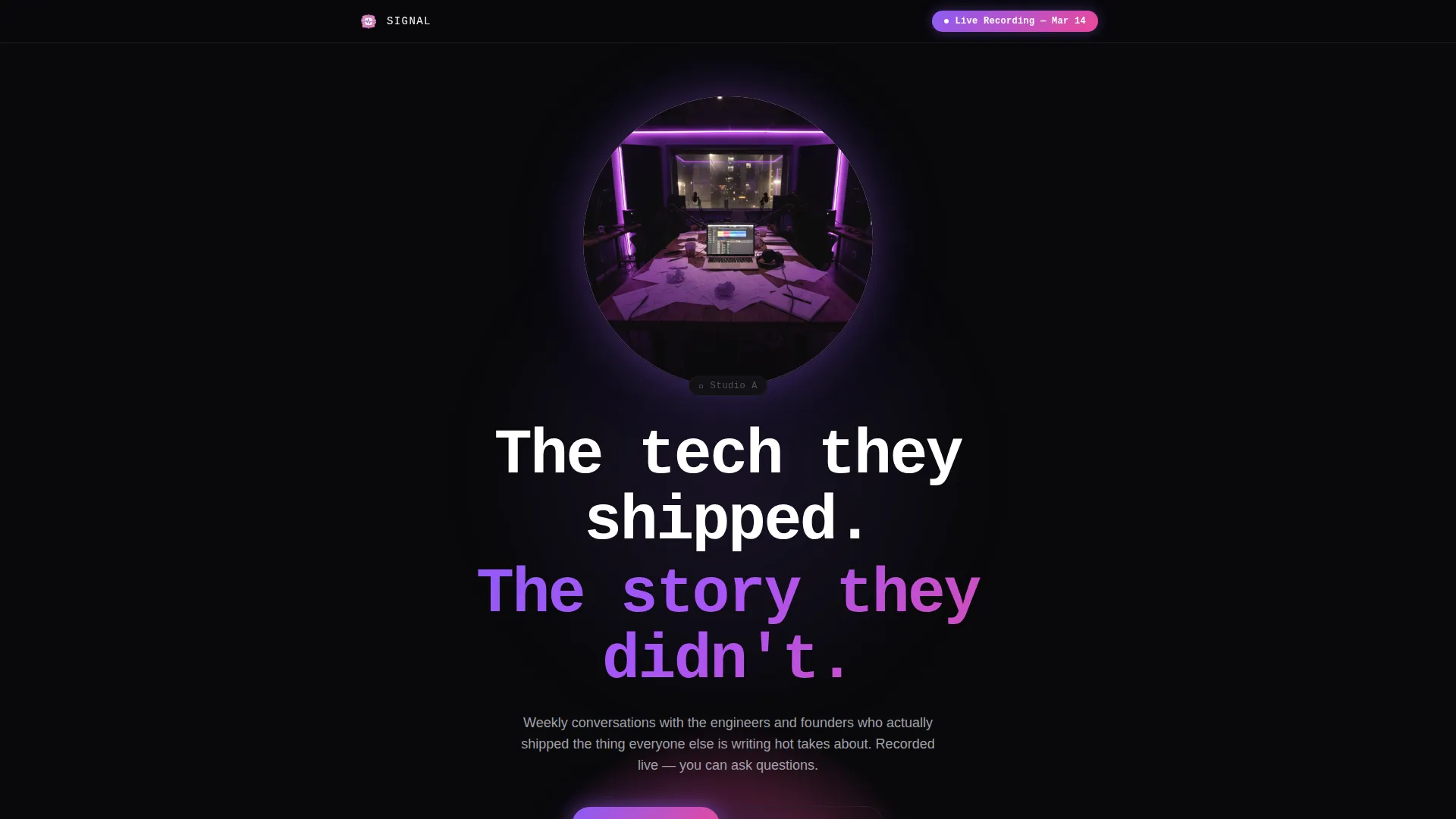
- A full-bleed dark header with a host portrait, gradient glow treatment, and a punchy mono-weight headline
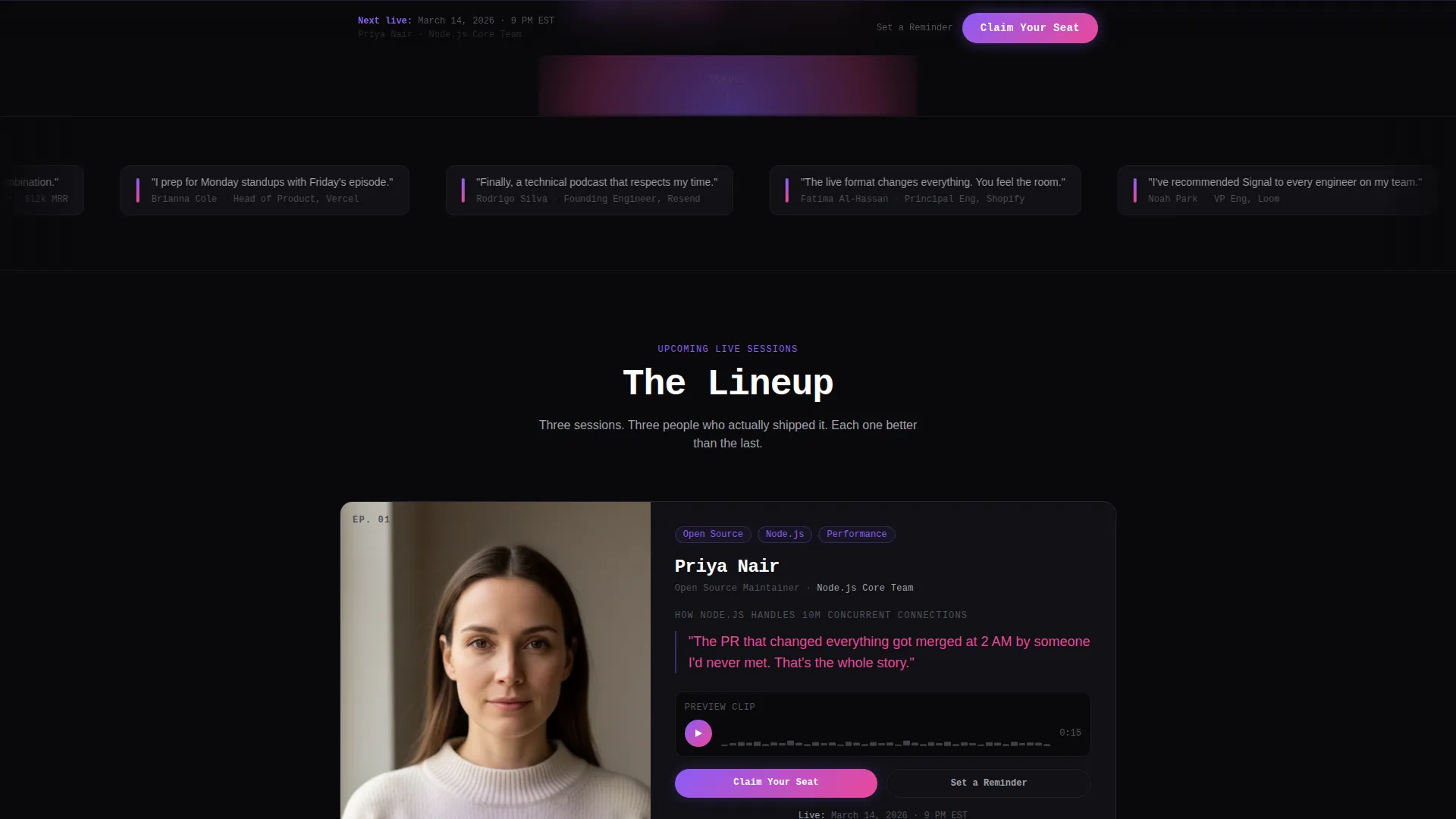
- Guest spotlight cards with dissolve-in portraits, hot magenta pull-quotes, and a fifteen-second audio clip waveform visualizer
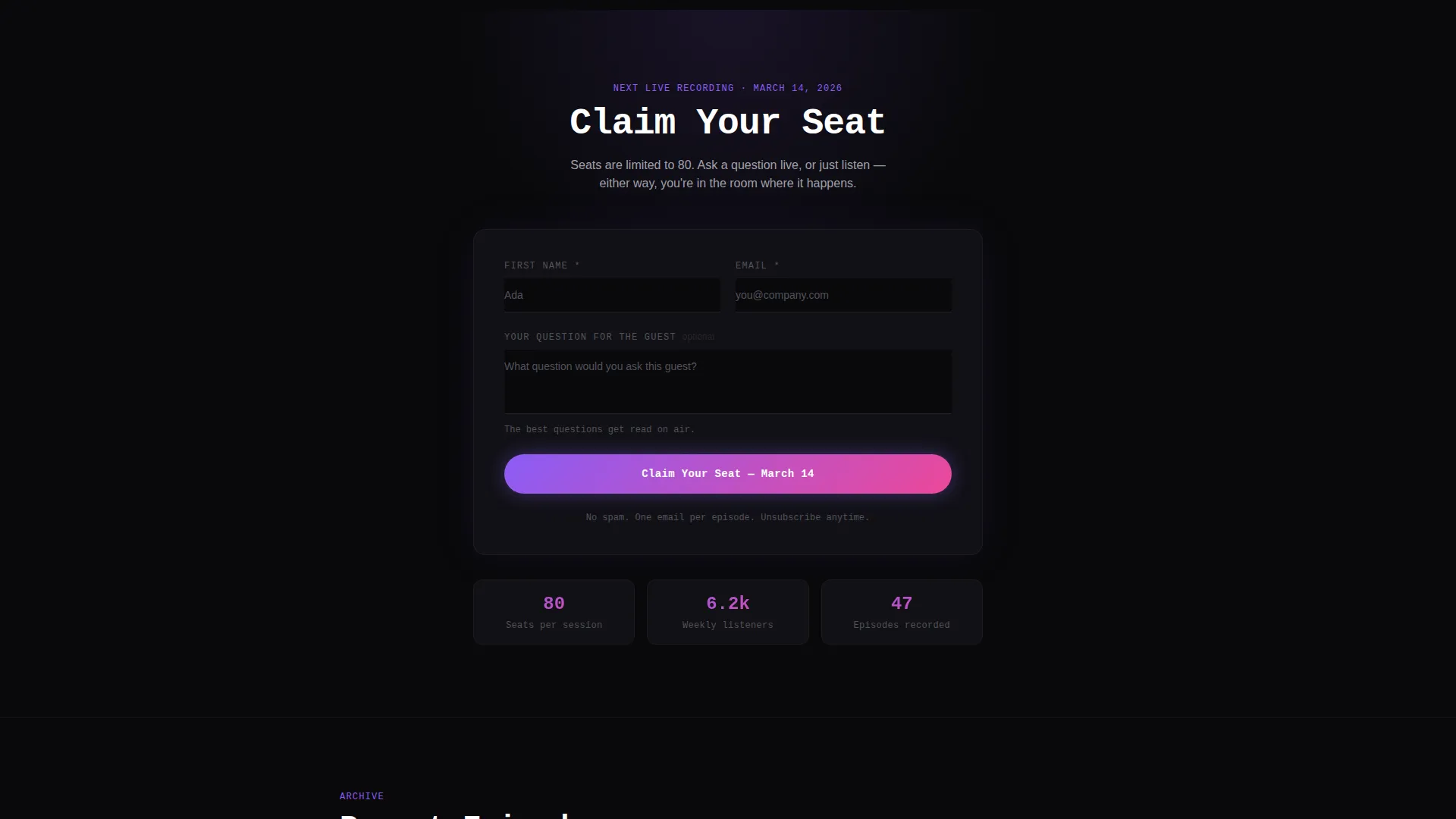
- A fixed "Claim Your Seat" violet-glow button and an inline registration form with an optional audience participation field
Feature list
Signal packs every section a technology podcast needs to convert curious listeners into registered live attendees.
Full-Bleed Dark Header with Glow Portrait
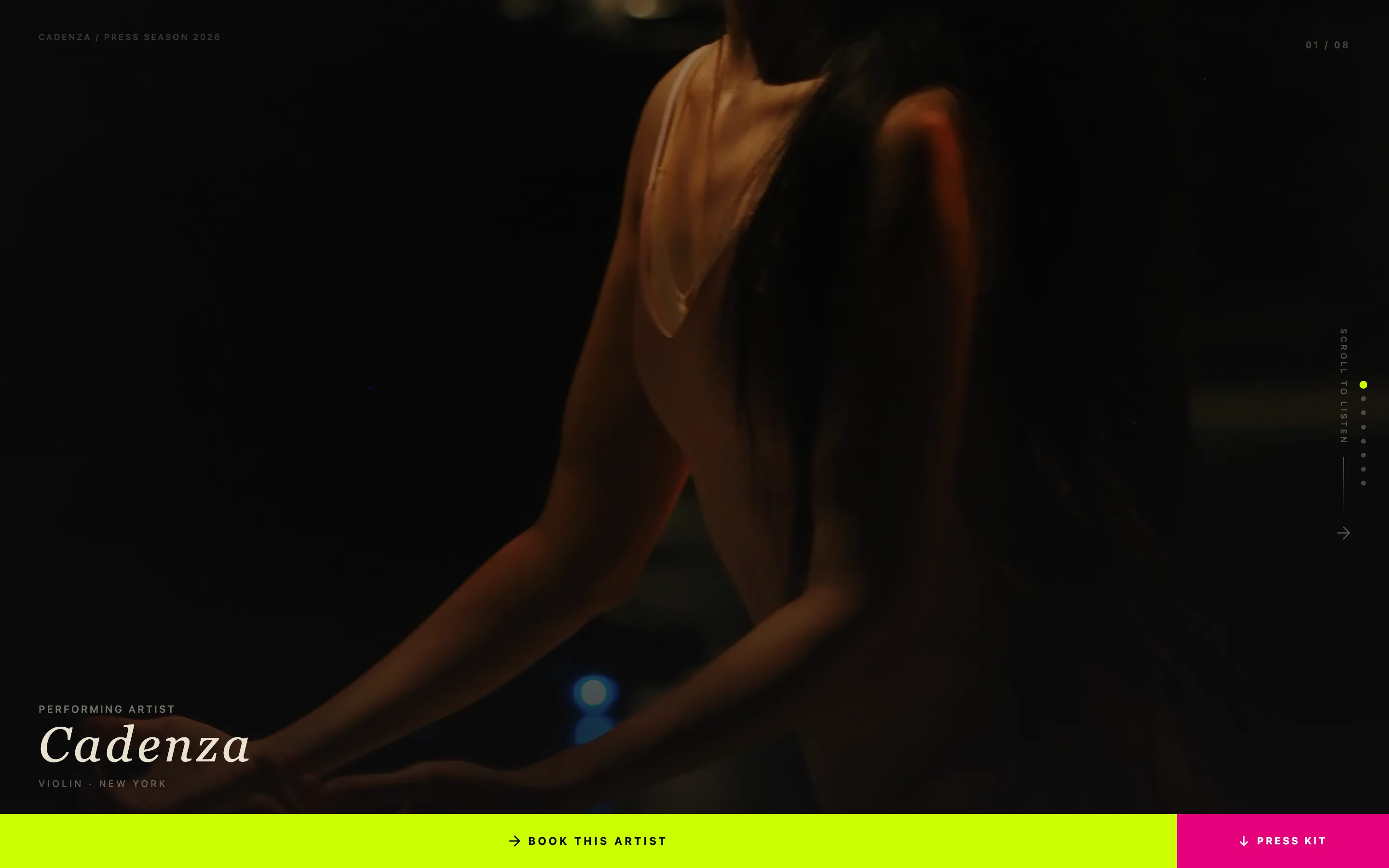
The header is a void-black canvas where the host portrait emerges from pure black, lit by a violet-to-magenta gradient halo around the shoulders and microphone. The glow pulses once like a heartbeat, then settles. A single oversized mono-weight headline anchors the mood immediately.
Guest Spotlight Scroll Cards
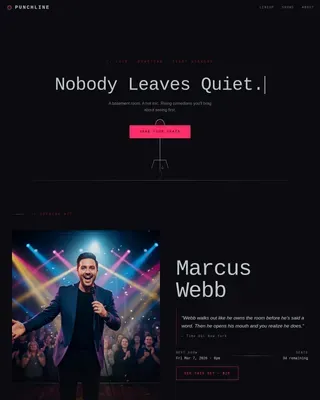
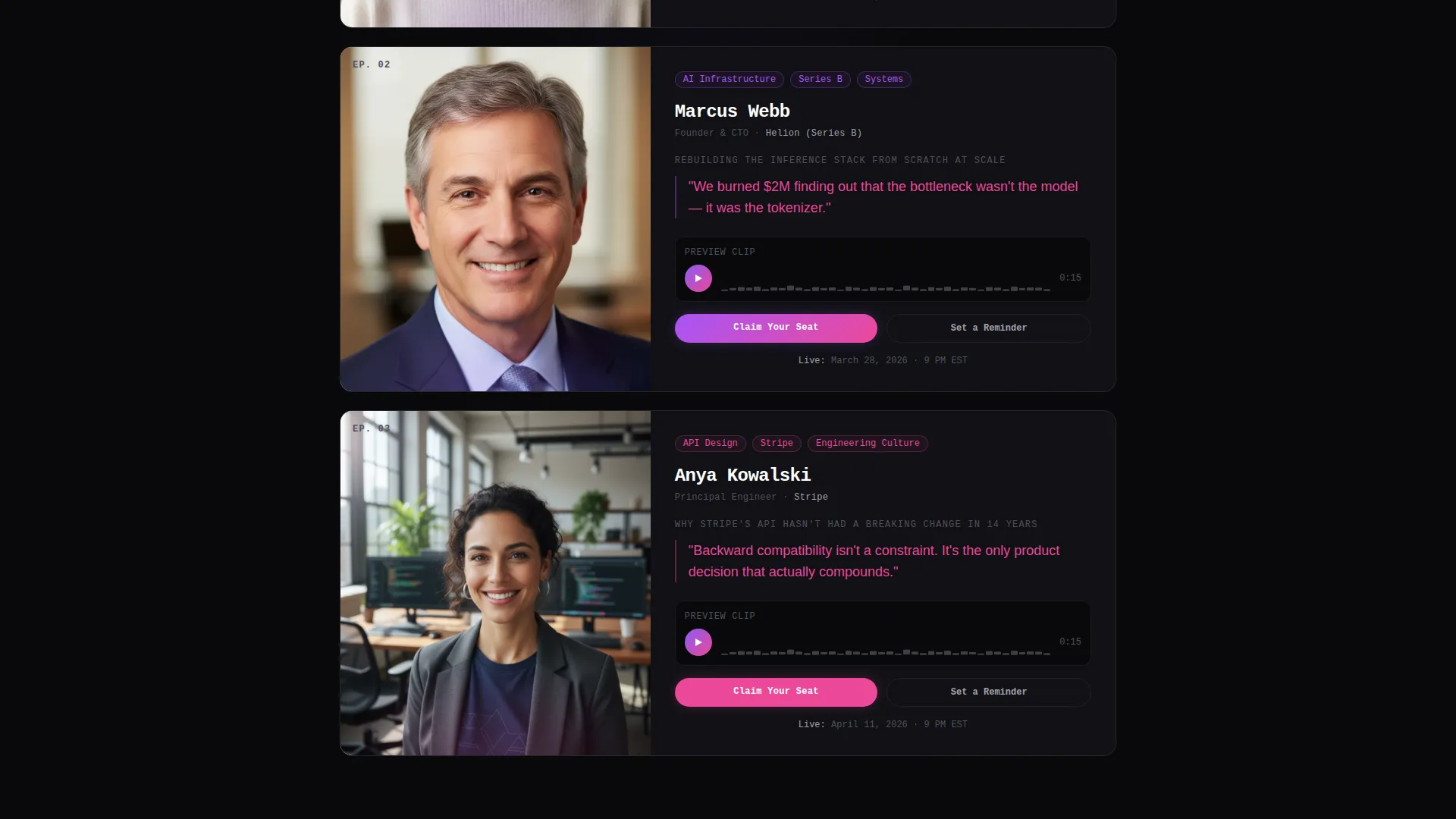
Each scroll section features an upcoming live guest. The portrait dissolves out of the dark, a pull-quote appears in hot magenta, and a fifteen-second audio clip plays with a violet waveform visualizer. The card sequence escalates in guest credibility to build anticipation with every scroll.
Fixed Event Registration Button
A "Claim Your Seat" button in a violet-glow style stays fixed at the bottom of the viewport after the first scroll. It remains visible without interrupting the content flow, giving visitors a persistent path to register whenever they are ready.
Inline Participation Form
Clicking the fixed button opens an inline registration form asking for a first name, an email address, and one optional field: "What question would you ask this guest?" This turns a standard sign-up into an act of participation, which increases perceived investment from the registrant.
Per-Guest Reminder Path
Below each guest card, a secondary call to action reads "Set a Reminder." This gives listeners who want the episode but not the live seat a lower-commitment path to stay connected, widening the overall conversion funnel.
Audio Waveform Visualizer
Each guest card includes a short audio clip component with a glowing waveform that activates in violet on play. Visitors can preview the show's tone and the guest's voice before deciding to register, reducing friction and building trust in the content.
Page sections overview
| Section | Purpose |
|---|---|
| Dark Header Canvas | Introduces host, headline, and studio atmosphere |
| Guest Spotlight Card 1 | Features open-source maintainer with audio preview |
| Guest Spotlight Card 2 | Features Series B founder with pull-quote reveal |
| Guest Spotlight Card 3 | Features principal engineer with credibility anchor |
| Per-Guest Reminder call to action | Offers low-commitment episode reminder path |
| Inline Registration Form | Captures name, email, and optional guest question |
| Fixed Seat Button | Persistent viewport call to action for live event sign-up |
Design & branding system
Signal uses a Dopamine Pop color system on a Dark Immersive theme. Every color decision reinforces the late-night studio feeling and creates visual urgency without noise.
- Void black (#09090B) as the dominant background, electric violet (#8B5CF6) as the primary accent on buttons and waveforms, hot magenta (#EC4899) for pull-quotes and hover states, and cool zinc (#A1A1AA) for body text
- Violet glows bleed outward from interactive elements and guest portraits like backlit stage lighting
- Typography uses oversized mono-weight display text for headlines, keeping the aesthetic consistent with a live broadcast environment
Mobile & speed optimization
The single-column flow of Signal is naturally suited to mobile viewports. Every section stacks cleanly without requiring layout adjustments.
- Single-column structure means portrait cards, pull-quotes, and the waveform visualizer all reflow without horizontal overflow
- The fixed "Claim Your Seat" button is positioned at the bottom of the viewport, which maps directly to the thumb-reach zone on mobile devices
- Dark backgrounds reduce the visual weight of image-heavy sections on smaller screens, keeping the page feel consistent across devices
How this template helps you convert
Signal is architected so that the lineup does the selling before the registration form ever appears.
- The guest card sequence builds credibility with each scroll, moving visitors from curious to convinced before they reach the primary call to action
- The fixed "Claim Your Seat" button stays visible throughout the scroll so visitors never need to hunt for the registration path
- The optional participation field in the inline form reframes sign-up as contribution, which increases the likelihood that a registrant shows up to the live session
Other information about this template
Signal fits naturally into the workflow of any technology podcast creator who wants to treat a live recording as a proper event worth promoting.
- The template is categorized under Media and Entertainment, Content Creator Niches, with a specific focus on the technology podcast niche
- The Dark Immersive theme and Dopamine Pop color system make the design system immediately recognizable to audiences familiar with developer-focused media brands
- The Creator Spotlight creative direction is well-suited to shows that rotate high-profile guests each season or episode cycle
- The Event Registration landing page direction makes this template equally useful for one-off recording events and recurring live series
Theme
Dark Immersive
Creative direction
Creator Spotlight
Color system
Dopamine Pop
Style
Single Column Flow
Direction
Event Registration
Page Sections
Full-bleed Dark Header with Glow Effect
Guest Spotlight Scroll Cards
Audio Waveform Visualizer
Fixed Event Registration Button
Inline Participation Form
Per-guest Reminder Call to Action
Related questions
Who is the Signal template designed for?
What conversion actions does this template support?
Can I customize the guest spotlight cards for my own lineup?
Does the template include the audio waveform visualizer component?
Is this template suitable for a podcast with no live events?