Parking & Traffic Booking Website Template
Signal is a hero-dominant landing page template built for traffic management platforms targeting municipal engineers, Department of Transportation project managers, and civil engineering firms. It combines an Engineering Blueprint visual theme with a Cinematic Dark color system, animated signal phase diagrams, a corridor blueprint section, and an integrated booking module that converts technical visitors into scheduled consultations.
by Rocket studio
Quick summary
Signal is a single-page landing page template designed for intelligent traffic management systems. It opens with a full-bleed aerial interchange hero and descends through animated simulation sections, living corridor blueprints, outcome metrics, and a scheduling module. The template targets government agencies and engineering firms that need technical credibility before they commit to a consultation.
Who this template is for
This template is purpose-built for organizations that sell or operate traffic signal management platforms in a government or municipal context. The visual language, copy structure, and conversion flow all speak directly to technically literate buyers with compliance obligations and budget accountability.
- Municipal traffic engineers who need to evaluate signal retiming or adaptive upgrade options
- Department of Transportation project managers defending corridor modernization budgets before city councils
- Civil engineering firms bidding on corridor studies who need a partner fluent in federal compliance standards
What problem this template solves
Generic software landing pages fail when the audience is a senior traffic engineer or a government procurement officer. These buyers need proof of analytical depth, not marketing language. They arrive skeptical and leave fast if they do not see relevant technical framing within seconds.
- Most templates lack the visual credibility to communicate real-time data systems to a technical government audience
- Booking-focused pages for public-sector buyers often miss the lead-capture middle path for visitors who need internal justification first
- Generic design systems feel misaligned with the operational, high-stakes context of a traffic operations center environment
What you get with this template
Signal delivers a complete single-page layout with five distinct content sections, a persistent navigation with a primary call-to-action button, and a footer. Every section is structured to carry the visitor from city-wide overview down to individual signal phase detail, building confidence at each scroll depth.
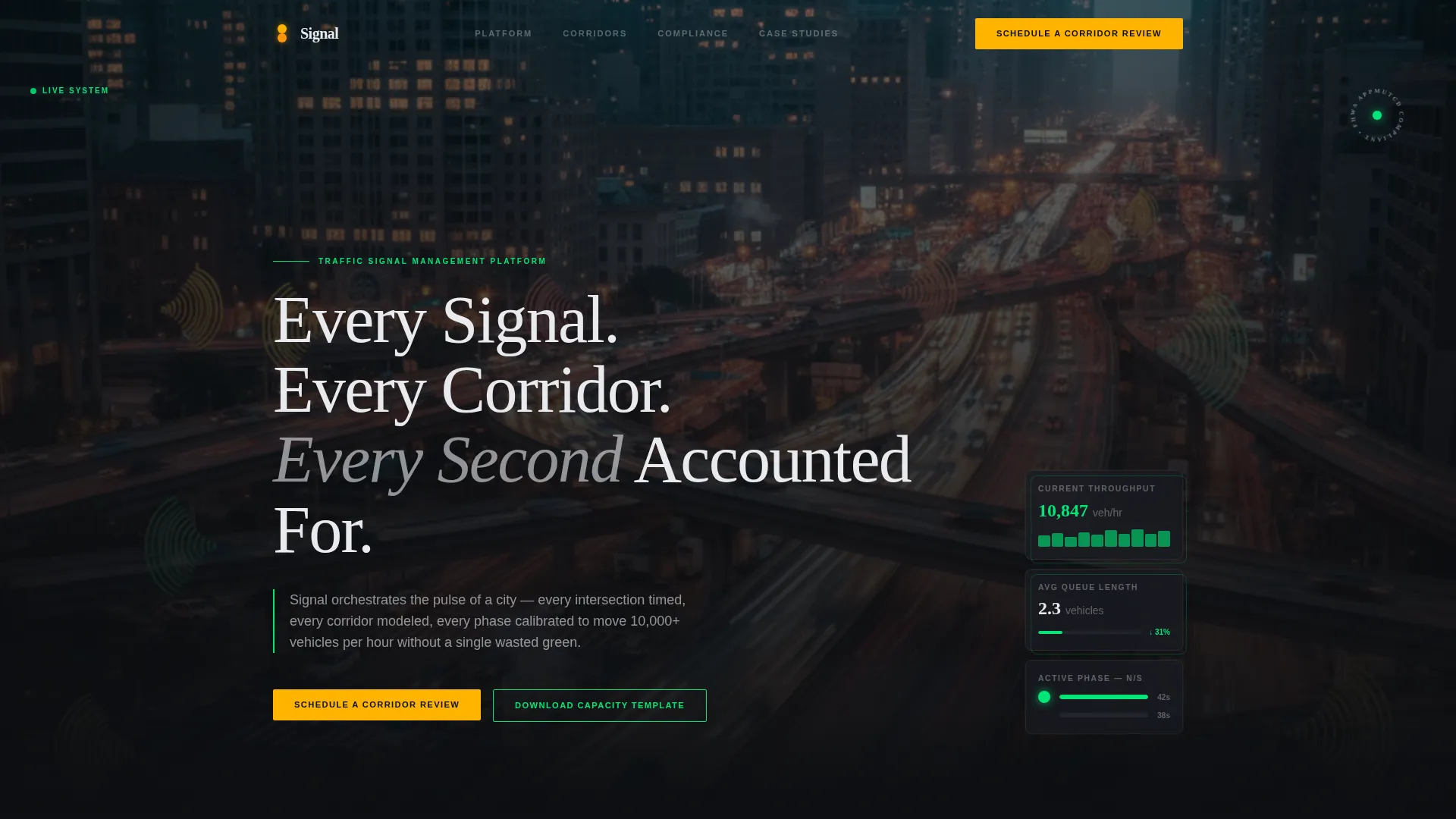
- A full-bleed hero with fade-in headline, floating signal data cards, and an aerial interchange photograph
- An animated signal simulation section, a living corridor blueprint section, a metrics bento grid, and a combined testimonial and scheduling section
- A dual-path conversion system: a direct booking modal and a secondary lead magnet download for visitors building internal justification
Feature list
This section covers the core functional and design capabilities built into the Signal template as defined by the source brief.
Full-Bleed Aerial Hero Section
The hero opens with a long-exposure interchange photograph that bleeds past all viewport edges. A fade-in headline in lane-marking white appears after a brief delay. Floating signal data cards reinforce live-data context above the fold.
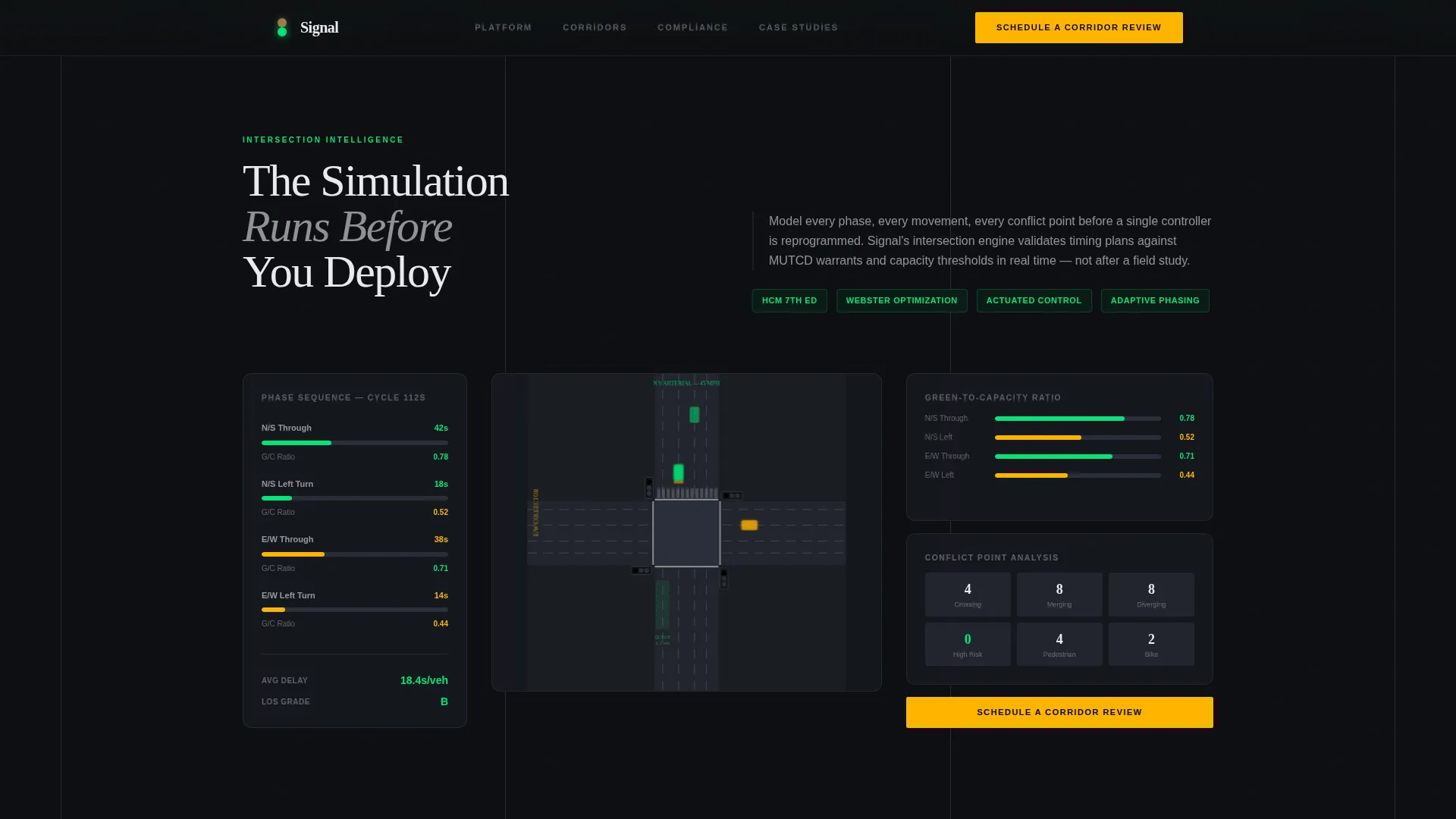
Animated Signal Phase Diagram
The signal simulation section features an intersection phase diagram that cycles through signal states in real time. This interactive element places the visitor inside the platform experience before any commitment is made.
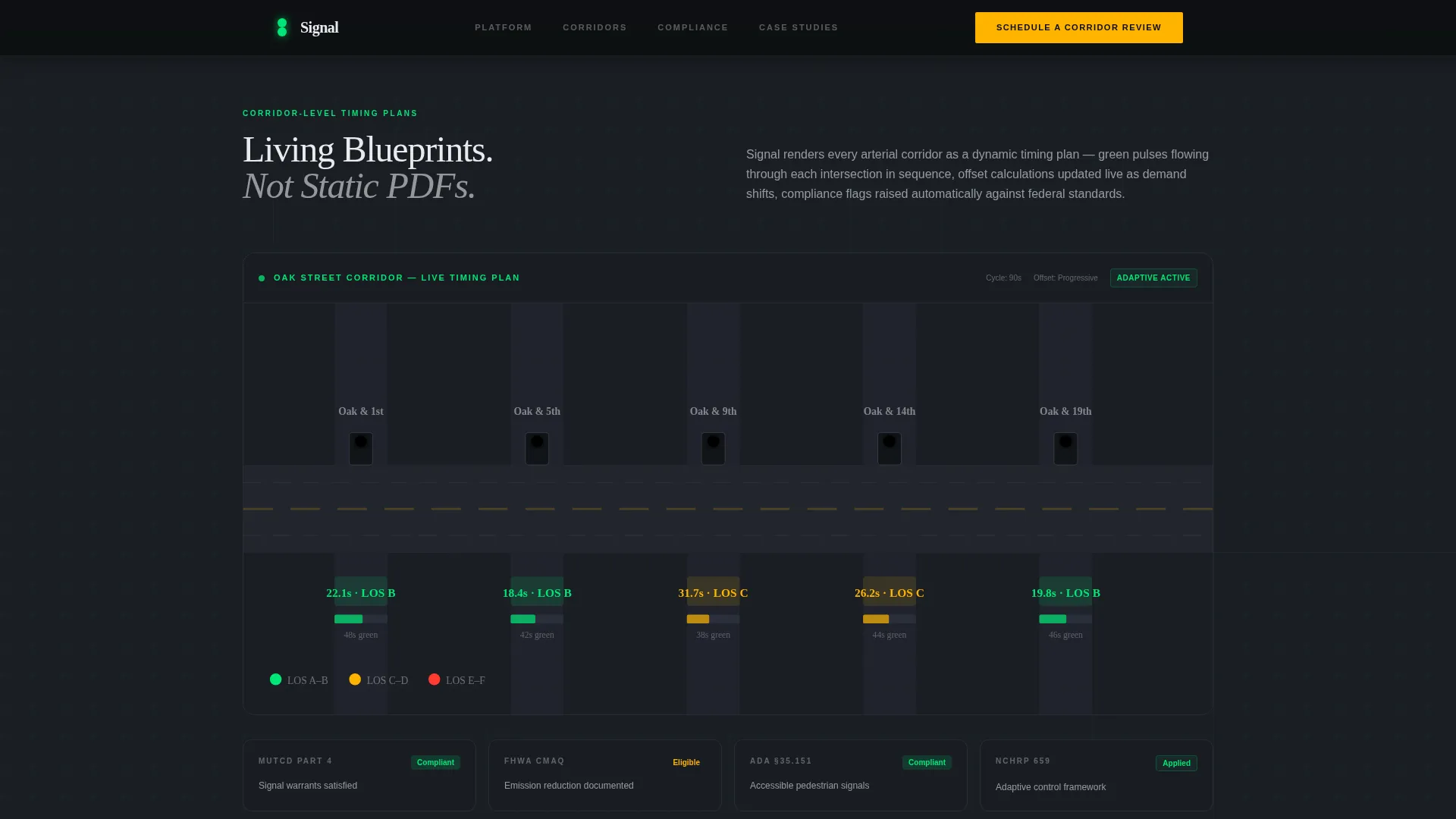
Living Corridor Blueprint
The corridor section renders timing plans as animated engineering blueprints. Green pulse animations flow through arterial paths, and compliance indicators surface alongside the visualization to reinforce federal standard alignment.
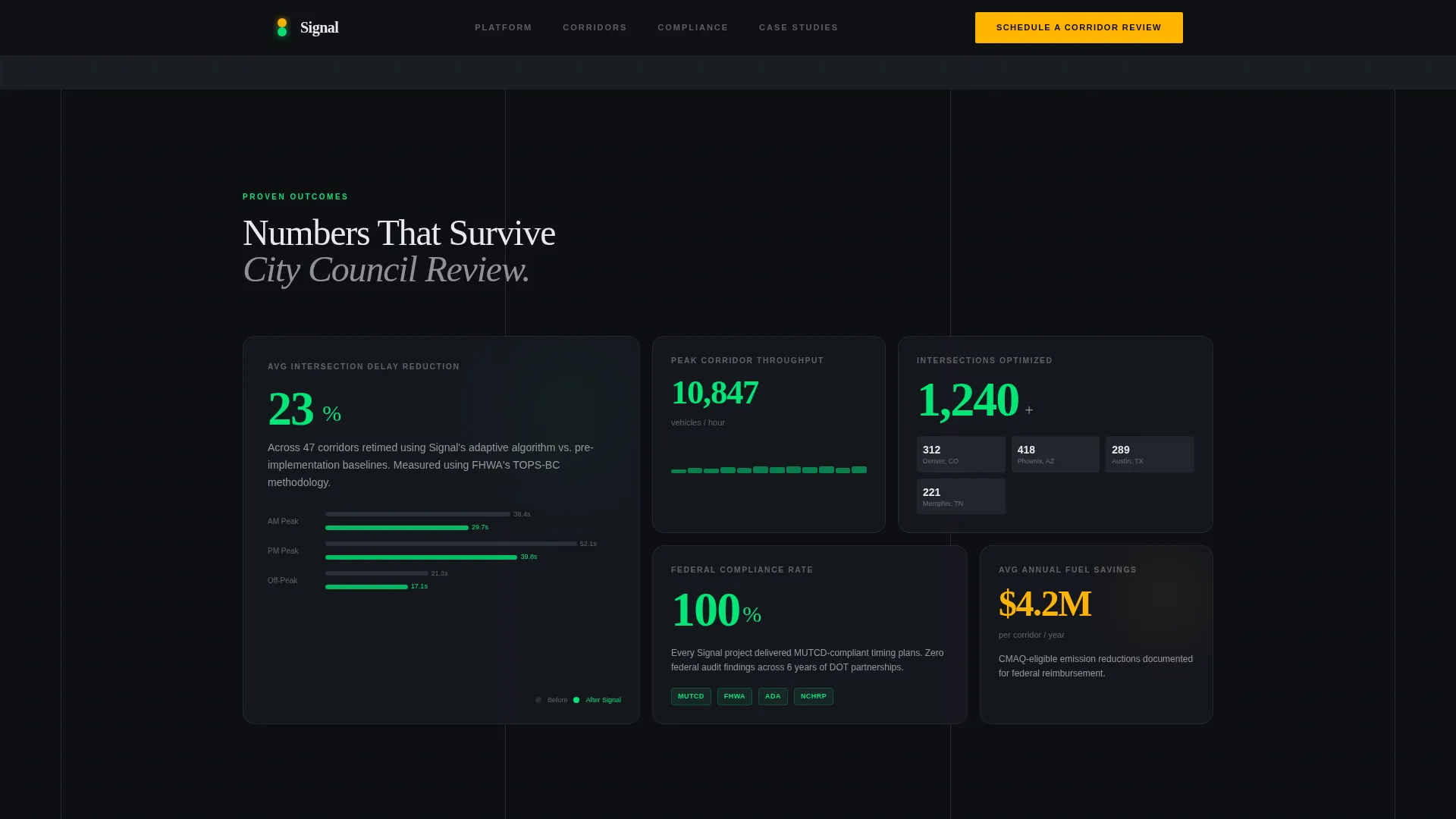
Metrics Bento Grid
Outcome statistics are laid out in a structured bento-style grid. Metrics such as delay reduction, vehicle throughput, and compliance certifications are presented as scannable data points rather than paragraph claims.
Integrated Scheduling Module
The primary conversion path opens a scheduling modal directly from the call-to-action button. The form collects agency name, project type, number of intersections, and a calendar selection synced to available consultation slots.
Secondary Lead Magnet Path
A download call-to-action for a capacity analysis template captures leads who are not ready to book. This parallel path serves visitors who need to build internal justification before advancing to a formal consultation.
Page sections overview
| Section | Purpose |
|---|---|
| Hero with Data Cards | Establish visual authority and introduce the platform concept above the fold |
| Signal Simulation | Demonstrate phase-cycling interaction and place the first primary call-to-action |
| Corridor Blueprint | Show corridor-level timing plans with animated compliance indicators |
| Metrics Bento Grid | Present outcome statistics in a scannable, data-forward layout |
| Testimonials and Scheduling | Combine social proof with the booking module and lead magnet download |
| Footer | Provide single-row navigation closure and contact reference |
Design & branding system
Signal uses an Engineering Blueprint theme expressed through a Cinematic Dark color palette. The result feels like a traffic operations center at peak hour: high-contrast, data-rich, and purposeful. Every color carries a dedicated functional role and nothing is decorative for its own sake.
- Background colors stay in the deep asphalt range from #0D0F12 to #1A1D23, with signal-green (#00E676) reserved for live data accents and hover states
- Lane-marking white (#E8EAED) is used exclusively for body typography, and caution amber (#FFB300) is reserved for calls-to-action and urgent callouts
- Fraunces serif typeface drives headlines for an authoritative engineering feel, while Manrope handles body text and interface labels for clean readability
Mobile & speed optimization
The template is built desktop-first, reflecting the primary use context of traffic engineers at workstations inside traffic operations centers. While the layout prioritizes wide-screen clarity, the underlying component architecture still supports reasonable viewing on smaller screens.
- Static content sections use server-side rendering to keep initial load lightweight and predictable
- Client-side components handle animations such as signal phase cycling, green pulse flows, and scroll-linked depth transitions without blocking the static content beneath them
- High-animation sections including the phase diagram and corridor blueprint are isolated as interactive client components to avoid impacting the rendering of surrounding content
How this template helps you convert
Signal earns the conversion before it asks for one. The page is structured so that analytical depth accumulates across each scroll section, and the call-to-action appears only after credibility has been established.
- The animated signal simulation section places the first "Schedule a Corridor Review" call-to-action at the exact moment the visitor has seen the platform in action, making the booking prompt feel like a natural next step rather than an interruption.
- The secondary download path captures technically engaged visitors who are not yet ready to book, converting them into leads through a capacity analysis template that helps them build internal budget justification.
Other information about this template
Signal is categorized under Automotive and Transport, specifically within the Parking and Traffic subcategory and the Traffic Management System niche. The template is designed for Business-to-Government and Business-to-Business Software-as-a-Service contexts, with localization in United States English, imperial units, and references to federal compliance frameworks including the Federal Highway Administration (FHWA) and the Manual on Uniform Traffic Control Devices (MUTCD).
- The template supports a hero-dominant layout ratio of approximately 90 percent hero weight to 10 percent supporting content, keeping the visceral aerial visual dominant throughout the first scroll
- Social proof elements include named agency testimonials, corridor outcome metrics, and federal compliance badge placements within the testimonials and scheduling section
- Animation intensity is set to high across the template, covering signal phase cycling, green pulse arterial flows, fade-in headline sequencing, and marquee scroll elements
Theme
Engineering Blueprint
Creative direction
Immersive Visual
Color system
Cinematic Dark
Style
Hero-Dominant (90/10)
Direction
Booking/Scheduling
Page Sections
Full-bleed Aerial Hero with Data Cards
Animated Signal Phase Diagram
Living Corridor Blueprint
Outcome Metrics Bento Grid
Integrated Consultation Booking Modal
Secondary Lead Magnet Download
Related questions
Who is this landing page template designed for?
What conversion paths does the template include?
What sections are included in this landing page?
Can this template support different types of traffic engineering projects?
What design style does this template use?



