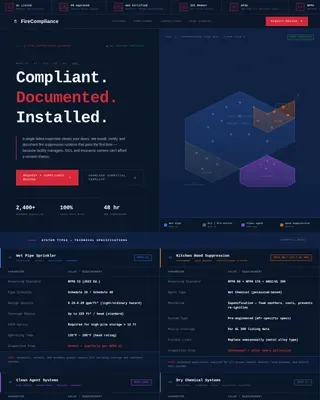
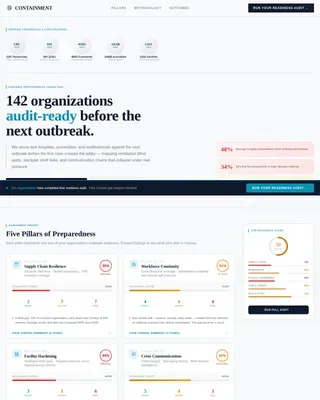
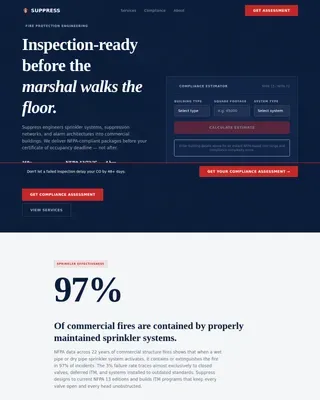
Fire Safety & Prevention Appointment Booking Website Template
Signal is a single-column, dashboard-style landing page built for fire alarm system installers. It combines a technical building cross-section infographic header, a five-phase project tracker, live-counter trust metrics, and two conversion paths into one focused layout. The result feels like a supervised panel display, dark, precise, and engineered to turn a facility manager's hesitation into a booked assessment.
by Rocket studio
Quick summary
Signal is a dashboard-style landing page template for professional fire alarm system installers. It pairs a technical building cross-section header with a scrollable five-phase installation tracker. Live data counters build credibility before the primary call to action. Two conversion paths serve both ready-to-act buyers and early-stage researchers.
Who this template is for
This template is designed for contractors and firms that install commercial fire alarm systems. It speaks directly to the concerns of the people who hire them.
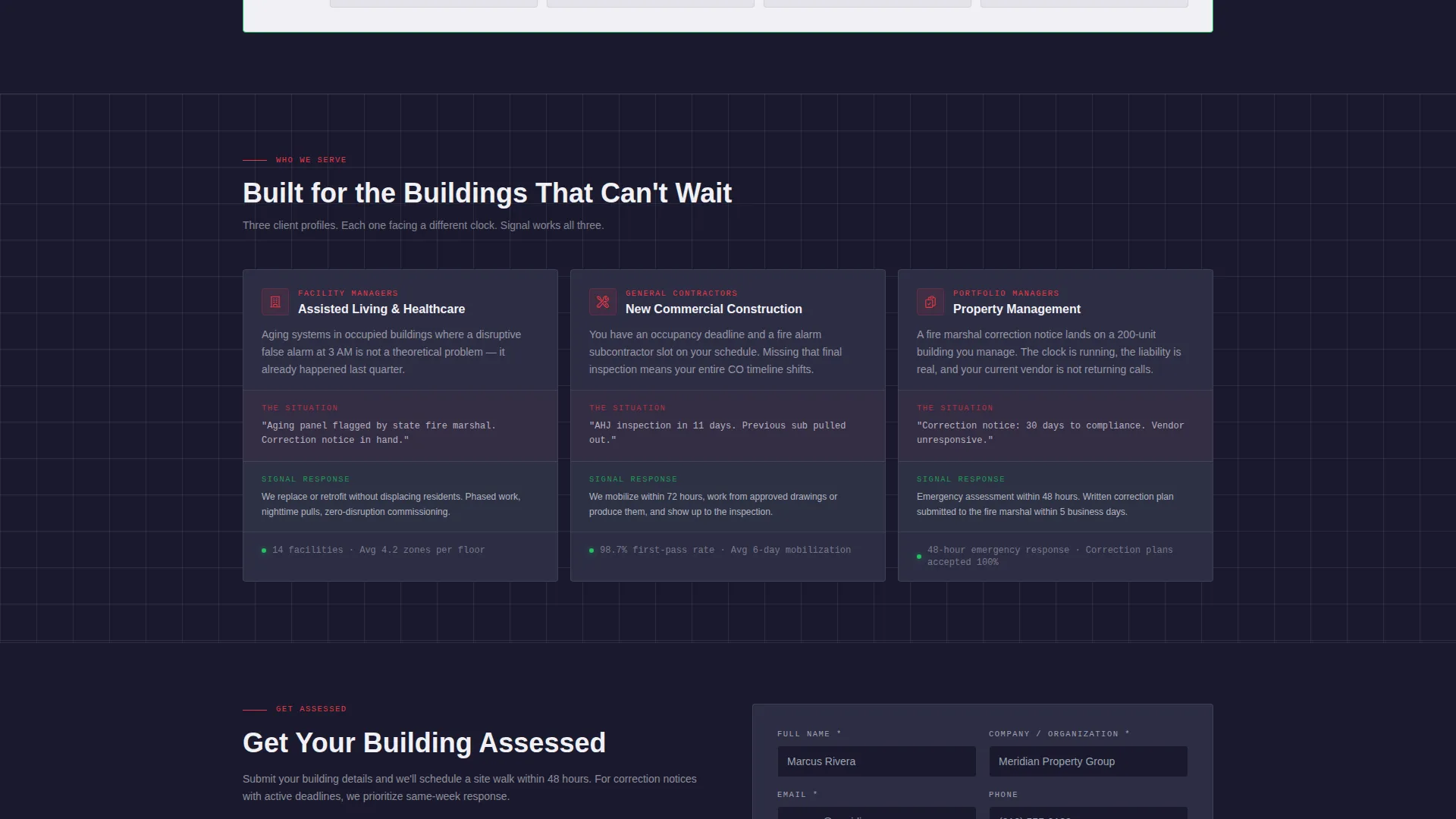
- Facility managers overseeing aging fire alarm systems in assisted-living complexes or multi-tenant buildings
- General contractors under pressure to meet occupancy deadlines on new commercial construction shells
- Property management companies responding to fire marshal correction notices or code compliance gaps
What problem this template solves
Fire alarm installation companies often struggle to communicate technical credibility without overwhelming visitors. A generic brochure layout does not convey the precision and process that high-stakes clients need to see before they commit.
- Prospects arrive skeptical and leave without contacting anyone because trust signals are missing or buried
- Facility managers and contractors need to see a clear process, not just a phone number and a logo
- There is no low-friction path for visitors who are researching but not yet ready to request a quote
What you get with this template
This template delivers a complete, conversion-focused landing page structure built specifically for commercial fire alarm installation services. Every section is intentional and mapped to a real buyer concern.
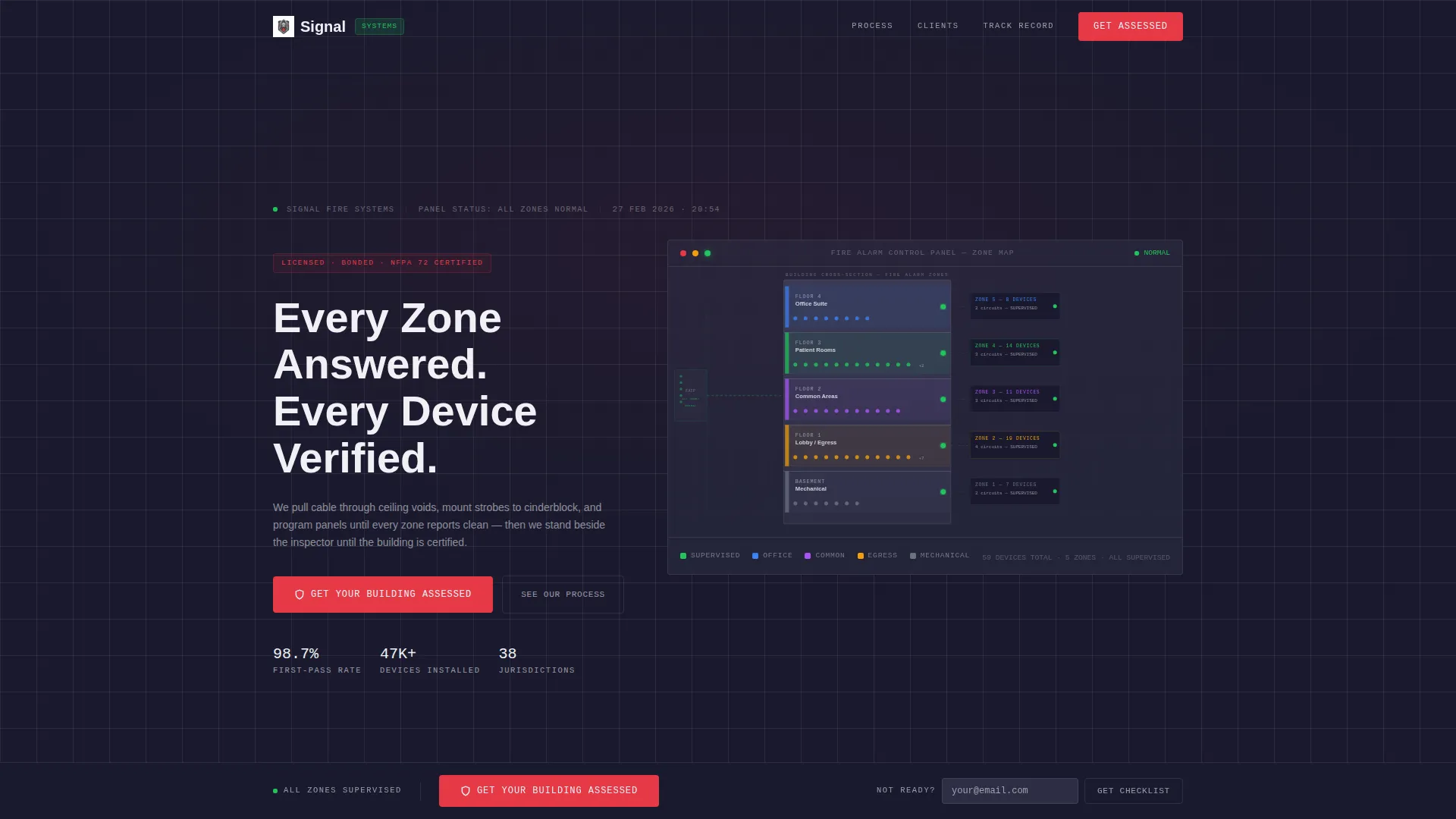
- A stylized building cross-section infographic header with floor-level zone data, device counts, and supervision pathway callouts
- A five-phase scrollable installation tracker with timeline estimates, device counts, and scope descriptions per phase card
- Dual conversion paths: a primary call-to-action button for assessment requests and a secondary email-capture offer for a downloadable pre-inspection checklist
Feature list
This template packs several purpose-built components into one disciplined layout. Each one earns its place by serving a specific stage of the buyer's decision.
Technical Building Cross-Section Header
The header renders a stylized floor-by-floor diagram of a building, sliced open to show color-coded zones, device counts per floor, and circuit supervision lines. Data callouts float beside each floor with labels like "Zone 3, 14 Devices, Supervised," replacing stock imagery with the actual architecture of a fire protection system.
Typewriter-Style Headline Animation
The headline types in like a panel readout, letter by letter, reinforcing the instrument-panel aesthetic. The effect draws attention immediately and signals that this page belongs to a company that takes verification seriously.
Five-Phase Installation Tracker
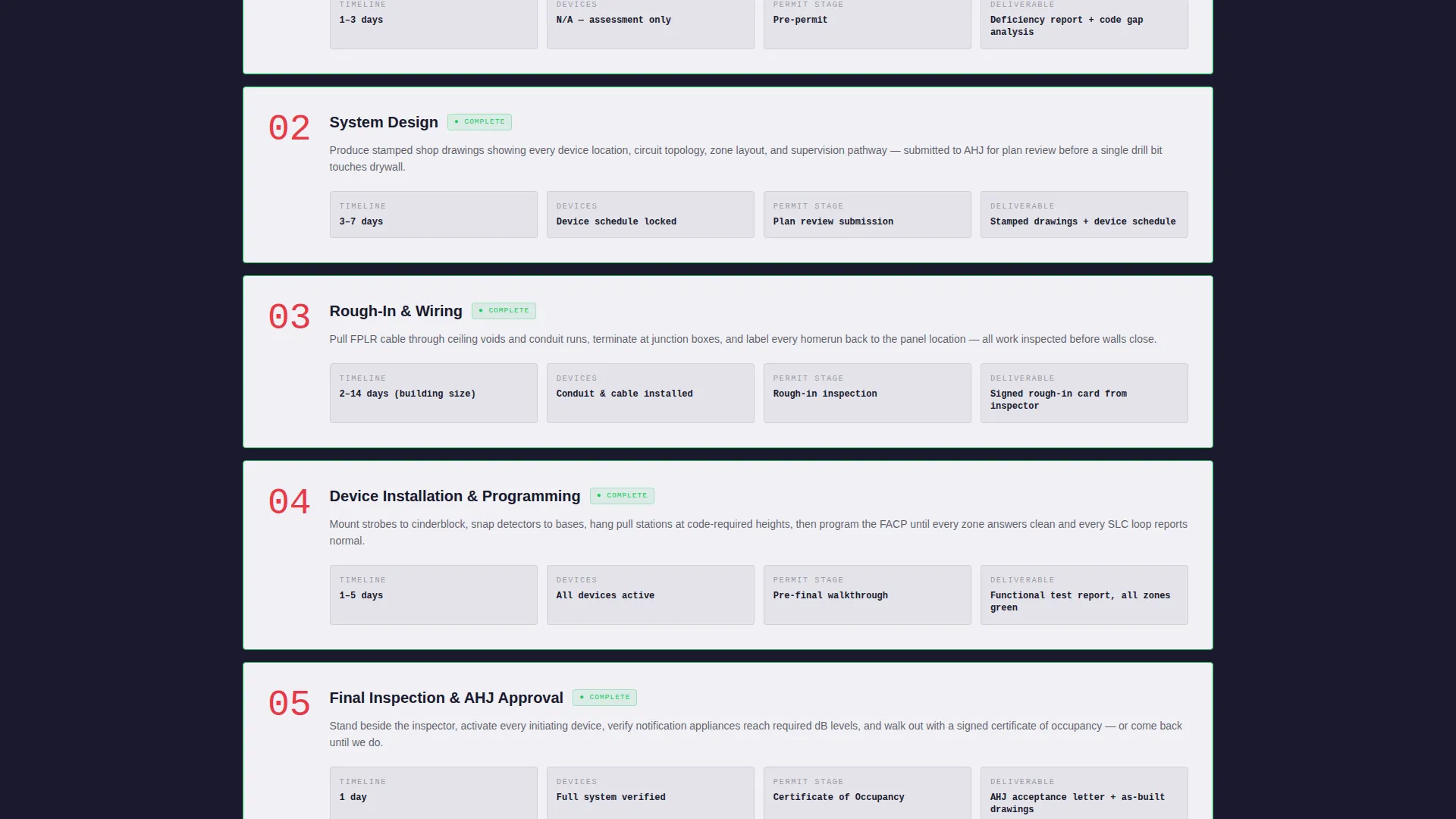
Five numbered data-grid cards walk visitors through Survey and Code Review, System Design, Rough-In and Wiring, Device Installation and Programming, and Final Inspection and Authority Having Jurisdiction approval. Each card includes a timeline estimate, device count, and a single-sentence scope description. Cards shift from charcoal to clinical white as the visitor scrolls, simulating a live project tracker advancing toward certificate of occupancy.
Live-Counter Trust Metrics
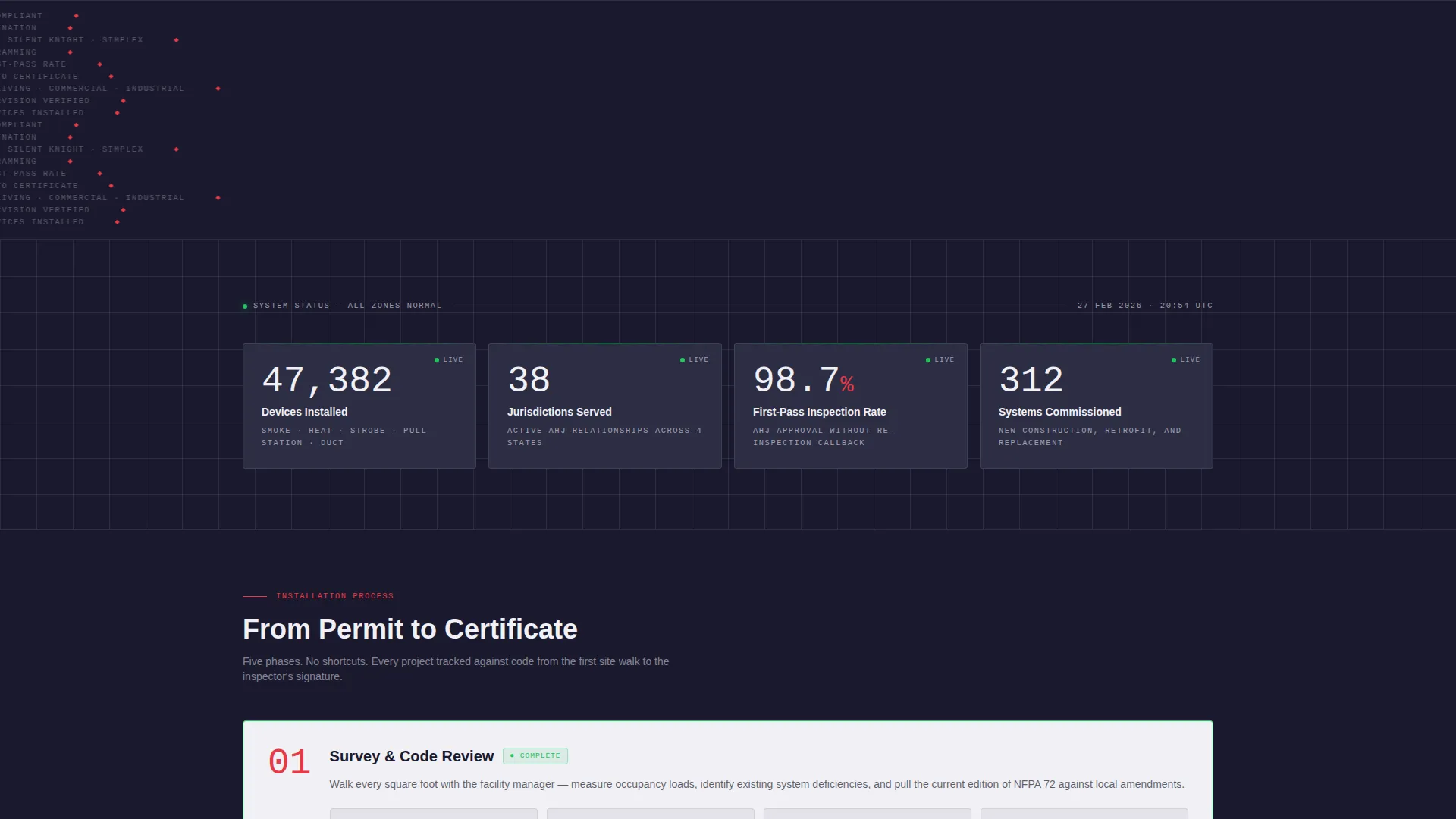
Three animated counters display total devices installed, jurisdictions served, and average inspection pass rate. These figures appear before the primary call to action, giving skeptical buyers quantified proof before they are asked to act.
Dual Conversion Path Design
The primary call to action, "Get Your Building Assessed," appears inside the header infographic and again as a persistent bottom bar after the third phase card. A secondary path offers a downloadable pre-inspection checklist in exchange for an email address, capturing leads who are still evaluating their options.
Persistent Bottom-Bar Call to Action
After the visitor scrolls past phase three, a fixed bottom bar keeps the primary call to action visible without interrupting the reading flow. This design pattern reduces drop-off at the moment of highest intent.
Page sections overview
| Section | Purpose |
|---|---|
| Header Infographic | Displays building zone diagram with headline and primary call to action |
| Live Trust Counters | Shows devices installed, jurisdictions served, and pass rate |
| Phase One Card | Survey and Code Review with timeline and scope |
| Phase Two Card | System Design with timeline and device count |
| Phase Three Card | Rough-In and Wiring with timeline and scope |
| Phase Four Card | Device Installation and Programming details |
| Phase Five Card | Final Inspection and AHJ Approval summary |
| Persistent Bottom Bar | Repeats primary call to action after phase three for high-intent visitors |
| Checklist Capture | Secondary email-capture for pre-inspection checklist download |
Design & branding system
The visual identity follows a Medical Clarity theme executed through a Carbon Fiber color system. Every color choice serves legibility and authority, not decoration.
- Deep graphite (#1A1A2E) and instrument-panel charcoal (#2D2D44) form the base, evoking the faceplate of a commercial fire alarm control panel viewed at night
- Clinical white (#F0F0F5) is used for active states and readable text, creating sharp contrast against the dark backgrounds
- Alert vermillion (#E63946) is reserved strictly for calls to action and critical data callouts, ensuring those elements command immediate attention
Mobile & speed optimization
The single-column flow of this template translates naturally to smaller screens. The layout was designed with mobile visitors in mind from the start.
- The five-phase tracker stacks vertically, keeping each card fully readable on narrow viewports without horizontal scrolling
- The persistent bottom bar remains accessible on mobile, ensuring the primary call to action is reachable at any scroll depth
How this template helps you convert
Every structural decision in this template is aimed at moving a cautious, detail-oriented buyer toward a single action: requesting a building assessment.
- Trust is established before the ask. The live counters for devices installed, jurisdictions served, and inspection pass rate appear early, giving visitors quantified confidence before the call to action is presented.
- The five-phase tracker reduces uncertainty. Showing the full installation process, with timelines and scope per phase, answers the "what happens next" question that stalls most commercial buyers.
- Two paths prevent dead ends. Visitors who are not ready to book an assessment can download the pre-inspection checklist instead, keeping them engaged and capturing their contact information for follow-up.
Other information about this template
This template was built specifically for the commercial fire protection niche. It suits businesses that install, service, or inspect fire alarm systems in regulated commercial environments.
- The dashboard aesthetic references the look and feel of professional fire alarm control panels, making it instantly credible to facility managers and inspectors who work with that equipment daily
- The AHJ (Authority Having Jurisdiction) approval phase is included explicitly, which signals to experienced buyers that this installer understands the regulatory process end to end
- The template supports a lead-generation objective by pairing a high-commitment path with a lower-commitment capture option, accommodating buyers at different stages of readiness
- The infographic header avoids fire imagery and stock photography entirely, which sets it apart from most safety-sector competitors and reinforces a technical, process-driven brand identity
Theme
Medical Clarity
Creative direction
Stats-First Impact
Color system
Navy Authority
Style
Single Column Flow
Direction
Lead Generation
Page Sections
Technical Building Cross-section Header
Five-phase Installation Tracker
Live-counter Trust Metrics
Dual Conversion Path Design
Persistent Bottom-bar Call to Action
Typewriter-style Headline Animation
Related questions
Who is this landing page template designed for?
What are the two conversion paths included in this template?
Does this template include the five installation phases pre-written?
Can I update the zone data and device counts in the header infographic?
Can I change the colors to match my company branding?