Public Transit & Infrastructure Directory Website Template
Ascend is a cinematic dark landing page template built for cable car and aerial tram manufacturers. It uses a gallery-plus-detail layout with horizontal carousels, click-reveal spec panels, and cross-section diagrams to guide municipal transit engineers, resort operators, and tourism directors toward a guided consultation configurator.
by Rocket studio
Quick summary
Ascend is a single-page gallery and detail template designed for aerial transit system manufacturers. It opens with a full-bleed cabin photograph and walks technical visitors through cabin profiles, tower engineering, and drive station specs before directing them to a guided configurator. The layout builds engineering confidence first, then earns the click.
Who this template is for
This template is built for industrial business-to-business (B2B) companies that manufacture or supply aerial cable transport systems. It speaks directly to buyers who need technical depth before they will commit to a consultation.
- Municipal transit authorities and procurement engineers evaluating aerial infrastructure for congested hillside corridors
- Ski resort operators replacing aging gondola systems and needing capacity and load data upfront
- Tourism boards commissioning signature aerial rides that function as destinations in their own right
What problem this template solves
Selling complex aerial infrastructure requires more than a brochure. Procurement officers and resort engineers arrive with specific questions about load ratings, wind tolerance, steel specifications, and certification marks. A standard marketing page cannot hold that audience. Ascend solves this by making the specs the story.
- Visitors drop off when they cannot find engineering detail fast enough to justify a consultation request
- Generic contact forms ask for commitment before the product has proven its depth
- A flat image gallery without expandable detail panels fails to communicate system complexity
What you get with this template
You get a fully structured landing page that follows a browse-then-drill rhythm. Each scroll section is a system component gallery. Visitors browse at a high level, then click into dimensional drawings and certification callouts. The page ends with a fixed call-to-action bar that directs prospects to a second-page configurator rather than a cold form.
- A full-bleed cinematic hero with a single bold headline positioned low and left
- Three component gallery sections covering cabin profiles, tower engineering, and drive stations
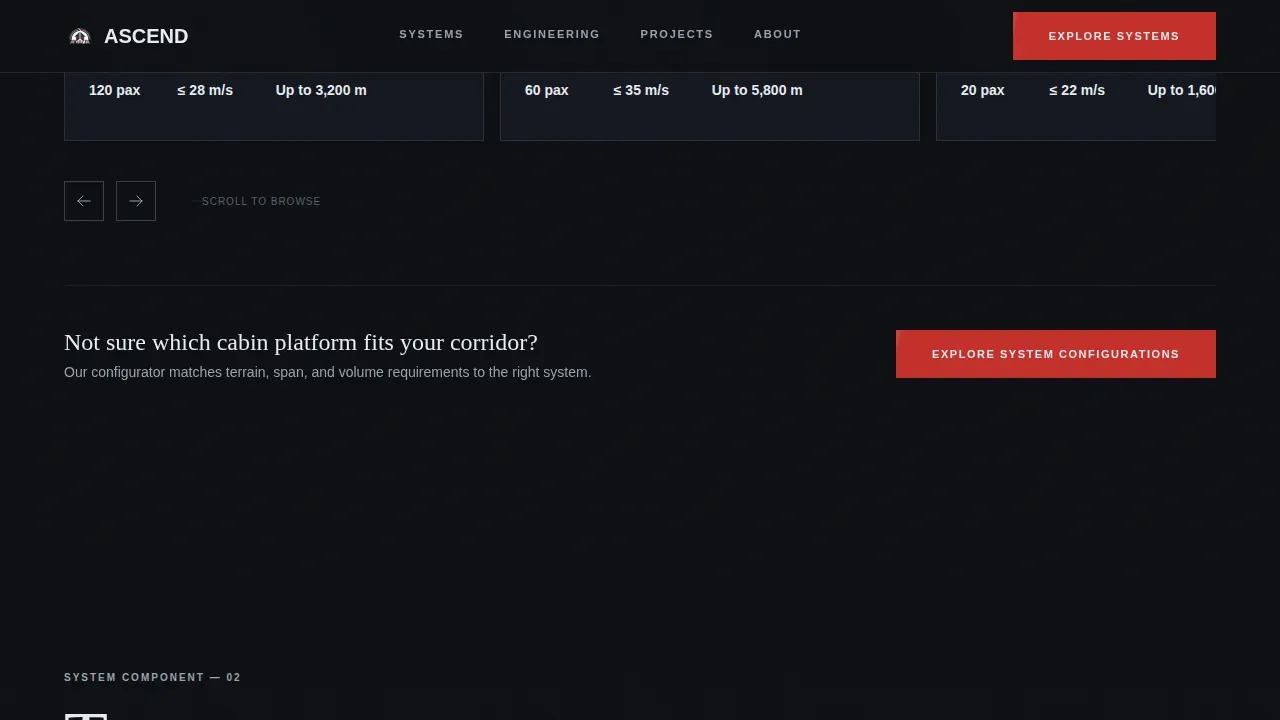
- A fixed call-to-action bar and a click-through path to a guided consultation configurator
Feature list
This template packs every component a technical buyer needs to move from curiosity to qualified consultation.
Full-Bleed Cinematic Hero
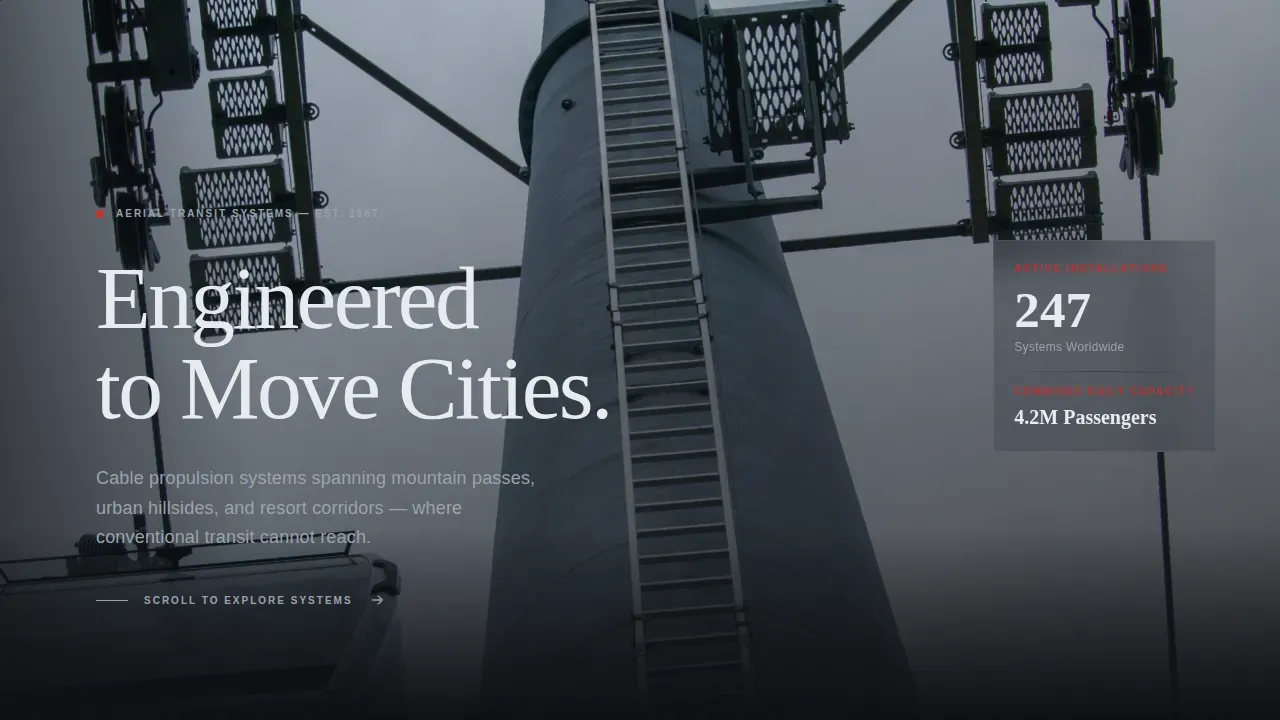
The hero fills the entire viewport with a glass-floor cabin photograph. Cables converge toward a distant pylon and city lights scatter below. A single headline in signal white appears low and left. Navigation stays hidden until the visitor begins to scroll, preserving the first impression.
Horizontal Cabin Profile Carousel
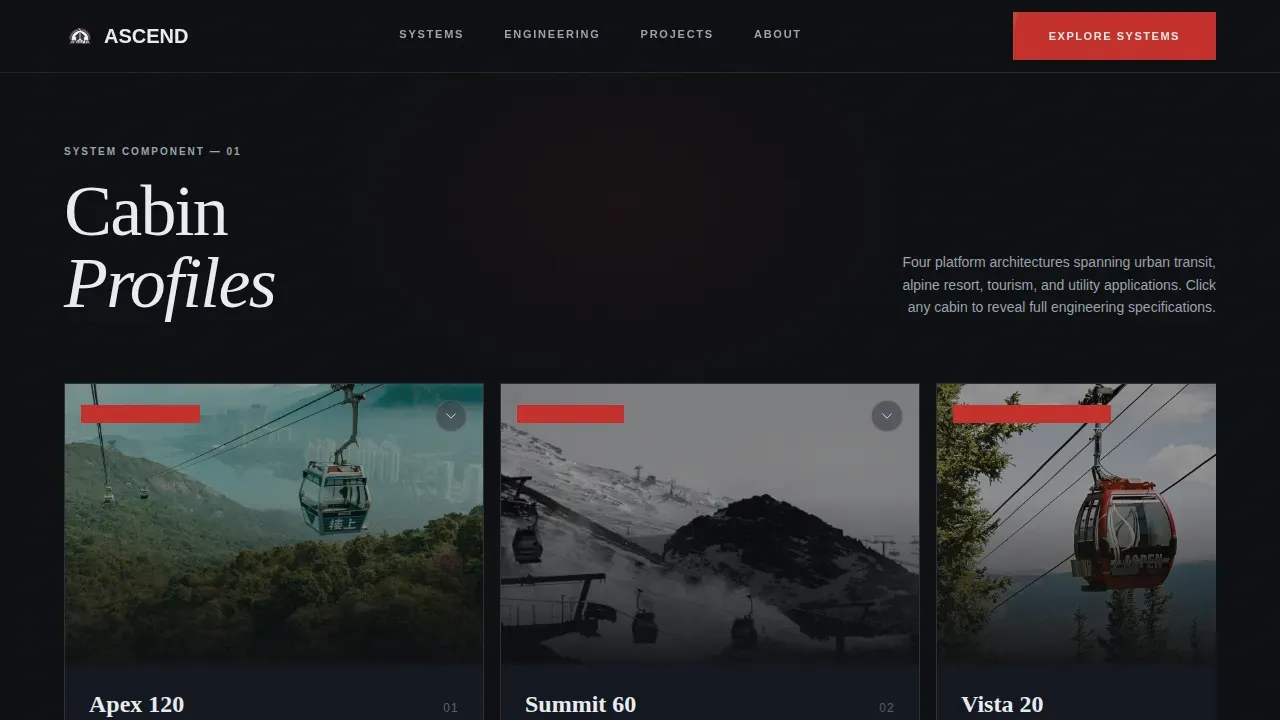
Cabin profiles are displayed in a horizontally scrolling carousel. Clicking any cabin card reveals a detail panel showing tonnage, passenger capacity, and wind-load ratings. The interaction is direct and deliberate, giving procurement teams the numbers they need without leaving the page.
Annotated Tower Engineering Gallery
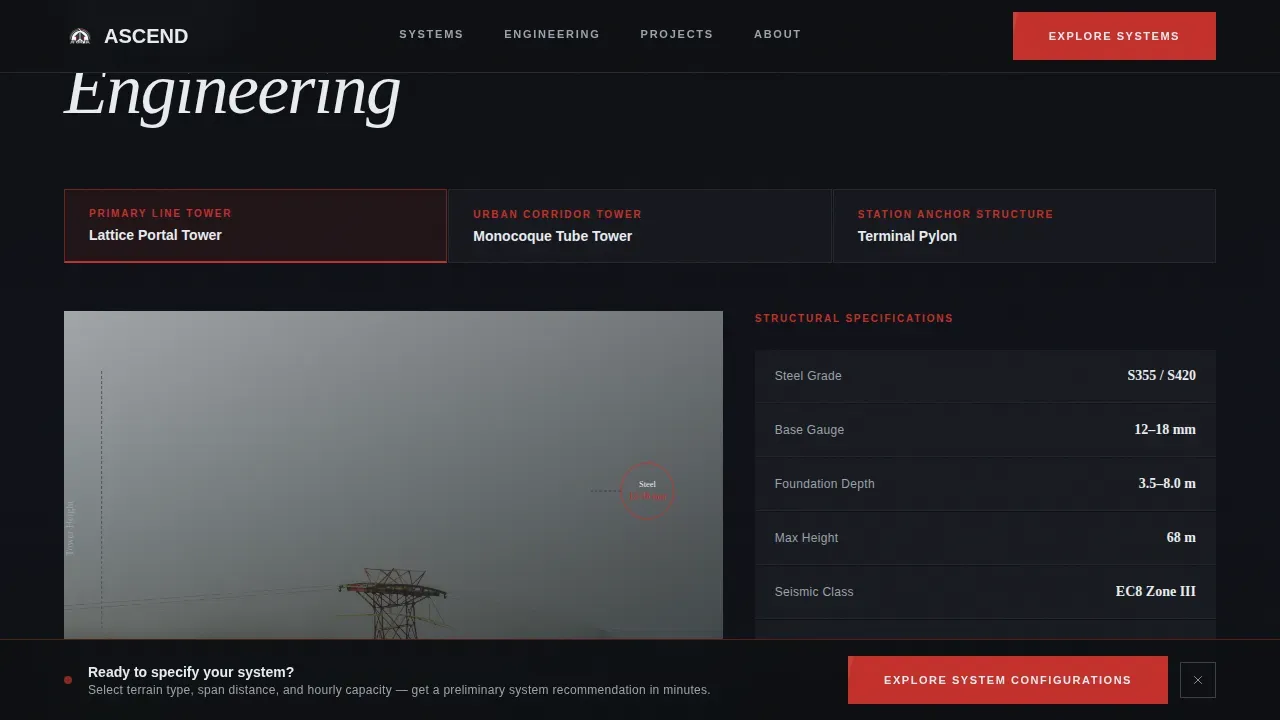
Tower cross-section diagrams annotate steel gauge and foundation depth at each structural node. The diagrams expand into full detail panels that include dimensional drawings and visible certification marks. This section converts structural curiosity into documented confidence.
Drive Station Specification Panels
The drive station section displays bull wheel assemblies and haul rope tensioning specifications. Each gallery image expands into a detail panel. Visitors can review the mechanical heart of the system before they ever speak to a sales contact.
Fixed Call-to-Action Bar
After the third gallery section, a persistent bar locks to the bottom of the viewport. It carries the primary call to action: "Explore System Configurations." The bar remains visible during scroll so the consultation entry point is never out of reach.
Click-Through Configurator Path
The landing page does not carry a form. Instead, every primary call to action routes to a second page where the prospect selects terrain type, span distance, and hourly passenger volume. This self-qualification step arrives after the specs have already made the case.
Page sections overview
| Section | Purpose |
|---|---|
| Hero cabin photo | Sets cinematic tone, delivers headline |
| Cabin profiles carousel | Browse cabin specs, click to reveal detail |
| Tower engineering gallery | Annotated cross-sections, structural specs |
| Drive station gallery | Bull wheel and tensioning spec panels |
| Fixed call-to-action bar | Persistent consultation entry point |
| Footer linear row | Brand close, single-row link pattern |
Design & branding system
The visual identity follows a Dynamic Motion theme expressed through a Cinematic Dark color system. Every design decision reinforces the sensation of industrial precision at altitude. Typography pairs a display serif with a clean body sans-serif to balance editorial drama with technical legibility.
- Color palette: deep carbon black (#0D0F12) background, brushed steel gray (#3A3F47) for card surfaces and dividers, signal white (#E8ECF1) for body type, and aerial red (#C4302B) reserved for calls to action, spec callouts, and hover states
- Typography: Fraunces display headings for editorial weight, DM Sans for body text and specification labels
- Motion and interactivity: scroll reveals, parallax layers, carousel transitions, and expandable detail panel animations reinforce the kinetic editorial tone throughout
Mobile & speed optimization
The template is built desktop-first to serve a technical procurement audience that typically reviews detailed specifications on large screens. Responsive breakpoints ensure the layout adapts cleanly for tablet and mobile viewports without losing the spec-panel detail that makes the page credible.
- Static sections use server-rendered components for lean initial load; interactive carousels and detail panels use client-side components only where needed
- The horizontal carousel, fixed call-to-action bar, and expandable panels are all touch-compatible for mobile visitors
How this template helps you convert
Ascend earns the click-through by building a case in layers. The visitor does not encounter a call to action until the engineering depth has made the ask feel reasonable.
- The hero communicates scale and precision immediately, establishing that this is a serious engineering product before a single word of body copy appears.
- Three successive gallery sections accumulate technical evidence across cabins, towers, and drive stations, each one adding a layer of specification that procurement audiences need to feel qualified to proceed.
- The fixed call-to-action bar presents the configurator link at exactly the moment confidence peaks, routing only self-qualified prospects to the next step.
Other information about this template
This template is categorized under Automotive and Transport, within the Public Transit and Infrastructure subcategory, targeting the cable car and aerial tram niche. It is well suited for industrial B2B contexts where the sales cycle involves multiple technical stakeholders. The dual metric and imperial specification display supports international procurement workflows. The footer uses a Pattern 1 linear single-row layout to keep the close clean and focused.
- Template style: Gallery plus Detail, with a Spec Sheet creative direction
- Header concept: Full-Bleed Photo with a Click-Through landing page direction
- Localization: English language, with metric and imperial dual specifications included throughout
Theme
Dynamic Motion
Creative direction
Spec Sheet
Color system
Cinematic Dark
Style
Gallery + Detail
Direction
Click-Through
Page Sections
Full-bleed Cinematic Hero Section
Click-reveal Cabin Profile Carousel
Annotated Tower Engineering Diagrams
Drive Station Specification Panels
Fixed Persistent Call-to-action Bar
Click-through Configurator Path
Related questions
Does this template include a contact form on the landing page?
What types of businesses is this template designed for?
How does the browse-then-drill gallery layout work?
Can the color palette and typefaces be changed to match my brand?
When does the fixed call-to-action bar appear on the page?



