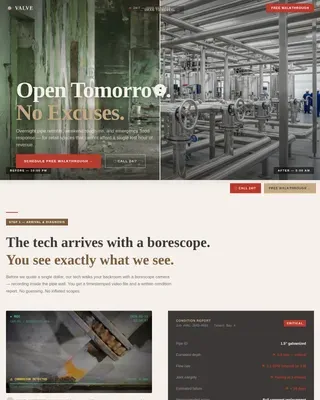
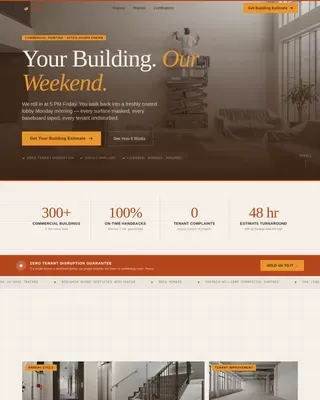
Driveway Renovation Appointment Booking Website Template
The Slab precision driveway redesign landing page template is built for driveway design specialists who want to convert renovating homeowners into booked clients. It combines a draggable before-and-after hero, a five-phase scrolling process guide, a material gallery, and an interactive driveway diagnostic quiz, all wrapped in a warm Engineering Blueprint visual identity.
by Rocket studio
Quick summary
Slab is a single-page template built around one idea: a cracked, oil-stained driveway is a design problem that deserves an engineered solution. The page walks visitors through the full driveway redesign process, showcases surface materials, and ends with a five-question diagnostic quiz that generates a personalized driveway grade and captures leads through an email gate.
Who this template is for
This template is purpose-built for driveway design specialists and renovation-focused contractors who want a website that speaks directly to homeowners mid-renovation. It suits any business that positions itself above a general contractor, someone who plans, specifies, and installs with precision.
- Driveway designers and specialty paving services looking to generate qualified leads online
- Contractors who prepare detailed proposals and want a site that builds trust before the first call
- Renovation-focused landscaping and hardscaping businesses ready to develop a stronger digital presence
What problem this template solves
Most driveway services send visitors to a generic page with a contact form and a few stock images. That approach does not help homeowners visualize the work, understand the process, or trust the company behind it. Clients interested in premium driveway design need more, they need to see the ideas, the materials, and the plan before they commit.
- Homeowners renovating cannot find a clear description of what a specialist actually does differently from a general contractor
- Visitors leave without understanding the scope of work, the materials involved, or what the investment looks like
- There is no tool on the page to help clients self-qualify, describe their driveway problem, or take the next step
What you get with this template
This template gives you a fully structured landing page set up to speak to every stage of the buyer journey. From the first image a visitor sees to the final email-gated results screen, every section has a clear job to do.
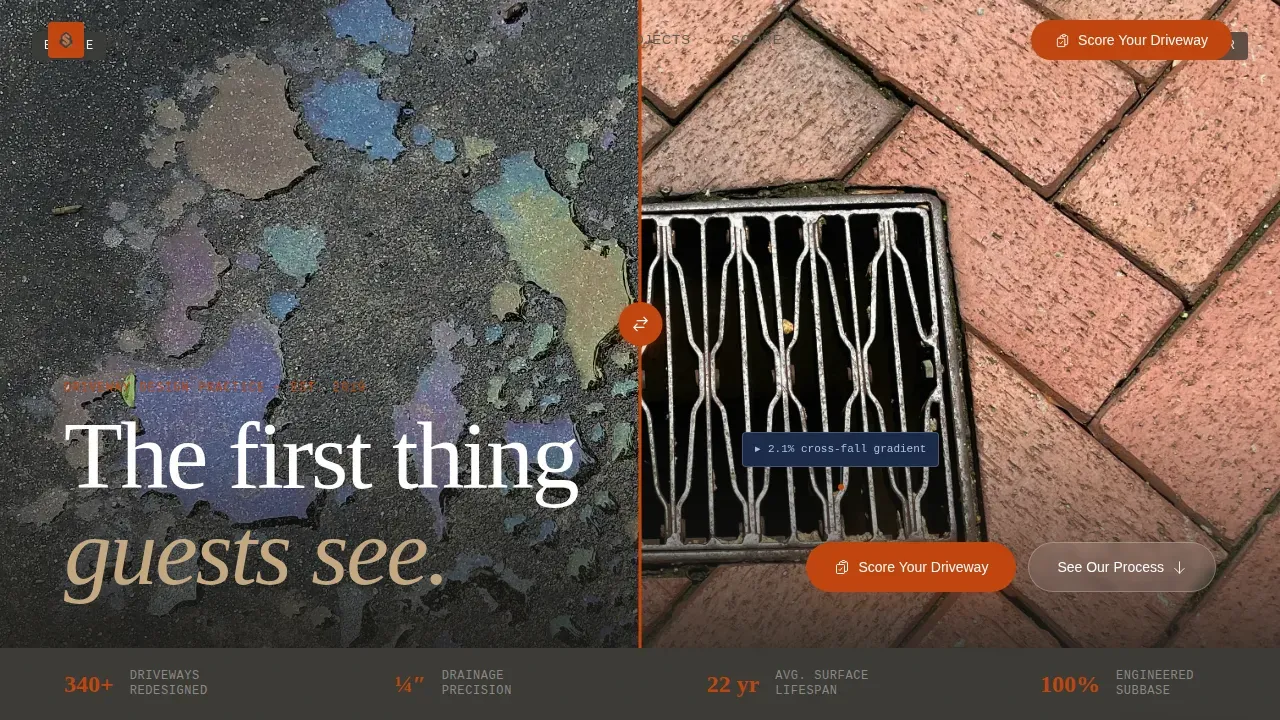
- A draggable before-and-after hero image with an engineering annotation callout over the drainage detail
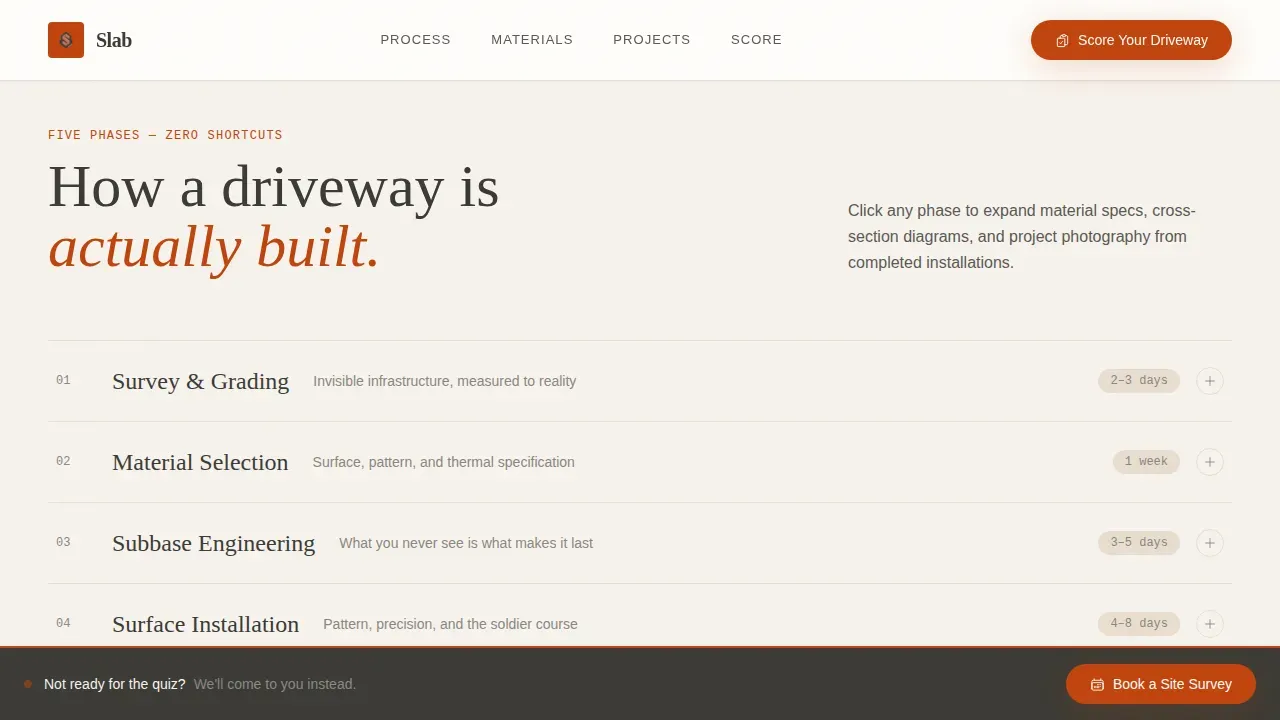
- A five-phase scrolling process guide covering survey, materials, subbase, installation, and sealing, each with expandable blueprint-style detail panels
- A five-question driveway diagnostic quiz with animated blueprint line drawings, a Driveway Condition Grade result, and an email capture gate
Feature list
This template includes the following built-in design and interaction features, all grounded in the source brief.
Draggable Before-and-After Hero
The header splits a single driveway image into a cracked asphalt left side and a finished herringbone paver right side. A draggable vertical divider lets visitors compare both states. A floating annotation callout highlights the drainage gradient spec in monospaced type, establishing engineering credibility immediately.
Five-Phase Process Gallery
Each of the five redesign phases, Survey and Grading, Material Selection, Subbase Engineering, Surface Installation, and Finishing and Sealing, appears as a scrolling gallery row. Visitors can expand each phase into a detail panel showing cross-section diagrams, material specs, and estimated timelines drawn in blueprint style.
Material Showcase Grid
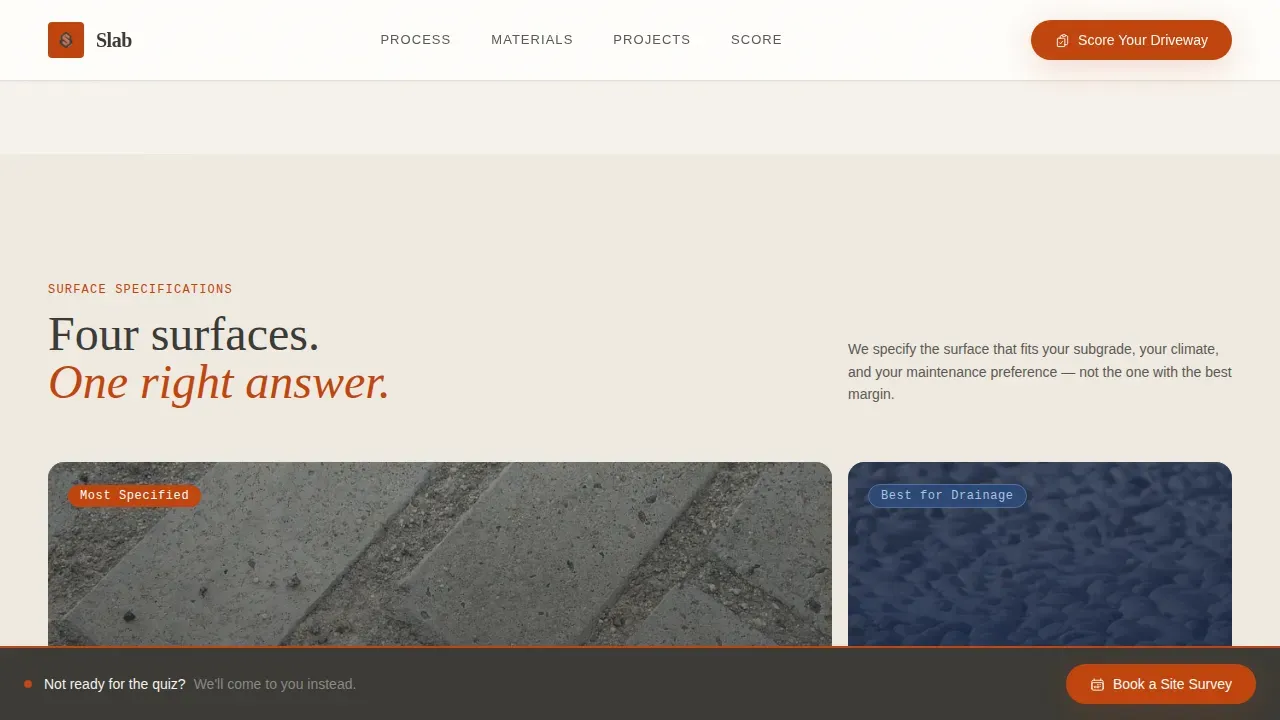
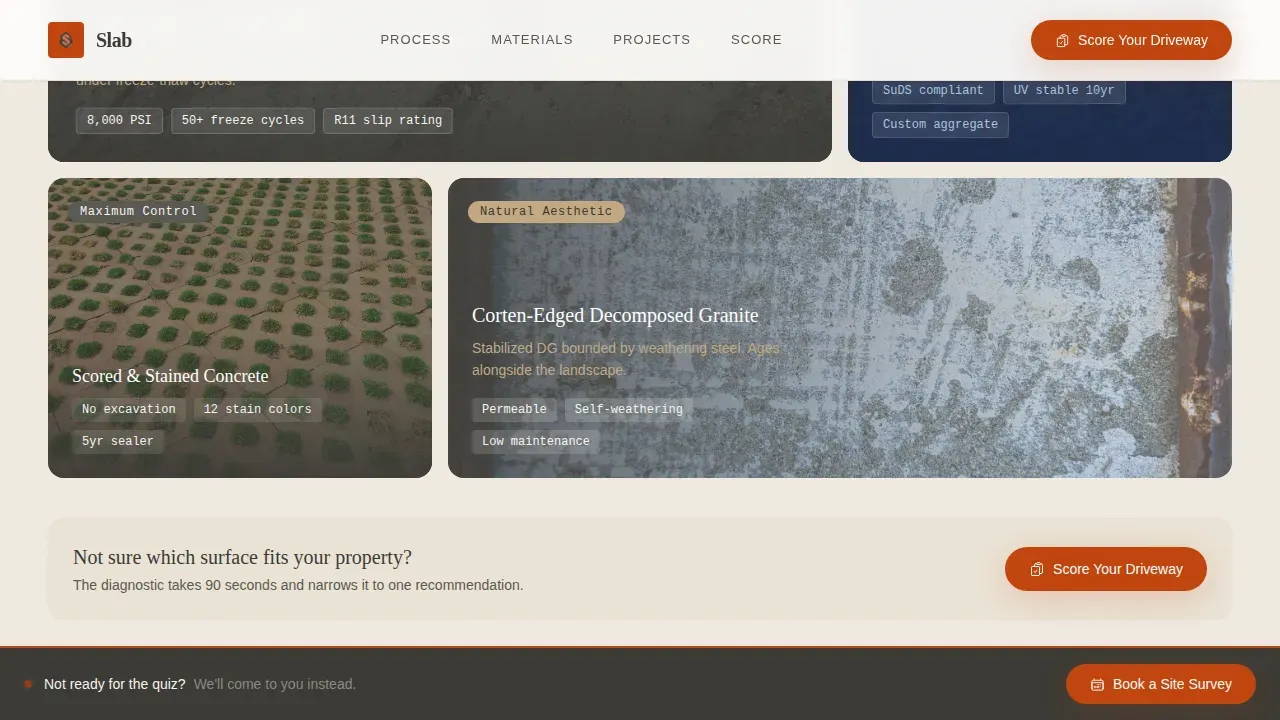
An asymmetric bento grid displays the range of driveway surface options. This section helps clients visualize concrete, brick pavers, gravel, resin-bound stone, and other materials side by side so they can understand what suits their property and budget.
Interactive Driveway Diagnostic Quiz
The primary call-to-action launches a five-question quiz. Visitors select their current surface type, set square footage on a visual slider, choose their worst driveway problem, describe the property era, and indicate budget comfort. Each answer triggers a blueprint line animation. Results deliver a personalized grade, gated behind an email capture.
Project Results with Animated Counters
A dedicated section displays case study metrics using animated number counters. This provides concrete social proof, specific, measurable results that help visitors trust the quality of the work before booking a site survey.
Sticky Footer Contact Bar
A persistent footer bar keeps the "Book a Site Survey" call-to-action visible throughout the scroll. Visitors who want to skip the quiz can access the booking path at any point without hunting for a contact link.
Page sections overview
| Section | Purpose |
|---|---|
| Hero Before/After | Draggable driveway split with annotation callout |
| Five-Phase Process | Scrolling gallery rows with expandable blueprint panels |
| Material Showcase | Bento grid of driveway surface ideas |
| Project Results | Animated case study metrics and counters |
| Driveway Quiz | Five-question diagnostic with email gate |
| Footer Bar | Sticky contact bar for direct booking access |
Design & branding system
The visual identity follows an Engineering Blueprint theme layered over a Fire and Earth color palette. The result feels like a cross-section of ground, warm enough to feel residential, structured enough to feel engineered.
- Kiln-fired terracotta (#C1440E) marks every interactive element and hover state; blueprint wash (#1B2A4A) appears only in technical diagram areas; charcoal (#3B3A36) carries all body text; tamped-earth tan (#C4A882) grounds background panels
- Typography uses Fraunces for display headings, DM Sans for body copy, and JetBrains Mono for spec annotations and measurements, each typeface reinforcing the precision design language
- Driveway images, material close-ups, and blueprint-style diagrams form the visual backbone; high-quality before-and-after image use is essential to showcase transformation quality
Mobile & speed optimization
The template is designed desktop-first, reflecting the construction-drawings metaphor at the heart of the layout. Full mobile support is built in across all interactive sections, including the quiz, the phase gallery, and the before-and-after hero.
- The sticky footer bar keeps the booking call-to-action accessible on every device without disrupting the scroll experience
- Interactive Client Components, the draggable divider, quiz animations, and counter effects, are separated from static Server Components to keep the page load efficient
- Mobile responsiveness is critical for local driveway service searches, since many homeowners browse renovation services on their phones
How this template helps you convert
Every section of this template is designed with a clear conversion role. The page does not just describe a service, it guides a visitor from skeptic to lead through a structured sequence.
- The draggable hero and engineering annotation create instant credibility, giving visitors a reason to keep scrolling before they read a single word of body copy
- The five-phase process guide and material showcase build understanding and trust by teaching visitors that a specialist approach, covering drainage, subbase, and surface selection, produces results a general contractor cannot replicate
- The "Score Your Driveway" quiz personalizes the experience for each visitor, making it easy to self-qualify and share their contact details in exchange for a Driveway Condition Grade report
Other information about this template
This template is built to support a range of driveway design business scenarios. The following details are useful to know before you get started.
- The quiz results section and the before-and-after hero are both set up to upload your own project images and customize the annotation callouts with real spec data from your own work
- The five-phase gallery panels are easy to edit, simply select the phase, update the description, swap the image, and save changes to reflect your team's actual process and service areas
- The proposal-style structure of the page covers the key elements clients want to see before booking: a clear service description, material ideas, project scope, and a simple next step, helping your business end every visit with either a quiz lead or a direct site survey booking
- Contractors who present a professional, well-structured proposal win significantly more bids; this template brings that same clarity and polish to your driveway website before the first conversation begins
- The template is ideal for residential driveway renovation services operating in the United States, using imperial measurements and USD pricing references throughout
- Landscaping and hardscaping businesses can also use this template to plan and showcase driveway-adjacent garden and outdoor access projects, depending on the scope of their services
- The slab precision driveway redesign landing page template is available on the platform and ready to customize for your driveway design business from day one
- The Landscaping Tool in Renovate AI allows users to design custom driveways, visualize changes, upload images of their space, and describe desired renovations, embedding such tools on a website can enhance engagement and help clients arrive at a site survey with clearer ideas about their dream driveway
Theme
Engineering Blueprint
Creative direction
Step-by-Step Guide
Color system
Fire & Earth
Style
Gallery + Detail
Direction
Quiz/Assessment
Page Sections
Draggable Before-and-after Hero
Five-phase Scrolling Process Guide
Material Showcase Bento Grid
Interactive Driveway Diagnostic Quiz
Project Results with Animated Counters
Sticky Footer Booking Bar
Related questions
Can I customize the quiz questions and grade results?
Does the before-and-after hero support my own driveway project photos?
What driveway surface materials does the template reference?
Is the sticky footer booking bar visible on all screen sizes?
Who is this template best suited for?