Pathologist New Patient Welcome Landing Page
Specimen is a sidebar companion landing page built for pathology practices that need to welcome and reassure new patients. It guides anxious visitors through the diagnostic journey with a scrollable step-by-step guide, a fixed progress tracker, and two patient-focused tools: a downloadable guide and a personalized question checklist. The design is calm, typographic, and clinically warm.
by Rocket studio
Quick summary
Specimen is a single-page patient welcome resource for a pathology practice. It walks visitors through every stage of the diagnostic process in plain language. A fixed sidebar tracks their scroll progress in real time. Two gentle calls to action offer a downloadable patient guide and a personalized question checklist, earning trust before asking for anything.
Who this template is for
This template is designed for pathology practices that want to meet patients where they are emotionally, not just clinically. It serves practices that communicate proactively with patients and caregivers who have never worked with a pathologist before.
- Pathologists and diagnostic practices launching a patient-facing educational resource
- Healthcare communicators building a calm, trust-first digital companion for new patients
- Practice managers who want to reduce patient anxiety before results are delivered
What problem this template solves
Patients referred to pathology often feel confused and frightened. They have been told a specimen is being sent for testing, but no one has explained what actually happens next. This gap in communication creates anxiety that a clear, human-centered resource can genuinely reduce.
- Patients receive no plain-language explanation of the diagnostic journey from their clinical team
- Caregivers and family members have nowhere to turn for honest, jargon-free guidance
- Practices have no dedicated digital space to build patient trust before results arrive
What you get with this template
This template delivers a complete, ready-to-customize patient welcome landing page with a layered interactive structure. Every section is built around one purpose: helping a frightened person feel informed and supported.
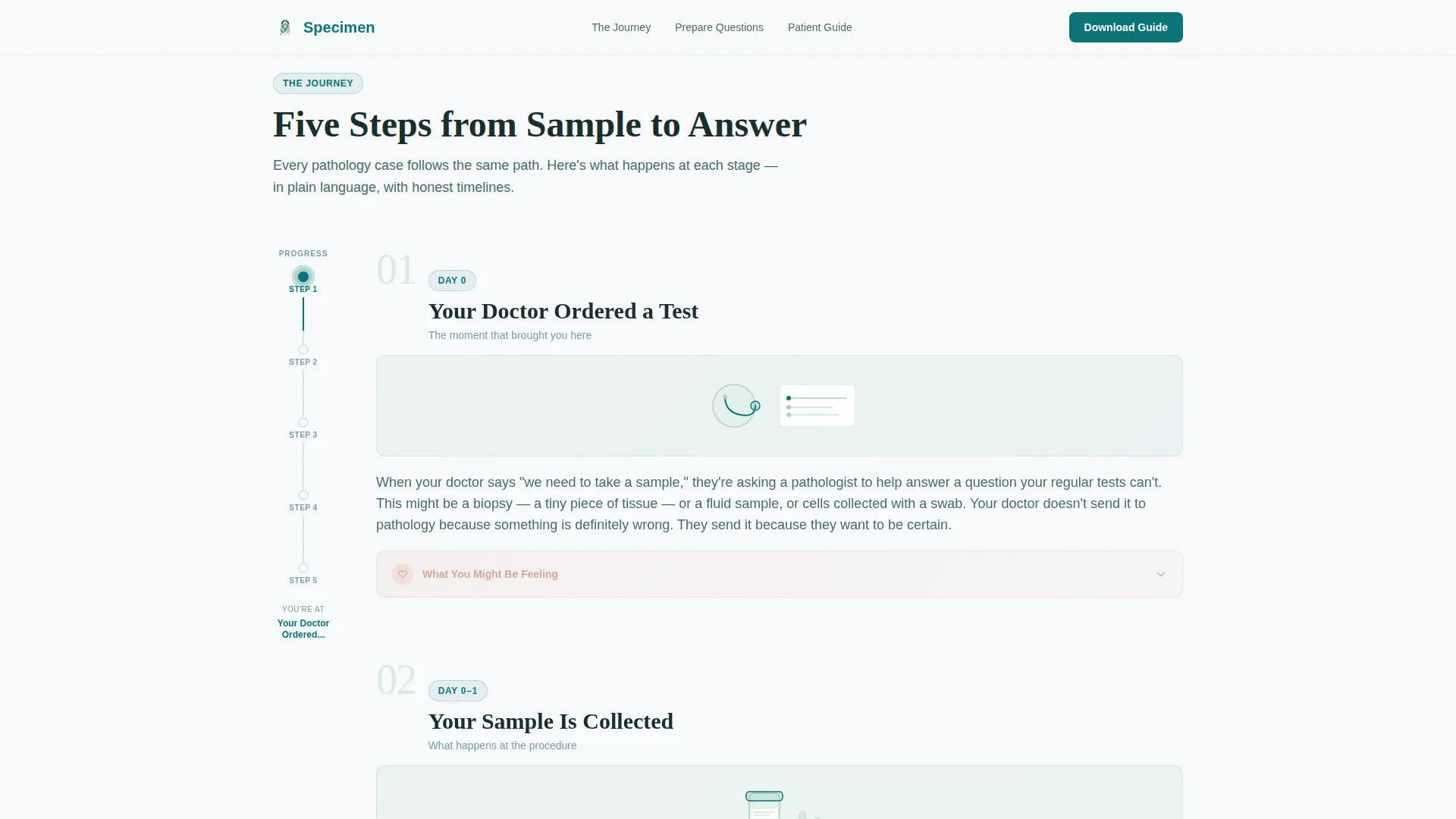
- A five-step scrollable diagnostic guide with cellular green line art and expandable emotional notes in tissue rose
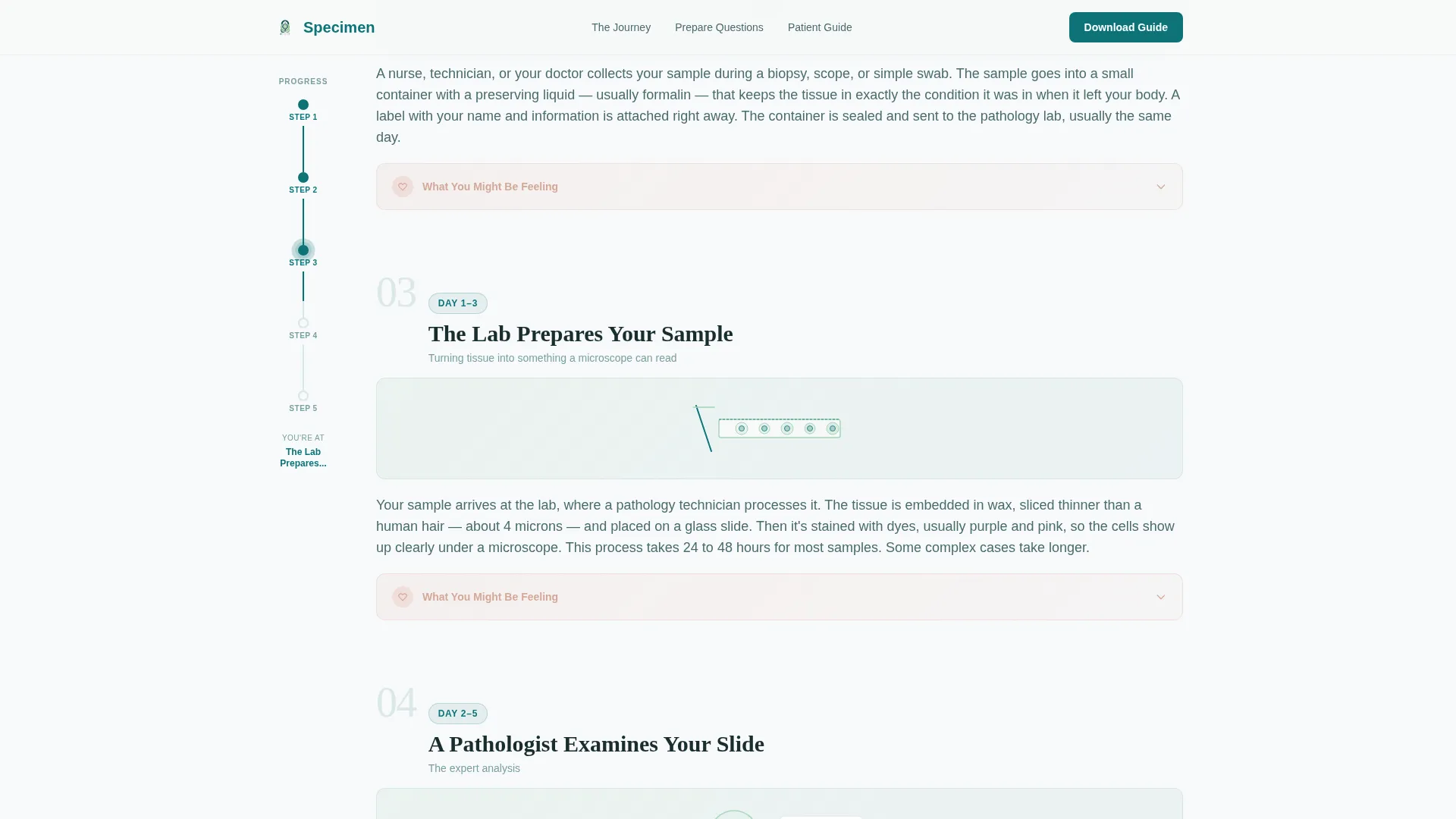
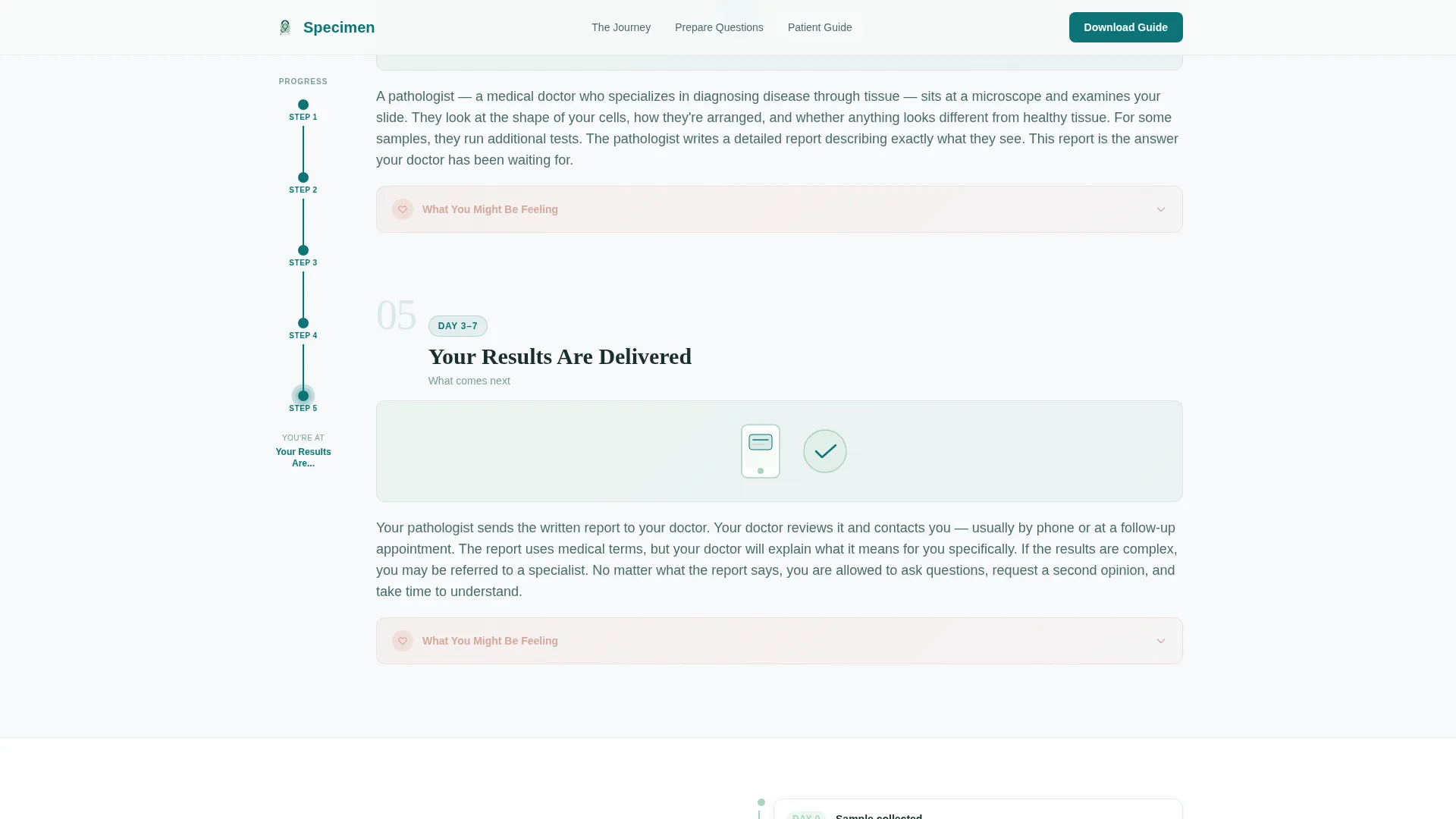
- A fixed sidebar progress tracker with scroll-linked teal node fill so visitors always know where they are
- A patient guide download form (first name and email) and a toggle-based doctor question generator
Feature list
This template includes a focused set of interactive and visual features, all grounded in the needs of a non-medical audience navigating a stressful situation.
Fixed Sidebar Progress Tracker
A vertical node map stays fixed as the visitor scrolls through all five diagnostic steps. Each node fills with deep teal as the visitor passes it, giving a constant sense of forward motion and orientation.
Scroll-Linked Step Reveal
Each step in the guide reveals progressively as the visitor scrolls down the main column. This paced reveal prevents information overload and keeps the reading experience calm and sequential.
Expandable Emotional Notes
Every step includes a collapsible panel labeled "What You Might Be Feeling." These panels are styled in tissue rose and written to acknowledge the emotional reality of waiting for pathology results, not just the clinical facts.
Patient Guide Download Form
A primary call-to-action section offers a printable PDF version of the full step-by-step guide. Visitors provide only a first name and email address. No account creation or portal login is required.
Doctor Question Generator
A secondary interactive section lets visitors select their biopsy type, whether results are pending or already received, and their primary concern. Based on these three toggle selections, a personalized checklist of questions to ask their doctor is generated.
Architectural Hero Typography
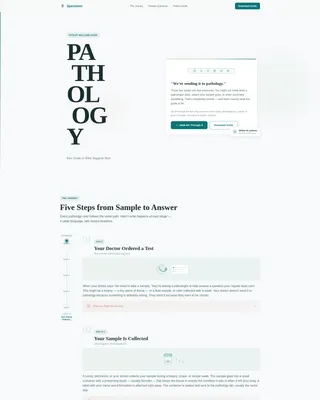
The header uses a Stacked Type Tower layout: the word PATHOLOGY broken across five lines in a tall architectural serif, with a single teal vertical rule along the left edge. No stock photography or microscope imagery is used.
Page sections overview
| Section | Purpose |
|---|---|
| Hero Header | Establish tone with architectural stacked typography and a teal vertical rule |
| Step-by-Step Guide | Walk visitors through five diagnostic stages with line art and emotional notes |
| Sidebar Progress Tracker | Keep visitors oriented with a fixed scroll-linked vertical node map |
| Patient Guide Download | Capture first name and email in exchange for a printable PDF guide |
| Question Generator | Produce a personalized doctor checklist from three toggle selections |
| Reassurance and Trust | Offer a brief human note about pathologists and a typical results timeline |
| Minimal Footer | Close the page with an ultra-minimal horizontal flow footer |
Design & branding system
The visual identity follows an Organic Flow theme built around the Teal Catalyst color system. The palette was designed to feel like light passing through a stained specimen: clinical in its precision, but alive with warmth and organic movement.
- Deep diagnostic teal (#0D7377) as the primary anchor for headers, the vertical rule, and sidebar node fills
- Soft cellular green (#A8D5BA) for line art illustrations, progress indicators, and active interface states
- Warm tissue rose (#E8C4B8) as the humanizing accent color for emotional note panels
- Clean slide white (#F7F9FA) across all backgrounds, paired with Fraunces as the architectural serif display font and DM Sans for all body text
Mobile & speed optimization
This template is designed desktop-first to support the sidebar companion layout. The fixed sidebar and main column structure is the core of the experience. On smaller screens, the layout degrades gracefully so the content remains fully usable.
- The sidebar progress tracker collapses into an inline indicator on mobile viewports
- Static content sections use server components, while the sidebar tracker and interactive toggles use client components for efficient rendering
- Scroll-linked animations and expandable panels are built for medium animation intensity, keeping interactions smooth without overwhelming the page
How this template helps you convert
This template earns conversions by giving genuine value before making any request. Visitors who feel informed and respected are far more likely to share their name and email or engage with a personalized tool.
- The step-by-step guide builds trust organically as visitors scroll, making them receptive to the patient guide download offer by the time they reach it.
- The toggle-based question generator adds a second conversion path that feels immediately useful, increasing the chance that visitors who skip the download still engage meaningfully with the page.
Other information about this template
This template is part of a broader approach to patient-centered digital health design. It is suited to practices that prioritize education and clarity as a form of care delivery.
- The template is built under the Organic Flow theme with the Teal Catalyst color system, reflecting a clinical-yet-human design philosophy
- Typography uses Fraunces for display headings and DM Sans for body text, a pairing chosen for both authority and readability
- The footer follows Pattern 3, a Vercel Horizontal Flow layout kept intentionally minimal so nothing competes with the page's educational purpose
- The Sidebar Companion template style and Content/Resource landing-page direction make this a strong fit for practices building long-term patient relationships through digital education
Theme
Organic Flow
Creative direction
Step-by-Step Guide
Color system
Teal Catalyst
Style
Sidebar Companion
Direction
Content/Resource
Page Sections
Fixed Sidebar Progress Tracker
Scroll-linked Step Reveal
Expandable Emotional Note Panels
Patient Guide Download Form
Toggle-based Question Generator
Stacked Type Tower Hero
Related questions
Who is this landing page template designed for?
Does the template include appointment booking or patient portal login?
How does the toggle-based question generator work?
Can the step-by-step guide be customized for a specific pathology subspecialty?
Is the sidebar progress tracker visible on mobile devices?



