Window Cleaner Marketing Specialist Blog Website Template
Squeegee is a bold editorial landing page built for rapid-response commercial window cleaning services. It targets facilities managers, property managers, and general contractors who need fast action after storms, construction projects, or pre-inspection emergencies. The layout resolves every operational objection before asking for a commitment, with a clear partnership conversion path and a secondary lead-capture option.
by Rocket studio
Quick summary
Squeegee is a single-page editorial template designed for commercial window cleaning businesses that offer emergency dispatch. It speaks directly to time-pressured buyers, facilities managers, property teams, and contractors, who need confident answers before picking up the phone. Every scroll section earns trust before asking for anything.
Who this template is for
This template is built for commercial window cleaning operations that respond fast to urgent jobs. It works best for businesses with the capacity to serve multi-story buildings and high-rise facades on short notice.
- Window cleaning companies offering emergency or rapid-response commercial services
- Operators targeting facilities managers, property management firms, and general contractors
- Service businesses that need a B2B lead-generation page with a professional, editorial feel
What problem this template solves
Emergency service buyers rarely trust a generic brochure page. A facilities manager fielding tenant complaints at 7 AM needs answers, not marketing fluff. This template replaces vague promises with a structured, objection-resolving format.
- Buyers stall because they cannot quickly confirm response times, insurance, or high-rise access capabilities
- Generic service pages fail to address the specific triggers that create urgent demand
- Most window cleaning pages offer no clear B2B partnership path or gated lead-capture option
What you get with this template
You get a fully structured editorial landing page that walks commercial buyers through every key concern in a logical, magazine-style flow. The layout is designed to convert cold B2B visitors into priority account leads.
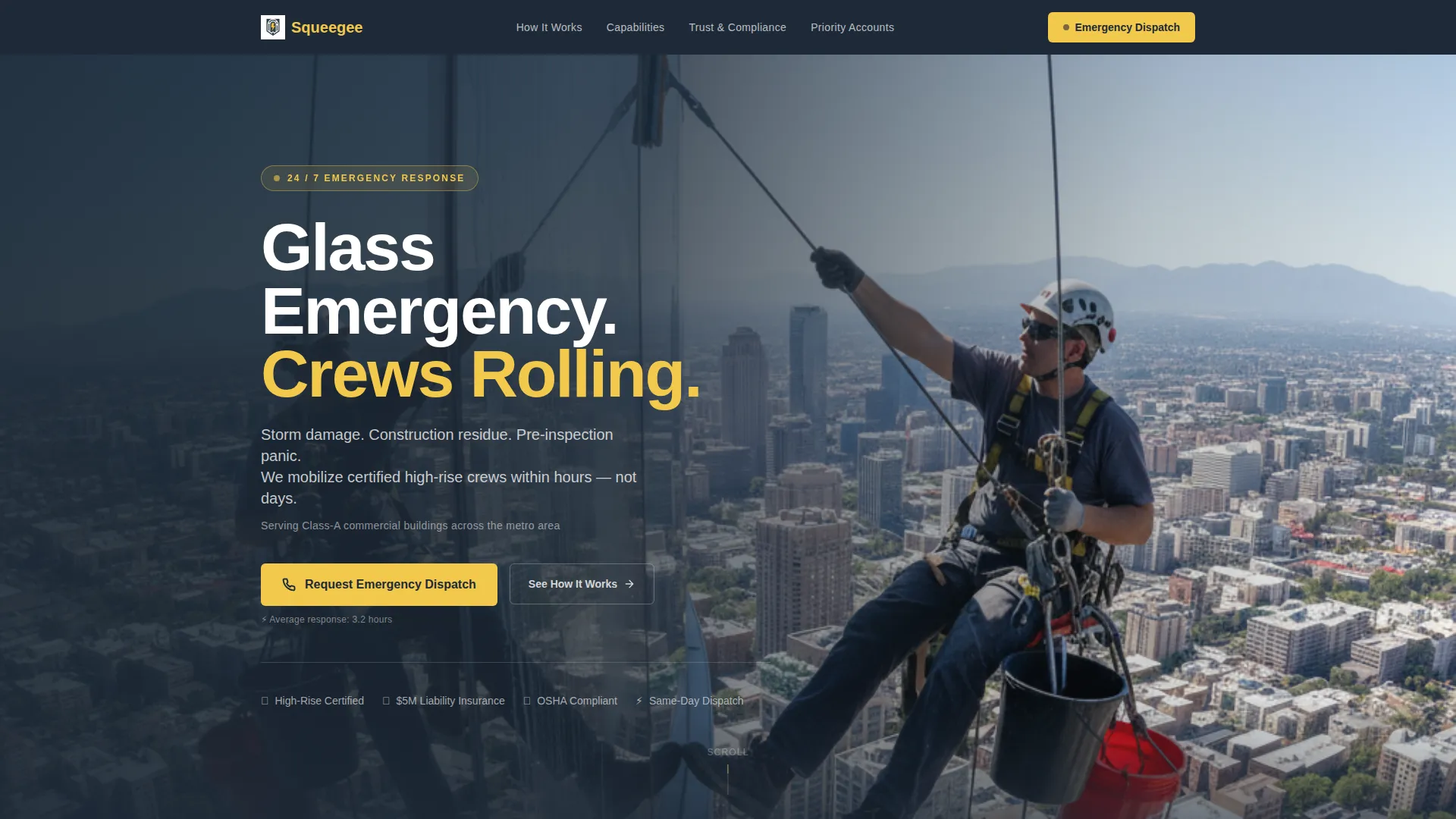
- A half-page hero header with a bold headline, proof line, and a prominent emergency dispatch call to action
- A FAQ-driven scroll experience with alternating editorial blocks that each resolve one buyer objection
- Two conversion paths: a priority account form and a gated PDF download for leads needing internal approval
Feature list
This template is built around one idea: answer every question before the reader thinks to ask it. Here is what makes it work.
FAQ-Driven Editorial Layout
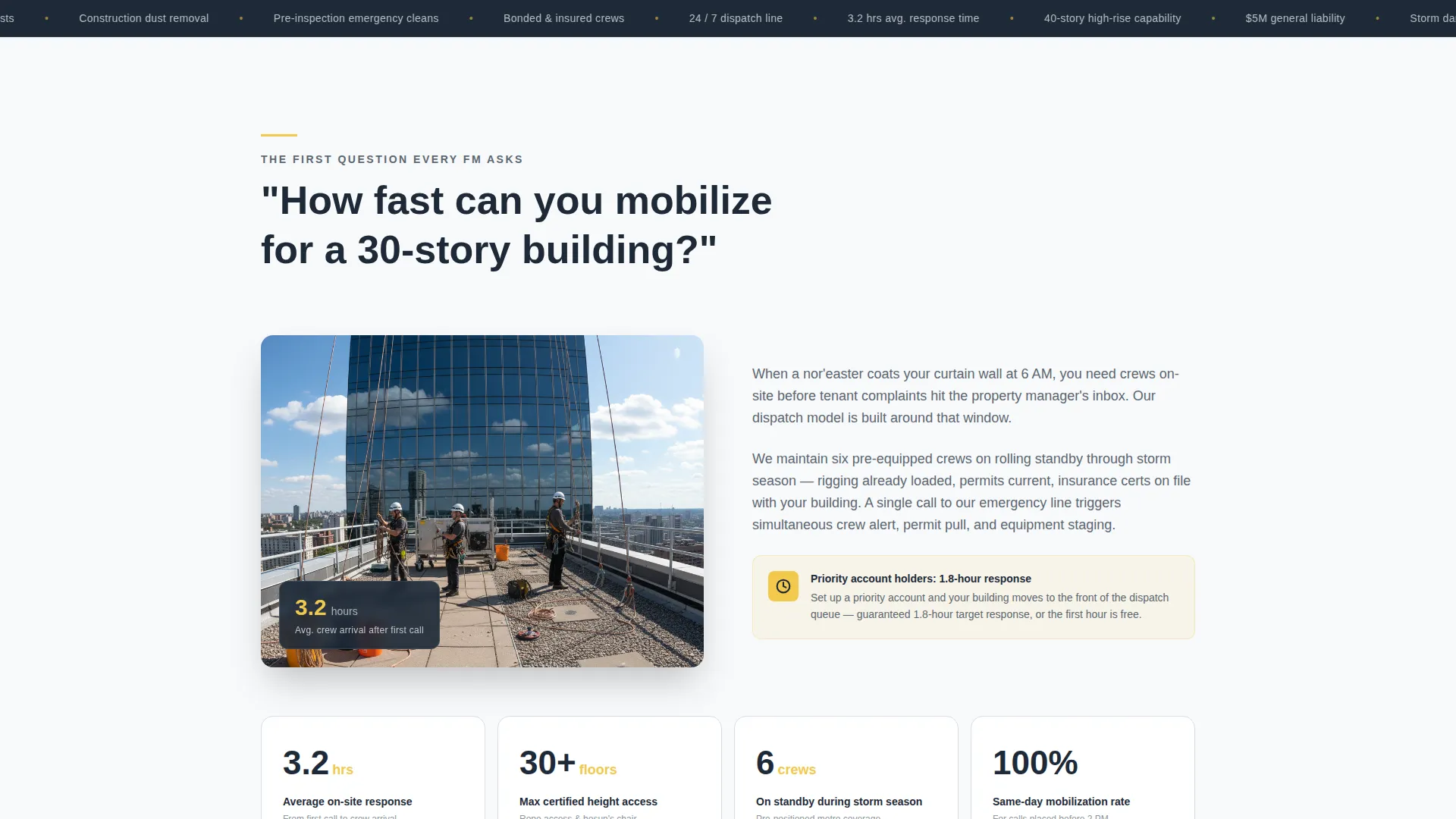
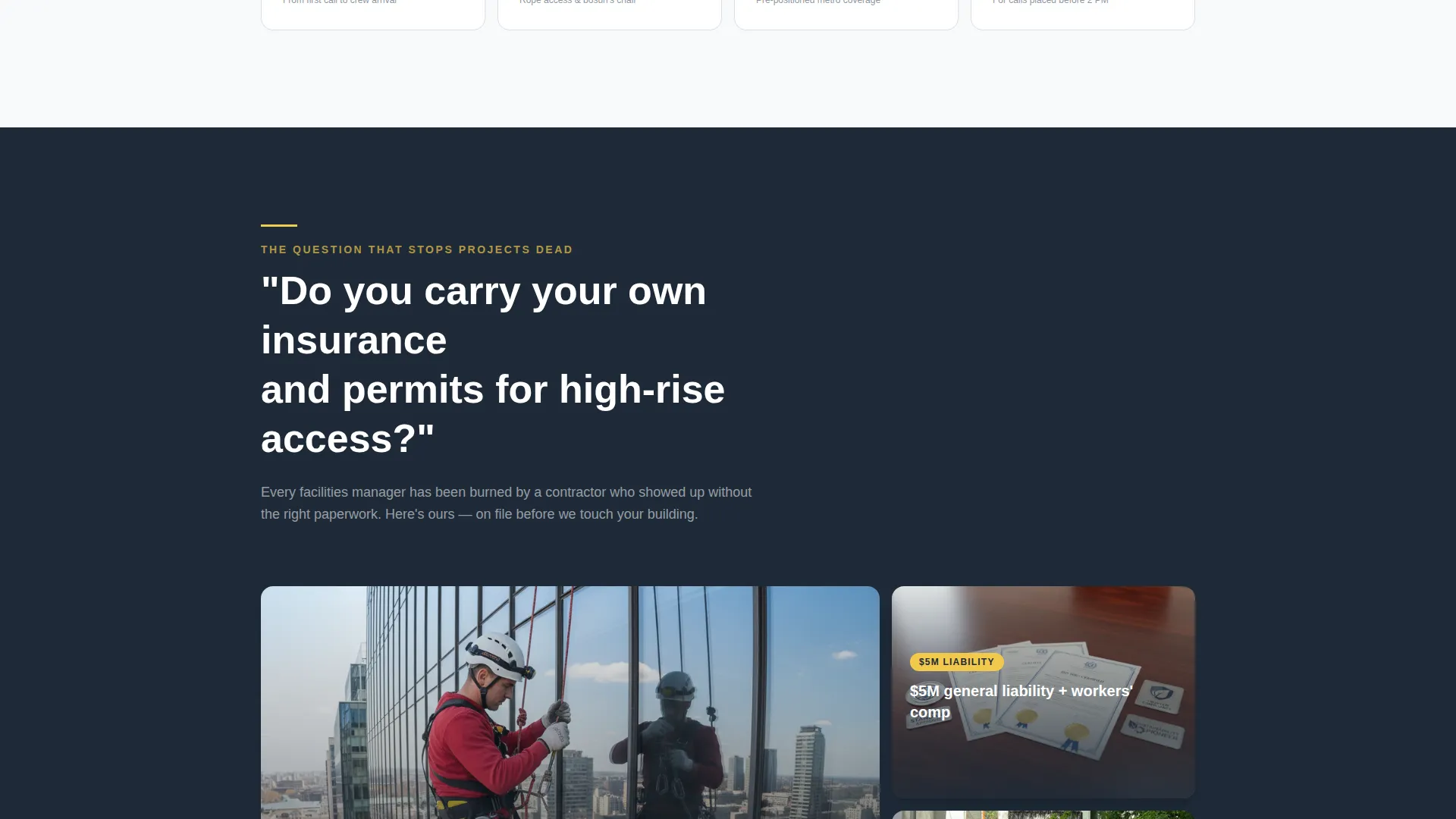
Each scroll section is anchored by a real question a facilities manager would write in an early-morning email. The question appears in large pull-quote typography, followed by a concise answer and a supporting visual or stat card. Left-right alternating alignment gives the page a confident, magazine-style rhythm.
Half-Page Hero Header
The header splits into two halves. The left holds a dramatic photograph taken from below, showing a technician on a bosun's chair mid-pull, with the city reflected in clean glass. The right stacks a bold headline, a two-line subhead naming the three main triggers, and a pulsing yellow dispatch button with an average response time proof line.
Dual Conversion Path Structure
After the fourth FAQ block, the primary call to action prompts visitors to set up a priority account via a short form. A secondary path offers a downloadable emergency response service-level agreement gated behind an email field. Both paths serve different buyer readiness levels without competing for attention.
Callout Badges and Proof Lines
High-visibility safety yellow callout badges and stat cards surface key proof points throughout the page. These reinforce urgency and credibility at the moments when a visitor is most likely to hesitate.
Storm, Construction, and Inspection Triggers
The template explicitly names and addresses the three core emergency scenarios: storm damage, construction residue on glass facades, and pre-inspection or pre-lease-signing cleaning needs. Each trigger gets its own mention in the header subhead and is woven through the FAQ blocks.
Priority Account Lead Form
The built-in form requests company name, portfolio size in buildings, and typical emergency scenarios from a checkbox list. This pre-qualifies leads and gives the service provider useful context before the first call.
Page sections overview
| Section | Purpose |
|---|---|
| Hero Header | Introduce emergency service and trigger immediate dispatch interest |
| FAQ Block One | Answer mobilization speed for large commercial buildings |
| FAQ Block Two | Confirm insurance and permit coverage for high-rise access |
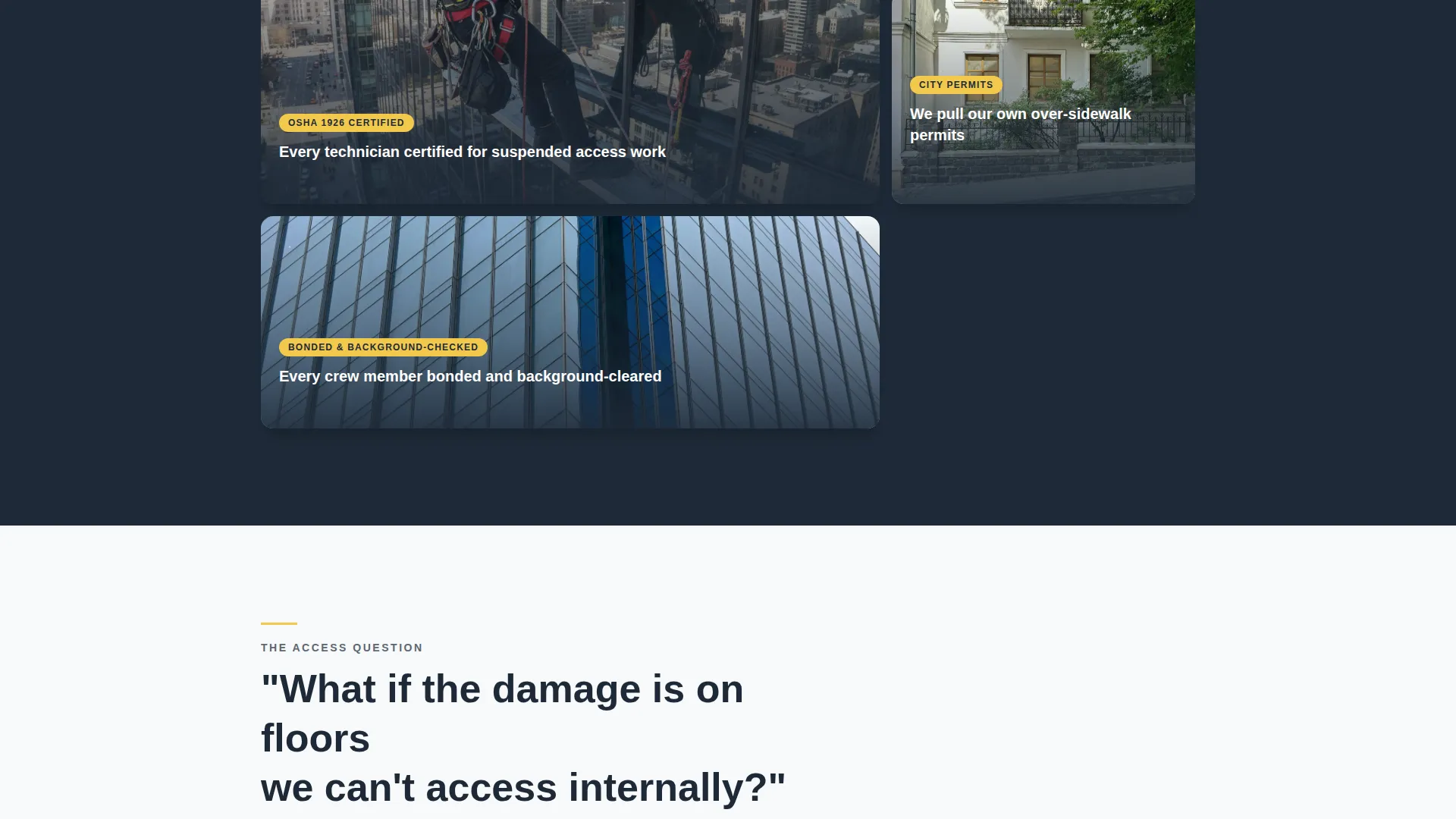
| FAQ Block Three | Address access limitations on upper or restricted floors |
| FAQ Block Four | Resolve remaining operational objections before the call to action |
| Priority Account call to action | Capture qualified B2B leads via a short partnership form |
| SLA Download Block | Gate a PDF download to capture leads needing internal approval |
Design & branding system
The visual identity follows a Service Utility theme built on the Cloud Canvas color system. Every color choice reinforces the feeling of looking up at a building right after rain stops, slick, reflective, and sharp against an overcast sky.
- Storm-gray (#5C6670) for body text and section dividers, rain-washed white (#F7F9FB) for open backgrounds, and deep wet-asphalt (#1E2A38) for headlines and the navigation bar
- High-visibility safety yellow (#F2C94C) on every call-to-action button and callout badge to draw the eye at critical decision points
- Bold editorial typography for pull-quote questions contrasted with clean, readable body copy in each answer block
Mobile & speed optimization
The editorial layout is structured for clear, stacked readability on smaller screens. Alternating left-right blocks reflow naturally into a single column, keeping the FAQ-driven flow intact on any device.
- The hero header composition adapts so the photograph and headline stack vertically without losing visual impact
- call to action buttons and the priority account form remain prominent and easy to interact with on touch screens
How this template helps you convert
The page is built around a single principle: resolve every objection before asking for a commitment. This approach is especially effective for B2B buyers who face internal approval processes.
- The FAQ-driven scroll structure addresses specific buyer fears, response time, insurance, high-rise access, in the exact order a facilities manager would think of them, reducing hesitation at each step.
- Two distinct conversion paths serve buyers at different readiness levels: a priority account form for decision-ready buyers, and a gated SLA document download for those who need to present a case internally before committing.
Other information about this template
This template is a strong fit for window cleaning businesses looking to move beyond residential work and build a repeatable commercial client base. It is also well-suited for operators who want a polished, credible presence when pitching to property management companies or general contractors.
- The page style draws from trade publication design, giving it a professional appearance that resonates with facilities management and construction industry buyers
- The checkbox-based emergency scenario field in the lead form helps operators segment incoming leads by service type before the first conversation
- This template can support a window cleaning marketing strategy focused on B2B partnerships, repeat emergency contracts, and portfolio-scale accounts rather than one-off residential jobs
Theme
Legal Shield
Creative direction
Stats-First Impact
Color system
Cloud Canvas
Style
Sidebar Companion
Direction
Lead Generation
Page Sections
Faq-driven Editorial Scroll Layout
Half-page Hero Header
Dual B2B Conversion Paths
Safety Yellow Callout Badges
Three-trigger Service Framing
Priority Account Lead Form
Related questions
What type of business is this landing page built for?
Does the template include a lead capture form?
What are the three emergency triggers this template addresses?
How does the dual conversion path work?
Can this template work for a company offering both routine and emergency cleaning?



