Stagecraft - Precision Townhouse Landing Page Template
Stagecraft is a precision-built landing page template for townhouse staging companies. It combines a map-based header, alternating stat-led sections, and a five-step quiz to turn visitors into qualified leads. Designed for listing agents, developers, and flippers, it makes the case for staging through hard numbers before telling the story behind them.
by Rocket studio
Quick summary
Stagecraft is a single-page lead generation template built for townhouse staging professionals. It opens with a stylized city map dropping gold-pinned proof points, then walks visitors through alternating sections that pair before-and-after visuals with performance data. The primary call to action is a five-step staging ROI quiz that ends with a personalized proposal request.
Who this template is for
This template was built for staging companies that serve competitive urban real estate markets. It speaks directly to the people who hire stagers and the businesses doing the staging.
- Listing agents running back-to-back open houses in dense urban corridors
- Residential developers holding unsold inventory in new-build townhouse rows
- Flippers who need a property to feel and appraise above neighboring comparable units
What problem this template solves
Most staging company pages lead with aesthetics and hope the visitor connects the dots. Stagecraft flips that. It leads with data and lets the visuals confirm what the numbers already proved. The result is a page that earns trust before it asks for anything.
- Vacant townhouses look underpriced without staging, costing sellers real dollars at close
- Agents and developers need proof of return on investment before committing a staging budget
- Generic portfolio pages do not give high-volume listing agents a fast path to a proposal
What you get with this template
You get a fully structured single-page layout built around one conversion goal: getting a qualified visitor to complete the staging ROI quiz and submit their contact details. Every section is designed to build confidence on the way to that action.
- A map-based header with animated gold pins carrying live stat callouts
- Alternating zigzag content sections pairing before-and-after photography with agent testimonials
- A five-step interactive quiz with micro-stats at each step and a sticky bottom call-to-action bar
Feature list
This template ships with a focused set of built-in components, each serving a specific role in the lead generation flow.
Map-Based Animated Header
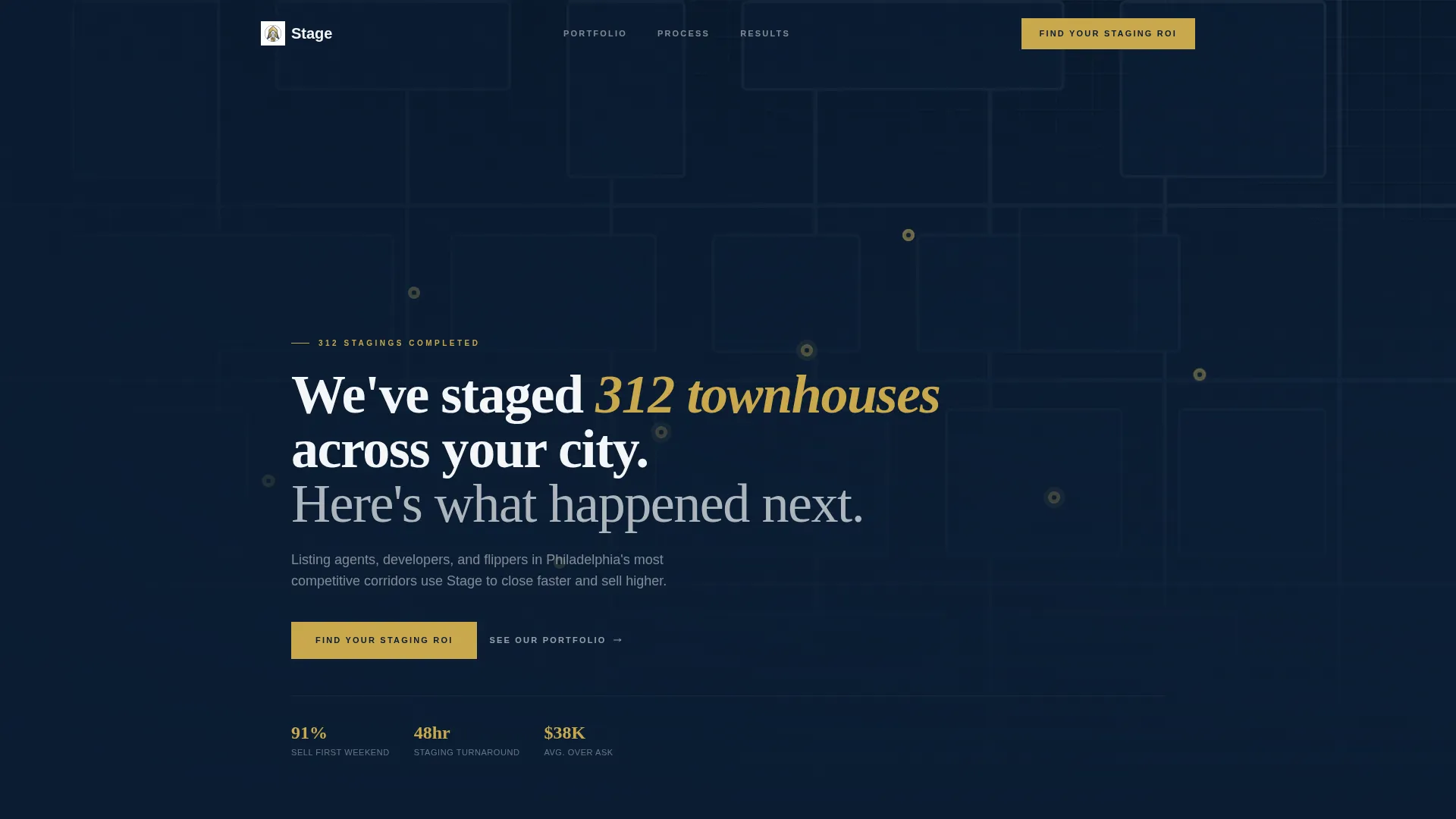
An overhead stylized city map rendered in midnight navy and slate anchors the top of the page. Gold pins drop one by one onto completed staging locations, each pulsing with a stat such as days-faster-to-sale or sale-price-over-ask. A headline in white condensed type fades in over the map to open the credibility case immediately.
Stat-First Scroll Sections
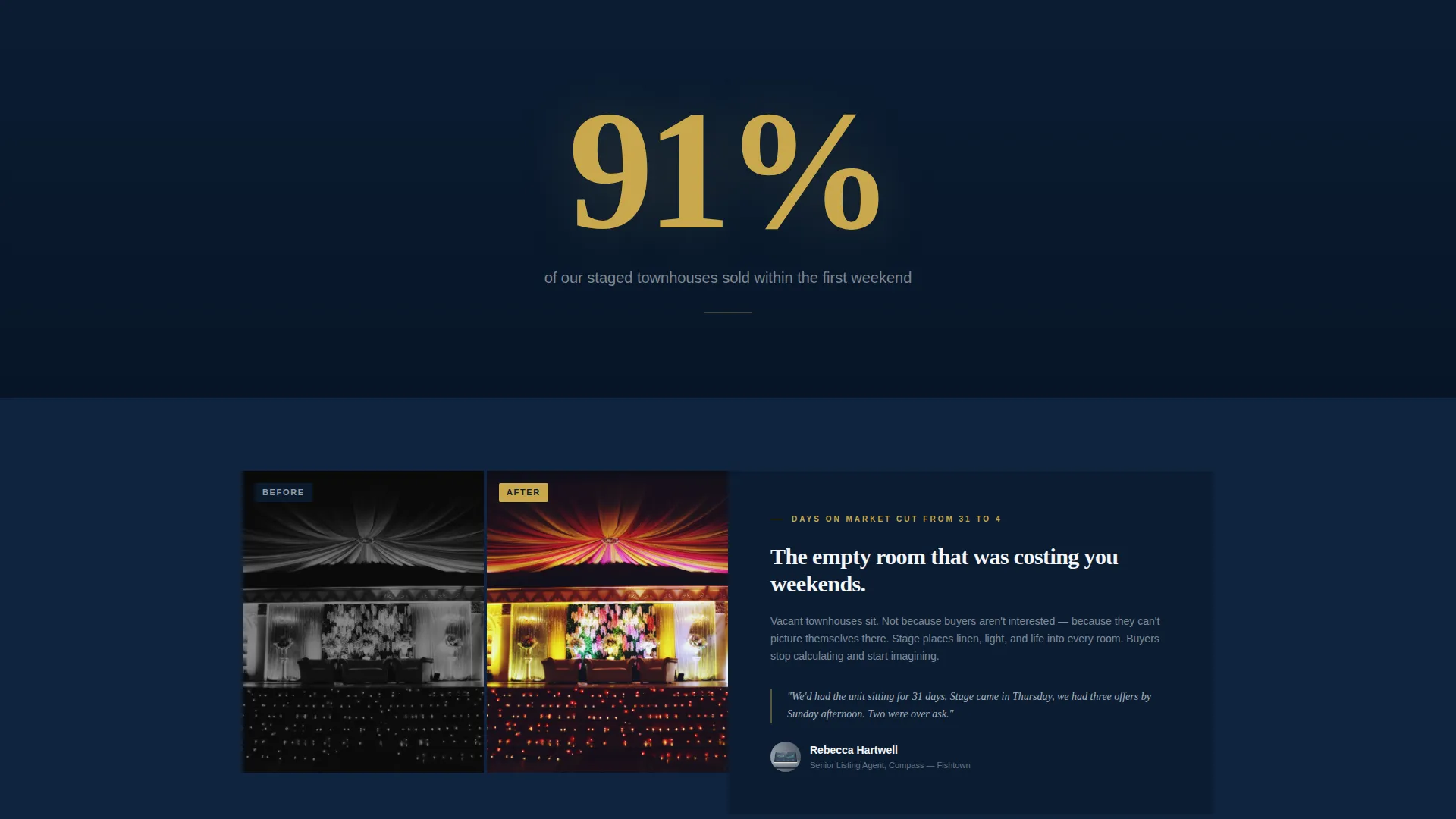
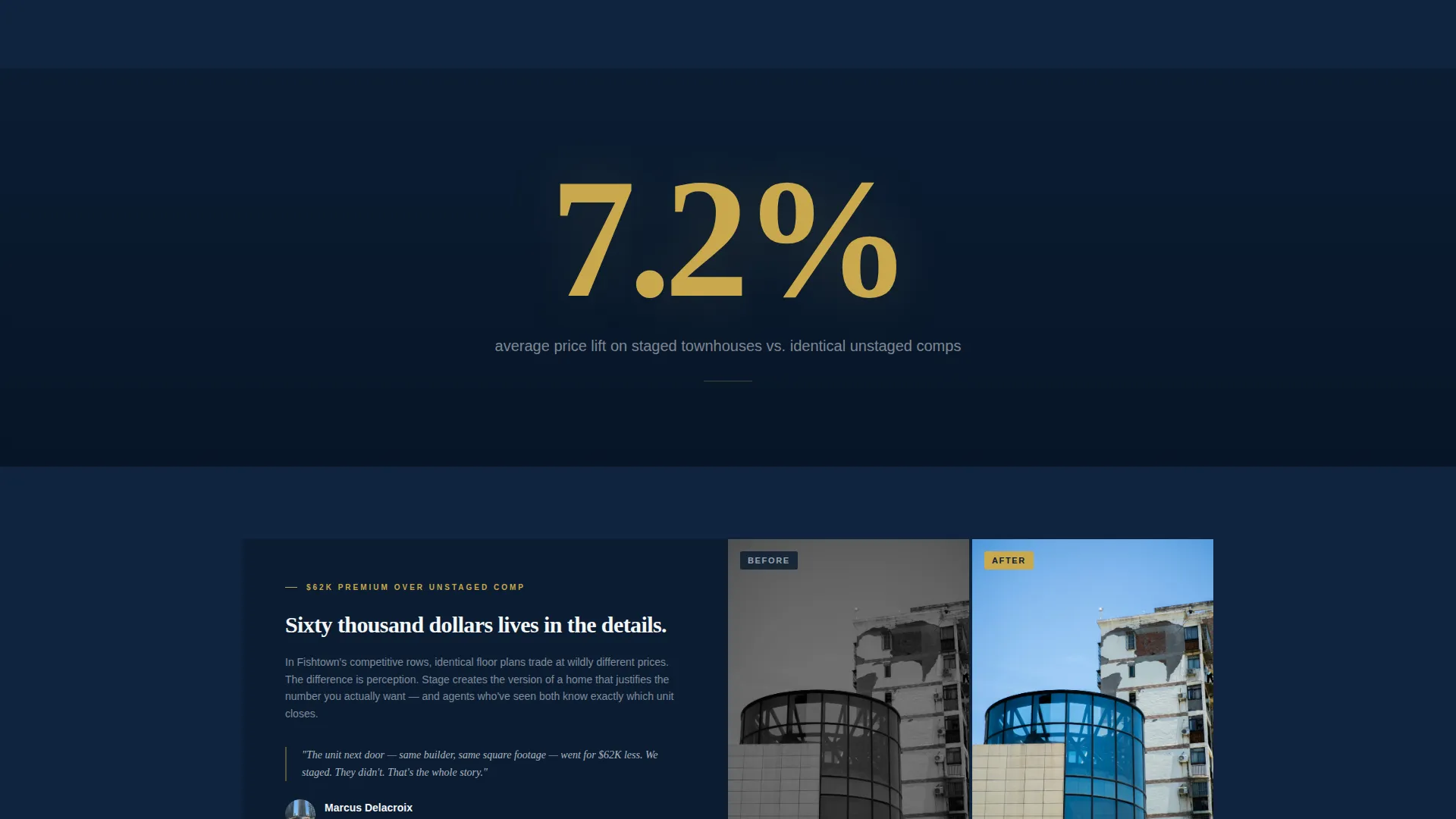
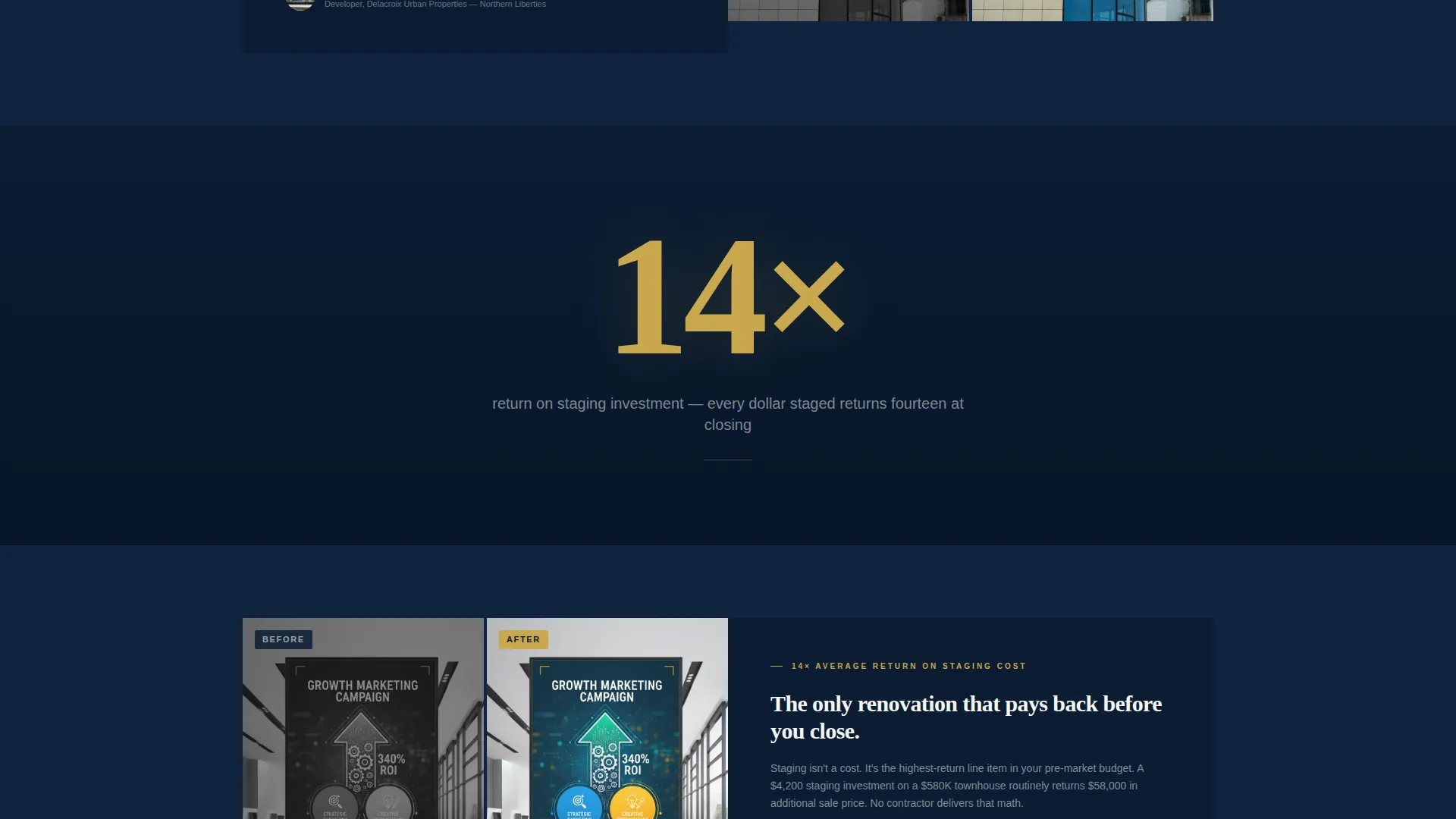
Each zigzag content block leads with a large brushed-gold figure displayed against deep navy before the supporting narrative appears. Visitors encounter the number first, then the before-and-after photography and agent testimonial that explain it. This structure rewards scrolling with escalating proof rather than repeating the same sales pitch.
Five-Step ROI Quiz
The primary call to action opens a guided five-step assessment covering townhouse square footage, number of rooms to stage, listing status, neighborhood selection, and email address. Each step surfaces a personalized micro-stat tied to the visitor's inputs, making the quiz feel like a consultation rather than a form.
Sticky Bottom Call-to-Action Bar
After the second content section, a persistent bottom bar carrying the "Find Your Staging ROI" prompt stays visible throughout the scroll. It gives returning visitors and quick scanners an always-accessible entry point without interrupting the reading flow.
Secondary Portfolio Path
Visitors who are not ready for the quiz can tap a secondary link to view the staging portfolio directly. This path serves agents who need visual confirmation before committing to a conversation, reducing friction for a different buyer mindset.
Page sections overview
| Section | Purpose |
|---|---|
| Map Header | Open with geographic proof via animated gold pins and headline |
| Headline Stat Block | Hit visitors with a single large performance figure before narrative |
| Zigzag Section One | Pair before-and-after living room photos with first agent testimonial |
| Zigzag Section Two | Escalate data with days-on-market figures and second testimonial |
| Zigzag Section Three | Show sale-to-list ratio proof with third testimonial pairing |
| ROI Quiz Flow | Five-step assessment collecting inputs and delivering a staging proposal |
| Portfolio Preview | Visual gallery path for agents who need proof before the quiz |
| Sticky call to action Bar | Persistent bottom bar keeping the quiz entry point always visible |
Design & branding system
The visual identity follows a Corporate Precision theme built on a tight four-color palette. Every color has a defined role, so the page never feels cluttered or off-brand.
- Midnight navy (#0B1D33) anchors headers and section backgrounds; polished slate (#3A4F6A) fills secondary panels; crisp architectural white (#F4F6F8) provides breathing space between blocks
- Brushed gold (#C9A84C) is reserved exclusively for call-to-action elements, stat figures, and interactive hover states, keeping its impact sharp
- Typography uses white condensed type for hero headlines and clean body copy that stays readable against both dark and light backgrounds
Mobile & speed optimization
The template is structured for a clean mobile experience without sacrificing the visual weight that makes the stats land. Tap-to-select inputs in the quiz replace sliders where touch precision is limited.
- The quiz steps use tap-to-select controls and a neighborhood dropdown sized for thumb navigation
- The zigzag layout stacks vertically on smaller screens, keeping before-and-after images and testimonials in a logical reading order
- The sticky bottom call-to-action bar is sized and positioned to remain usable without covering critical content on mobile viewports
How this template helps you convert
The page is engineered around a single conversion path, with every design and copy decision reducing the distance between a first-time visitor and a submitted staging proposal.
- The animated map header opens with verified proof points before any sales copy appears, establishing credibility in the first three seconds of the visit.
- The escalating stat-first scroll structure builds an evidence wall that moves visitors from skepticism to confidence by the time they reach the quiz entry point.
- The five-step quiz delivers personalized micro-stats at each step, making the assessment feel valuable before the visitor has even submitted their email.
Other information about this template
Stagecraft is built specifically for the townhouse staging niche, where the gap between a staged and an unstaged unit can represent tens of thousands of dollars in final sale price. The template reflects that high-stakes context at every scroll position.
- The quiz flow supports five input types: a square footage slider, room-count tap selection, listing status selection, a neighborhood dropdown, and an email capture field
- The secondary "See Our Portfolio" path means the template serves two distinct visitor types without requiring separate pages
- The page is best suited for staging companies operating in urban markets where townhouse inventory is dense and competition between comparable units is high
Theme
Atelier Studio
Creative direction
Calculator/Tool First
Color system
Warm Stone
Style
Gallery + Detail
Direction
Lead Generation
Page Sections
Map-based Animated Header
Stat-first Zigzag Sections
Five-step ROI Quiz
Sticky Bottom Call-to-action Bar
Secondary Portfolio Path
Related questions
Who is this template built for?
What does the five-step ROI quiz collect from visitors?
Can visitors skip the quiz and view the portfolio instead?
Is this template suitable for a staging company covering one city?
Does the template support two different visitor types on the same page?



