Podiatrist Booking Website Template
Stride is a podiatrist appointment booking landing page built around a Checklist & Audit flow. It walks visitors from symptom recognition through clinical explanation to treatment pathways, then into a low-friction two-field booking form. The Slate & Sky color system, stat-counter header, and zigzag section layout make expert podiatric care feel trustworthy and immediately actionable.
by Rocket studio
Quick summary
Stride is a single-page podiatrist appointment booking template designed for clinics that want to convert curious visitors into confirmed consultations. A metrics-led hero section establishes authority instantly. The zigzag body sections then guide visitors through a self-diagnostic journey: symptom checklist, clinical explanation, and treatment pathways. A progressive booking form with minimal friction closes the loop.
Who this template is for
This template suits podiatry clinics and solo practitioners who need a clear, credible online presence that drives appointment bookings. It works especially well for practices serving a mix of patients with different foot health concerns.
- Podiatrists targeting runners, diabetic patients, and parents of children with gait concerns
- Clinics that want a structured lead generation flow without heavy form requirements
- Practitioners who prefer clean clinical design over stock photography or lifestyle imagery
What problem this template solves
Many podiatry practices lose potential patients at the point of first contact. A generic contact page does not explain what the clinic treats, does not build confidence, and asks for too much information too soon. Stride solves this by making the booking process feel intuitive and the clinic feel competent before a single form field is filled.
- Visitors often leave when they cannot identify their condition or do not know if the clinic handles their specific concern
- Long booking forms create friction that reduces conversion, especially on mobile
- A plain contact form provides no reassurance that the practitioner understands the patient's problem
What you get with this template
Stride includes a fully structured single-page layout with every section pre-built and purposeful. The design is ready to personalise with clinic-specific details, and the conversion flow is already mapped from first scroll to booked callback.
- A stat-counter hero section with three oversized metrics and a primary call-to-action button
- Three zigzag content sections covering symptoms, clinical explanations, and treatment pathways
- A progressive three-step booking form and a secondary foot health quiz micro-flow
Feature list
This template is built around features that serve both the visitor's need for clarity and the clinic's need for qualified leads.
Stats-Led Hero Section
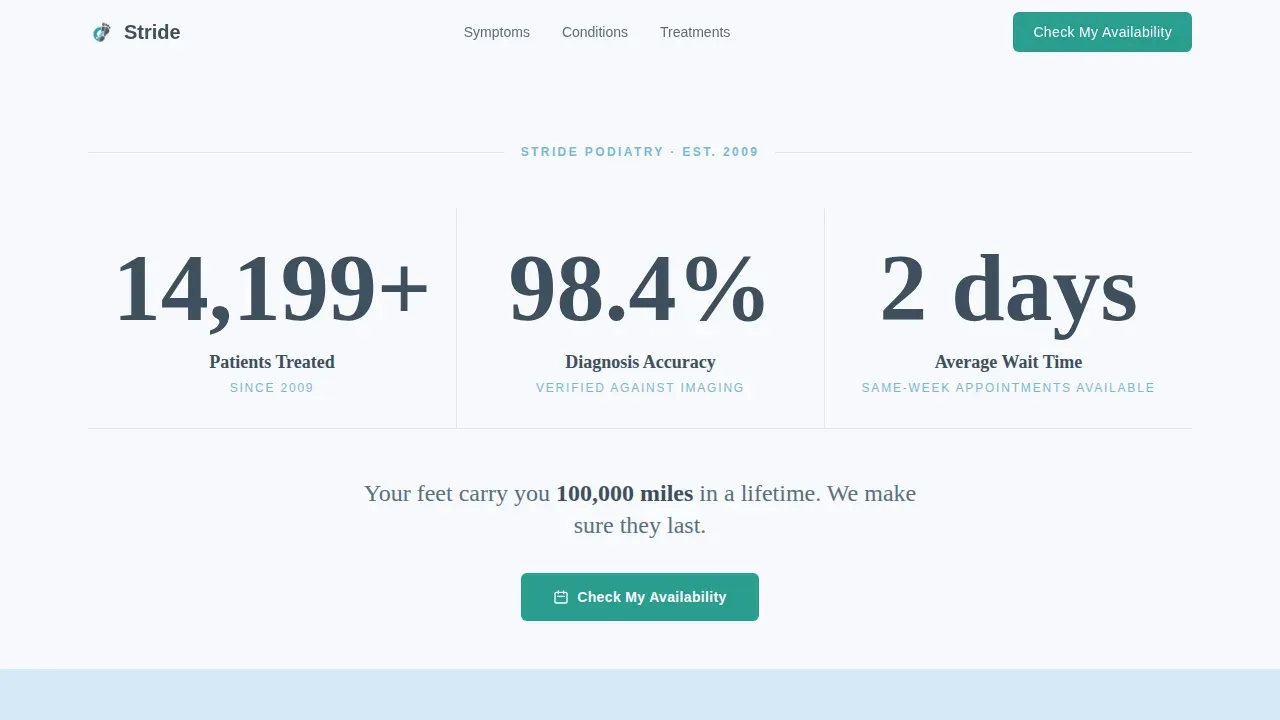
The header presents three bold stat counters: 14,200+ patients treated, 98.4% diagnosis accuracy, and same-week appointments available. Numbers are displayed at display scale in clinical slate, with supporting units in sky-blue small caps. No photography is used; the numbers do the trust-building work.
Zigzag Symptom Checklist
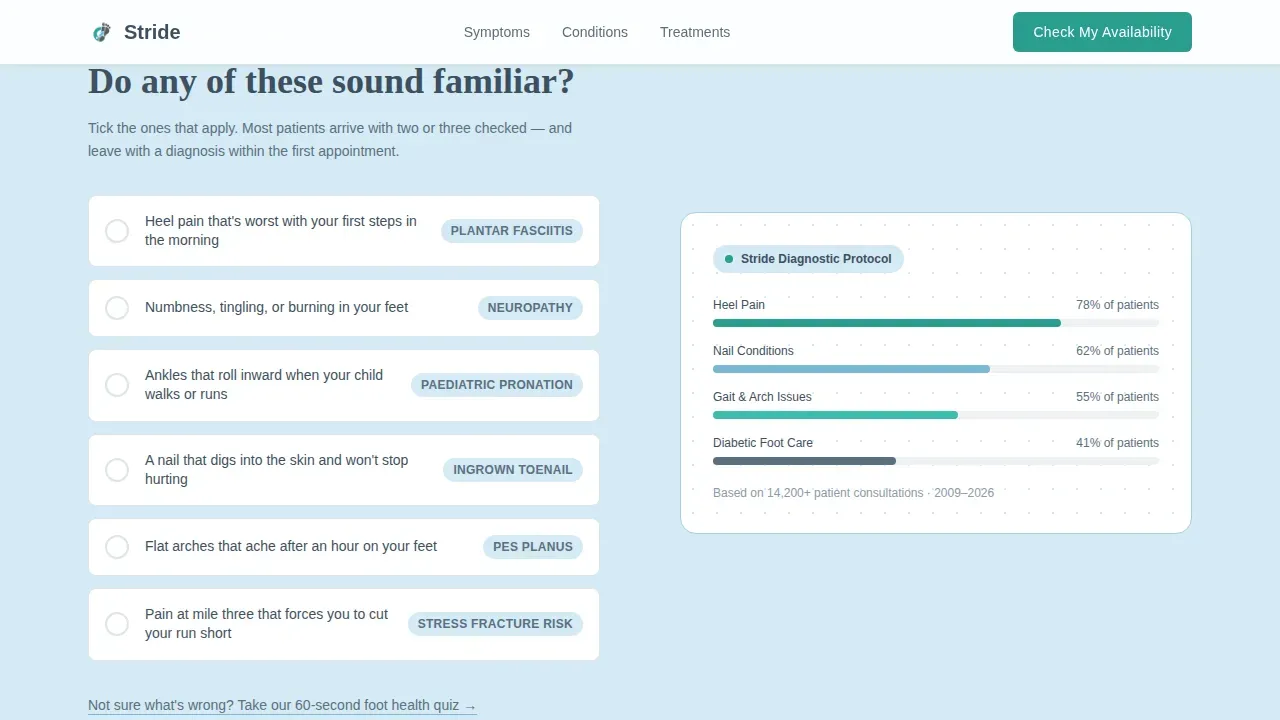
The first zigzag section asks "Do any of these sound familiar?" and presents a visual checklist of common conditions including heel pain, numbness, ingrown nails, and flat arches. Checklist items include hover states so the layout feels responsive and interactive as visitors scan.
Clinical Explanation Panels
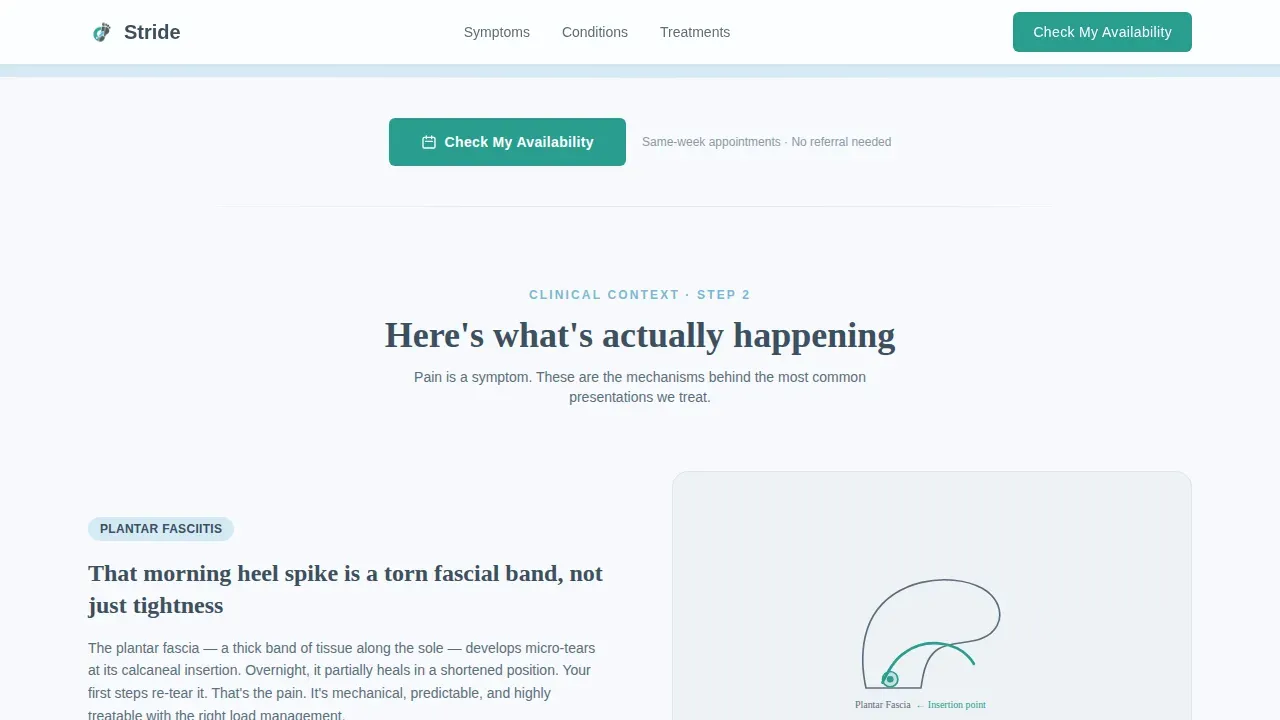
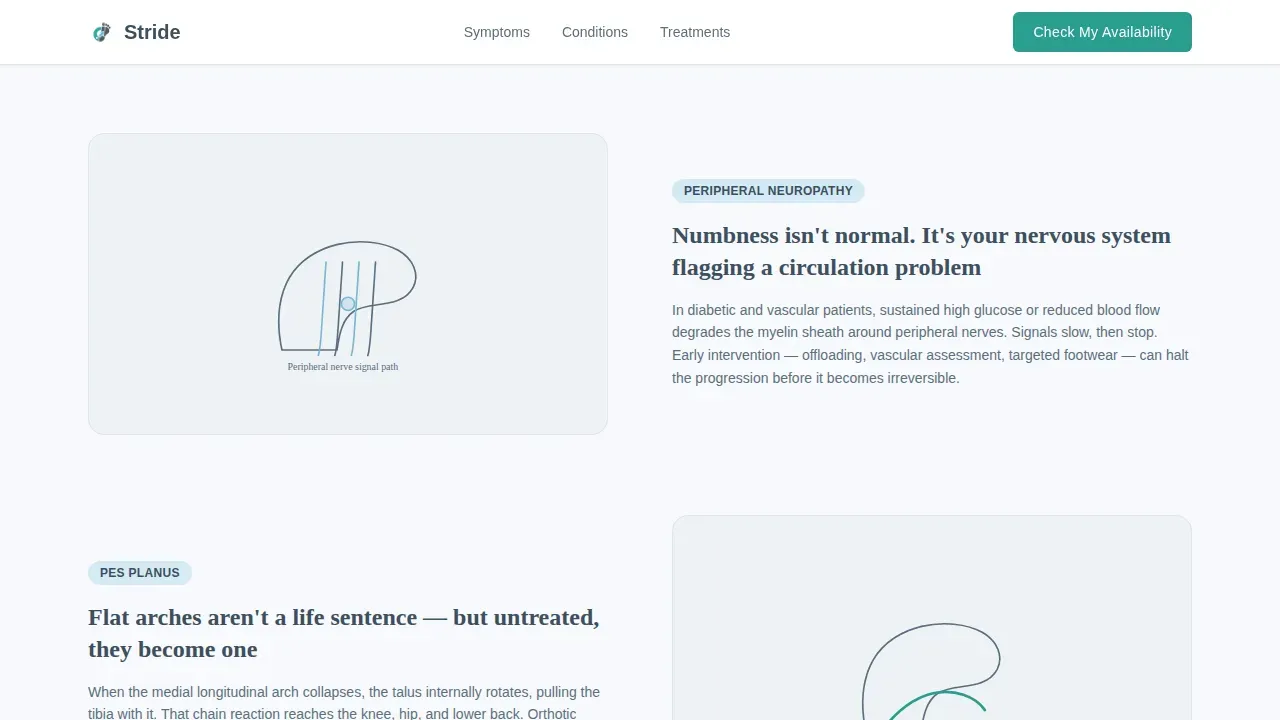
The second alternating section, "Here's what's actually happening," pairs brief clinical descriptions with anatomical line illustrations. Each panel gives the visitor a clear, non-alarming explanation of what their symptom actually means.
Treatment Pathway Layout
The third zigzag section, "What we do about it," presents treatment options in a decision-tree style. Visitors can see which pathway applies to their concern before they reach the booking form, so they arrive at the form with context and confidence.
Progressive Booking Form
The booking form uses a three-step flow: first, an icon grid to select a concern area from six options (heel, toe, ankle, arch, diabetic care, and pediatric); second, a preferred day-range selector; and third, a name and phone number field. No insurance or medical history questions are included.
Foot Health Quiz Micro-Flow
A secondary conversion path sits beneath the symptom checklist. "Not sure what's wrong? Take our 60-second foot health quiz" leads visitors through a short micro-assessment. The quiz ends with a personalised recommendation and opens the booking form pre-filled with the identified concern.
Page sections overview
| Section | Purpose |
|---|---|
| Hero Metrics Wall | Display stat counters and primary call-to-action |
| Symptom Checklist Zigzag | Help visitors self-identify their foot concern |
| Clinical Explanation Zigzag | Pair symptoms with brief clinical context |
| Treatment Pathway Zigzag | Show available care options before booking |
| Progressive Booking Form | Capture concern, availability, and contact details |
| Single-Row Footer | Provide clinic essentials in a clean linear layout |
Design & branding system
Stride follows a Medical Clarity visual theme built on a Slate & Sky color system. The palette balances clinical authority with calm reassurance, so visitors feel confident rather than anxious. Typography pairs Fraunces as a serif display face with DM Sans for body copy, creating a contrast between warmth and precision.
- Clinical Slate (#3D4F5F) anchors headers and grounding sections; Calm Sky (#A8D0E6) softens alternating background panels; Sterile White (#F7F9FC) provides open breathing space throughout
- Confident Teal (#2A9D8F) is used exclusively for buttons and interactive elements, drawing the eye to every call-to-action without competing with content
- Scroll-reveal animations on zigzag sections, count-up effects on stat numbers, and staggered checklist item reveals add motion without distraction
Mobile & speed optimization
Stride is built with a mobile-first approach. Patients often search for podiatry help on their phones immediately after a run or following a referral from a general practitioner. The layout adapts cleanly across screen sizes without losing the zigzag structure or form usability.
- The progressive booking form is designed to work comfortably on small screens, with large touch targets for the concern icon grid
- Static-first architecture uses server-rendered components for all layout sections, with client components reserved for the interactive form, quiz, and stat counters
- The single-page structure keeps navigation simple and reduces the number of steps between landing and booking
How this template helps you convert
Stride is built around a diagnostic scroll that mirrors the patient's own thought process. By the time a visitor reaches the booking form, they have already identified their symptom, understood the likely cause, and seen the relevant treatment pathway. This reduces hesitation and makes submitting contact details feel like a natural next step.
- The checklist and clinical explanation sections act as a guided intake, so visitors arrive at the form already qualified and informed rather than uncertain and cautious
- Repeated teal call-to-action placements after every zigzag pair keep the booking option visible throughout the scroll without feeling pushy
- The foot health quiz offers a low-commitment entry point for undecided visitors, funnelling them into the same booking form with their concern already selected
Other information about this template
Stride is designed specifically for the podiatry appointment booking niche within the broader Health & Medical category. It addresses the needs of a podiatrist website that must earn trust quickly and remove barriers to contact. The template suits English-language markets, with date formatting suited to Australian and United Kingdom contexts (DD/MM/YYYY). It does not include multi-page navigation, making it a focused single-entry conversion tool rather than a full clinic website.
- The footer follows a Pattern 1 linear single-row layout, keeping the page exit clean and uncluttered
- The creative direction, Checklist & Audit, is structural rather than decorative; every section earns its place by moving the visitor closer to a booking decision
- The template is built with high interactivity in mind, including hover states on symptom items, icon grid selections in the form, and a complete quiz micro-flow as a secondary conversion path
Theme
Medical Clarity
Creative direction
Checklist & Audit
Color system
Slate & Sky
Style
Zigzag/Alternating
Direction
Lead Generation
Page Sections
Stats-led Hero Section
Zigzag Symptom Checklist
Clinical Explanation Panels
Treatment Pathway Decision Tree
Progressive Three-step Booking Form
Foot Health Quiz Micro-flow
Related questions
Who is the Stride template designed for?
Does the booking form ask for medical history or insurance details?
What is the foot health quiz and how does it work?
Can I update the concern areas shown in the booking form icon grid?
Is Stride a single-page template or a multi-page website?



