Mixed-Use Building Property Manager Landing Page
Steward is a split-screen landing page template built for mixed-use building property managers. It pairs a cinematic dusk hero image with a scroll-driven floor-by-floor layout, brass-on-navy data panels, and a sliding lead-capture form. The result is a single commanding page that reflects complex, multi-use portfolios with calm authority and clear visual structure.
by Rocket studio
Quick summary
Steward is a 50/50 split-screen landing page template designed for property managers of mixed-use buildings. It guides visitors through a building from ground-floor retail to residential crown, using architectural cross-section visuals paired with management scope panels. Two conversion paths capture leads at every stage of the decision process.
Who this template is for
This template speaks directly to professionals managing properties where multiple use types share the same structure. It is built for people who need a page that communicates complexity without creating confusion.
- Building owners managing retail vacancies alongside active residential lease renewals
- HOA boards and asset managers inheriting aging mixed-use properties
- Developers handing off newly delivered mixed-use projects to a management firm
What problem this template solves
Managing a mixed-use building involves retail tenants, office occupants, residential leaseholders, parking operations, and compliance across every floor. Most service pages cannot hold that scope without feeling cluttered or generic. Steward solves that by giving each use class its own visual moment while keeping one unified standard visible throughout.
- Visitors cannot quickly grasp multi-use expertise from a standard single-column page
- Generic real estate templates fail to reflect the floor-by-floor complexity that clients actually face
- Without a clear conversion path, research-mode visitors leave before making contact
What you get with this template
Steward delivers a fully structured single-page layout with every section designed around the mixed-use management story. No placeholder concepts here, the layout, visual rhythm, and conversion flow are all defined in the template.
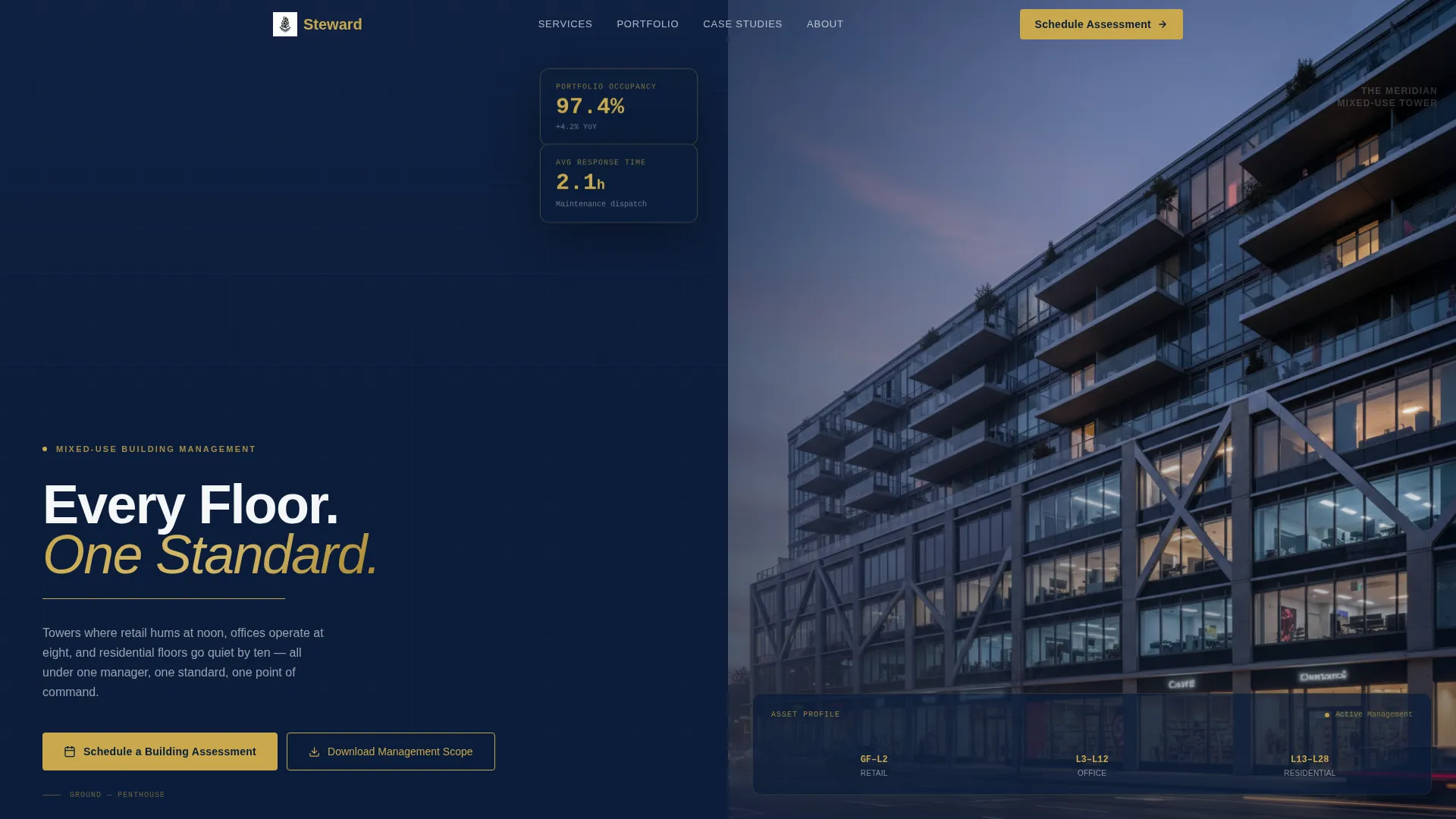
- A cinematic 3:1 hero section with a brass-ruled headline and navy gradient overlay
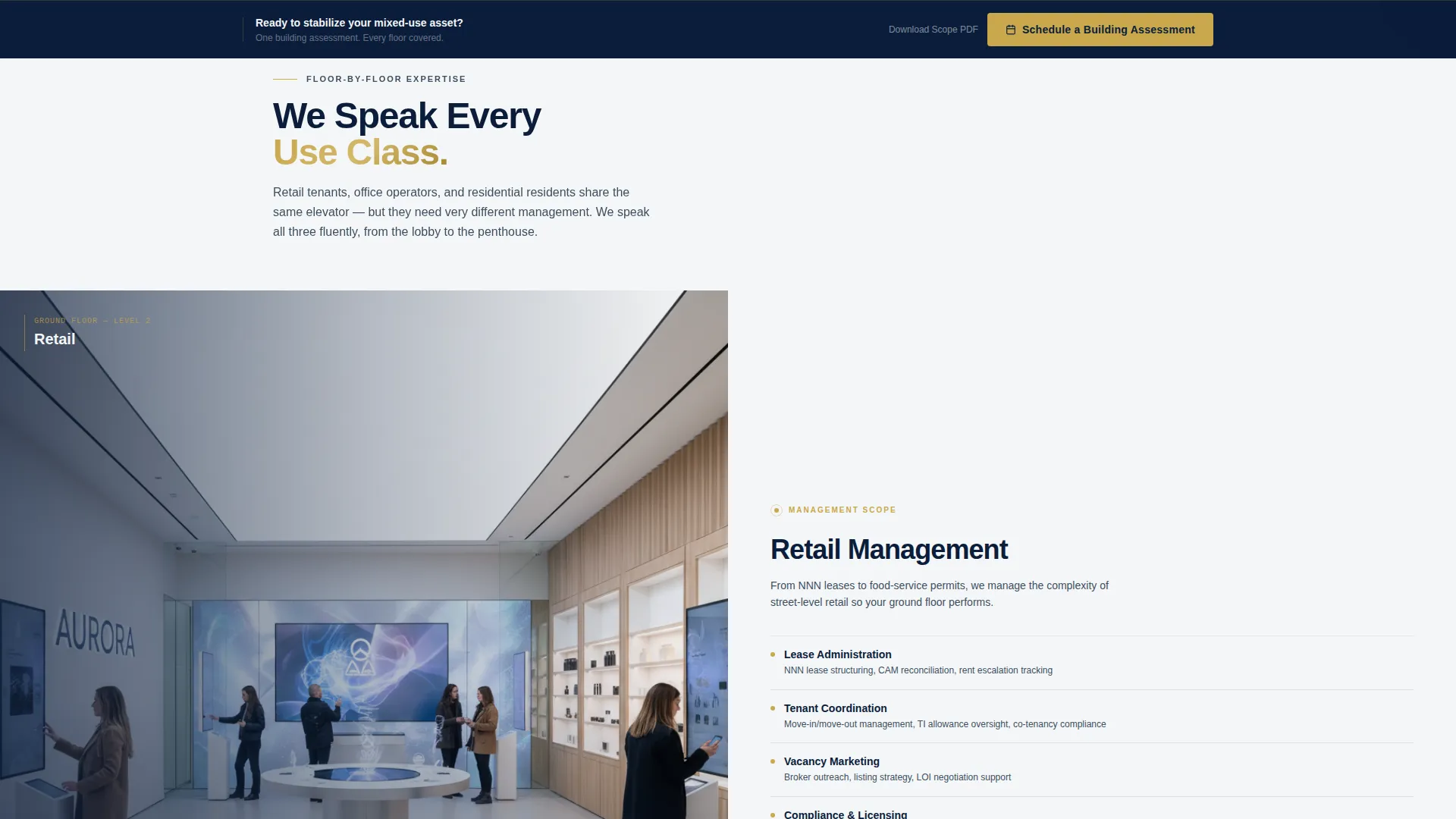
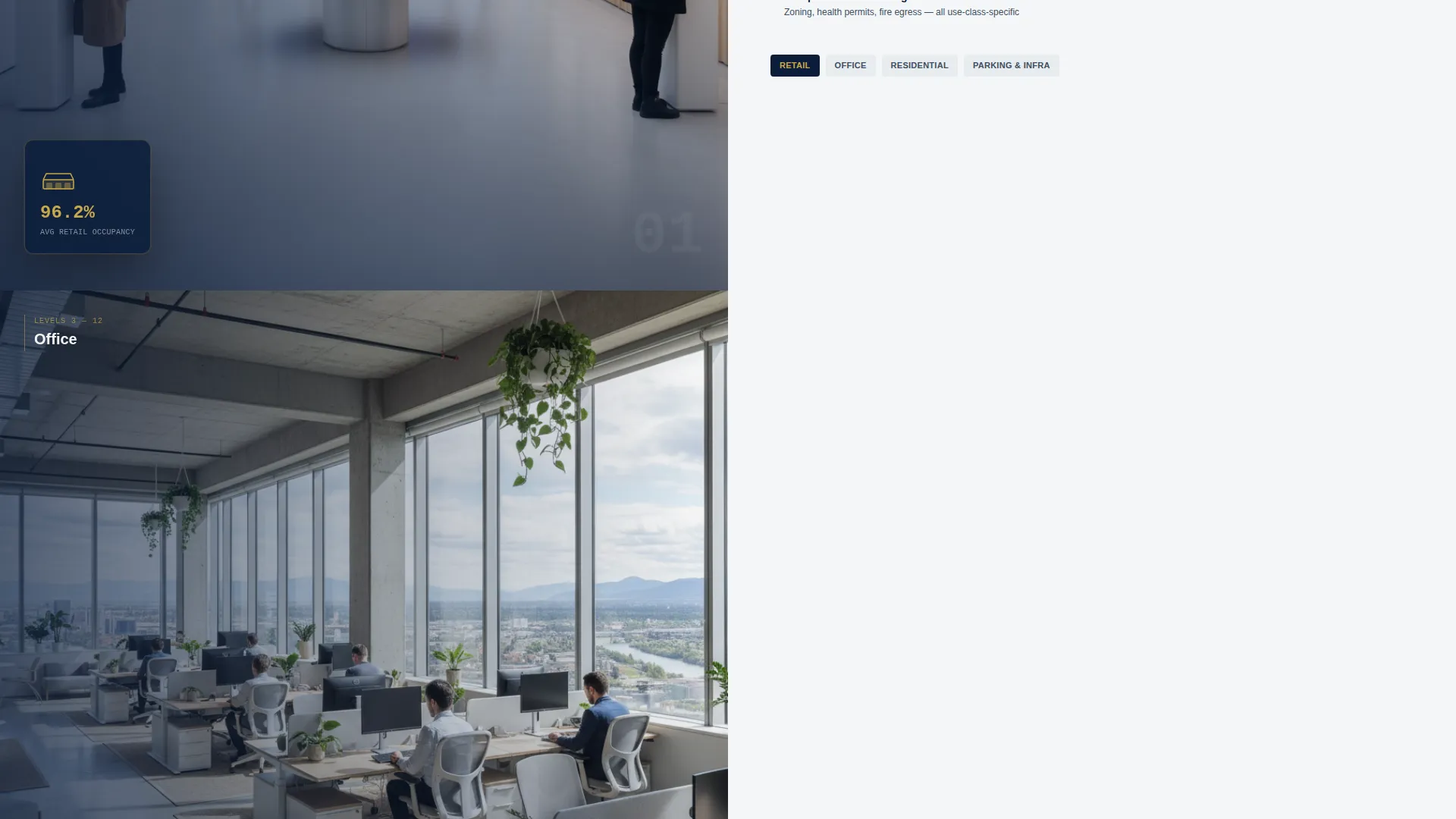
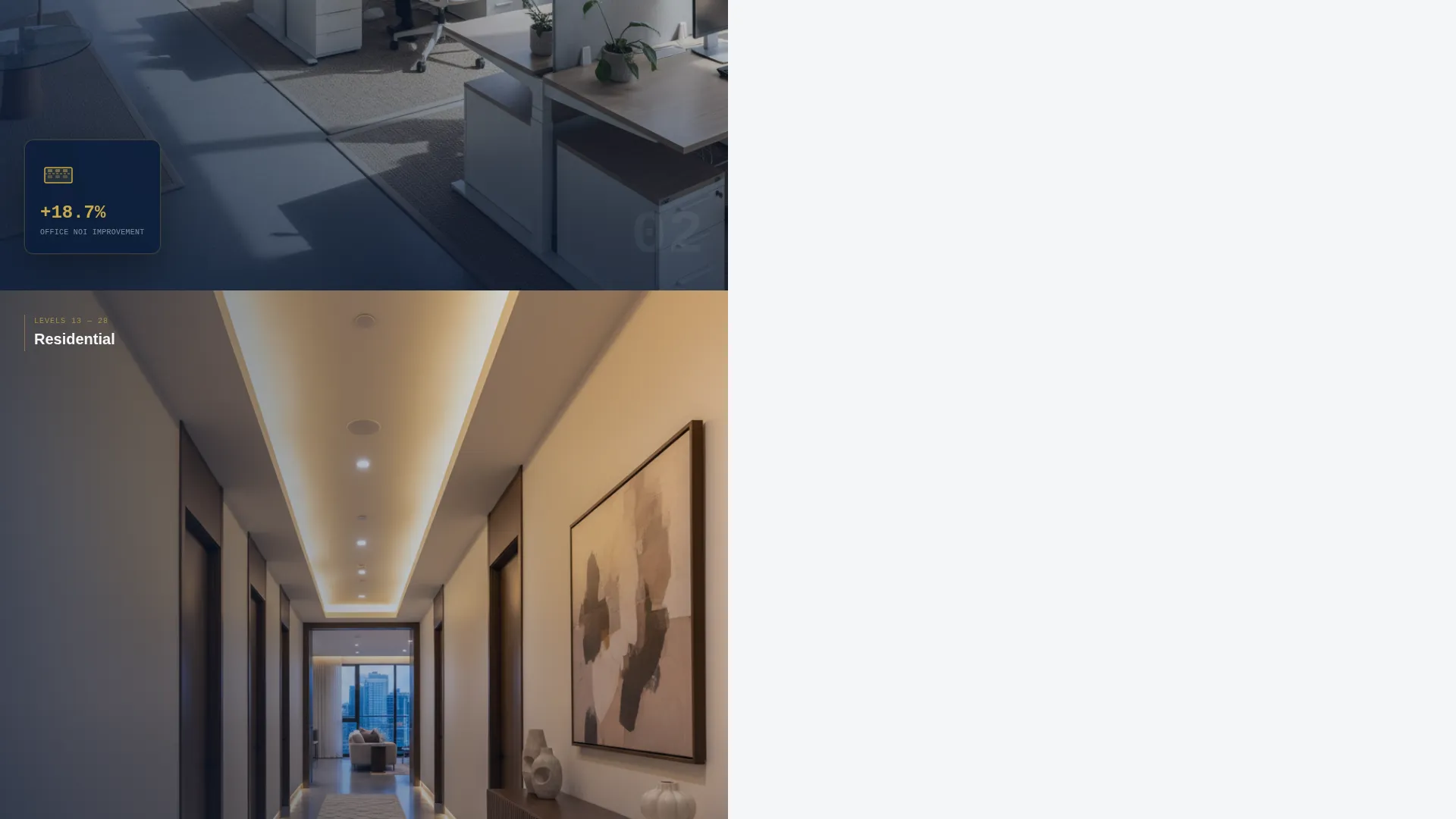
- A scroll-driven split-screen body that moves through retail, office, residential, parking, and mechanical zones
- A full-width aerial site plan break section with brass portfolio pins, case-study pairs, and two lead-capture paths
Feature list
A paragraph overview: Steward packages a precise set of purpose-built components into one cohesive landing page. Each feature below comes directly from the template's defined layout and interaction design.
Cinematic Hero Section
A sweeping ultra-wide exterior photograph shot at dusk anchors the page. The nearly 3:1 cinematic aspect ratio stretches edge to edge, with lit retail storefronts at ground level, glowing office floors mid-rise, and residential balconies at the crown. A brass rule underlines the headline "Every Floor. One Standard." set against a navy gradient in the lower-left third.
Scroll-Driven Floor Navigation
The left panel displays an architectural cross-section illustration of a floor type, retail, office, residential, parking, or mechanical. The right panel presents the management scope for that zone. Each scroll transition shifts the cross-section upward one level, letting the visitor move through the building as they read.
Aerial Portfolio Break Section
A full-width aerial site plan interrupts the split-screen rhythm at the page's midpoint. Brass pins mark each managed property across the city grid, giving the firm's portfolio immediate visual weight and geographic authority.
Case Study Performance Panels
Paired split-screen sections show before-condition photography on the left and post-management performance metrics on the right. Occupancy rates, maintenance response times, and net operating income improvements appear as brass numerals on navy fields.
Sliding Lead-Capture Form Overlay
The primary call to action, "Schedule a Building Assessment," opens a right-panel sliding form overlay. It collects building address, a checkbox grid of use types present, total square footage via a dropdown range, and contact name and email.
Gated PDF Secondary Conversion
A secondary path offers "Download Our Mixed-Use Management Scope" as a downloadable resource. This gives research-mode visitors a low-commitment entry point and keeps the page useful at every stage of the decision cycle.
Page sections overview
| Section | Purpose |
|---|---|
| Cinematic Hero | Establish scale and brand authority |
| Retail Floor Panel | Show ground-level management scope |
| Office Floor Panel | Cover mid-rise tenant coordination |
| Residential Floor Panel | Address upper-floor lease management |
| Parking and Mechanical | Round out full-building coverage |
| Aerial Portfolio Map | Display managed property footprint |
| Case Study Pairs | Prove performance with real metrics |
| Persistent call to action Bar | Reinforce lead capture on scroll |
| Assessment Form Overlay | Collect qualified building inquiries |
| PDF Download Section | Capture research-stage visitors |
Design & branding system
The Executive Suite color system uses deep boardroom navy as the dominant tone across headers, hero overlays, and data panels. Polished gunmetal handles secondary surfaces and dividers. Tower-white opens right-side content panels for clean legibility. A single brass accent carries all calls to action, hover states, and key data figures. The result feels like a mahogany desk in a corner office, composed, credible, and precise.
- Navy (#0B1D3A) dominates left panels and upper sections; tower-white (#F4F6F8) keeps information clean on the right
- Gunmetal (#3D4F5F) defines dividers and secondary surfaces without competing with the primary palette
- Brass (#C9A84C) is reserved exclusively for calls to action, hover states, and performance numerals to preserve its commanding impact
Mobile & speed optimization
The split-screen layout is structured to reflow cleanly on smaller viewports. Stacked panels preserve the floor-by-floor narrative on mobile without losing the visual logic of the scroll journey. The template's design decisions support fast load performance by keeping the layout component-light and purposeful.
- The 50/50 split collapses to a single-column stacked flow on mobile, maintaining section order and readability
- The sliding form overlay is designed to occupy full-screen on smaller devices for easy input
- Brass accent usage is intentionally minimal, which keeps visual rendering clean and focused across all screen sizes
How this template helps you convert
Steward is built around a deliberate sequence: earn trust floor by floor, then ask for the meeting. By the time either call to action appears in full, the visitor has already seen their building's complexity reflected back to them with authority.
- The scroll journey through each floor type mirrors the visitor's own building reality, building recognition and confidence before any form appears.
- The persistent bottom bar call to action keeps "Schedule a Building Assessment" accessible after the second scroll section without interrupting the reading experience.
- The gated PDF download captures visitors who are still comparing options, creating a second lead path that does not require the visitor to commit to a call.
Other information about this template
Steward is categorized under Real Estate and Property, specifically within the mixed-use building real estate subcategory. It is suited for property management firms presenting services to commercial and residential clients sharing the same asset. The template style is Split Screen (50/50) and the page direction is oriented toward booking and scheduling outcomes. The header concept uses a full-bleed photograph for maximum visual impact on first load. The before-and-after creative direction drives the case study section, pairing condition photography with performance results. This template is a strong fit for firms competing in the mixed-use building property management space, where demonstrating floor-by-floor expertise in a single, confident page is a meaningful differentiator.
- Template style: Split Screen (50/50) with a scroll-driven section flow
- Header concept: Full-bleed cinematic exterior photograph at dusk
- Primary conversion goal: Booking and scheduling via a sliding assessment form
- Secondary conversion goal: Gated PDF download for research-stage prospects
- Creative direction: Before-and-after reveal applied to case study performance panels
Theme
Pastoral Calm
Creative direction
Before/After Reveal
Color system
Cloud Canvas
Style
Split Screen (50/50)
Direction
Booking/Scheduling
Page Sections
Cinematic Dusk Hero Section
Scroll-driven Floor-by-floor Layout
Full-width Aerial Portfolio Map
Before-and-after Case Study Panels
Sliding Assessment Form Overlay
Gated PDF Secondary Conversion Path
Related questions
Who is this landing page template best suited for?
Can the form fields in the sliding overlay be customized?
Does the template support two separate calls to action?
How does the scroll-driven layout work on mobile devices?
Is this template specific to one type of property or use class?



