Nonprofit Leader Career Specialist Portfolio Website Template
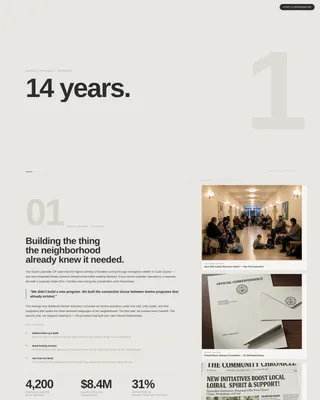
Steward is a Bold Brutalist nonprofit leader portfolio landing page built on an asymmetric 60/40 grid. It leads with a scroll-jacked statistic sequence, then unfolds three escalating case studies across a documentary-style dual-column layout. The result is a high-stakes, evidence-first presentation designed to earn trust from foundation officers, board committees, and conference organizers.
by Rocket studio
Quick summary
Steward is a single-page nonprofit leader portfolio template built for high-stakes evaluation contexts. It combines a scroll-jacked header, an asymmetric case study grid, and two conversion paths into one unflinching, evidence-forward layout. The design speaks the language of grant rooms and boardrooms without a single decorative distraction.
Who this template is for
This template serves nonprofit professionals who need their career record to do serious persuasive work. The audience evaluating the page is equally specific, and the layout is built with both parties in mind.
- Nonprofit executives and senior leaders seeking grant partnerships or board roles
- Professionals preparing for keynote pitches or conference speaking invitations
- Career-stage leaders whose impact is best told through campaigns, coalitions, and quantified policy outcomes
What problem this template solves
A standard portfolio or resume fails the moment a foundation program officer needs to see evidence at a glance. Generic formats bury outcomes in dense prose and offer no sense of scale or stakes.
- Evaluators cannot quickly assess the scope and credibility of a leader's track record
- Career narratives lack the structural clarity needed to move a decision forward in grant or board contexts
- Existing templates treat nonprofit work like a commercial resume, stripping out the human outcomes and systemic impact that matter most to institutional audiences
What you get with this template
You receive a complete, ready-to-customize single-page layout built around three escalating case studies and two clear conversion paths. Every section is purposeful and nothing is decorative.
- A scroll-jacked header sequence that opens with three stark impact statistics typed in oversized brutalist type
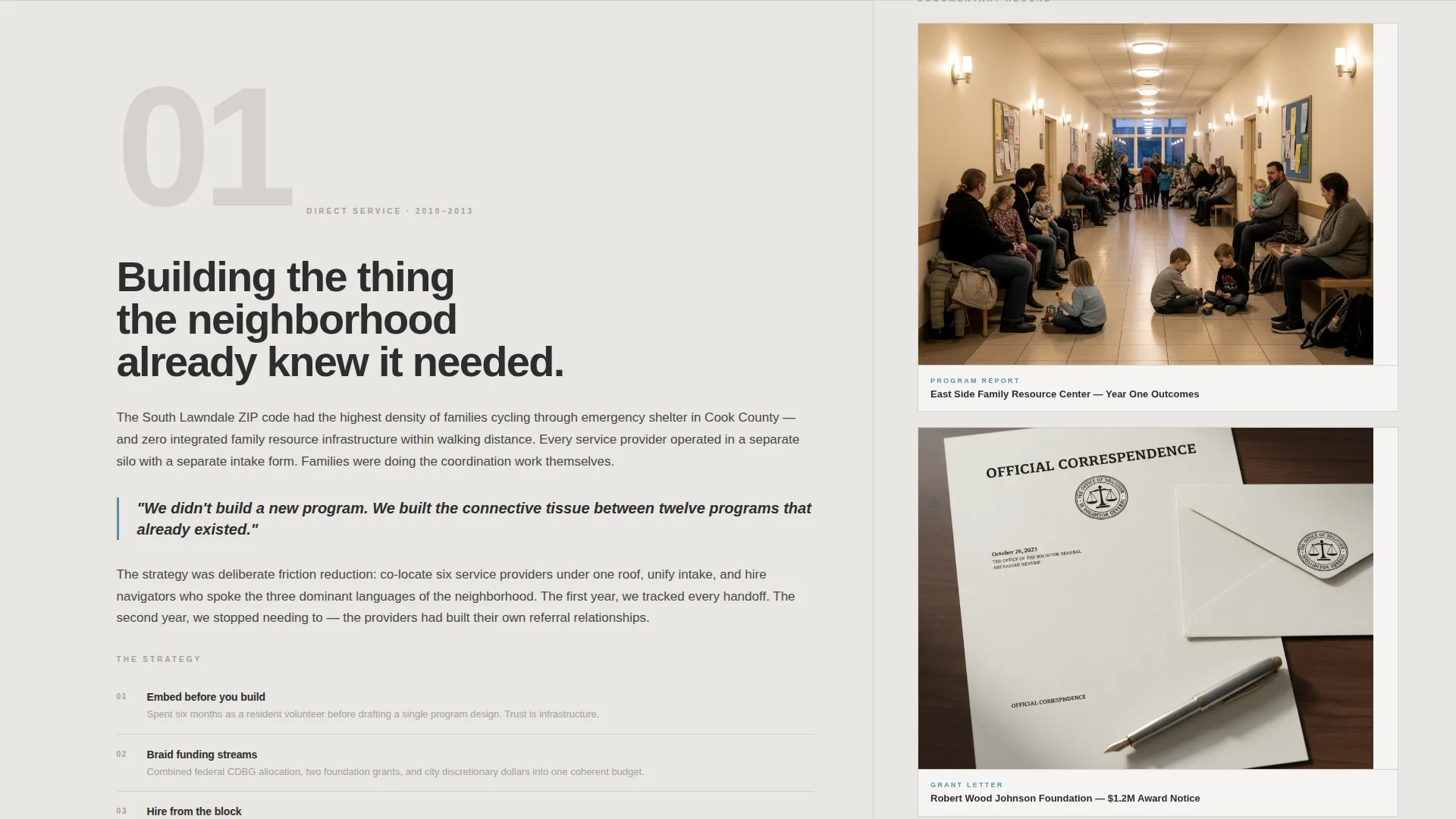
- A 60/40 asymmetric grid that pairs long-form narrative blocks with a parallel artifact timeline
- A lead generation form and a gated PDF download path, both embedded in the page
Feature list
This template delivers a tightly engineered set of components. Each one serves the specific communication demands of a nonprofit leader portfolio.
Scroll-Jacked Statistic Header
The viewport locks on entry and displays a single oversized statistic. Each scroll tick replaces the line with the next in a three-beat sequence, for example "14 years. 3 organizations. $220M mobilized." The lock releases only after all three lines have landed, then drops the visitor into the first case study.
Asymmetric 60/40 Case Study Grid
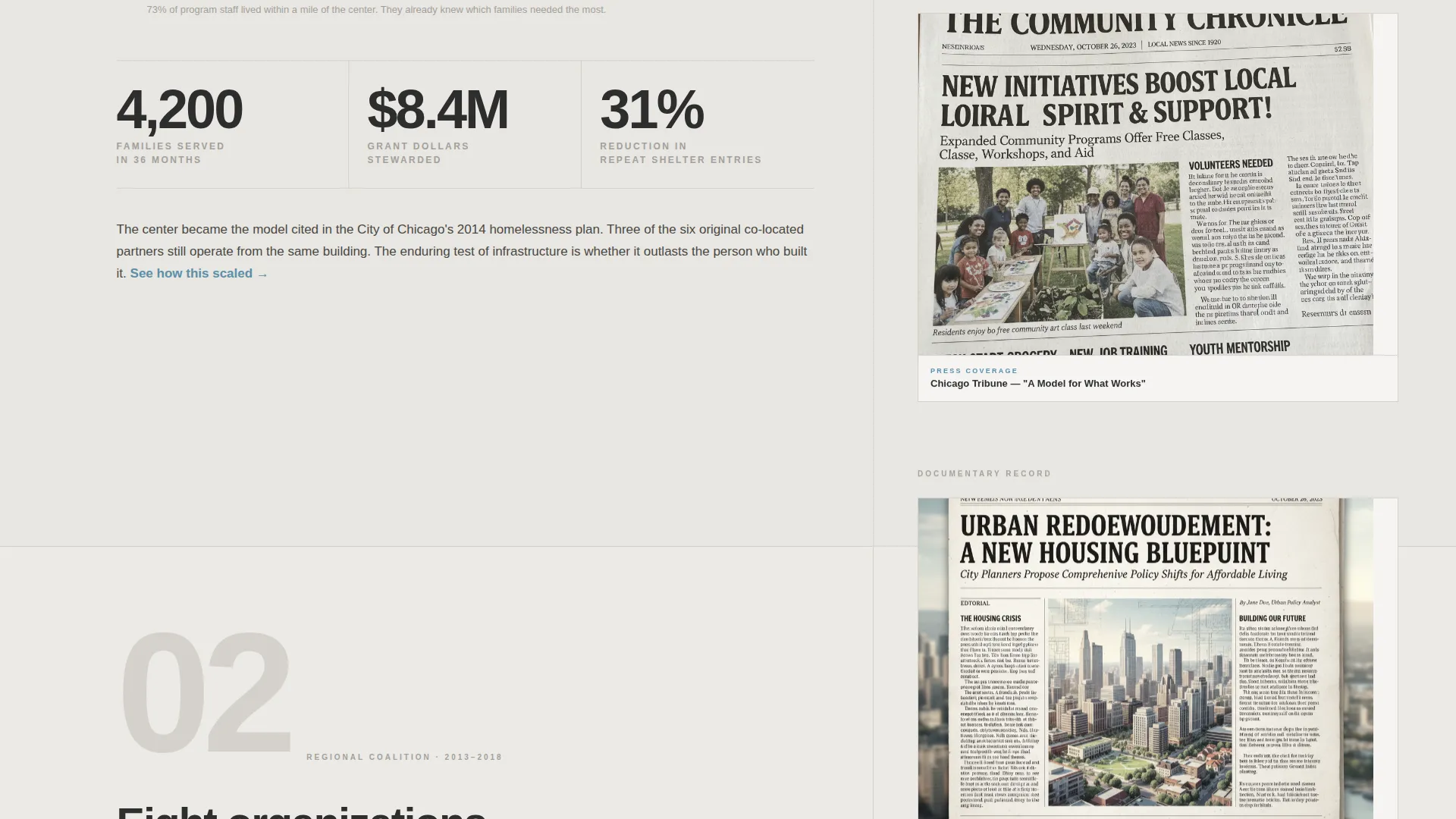
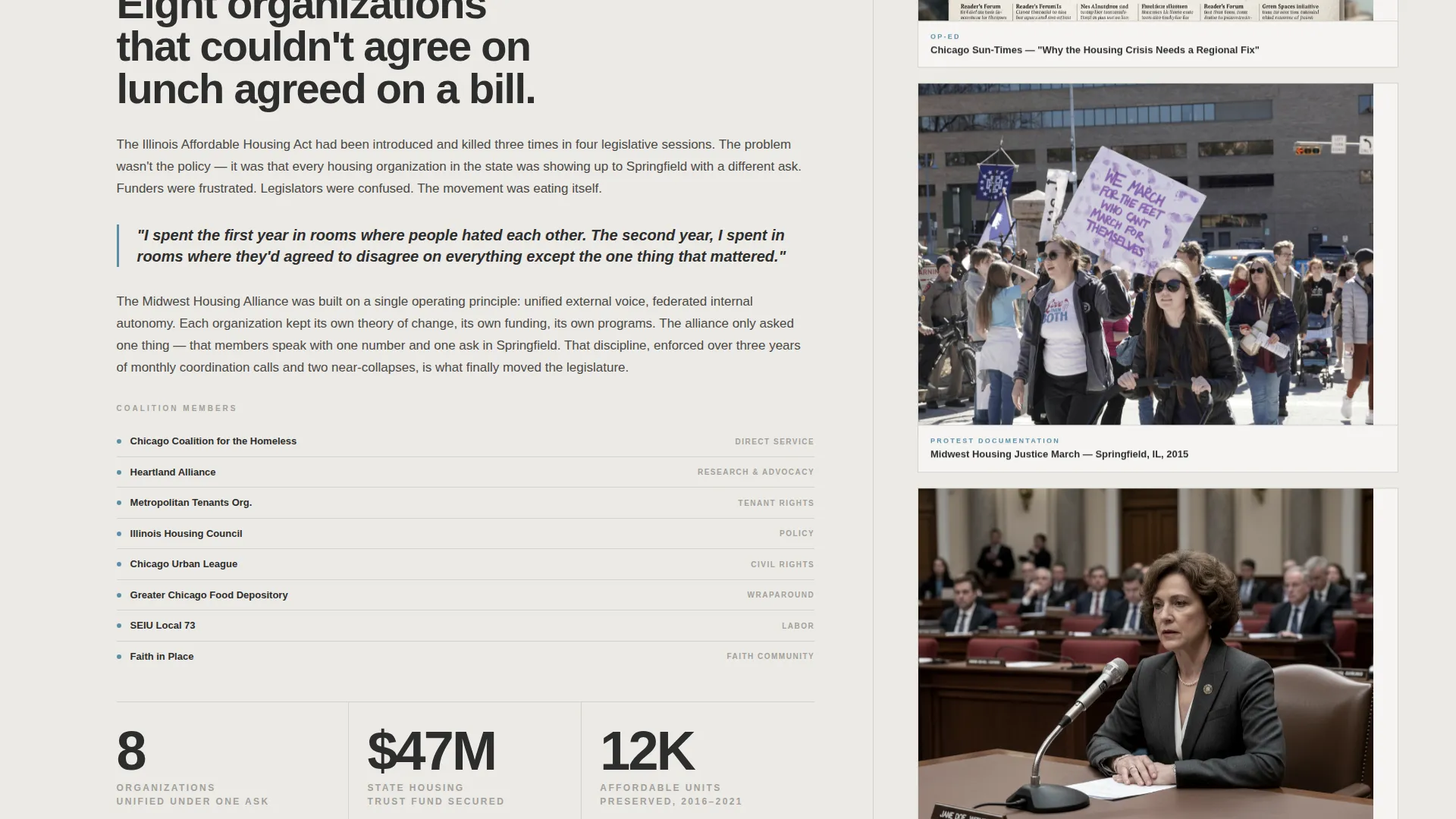
The wider left column carries the story in long-form narrative blocks: problem framing, minimal strategy diagrams, and bold outcome callout figures. The narrower right column runs a parallel artifact timeline of scanned documents, protest photos, and legislative testimony thumbnails that scroll at a slightly different speed, creating a documentary-wall texture.
Escalating Case Study Structure
Three case studies are arranged in deliberate order: local direct service, regional coalition work, and national policy shift. Each one raises the scope and stakes, building a dossier-style reading experience that sustains attention through the full page scroll.
Fixed and Full-Width Call to Action
A "Start a Conversation" pill sits fixed in the top-right corner throughout the scroll. After the final case study, the same call to action reappears as a full-width brutalist block containing a low-friction form: name, organization, and a single open field labeled "What are you looking for?"
Gated PDF Download Path
A secondary conversion path offers "Download the Full Portfolio (PDF)" gated behind an email field. This captures evaluators who need to circulate the work internally before initiating direct contact, covering a realistic and common decision-making behavior in institutional contexts.
Cloud Canvas Color System
The entire palette is built from four values: overcast white (#E8E6E1), poured concrete (#A3A09B), storm-front charcoal (#2D2D2D), and a single intervention of rain-washed blue (#5B8FA8). The blue appears only on links, hover states, and pull-quote borders, making every actionable element immediately identifiable.
Page sections overview
| Section | Purpose |
|---|---|
| Scroll-jacked header | Open with three timed impact statistics before releasing the scroll |
| Case study one | Present local direct service work with narrative and artifact columns |
| Case study two | Escalate to regional coalition story with parallel timeline artifacts |
| Case study three | Deliver national policy shift as the highest-stakes dossier entry |
| Lead generation block | Collect name, organization, and intent via a full-width brutalist form |
| PDF download gate | Capture evaluator emails via a secondary portfolio download offer |
Design & branding system
The visual identity is Bold Brutalist, which means structure and typography carry the full aesthetic weight. There are no gradients, illustrations, or decorative elements anywhere in the layout.
- Four-color Cloud Canvas palette: overcast white (#E8E6E1), poured concrete (#A3A09B), storm-front charcoal (#2D2D2D), and rain-washed blue (#5B8FA8) used exclusively for interactive and pull-quote elements
- Large fields of white space breathe against monolithic charcoal type blocks; concrete tone anchors secondary text and section dividers
- Oversized brutalist sans-serif typography drives hierarchy, with bold callout figures used as the primary visual anchor in each case study
Mobile & speed optimization
The 60/40 grid and dual-column artifact timeline are designed to restack gracefully at smaller viewport widths. The scroll-jacked header sequence and fixed pill call to action are retained across breakpoints.
- Case study narrative and artifact columns reflow into a single stacked column on mobile viewports
- Fixed "Start a Conversation" pill remains accessible in the top-right corner throughout the mobile scroll
- The full-width lead generation block and PDF download gate maintain their full structure on smaller screens
How this template helps you convert
The page is built around a specific conversion logic: let the evidence make the argument before asking for anything. By the time a visitor reaches the form, three escalating case studies have already established credibility.
- The scroll-jacked header creates an immediate impression of scale, holding attention before a single case study word is read.
- Dual conversion paths serve two distinct decision-making behaviors: direct outreach via the contact form and internal circulation via the gated PDF download.
Other information about this template
This template is part of the Personal and Resume category, specifically designed for the nonprofit leader portfolio niche. A few practical details are worth knowing before you customize it.
- The template is a single landing page, not a multi-page site; all content lives in one scrollable, section-led layout
- The artifact timeline column is designed to hold scanned real-world documents such as op-eds, grant approval letters, and legislative testimony thumbnails
- The pull-quote border treatment in rain-washed blue (#5B8FA8) is the only decorative use of color; all other blue instances are reserved for links and hover states
- This template suits career contexts where outcomes need to be translated from grant-report language into human and systemic impact
Theme
Bold Brutalist
Creative direction
Case Study Narrative
Color system
Cloud Canvas
Style
Asymmetric Grid (60/40)
Direction
Lead Generation
Page Sections
Scroll-jacked Statistic Header
Asymmetric 60/40 Case Study Grid
Escalating Three-case-study Structure
Fixed and Full-width Call to Action
Gated PDF Portfolio Download
Cloud Canvas Color System
Related questions
Who is the primary audience viewing this landing page?
What does the lead generation form ask for?
Does the page include a photo or portrait section?
Can I add more than three case studies to the layout?
Is this template suitable for someone early in their nonprofit career?



