Mobile App Developer Bento Grid Landing Page
Studioink is a bento grid landing page built for mobile app development studios. It pairs an Ink and Paper visual theme with an interactive project explorer, letting visitors tap into real work before they commit. A built-in lead capture form accepts sketch uploads and budget details, turning curious visitors into qualified enquiries from the first scroll.
by Rocket studio
Quick summary
Studioink is a single-page bento grid landing page designed for boutique mobile app development studios. The Ink and Paper theme, asymmetric grid layout, and sketch-upload lead form work together to present craft, build trust through process, and convert founders and product teams into qualified leads.
Who this template is for
This template is built for small and mid-size studios that ship polished iOS and Android apps and want their website to reflect the same precision as their code. It speaks to studios whose clients arrive with ideas, not final specs.
- Startup founders who hold a validated idea and seed funding and need a studio they can trust
- Product managers at mid-size software companies whose legacy mobile experience is losing users
- Solo entrepreneurs who have outgrown a no-code prototype and are ready to build the real thing
What problem this template solves
Most developer portfolio pages look like resumes. They list skills, drop a few screenshots, and ask visitors to get in touch. That approach does not build confidence in a studio's craft, and it does not qualify leads before the first call.
- Visitors leave without understanding how the studio thinks or works
- Generic contact forms collect low-quality enquiries with no project context
- There is no visual proof of process, only finished screenshots that could have come from anywhere
What you get with this template
You get a complete, ready-to-customise landing page that presents your studio's work the way a designer presents a project wall: curated, layered, and alive with detail. Every section has a job, and every element earns its place on the page.
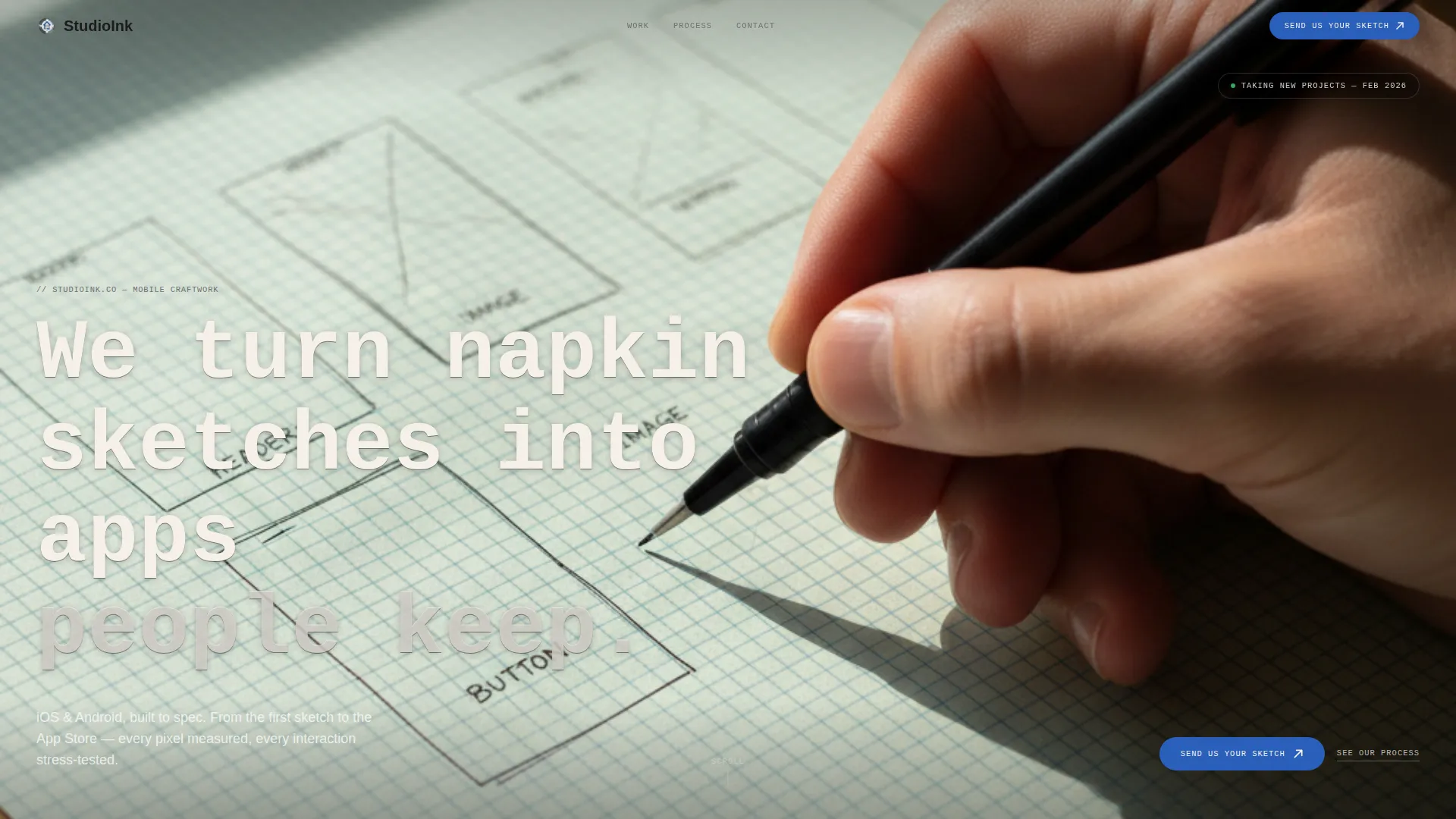
- A Type Over Image header with a full-bleed wireframe photograph and a heavy monospaced headline
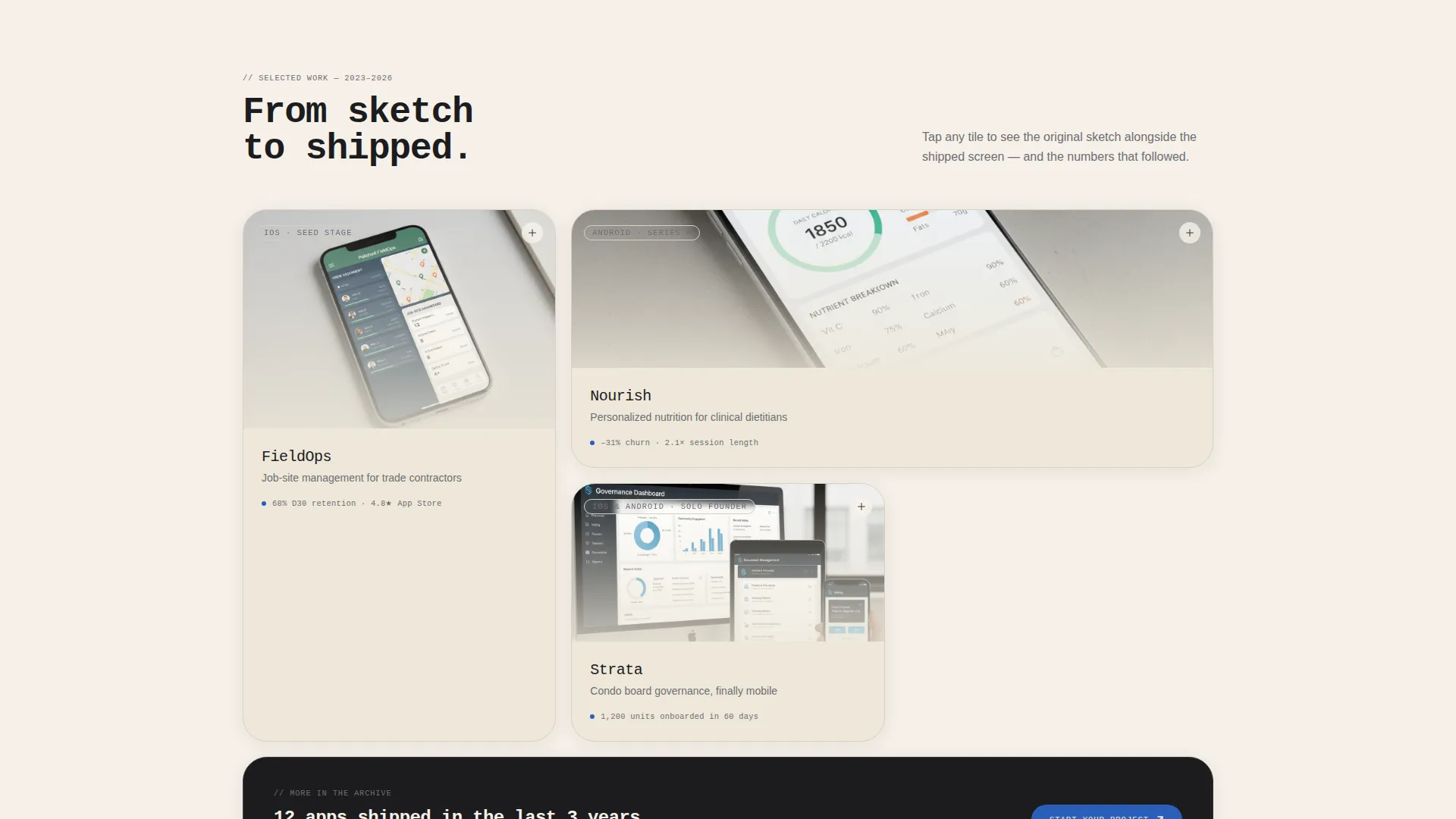
- An interactive bento grid explorer where each tile expands to reveal process shots, a case narrative, and a sketch-versus-shipped comparison
- A lead capture form tile styled as a blank notebook page, accepting a name, app description, sketch photo or PDF wireframe upload, and a budget range selection
Feature list
A brief introduction to the capabilities built into this template. Each one is drawn directly from the brief and designed to serve a specific job on the page.
Type Over Image Header
A large-format photograph of a hand sketching a mobile wireframe on graph paper sits behind a bold monospaced headline with no overlay or gradient. The type reads like handwriting on the photograph itself, setting the studio's tone before the visitor scrolls.
Interactive Bento Grid Explorer
The grid behaves like a clickable workshop wall. Each tile represents a project or capability, and tapping one expands it in place to show process photography, a short case narrative, and a side-by-side of the original sketch against the shipped screen.
Asymmetric Grid Tile Layout
Tiles vary in size and proportion, mixing tall single-column deep dives with wide landscape screenshot panels. The deliberate asymmetry keeps the layout visually unpredictable and encourages visitors to explore every card rather than scan and leave.
Sketch Upload Lead Form
The contact form lives inside its own bento tile styled as a blank notebook page. It asks for a name, a one-line app description, a drag-and-drop field for sketch photos or PDF wireframes, and a budget range selector covering three tiers.
Secondary Process Path
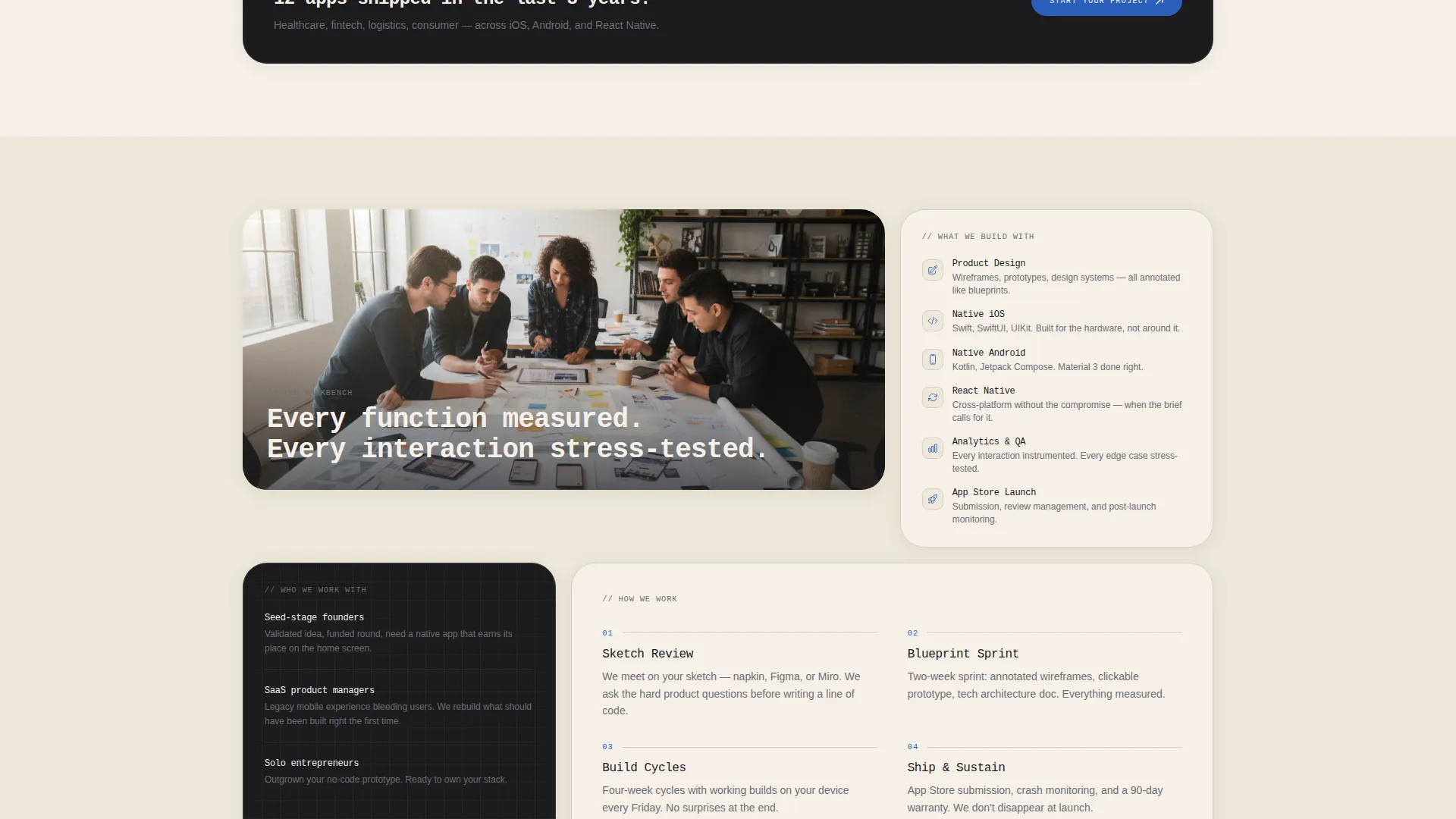
A "See Our Process" link scrolls visitors back up to the expanded case tiles. This gives curious visitors a low-commitment way to learn more before filling in the form, letting the work qualify leads before the studio spends time on a call.
Monochrome Steel Color System
The palette uses deep graphite for primary surfaces, brushed steel for secondary type and dividers, warm parchment as the dominant background, and a single fountain-pen blue accent reserved for interactive elements and calls to action.
Page sections overview
| Section | Purpose |
|---|---|
| Header with headline | Establishes studio identity and tone through a wireframe photograph and bold typeset headline |
| Bento grid explorer | Presents projects and capabilities as expandable interactive tiles with process detail |
| Expanded tile view | Reveals case narratives, process shots, and sketch-versus-shipped screen comparisons on tap |
| Lead capture form | Collects name, app description, sketch upload, and budget range inside a notebook-styled tile |
| Secondary process call to action | Offers a scroll-back path to case tiles for visitors not ready to submit a form |
Design & branding system
The visual language draws from the feeling of a technical drawing pinned to a drafting board under a banker's lamp. Every color and typographic choice reinforces the Ink and Paper theme without becoming decorative.
- Warm parchment (#F5F0E8) as the dominant background, deep graphite (#1C1C1E) for primary surfaces, and brushed steel (#6E6E73) for secondary type and divider lines
- Fountain-pen blue (#2A5FBA) used exclusively for interactive elements and calls to action, keeping the accent meaningful and never diluted
- A heavy monospaced typeface for headlines, consistent with the drafting-table aesthetic and legible at large display sizes
Mobile & speed optimization
The bento grid layout is structured to reflow cleanly on smaller screens. Tile expansion behavior and the drag-and-drop upload field are designed with touch interaction in mind, so the experience holds up on the devices your clients actually use to review agencies.
- Tile proportions adapt across screen sizes so the asymmetric grid remains readable without horizontal scrolling
- The form tile maintains its notebook-page styling at mobile widths, keeping the metaphor intact on any device
- Touch targets on interactive tiles are sized for comfortable tap interaction without accidental activation
How this template helps you convert
The layout is engineered around two conversion paths: a direct enquiry form for ready buyers, and a process exploration route for visitors who need more context first. Both paths are present at all times and reinforce each other.
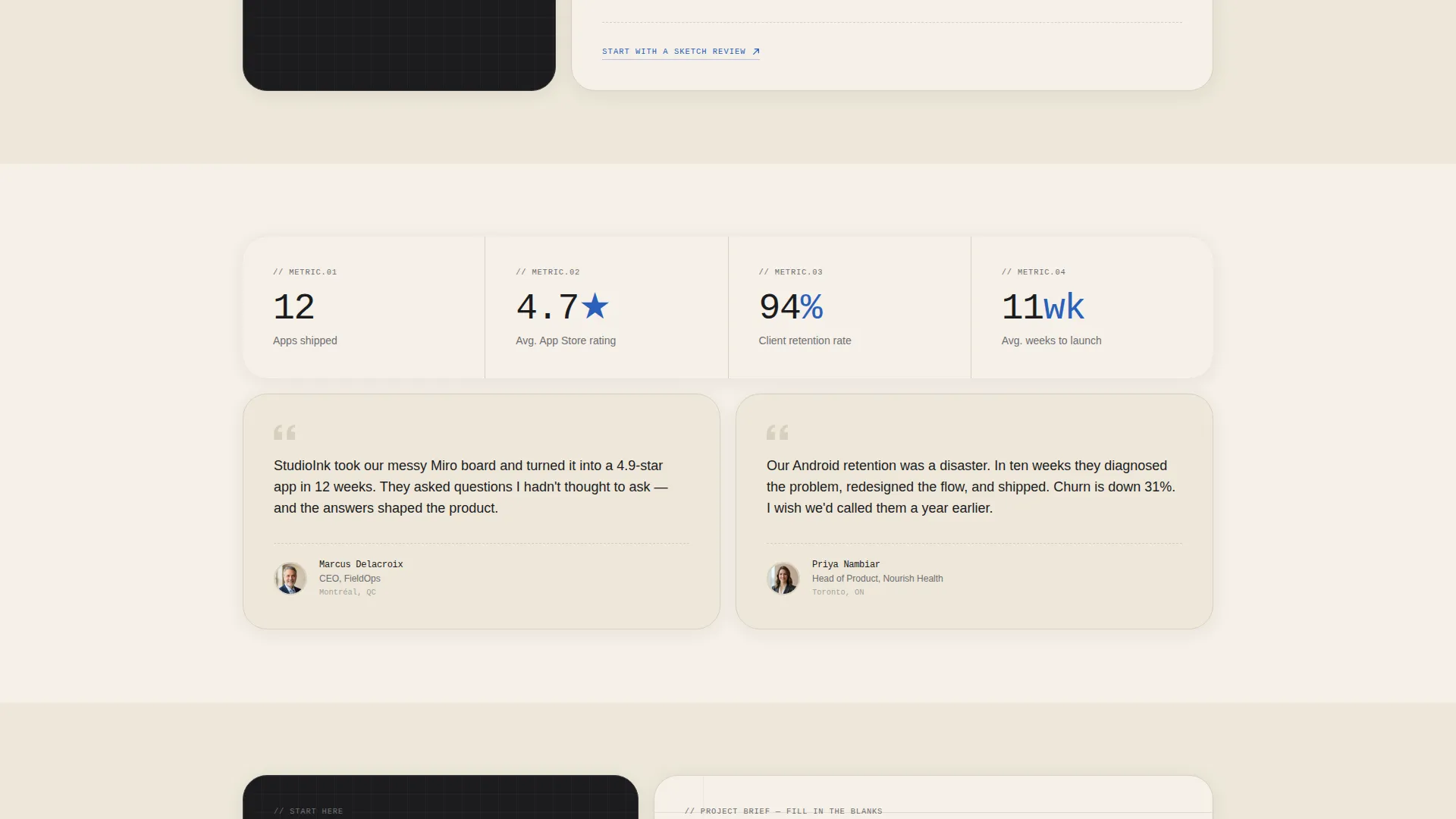
- The expandable bento tiles let your work do the convincing before any ask is made, building trust through process transparency rather than claims
- The "Send Us Your Sketch" form lowers the barrier to contact by making the first step tangible and specific: upload a sketch, pick a budget, send it off
Other information about this template
This template sits in the Portfolio and Agency category under the Developer and Tech Portfolio subcategory, with a precise fit for the Mobile App Developer niche. It is built as a single-page bento grid landing page, so every element from header to form lives in one scrollable, interactive experience.
- The template style is Bento Grid, the theme is Ink and Paper, and the creative direction is Interactive Explorer
- The header concept is Type Over Image, and the primary conversion direction is Lead Generation
- The color system is Monochrome Steel, combining warm parchment backgrounds with graphite surfaces and a single blue accent
- This template is well suited for studios looking for a mobile app developer landing page that presents craft and process, not just a service list
Theme
Ink & Paper
Creative direction
Interactive Explorer
Color system
Monochrome Steel
Style
Bento Grid
Direction
Lead Generation
Page Sections
Type Over Image Header
Interactive Bento Grid Explorer
Asymmetric Grid Layout
Sketch Upload Lead Form
Dual Conversion Paths
Monochrome Steel Palette
Related questions
Can I add my own project photographs to the bento tiles?
Does the sketch upload field support both image files and PDF wireframes?
Can I adjust the budget range options in the lead form?
Is this template suitable for a solo freelance app developer?
Can the 'See Our Process' link be redirected to a separate page?



