Solar Installer Business Reviews Website Template
Sunfield is a solar installer landing page template built for licensed electricians and energy consultants serving residential, commercial, and municipal clients. It opens with an animated data header, flows through alternating zigzag testimonial sections paired with production charts, and closes with a zip-code savings tool and a gated county-level PDF download. Every section earns trust before asking for a conversion.
by Rocket studio
Quick summary
Sunfield is a single-page solar installer template designed around neighbor-verified proof. It counts real kilowatt-hours, surfaces homeowner production data, and funnels visitors toward a zip-code lookup tool. The design uses a charcoal and amber palette to feel authoritative without being cold. By the time anyone reaches the form, twelve local households have already made the case.
Who this template is for
This template is built for solar installation businesses that need more than a brochure page. It suits teams handling residential, commercial, and municipal projects across a defined service territory.
- Licensed electricians and energy consultants marketing photovoltaic array installation to homeowners
- Commercial property managers and municipal facilities directors looking for deadline-driven proof of results
- Solar installer businesses that want a content-rich landing page to convert high-intent local traffic
What problem this template solves
Most solar installer pages lead with price or vague green promises. Visitors arrive skeptical and leave unconvinced. Sunfield flips that sequence by front-loading verified neighbor data before asking for any contact information.
- Homeowners need to see real local production numbers before they trust an installer
- Commercial and municipal clients need geographic proof of saturation, not just brand claims
- Installers lose conversions when their page asks for a name and email before earning the click
What you get with this template
Sunfield delivers a structured, section-led landing page that escalates from data storytelling to testimonial proof to action. Every layout block serves a specific conversion role.
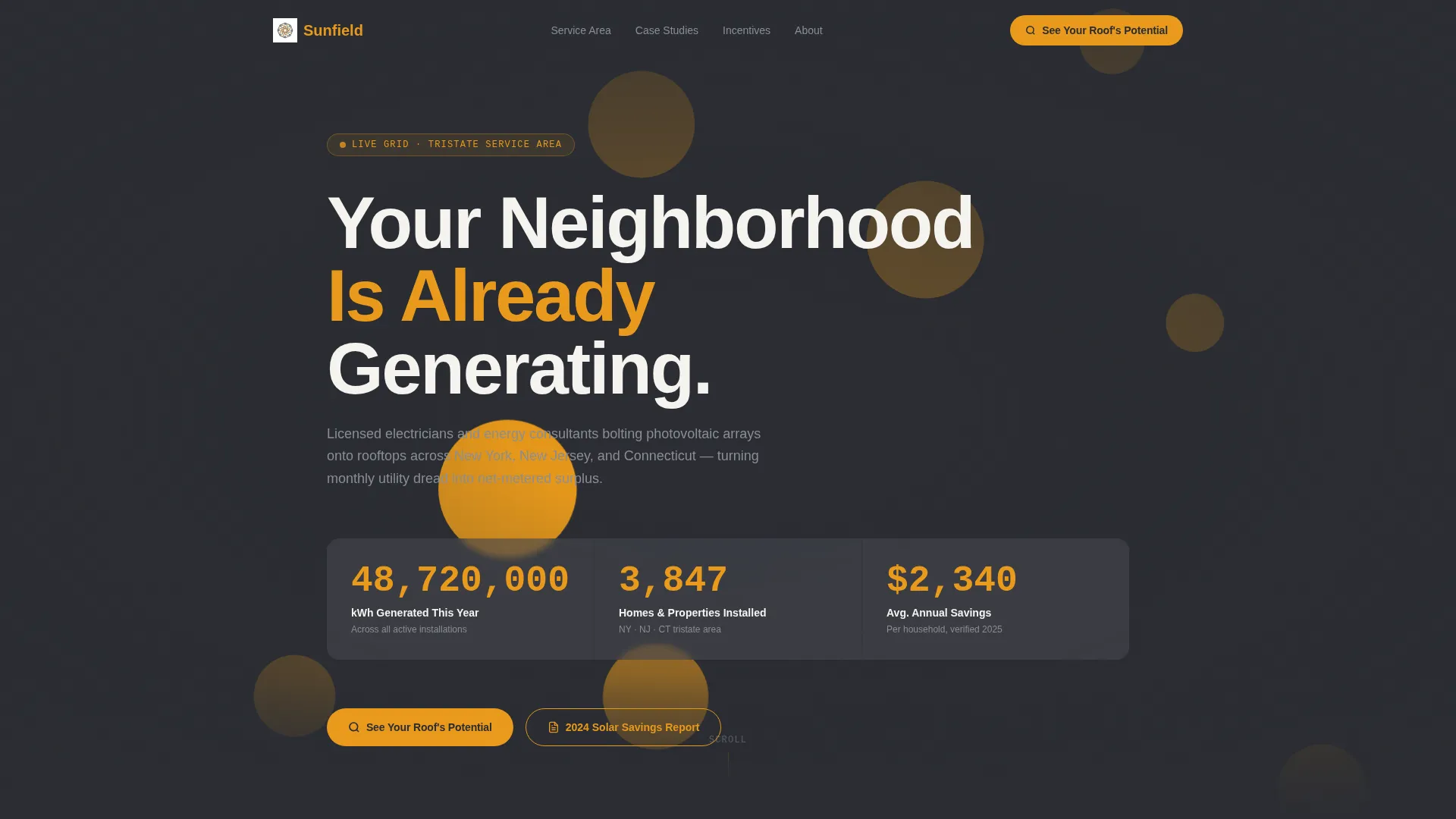
- A full-width animated header with live-counting metrics and a topographic service-area map
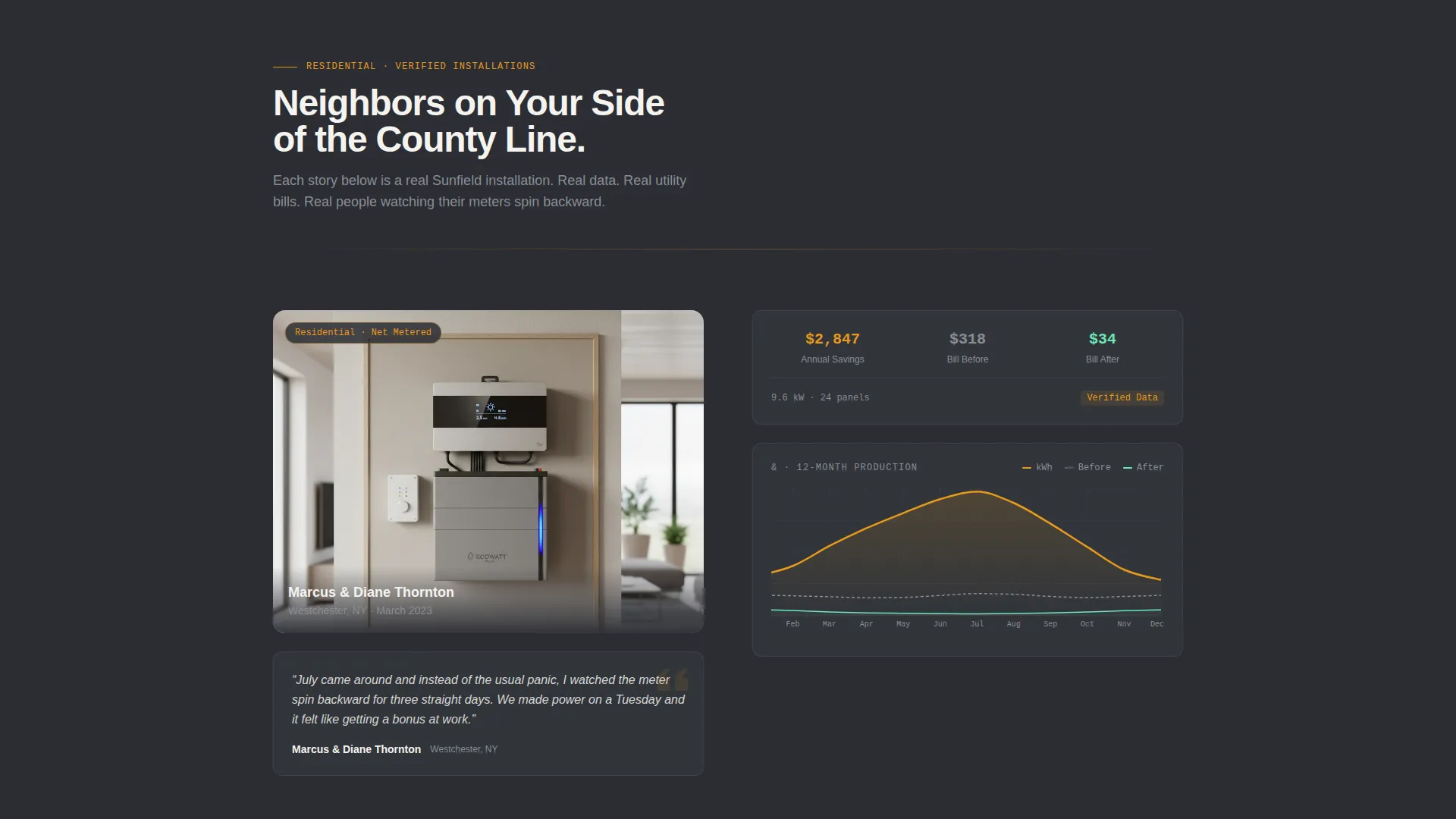
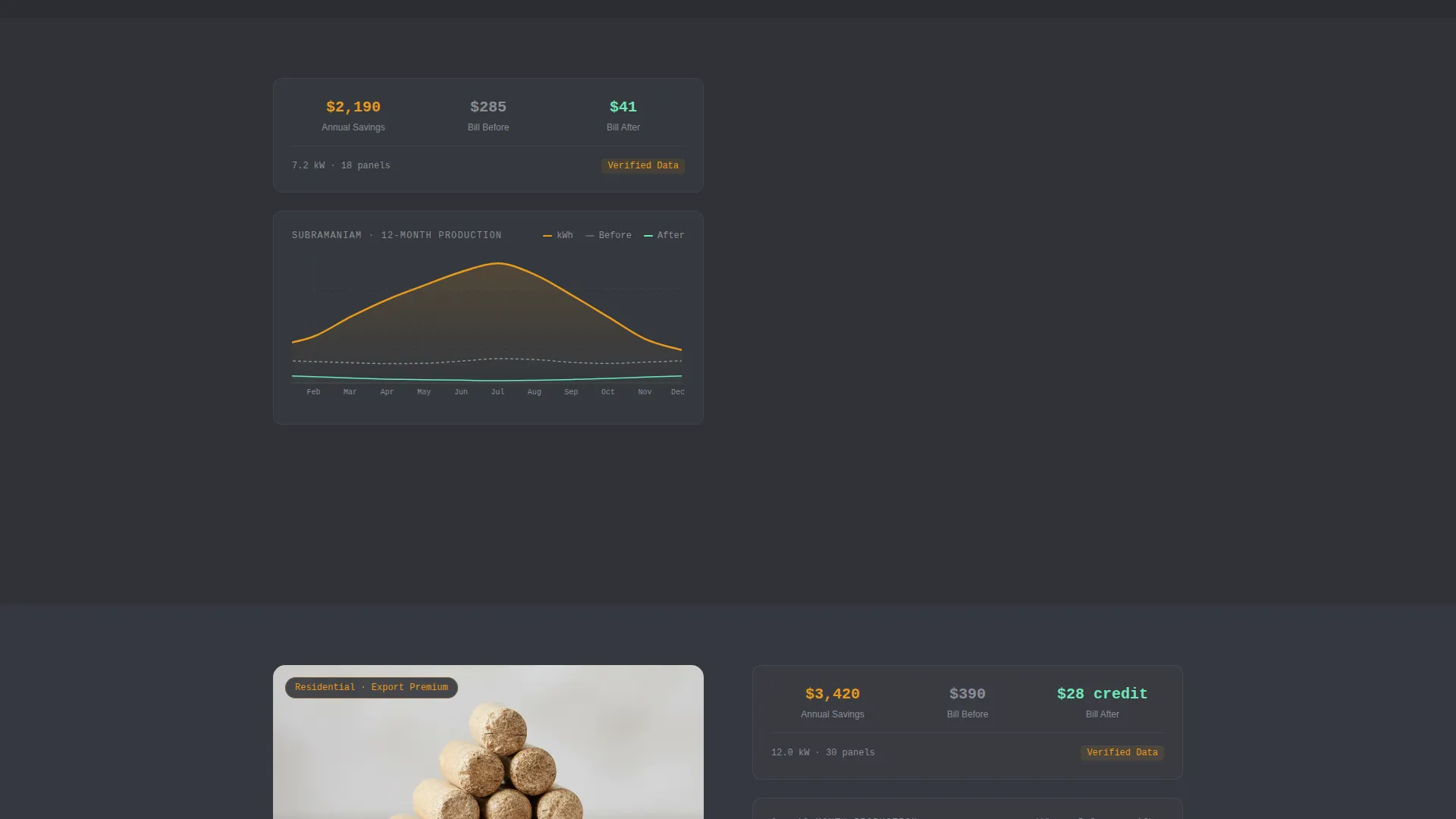
- Zigzag alternating sections pairing homeowner portraits and quotes with 12-month generation charts
- A zip-code lookup tool returning production estimates, projected savings, and local incentive data
- A gated county-level PDF download titled "2024 Solar Savings Report" behind a name and email field
Feature list
This template ships with purpose-built components that reflect the real sales process for a multi-client solar installer.
Animated Data Header
The header opens with upward-counting metrics: total kilowatt-hours generated, homes installed, and average annual savings per household. Each digit snaps into place in amber against a charcoal field. A faint topographic service-area map pulses behind the counters, with zip codes lighting up like a slow-moving electrical grid.
Zigzag Testimonial Mosaic
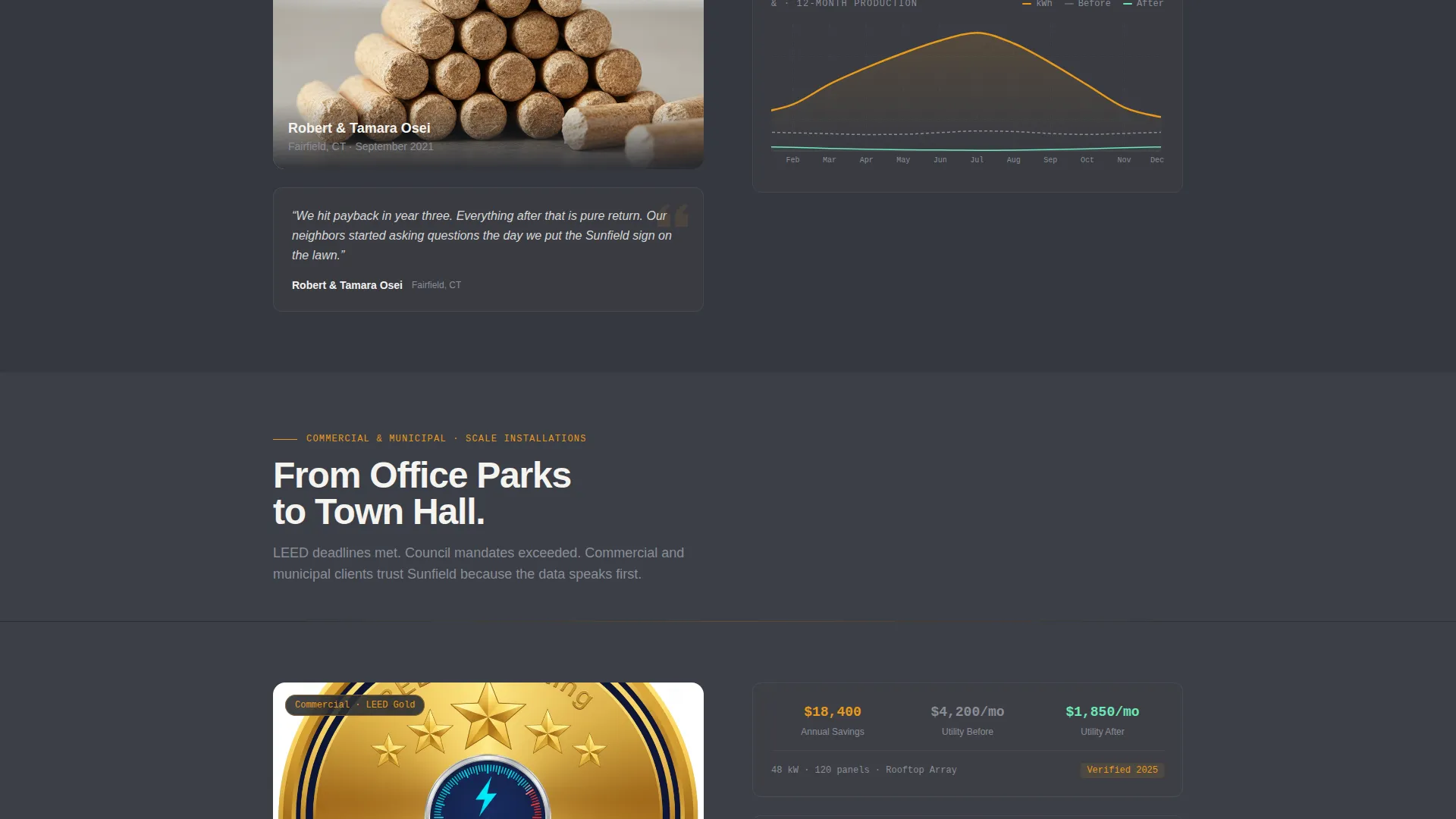
Each alternating section pairs a homeowner portrait and two-sentence quote on one side with a simplified 12-month generation chart and before-and-after utility cost overlay on the other. The mosaic escalates from residential to commercial to municipal clients, proving geographic saturation across the service territory.
Zip-Code Savings Lookup Tool
The primary call to action, labeled "See Your Roof's Potential," connects to a zip-code entry field. The results card returns estimated annual production, projected savings, and available local incentives in a single, readable output.
Gated PDF Download Path
A secondary conversion path offers a downloadable "2024 Solar Savings Report" scoped to the visitor's specific county. It is gated behind a simple name and email form, giving the installer a warm lead with documented local interest.
Progressive Charcoal Background Shift
Each alternating zigzag section uses a slightly lighter shade of charcoal than the previous one. This gradual brightening creates a visual metaphor for accumulating evidence, reinforcing confidence as the visitor scrolls deeper into the page.
Page sections overview
| Section | Purpose |
|---|---|
| Animated data header | Opens with live-counting metrics and a faint service-area map |
| Headline fade-in | Introduces the core message: "Your Neighborhood Is Already Generating" |
| Residential testimonial row | Pairs a homeowner portrait and quote with 12-month production chart |
| Commercial testimonial row | Shifts proof to commercial property results and utility cost data |
| Municipal testimonial row | Closes the mosaic with public-sector renewable target outcomes |
| Zip-code lookup tool | Primary call to action returning production estimates and local incentives |
| County PDF download | Secondary gated form offering the 2024 Solar Savings Report |
Design & branding system
The visual identity follows a Corporate Precision theme. The palette feels like a freshly printed annual report placed beside a cup of black coffee, authoritative, measured, and impossible to dismiss.
- Color system: deep graphite (#2B2D33), warm asphalt (#3E4047), utility-bill white (#F4F3EF), and solar amber (#E8991C) reserved for data highlights, calls to action, and interactive chart elements
- Layout style: zigzag alternating blocks with portrait-left and chart-right sections that mirror each other across the page as the background gradually lightens
- Typography and data display: mechanical digit-snap animations for counters, simplified 12-month bar or line charts with overlaid cost comparisons, and amber-accented interactive elements
Mobile & speed optimization
The template is structured for clean rendering across screen sizes. The zigzag layout is designed to reflow naturally for narrower viewports without losing the portrait-data pairing logic.
- Animated counters and the topographic map background are kept lightweight to avoid blocking the initial page render
- The zip-code results card and the gated PDF form are designed as self-contained blocks that work independently of surrounding layout sections
How this template helps you convert
Sunfield is built around a deliberate trust sequence. Every section earns the next click before asking for personal information.
- The animated header establishes credibility immediately with real aggregate numbers, setting a data-first tone before any claim is made in prose.
- The testimonial mosaic escalates through twelve verified local households, building geographic familiarity so the visitor feels they are already part the neighborhood's generation story.
- The zip-code lookup tool and the gated PDF download offer two distinct paths to conversion, capturing both the ready buyer and the early-stage researcher in the same visit.
Other information about this template
Sunfield is a strong fit for solar installer businesses that serve a defined tristate or regional service area and need a landing page that works as a content and resource hub rather than a simple contact form.
- The template supports a net metering narrative by pairing utility cost data with production output across every testimonial block
- The county-scoped PDF download is structured to support lead segmentation by geography without requiring complex tooling
- The page is designed to support LEED certification and municipal renewable mandate conversations through the commercial and municipal testimonial sections
- The escalating proof sequence makes it well suited for photovoltaic array installers who compete on local track record rather than price alone
Theme
Service Utility
Creative direction
FAQ-Driven
Color system
Plum Executive
Style
Single Column Flow
Direction
Click-Through
Page Sections
Animated Live-counting Data Header
Zigzag Testimonial and Chart Pairing
Zip-code Savings Lookup Tool
Gated County PDF Download
Progressive Background Brightening
Related questions
Who is the Sunfield template designed for?
Can I customize the testimonial sections with my own client data?
What does the zip-code lookup tool return to visitors?
How does the gated PDF download path work?
Can this template support both residential and commercial solar audiences?



