Engineering Consulting Portfolio Website Template
A single-page landing page built for fire protection engineering firms that handle suppression system design, smoke control, and egress modeling. The zigzag case study layout guides visitors through three real project narratives, building technical credibility before asking for anything. A mid-page guide download and a bottom code gap analysis form turn serious visitors into qualified leads.
by Rocket studio
Quick summary
This landing page template is built for fire protection engineering consultants. It uses a zigzag case study narrative to walk visitors through three complex suppression projects, building trust with each scroll. A downloadable resource mid-page and a code gap analysis form at the bottom provide two clear conversion paths for different buyer stages.
Who this template is for
This template is designed for fire protection engineering firms that work on technically demanding projects. It speaks directly to consultants who need to earn trust before a client picks up the phone.
- Fire protection engineers targeting general contractors bidding healthcare or mixed-use projects
- Consultants working with facility managers who have inherited aging suppression systems
- Engineering firms advising architects on code-compliant sprinkler and smoke control design
What problem this template solves
Most engineering firm pages list services without showing real work. Clients in this niche need to see proof before they commit to a conversation. This template removes that gap.
- Visitors land without context about your firm's depth and leave before contacting you
- Technical buyers need case studies and credibility signals, not generic service copy
- Two separate conversion paths are often missing, leaving early-stage and decision-ready visitors with nowhere to go
What you get with this template
You get a fully structured single-page layout built around three detailed case study narratives. Every section is designed to communicate technical authority while staying readable for non-engineers.
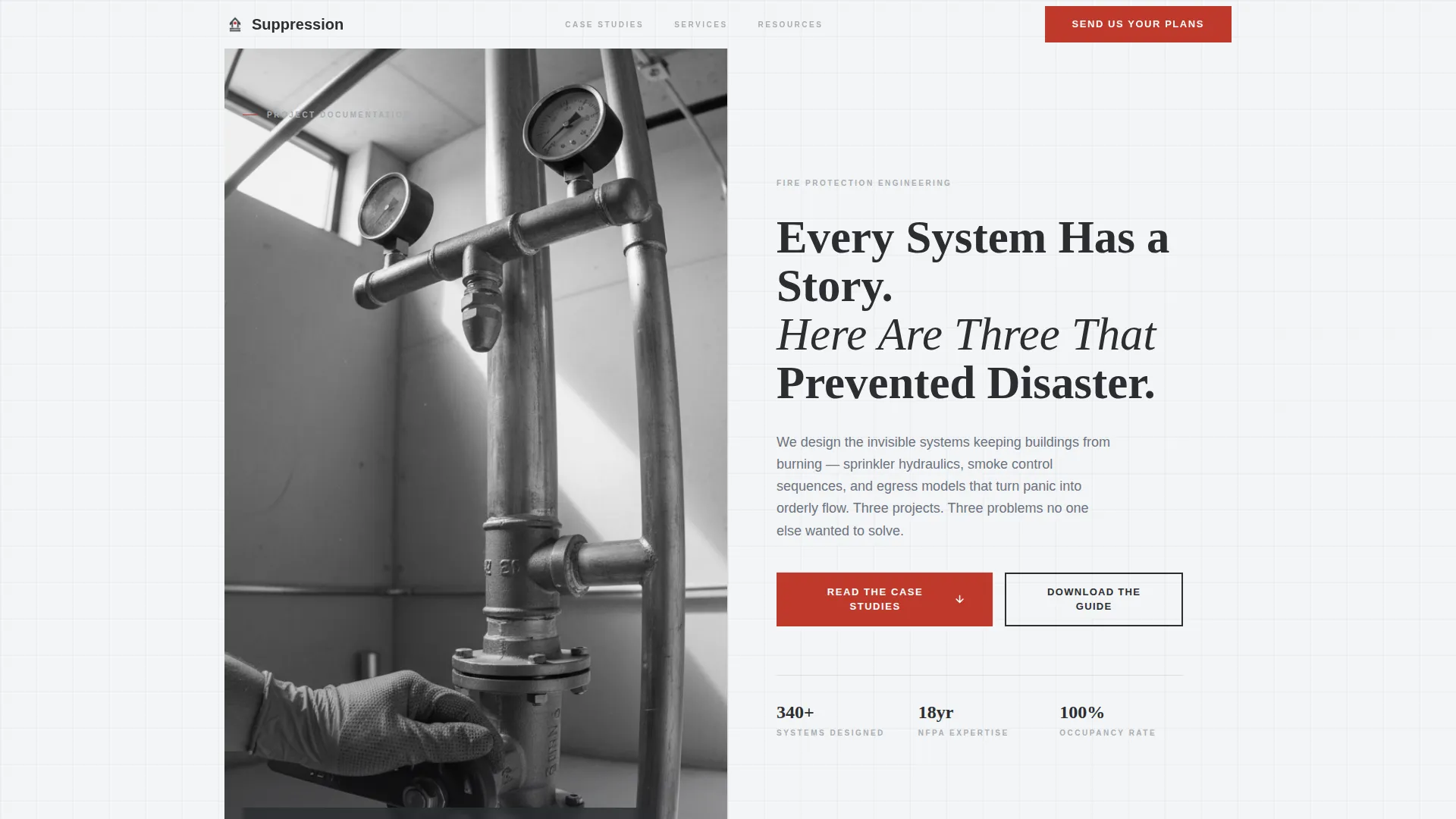
- A half-page split header with a job-site photograph and a headline anchored to real project outcomes
- Three zigzag case study blocks with space for building type, problem, engineering approach, and measurable result
- A mid-page downloadable guide form and a bottom-page code gap analysis form with file upload and building-type dropdown
Feature list
This section describes the core built-in capabilities of the template as delivered.
Half-Page Split Header
The header divides into two equal halves. The left side holds a full-bleed job-site photograph of a sprinkler riser installation. The right side carries the primary headline and a subline inviting the visitor into the first case study below.
Zigzag Case Study Layout
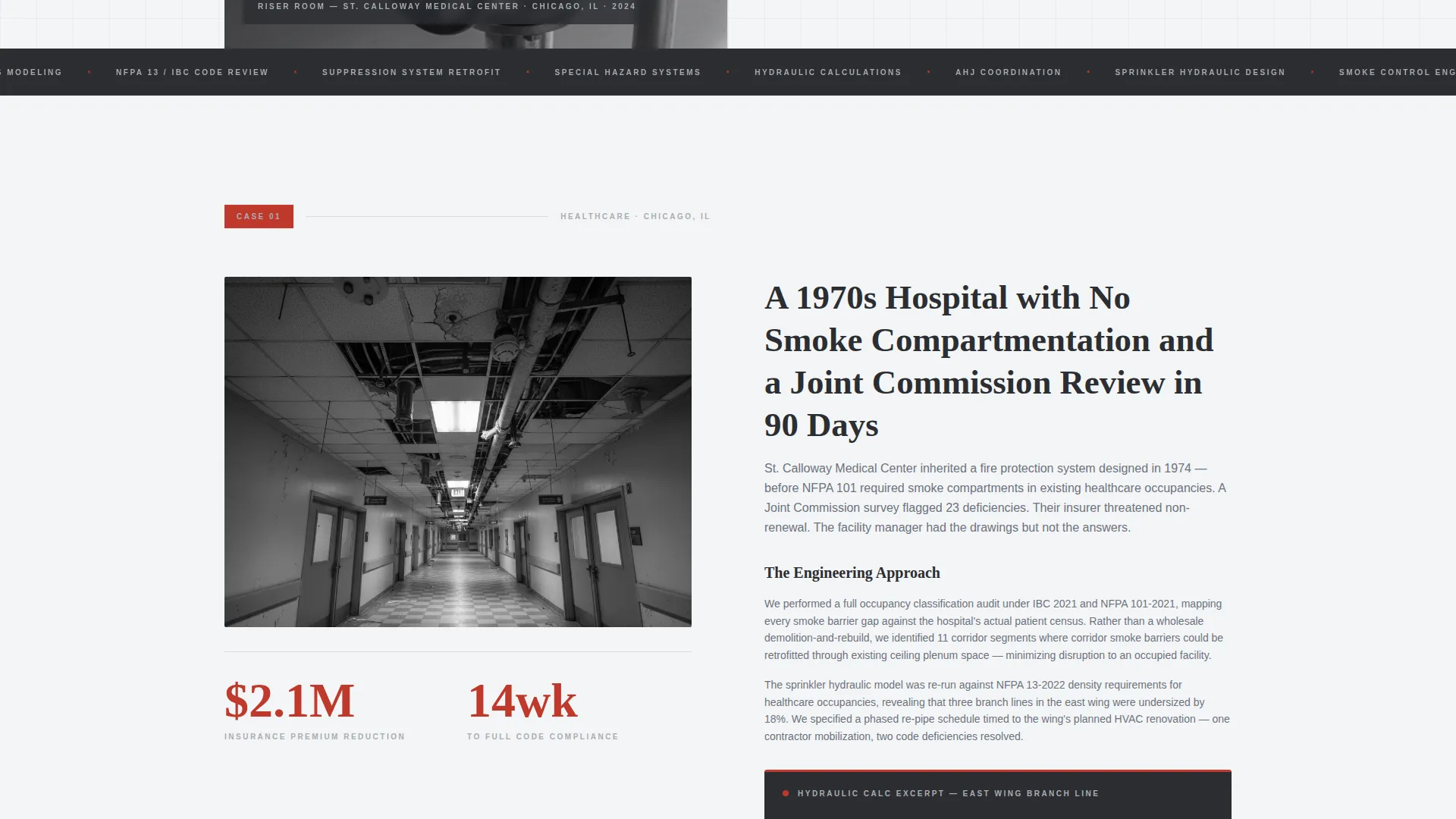
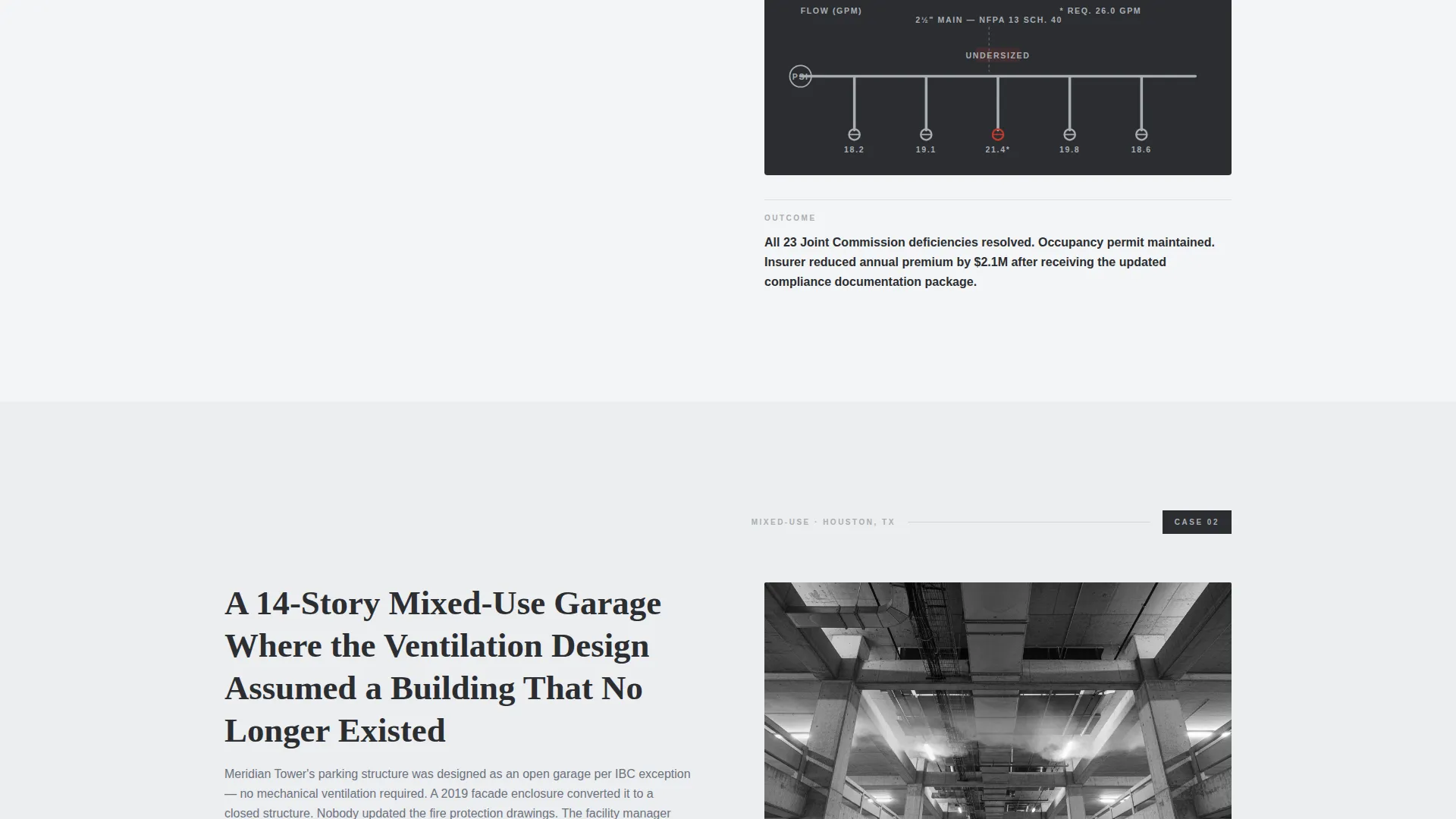
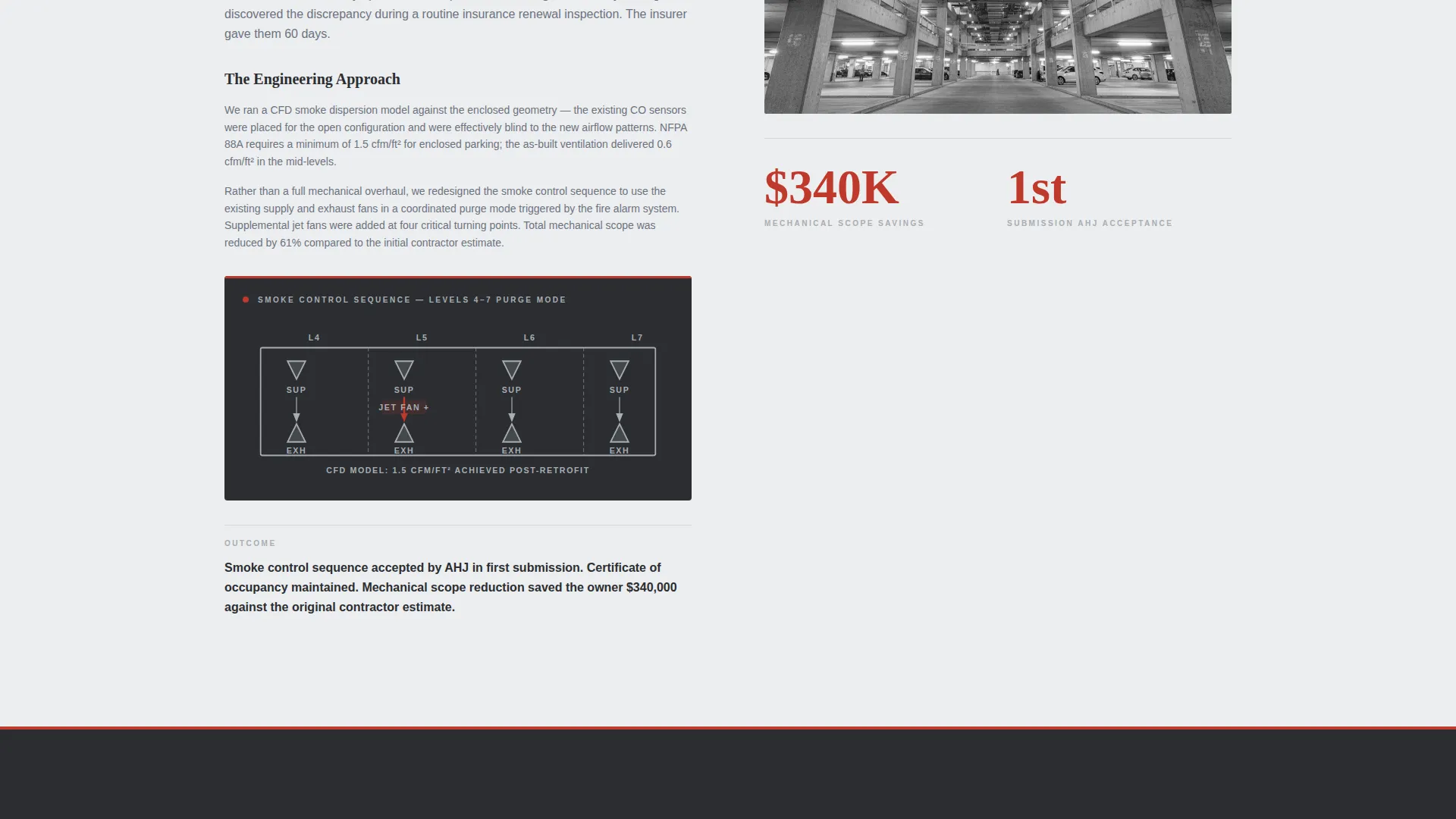
Three case study blocks alternate between left-image/right-text and right-image/left-text arrangements. Each block follows a consistent structure: building type, the problem faced, the engineering approach with a diagram or calculation excerpt, and the measurable outcome achieved.
Mid-Page Lead Capture Form
A primary call to action appears after the second case study, at the point where visitor credibility is highest. It asks only for an email address and project type, keeping friction low while qualifying the lead.
Code Gap Analysis Form
A secondary conversion path sits at the bottom of the page. It includes a file upload field for plan sets and a building-type dropdown, giving decision-ready visitors a direct way to start a technical conversation.
Monochrome Steel Color System
The palette uses structural charcoal, brushed aluminum, clean white, and a single emergency-red accent. Red appears only on calls to action and critical callouts, giving it the same immediate attention as a pull station on a hallway wall.
Educational Guide Visual Theme
Section backgrounds alternate between clean white and a steel-wash tone, creating a reading rhythm that feels like moving through a well-organized technical manual. Typography is heavy and precise, reinforcing the firm's calm authority.
Page sections overview
| Section | Purpose |
|---|---|
| Split Header | Anchors the page with a job-site photo and a headline built around real project outcomes |
| Case Study One | Presents the first project: a 1970s hospital with no smoke compartmentation |
| Case Study Two | Covers the high-rise parking garage with inadequate ventilation and the guide download call to action |
| Case Study Three | Closes the narrative arc with the historic theater where visible sprinklers were forbidden |
| Guide Download Form | Captures email and project type at peak credibility with a low-friction form |
| Code Gap Analysis | Provides a secondary path with file upload and building-type dropdown for ready buyers |
Design & branding system
The visual identity follows an Educational Guide theme built on a Monochrome Steel palette. Every color choice has a functional purpose, and nothing decorative competes with the content.
- Charcoal (#2B2D31) for body text and primary type, aluminum (#A8ADB3) for secondary labels, white (#F4F5F6) for main content backgrounds, and steel wash (#ECEDEF) for alternating section backgrounds
- Emergency red (#C0392B) is reserved exclusively for call-to-action buttons and critical callouts, used sparingly so it triggers immediate attention every time it appears
- Typography is heavy and structural, paired with industrial visual references including galvanized pipe, stenciled labels, and concrete block textures that feel serious without being cold
Mobile & speed optimization
The layout is structured to remain readable and functional across screen sizes. The zigzag blocks reflow cleanly for smaller viewports without losing the case study narrative structure.
- Alternating image-text blocks are designed to stack vertically on mobile, preserving reading order and flow
- Forms remain visible and accessible at both mid-page and bottom-page positions on all screen sizes
How this template helps you convert
The page is built around a deliberate credibility-first conversion sequence. It earns trust before it asks for anything, which is critical for high-stakes professional services.
- The case study narrative builds specific, project-backed credibility across three increasingly complex scenarios, so the visitor already trusts the firm before any form appears
- The mid-page guide download form captures early-stage visitors at the moment credibility peaks, using a low-barrier ask (email and project type) to start the relationship
- The bottom code gap analysis form with file upload converts decision-ready visitors who arrive prepared to act, giving them a direct technical entry point
Other information about this template
This template is part of a Professional Services engineering consulting collection. It is designed specifically for the fire protection engineering niche and reflects the content depth that technical buyers in this space expect.
- The template style is Zigzag/Alternating, making it well suited for firms with multiple strong project stories to tell
- The creative direction is Case Study Narrative, a format that performs well for engineering consultants whose work is inherently project-based and outcome-driven
- The landing page direction is Content/Resource delivery, meaning the downloadable Suppression System Selection Guide acts as the primary conversion engine rather than a direct service inquiry form
Theme
Educational Guide
Creative direction
Case Study Narrative
Color system
Monochrome Steel
Style
Zigzag/Alternating
Direction
Content/Resource
Page Sections
Half-page Split Header
Zigzag Case Study Blocks
Mid-page Guide Download Form
Code Gap Analysis Entry Form
Monochrome Steel Color System
Educational Guide Visual Theme
Related questions
Can I replace the case studies with my own project work?
Do I need to supply my own photography for the header?
How does the mid-page guide download form work?
Who is the code gap analysis form designed for?
Can this template support a firm that offers services beyond suppression?



