Patient Education Landing Page Template
A hub-and-spoke patient education landing page built for hand surgery practices. It walks patients through five major hand conditions, carpal tunnel, trigger finger, Dupuytren's contracture, fractures, and tendon repair, using anatomical illustrations, symptom checklists, procedure timelines, and week-by-week recovery cards. A sticky anchor nav and condition guide download make it easy to inform and convert before the first appointment.
by Rocket studio
Quick summary
This is a single-page patient education hub designed for hand surgery practices. It uses a hub-and-spoke layout with a sticky anchor navigation bar linking to five condition sections. Each spoke follows the same four-stage teaching flow. The result is a calm, clinically warm resource that earns patient trust before they ever walk through the door.
Who this template is for
This template is built for hand surgeons and specialty practices that want to educate patients before the consultation. It works equally well for solo practitioners and multi-surgeon clinics.
- Hand surgeons who want to reduce appointment anxiety and arrive at consultations with better-informed patients
- Practice managers looking to offer a downloadable condition guide as a lead-capture tool
- Referring physicians or clinic staff who need a shareable patient resource for common hand conditions
What problem this template solves
Most patients arrive at a hand surgery consultation anxious and confused. They have spent hours on unreliable search results and still cannot explain what is happening inside their own hand. This template replaces that frustration with the calm clarity of a surgeon's explanation.
- Patients often delay treatment because they do not understand whether their symptoms are serious enough to warrant a visit
- Generic medical websites explain conditions in clinical language that does not connect to everyday experience like buttoning a shirt or holding a cup
- Practices lose potential patients who leave without booking because nothing on the page made the next step feel obvious or safe
What you get with this template
You get a fully structured, single-page hub that covers five hand conditions from first symptom to post-surgical recovery. Every section is built to teach progressively and move the patient toward a clear next action.
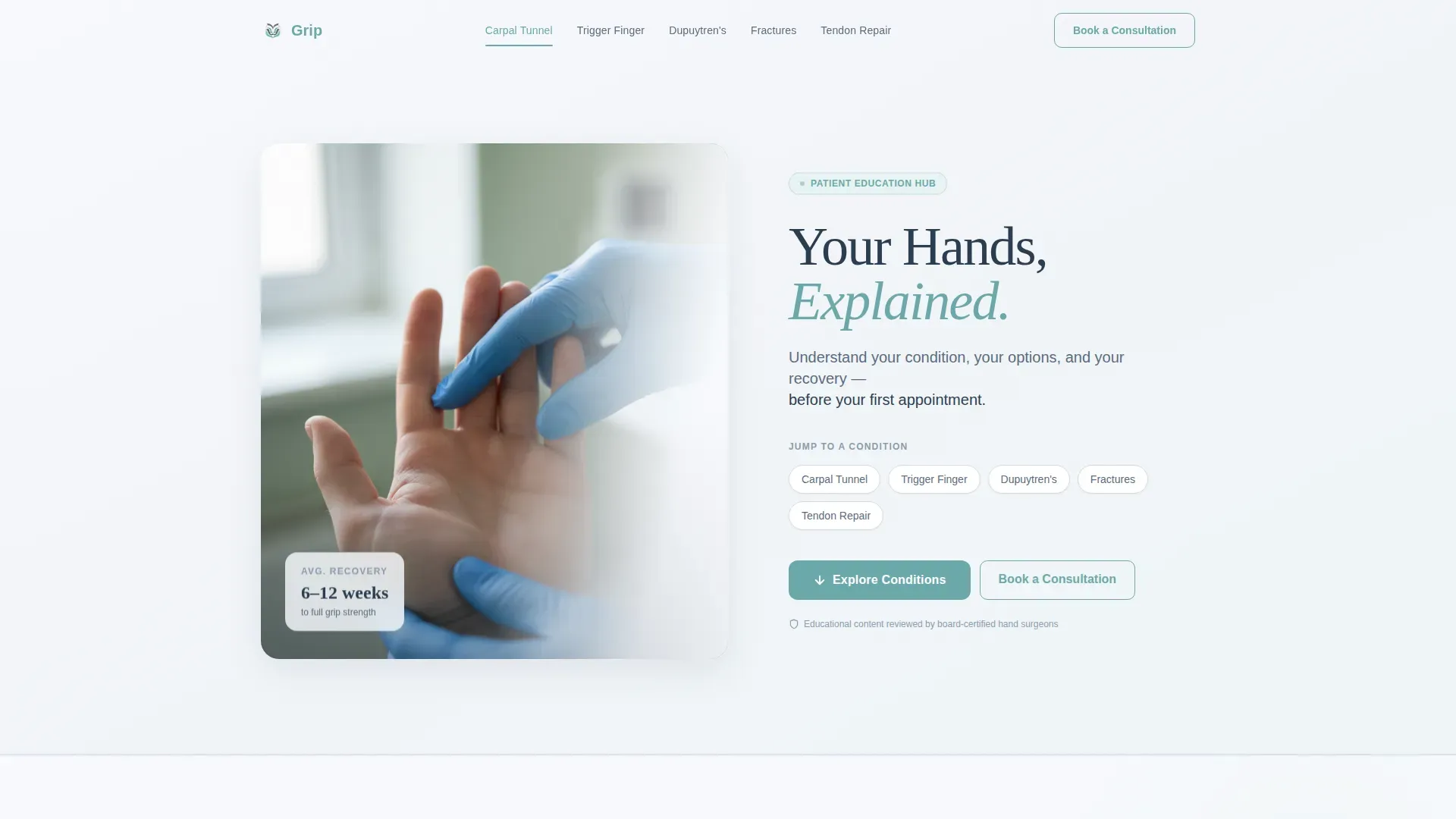
- A hero section with a half-page photo and text layout, a headline, a subheadline, and a horizontal anchor navigation bar with all five condition spokes
- Five identical condition spoke sections, each containing a labeled anatomical illustration, an interactive symptom checklist, a numbered procedure timeline, and recovery progress cards for weeks one, four, and twelve
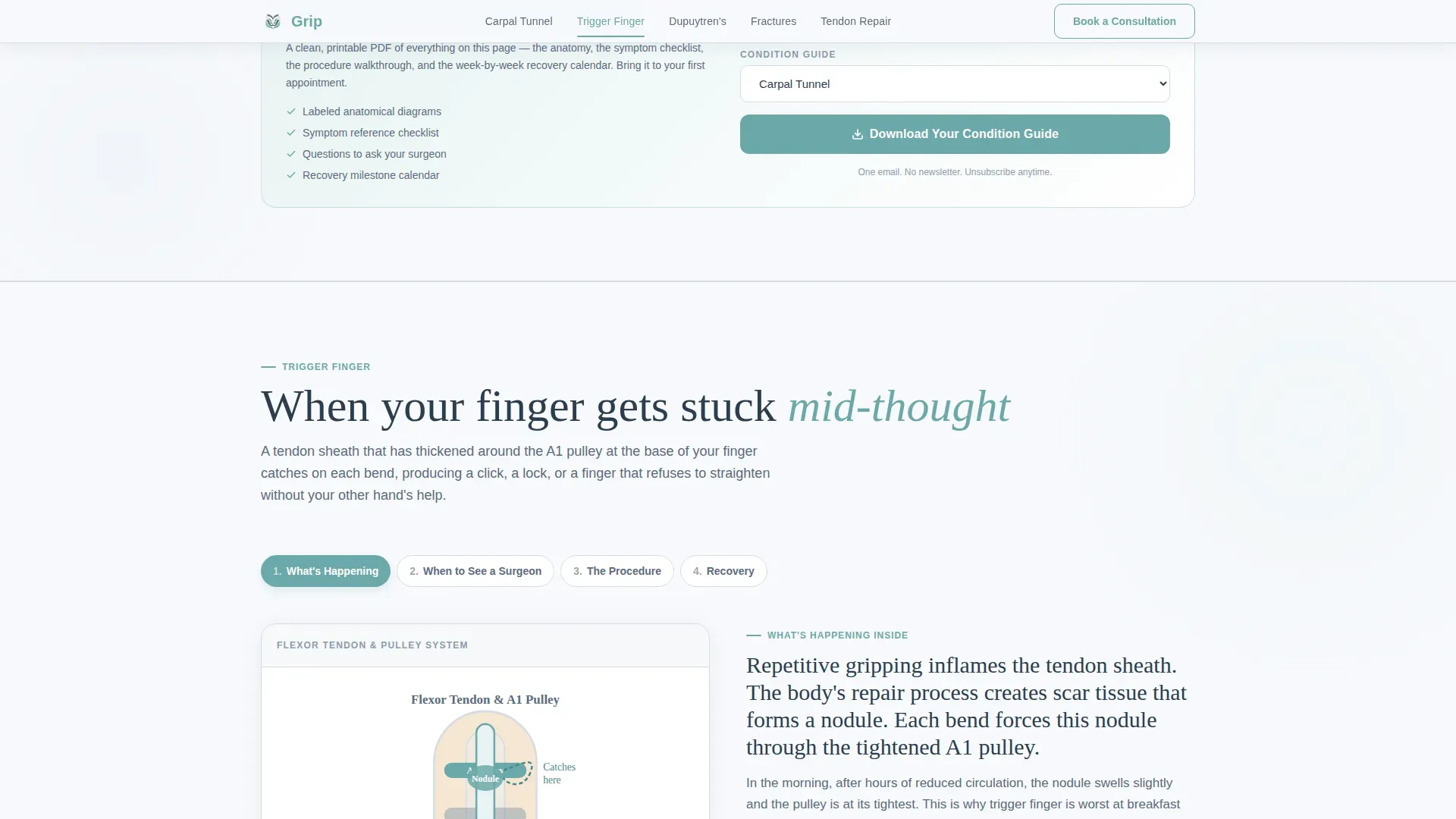
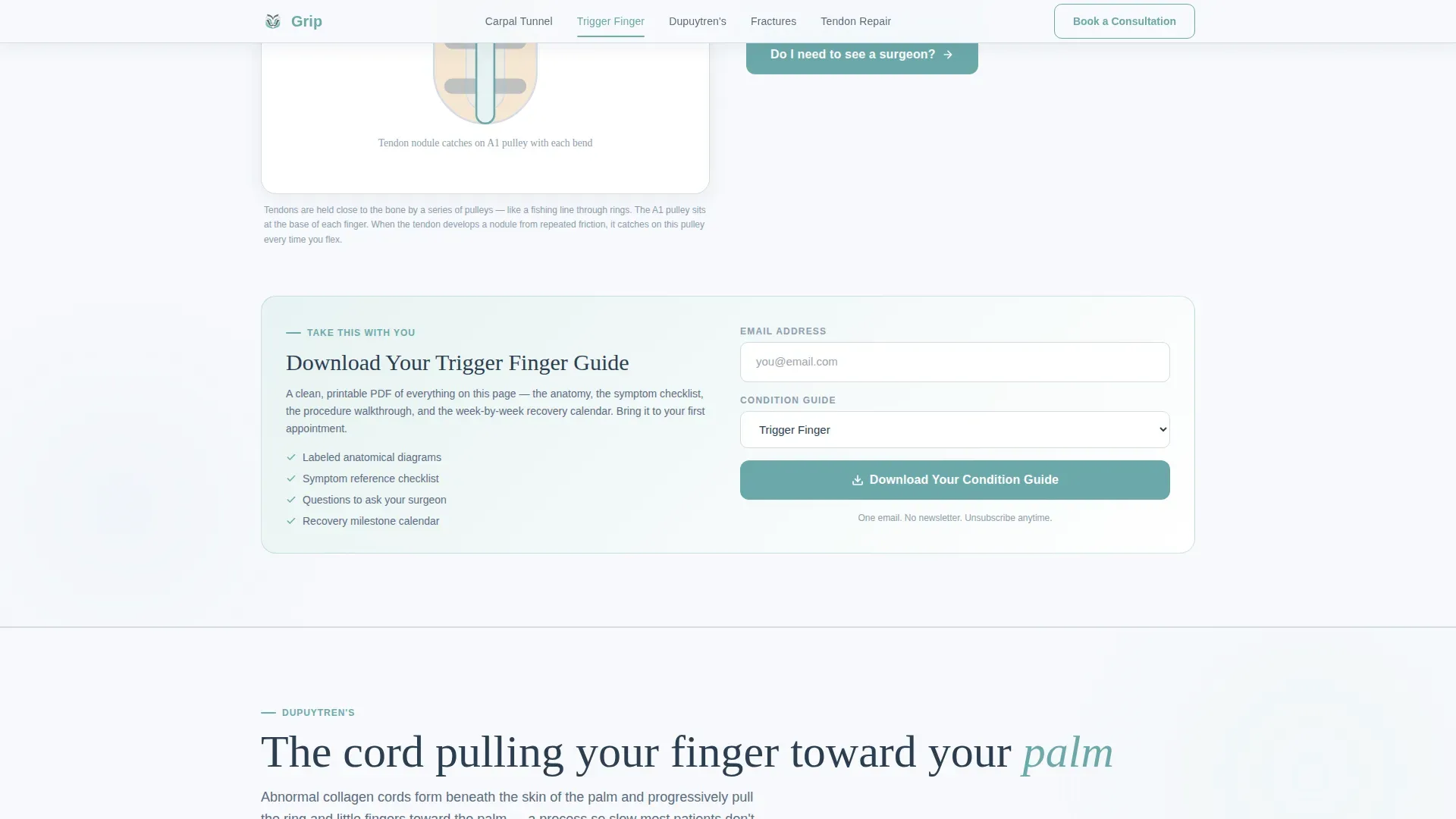
- A condition guide download module gated behind a single email field and a condition selector dropdown, placed at the bottom of every spoke section
Feature list
This section highlights the core interactive and structural components built into the template.
Sticky Anchor Navigation Bar
The anchor nav sits fixed at the top of the page as the patient scrolls. It highlights the active condition section automatically. A persistent "Book a Consultation" button lives in the same bar, linking to an external scheduling tool.
Interactive Symptom Checklists
Each condition spoke includes a yes/no symptom toggle checklist. Patients can work through their own symptoms in real time. The interaction is designed to help patients recognize when their situation warrants professional evaluation.
Step-by-Step Procedure Timeline
Every spoke walks through the surgical procedure as a numbered timeline, from anesthesia to the final stitch. This removes the fear of the unknown and sets clear expectations before the first appointment.
Week-by-Week Recovery Cards
Three progress cards per condition show grip strength returning at weeks one, four, and twelve. This gives patients a concrete and reassuring picture of what recovery actually looks like over time.
Gated Condition Guide Download
A lead-capture module at the bottom of each spoke section offers a downloadable PDF guide. It is gated behind a single email field and a condition selector dropdown, keeping the friction low while capturing patient intent.
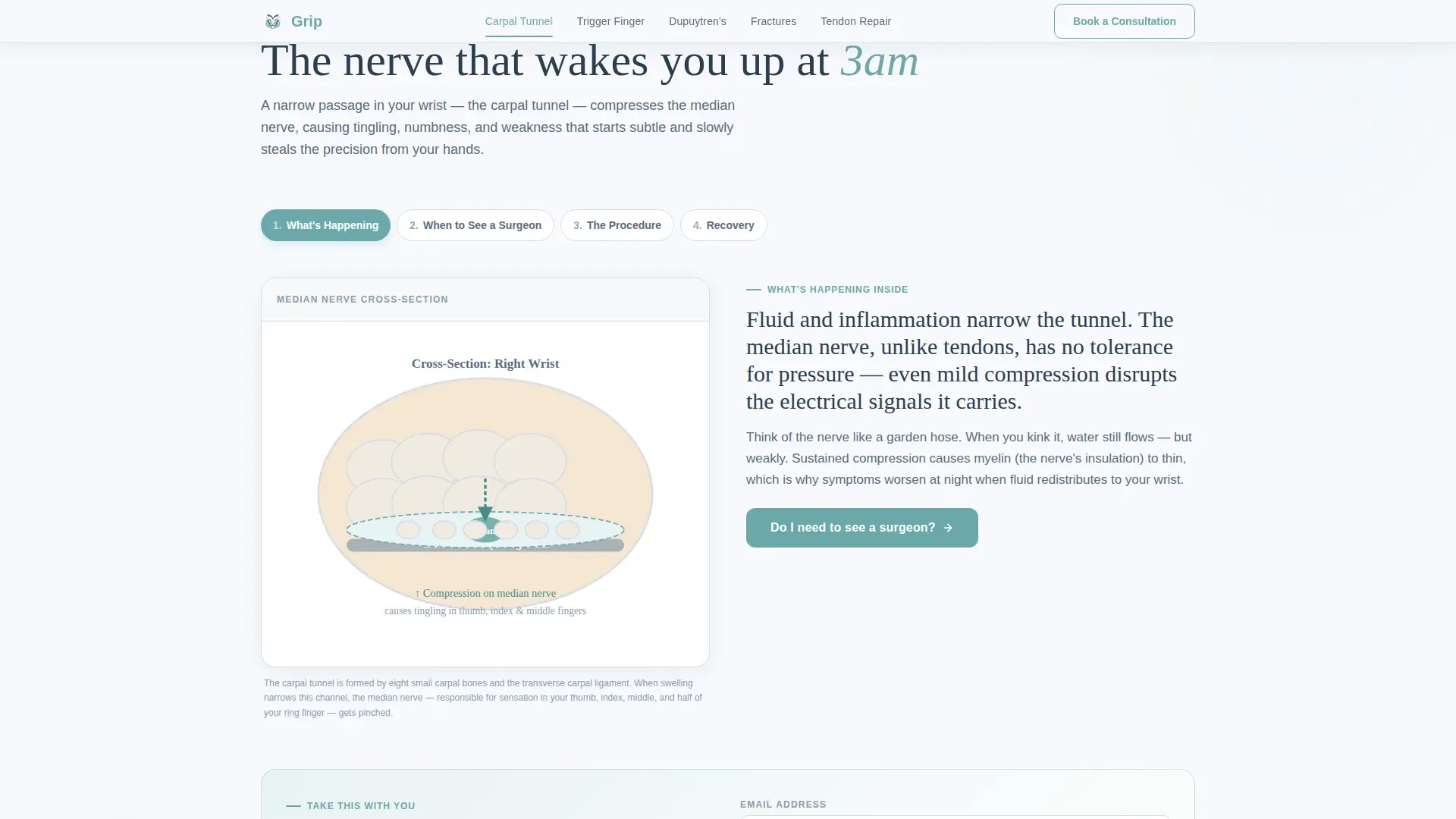
Labeled Anatomical Illustrations
Each condition section opens with a labeled anatomical illustration. A simple cross-section diagram accompanies the "What's Happening" stage, giving patients a visual reference that matches the plain-language explanation beside it.
Page sections overview
| Section | Purpose |
|---|---|
| Hero Header | Introduce practice, display anchor nav |
| Carpal Tunnel Spoke | Educate and convert tunnel patients |
| Trigger Finger Spoke | Educate and convert trigger finger patients |
| Dupuytren's Spoke | Educate and convert contracture patients |
| Fractures Spoke | Educate and convert fracture patients |
| Tendon Repair Spoke | Educate and convert tendon patients |
| Footer Row | Provide practice links and contact info |
Design & branding system
The visual identity follows an Educational Guide theme built around a Soft Mist color palette. The overall effect is a clean consultation room bathed in morning light, unhurried and gentle enough to lower a patient's guard by the second scroll.
- Color palette: clinical white (#F7F9FC) for backgrounds, warm fog gray (#D6DCE5) for section dividers, calm slate (#5A6B7F) for headlines and body text, and soft teal (#6BA8A9) for interactive elements and active anchor nav highlights
- Typography: Fraunces display serif for headlines to bring warmth and authority, DM Sans for body text to keep reading effortless and clear
- Visual tone: shallow depth-of-field photography, scroll-reveal animations at medium intensity, and frosted-glass surface treatment on cards and overlays
Mobile & speed optimization
The template is designed desktop-first to match how patients typically research health conditions at home or at work. Spoke sections are fully responsive and reflow cleanly on smaller screens.
- Sticky anchor nav collapses gracefully on mobile so the "Book a Consultation" button remains accessible throughout the page
- Interactive symptom toggles and condition selector dropdowns are built as client-side components, while static educational content uses server-rendered markup for fast initial load
How this template helps you convert
The page earns the click by giving patients real clarity before asking for anything in return. Every design and content decision is structured to move a hesitant reader toward one of two natural next steps.
- The gated PDF guide placed at the bottom of every spoke section creates a low-friction first conversion. The patient has already read through their condition, so downloading the full guide feels like a logical continuation rather than a sales transaction.
- The persistent "Book a Consultation" button in the anchor nav stays visible throughout the entire scroll. By the time a patient has moved through anatomical illustrations, symptom checklists, and recovery timelines, booking an appointment feels like the obvious final step.
Other information about this template
This template is built specifically for the hand surgery patient education niche. It is designed to serve as the primary online resource hub for a practice, not as a supplementary blog or news page.
- The footer follows a Pattern 1 Linear Single-Row layout, suitable for practice contact details, links, and a brief disclaimer row
- Animation intensity is set to medium, with scroll reveals activating as each spoke section enters the viewport and symptom toggles responding to patient interaction
- The condition selector dropdown in the guide download module covers all five conditions included in the template, making it easy to match each guide download to a specific patient need
- This template is suitable for practices that want to replace a generic "conditions we treat" page with a genuinely educational, conversion-ready resource
Theme
Educational Guide
Creative direction
Step-by-Step Guide
Color system
Soft Mist
Style
Hub & Spoke (Anchor Nav)
Direction
Content/Resource
Page Sections
Sticky Anchor Navigation with Booking Button
Interactive Yes/no Symptom Checklists
Numbered Procedure Timelines
Week-by-week Recovery Progress Cards
Gated Condition Guide Download
Labeled Anatomical Illustrations
Related questions
Can I add or remove condition spokes from this template?
How does the condition guide download work?
Does the anchor navigation stay visible while scrolling?
Who is this template designed for?
Can the consultation booking button link to an external tool?



