Set Designer Portfolio Landing Page Template
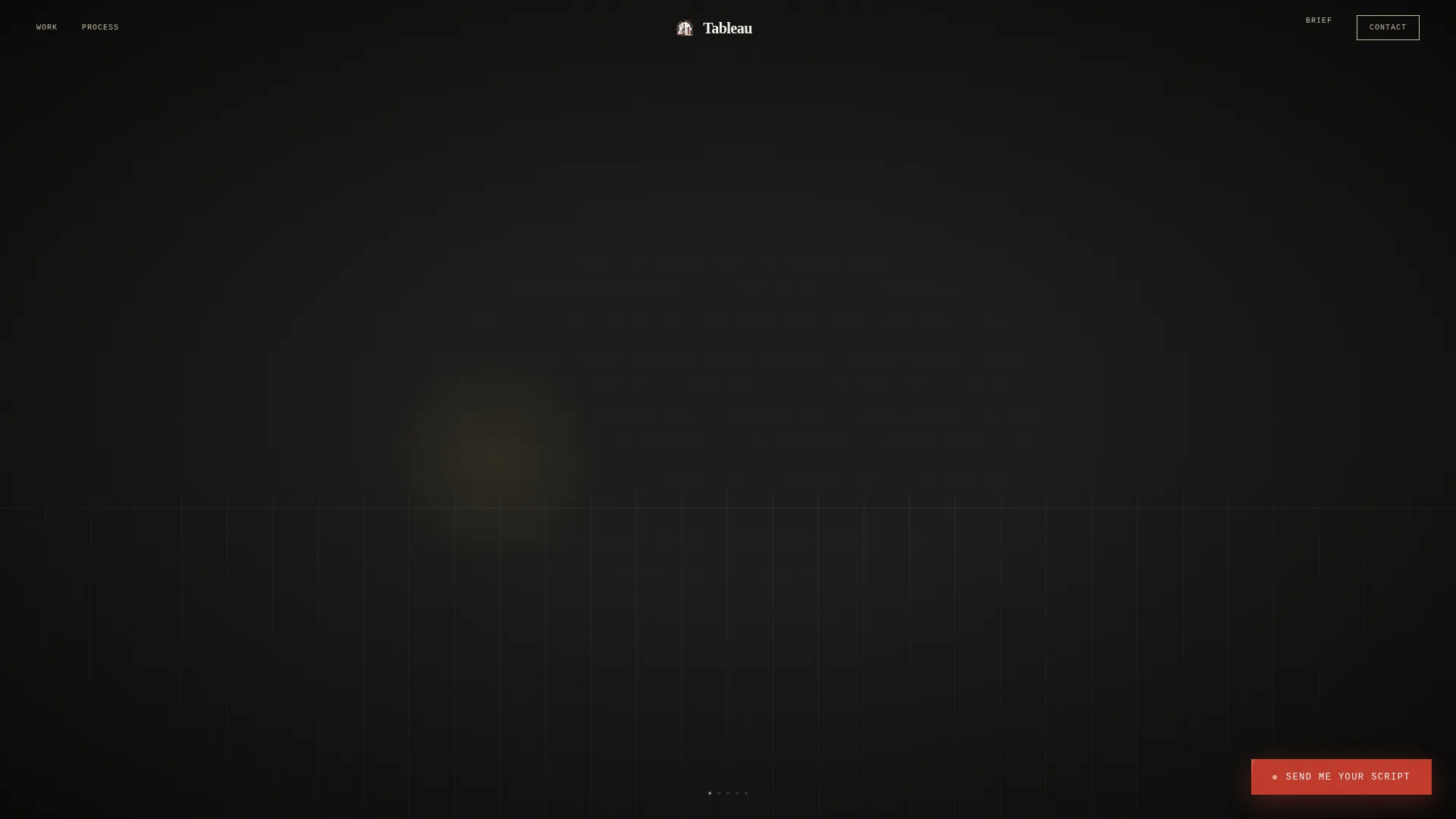
Tableau is a bento grid landing page built for set designers who work across film, theater, and commercial productions. It opens with a scroll-jacked stage assembly sequence, then releases into an asymmetric project grid. A floating "Send Me Your Script" call to action and a minimal contact form turn passive visitors into qualified production leads.
by Rocket studio
Quick summary
Tableau is a single-page portfolio landing page designed for professional set designers. It opens with a cinematic scroll-jacked sequence that builds a stage layer by layer. Once the scroll releases, an asymmetric bento grid presents projects with hover animations and lightbox detail views. A floating call-to-action button and a minimal lead form close the page.
Who this template is for
This template is built for working set designers who need a portfolio that matches the craft and visual ambition of their projects. It speaks directly to the clients who hire them.
- Freelance set designers pitching to production companies scouting period dramas
- Theater scenic artists presenting their work to artistic directors planning a new season
- Commercial set builders who take on fast-turnaround projects for film and advertising clients
What problem this template solves
A standard portfolio grid does not communicate the atmosphere, scale, or intention behind a set designer's work. Clients browsing generic portfolio pages cannot feel the world a designer builds. Tableau changes that.
- It replaces flat image galleries with an immersive entry sequence that signals craft immediately
- It removes the need for a rates page by using a lead form that qualifies each inquiry through project context
- It presents each project as an environment to enter, not just an image to scroll past
What you get with this template
Tableau delivers a complete one-page portfolio with every visual detail and interaction resolved. Nothing requires rebuilding from scratch.
- A five-frame scroll-jacked header that assembles a stage in parallax before releasing the visitor into the portfolio
- An asymmetric bento grid with Ken Burns hover effects, production credit overlays, and lightbox sequences per project
- A floating call-to-action button and a minimal lead capture form at the base of the page
Feature list
This template is built around four tightly integrated features. Each one serves the goal of turning a portfolio visit into a production inquiry.
Scroll-Jacked Stage Assembly Header
The viewport locks on entry and guides visitors through five controlled frames. A bare black-box stage floor appears first, then flats slide in from the wings, furniture drifts into place, practical lights flicker on, and a hand-lettered title card chalked onto a slate closes the sequence. Only then does the scroll release into the portfolio below.
Asymmetric Bento Grid Layout
Projects populate a deliberately mismatched tile grid that mimics pinned reference boards. Tiles vary in scale to create visual rhythm. The scroll alternates between tight clusters and open breathing space, controlling the viewer's pace the way a gallery hangs work on its walls.
Ken Burns Hover and Production Credit Overlay
Hovering over any project tile triggers a subtle Ken Burns drift animation. A one-line production credit surfaces at the same time. The effect is quiet and purposeful, surfacing context without interrupting the browsing flow.
Project Lightbox Sequence
Clicking a tile expands it into a three-part lightbox: concept sketch, construction photo, and the final dressed set under show lighting. Each sequence gives production clients the full arc of a project from idea to finished room.
Floating Call-to-Action Button
After the scroll-jack resolves, a floating button labeled "Send Me Your Script" appears in gaffer-tape red. It stays visible as the visitor moves through the portfolio grid, keeping the conversion path present without interrupting the experience.
Minimal Lead Capture Form
The page closes with a form that asks only what matters: production type, shoot or open date, and a free-text field labeled "Describe the world you need built." No rates, no packages. The brief qualifies the lead before any conversation begins.
Page sections overview
| Section | Purpose |
|---|---|
| Scroll-Jacked Header | Builds a stage in five parallax frames to open the portfolio |
| Portfolio Bento Grid | Displays projects as asymmetric tiles with hover and lightbox interactions |
| Floating call to action Button | Keeps the inquiry path visible throughout the scroll |
| Lead Capture Form | Collects production type, date, and project brief to qualify each lead |
Design & branding system
The visual identity follows an Atelier Studio theme built on a Cloud Canvas color system. Every palette choice references the physical materials of a design workshop: warm, matte, and deliberately unfinished, where negative space does the heavy lifting.
- Four-color palette: gesso white (#F4F1EB), charcoal pencil (#3B3B3B), drafting-paper cream (#E8E0D0), and gaffer-tape red (#C0392B) reserved for hover states and the call-to-action button
- Hand-lettered display type appears in the header title card, evoking chalk on a production slate
- The overall finish is matte and warm, like a designer's sketchbook left open on a worktable, with color appearing only when something demands attention
Mobile & speed optimization
The template is built so the immersive experience holds up across screen sizes without losing its atmosphere. Visitors on mobile devices still move through the intended flow.
- The scroll-jacked header sequence adapts to smaller viewports so the stage assembly remains readable on phones and tablets
- The bento grid reflows gracefully, maintaining varied tile proportions and breathing space at mobile widths
- The floating call-to-action button and lead form remain accessible at the base of the page on all device sizes
How this template helps you convert
Tableau is structured to move production clients from curiosity to inquiry without friction. Every layout decision serves that single outcome.
- The scroll-jacked opening creates an immediate atmosphere that establishes craft before a single project image appears, earning trust in the first seconds of a visit.
- The bento grid with lightbox sequences gives clients the full story of each project, from concept sketch to final dressed set, so they arrive at the form already briefed on the designer's range.
- The lead form replaces a generic contact page with a qualifying brief, so every submission includes enough context to begin a real conversation about the production.
Other information about this template
Tableau is a template built inside the Bento Grid template style category. It sits within the Set Designer Portfolio subcategory under Portfolio and Agency templates.
- Template style: Bento Grid, suited for portfolio-led creative professionals
- Category: Portfolio and Agency, with a niche focus on set designer one-page portfolios
- The Atelier Studio theme and Cloud Canvas color system are paired specifically for this template to reflect the material culture of a working design studio
- The lead form intentionally omits rates and packages, positioning the designer's brief as the first step in a working relationship rather than a transactional inquiry



Theme
Atelier Studio
Creative direction
Gallery Walk
Color system
Cloud Canvas
Style
Bento Grid
Direction
Lead Generation
Page Sections
Scroll-jacked Stage Assembly Header
Asymmetric Bento Grid Portfolio
Ken Burns Hover with Credit Overlay
Three-part Project Lightbox
Floating Call-to-action Button
Qualifying Lead Capture Form
Related questions
Who is this landing page template designed for?
Can I update the project tiles with my own work?
How does the lead form work without showing rates?
Does the scroll-jacked header sequence work on mobile devices?
Can I change the call-to-action button text?



