Upholsterer Business FAQ Website Template
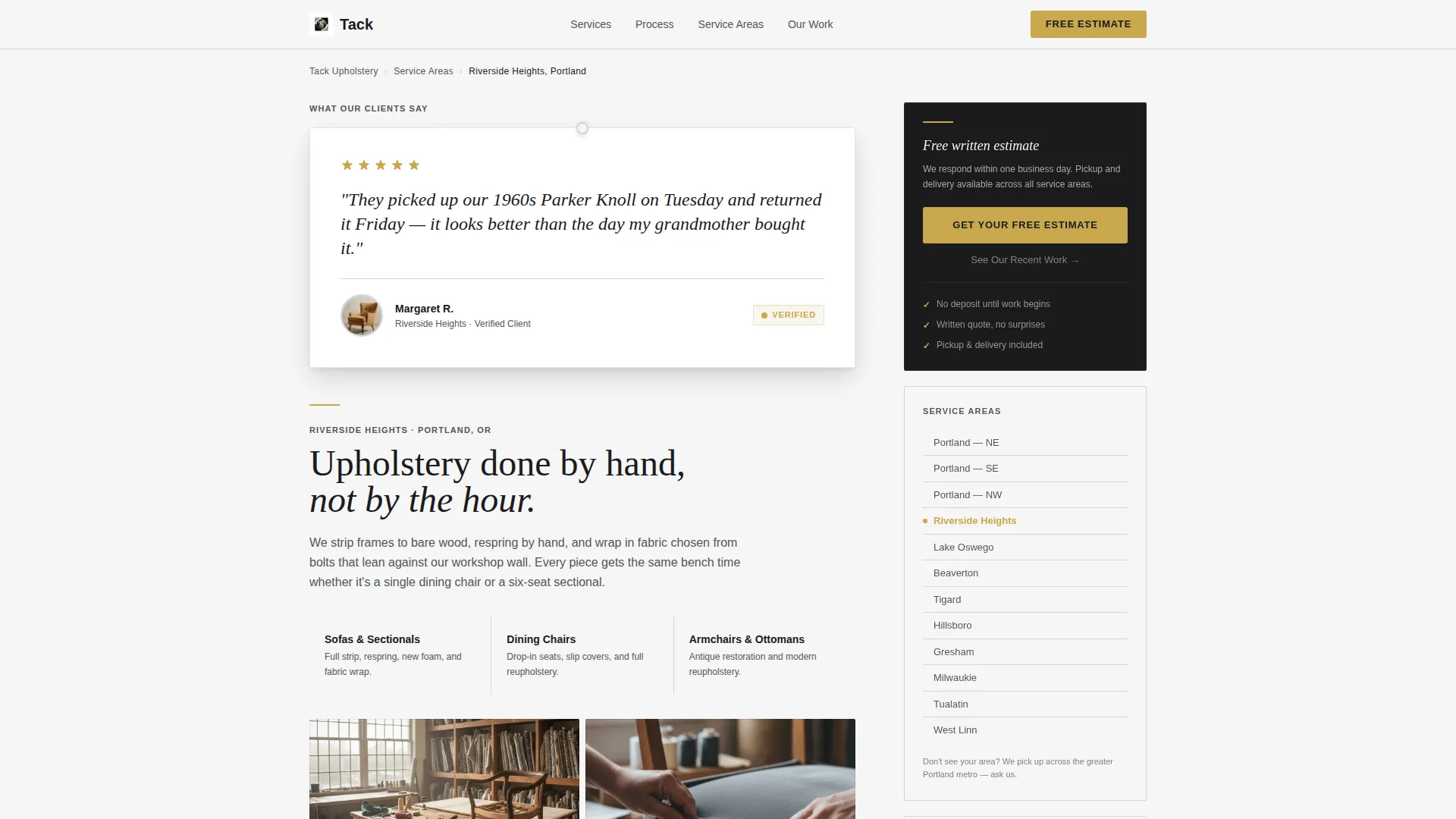
Tack is a single-page landing page template built for upholstery workshops. It opens with a trust-building testimonial card, then walks visitors through FAQ-driven scroll sections that answer real homeowner questions. A fixed sidebar holds a persistent call-to-action button and a highlighted service-area list. The result is a page that earns the estimate request before the visitor reaches the button.
by Rocket studio
Quick summary
Tack is a focused landing page template for upholstery businesses. It pairs an oversized testimonial hook with a scrollable FAQ layout that mirrors how real clients search for help. A sticky sidebar keeps the call to action visible throughout. Every design choice reinforces craft credibility and moves visitors toward booking a free estimate.
Who this template is for
This template fits upholstery professionals who need a service-area page that does the selling for them. It works especially well for solo workshops and small teams who rely on local search traffic.
- Independent upholsterers wanting a polished, trust-first web presence
- Upholstery studios targeting homeowners, interior designers, and landlords with multiple pieces to restore
- Workshop owners who need a dedicated landing page for a specific city or service area
What problem this template solves
Most upholstery service pages answer the wrong questions. They list services but skip the hesitations that stop visitors from making contact. Tack flips that by centering the page on real search questions and answering them directly.
- Visitors arrive with specific doubts about cost, turnaround time, and whether restoration is worth it
- Generic service pages ignore those doubts and lose the lead before any contact is made
- This template structures every scroll section around a question the visitor already has, so objections are cleared before the call-to-action button appears
What you get with this template
You get a complete single-page layout designed around trust-building and click-through. Each section has a clear job, and nothing is decorative without purpose.
- A testimonial card header with a five-star rating, a client quote, client name, neighborhood, and a circular photo of finished work
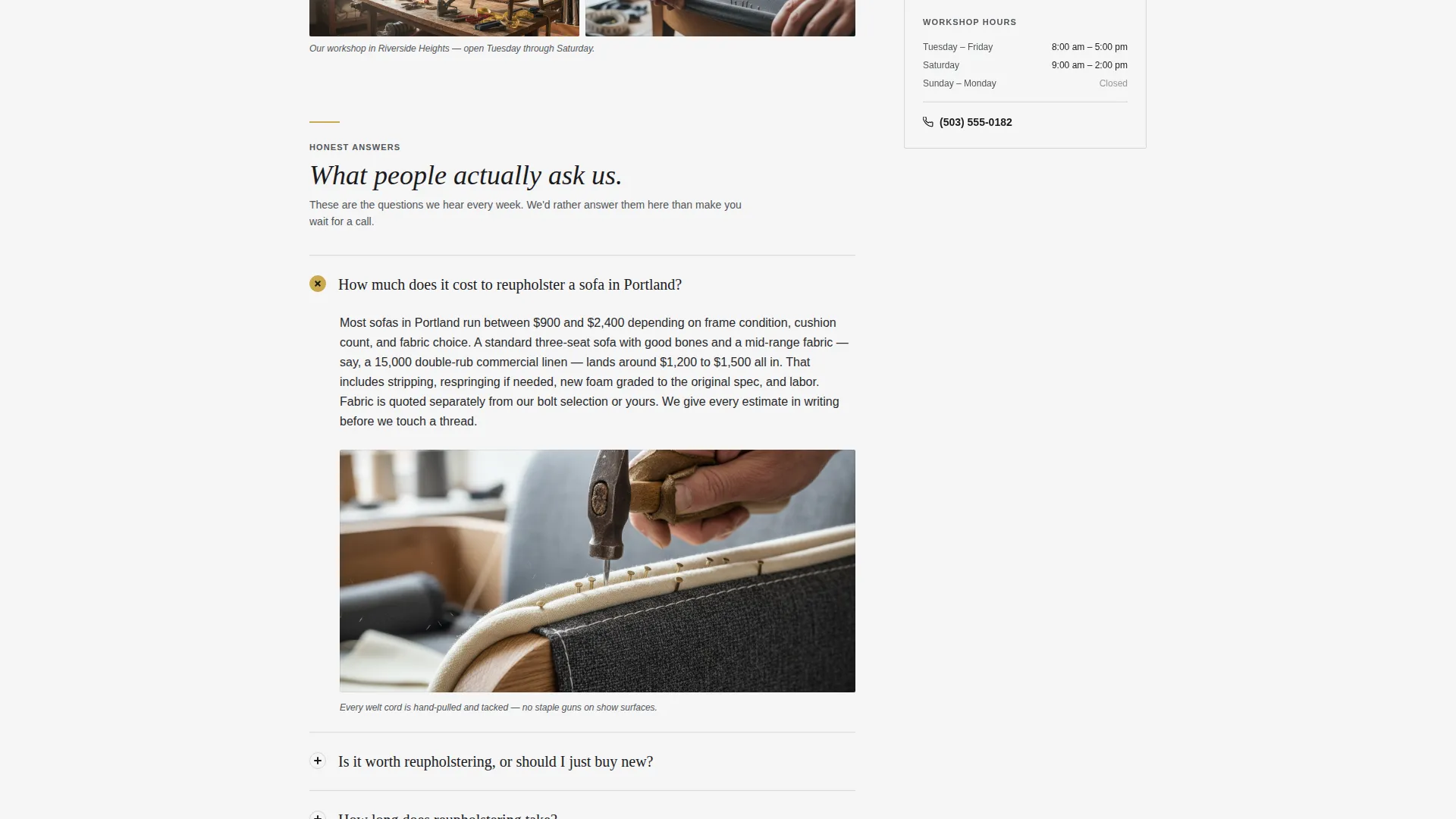
- A FAQ-driven scroll body with a supporting photo or detail shot paired to each question block, and a primary call-to-action button appearing after every third FAQ block
- A fixed right-side sidebar holding a persistent estimate button, a service-area list with the active location highlighted, and a secondary text link to recent work
Feature list
This section covers the core built-in components that make the template functional out of the box.
Testimonial Card Header
The page opens with a single oversized testimonial card on a chalk-white background. It displays a five-star rating, a two-sentence client quote, the client's first name and neighborhood, and a small circular photo of the finished piece. The card carries a subtle shadow that makes it feel physically lifted off the page.
FAQ-Driven Scroll Sections
Each scroll section is anchored by a real homeowner search question such as questions about cost, value comparison, or turnaround time. Every question expands into a concise first-person answer paired with a supporting photo or close-up detail shot. The structure mirrors the way a visitor naturally searches, building credibility one answered question at a time.
Fixed Sidebar with Persistent Call to Action
The sidebar stays fixed on the right side of the page throughout the entire scroll. It holds the primary "Get Your Free Estimate" button, a service-area list with the current location highlighted in brass tack gold, and a secondary "See Our Recent Work" text link below each call to action.
Repeating Call-to-Action Pattern
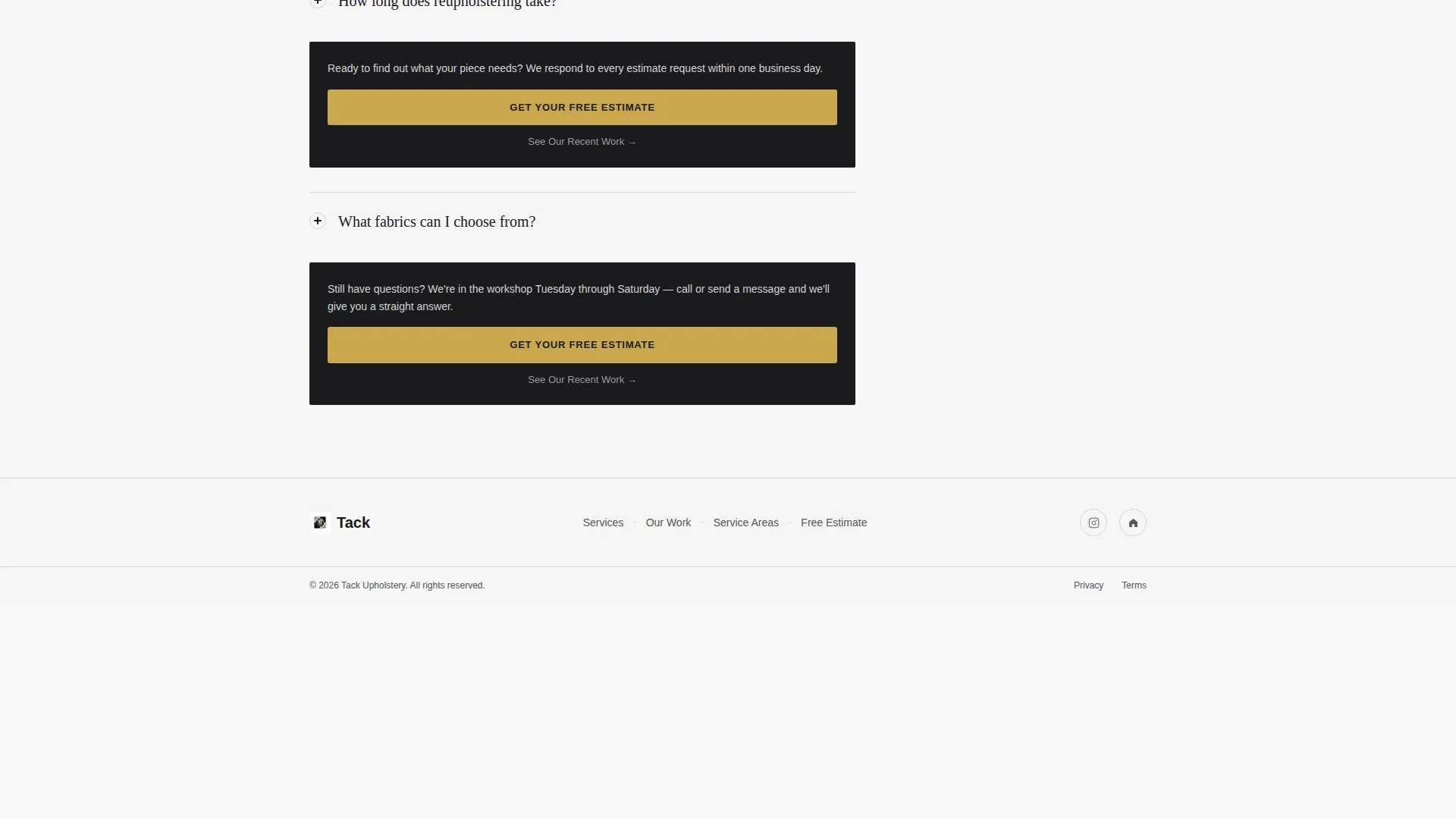
The primary call-to-action button appears inside the sticky sidebar and then again after every third FAQ block in the main content column. This pattern keeps the next step visible without feeling pushy, and both the button and the secondary text link below it are included each time.
Monochrome Steel Color System
The palette uses forge black, brushed nickel, shop-cloth gray, and chalk white as its base. Brass tack gold is reserved strictly for buttons, star ratings, and interactive highlights. Backgrounds alternate between chalk white and shop-cloth gray to visually separate sections.
Section-Level Visual Pairing
Each FAQ block includes a supporting photo or detail shot that reinforces the written answer. The image and text sit side by side, giving the page a deliberate rhythm and keeping visual interest high without cluttering the layout.
Page sections overview
| Section | Purpose |
|---|---|
| Testimonial Card Header | Open with a real client recommendation that builds immediate trust |
| First FAQ Block | Answer cost and pricing questions visitors arrive with |
| Mid-Page call to action | Prompt early converters with the estimate button after three FAQ blocks |
| Second FAQ Block | Address the repair-versus-replace decision with direct context |
| Third FAQ Block | Cover turnaround time and process questions clearly |
| Sticky Sidebar | Keep the estimate button and service-area list visible at all times |
| Service Area List | Show local coverage with the current page location highlighted |
Design & branding system
The visual identity follows a machinist's-toolbox logic. Every surface is either matte or catching a sliver of light, with no decoration added unless it serves function.
- Base palette: forge black (#1B1B1E), brushed nickel (#53565A), shop-cloth gray (#D4D4D8), and chalk white (#F5F5F5); brass tack gold (#C9A84C) used only for buttons, star ratings, and interactive highlights
- Backgrounds alternate between chalk white and shop-cloth gray to create section separation without using borders or dividers
- Body text sits in forge black, secondary copy and captions appear in brushed nickel, keeping the reading hierarchy clear at every level
Mobile & speed optimization
The template is built with a single-column flow in mind for smaller screens. The sidebar companion adapts so the estimate button and service-area list remain accessible without interrupting the FAQ scroll.
- The sticky sidebar collapses or repositions on narrow viewports so the main content column stays readable
- Each FAQ block and its paired image are stacked cleanly on mobile without breaking the visual rhythm
- Call-to-action buttons remain prominent on every screen size so the path to the estimate request page is never buried
How this template helps you convert
The page is structured to clear every objection before the visitor reaches a button. By the time the call to action is visible, the only open question is timing.
- The testimonial card at the top transfers trust from a past client to a new visitor before any service claim is made, reducing the skepticism that typically blocks first contact.
- The FAQ scroll structure matches the exact questions visitors type into a search engine, so the page feels like a direct conversation rather than a sales pitch, making the click to request an estimate feel like a natural next step.
Other information about this template
This template is categorized under Professional Services and is specifically designed for the upholstery business niche. It is built as a sidebar companion landing page, meaning it is intended to pair with a main service page and focus on a specific city or service area.
- The Legal Shield theme gives the layout a structured, credible appearance that suits trust-sensitive local service businesses
- The template style follows an alternating section rhythm, with FAQ content and images trading sides as the visitor scrolls
- No form fields appear on this page; the call-to-action button links through to a separate estimate request page, keeping the landing page lean and focused
- The intersection niche this template was designed for is the upholstery customer review and service-area page, making it a strong fit for local search landing pages targeting specific neighborhoods or cities

Theme
Legal Shield
Creative direction
Transparent Process
Color system
Navy Authority
Style
Zigzag/Alternating
Direction
Partnership/B2B
Page Sections
Testimonial Card Header
Faq-driven Scroll Layout
Fixed Sidebar with Persistent Call to Action
Repeating Call to Action Button Pattern
Monochrome Steel Color System
Section-level Visual Pairing
Related questions
Can I use this template for multiple service area pages?
Does the page include a contact form?
How many FAQ blocks does the template include?
Can I update the testimonial card with my own client details?
Who is the sticky sidebar designed to serve?



