Drywall Installation Landing Page Template
Tape is a split-screen landing page template built for drywall installation crews. It walks site visitors through every phase of the job, from framing inspection to final walkthrough, using line-art illustrations paired with plain-language promises. The booking flow captures square footage, project type, and a preferred walk-through date in three clean steps.
by Rocket studio
Quick summary
Tape is a single-page, split-screen template designed for drywall installation businesses. Each scroll section pairs a precise line-art illustration with a phase-by-phase breakdown of the job. The page builds trust by showing exactly what happens after a client books, then converts that trust into scheduled estimates.
Who this template is for
This template is built for drywall and finishing crews who need a professional web presence that reflects the quality of their work. It speaks directly to three types of clients without wasting their time.
- General contractors managing punch lists on multi-unit builds
- Property managers turning over apartments on tight turnaround schedules
- Homeowners navigating a mid-renovation space and needing clear next steps
What problem this template solves
Most drywall contractors lose leads because their web presence does not show what the process looks like or what happens after contact. Clients book on trust, and trust requires transparency.
- Visitors do not know what to expect after they reach out, so they leave without converting
- The gap between "call us" and "here is your start date" creates doubt that kills bookings
- Mobile visitors need a fast path to contact that does not require a full form submission
What you get with this template
This template gives you a complete single-page layout structured around the drywall process itself. Every section is purpose-built for a drywall installation business, from the header to the booking form.
- A 50/50 split-screen layout with a line-art header and phase-by-phase scroll sections
- A three-step booking form covering square footage, project type, and a walk-through date
- A secondary mobile contact path using tap-to-text for visitors who prefer photos over forms
Feature list
This template's features are drawn directly from the project brief. Each one serves a specific role in building credibility and converting visitors into booked estimates.
Split-Screen Phase Sections
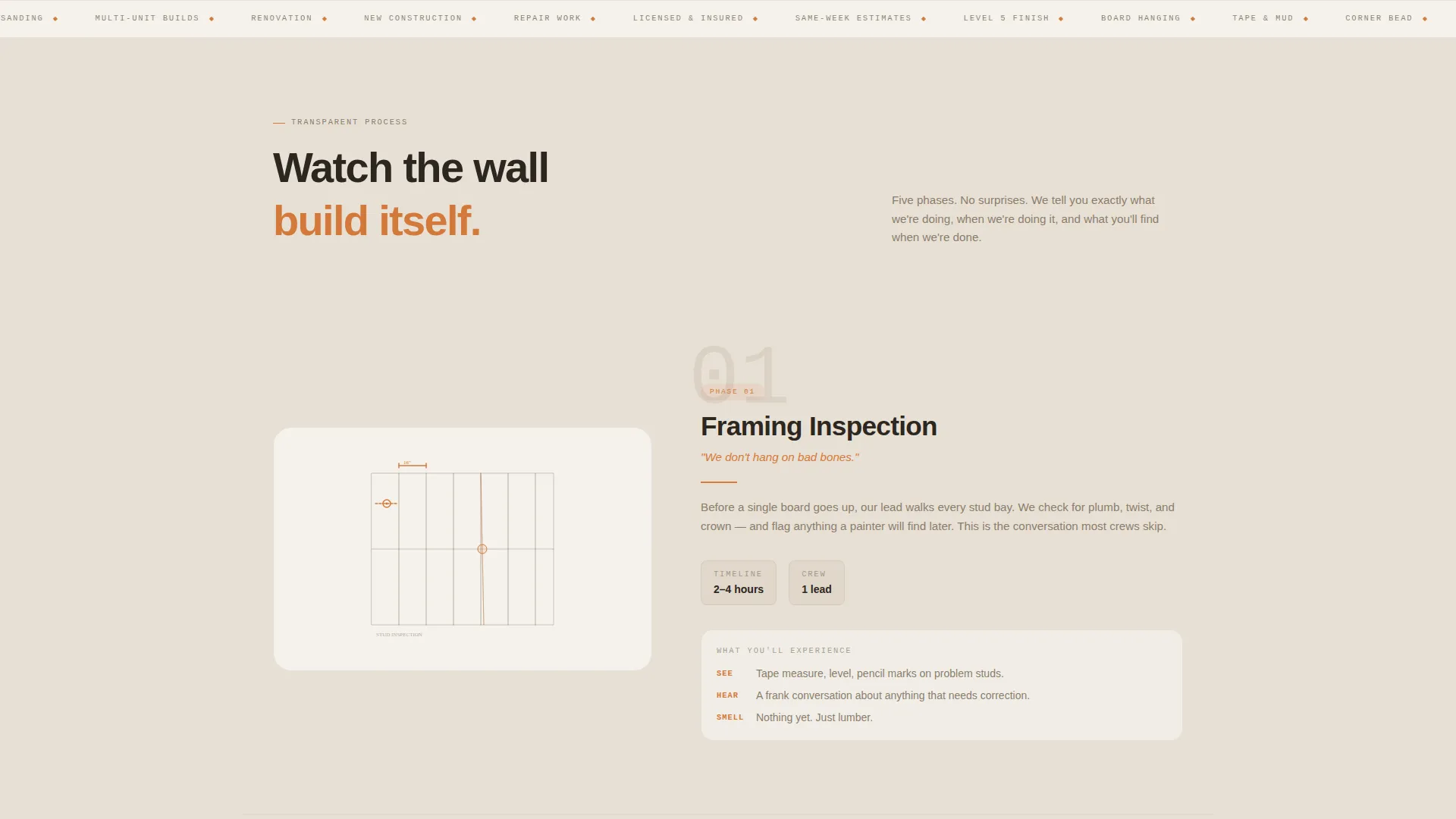
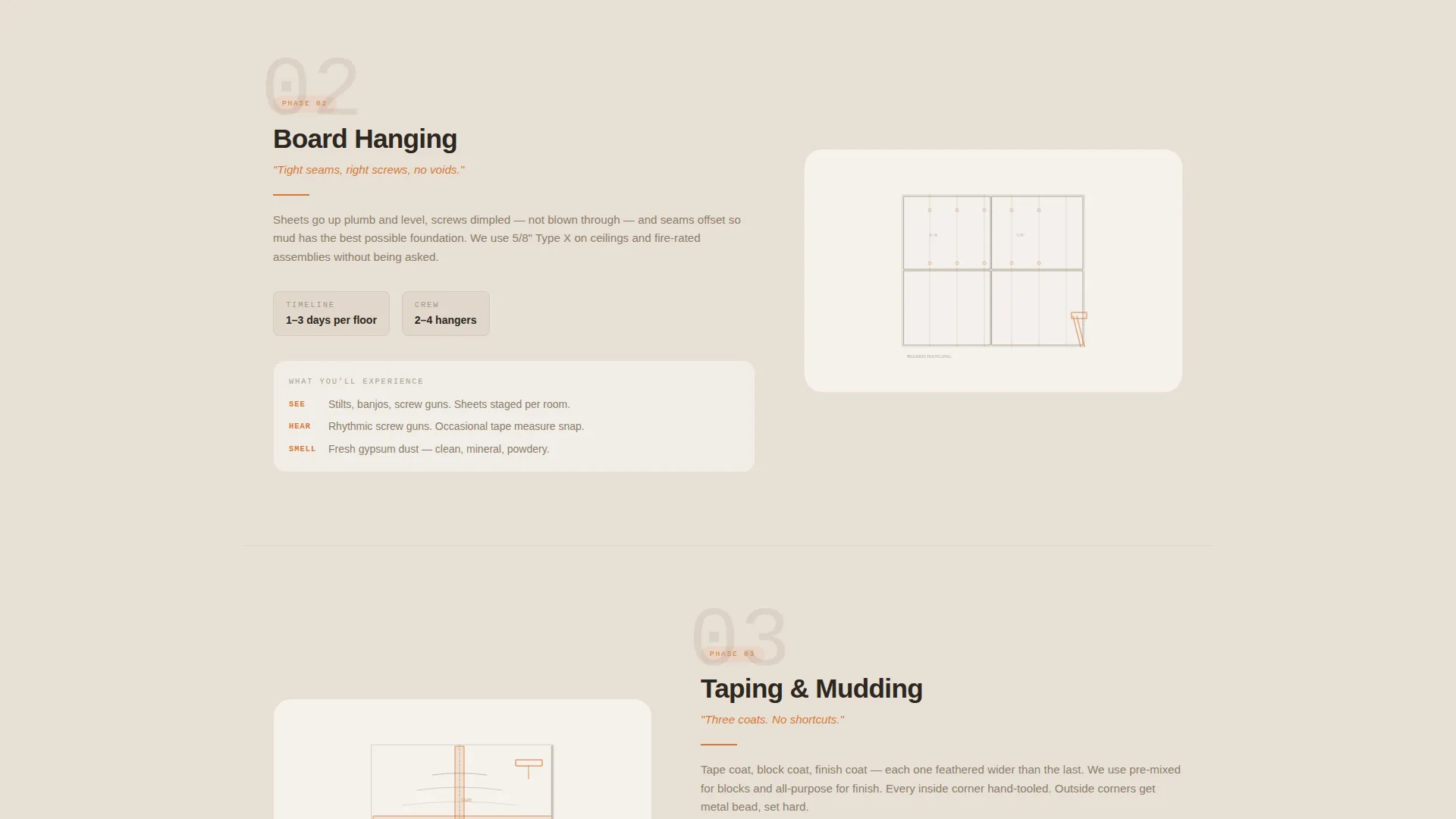
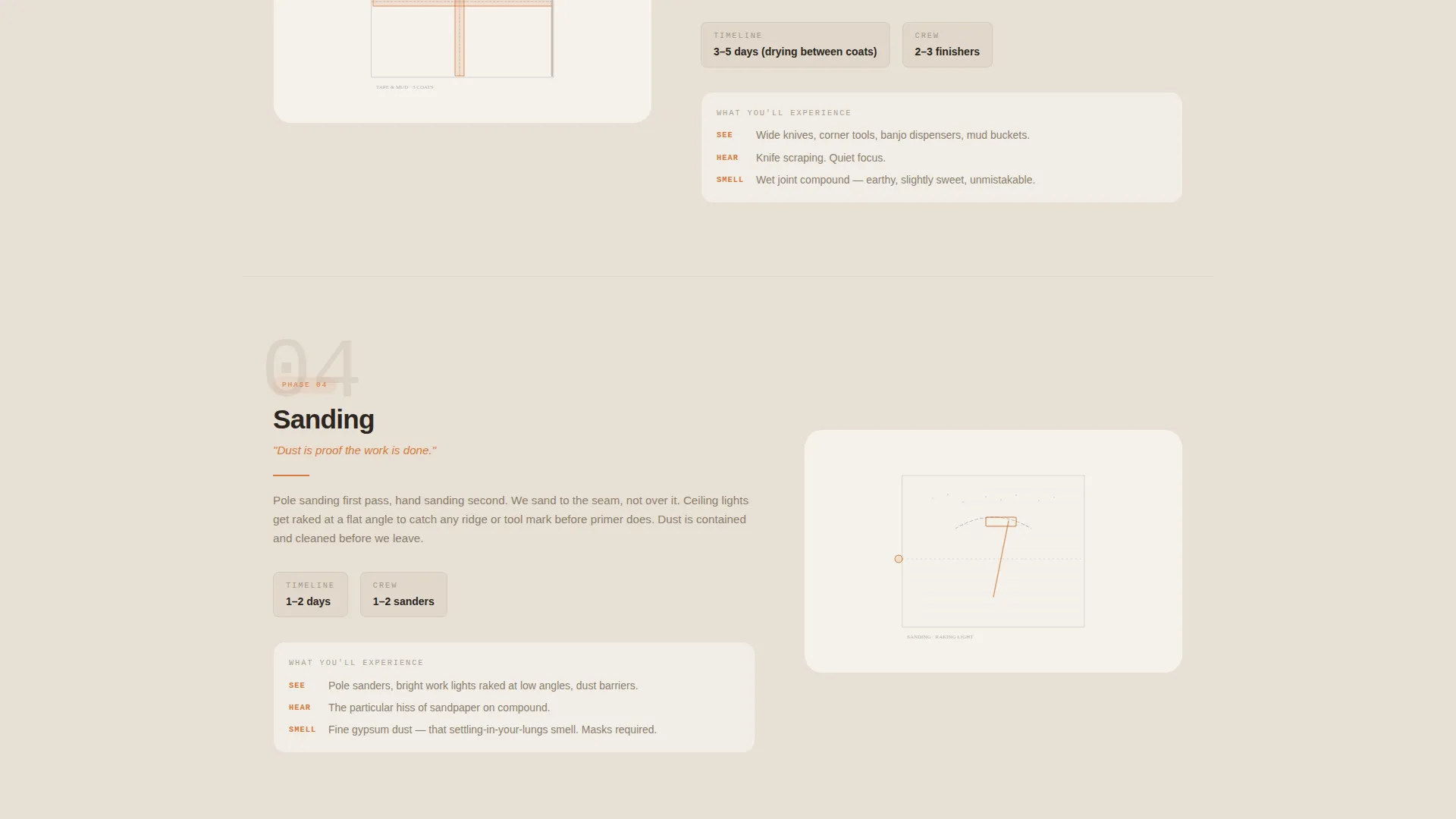
Each scroll section uses a 50/50 layout. The left panel shows a line-art illustration of the current job phase. The right panel delivers the client promise: timeline, crew size, and what to expect at that stage.
Line-Art Header with Animated Headline
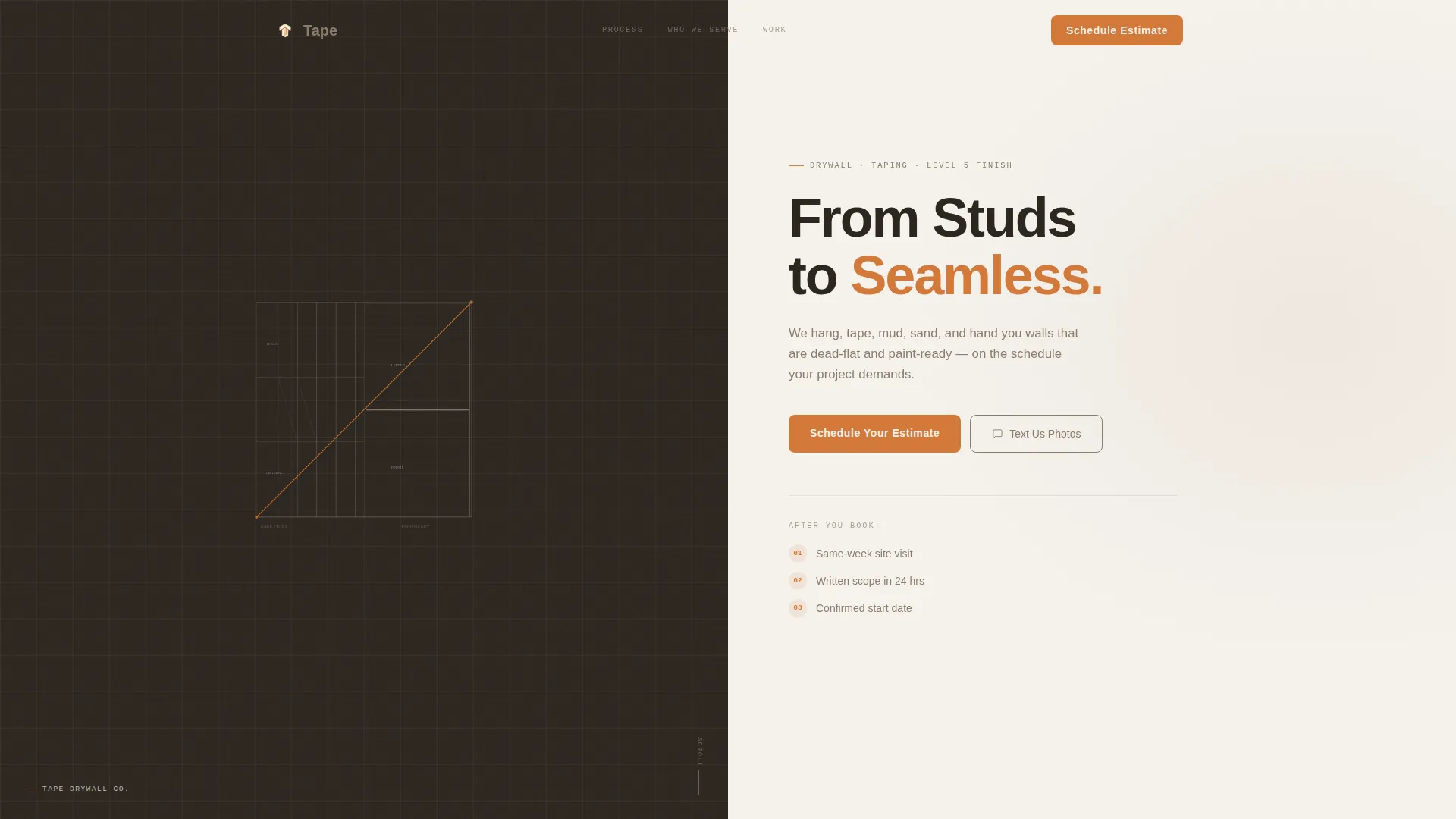
The header features an architectural line drawing of a room mid-hang. Studs are visible on the left; a finished wall appears on the right. A single orange chalk line crosses the composition diagonally, and the headline "From Studs to Seamless" fades in along that line.
Three-Step Booking Form
The primary call to action anchors to a structured three-step form. Visitors select a square footage range using a slider, toggle between project types (new construction, renovation, or repair), and pick a preferred walk-through date. No guesswork, no open text fields.
Tap-to-Text Secondary Path
A secondary contact option lets mobile visitors send photos directly via text message. A visible phone number with a tap-to-text link gives people who prefer snapping photos of bare studs a faster, lower-friction path to reach the crew.
Post-Booking Clarity Sequence
After submitting the form, the page communicates exactly what happens next: a same-week site visit, a written scope, and a confirmed start date. This sequence reduces post-submission doubt and keeps leads warm.
Transparent Process Scroll Flow
The page is structured around five job phases: framing inspection, board hanging, taping and mudding, sanding, and final walkthrough. Each section adds a layer, so reading the page feels like watching a wall build itself from studs to a finished surface.
Page sections overview
| Section | Purpose |
|---|---|
| Header / Hero | Introduces the crew with the line-art illustration and animated headline |
| Framing Inspection | Covers the first phase: what the crew checks and what the client should expect |
| Board Hanging | Explains the hanging phase with crew size and timeline details |
| Taping and Mudding | Details the tape and compound process and what clients will see |
| Sanding Phase | Describes the sanding stage and what a finished surface looks and feels like |
| Final Walkthrough | Shows what the completed job looks like and what sign-off means |
| Booking Form | Captures square footage, project type, and preferred walk-through date |
| Post-Booking Summary | Explains next steps: site visit, written scope, and start date |
Design & branding system
The visual identity follows a Corporate Precision theme built on a Warm Stone palette. Every color choice references real materials from a drywall job site, making the design feel native to the trade.
- Limestone cream (#E8E0D5) covers backgrounds; raw gypsum white (#F5F2ED) surfaces card areas
- Wet-mud taupe (#8B7D6B) handles body text and secondary elements throughout the layout
- Contractor orange (#D4793A) is reserved exclusively for calls to action, progress indicators, and hover states
Mobile & speed optimization
The tap-to-text secondary path is designed specifically for mobile visitors, reducing friction for people who would rather send photos than complete a form. The layout adapts across screen sizes without losing the split-screen structure's visual logic.
- The tap-to-text phone link activates a native messaging app on mobile devices with a single tap
- The booking form uses a slider and a toggle rather than open text fields, keeping mobile input fast and accurate
How this template helps you convert
The page earns the booking by removing uncertainty at every step. Visitors are never left wondering what comes next, and every path leads toward a scheduled site visit.
- The phase-by-phase scroll builds credibility before any form appears, so visitors arrive at the booking section already informed and ready to commit
- The three-step form reduces friction by replacing open-ended questions with a slider, a toggle, and a date picker, making it easy to submit even on a phone
- The post-booking clarity sequence tells visitors exactly what happens after they submit: a same-week site visit, a written scope, and a start date, which keeps leads engaged instead of going quiet
Other information about this template
This template was designed specifically for the drywall installation niche within the broader construction and home services category. It sits at the intersection of drywall and plastering trade services and a modern booking-focused web presence.
- The template style is a 50/50 split screen, making it well suited for process-driven service businesses where showing work phases matters
- The Corporate Precision theme with a Warm Stone palette works for both independent finishing crews and mid-size drywall contractors serving residential and commercial clients
- The creative direction follows a Transparent Process approach, which is particularly effective for trades where clients rarely see the work until it is complete
- The header concept is a Line Art illustration, giving the page a polished, architectural feel without relying on photography
Theme
Corporate Precision
Creative direction
Transparent Process
Color system
Warm Stone
Style
Split Screen (50/50)
Direction
Booking/Scheduling
Page Sections
Split-screen Phase-by-phase Layout
Line-art Header with Chalk-line Headline
Three-step Estimate Booking Form
Tap-to-text Mobile Contact Path
Post-booking Clarity Sequence
Transparent Process Scroll Flow
Related questions
Can this template work for a plastering business, not just drywall installation?
What does the three-step booking form collect from visitors?
Is there a contact option for mobile visitors who do not want to fill out a form?
Who is this landing page template designed for?
What happens after a visitor submits the booking form?



