Precision Heat Treatment Dashboard Landing Page Template
Temper is a dashboard-style landing page template built for automotive heat treatment facilities targeting Tier 1 suppliers and OEM engineering teams. It combines a full-screen video hero, a scroll-driven capability timeline, and a structured intake form to share technical depth before making the ask. The Engineering Blueprint visual system and data-grid layout help industrial buyers find credibility fast.
by Rocket studio
Quick summary
Temper is a single-page dashboard landing page template designed for precision heat treatment facilities serving the automotive sector. It leads with live-style data tiles, progresses through a decade-by-decade capability timeline, and ends with a conversion-focused intake form. Every section is built to share technical proof with engineers and procurement managers before asking for their time.
Who this template is for
This template is built for industrial B2B teams who need to earn trust from technical buyers quickly. Creating an effective first impression with engineers and purchasing managers requires data density and zero marketing fluff.
- Tier 1 automotive supplier marketing and quality teams qualifying heat treatment vendors against CQI-9 audit standards
- OEM powertrain research and development teams prototyping alloys that demand custom thermal profiles
- Heat treatment facility operators who want to share process depth and win long-term partnership conversations
What problem this template solves
Technical buyers evaluate heat treatment vendors on specifications, certifications, and proven track records. A generic website cannot work at that level. This template solves the gap between industrial capability and how that capability is displayed online.
- Engineers need to find certification badges, process specs, and material grades before they will share a drawing or fill out a form
- Facilities struggle to present decades of compounding expertise without it feeling like a boast rather than a proof
- Standard templates cannot store or present metallurgical data, micrographs, or expandable timeline records in a credible format
What you get with this template
The template delivers a complete, section-led landing page flow designed around industrial buyer psychology. Each section performs a specific job, from establishing heat process credentials to closing with a low-friction intake path.
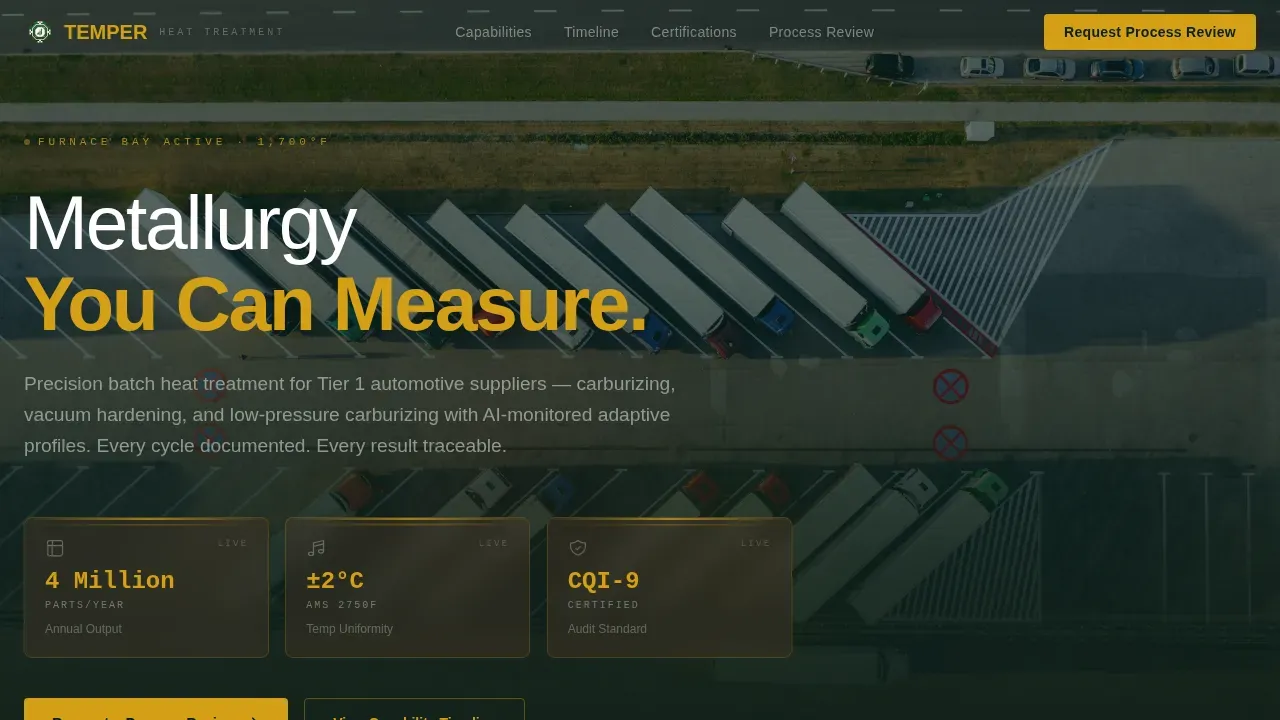
- A full-screen video hero with live-style instrument tiles displaying key metrics like throughput, temperature uniformity, and certification status
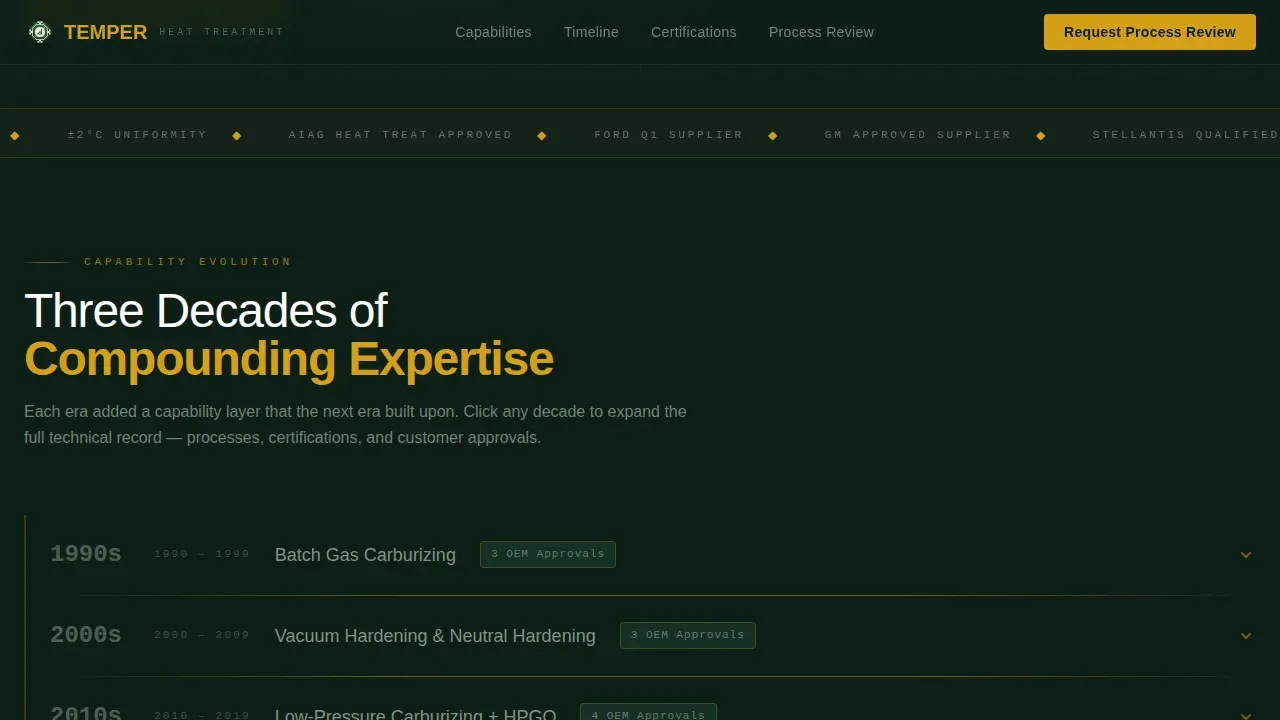
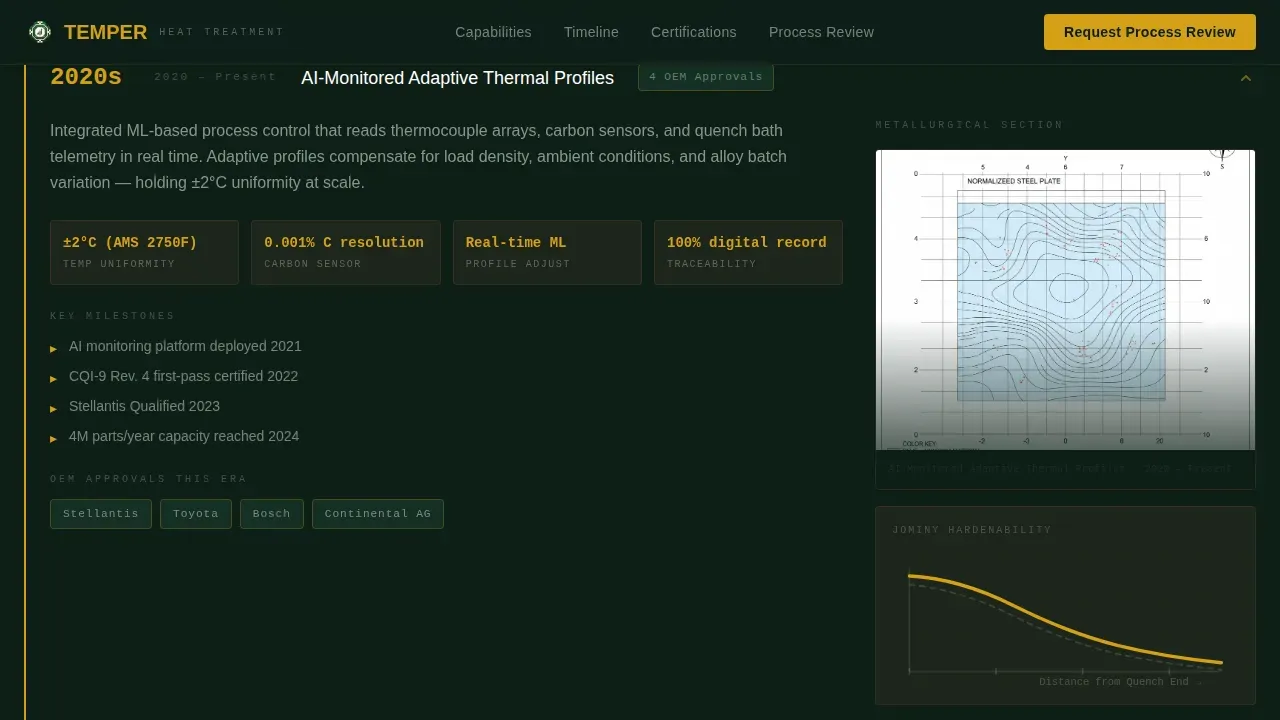
- A scroll-driven capability timeline spanning four decades, with expandable data-grid rows that reveal micrographs, Jominy curves, and customer era logos
- A dual conversion path: a structured process review intake form and a gated capability brief download requiring only company name and work email
Feature list
This section covers the core built-in components that make Temper purpose-fit for heat treatment marketing.
Video Hero with Instrument Power-Up Tiles
The hero opens on a full-screen footage backdrop of an active heat treatment bay. Three data tiles animate in sequence, each displaying a key performance figure. The headline "Metallurgy You Can Measure" fades in over the glow, addressing a specific outcome rather than a vague claim.
Scroll-Driven Decade Timeline
Scrolling moves the visitor forward through the facility's capability history. Each era appears as a data-grid row covering batch carburizing, vacuum hardening, low-pressure carburizing, and AI-monitored adaptive heat profiles. Rows expand on click to reveal supporting metallurgical evidence and customer logos from that period.
Process Data Grid with Certification Display
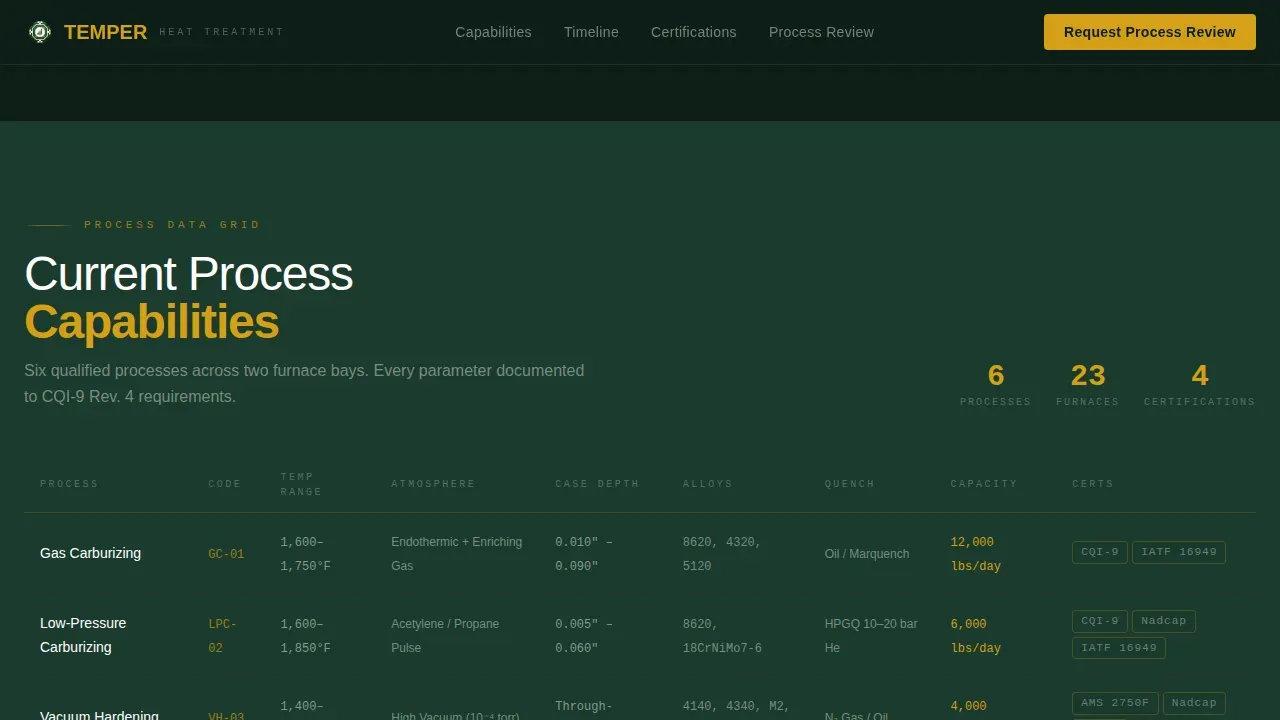
A dedicated section presents current heat process capabilities as a structured data grid. Metrics, material grades, process specifications, and industry certification badges are displayed at a glance. Trust signals like CQI-9 compliance are placed prominently so engineers can evaluate vendor standing without digging.
Structured Intake Form with File Upload
The primary conversion path is a process review intake form. It asks for material grade, annual volume range, current process pain point, and supports direct drawing or specification file upload. The form keeps steps minimal while capturing the high-value fields a heat treatment team needs to begin a real conversation.
Gated Capability Brief Download
A secondary conversion path offers a downloadable CQI-9 capability brief. The gate requires only company name and work email, protecting access while keeping friction low enough for engineers still in the benchmarking plan stage.
OEM Trust and Social Proof Section
This section collects OEM approval logos, certification badges, metallurgical micrographs, and Jominy curve visuals. Brief engineer or purchasing manager testimonials can be displayed here to share direct peer validation with incoming buyers.
Page sections overview
| Section | Purpose |
|---|---|
| Full-Screen Hero | Establish heat process credentials and display live-style performance metrics |
| Capability Decade Timeline | Share compounding expertise across four eras of heat treatment technology |
| Process Data Grid | Present current heat specs, material grades, and certification status |
| OEM Trust Section | Display certifications, micrographs, customer logos, and social proof |
| Partnership Conversion Section | Capture qualified leads via intake form and gated brief download |
| Footer | Single-row linear layout with contact and navigation links |
Design & branding system
The template uses an Engineering Blueprint visual theme built on the Forest Trust color system. The palette feels earned and industrial, like old-growth timber surrounding a heat treatment clearing.
- Deep canopy green (#1B3A2D) forms the primary background; near-black (#0E1F17) alternates beneath data-heavy sections; bark brown (#4A3728) cards elevate data tiles; lichen silver (#B8C4B8) renders body text cleanly
- Living-sap amber (#D4A017) is reserved for calls to action, data highlights, hover states, and thin section dividers that echo furnace glow against forest dark
- Typography pairs DM Sans for interface and data labels with JetBrains Mono for instrument readings and specification figures, keeping the dashboard register precise and readable
Mobile & speed optimization
The template is built desktop-first for engineers reviewing heat process specifications on workstations, with responsive layouts that adapt cleanly across every device type.
- Data tiles, expandable timeline rows, and the intake form reflow for tablet and smartphone use so no step in the buyer journey breaks on a smaller screen
- GSAP scroll triggers and staggered animations are applied to interactive components, keeping the experience fluid without loading unnecessary assets on each device
- Keeping the page lean matters: a one-second delay in loading can drop conversions by seven percent, so static sections use server components while the interactive timeline and form use client components
How this template helps you convert
Temper is structured so trust is built before the ask arrives. Each scroll step adds a new layer of proof, making the final conversion request feel inevitable rather than premature.
- The hero section establishes heat process credentials immediately with real footage and live-style metric tiles, so buyers are aware of the facility's scale and precision from the first second on the page
- The timeline and data grid let engineers evaluate decades of process depth and find the specific material grades or certification levels they need, reducing the error of approaching the wrong vendor
- The dual conversion path lets buyers choose their own comfort level: share a drawing and request a full process review, or download the capability brief as a low-commitment first step in their sourcing plan
Other information about this template
The Temper template is relevant beyond its core heat treatment use case. Teams working across related industrial and facilities management domains can adapt the dashboard layout and data-grid structure for their own plan and reporting needs.
- The template's data-grid format and certification display structure are well suited for facilities operating HVAC systems at an industrial scale, where heat load monitoring and compliance share similar presentation requirements to furnace process data
- Teams building heat action plan (HAP) documentation pages can use the expandable row format to present heat risk assessment steps, preventive measures, supervisor roles and responsibilities, emergency procedures, and review schedules in a structured, readable layout
- A heat action plan displayed this way helps businesses protect employees by making critical heat safety steps easy to find and share across departments; regularly reviewing and updating the heat plan is essential for its long-term effectiveness
- No-code platform users can adapt this template without programming skills; AI-powered no-code tools can help generate production-ready builds from the existing layout structure, and the template supports users who want to store and share data-rich pages quickly
- The template structure suits SaaS applications in heat monitoring, HVAC management, and industrial data analytics where users need to perform checks, share reports, and evaluate compliance status in a single dashboard view
- The HVAC and heat management sector benefits from the same trust-signal architecture used here: displaying certification badges, supervisor-approved procedures, and error-free data at a glance builds the same credibility with facilities buyers as it does with automotive engineers
- Teams checking whether the template fits their browser environment will find the layout renders cleanly across modern desktop and mobile browsers without requiring plugins or proprietary extensions
Theme
Engineering Blueprint
Creative direction
Timeline Progression
Color system
Forest Trust
Direction
Partnership/B2B
Page Sections
Video Hero with Instrument Power-up Tiles
Scroll-driven Decade Timeline
Process Data Grid with Certification Display
Structured Intake Form with File Upload
Gated Capability Brief Download
OEM Trust and Social Proof Section
Related questions
Who is this landing page template designed for?
What conversion paths does the template include?
Can I adapt this template for related industrial uses?
What design style does the template use?
Does the template support no-code editing?



