Minimalist Landscape Designer Portfolio Landing Page
Terrain is a minimalist landscape design portfolio landing page built on a masonry grid layout. It pairs a full-bleed aerial hero image with an award-driven project gallery, a floating lead-capture panel, and a restrained Tech Glass visual identity. The template is purpose-built for landscape studios whose work earns recognition and whose clients already know the price point.
by Rocket studio
Quick summary
Terrain is a single-page portfolio landing page for minimalist landscape design studios. It opens with a full-bleed aerial photo hero, flows into an asymmetric masonry project grid, and closes with a frictionless lead-generation panel. Every section is designed to let photography do the selling while peer-validated awards build the trust layer.
Who this template is for
This template is built for studios and independent practitioners whose landscape work is visually resolved and professionally recognized. It communicates craft and credibility before a single word is read.
- Landscape designers seeking high-end residential and commercial commissions
- Studios with award-winning or widely published project portfolios
- Practitioners collaborating with architects, boutique developers, or modernist homeowners
What problem this template solves
Most portfolio pages either overwhelm visitors with text or bury standout projects inside a flat, undifferentiated grid. Neither approach communicates the difference between good work and award-winning work.
- No clear visual hierarchy to separate honored projects from general published work
- Lead capture forms that ask too much and convert too little
- Portfolio layouts that feel generic and fail to reflect the studio's restraint and intent
What you get with this template
You get a fully structured single-page layout that guides visitors from first impression to qualified inquiry. The design is precise, the interactions are deliberate, and every element earns its place.
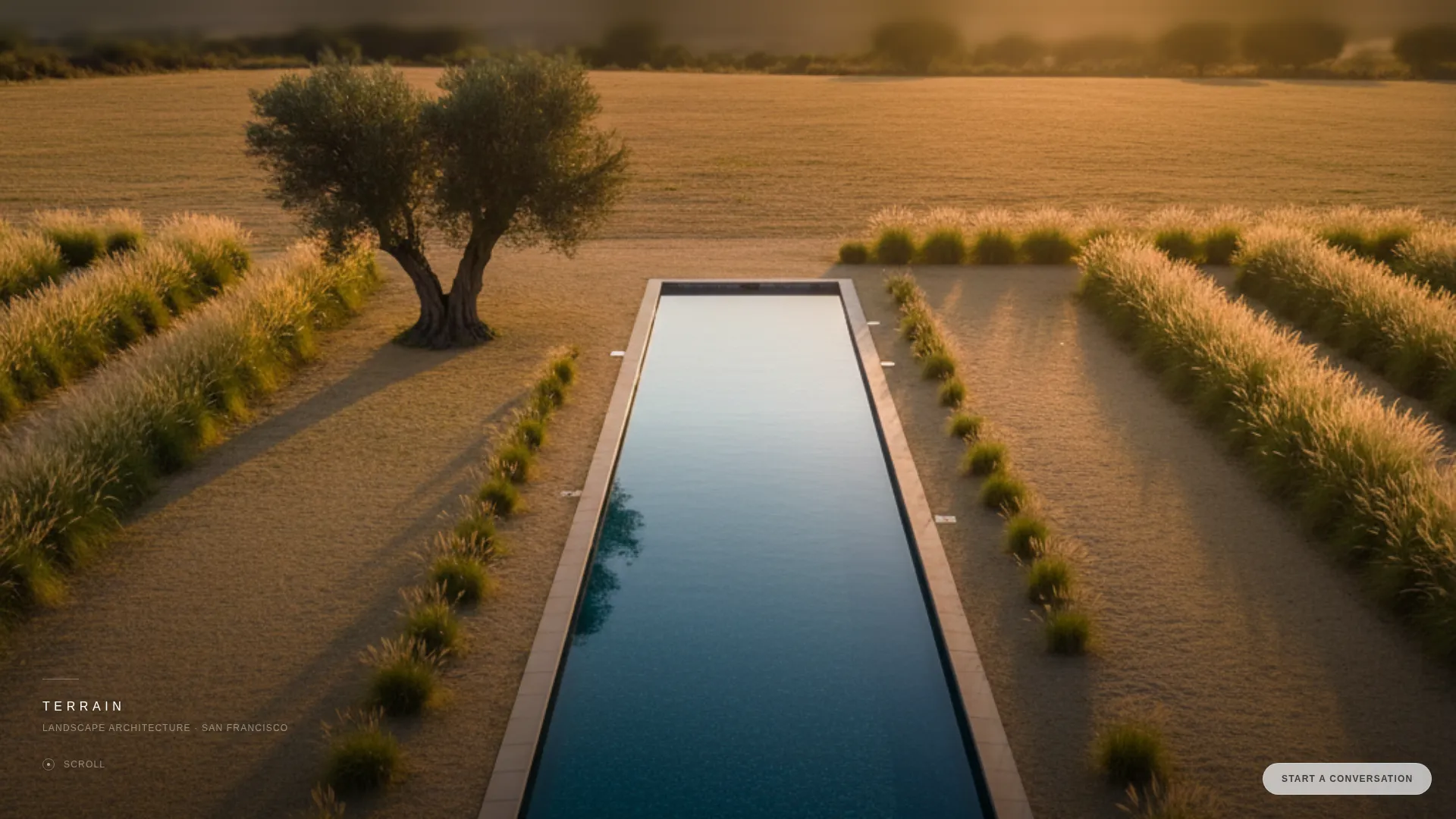
- A full-bleed drone-photo hero with a delayed, whisper-weight studio name reveal
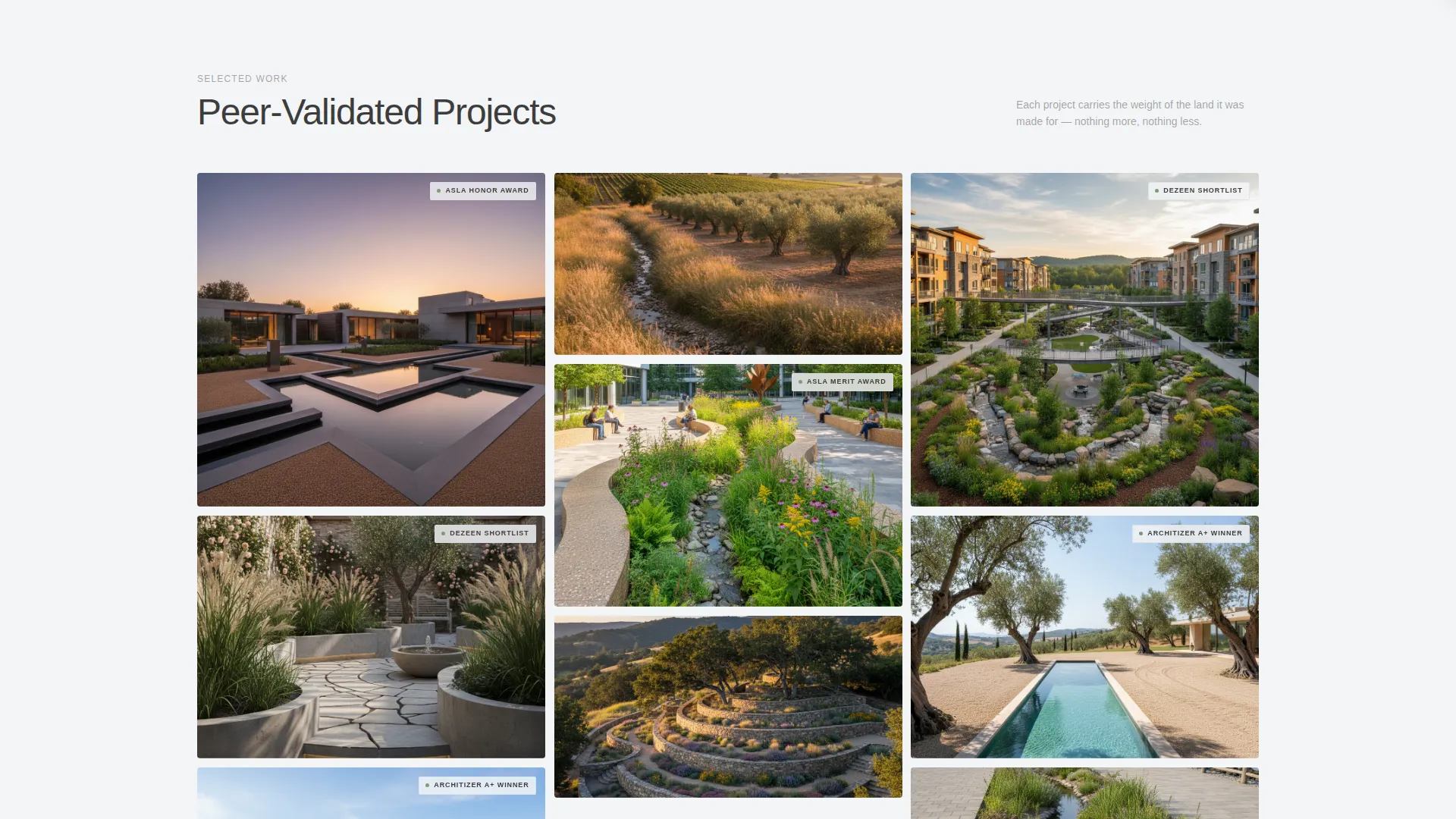
- An asymmetric masonry project grid with frosted-glass award tags and hover parallax
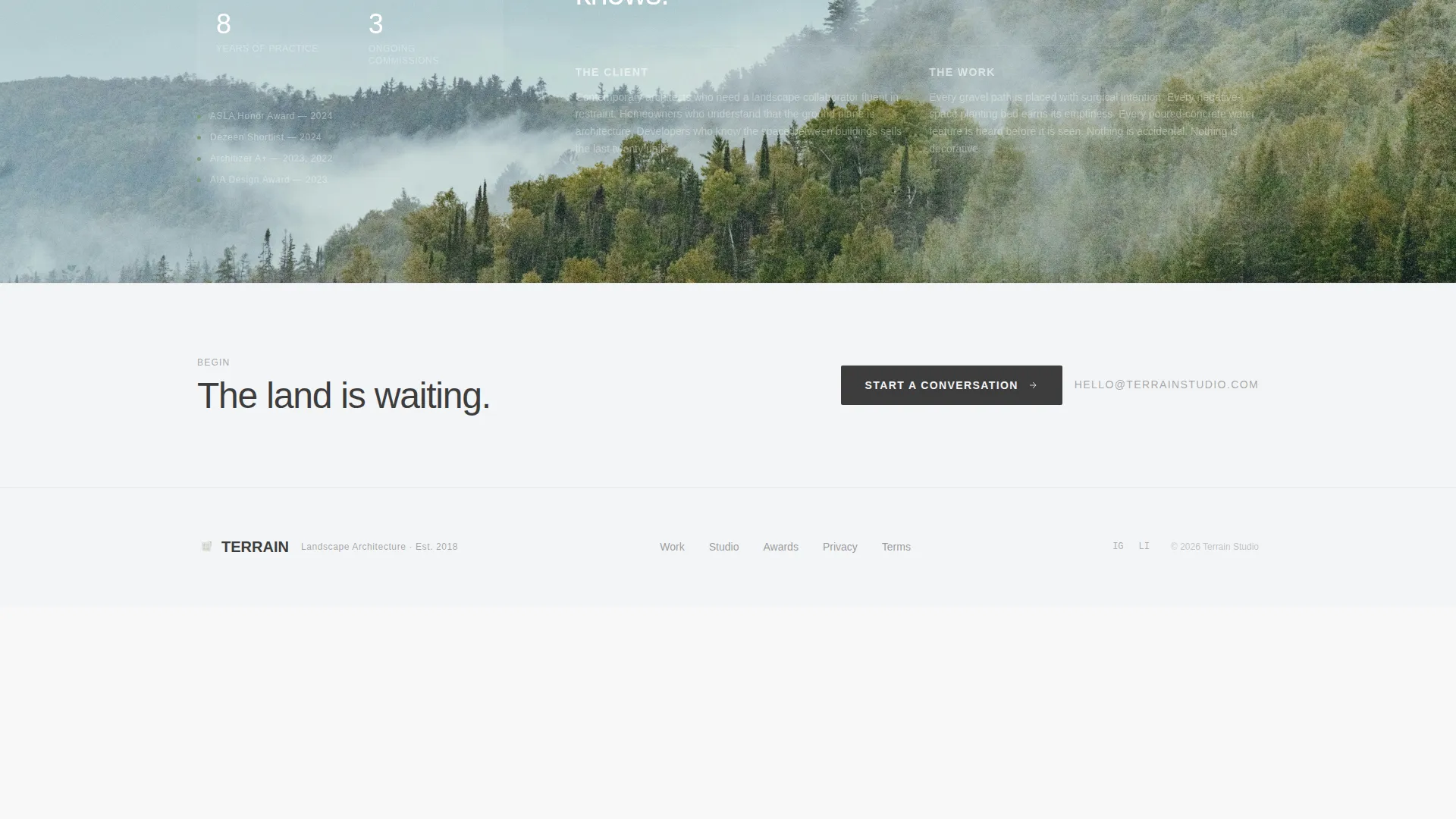
- A floating "Start a Conversation" call-to-action pill and a slide-in three-question inquiry panel
- A secondary email-only PDF lookbook download path for earlier-stage leads
- A continuously scrolling publication logo ticker beneath the project grid
Feature list
A brief paragraph introduces the depth of what is built into this template before the individual capabilities are listed below.
This template is engineered around one idea: the work is the argument. Every feature either shows the work more powerfully or removes friction from the moment a visitor decides to reach out.
Full-Bleed Aerial Hero Section
The header opens with a high-resolution aerial drone image at golden hour. The studio name appears after three seconds in thin, tracked-out sans-serif at the bottom edge. The entrance is unhurried and confident, matching the tone of the studio itself.
Asymmetric Masonry Project Grid
Larger cards are reserved for awarded projects. Smaller cards handle published and featured work. The size contrast teaches visitors the hierarchy without any explanation needed.
Frosted-Glass Award Tags
Each project card carries a small frosted-glass label noting its distinction, such as an ASLA Honor Award or an Architizer A+ Winner recognition. The tags are visible at rest and never compete with the project photography.
Hover Parallax and Lichen-Green Border Reveal
Hovering any project card triggers a subtle lift effect and activates a lichen-green border. The project name and location appear at this moment. The interaction is quiet and purposeful.
Floating Lead-Capture Panel
A frosted-glass pill button labeled "Start a Conversation" stays fixed in the bottom-right corner throughout the scroll. Clicking it opens a slide-in panel with three sequential questions covering project type, site location, and a free-text field for describing the land.
Scrolling Publication Ticker
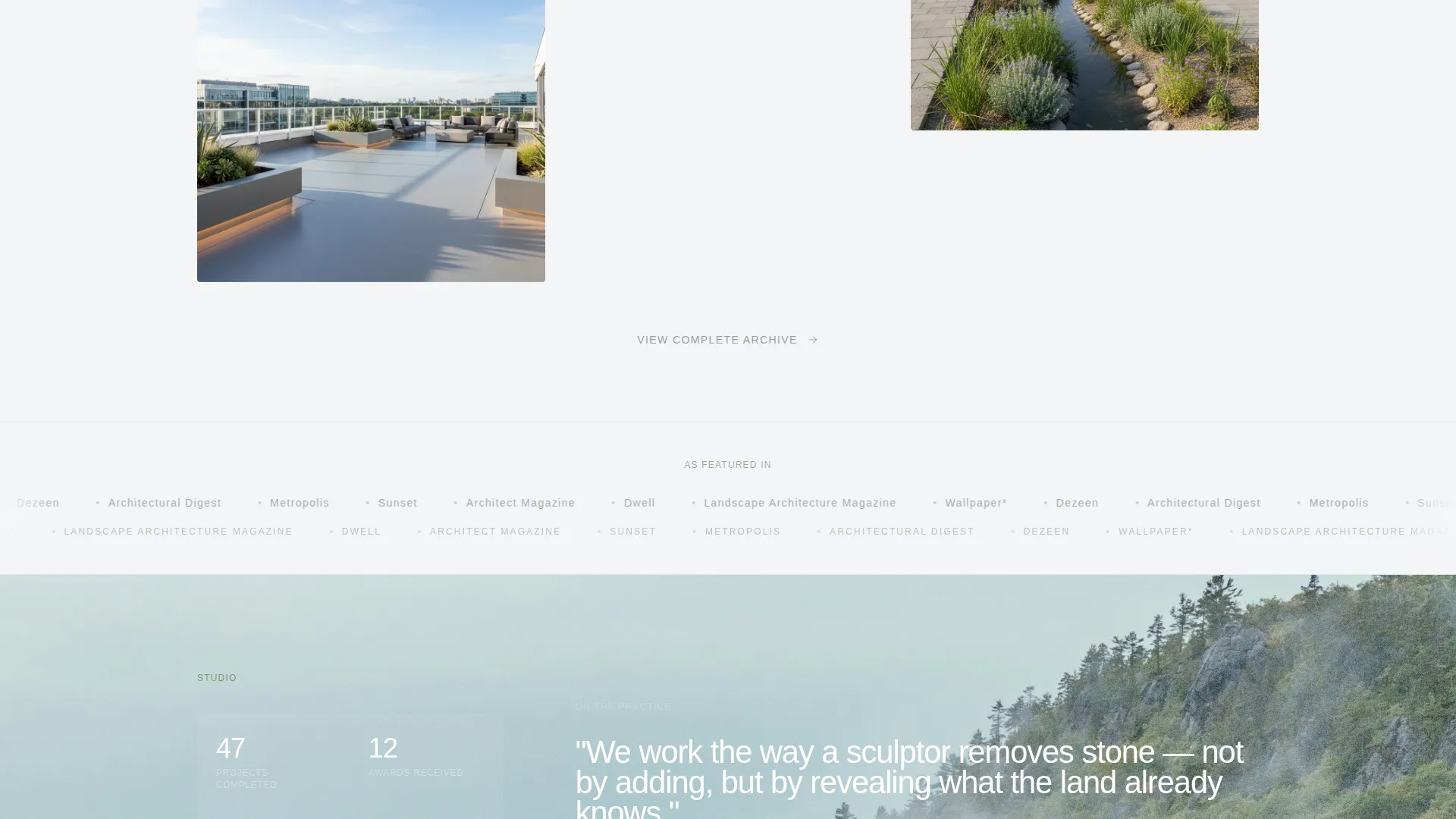
A horizontal ticker of publication logos slides continuously beneath the masonry grid. It acts as a passive trust layer that reinforces credibility without interrupting the visual experience.
Page sections overview
| Section | Purpose |
|---|---|
| Full-Bleed Hero | Establishes studio identity through aerial photography with a delayed name reveal |
| Masonry Project Grid | Displays awarded and published work in an asymmetric, hierarchy-driven layout |
| Award Tag Layer | Communicates peer validation directly on each project card via frosted-glass labels |
| Publication Logo Ticker | Reinforces media credibility through a continuously scrolling trust strip |
| Floating call to action Pill | Keeps the primary inquiry action accessible throughout the entire scroll experience |
| Slide-In Inquiry Panel | Captures qualified leads through three focused, sequential questions |
| PDF Lookbook Capture | Converts earlier-stage visitors with a single email field and downloadable resource |
Design & branding system
The visual identity uses a Tech Glass theme expressed through the Cloud Canvas color system. Every color decision prioritizes restraint, so the photography and the work remain the dominant visual presence.
- Vapor white (#F4F5F7) and soft graphite (#3D3D3D) form the base palette for backgrounds and text
- Frosted pane (#D6DEE8) is used for glass-effect overlays on cards and panels
- Lichen green (#7C9A72) appears exclusively in hover states and recognition badge accents, reading like a single deliberate detail against the muted field
Mobile & speed optimization
The layout is structured to remain readable and navigable on smaller screens without sacrificing the visual weight of the photography. The masonry grid reflows gracefully so the hierarchy of awarded versus published work carries through on every device.
- Full-bleed hero image scales proportionally across viewport sizes
- Floating call to action pill remains accessible and properly positioned on mobile screens
- The slide-in inquiry panel and PDF capture path function cleanly on touch-based devices
How this template helps you convert
The page is designed around two conversion paths that reflect where each visitor actually is in their decision process. No budget field appears anywhere because the portfolio communicates price point before any form is reached.
- The floating "Start a Conversation" pill captures ready buyers by opening a focused three-question panel that qualifies the project type, location, and brief without friction or commitment overhead.
- The PDF lookbook email capture offers an earlier-stage path for visitors who are interested but not yet ready to build, allowing the studio to stay in consideration while they plan.
Other information about this template
This template is a strong fit for landscape design studios that compete on the strength of their recognized portfolio. It is particularly well-suited for practices whose work has been featured in architecture and design publications or acknowledged by professional organizations in the field.
- The template style is a masonry grid layout, also described as a Pinterest-style gallery format
- The header concept is a full-bleed photo with a timed text reveal, not a traditional title-and-tagline hero
- The lead generation structure deliberately omits a budget field, reflecting confidence that the portfolio qualifies the client
- The template is built for a single-page landing page flow, not a multi-page website structure
- The design language suits studios positioning their practice at the intersection of landscape architecture and contemporary residential design
Theme
Tech Glass
Creative direction
Award & Recognition
Color system
Cloud Canvas
Style
Masonry/Pinterest
Direction
Lead Generation
Page Sections
Full-bleed Aerial Hero with Timed Reveal
Asymmetric Masonry Project Grid
Frosted-glass Award Tags on Cards
Hover Parallax with Green Border Reveal
Floating Inquiry Call to Action with Slide-in Panel
Scrolling Publication Logo Ticker
Related questions
Can I replace the placeholder photography with my own project images?
How do the award tags on project cards work?
Does the slide-in inquiry panel include a budget question?
Is the PDF lookbook download path ready to use out of the box?
Is this template suitable for a commercial landscape design practice or only residential?



