Singapore Local Directory Website Template
Clearway is a sidebar companion landing page template built for a Singapore-based snow and frost removal operation. It uses a dark navy command-center aesthetic, a scrolling expert panel sidebar, and a gated PDF download flow to turn facility managers and operations directors into qualified leads before they reach the form.
by Rocket studio
Quick summary
Clearway is a single-page, content-led template designed for a specialist frost and snow response service operating in Singapore. It pairs a persistent expert panel sidebar with a structured main content column to build technical authority fast. The primary conversion goal is a gated PDF download. Every section earns the next scroll.
Who this template is for
This template is built for professional service operators whose clients need proof of expertise before they commit. It suits teams where the buyer is skeptical, the problem is niche, and a simple contact form is not enough.
- Frost and snow response contractors targeting industrial and aviation facility managers
- Operations directors and event producers who manage engineered snow or condensation frost risk
- Professional service firms that convert clients through demonstrated knowledge rather than price
What problem this template solves
Most service landing pages ask for trust before they have earned it. A generic contact form means nothing to a Changi Airport facilities director running de-icing protocols at 3 a.m. Clearway solves the credibility gap by delivering real operational insight before the gate ever appears.
- Visitors arrive skeptical that any Singapore operator truly understands tropical frost risk
- A short contact form gives no signal of technical depth or operational readiness
- The page needs to qualify leads while building trust, not after collecting an email address
What you get with this template
You get a fully structured sidebar companion landing page with a clear content hierarchy. The design, layout, and conversion flow are ready to adapt. Every section has a defined role, and the gate appears only after the content has done its job.
- A persistent scrolling sidebar that updates per expert panel, with portrait and credential display
- A three-field gated form collecting facility type, frost incident estimate, and work email
- An ungated frost-risk checklist visible in the sidebar as a low-friction trust builder before the gate
Feature list
This section describes the core functional and design elements built into the Clearway template.
Scrolling Expert Panel Sidebar
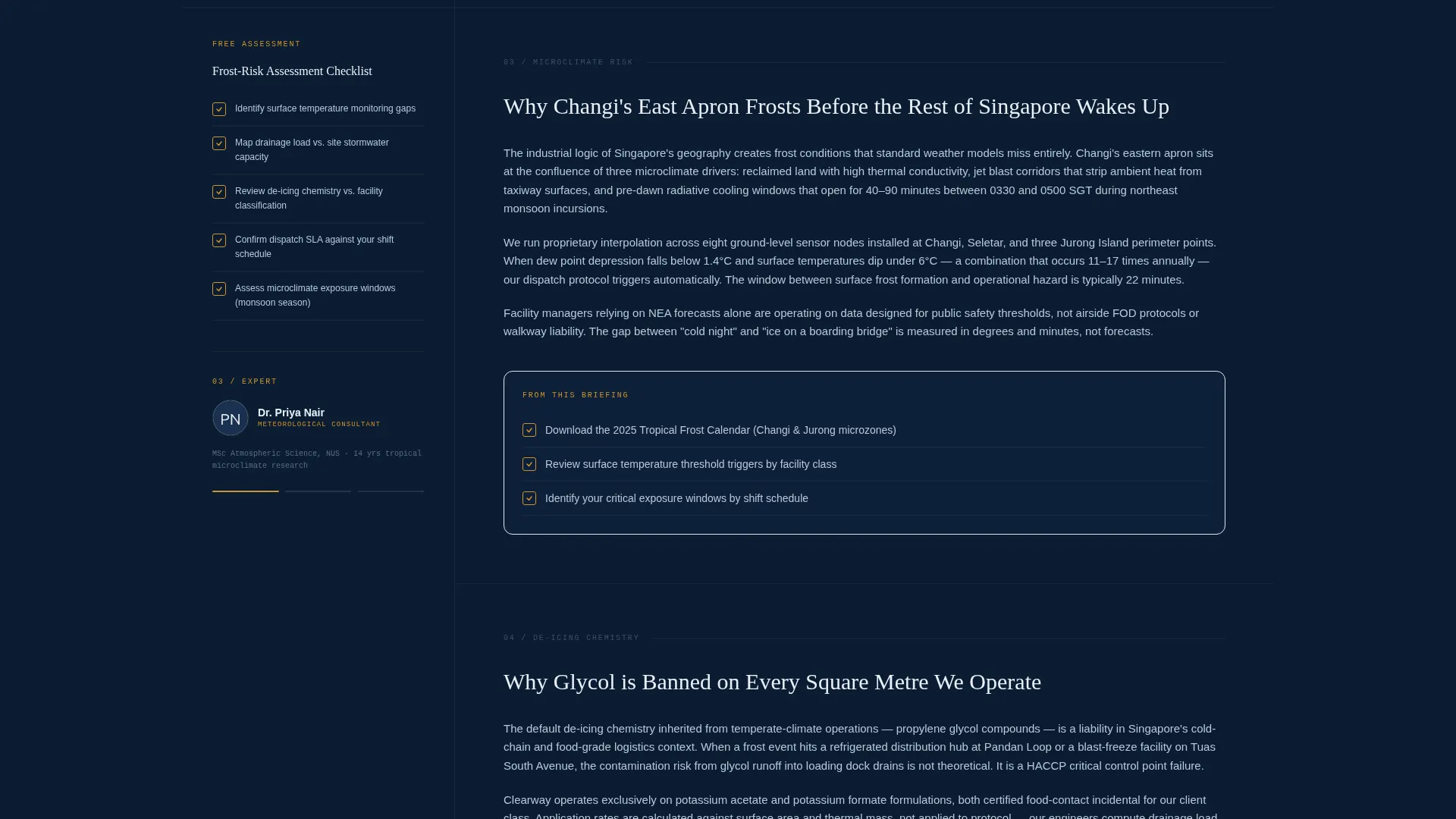
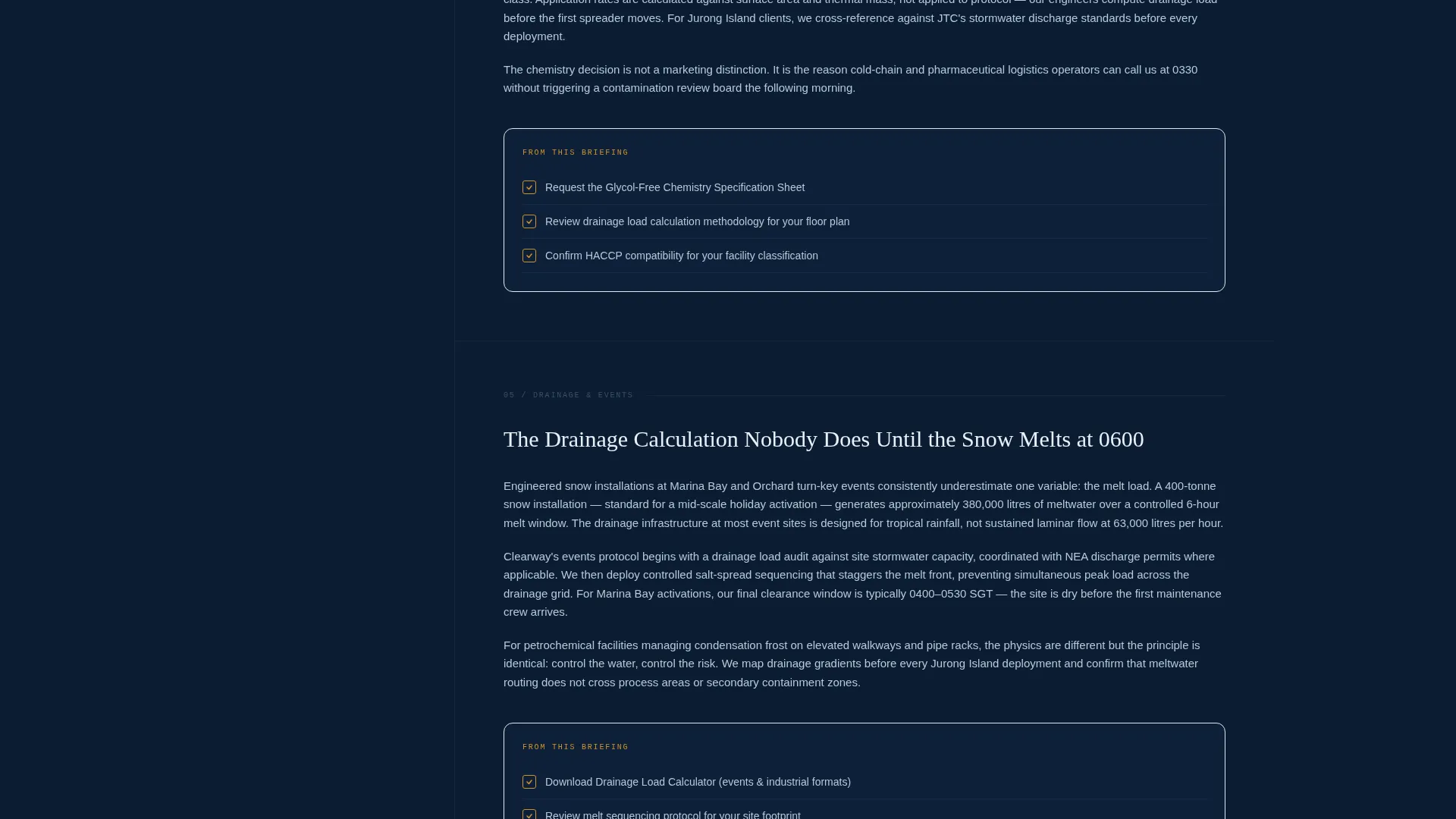
A persistent sidebar anchors each content section to a named specialist. As the visitor scrolls, the sidebar refreshes with the current expert's portrait and credentials. The main column delivers their insight: microclimate risk mapping, glycol-free de-icing chemistry, and drainage load calculations. Each panel escalates technical authority without interrupting scroll momentum.
Gated PDF Download Flow
The primary call to action is a downloadable Tropical Frost Playbook gated behind a three-field form. Fields collect facility type via dropdown, annual frost incident estimate, and work email. The form appears only after two full expert panels have delivered genuine operational content, so the visitor arrives at the gate already convinced.
Ungated Sidebar Checklist
A frost-risk assessment checklist sits in the sidebar, visible and accessible before the form. This secondary conversion path builds confidence without requiring any commitment. It lets cautious visitors extract real value, which makes the gated download feel like a natural next step rather than a barrier.
Testimonial Header Card
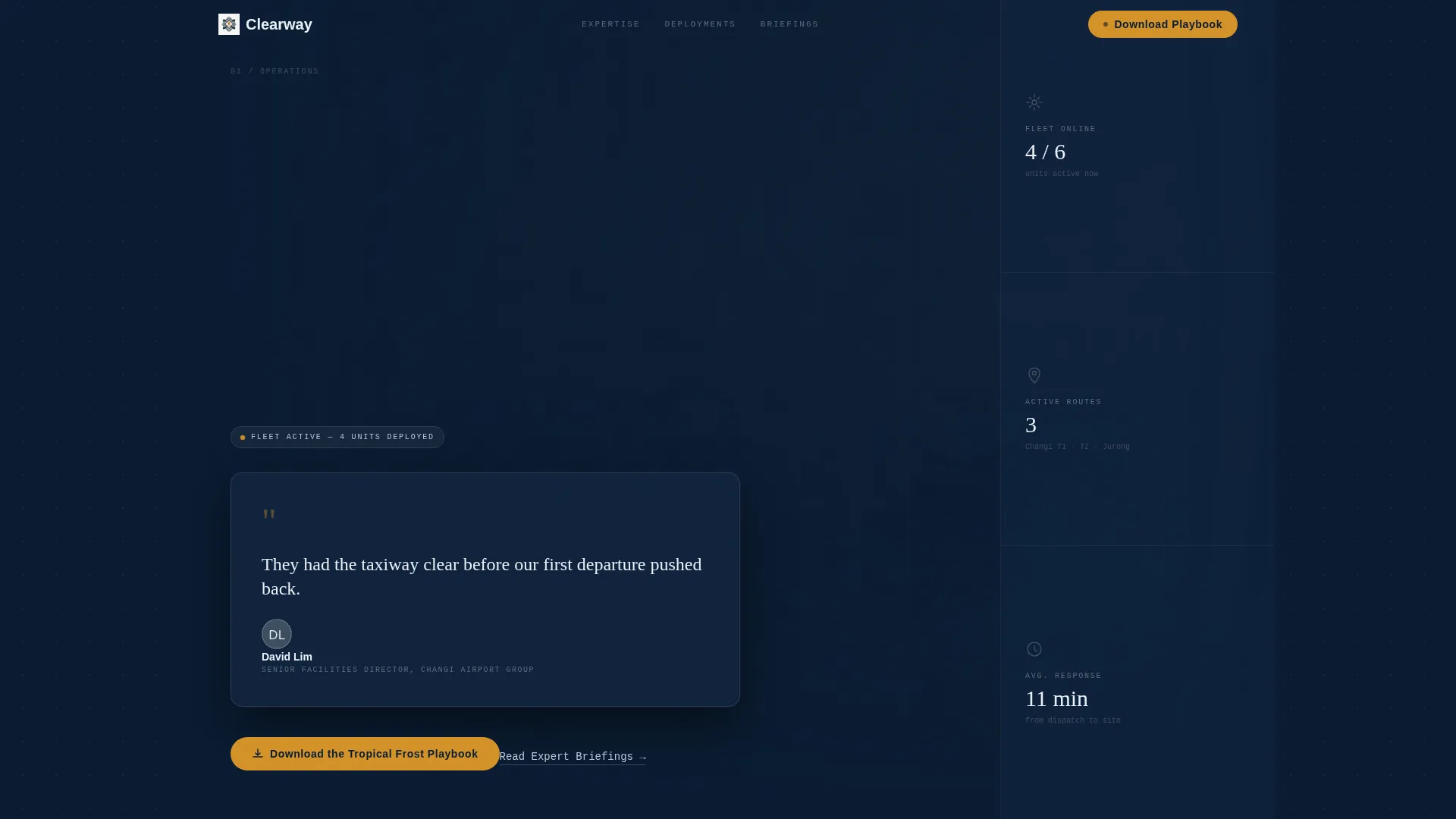
The header section features a single oversized quote card from a Changi Airport facilities director. The quote is set in ice white text on a navy card, with the executive's name and title in gunmetal. A muted photograph of frost crystals on an aircraft boarding bridge provides the background. The specificity of the scene replaces the need for generic stock imagery.
Command-Center Visual Layout
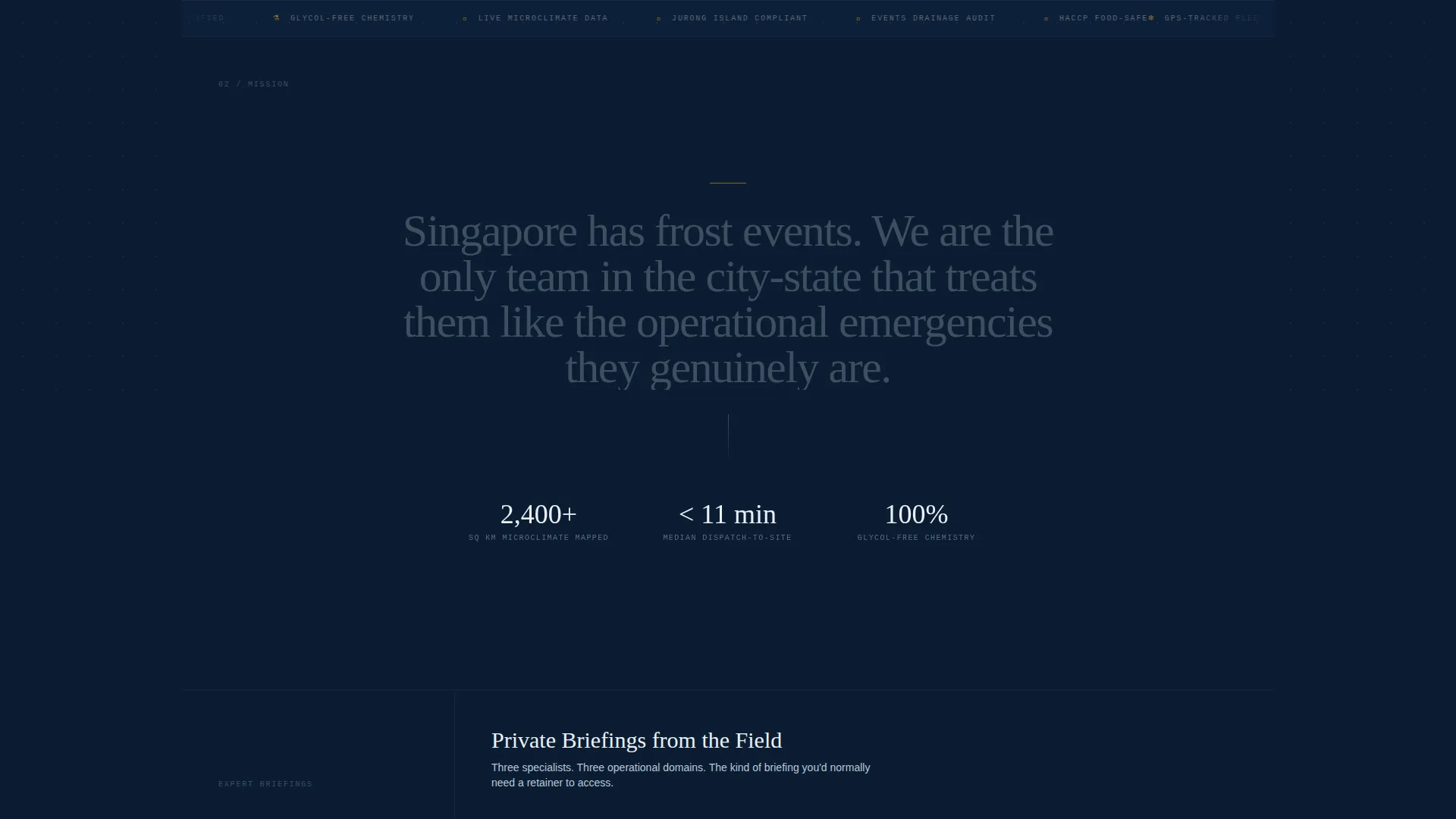
The overall layout is designed to feel like a fleet management dashboard viewed at 3 a.m. Deep navy backgrounds, brushed gunmetal accents, and emergency amber calls to action create a focused, high-stakes environment. Every visual element signals operational readiness rather than marketing gloss.
Dropdown Facility-Type Segmentation
The gated form includes a facility type dropdown covering aviation, petrochemical, events, logistics, and commercial categories. This segmentation means every submission is immediately useful for follow-up. It also signals to the visitor that the service understands their specific context before they have said a word.
Page sections overview
| Section | Purpose |
|---|---|
| Header Testimonial Card | Opens with a credible aviation-sector quote to establish authority immediately |
| Expert Panel One | Covers microclimate risk mapping for tropical frost with the meteorological consultant |
| Expert Panel Two | Covers glycol-free de-icing chemistry for food-grade facilities with the logistics engineer |
| Sidebar Frost Checklist | Provides an ungated risk assessment tool to build trust before the download gate |
| Gated Download Form | Collects facility type, frost incident estimate, and work email for the PDF playbook |
| Expert Panel Three | Covers drainage load calculations for artificial snow events with the frost-response coordinator |
Design & branding system
The Clearway template uses an Executive Suite theme with a Navy Authority color system. The palette is drawn from operations-room and fleet-management aesthetics, not traditional service-industry blue.
- Core colors: deep operations-room navy (#0B1D33), brushed gunmetal (#3D4F5F), crisp ice white (#EAF0F7), and emergency amber (#D4922A)
- Amber is reserved exclusively for calls to action and alert-state accents, keeping it visually loud against the dark base
- Typography and card treatments follow a dashboard-style hierarchy where every element has a clear rank and nothing competes for attention unnecessarily
Mobile & speed optimization
The sidebar companion layout is designed to remain functional and readable as screen size changes. The expert panel structure adapts so that mobile visitors still experience the authority-building content sequence in the correct order.
- The persistent sidebar collapses gracefully on smaller screens without hiding key trust signals like the checklist or expert credentials
- Section-by-section scroll pacing keeps the content hierarchy intact across device sizes
- Lightweight layout choices prioritize fast visual rendering so the command-center feel lands immediately, not after a delay
How this template helps you convert
Clearway builds conversion pressure gradually rather than demanding commitment upfront. The structure is engineered around the psychology of a skeptical, senior buyer.
- The header testimonial card establishes sector-specific credibility in the first scroll, so the visitor immediately knows this service understands their world.
- Two full expert panels deliver operational insight before the form appears, meaning the visitor arrives at the gate already informed and already trusting the source.
- The ungated checklist in the sidebar captures value-seekers who are not ready for the gate yet, keeping them engaged and moving them toward the primary download.
Other information about this template
Clearway is a sidebar companion template, meaning it is designed to sit alongside or complement a primary service page rather than replace it. It functions as a deep-dive content destination for visitors who need more than a headline and a phone number.
- The template category is Professional Services, positioned within Singapore local services and suited to niche industrial and event-sector operators
- The rotating expert cast includes a meteorological consultant, a cold-chain logistics engineer, and a municipal frost-response coordinator, each serving as a content anchor
- Client types named in the brief include Changi Airport Group facility managers, Jurong Island petrochemical operations directors, and Marina Bay event producers
- The Intersection Match Score for this template is 9 out of 10, indicating strong alignment between the template structure and the Professional Services lead generation use case
Theme
Executive Suite
Creative direction
Expert Panel
Color system
Plum Executive
Style
Split Screen (50/50)
Direction
Lead Generation
Page Sections
Scrolling Expert Panel Sidebar
Gated PDF Download Form
Ungated Sidebar Checklist
Testimonial Header Card
Facility-type Dropdown Segmentation
Command-center Visual Theme
Related questions
Can I replace the expert panel specialists with my own team members?
What if I do not have a PDF playbook ready to gate?
Is the frost-risk checklist a separate page or part of the same layout?
Who is this template best suited for?
Can the Navy Authority color palette be changed to match a different brand?



