HVAC Contractor Marketing Specialist Booking Website Template
Thermostat is a split-screen HVAC contractor landing page built for seasonal promotions. It pairs trust-building technician profiles with bold service pricing on a clean Arctic White layout. A sticky countdown banner and repeating "Claim Your Seasonal Rate" calls to action drive visitors straight to a seasonal booking calendar. No forms, no friction.
by Rocket studio
Quick summary
Thermostat is a single-page, click-through landing page for HVAC contractors running seasonal promotions. It uses a 50/50 split-screen layout to introduce real technicians alongside specific service offers. Oversized performance stats anchor the header, while a sticky bottom banner with a live countdown and tap-to-dial button catches every visitor type.
Who this template is for
This template is built for HVAC contractors who want to convert seasonal traffic into booked appointments. It fits operators who lead with team credibility rather than generic service lists.
- HVAC contractors promoting pre-season tune-up or equipment swap-out packages
- Property managers overseeing multiple units who need to reach a responsive, credentialed crew
- Small business owners who cannot afford downtime and want to see transparent pricing fast
What problem this template solves
Most HVAC service pages look identical: stock photos, a contact form, and a vague promise of "fast response." Visitors cannot tell who will show up or whether the price is fair. That uncertainty costs bookings.
- Homeowners need reassurance before scheduling, not a generic inquiry form
- Seasonal promotions lose urgency when there is no visible deadline or rate on the page
- A faceless dispatch page gives no reason to choose one contractor over another
What you get with this template
You get a complete, ready-to-customize single-page layout built around technician credibility and seasonal urgency. Every section is designed to move a visitor from skepticism to a confirmed booking click.
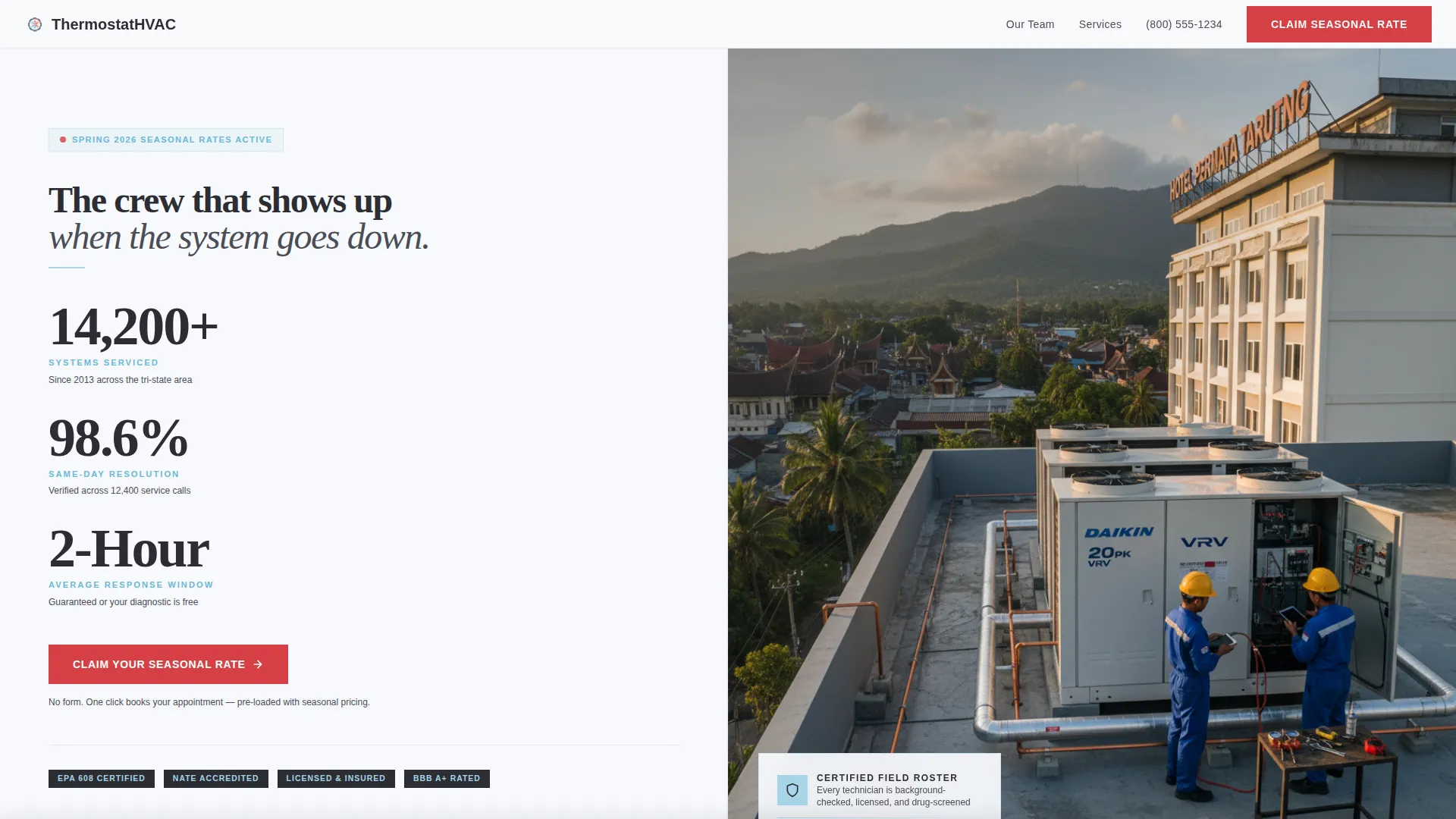
- A stats-led header with three oversized performance metrics and a technician photograph
- Alternating technician profile sections, each paired with a specific seasonal service and transparent pricing
- A sticky countdown banner at the bottom of the viewport with a live offer expiration timer and a tap-to-dial "Call Now" button
Feature list
This template packages several purposeful components into one cohesive layout. Each piece connects directly to the goal of earning visitor trust and capturing a booking click.
Stats-Forward Header Panel
The left panel of the header stacks three oversized performance numbers vertically: systems serviced, same-day resolution rate, and average response window. Each metric uses compressor-casing charcoal for the number and ice blue for the unit label. The right panel holds a real technician photograph, not styled stock imagery.
Alternating Technician Profile Sections
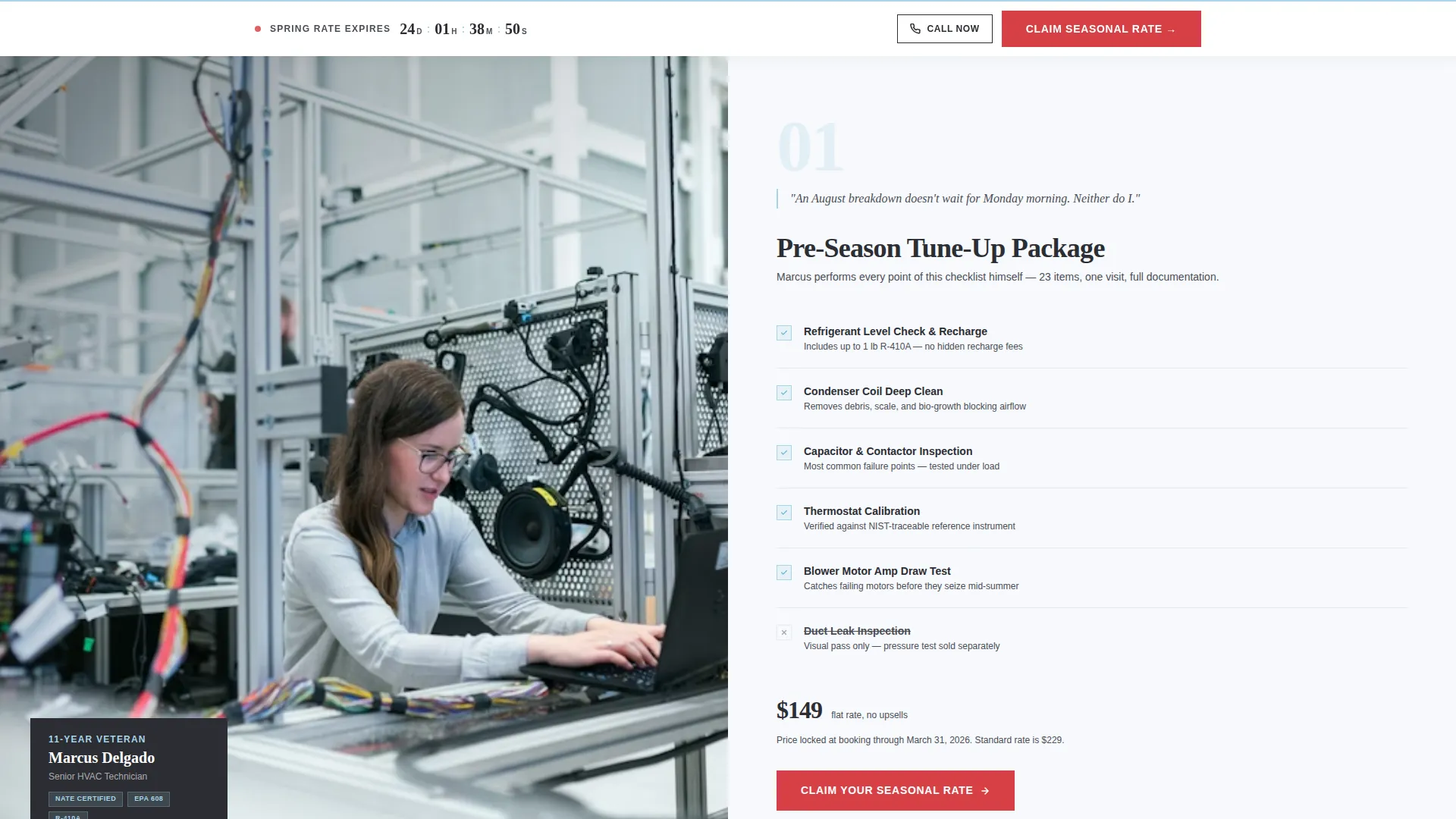
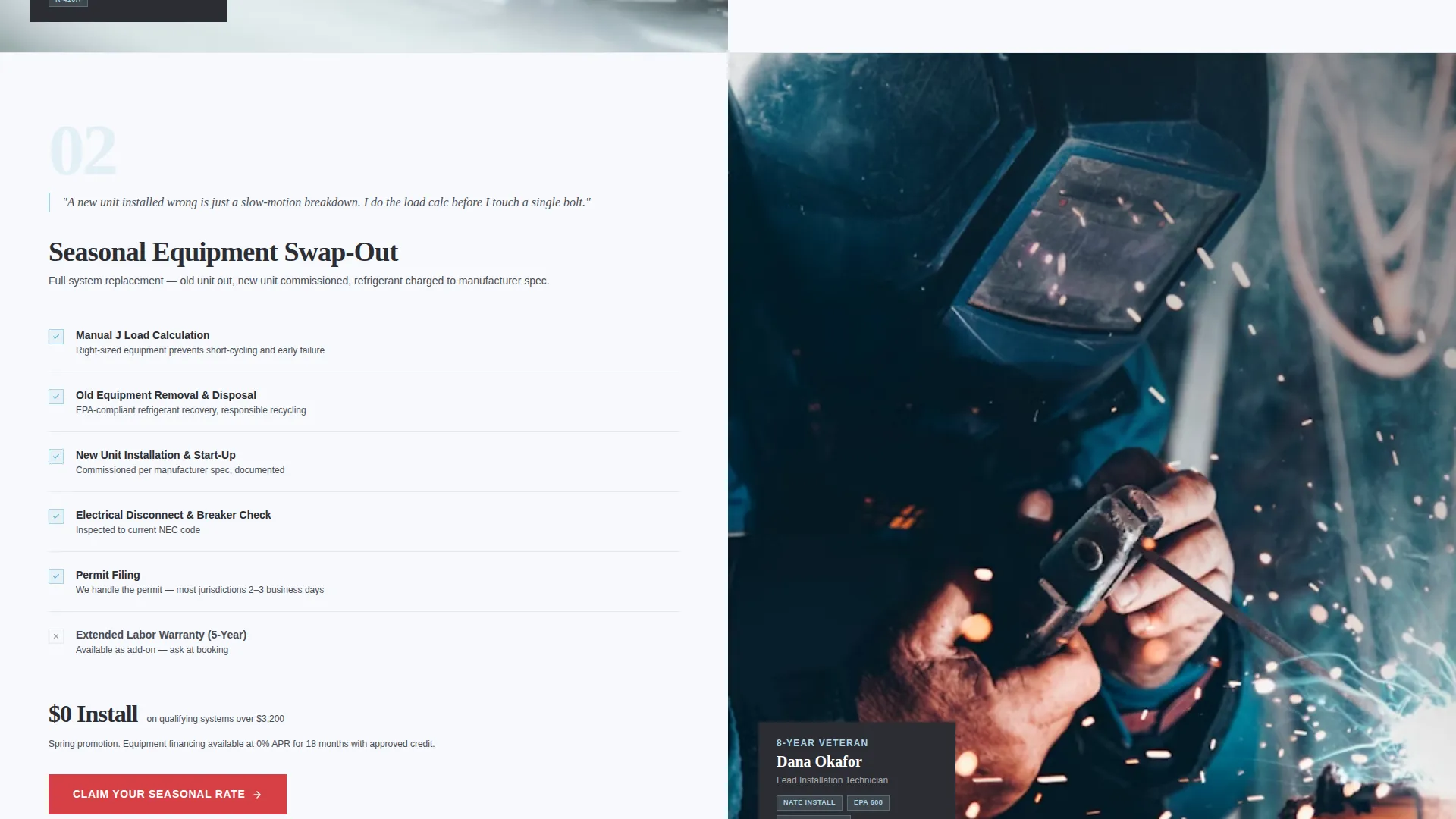
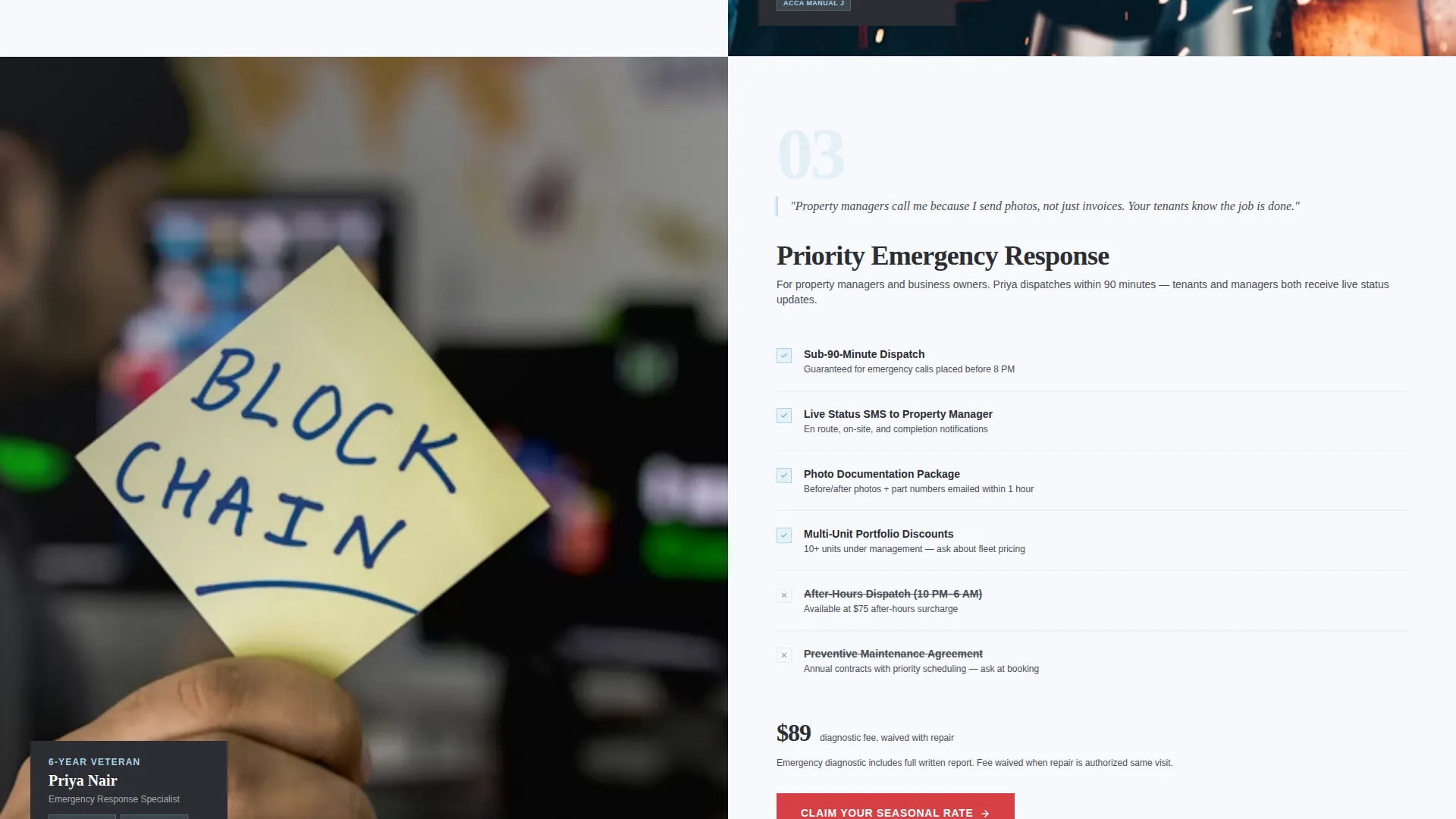
Each scroll section introduces one technician by name, tenure, and specialty. The layout flips left-to-right with each section, so the portrait and the service details trade sides. This repetition builds a roster impression rather than a single salesperson pitch.
Transparent Seasonal Service Pricing
Each technician section includes an itemized breakdown of the seasonal package they perform. Pricing is shown directly on the page, removing a common barrier that causes visitors to leave before booking.
Repeating Primary Call to Action
The "Claim Your Seasonal Rate" button appears first inside the header stats panel and repeats after every technician section. Each click routes to a scheduling interface pre-loaded with the current season's promotion. There is no form on this page.
Sticky Countdown Banner
A fixed banner sits at the bottom of the viewport throughout the scroll. It displays the seasonal offer expiration with a live countdown timer and a smaller "Call Now" tap-to-dial button for visitors who prefer a phone call over a calendar click.
Arctic White Color System
The layout uses a four-color palette applied with strict intent. Clinical frost white dominates backgrounds, charcoal anchors all text, ice blue marks dividers and icons, and thermostat red is reserved exclusively for calls to action and the countdown element.
Page sections overview
| Section | Purpose |
|---|---|
| Stats Header Panel | Opens with three key performance metrics and a real team photograph |
| Primary call to action Block | Places the first "Claim Your Seasonal Rate" button inside the header |
| Technician Profile: Marcus | Introduces a senior technician alongside the pre-season tune-up package |
| Post-Marcus call to action | Repeats the primary call to action after the first technician section |
| Technician Profile: Dana | Features the lead installer with the seasonal equipment swap-out offer |
| Post-Dana call to action | Repeats the primary call to action after the second technician section |
| Sticky Countdown Banner | Persists at viewport bottom with offer timer and tap-to-dial button |
Design & branding system
The visual identity follows a Legal Shield theme built on four precisely assigned colors. The palette reads as mechanical and trustworthy, the same feeling as a brand-new air filter still sealed in its original packaging.
- Arctic White backgrounds (#F7F9FC) keep the layout open and transparent-feeling, while compressor-casing charcoal (#2B2D33) anchors all body text and headings
- Refrigerant-line ice blue (#A8D4E6) traces section dividers and iconography, giving the layout a clean, system-level visual logic
- Urgent thermostat red (#D64045) appears only on call-to-action buttons and the countdown element, preserving its ability to signal immediate action
Mobile & speed optimization
The 50/50 split-screen layout is structured to reflow cleanly on smaller viewports. Tap-to-dial functionality in the sticky banner is especially relevant for mobile visitors who want a voice call before committing to a booking.
- The sticky countdown banner remains accessible at the bottom of the screen on mobile, keeping the offer expiration and call option visible without interrupting the scroll
- Each technician section is built to stack vertically on narrow screens so portrait images and service details read in a logical top-to-bottom order
How this template helps you convert
This template removes the common hesitations that prevent HVAC visitors from booking. Every design decision points toward one outcome: a click to the seasonal scheduling calendar.
- Oversized proof metrics in the header establish credibility within the first three seconds of the visit, before a visitor reads a single line of service copy.
- Named technician profiles with real credentials and transparent pricing replace vague promises with specific, verifiable reasons to book.
- The sticky countdown banner and repeating call-to-action buttons create consistent booking momentum throughout the scroll without relying on a form submission.
Other information about this template
This template is purpose-built for the HVAC contractor seasonal promotion use case. It fits naturally into a broader HVAC contractor marketing strategy where the goal is to move warm traffic quickly from an ad or search result to a confirmed appointment.
- The click-through structure routes all conversions through a single action: clicking to an external scheduling interface
- The template style is fixed as a 50/50 split screen, making it straightforward to swap in your own technician photography and service package details
- The "Team and People" creative direction is a deliberate choice for service industries where the person doing the work matters as much as the company name
Theme
Legal Shield
Creative direction
Team & People
Color system
Arctic White
Style
Split Screen (50/50)
Direction
Click-Through
Page Sections
Stats-forward Header with Team Photo
Alternating Technician Profile Sections
Transparent Seasonal Pricing Display
Repeating Click-through Call to Action
Sticky Countdown and Tap-to-dial Banner
Related questions
Does this landing page include a contact form?
Can I replace the placeholder technician photos and pricing with my own?
How does the live countdown timer work?
Is this template suitable for property managers as well as individual homeowners?
Can this template be used for promotions beyond summer or winter seasons?



