Mudroom & Entry Renovation Booking Website Template
Threshold is a hero-dominant landing page template built for mudroom and entry smart home integration services. It guides visitors through a Problem→Solution Arc, pairing frustrating entry scenarios with animated blueprint-style resolutions. The page drives bookings through a floating call-to-action button and a three-field scheduling form, while a secondary email capture warms visitors who need more time.
by Rocket studio
Quick summary
Threshold is a single-page template designed for smart home entry integration specialists. It opens with a full-viewport isometric mudroom illustration and walks visitors through escalating real-world entry problems, each paired with an animated blueprint solution. By the final section, visitors see a fully wired mudroom and face a clear choice: book an entry audit or download a wiring guide.
Who this template is for
This template was built for professionals who design and install intelligent entry systems. It speaks directly to the challenges your clients feel before they know how to name the solution.
- Smart home integrators and mudroom renovation specialists targeting suburban homeowners mid-renovation
- Custom home builders who want entry spaces to feel as connected as the rest of the home
- Service providers whose primary conversion goal is a booked consultation or scheduled walkthrough
What problem this template solves
Most entry and mudroom service pages look like contractor portfolios. They show finished photos and list features, but they never make the visitor feel the problem. Threshold flips that approach entirely.
- Visitors land without context and leave before they connect the service to their daily frustration
- Generic layouts bury the booking form and give no reason to scroll
- Providers have no low-commitment path for visitors who are curious but not yet ready to schedule
What you get with this template
Threshold delivers a fully structured single-page layout built around a narrative scroll experience. Every section is purposeful and sequenced to move a skeptical visitor toward action.
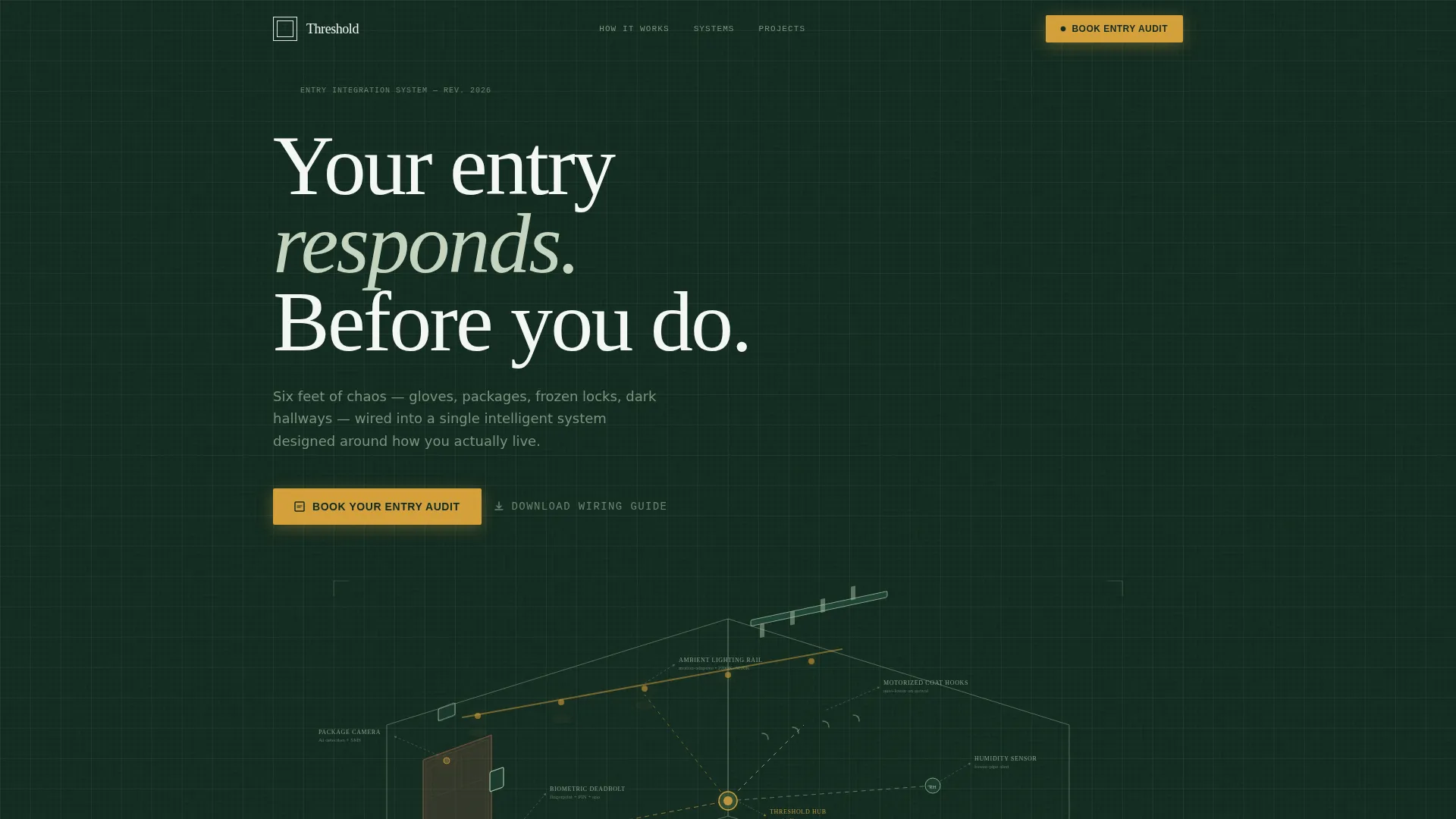
- A full-viewport hero section featuring an animated isometric line art illustration of a mudroom cutaway with annotated smart components
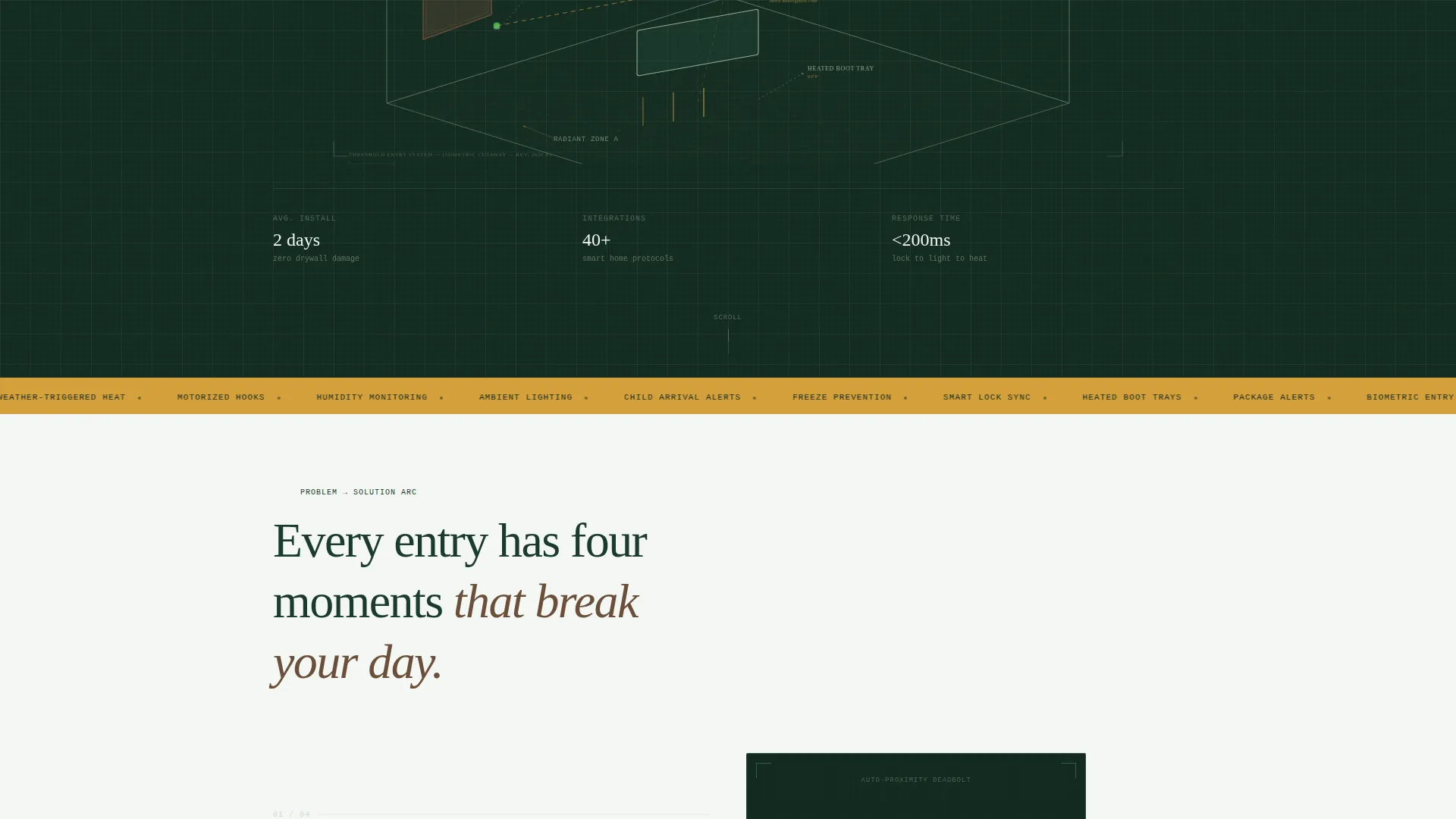
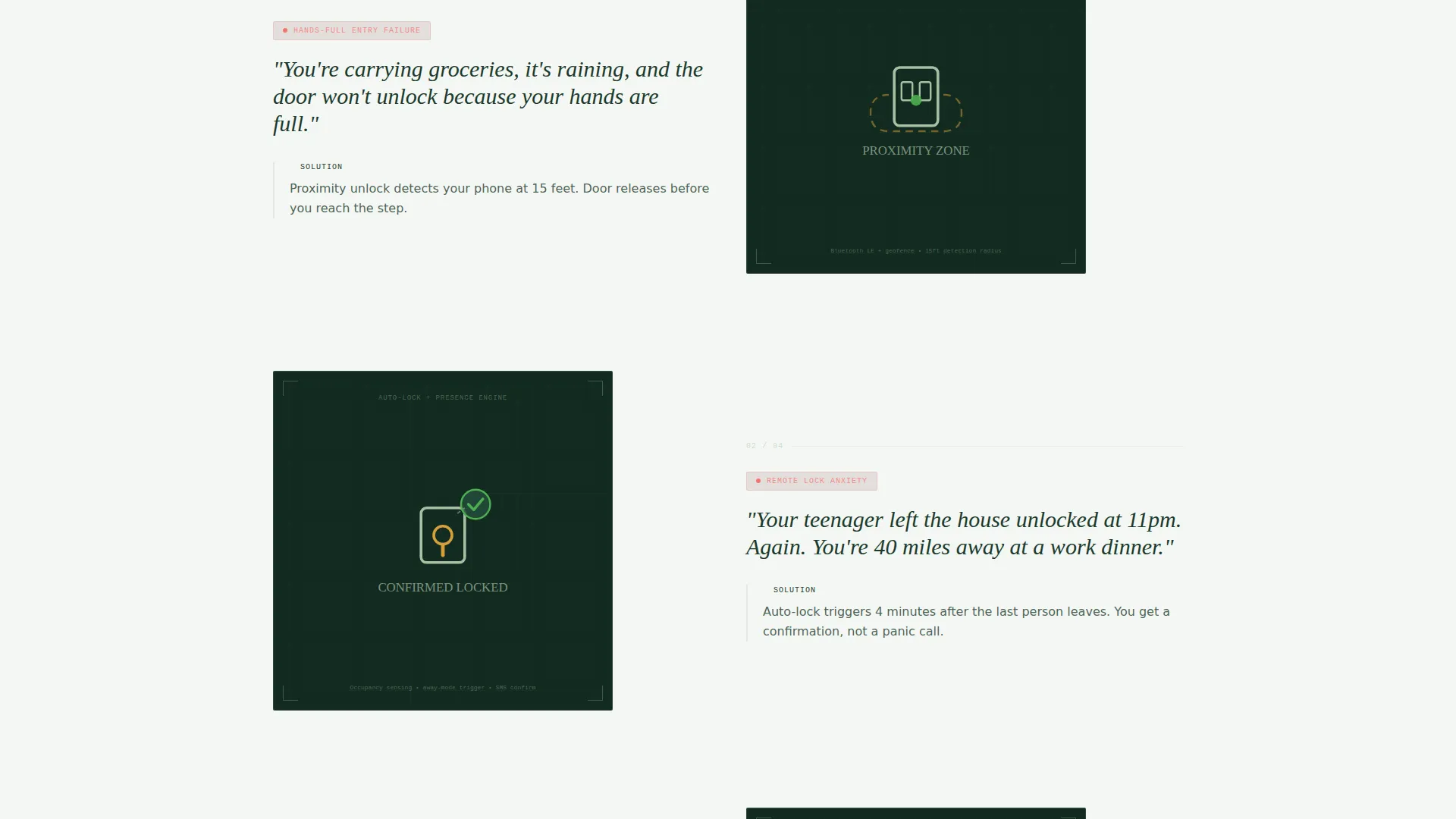
- A Problem→Solution Arc scroll structure with five escalating entry scenarios, each paired with a zooming blueprint detail and a cumulative system diagram
- A floating amber call-to-action button that appears after the third problem-solution pair, plus an anchored booking form with home type, entry point count, and calendar fields
- A secondary email capture path offering a downloadable mudroom wiring guide for visitors not yet ready to book
Feature list
This section outlines the core built-in capabilities that define Threshold as a conversion-focused landing page.
Animated Isometric Hero Illustration
The header fills the full viewport with a thin-stroke isometric cutaway of a mudroom drawn on deep evergreen. Dotted signal lines pulse between devices, a lock icon cycles from red to green, and a temperature readout ticks upward. No photograph competes with this illustration; the blueprint holds the eye the way architectural drawings hold an engineer's attention.
Problem→Solution Arc Scroll Structure
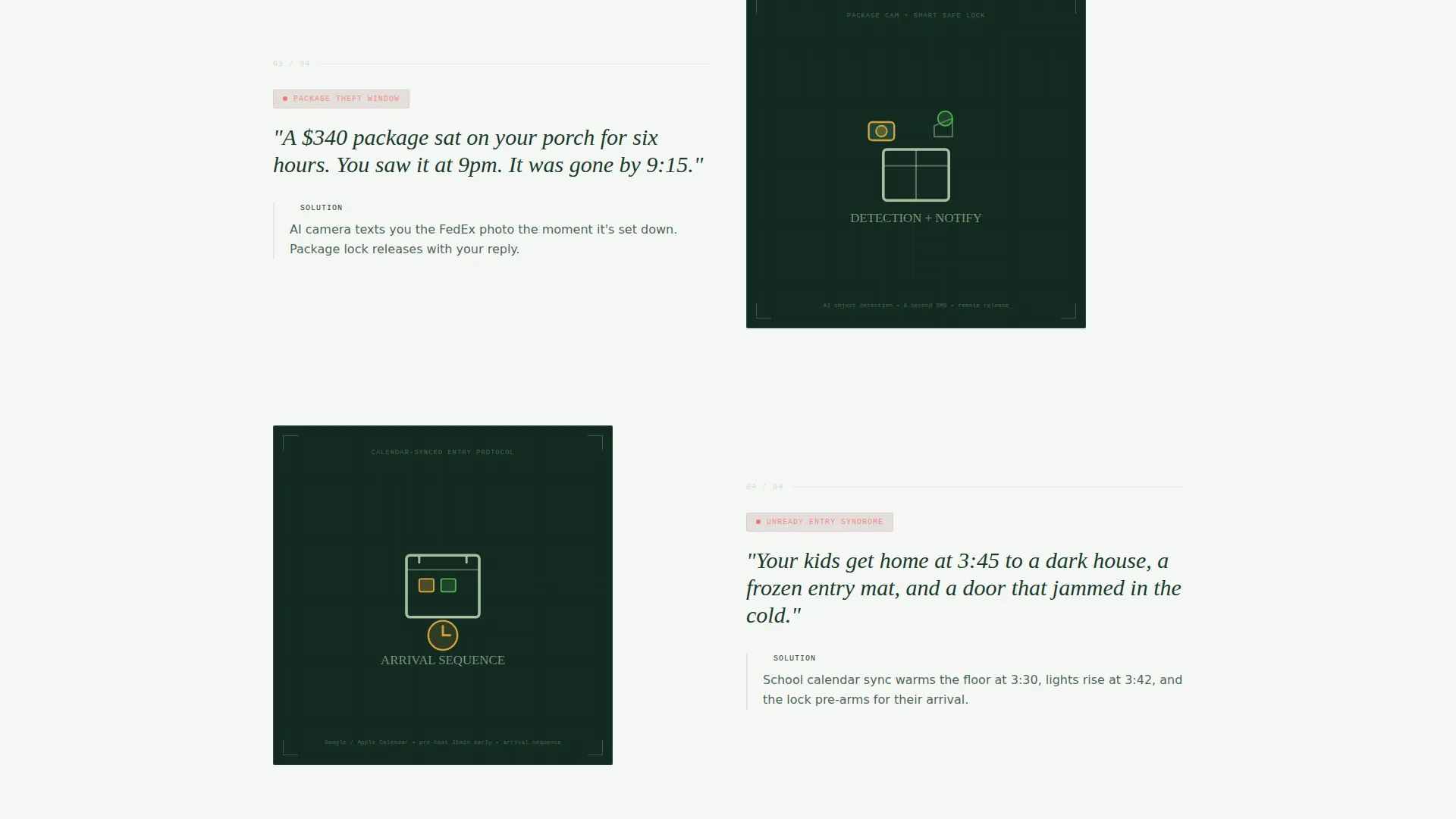
Each scroll section presents one specific entry frustration in a single sentence, then immediately follows with an animated blueprint detail zooming in on the component that resolves it. Scenarios escalate from everyday annoyance to genuine anxiety: full hands at the door, lost keys, frozen pipes, stolen packages, and kids arriving to a dark house.
Cumulative Mudroom Diagram
As the visitor scrolls through each problem-solution pair, a shared mudroom diagram gains one annotated device per section. By the final panel, the diagram shows a fully integrated entry system. This visual progression makes the value of a complete installation immediately tangible.
Floating Booking Call-to-Action
After the third problem-solution pair, a warm amber button labeled "Book Your Entry Audit" floats on screen and follows the visitor down the page. It stays visible without interrupting the narrative, so the booking path is always one tap away.
Three-Field Scheduling Form
The final section anchors the primary conversion path beside a compact form. Visitors select their home type from a dropdown, choose their number of entry points, and pick a preferred walkthrough date from a calendar picker that defaults to the next available Saturday.
Email Capture for the Wiring Guide
A secondary conversion path offers a downloadable mudroom wiring guide in exchange for an email address. The guide is presented in the same blueprint aesthetic as the page, reinforcing the brand and giving hesitant visitors a low-commitment reason to stay in the funnel.
Page sections overview
| Section | Purpose |
|---|---|
| Hero Blueprint | Full-viewport animated isometric mudroom illustration with annotated smart components |
| Pain Point One | Hands-full door scenario paired with auto-unlock blueprint detail |
| Pain Point Two | Lost keys scenario paired with biometric deadbolt annotation |
| Pain Point Three | Frozen pipe scenario paired with underfloor heating zone detail |
| Pain Point Four | Stolen package scenario paired with package-lock and photo-text feature |
| Pain Point Five | Dark arrival scenario paired with ambient lighting rail annotation |
| Full System View | Cumulative mudroom diagram showing all integrated components together |
| Booking Form | Three-field scheduling form with floating call to action and entry audit offer |
| Wiring Guide Capture | Secondary email capture with downloadable blueprint-style PDF offer |
Design & branding system
The visual identity follows an Engineering Blueprint theme rendered in the Forest Trust color system. Every color choice reinforces the idea of precision within a natural, trustworthy environment.
- Deep evergreen (#1B3A2D) and bright sensor-white (#F4F7F3) define the primary background and card surfaces, while soft lichen (#A8BFA2) draws the fine line art strokes
- Weathered cedar (#6B4F3A) adds warmth to secondary surfaces, evoking aged wood and natural materials alongside the technical illustration style
- Warm amber (#D4A03C) powers all interactive accents, including the pulsing signal lines, the floating call-to-action button, and hover states throughout the page
Mobile & speed optimization
The page layout is built to remain legible and functional on smaller screens, where many homeowners will first encounter the service after a referral or social share.
- The isometric hero illustration scales responsively so annotated details remain readable without requiring a pinch-to-zoom interaction
- The floating call-to-action button repositions cleanly on mobile viewports so it never obscures the narrative scroll content
- The three-field booking form uses touch-friendly inputs including a native calendar picker that defaults to the next available Saturday
How this template helps you convert
Threshold is structured so every design decision either builds trust or reduces friction on the path to a booked appointment.
- The Problem→Solution Arc creates personal relevance before asking for anything. Visitors see their own frustrations named and resolved, which makes the "Book Your Entry Audit" call-to-action feel like a natural next step rather than a cold sell.
- The cumulative diagram gives visitors a visual sense of progress and completeness. By the time the booking form appears, they have already watched chaos become a coherent system, which lowers the psychological barrier to committing to a consultation.
- The secondary wiring guide capture ensures that visitors who are not ready to book still enter the service provider's funnel, keeping the relationship warm with a branded, useful asset.
Other information about this template
Threshold is categorized under Construction & Home, within the Mudroom & Entry Renovation subcategory and the Mudroom & Entry Smart Home Integration niche. It carries an intersection match score of 13, indicating a strong alignment between the template's visual style, conversion direction, and the target service category.
- The template style is Hero-Dominant at a 90/10 ratio, meaning approximately 90 percent of the above-the-fold experience is dedicated to the illustrative hero before any body content begins
- The creative direction is a Problem→Solution Arc, a proven scroll narrative structure for service providers whose offer requires education before conversion
- The header concept is Line Art, implemented as an isometric cutaway illustration rather than photography, which keeps the page distinctive in a category dominated by renovation photography
- The landing page direction is Booking and Scheduling, with all layout decisions oriented toward getting a visitor to submit the three-field form or download the wiring guide
Theme
Engineering Blueprint
Creative direction
Problem→Solution Arc
Color system
Forest Trust
Style
Hero-Dominant (90/10)
Direction
Booking/Scheduling
Page Sections
Animated Isometric Hero Illustration
Problem→solution Arc Scroll Flow
Cumulative Mudroom Diagram
Floating Booking Call-to-action
Three-field Scheduling Form
Secondary Email Capture Path
Related questions
Who is this template best suited for?
Can I customize the problem-solution scenarios for my specific services?
What does the booking form collect from visitors?
Is there a path for visitors who are not ready to book?
What makes this template visually different from standard home service pages?



