Advanced Kitchen & Bathroom Remodeling Professional Website Template
Threshold is a single-page landing page template built for walk-in shower and tub installation companies. It opens with a zip-code input that animates into a local project photo and a real installed-price range. Zigzag project sections, neighborhood-tagged testimonials, and a direct-purchase form work together to move visitors from curious to committed in one scroll.
by Rocket studio
Quick summary
Threshold is a direct-sales landing page template for bathroom renovation crews that install zero-threshold walk-in showers and soaker tubs in a single day. A zip-code header resolves into local project photos and price ranges. Alternating before-and-after sections showcase real neighborhoods. The page closes with a buy-intent form and a sticky mobile call bar.
Who this template is for
This template is built for bathroom installation businesses that replace dated tubs and cracked shower pans with walk-in showers and deep soaker tubs. It suits owners who want visitors to feel like they are buying, not just inquiring.
- Walk-in shower and tub installation crews serving specific local service areas
- Bathroom remodeling companies targeting safety-focused renovations for older adults
- Home improvement contractors who want transparent pricing to drive direct bookings
What problem this template solves
Many bathroom remodeling pages feel clinical and vague. They ask visitors to "schedule a consultation" without showing a price or a single finished project from the actual neighborhood. That distance kills confidence, especially for buyers who already know what they want.
- Visitors leave without acting because pricing feels hidden or complicated
- Generic before-and-after galleries feel far removed from the buyer's own street
- Safety-focused clients need immediate reassurance, not a waiting game
What you get with this template
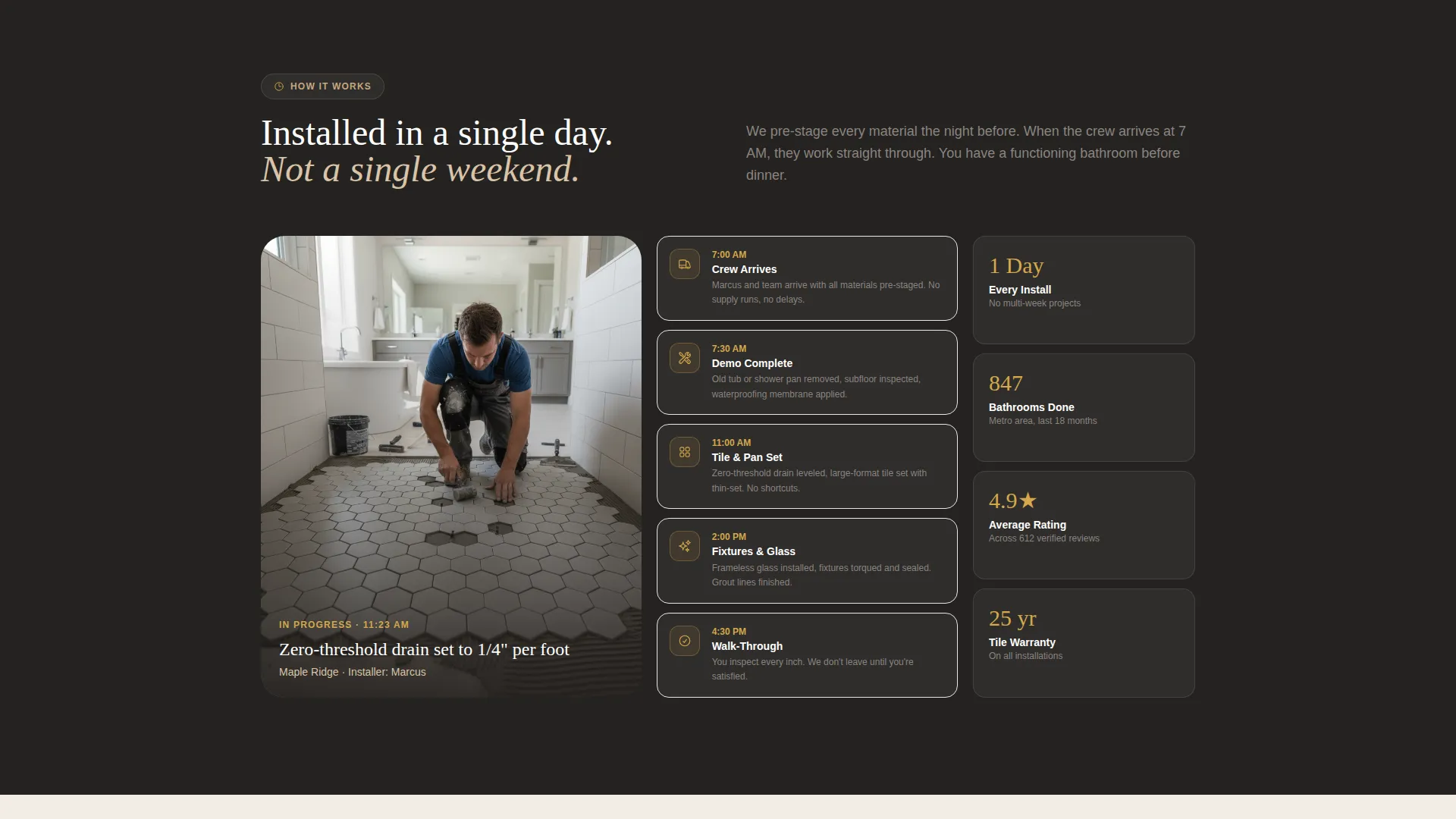
Threshold gives you a fully structured single-page layout designed around one clear action: getting an installed price. Every section is built from the source brief, so nothing is filler. The page flow guides the visitor from location awareness to project proof to purchase intent.
- A zip-code header with blueprint animation and a dynamic local project photo reveal
- A zigzag alternating section layout with neighborhood-tagged before-and-after project blocks
- A direct-purchase form with a tub-or-shower selector, urgency picker, and pre-filled zip code
Feature list
This section covers the core functional blocks built into the Threshold template.
Zip-Code Location Input Header
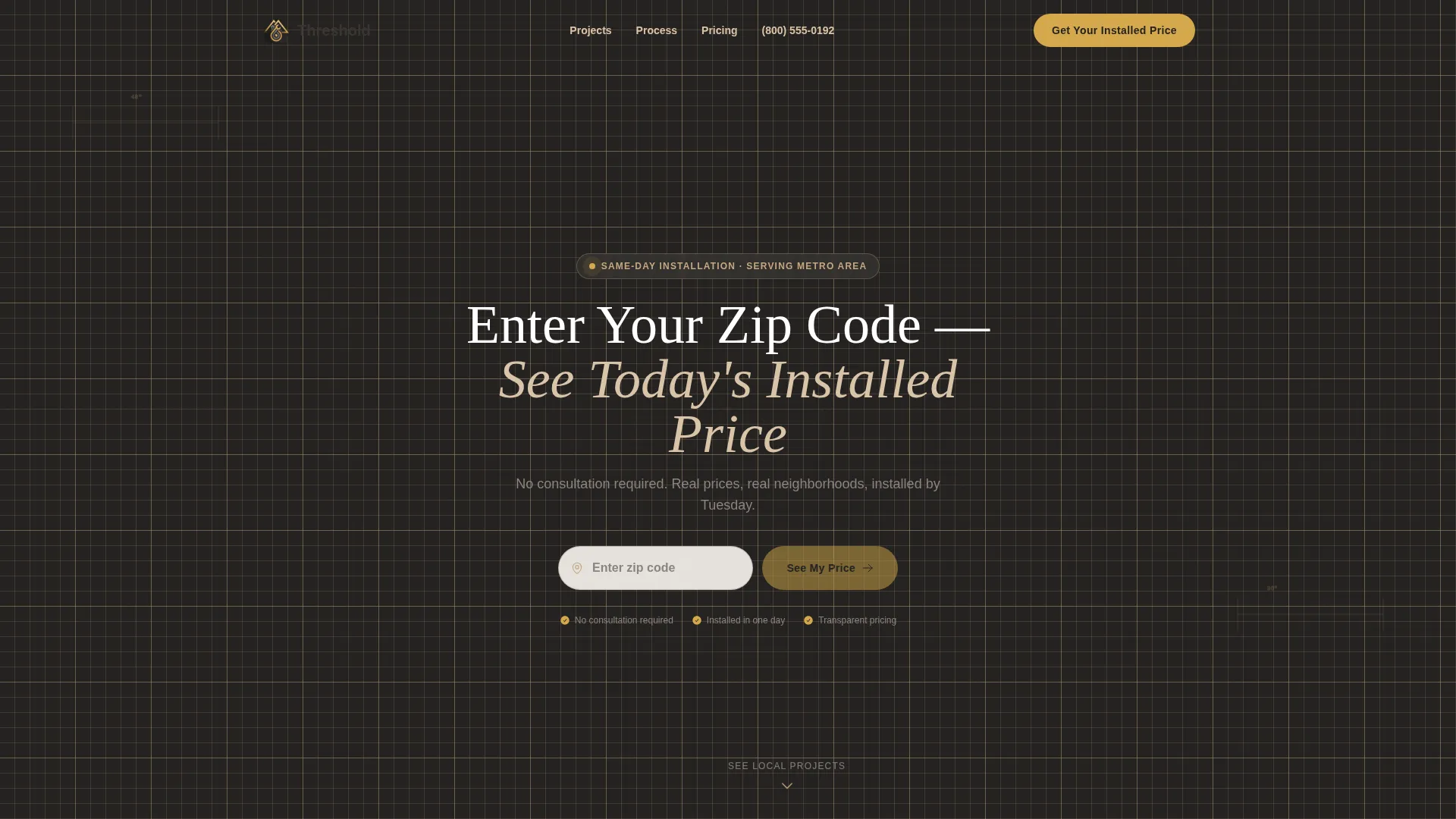
The header centers a clean address field over a faintly gridded blueprint background. When a visitor types their zip code, the construction lines animate and resolve into a completed shower photo from their service area. The neighborhood name and an installed-price range appear below, making the page feel immediately local and relevant.
Zigzag Before-and-After Project Sections
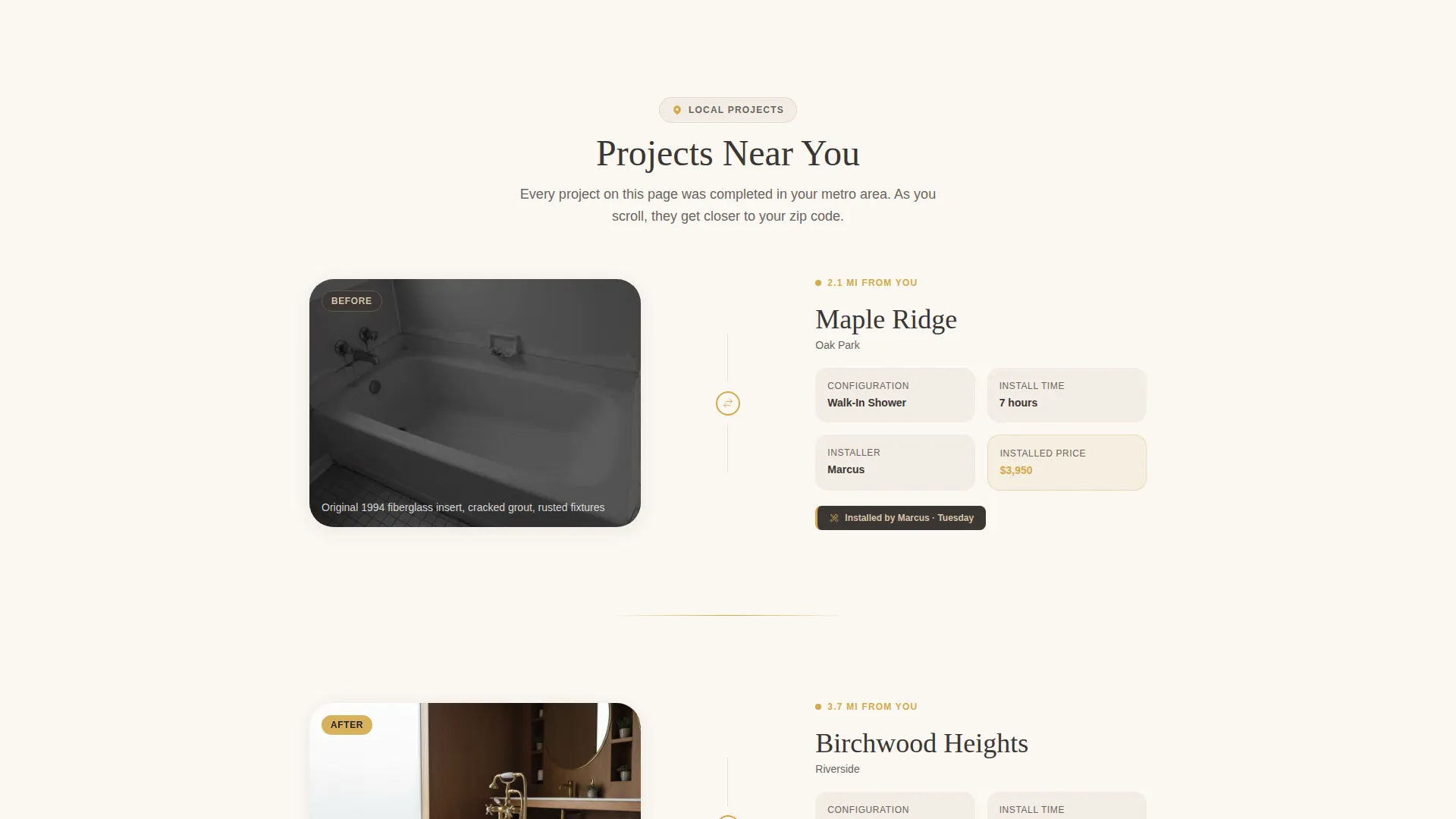
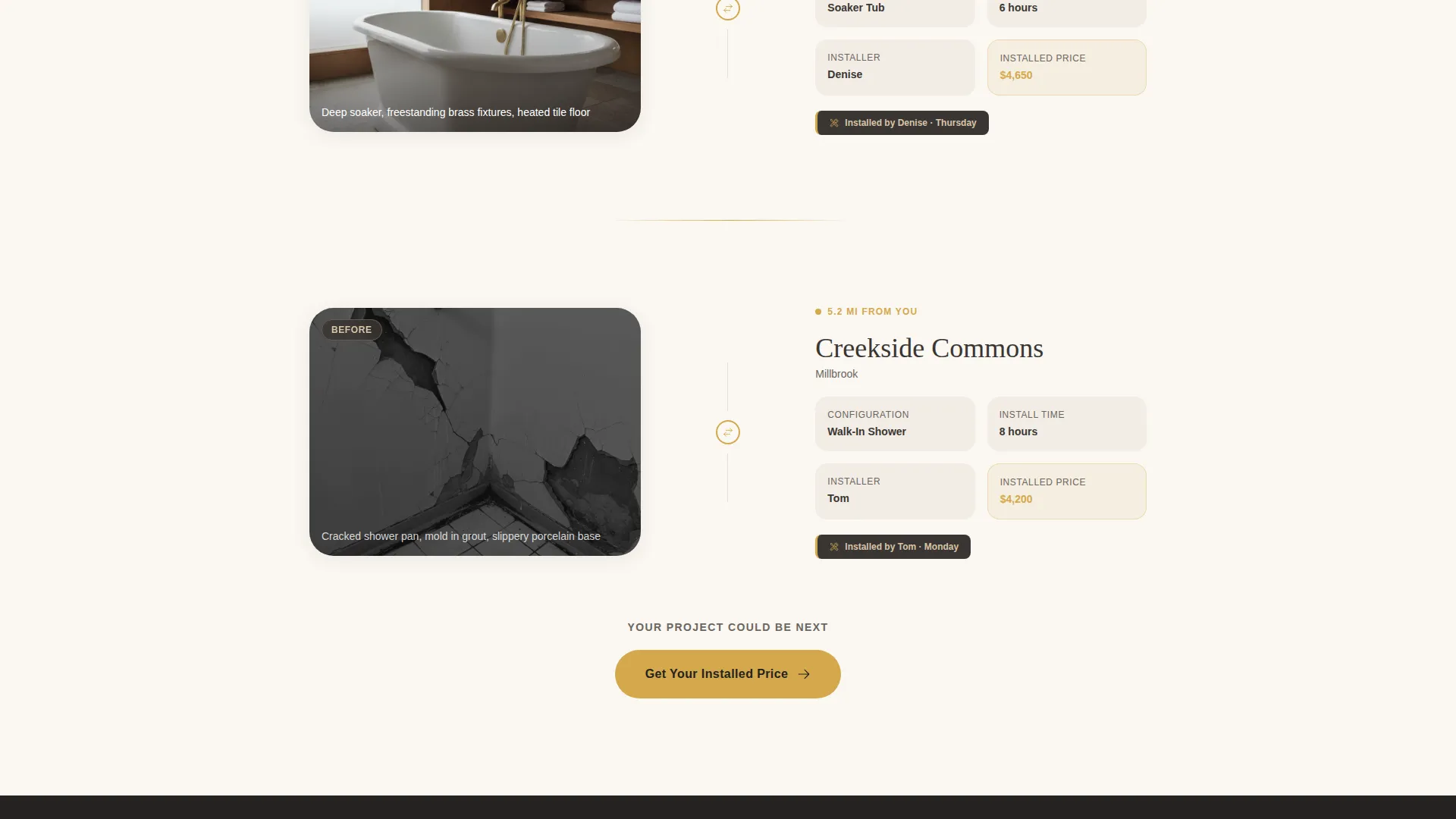
Each alternating row pairs a before photo on one side with the finished walk-in shower on the other. Every block is tagged with a real neighborhood name, the installer's first name, and the install time. As the visitor scrolls, the projects are ordered to feel geographically closer to their entered zip code.
Neighborhood-Attributed Testimonials
Testimonials carry street-level specificity, formatted as a first name, neighborhood, and install day. This detail makes social proof feel grounded and nearby rather than generic. It reinforces trust for buyers who are deciding between a local crew and a national chain.
Direct-Purchase Pricing Form
The conversion form collects zip code (pre-filled from the header input), a tub-or-shower selector with thumbnail illustrations, a "When do you want it installed?" urgency picker with three options, and a phone number. Transparent pricing tiers by configuration appear alongside the form so visitors feel they are placing an order, not filing a request.
Repeating "Get Your Installed Price" call to action
The primary call to action appears three times: in the header, mid-page after the third local project block, and anchored at the bottom with a sticky mobile bar. This placement ensures the action step is always visible regardless of where the visitor pauses in the scroll.
Click-to-Call Local Installer Path
A secondary conversion path displays a "Call Now" prompt with a click-to-call phone number. The number is designed to be dynamically matched to the visitor's zip code. This gives phone-first buyers a direct path without disrupting the primary form flow.
Page sections overview
| Section | Purpose |
|---|---|
| Zip Code Header | Animate blueprint into local project photo and price range |
| Local Project Row 1 | Before-and-after block with neighborhood tag and installer name |
| Local Project Row 2 | Second alternating project block moving closer to visitor zip |
| Local Project Row 3 | Third project block triggering mid-page call to action appearance |
| Mid-Page call to action | Repeat "Get Your Installed Price" prompt after three projects |
| Pricing Tiers Display | Show transparent installed-price ranges by configuration |
| Direct Purchase Form | Collect zip, product selector, urgency picker, and phone |
| Testimonials Strip | Neighborhood-attributed social proof with install day |
| Bottom call to action Bar | Anchor call to action with sticky mobile bar |
| Click-to-Call Bar | Secondary path to speak with a local installer directly |
Design & branding system
The visual identity follows an Engineering Blueprint theme expressed through a Warm Stone color palette. The palette feels like warm mineral surfaces with a subtle metallic gleam where fixtures catch light. Typography uses a confident slab serif for headlines to reinforce the tradecraft tone.
- Quarried sandstone (#C4A882) and grout-line gray (#6B6560) form the base surface tones, while wet-slate charcoal (#3A3633) anchors backgrounds and text
- Polished brass (#D4A84B) is reserved for calls to action, price callouts, and interactive hover states to draw the eye exactly where action is needed
- The faintly gridded blueprint background in the header uses thin construction lines that animate and resolve on zip-code entry, blending spatial storytelling with a warm residential feel
Mobile & speed optimization
The sticky mobile bar keeps the primary call to action visible throughout the entire scroll on smaller screens. The layout is built so the zigzag sections stack cleanly into a single column on mobile without losing the before-and-after pairing logic.
- The sticky bottom bar on mobile always surfaces "Get Your Installed Price" without interrupting the reading flow
- The click-to-call number is accessible as a tap-to-dial link for visitors who prefer calling over filling out a form
- The urgency picker and tub-or-shower selector use thumbnail illustrations sized for comfortable touch interaction on smaller screens
How this template helps you convert
Threshold is engineered around one outcome: turning a curious visitor into a confirmed booking. Every layout decision reduces the gap between interest and commitment.
- The zip-code header makes the page feel personal from the first second, showing a real project and a real price before the visitor has read a single line of body copy
- The neighborhood-tagged project blocks and street-level testimonials build layered trust so that by the time a visitor reaches the form, they have already seen proof from their own area
- The three-placement call to action strategy and the transparent pricing tiers remove the "I need to think about it" pause by giving visitors everything they need to decide right on the page
Other information about this template
Threshold is part of a broader family of direct-sales landing page templates built for trade and home services businesses. It is particularly well-suited for crews offering same-day bathroom installations, including both walk-in shower conversions and deep soaker tub replacements.
- The template style is Zigzag/Alternating, which is a proven layout pattern for showcasing multiple local projects in sequence without the page feeling repetitive
- The Engineering Blueprint theme and Warm Stone color system are consistent with the intersection context fields that define this template's niche: walk-in shower and tub installation within the kitchen and bathroom remodeling category under construction and home services
- The header concept (Location Input) and the creative direction (Local and Neighborhood) work together to create a browsing experience that feels specific to the visitor's town rather than a national advertising campaign
Theme
Engineering Blueprint
Creative direction
Local & Neighborhood
Color system
Warm Stone
Style
Zigzag/Alternating
Direction
Direct Sales
Page Sections
Zip-code Header with Blueprint Animation
Zigzag Before-and-after Project Layout
Direct-purchase Conversion Form
Three-placement Call to Action Strategy
Neighborhood-level Testimonials
Click-to-call Local Installer Path
Related questions
Who is the ideal business owner for this template?
Can I update the neighborhood names and installer details for my service area?
Does the zip-code input require a backend connection to show local pricing?
How does the urgency picker work in the form?
Is this template suitable for companies that only install walk-in showers and not tubs?



