Occupational Therapy Landing Page Template
A single-column occupational therapy landing page built around a searchable conditions and treatment library. The layout uses a Stats-First Impact approach, opening every section with a clinical number before any explanation. A sticky booking bar and a sequential three-field assessment form guide visitors toward scheduling, while a secondary email capture path converts researchers into leads.
by Rocket studio
Quick summary
This landing page template is purpose-built for occupational therapy practices that want to present a condition and treatment library with clinical depth and quiet authority. The Stats-First Impact layout leads with evidence, earns trust through transparency, and closes with a frictionless booking form. It serves patients, parents, and referring physicians from a single scrollable page.
Who this template is for
This template suits occupational therapy practitioners who need more than a brochure page. It is designed for practices that have real outcome data, a range of conditions they treat, and an audience that ranges from anxious patients to analytical clinicians.
- Occupational therapists building an evidence-based conditions reference for patients and referring physicians
- Practices treating a mix of neurological, pediatric, hand and wrist, and workplace injury conditions
- Solo or group OT clinics offering both in-clinic and telehealth assessment appointments
What problem this template solves
Most occupational therapy websites bury clinical information under vague promises and generic wellness language. Patients recovering from stroke or surgery need specificity, not slogans. Referring physicians need numbers they can trust. This template solves the clarity gap by leading with evidence at every scroll step.
- Patients cannot tell whether a practice understands their specific condition before booking
- Referring physicians skip websites that lack outcome data and anatomical specificity
- Research-mode visitors leave without converting because there is no low-commitment lead path
What you get with this template
The template delivers a complete single-column landing page with five clearly defined sections, each serving a different stage of the visitor's decision. Every section is ready to populate with your practice's own condition library entries, outcome metrics, and booking details.
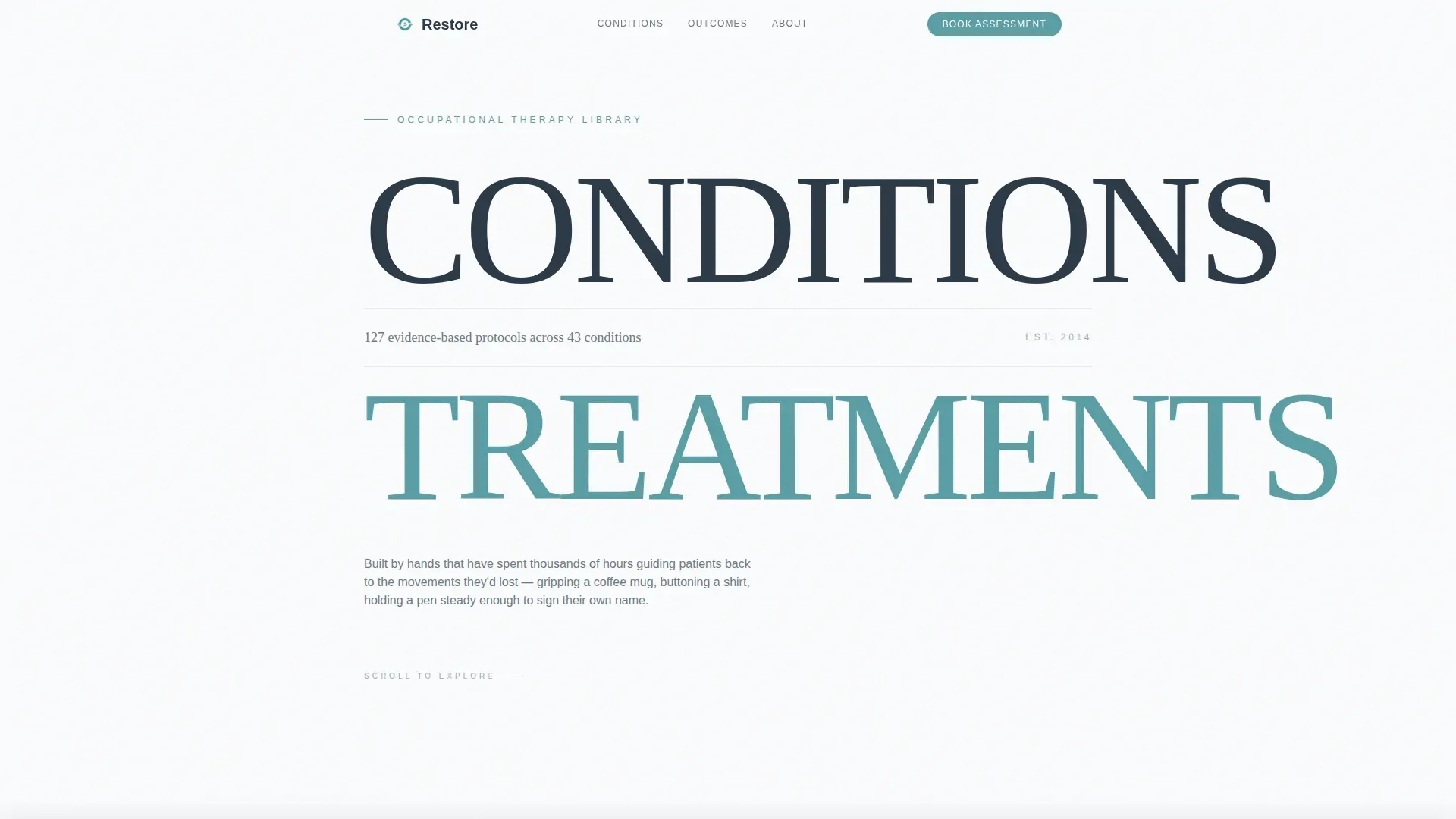
- A hero section using a Stacked Type Tower header with a bold typographic layout and a central evidence stat
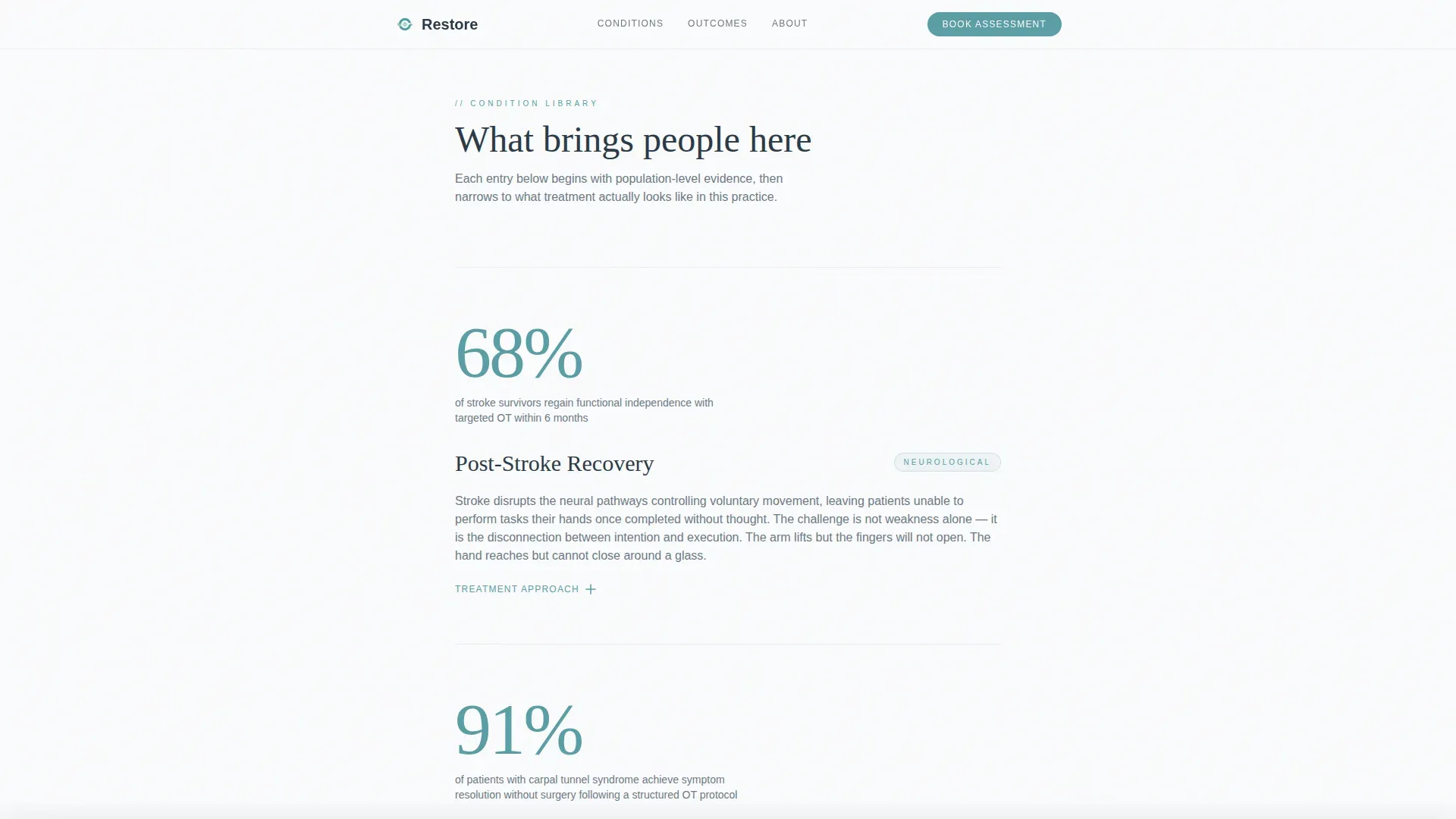
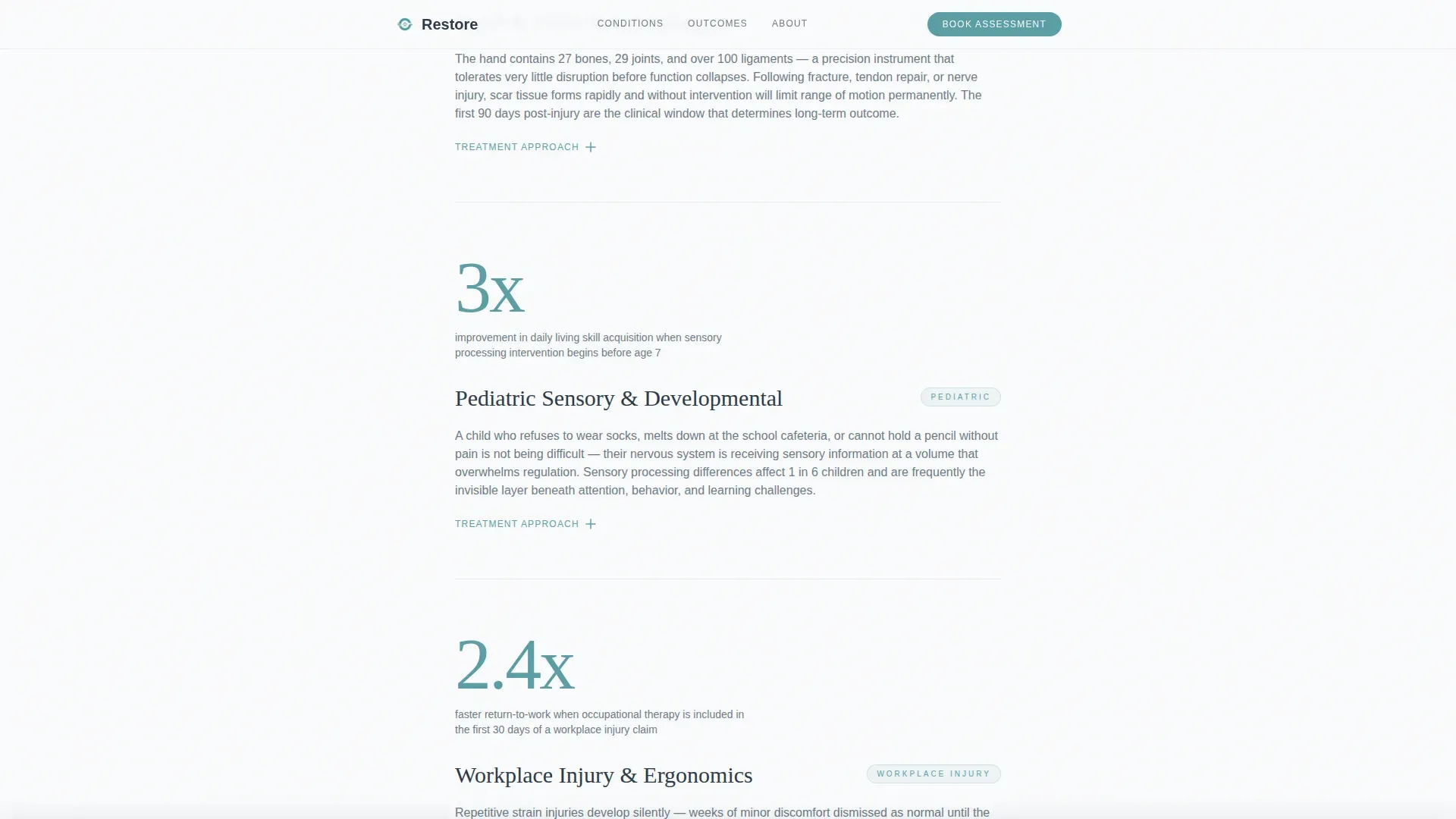
- A full conditions library built from single-column expandable cards, each following a stat, condition name, plain-language explanation, treatment approach, and expected timeline structure
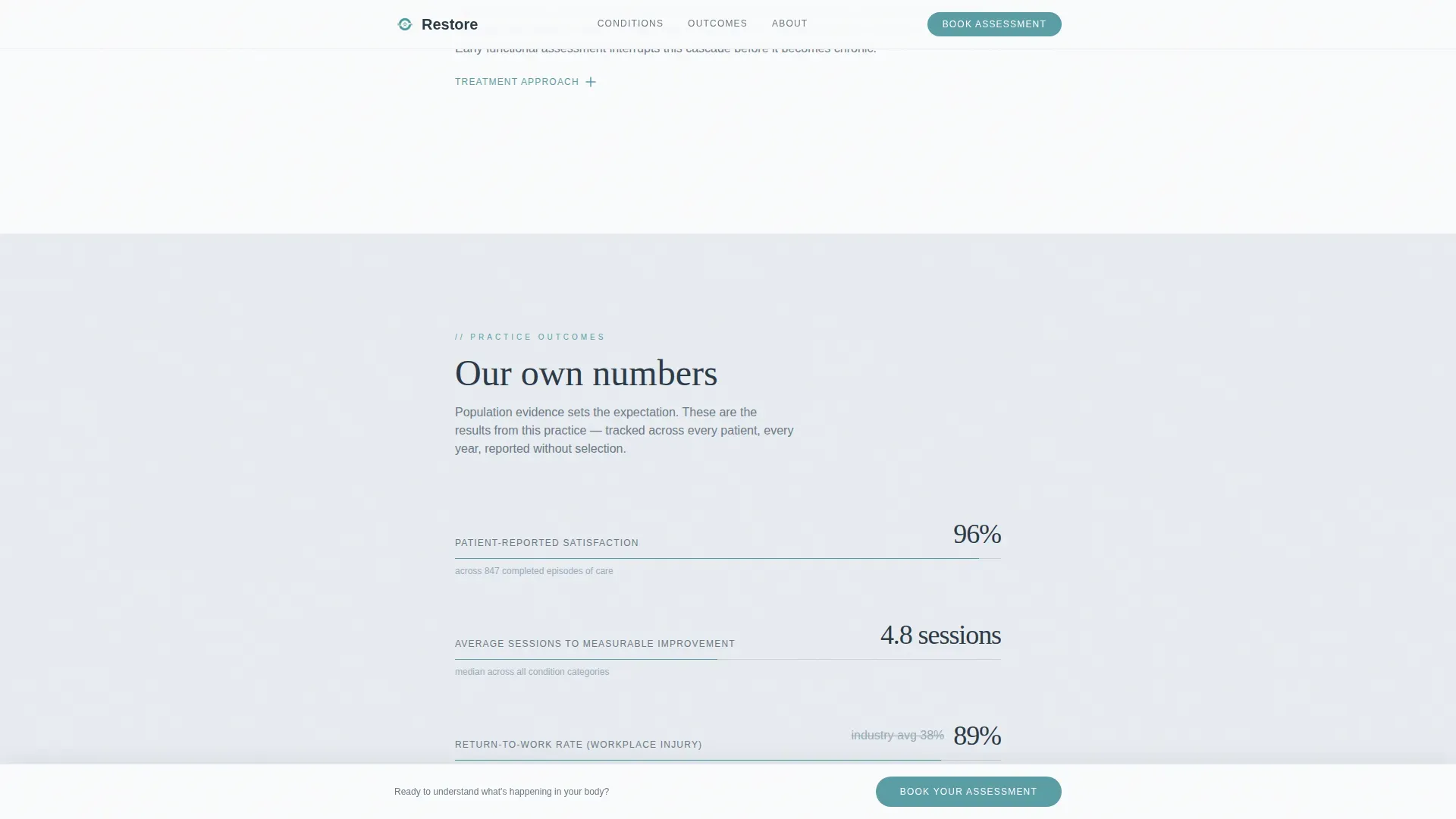
- A sticky bottom booking bar with a sequential three-field form and a secondary email lead capture path
Feature list
This template is built around five prompt-defined capabilities, each solving a real friction point for occupational therapy practices that need to convert three very different audience types.
Stats-First Condition Cards
Each condition entry opens with a single population-level statistic before any description appears. The card then unfolds with an anatomical plain-language explanation, a treatment approach summary, and an expected timeline. Cards are expandable, so the page stays scannable without hiding depth.
Stacked Type Tower Hero
The hero uses large, light-weighted sans-serif typography to set "CONDITIONS" and "TREATMENTS" as structural headlines, with a single evidence stat placed between them. There is no imagery in this section. The type itself is the visual architecture, and the negative space between words signals clarity before the visitor reads a single sentence.
Sticky Booking Bar with Sequential Form
A soft-shadow bottom bar appears after the visitor has scrolled past three condition entries. It contains a three-field sequential booking form: a condition area dropdown, a preferred format selector for in-clinic or telehealth, and a preferred week field. The bar earns the ask by appearing only after demonstrating clinical depth.
Practice Outcomes Section
A dedicated section presents the practice's own outcome metrics, including average sessions to measurable improvement, patient-reported satisfaction scores, and return-to-work percentages. Progress bar visuals display before-and-after improvement data in a format both patients and physicians can absorb quickly.
Secondary Email Lead Capture
A "Download the Full Condition Guide" path sits alongside the primary booking call to action. It asks only for an email address, giving research-mode visitors a low-commitment way to engage. This converts browsers into leads without applying pressure to book immediately.
Page sections overview
| Section | Purpose |
|---|---|
| Hero Tower | Display headline stat and establish clinical authority |
| Conditions Library | Present expandable stats-first condition and treatment cards |
| Practice Outcomes | Show practice-specific metrics and progress visuals |
| About and Approach | Introduce practitioner credentials and clinical philosophy |
| Booking and Lead Capture | Convert visitors via sequential form or email download |
| Footer | Provide single-row linear navigation and contact reference |
Design & branding system
The visual identity follows a Healing Space theme built on an Arctic White color system. The palette is calibrated to feel clinically credible without feeling cold, giving patients permission to exhale while giving physicians a reason to refer.
- Clinical white (#FAFBFC) as the dominant page background, warm frost (#E8ECF1) for card surfaces and section dividers, and deep slate (#2C3A47) for all body text
- Therapeutic teal (#5B9EA6) reserved exclusively for interactive elements, links, and the primary booking button
- Fraunces serif for display headings and DM Sans for body copy, pairing editorial warmth with clean legibility
Mobile & speed optimization
The template is built desktop-first, reflecting that referring physicians typically review clinical resources on a desktop screen. Strong mobile support is included for parents who research conditions on a phone during evenings or between appointments.
- Server Components handle all static content sections to keep interactive JavaScript minimal and targeted
- Client Components are used only for interactive features: condition card expand, FAQ accordion, sequential booking form, and the sticky bottom bar
- GSAP ScrollTrigger powers stagger reveal animations and stat counter effects without blocking the initial page render
How this template helps you convert
The conversion strategy is built on earned trust rather than early pressure. Every design decision is sequenced to match the visitor's readiness to act.
- The Stats-First layout builds cumulative evidence across the conditions library, so by the time the sticky booking bar appears, the visitor has already absorbed multiple proof points specific to their condition area.
- The sequential three-field booking form reduces cognitive load by asking one question at a time, making the path from research to scheduled assessment feel manageable rather than clinical or bureaucratic.
- The secondary email capture path ensures that visitors who are not yet ready to book still convert into leads, giving the practice a way to follow up with the full condition guide as a trust-building touchpoint.
Other information about this template
This template is categorized under Health and Medical as an Occupational Therapist Website, specifically designed for the Occupational Therapist Condition and Treatment Library niche. It is localized for English-language audiences in the United States and uses no currency formatting.
- The template style is Single Column Flow, optimized for a meditative scroll rhythm that lets visitors read, absorb, and move at their own pace
- Animation is set to a medium intensity level using GSAP ScrollTrigger stagger reveals and stat counter animations, keeping motion purposeful rather than decorative
- The footer uses a Pattern 1 Linear Single-Row layout, keeping the bottom of the page clean and uncluttered
Theme
Healing Space
Creative direction
Stats-First Impact
Color system
Arctic White
Style
Single Column Flow
Direction
Booking/Scheduling
Page Sections
Stats-first Condition Card Layout
Stacked Type Tower Hero Section
Sticky Booking Bar with Sequential Form
Practice Outcomes with Progress Visuals
Secondary Email Lead Capture Path
GSAP Scroll Animation and Stat Counters
Related questions
Who is this landing page template designed for?
Can I populate the condition library with my own clinical data?
How does the sequential booking form reduce friction for new patients?
What if a visitor is not ready to book an appointment yet?
Does this template support telehealth appointment booking?



