Construction Materials & Supply Professional Website Template
Timber is a hub-and-spoke landing page template built for industrial lumber yards targeting trade buyers. It opens with a full-screen video hero, then guides visitors through anchored department sections covering framing lumber, hardwoods, engineered products, custom milling, and delivery fleet. Every spoke closes with a trade account call to action, making it purpose-built for B2B procurement conversion.
by Rocket studio
Quick summary
Timber is a dark, blueprint-styled landing page template designed for lumber yards selling to trade professionals. It uses an anchor navigation hub-and-spoke layout to walk contractors and developers through your full inventory, fleet capacity, and ordering process. The primary goal is converting volume buyers into trade account holders before they call a competitor.
Who this template is for
This template is built for lumber yard operators who sell directly to trade professionals. If your customers are buying by the pallet or the truckload, this page speaks their language.
- General contractors and commercial developers needing framing lumber and structural products staged for job sites
- Custom home builders and cabinet shops sourcing specialty hardwoods such as clear-grade cedar, quarter-sawn walnut, or kiln-dried white oak
- Lumber yard owners and sales teams who want a professional digital presence that proves operational scale before asking for contact information
What problem this template solves
Most lumber yard websites look like retail storefronts. They bury species details, leave delivery capacity unstated, and give volume buyers no clear path to open a trade account. That gap costs yards high-value contractor relationships.
- Trade buyers need proof of inventory depth, species breadth, and reliable delivery before they commit to a supplier
- A generic contact form does not communicate the operational scale that a general contractor or commercial developer expects
- No clear separation between product departments makes it hard for buyers to find what they need and act quickly
What you get with this template
You get a complete, single-page layout structured around a sticky anchor navigation bar that links to every department section. Each spoke section is a self-contained product and service showcase with room for specs, photography, and calls to action.
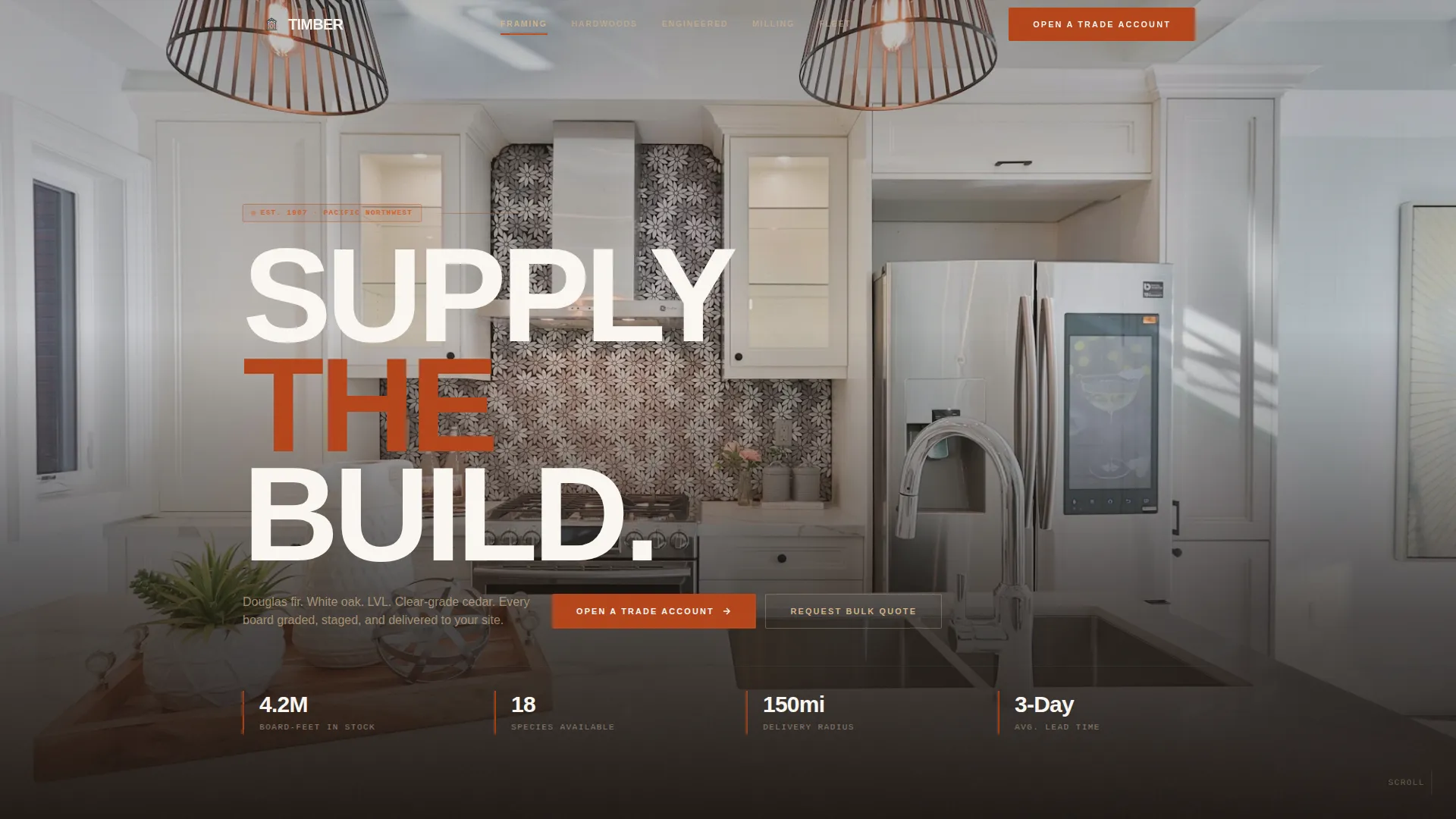
- A full-screen video hero section with a bold condensed headline, followed by blueprint-to-photo spoke sections for Framing Lumber, Hardwoods, Engineered Products, Custom Milling, and Delivery Fleet
- Two distinct conversion forms: a Trade Account form capturing company name, contractor license number, material category, and estimated monthly board-feet volume, and a Bulk Quote form for one-off large orders
- Technical callout annotations, delivery radius map visuals, fleet capacity stats, and a linear single-row footer
Feature list
This template packages several design and structural capabilities that work together for industrial B2B conversion.
Full-Screen Video Hero with Poster Fallback
The header opens with aerial drone footage moving from a golden-hour yard overview down through the milling bay to a close-up grade-stamp shot. A bold condensed all-caps headline lands over the final frame. A poster fallback image loads first so the page feels immediately intentional.
Sticky Anchor Navigation Bar
A persistent top navigation bar links directly to each spoke section: Framing Lumber, Hardwoods, Engineered Products, Delivery Fleet, and Custom Milling. The primary "Open a Trade Account" call to action is anchored in this bar and stays visible throughout the entire scroll.
Blueprint-to-Photo Section Transitions
Each department spoke opens with an isometric or blueprint-style diagram of its product category. As the visitor scrolls deeper into that section, the diagram resolves into real photography. This animation sequence mirrors the process of a plan becoming a built thing, reinforcing confidence in your operational depth.
Technical Callout Annotations
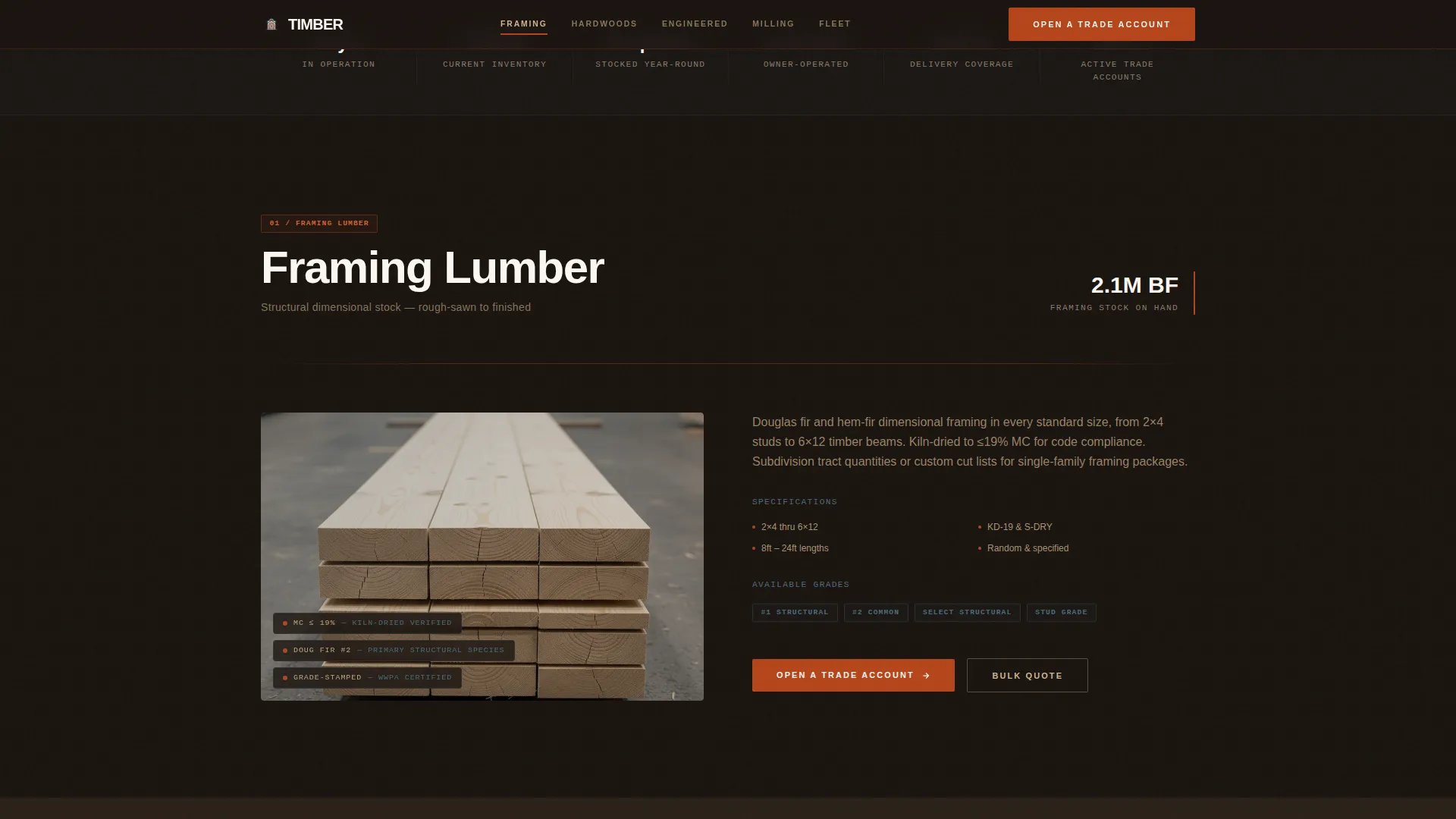
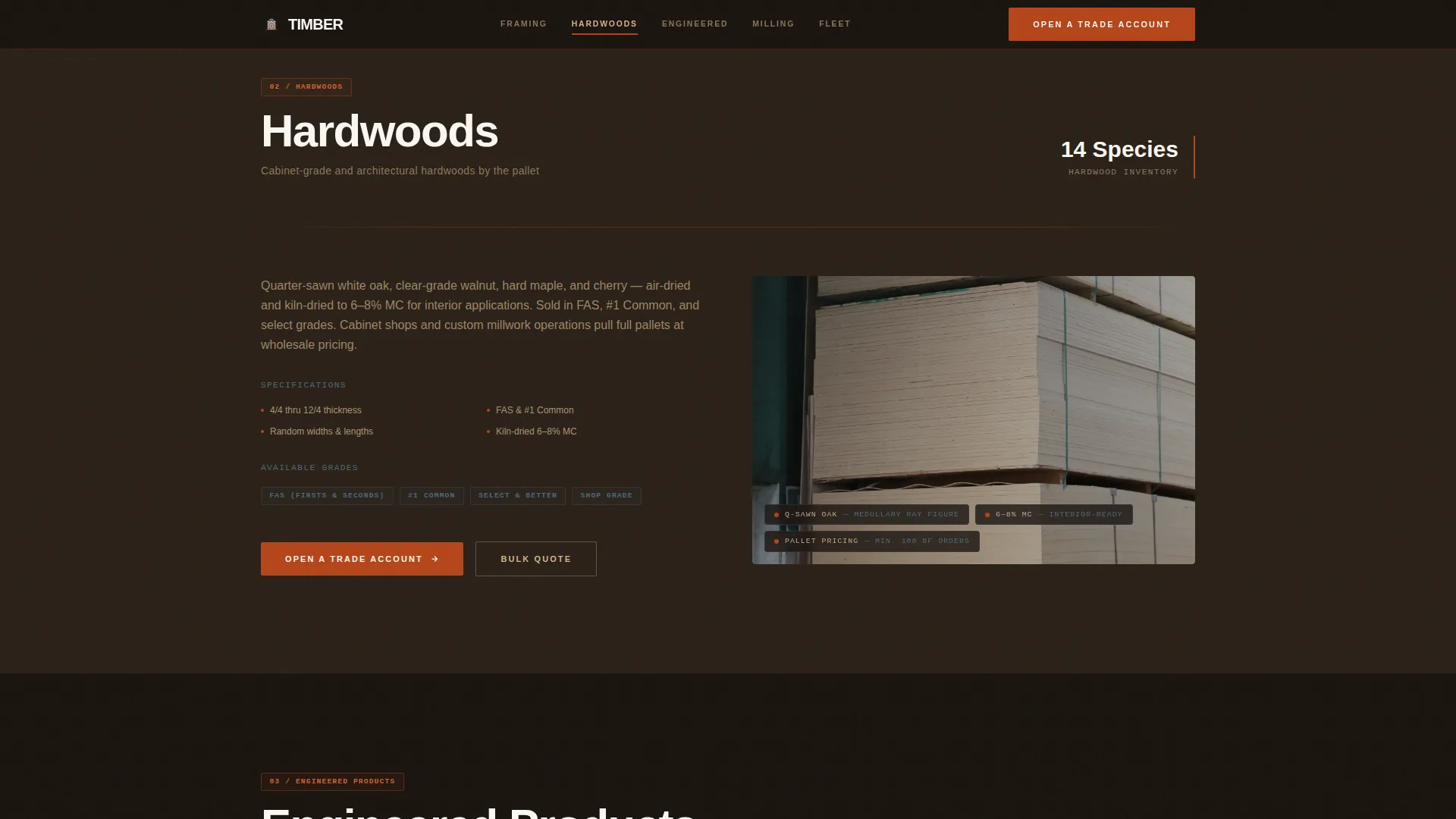
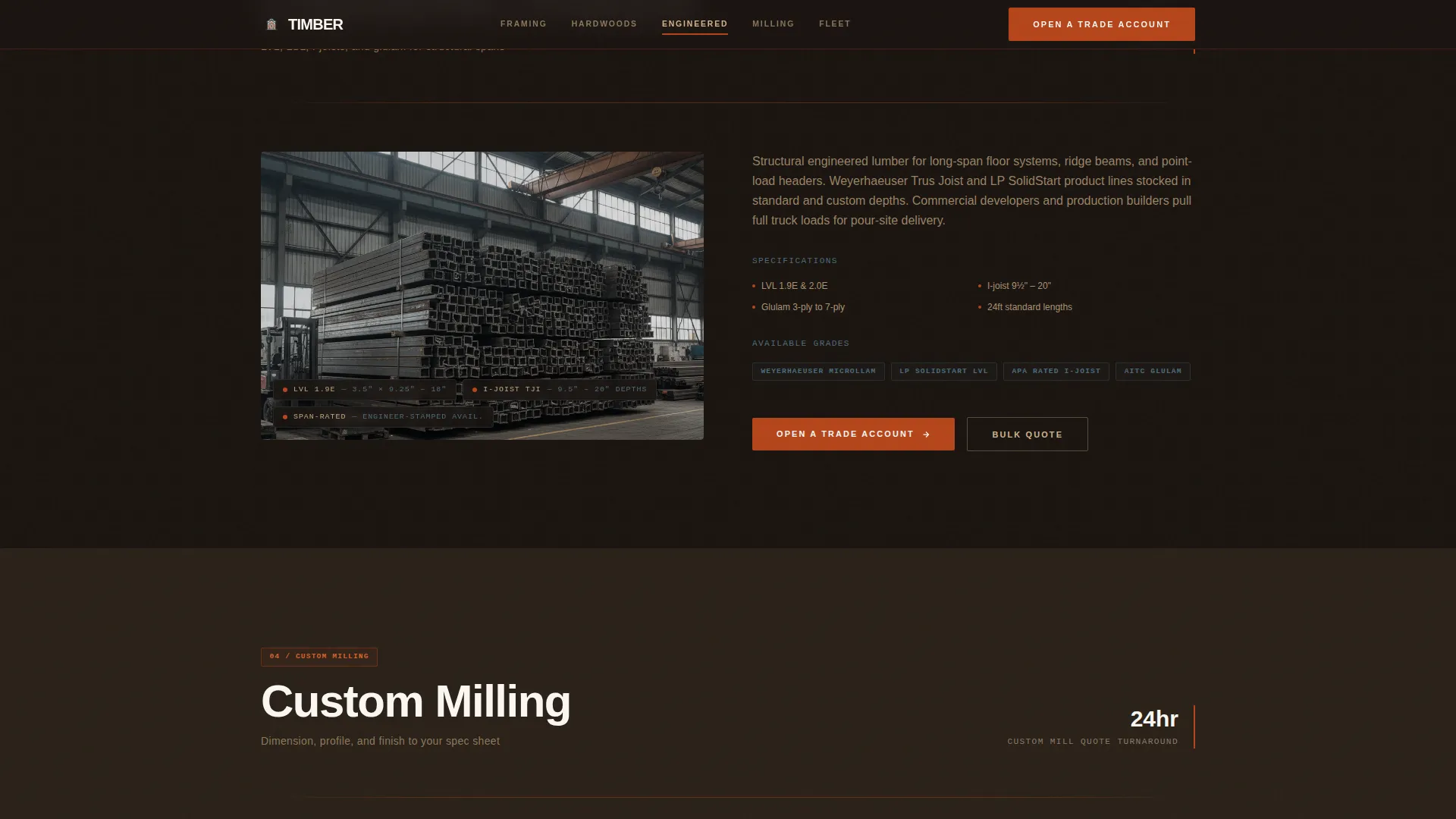
Dimensions, species names, and grade specifications appear as pinned callout labels directly on product images. This turns every section into a living spec sheet, giving trade buyers the technical detail they need without requiring a catalog download.
Dual Conversion Forms
The Trade Account form collects company name, contractor license number, primary material category via dropdown, and estimated monthly board-feet volume. The Bulk Quote form offers a shorter path with name, email, species, and quantity fields, covering both recurring partnership and one-off procurement needs.
Delivery Fleet Section with Radius Map
A dedicated fleet section displays capacity statistics and a delivery radius map visual. This section is positioned before either form to prove operational scale and same-week delivery capability before any commitment is requested.
Page sections overview
| Section | Purpose |
|---|---|
| Video Hero | Establish yard scale and headline the brand promise |
| Sticky Anchor Nav | Link to all department spokes and surface the primary call to action |
| Framing Lumber Spoke | Showcase dimensional framing products with specs and grade callouts |
| Hardwoods Spoke | Present hardwood species inventory with technical annotations |
| Engineered Products Spoke | Cover structural engineered lumber with blueprint-style diagrams |
| Custom Milling Spoke | Describe milling services and available species for custom orders |
| Delivery Fleet Section | Display fleet capacity stats and delivery radius map visual |
| Trade Account Form | Capture trade buyer details for account opening |
| Bulk Quote Form | Offer a faster path for one-off large-volume inquiries |
| Footer | Linear single-row contact and navigation close |
Design & branding system
The visual identity follows an Engineering Blueprint theme built on a Fire and Earth color palette. Every layout choice is grounded in the visual language of a working mill yard.
- Colors: charred timber black (#1A1410) for backgrounds, kiln-fire ember (#B5451B) for interactive elements and hover states, sawdust tan (#D2B48C) for alternating section backgrounds, and blueprint steel (#3A4F5C) for ruled grid lines and navigation elements
- Typography: Plus Jakarta Sans in condensed bold for all headlines and technical monospace styling for spec callouts and dimension labels, reinforcing the engineering spec-sheet aesthetic throughout
Mobile & speed optimization
This template is designed desktop-first because trade procurement typically happens at a workstation. The layout is fully responsive so buyers reviewing quotes on a tablet or phone still get a structured, readable experience.
- Video hero uses a poster fallback image so the above-the-fold frame loads immediately before the video stream begins
- Images across spoke sections use lazy loading so only visible content is requested, keeping the experience smooth as visitors scroll through long department sections
How this template helps you convert
Every structural decision in this template is built to move a trade buyer from first impression to form submission without friction.
- The sticky anchor nav keeps "Open a Trade Account" visible at every scroll depth, so the call to action is never more than one click away regardless of which section the buyer is reading.
- The blueprint-to-photo transitions and technical callout annotations build credibility section by section, proving species inventory and grade precision before the buyer reaches either form.
- The Delivery Fleet section with radius map and fleet capacity stats appears before both conversion forms, addressing the reliability question that volume buyers always ask first.
Other information about this template
This template is built for desktop-first display with full mobile responsiveness included. All measurements and volume references use United States imperial units including board-feet and linear feet, with USD pricing references throughout.
- Animation is powered by GSAP ScrollTrigger for the blueprint-to-photo reveals and staggered callout annotations, with GPU-accelerated transitions for smooth scroll performance
- Interactivity includes accordion-style spoke sections, tab switching, sticky nav behavior, and client-side form validation on both conversion forms
- The layout uses alternating background sections between charred black and sawdust tan to visually separate departments and prevent the long single-page scroll from feeling monotonous
Theme
Engineering Blueprint
Creative direction
Spatial & Architectural
Color system
Fire & Earth
Style
Hub & Spoke (Anchor Nav)
Direction
Partnership/B2B
Page Sections
Full-screen Video Hero with Poster Fallback
Sticky Anchor Navigation Bar
Blueprint-to-photo Section Transitions
Technical Callout Annotations on Product Images
Dual Conversion Forms
Delivery Fleet Section with Radius Map
Related questions
Who is this landing page template designed for?
What are the two conversion forms included in this template?
Does this template include drone video footage?
Can I customize the spoke sections for different product departments?
Is the Custom Milling department included as a full section?



