Log Home Builder Business FAQ Website Template
Timberline is a split-screen landing page template built for log home builders. It leads with press-mention credibility, walks prospects through FAQ-driven scroll sections, and earns a lead with a downloadable Owner's Build Guide. The Charcoal and Amber color system and editorial typography give it the warm authority of a craftsman who's built hundreds of homes and has nothing to prove.
by Rocket studio
Quick summary
Timberline is a single-page template designed for log home builders serving specific geographic areas. It opens with a press-mention header, guides visitors through escalating FAQ panels, and closes with a low-friction lead form tied to a downloadable guide. Every section is built to convert cautious, research-heavy buyers into qualified leads.
Who this template is for
This template is built for established log home building crews who work custom projects in defined service regions. It speaks directly to builders whose clients arrive with deep Pinterest research and hard questions about cost, code, and timelines.
- Log home builders targeting specific counties or states with a service-area page
- Builders who want leads pre-qualified by timeline before any conversation starts
- Crews with press coverage, awards, or media features they haven't put to work yet
What problem this template solves
Most builder websites bury trust signals and make visitors work to find answers. Prospects researching a log home build already have specific questions. When a page can't answer them, those prospects leave. Timberline fixes that by treating every scroll section as a direct answer to a real buyer question.
- Visitors arrive with doubts about build time, cost, and local code compliance
- Generic builder pages don't convert research-mode visitors into actionable leads
- Press features and awards sit in a folder instead of doing conversion work on the page
What you get with this template
You get a fully structured single-page layout built around credibility and FAQ-driven content flow. The template handles the page architecture so you focus on dropping in your project photos, press clips, and real answers.
- A split-screen press-mention header with space for publication logos, pull quotes, and dates
- A sequence of split-panel FAQ sections that escalate from practical logistics to emotional commitment
- A mid-page lead capture form tied to a downloadable Owner's Build Guide with a three-field opt-in
Feature list
This template packages every conversion element a log home service-area page needs into one structured layout.
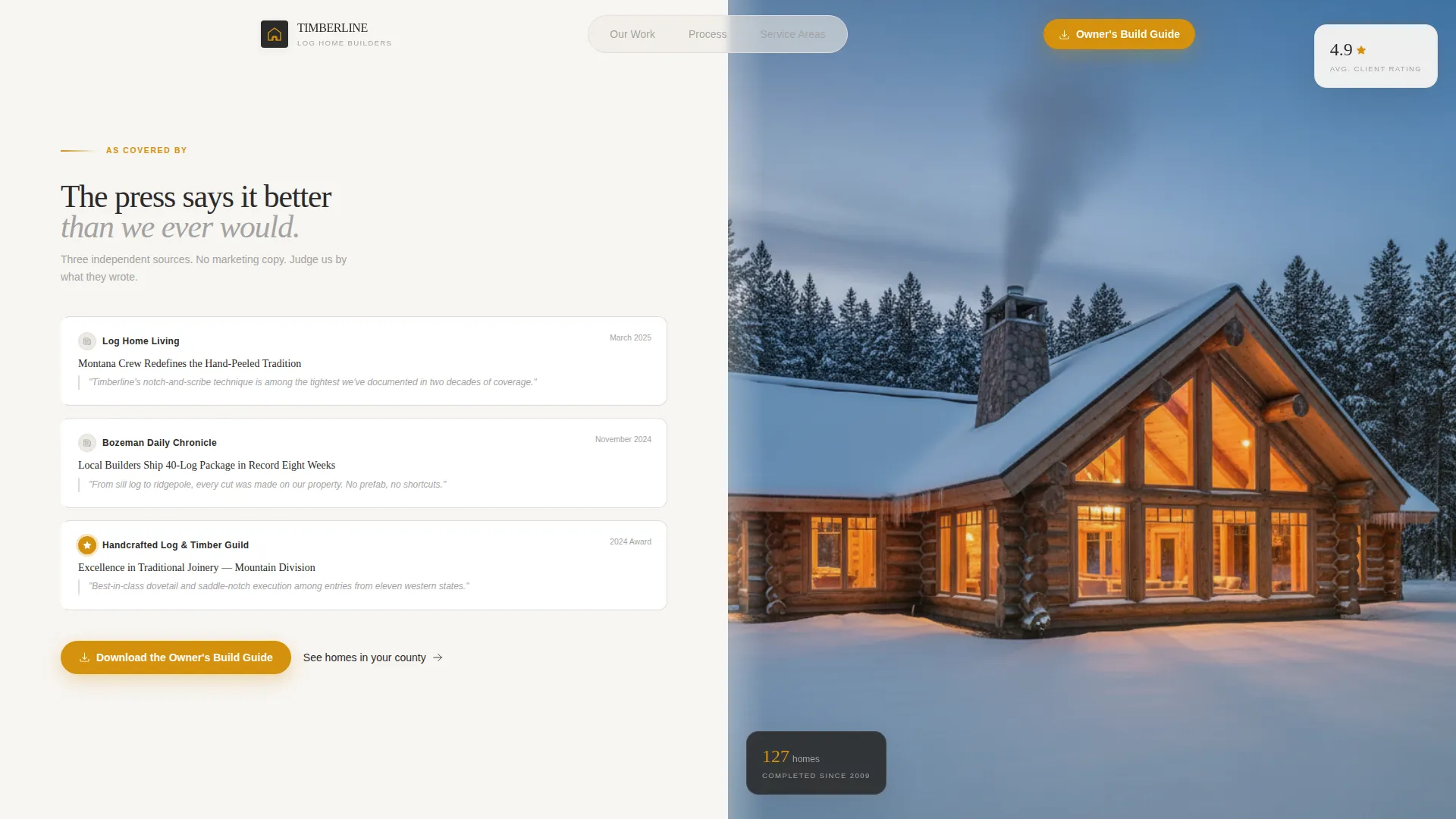
Split-Screen Press Header
The header divides into two equal panels. The left side holds three editorial press mentions with publication logos, feature headlines, dates, and pull quotes. The right side displays a single dusk photograph of a completed log home. No hero headline competes with the credibility the press already provides.
FAQ-Driven Scroll Sections
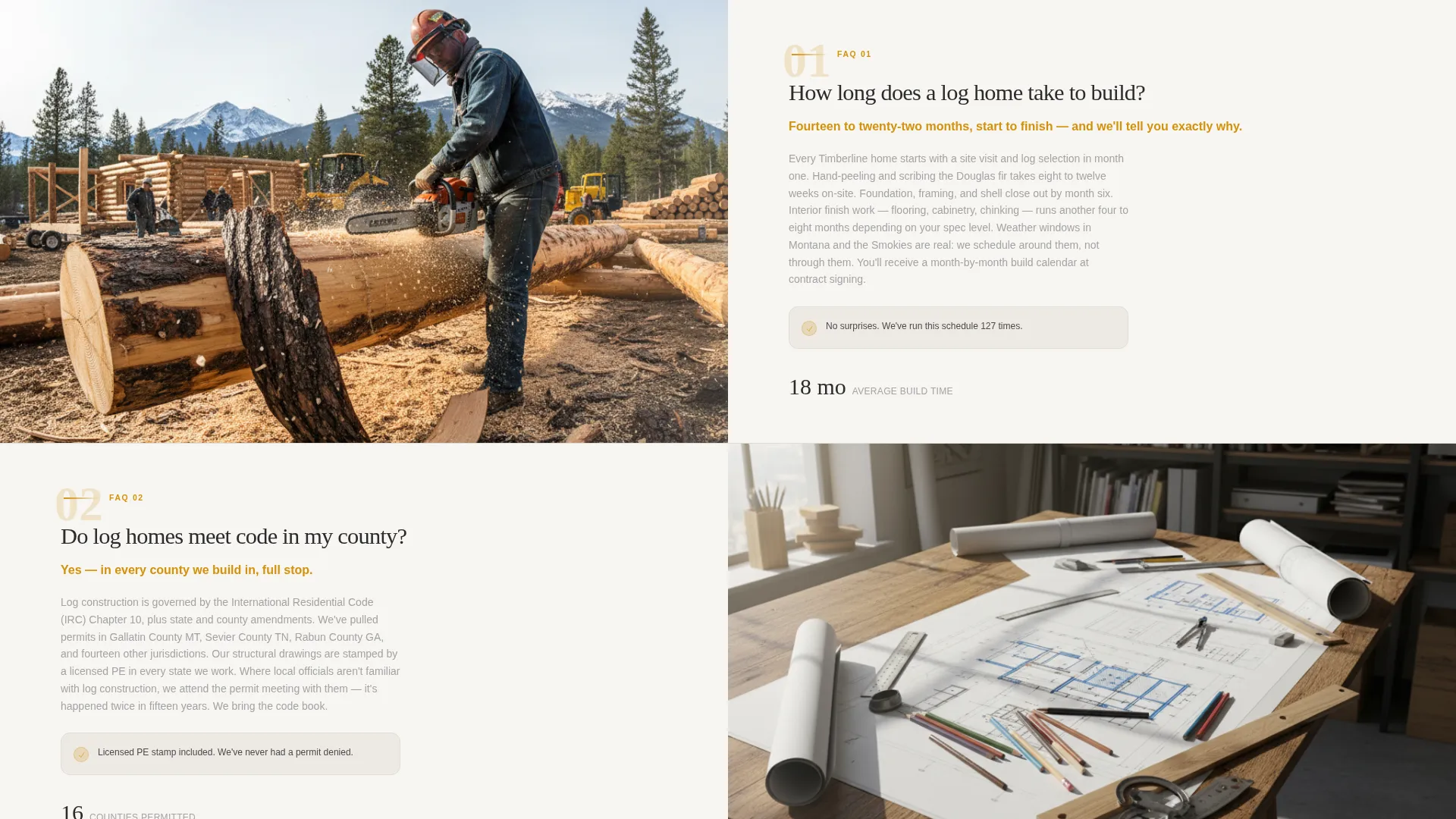
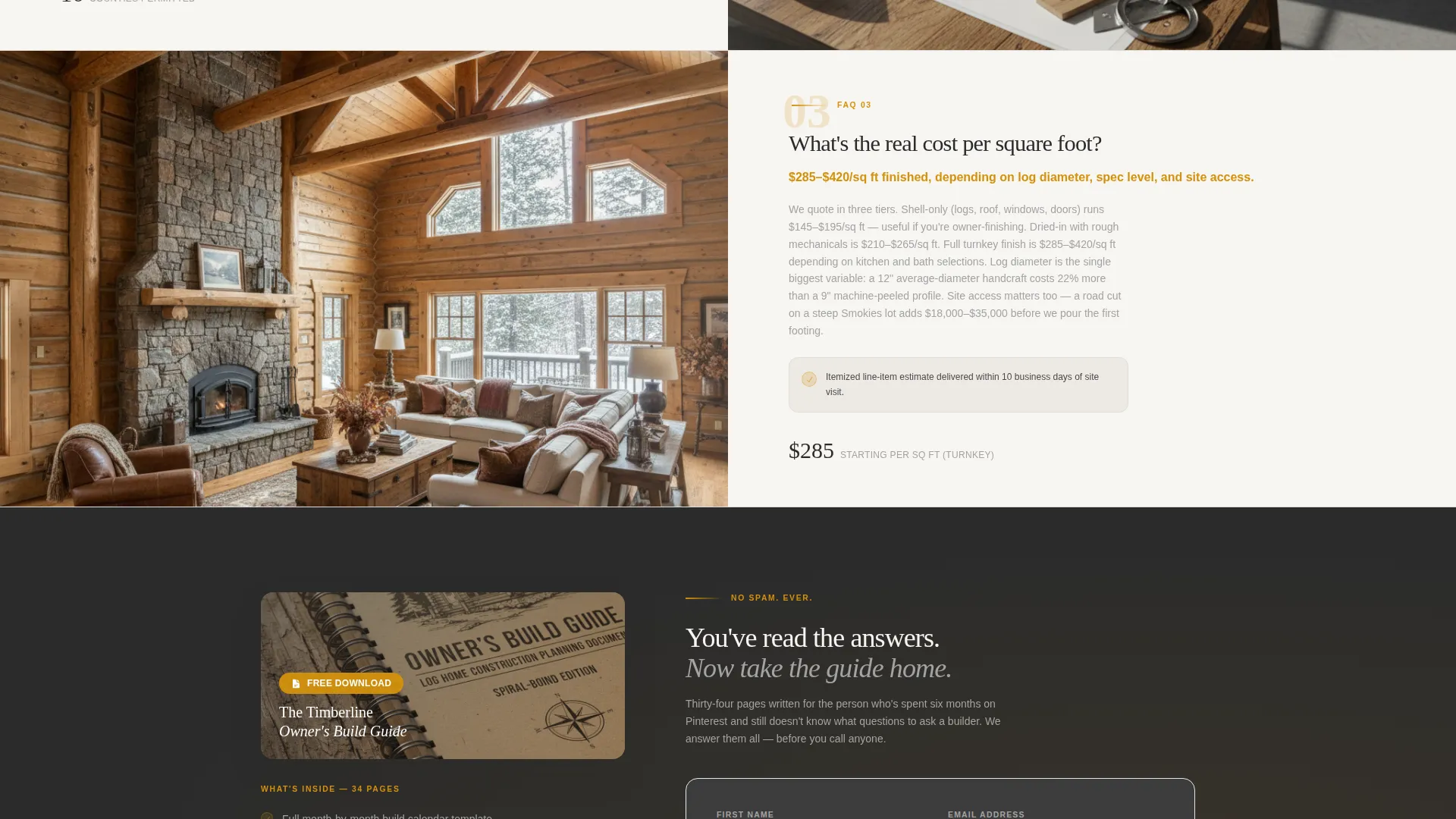
Each scroll section is structured as a question-and-answer split panel. The question and a direct answer appear on one side. A supporting photo or diagram fills the other. Questions move from practical topics like build timelines and cost per square foot to the emotional weight of committing to a custom build.
Owner's Build Guide Lead Form
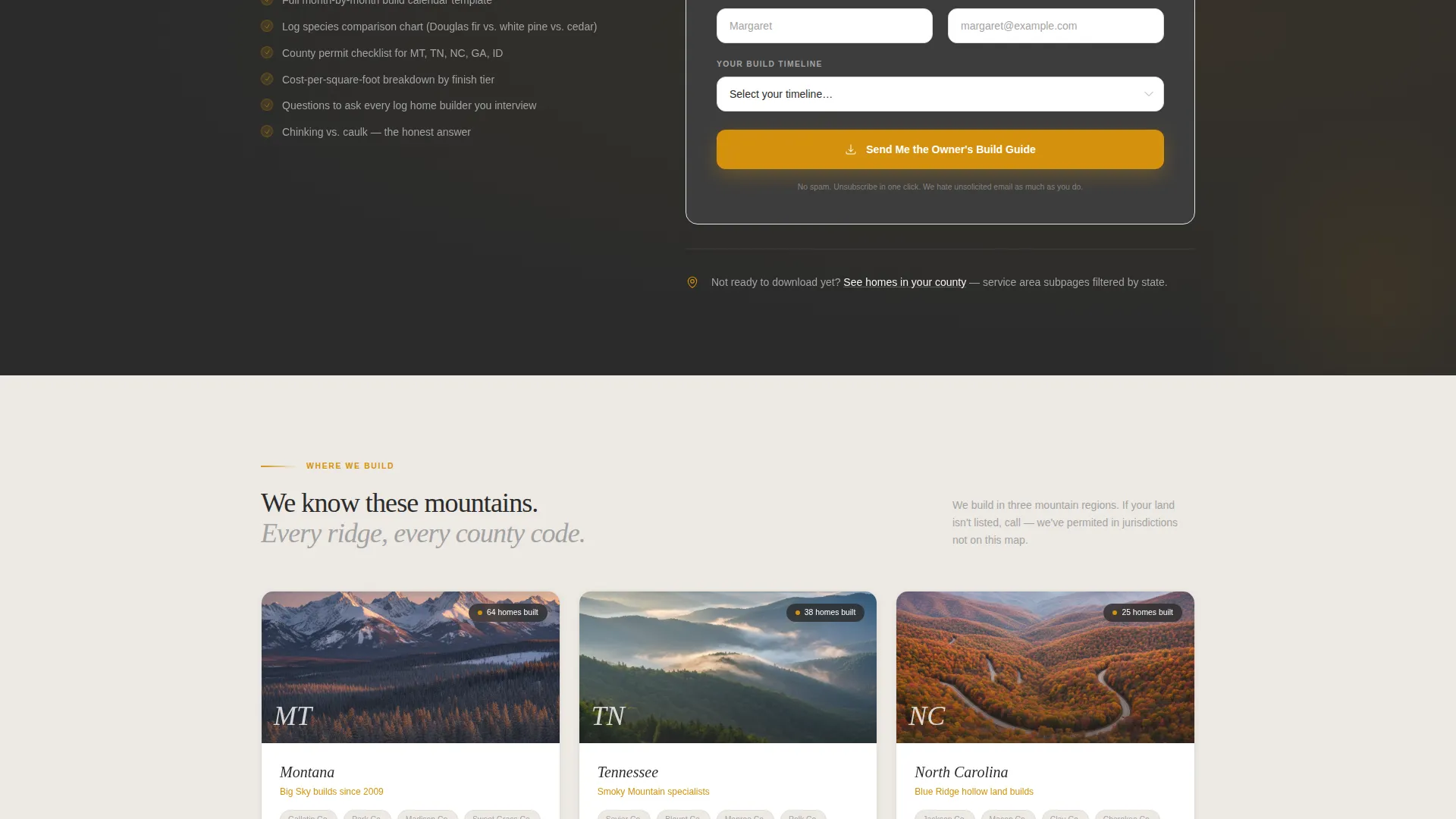
After the third FAQ section, a content upgrade offer appears. Visitors enter their first name, email address, and build timeline using a dropdown with three options: six months, one to two years, or just researching. The form earns the download by placing it after proven expertise, not before it.
Service Area Navigation Path
A secondary call-to-action links visitors to state-filtered service-area subpages. The prompt reads "See Homes in Your County" and connects research-mode visitors to geographically relevant project galleries without forcing them into a contact form they're not ready for.
Corporate Precision Visual System
The layout uses the Charcoal and Amber color palette throughout. Deep charcoal anchors backgrounds, kiln-dried amber highlights every call-to-action and accent, smoke-washed gray handles secondary text and dividers, and snowfield white frames content panels. The result is a controlled, editorial look that feels authoritative without being cold.
Page sections overview
| Section | Purpose |
|---|---|
| Split-Screen Header | Display press mentions alongside a dusk project photo |
| FAQ Panel One | Answer practical logistics questions like build timeline |
| FAQ Panel Two | Address cost per square foot and budget expectations |
| FAQ Panel Three | Cover local building code and county permit questions |
| Build Guide Offer | Capture lead with three-field form after trust is earned |
| Service Area Links | Direct visitors to county- or state-filtered subpages |
Design & branding system
The template uses a Corporate Precision theme with an editorial structure that prioritizes clarity and warmth over decoration. Every color and typographic choice reinforces the credibility of a crew that has nothing to hide and a lot to show.
- Deep hearth charcoal (#2B2B2B) for backgrounds, kiln-dried timber amber (#D4910D) for accents and calls-to-action, smoke-washed gray (#A3A3A3) for secondary text and dividers, and snowfield white (#F7F5F2) for content panels
- Typography follows tight editorial conventions consistent with publication-style press layouts
- The 50/50 split-screen format repeats across the header and every FAQ section to create a consistent, scannable rhythm
Mobile & speed optimization
The 50/50 split-screen layout is designed to reflow cleanly for smaller screens. Each panel stacks vertically so images and text remain readable without horizontal scrolling or layout breaks.
- FAQ panels stack to a single-column layout on mobile, keeping question-and-answer pairs readable
- The lead capture form is minimal by design, with only three fields, reducing friction on any screen size
- Image-heavy sections use a single high-resolution photograph per panel rather than carousels or galleries
How this template helps you convert
Timberline is built around a specific conversion philosophy: earn trust with real answers before asking for anything. The page architecture reflects that sequence deliberately.
- The press-mention header establishes third-party credibility the moment a visitor lands, before they read a single word of your own copy.
- FAQ panels pre-answer the objections that stall most log home inquiries, moving visitors from research mode toward decision mode as they scroll.
- The Owner's Build Guide offer appears at the exact moment trust is established, making the three-field form feel like a natural next step rather than an interruption.
Other information about this template
This template is suited to builders who are building their log home service area page as a standalone destination, not as a replacement for a full business website. It works as an entry point that funnels visitors toward deeper content or a direct conversation.
- The FAQ content structure supports long-form answers about hand-peeled Douglas fir construction, on-site notching techniques, and mountain-climate build considerations
- The service-area path is designed to support multiple subpages filtered by state or county, making it scalable for builders working across several regions
- The template style and theme combination, Split Screen with Corporate Precision, is well matched to the log home builder business category where trust and specificity matter more than visual flash
Theme
Corporate Precision
Creative direction
FAQ-Driven
Color system
Charcoal & Amber
Style
Split Screen (50/50)
Direction
Content/Resource
Page Sections
Split-screen Press Mention Header
Faq-driven Scroll Panel Layout
Owner's Build Guide Lead Form
Service Area Secondary Path
Charcoal and Amber Visual System
Related questions
Can I use this template without press features to fill the header?
How many FAQ sections does the template include?
What fields does the lead capture form include?
Does this template include the service-area subpages?
What photography style works best with this template?



